How do I use the Vibrant Night Market Scooter Pose template?
Choose the primary action to open PicX Studio with the available template settings. Review the model and format, personalize the creative direction, and generate when ready.
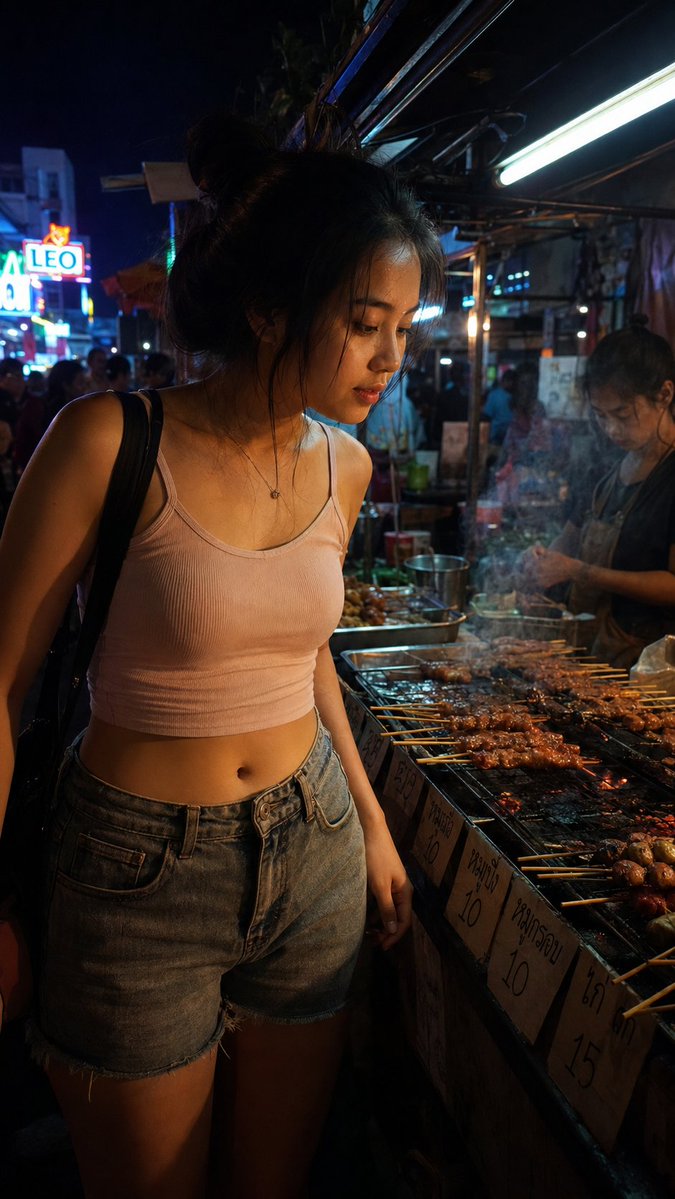
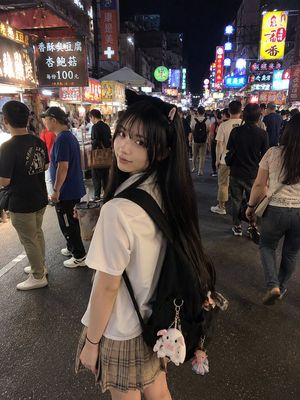
A prompt for generating a photorealistic image of a stylish blonde woman posing on a red scooter in a busy Asian night street market. Change the subject, setting, or lighting one variable at a time.

{ "prompt": "A stylish blonde woman posing confidently on a red scooter in a busy night street market in Asia. She is wearing a {argument name="top color" default="red"} heart-patterned strapless top, denim shorts, and holding a small red handbag. Neon signs with Asian characters glow in the background, crowded street with pedestrians, vibrant city nightlife atmosphere. Cinematic night photography, warm neon lighting, shallow depth of field, ultra-realistic, high detail, bold colors.", "style": "photorealistic", "lighting": "neon street lights and warm ambient night lighting", "mood": "confident, urban, sexy, nightlife", "camera": { "angle": "eye-level", "lens": "35mm", "depth_of_field": "shallow" }, "quality": "ultra high resolution" }
Choose the primary action to open PicX Studio with the available template settings. Review the model and format, personalize the creative direction, and generate when ready.
Yes. You can change the subject, setting, lighting, mood, format, and available model controls before creating your image.
This template is free to open and customize. Generation usage is shown in PicX Studio before you create.
Start with Nano Banana 2, which is the model associated with this template. You can compare another compatible model for a different finish.
Follow a topic to a crawlable collection of related PicX Studio templates.
43,474 public templates available. Verified via the PicX Studio public templates API; refreshed hourly.










![Naive doodle-style subject illustration — A doodle-style {argument name="subject" default="[subject]"}, naive lines, humorous shape exaggeration](https://pbs.twimg.com/media/G6Wl2YxbsAARB2b.jpg)