How do I use the Red Gel-Lit Film Contact Sheet (9-Panel Collage) template?

Choose the primary action to open PicX Studio with the available template settings. Review the model and format, personalize the creative direction, and generate when ready.
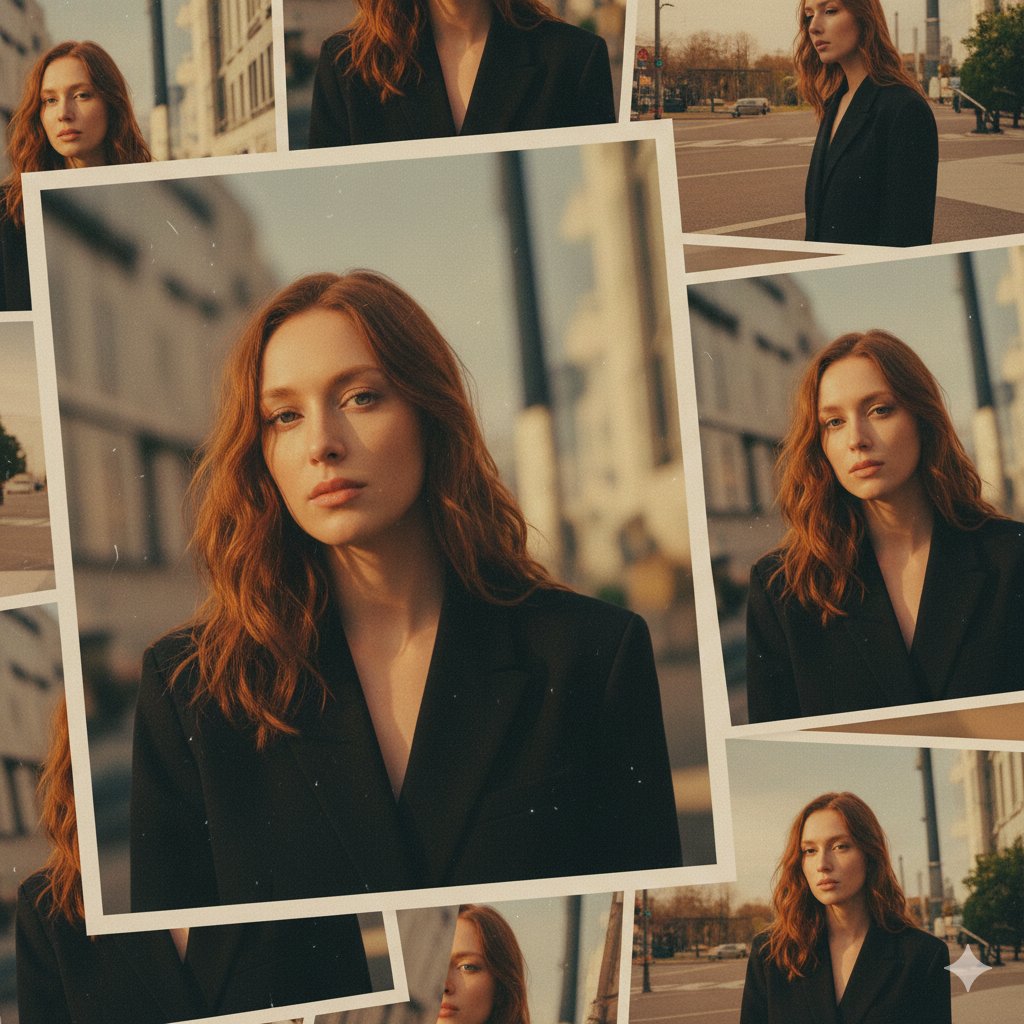
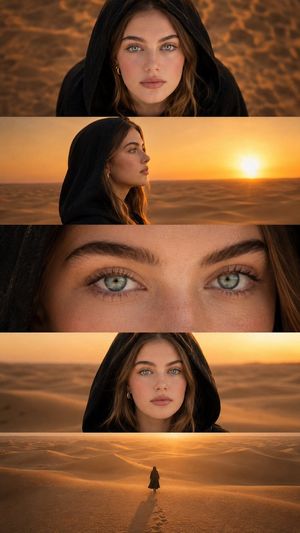
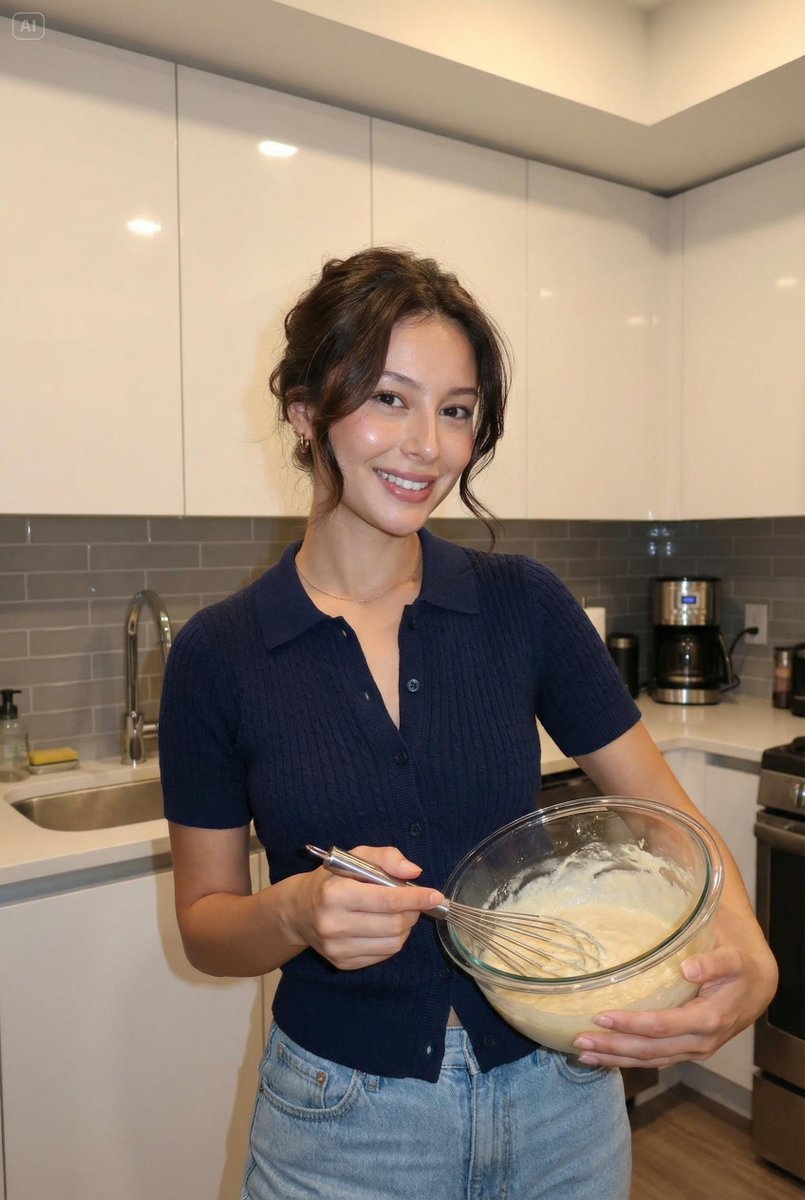
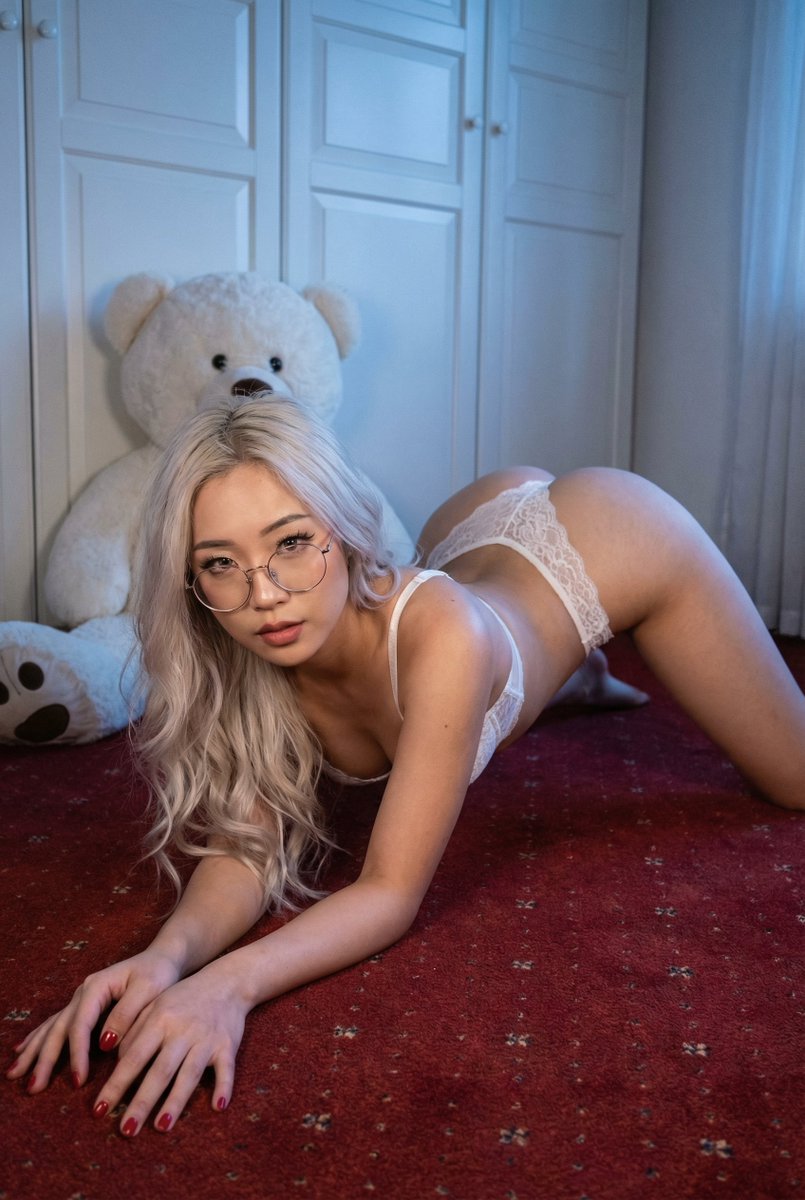
A highly structured prompt for generating a 9-panel film contact sheet collage of the same adult woman, emphasizing a moody, sensual editorial style with strong red gel lighting, heavy film grain, and specific poses for each panel, while strictly excluding text, smoking elements, and anatomical distortions. (free to use) — Free AI image template on PicX Studio.
{ "generation_request": { "meta_data": { "task_type": "red_gel_contact_sheet_9panel_no_text_no_smoking", "language": "en", "priority": "highest", "version": "v1.0_RED_CONTACTSHEET_NO_TEXT_NO_CIG" }, "input": { "mode": "text_to_image", "notes": "Create a red gel-lit film contact sheet / slide mount collage with 9 panels. Same adult woman in all frames. No text, no numbers, no logos, no watermark. No cigarettes, no smoking, no vape." }, "output": { "aspect_ratio": "4:5", "resolution": "ultra_high", "num_images": 1, "layout": { "type": "grid", "rows": 3, "cols": 3, "gutter": "thick_black_frames" }, "sharpness": "lofi_soft", "grain": "heavy_film" }, "scene": { "environment": "minimal indoor backdrop, close portrait framing, film slide/contact-sheet presentation", "style": "analog contact sheet look with black slide mounts around each frame, slight dust/scratches, subtle light leaks", "mood": "moody, sensual, editorial, not explicit" }, "subject": { "person": "adult woman", "hair": "long dark hair, natural volume", "makeup": "soft smoky eyes, glossy lips, warm blush under red light", "accessories": "rings on fingers, delicate necklace, optional hoop earrings", "wardrobe": "black or dark top, minimal straps" }, "lighting": { "style": "strong red gel key light with deep shadows", "fill_light": "very minimal fill, high contrast", "effect": "red monochrome cast with subtle skin highlights, cinematic" }, "camera": { "look": "film scan aesthetic", "lens": "50mm portrait feel", "depth_of_field": "shallow to moderate", "imperfections": "grain, slight blur, film dust" }, "poses": { "panel_1": "3/4 portrait looking left, calm expression", "panel_2": "close-up with fingers near lips (no cigarette), rings visible", "panel_3": "profile looking down, hair falling over shoulder", "panel_4": "close-up hands with rings and necklace detail (no cigarette)", "panel_5": "front portrait, direct gaze to camera, neutral face", "panel_6": "adjusting hair near forehead with one hand, thoughtful look", "panel_7": "cropped lips/jawline close-up, glossy lips, moody shadow", "panel_8": "eyes closed portrait, fingers resting on cheek", "panel_9": "3/4 portrait looking right, subtle smile" }, "negative_prompt": "text, numbers, letters, typography, captions, logo, watermark, cigarette, smoking, vape, joint, cigar, smoke, ash, lighter, flame, extra people, distorted anatomy, extra fingers, deformed hands, face distortion, cartoon" } }
Use Red Gel-Lit Film Contact Sheet (9-Panel Collage) to plan an AI image around nano-banana-2 generation. Match the preview's composition first, then personalize the subject, setting, and mood for your own project.
Use the primary action to load the template settings in PicX Studio.
Adjust the subject and creative details for your destination.
Create the image, compare the result with the preview, and refine one variable at a time.
A continuous mix — similar concepts first, woven with same-model prompts and fresh picks from the catalog.
Choose the primary action to open PicX Studio with the available template settings. Review the model and format, personalize the creative direction, and generate when ready.
Yes. You can change the subject, setting, lighting, mood, format, and available model controls before creating your image.
This template is free to open and customize. Generation usage is shown in PicX Studio before you create.
Start with nano-banana-2, which is the model associated with this template. You can compare another compatible model for a different finish.
A continuous mix — similar concepts first, woven with same-model prompts and fresh picks from the catalog.
Follow a topic to a crawlable collection of related PicX Studio templates.
32,032 public templates available. Verified via the PicX Studio public templates API; refreshed hourly.