
Panel Chibi Dance Pose Sheet
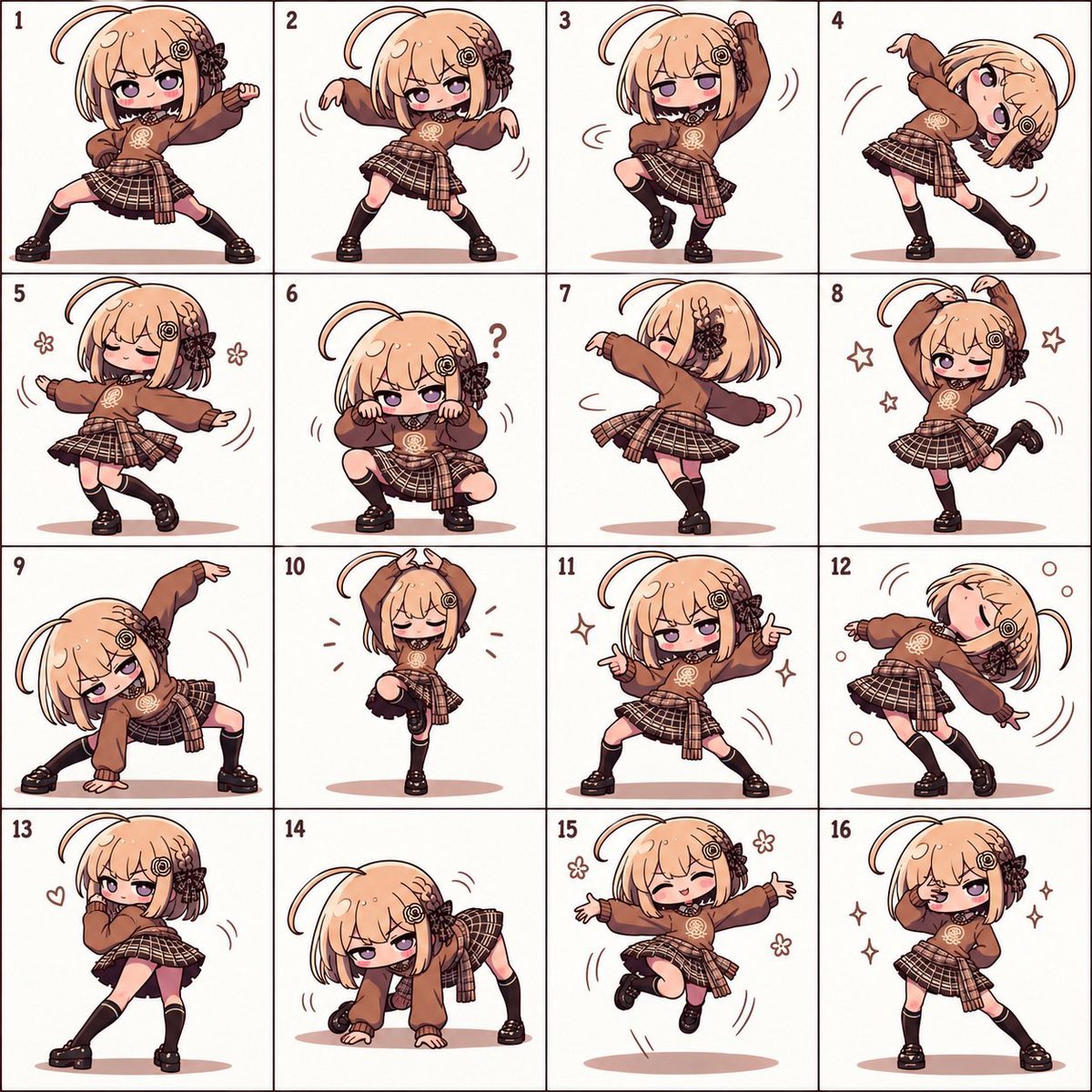
Generates a square 4x4 numbered chibi anime character sheet with one consistent character performing sixteen cute dance poses.
- Prompt included
- Model and format preset
- Free template
The prompt behind this image
Copy the exact prompt behind Panel Chibi Dance Pose Sheet, or open it in the studio and make it yours.
Goal: Create a single square character reference sheet showing {argument name="character name" default="MiniMax H3"} as a chibi anime girl in 16 different dance poses, arranged like a numbered pose grid. Canvas: Square 1:1 image, off-white paper background, divided into an exact 4 by 4 grid with thin dark brown lines. Each panel is clean and uncluttered, with one full-body chibi character centered in the panel. Add small dark red panel numbers 1 through 16 in the top-left corner of each cell. Character design: The same cute chibi girl appears in all 16 panels: large head, small body, peach-blonde bob haircut with blunt bangs, one long curved ahoge strand looping above the head, purple eyes, rosy cheeks, small mischievous smile. Add a decorative dark brown flower-and-gear hair ornament on the viewer’s right side of her hair and a small circular gear clip near the bangs. Outfit: oversized {argument name="hoodie color" default="warm brown"} hoodie with long sleeves and a pale emblem printed on the chest, black choker, layered brown plaid pleated skirt with a tied plaid shirt or sash around the waist, black knee-high socks, chunky black loafers. Use consistent colors and proportions across all panels. Visual style: polished kawaii chibi illustration, clean thick brown line art, soft cel shading, warm muted brown palette, expressive anime face, subtle pink oval shadow under the feet in most panels. Add simple motion lines, sparkles, flowers, hearts, or bubbles where appropriate, but keep the background blank. Layout and exact 16 panel contents: 1. Wide-legged energetic stance, one fist raised forward, determined expression. 2. Loose zombie-like sway, both arms drooping outward, sleepy half-lidded face. 3. One knee lifted, one arm raised overhead, small motion lines around the body. 4. Body tilted dramatically sideways with one leg crossed behind, arms bent above and across the head. 5. Graceful dance step with eyes closed, arms extended softly, two small flower doodles. 6. Low squat pose, hands held near cheeks like paws, confused expression with one question mark. 7. Back-facing spin pose, head turned slightly, one arm extended forward, skirt flaring. 8. One-leg cute pose, both arms overhead forming a rounded shape, winking, small star doodles. 9. Deep side lunge with one hand on the floor and one arm arched high, sly face. 10. One knee lifted, eyes closed, both hands forming small horns or a crown shape above the head, tiny accent marks. 11. Confident wide stance, both hands pointing outward like finger guns, sparkles nearby. 12. Sleepy backward lean, eyes closed, arms hanging loosely, bubbles and motion arcs. 13. Shy over-the-shoulder pose, one hand near mouth, hip turned, small heart doodle. 14. Crawling or low all-fours pose, one leg lifted slightly, playful sideways gaze, motion marks. 15. Joyful midair jump with both arms spread wide, smiling with closed eyes, flower doodles and motion lines. 16. Sassy finishing pose, one hand making a V sign near one eye, the other hand on hip, one eye winking, sparkles around her. Constraints: Use exactly 16 panels and exactly one character per panel. Keep the grid numbering visible and sequential from 1 to 16. Maintain the same outfit, hairstyle, hair accessories, and color palette in every pose. No extra text besides the panel numbers and optional simple symbols like the question mark.
How to use Panel Chibi Dance Pose Sheet in 3 steps
- 1Upload ImagePNG, JPG or paste
Add your photo
Upload the photo the template builds on. The prompt, model and format are already set.
- 2…a portrait of your subject in softgolden-hour light, 85mm…
Personalize
Edit the subject and creative details for your destination.
- 3Generate
Generate
Press Generate — your image is created in PicX Studio, so you can compare it with the original and refine one variable at a time.
More like this
Templates with the same subject, style or setup. Open one to see its prompt.

Movement Sheet - Dance Reference (Seedance 2.0)
Pose Dance Combat Reference Sheet
Chibi Sparrow Four-Pose Sheet
Pose Dance Instruction Sheet

Dancer Character - Four View Reference Sheet

Chibi Anime Ninja Sticker Sheet
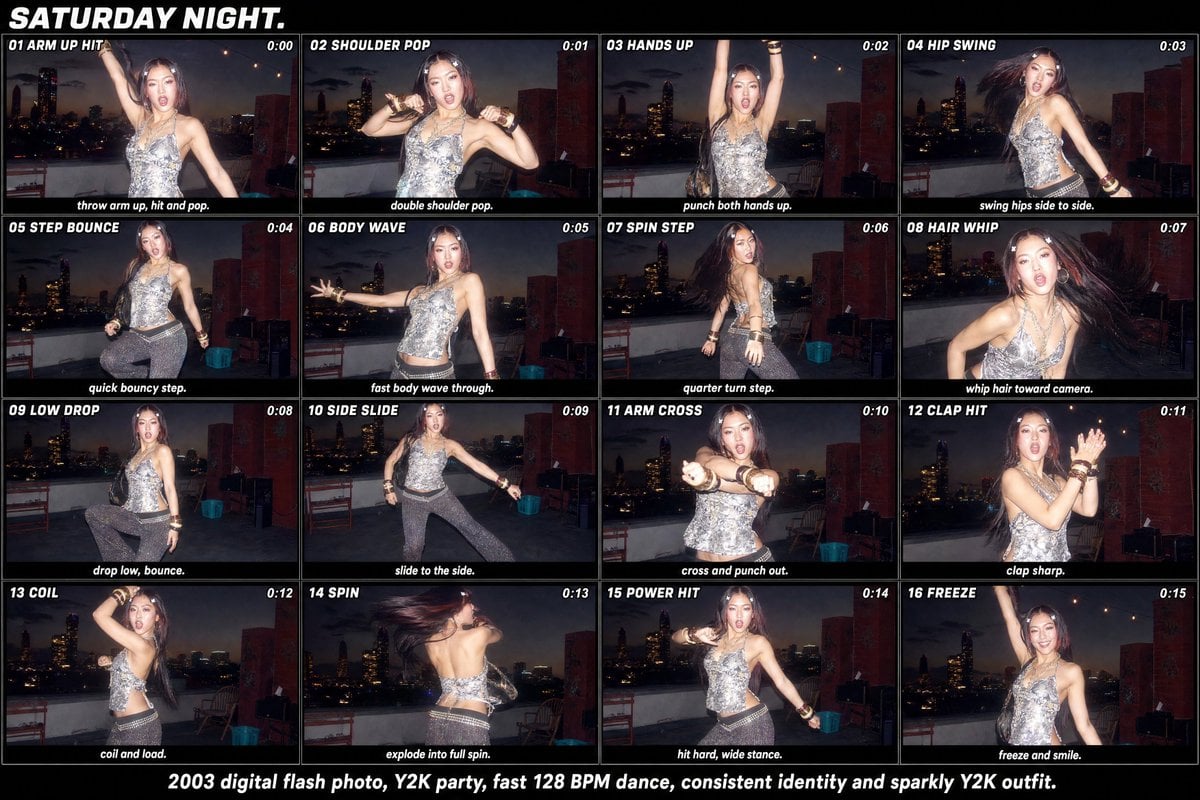
Y2K Rooftop Dance Tutorial Sheet

Halloween Nun Chibi Character Sheet

Cute Layered Paper Cut Chibi Girl
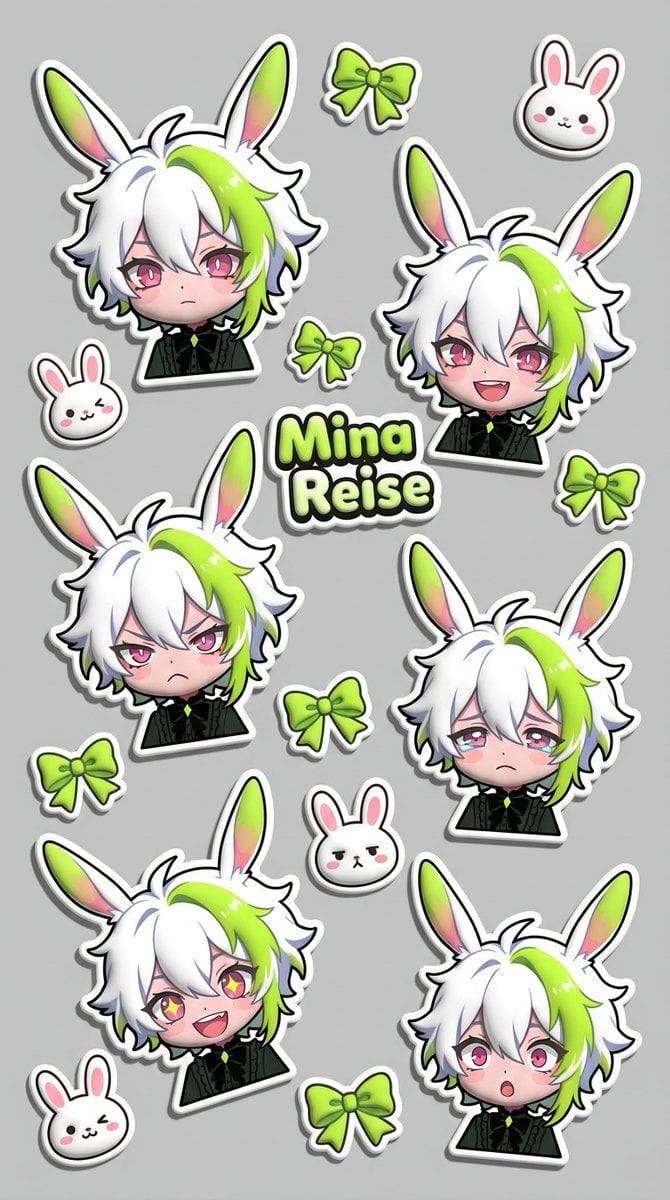
Puffy Chibi Sticker Sheet
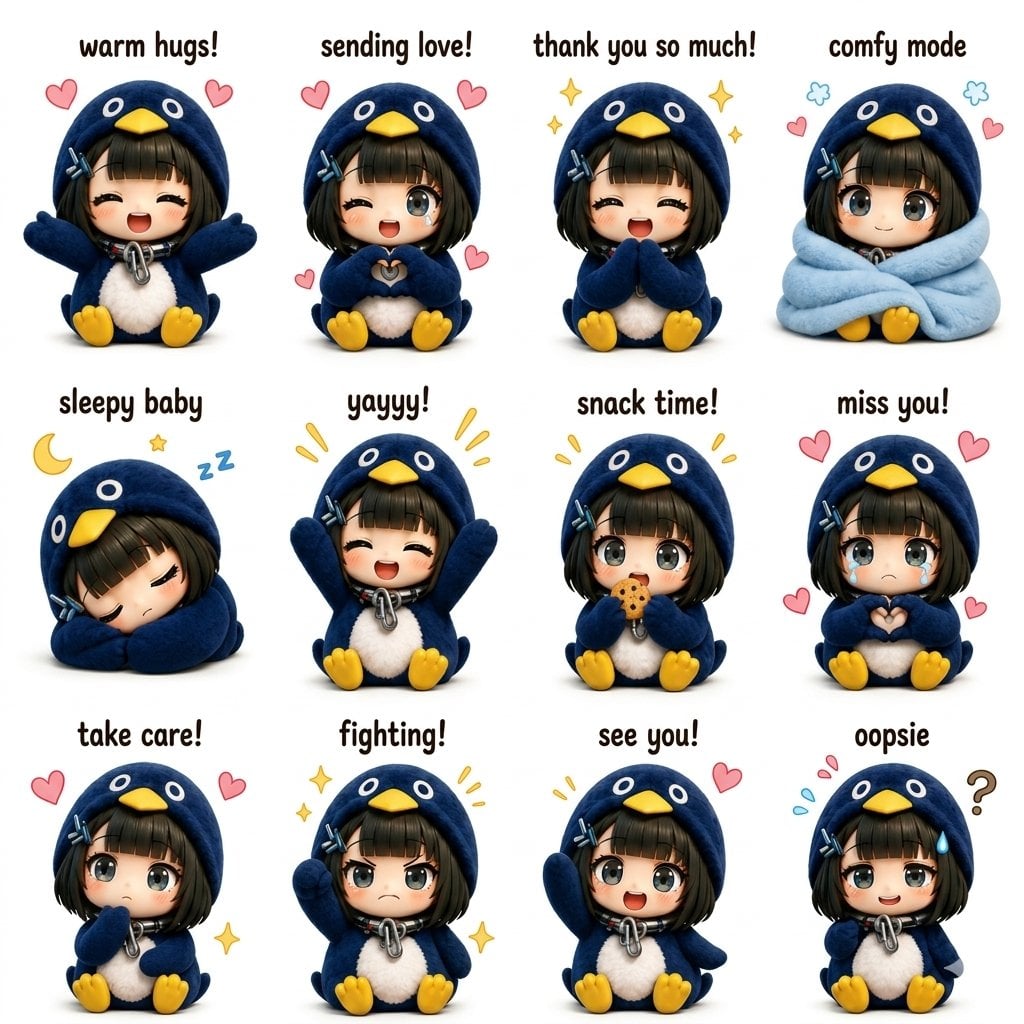
Kawaii Chibi Sticker Sheet

Pixar-Style Chibi Café Morning Scene
Make it yours
Panel Chibi Dance Pose Sheet works as-is. These are the safest ways to change it without losing the look.
Change one field
Copy a single group, rewrite it, and generate again so you can see what that field is doing.
Keep the frame, change the subject
Hold the composition and light of 16-Panel Chibi Dance Pose Sheet, then swap wardrobe, props or the person for a new take.
| If the result… | Why | Fix |
|---|---|---|
| The result drifts from the preview | Too many fields changed at once. | Reuse 16-Panel Chibi Dance Pose Sheet as-is first, then change one group — subject, light, or setting. |
| The model over-stylizes the scene | The prose prompt leaves finish and camera underspecified. | Add one camera or lighting sentence and stay on GPT Image 2. |
More GPT Image 2 templates
Other prompts made for GPT Image 2.

Six VTuber Japanese Logo Sheet

Realistic Portrait of Woman and Deer

The Vista Modular Condo Poster

AI Model Routing Comparison Infographic

2.5D Anime Art Board

Isometric Productivity Desk Scene

New York Double Exposure Poster

Four-Panel AI Landscape Comparison

Japanese Tatami Lifestyle Magazine Cover

NESCAFÉ Coffee Map Poster
More image prompts
Fresh picks from across the catalog.
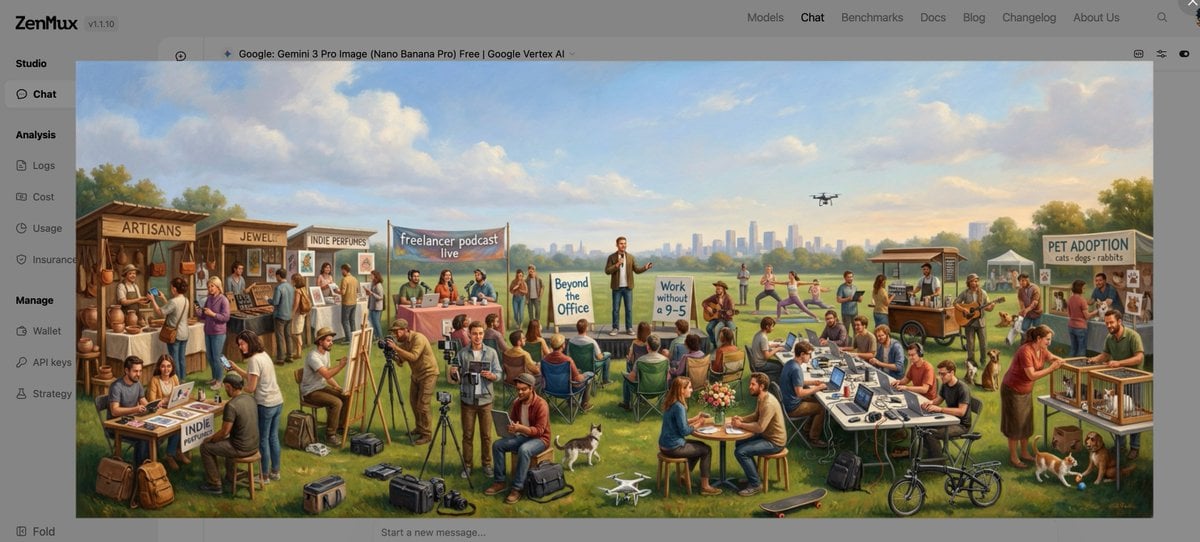
Baroque genre painting of a merry company in a park
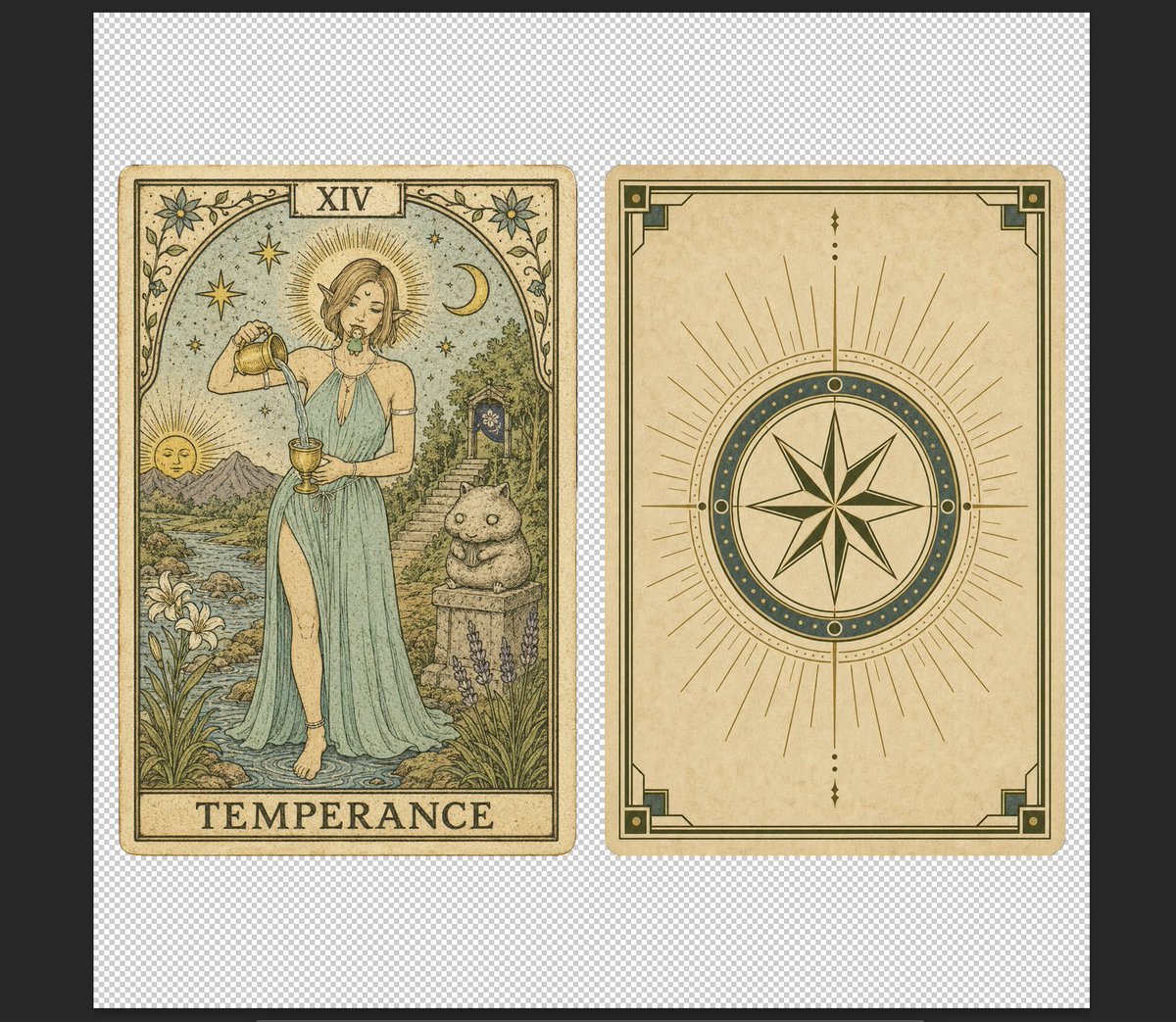
Vintage Temperance Tarot Card Pair
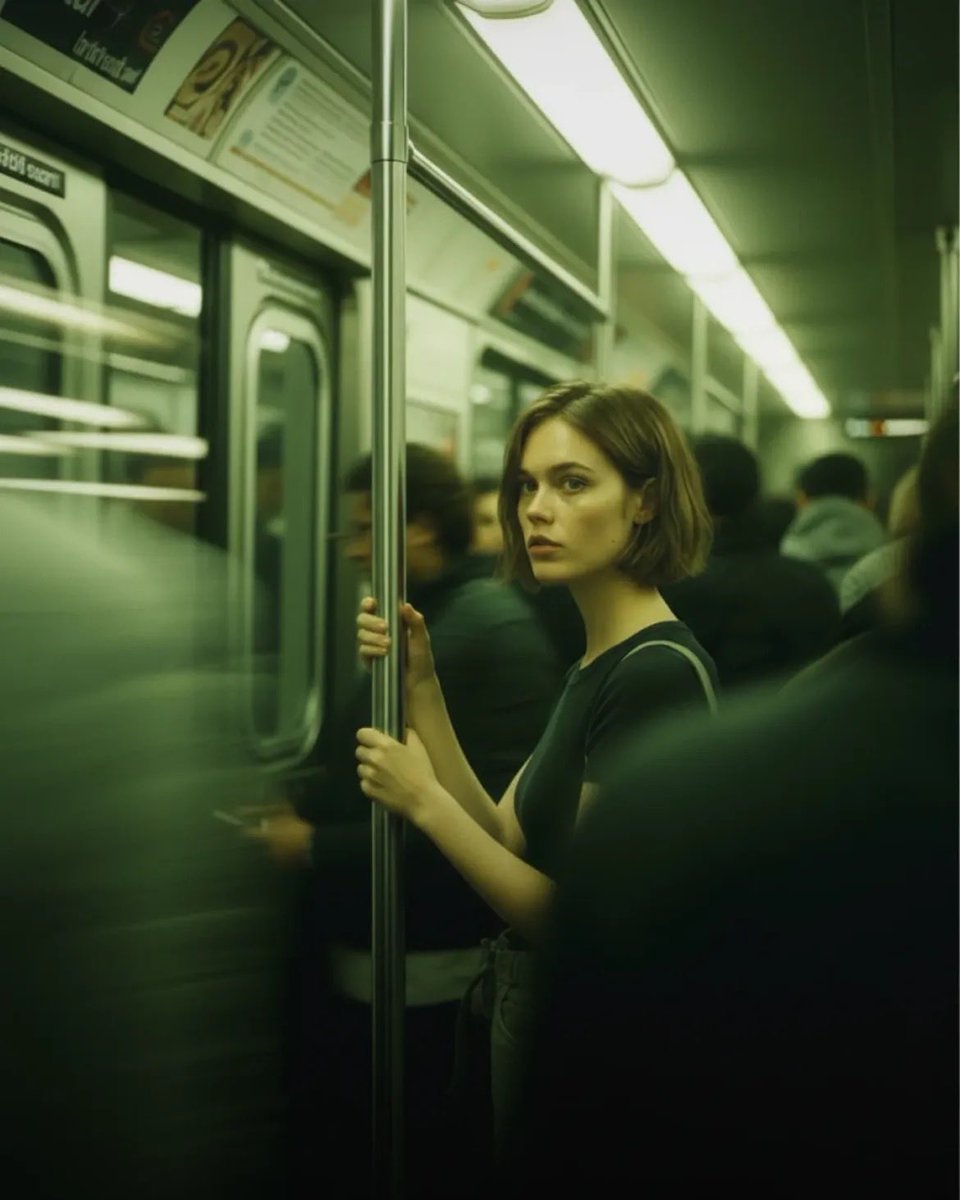
Cinematic Subway Portrait

Kentucky Derby Champion Poster
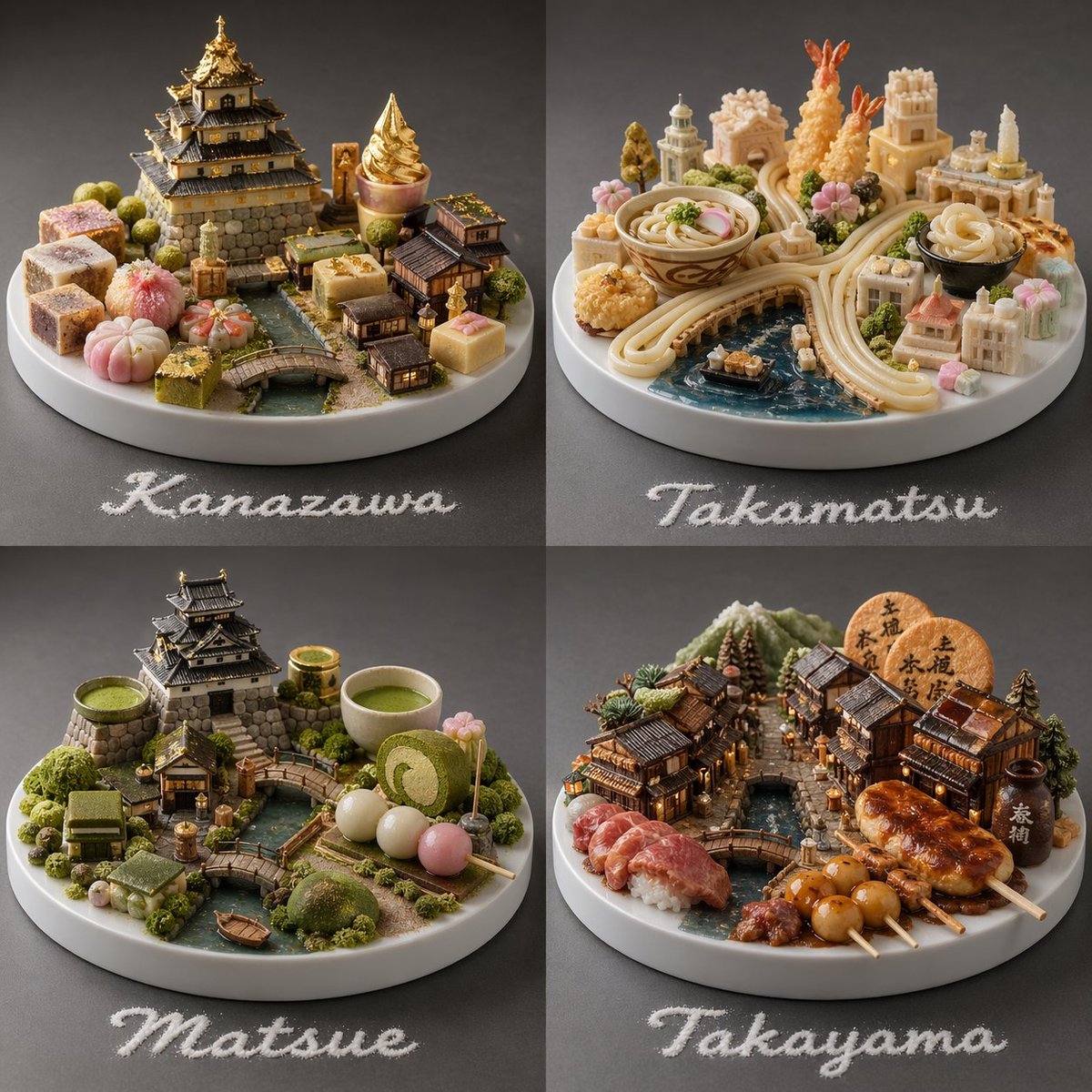
Food-Based Micro-Cities Visualization
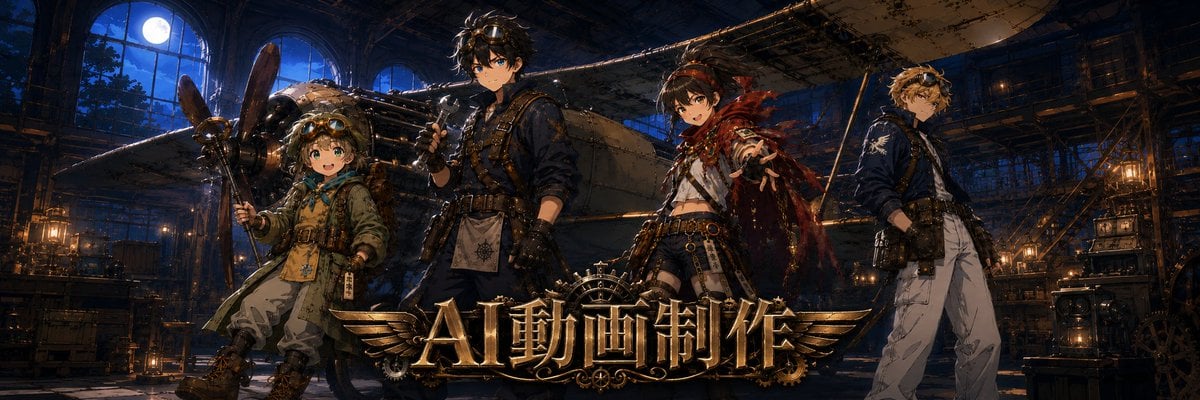
Twitter Header Image Resizer
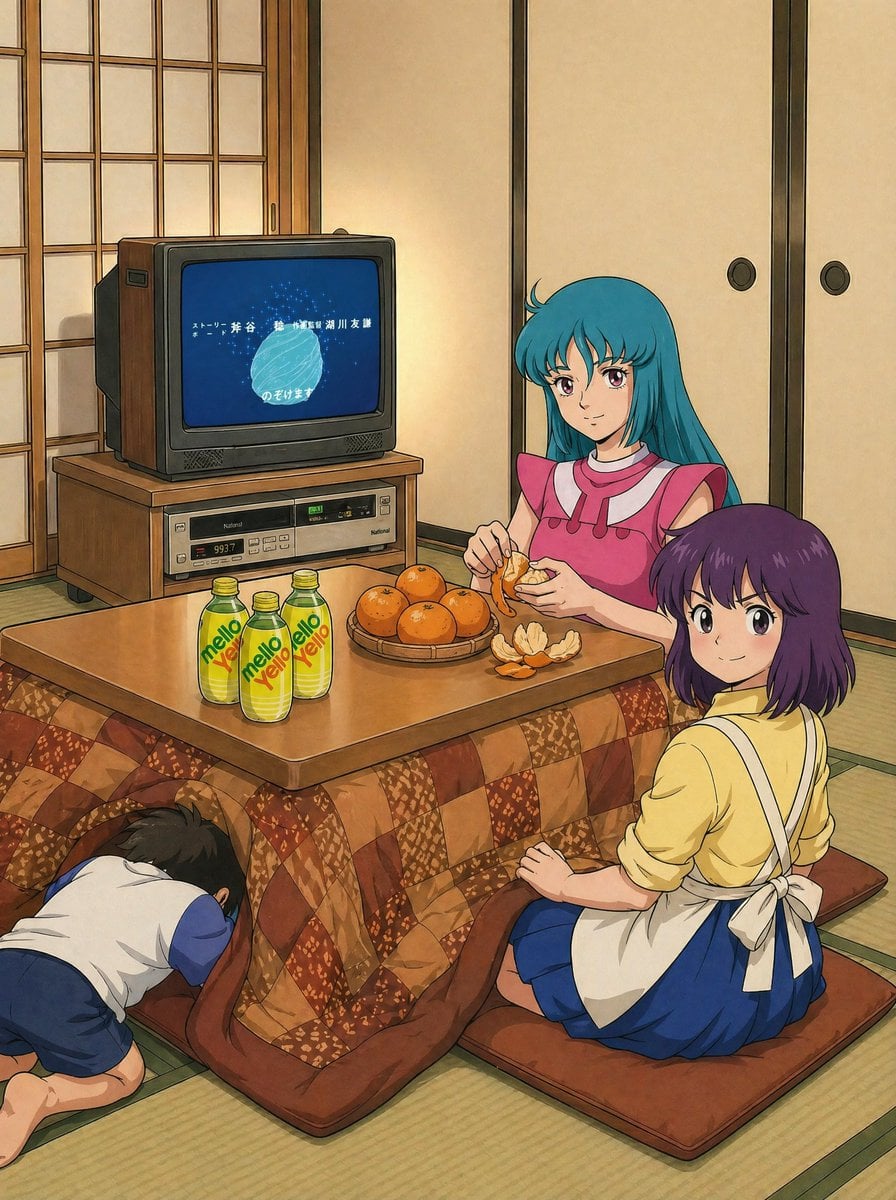
Retro Anime Kotatsu Family Scene
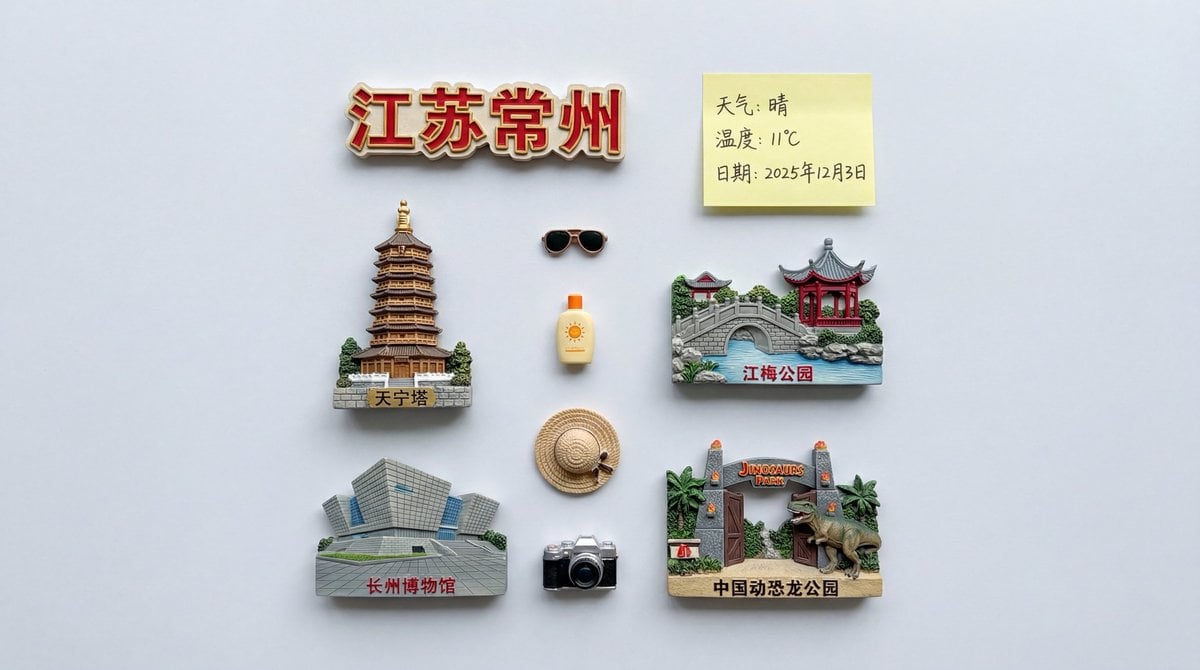
Nano Banana Pro Prompt for Nostalgic Scene
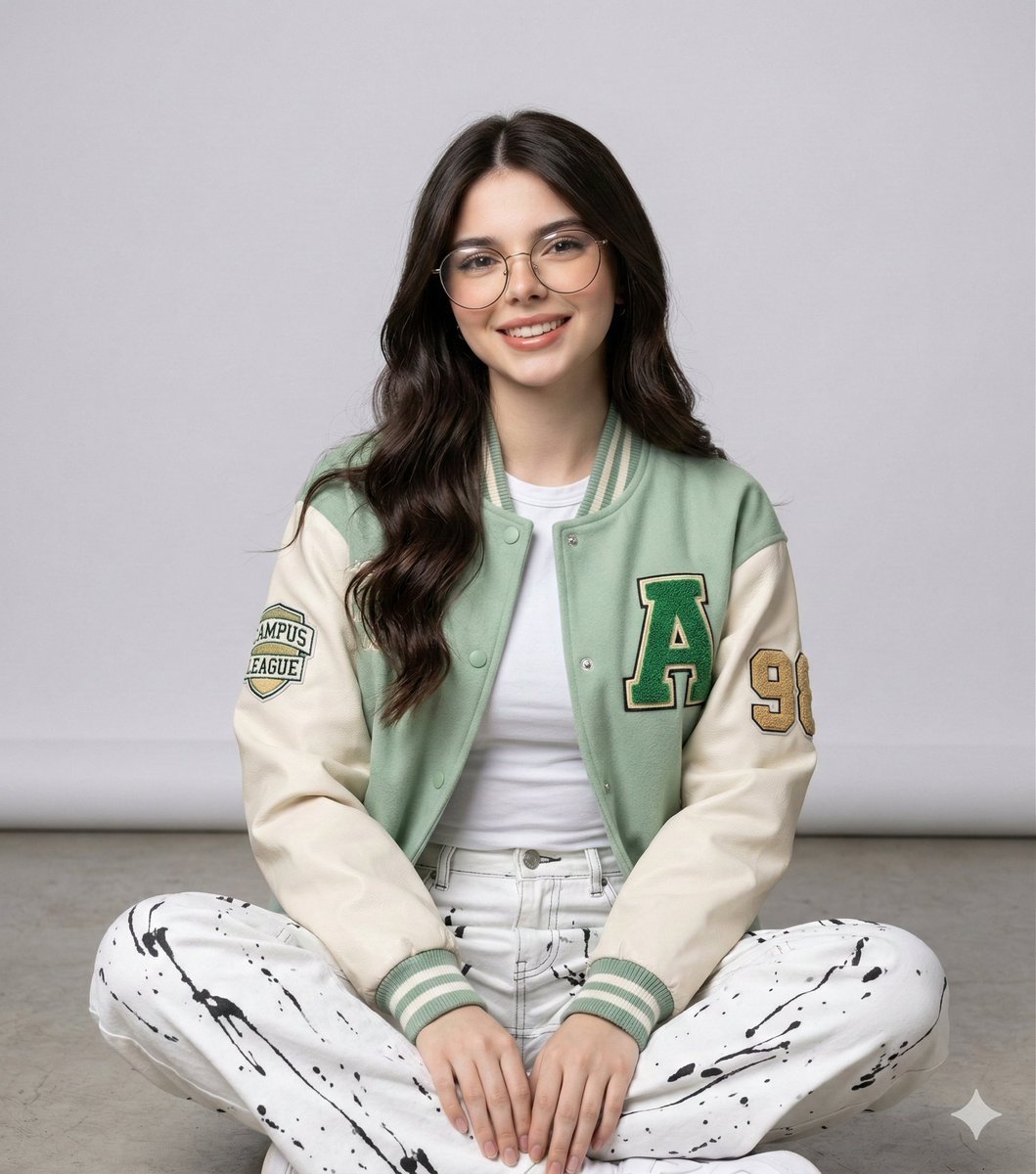
Studio Portrait of a Woman in Varsity Jacket and Splatter Pants
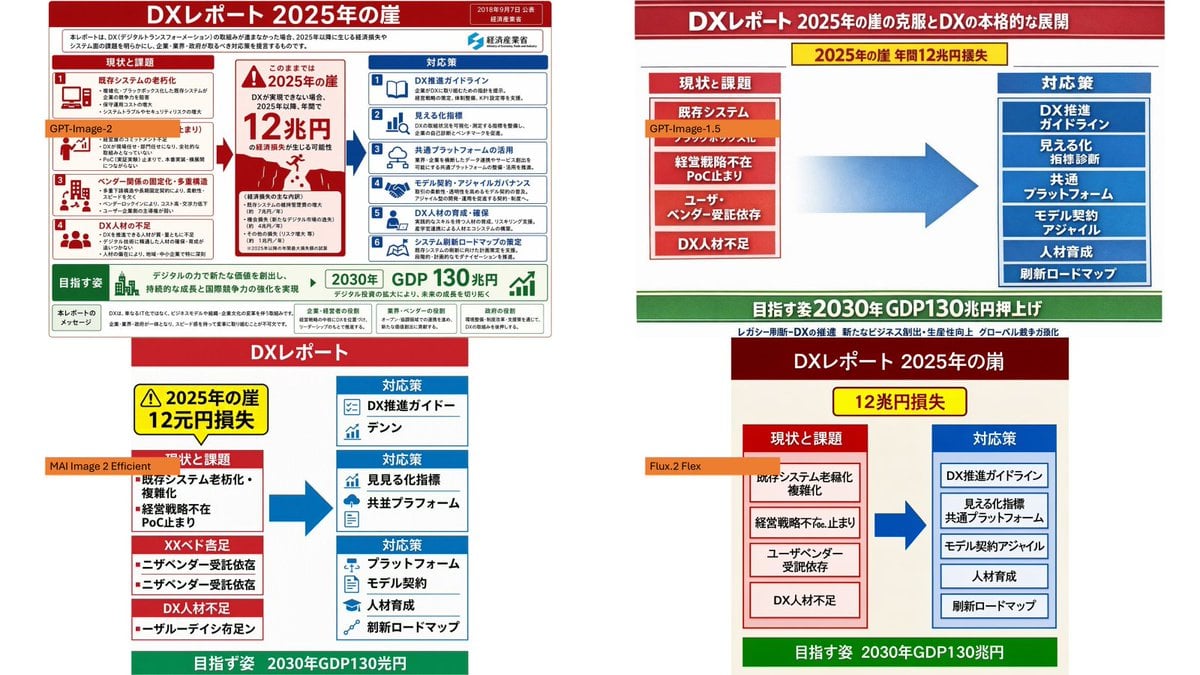
Four-Panel DX Report Model Comparison
Browse template categories
Panel Chibi Dance Pose Sheet questions
How do I use the 16-Panel Chibi Dance Pose Sheet template?
Add your photo if the template asks for one, edit the prompt if you like — the template's model and format are already selected — and press Generate. Your version opens in PicX Studio.
Can I customize the 16-Panel Chibi Dance Pose Sheet template?
Yes. You can change the subject, setting, lighting, mood, format, and available model controls before creating your image.
Is the 16-Panel Chibi Dance Pose Sheet template free?
Opening and editing this template is free. Generating uses credits, shown on the Generate button when you are signed in.
Which AI model should I use?
Start with GPT Image 2, which is the model associated with this template. You can compare another compatible model for a different finish.
Looking for something else? Browse all templates.

Your photo, any look
Thousands of ready templates for every top image and video model, from one credit balance.