
Y2K Rooftop Dance Tutorial Sheet
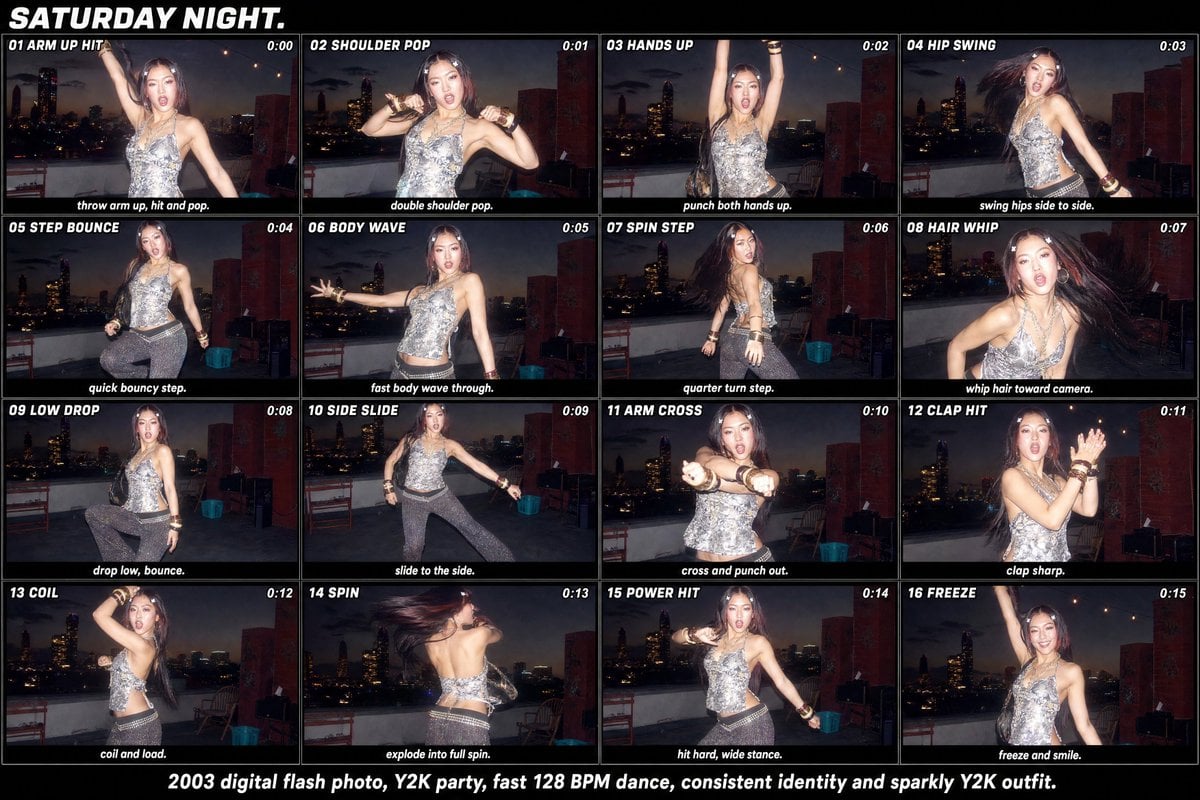
Generates a 16-panel Y2K flash-photo dance tutorial contact sheet from a single reference party photo.
- Prompt included
- Model and format preset
- Premium template
The prompt behind this image
Copy the exact prompt behind Y2K Rooftop Dance Tutorial Sheet, or open it in the studio and make it yours.
Using the provided reference image as the subject, outfit, rooftop party setting, and Y2K flash-photo style base, transform it into a wide 16-panel dance tutorial contact sheet titled {argument name="headline text" default="SATURDAY NIGHT."}. Keep the same person identity, sparkly Y2K outfit, rooftop skyline at night, direct-flash digital camera look, and party energy, but generate distinct dance poses across the panels rather than one pose. Canvas and layout: Create a horizontal black poster/contact-sheet layout with exactly 16 rectangular frames arranged in a 4 columns × 4 rows grid. Each frame should look like a flash snapshot from the same rooftop session, separated by thin black borders. Add bold white italic all-caps typography. Panel sequence: Include exactly these 16 numbered dance-step panels, each with a small title at the top-left, a timestamp at the top-right, and a short instruction caption along the bottom: 1. “01 ARM UP HIT” — timestamp “0:00” — caption “throw arm up, hit and pop.” 2. “02 SHOULDER POP” — timestamp “0:01” — caption “double shoulder pop.” 3. “03 HANDS UP” — timestamp “0:02” — caption “punch both hands up.” 4. “04 HIP SWING” — timestamp “0:03” — caption “swing hips side to side.” 5. “05 STEP BOUNCE” — timestamp “0:04” — caption “quick bouncy step.” 6. “06 BODY WAVE” — timestamp “0:05” — caption “fast body wave through.” 7. “07 SPIN STEP” — timestamp “0:06” — caption “quarter turn step.” 8. “08 HAIR WHIP” — timestamp “0:07” — caption “whip hair toward camera.” 9. “09 LOW DROP” — timestamp “0:08” — caption “drop low, bounce.” 10. “10 SIDE SLIDE” — timestamp “0:09” — caption “slide to the side.” 11. “11 ARM CROSS” — timestamp “0:10” — caption “cross and punch out.” 12. “12 CLAP HIT” — timestamp “0:11” — caption “clap sharp.” 13. “13 COIL” — timestamp “0:12” — caption “coil and load.” 14. “14 SPIN” — timestamp “0:13” — caption “explode into full spin.” 15. “15 POWER HIT” — timestamp “0:14” — caption “hit hard, wide stance.” 16. “16 FREEZE” — timestamp “0:15” — caption “freeze and smile.” Bottom footer: Add one centered white caption below the grid: {argument name="footer text" default="2003 digital flash photo, Y2K party, fast 128 BPM dance, consistent identity and sparkly Y2K outfit."} Style constraints: Make it feel like an early-2000s digital-camera party dance breakdown, with motion blur in hair and limbs where appropriate, harsh flash highlights, dark skyline backgrounds, and consistent subject identity in every frame. Do not add extra panels, extra steps, logos, watermarks, or unrelated text.
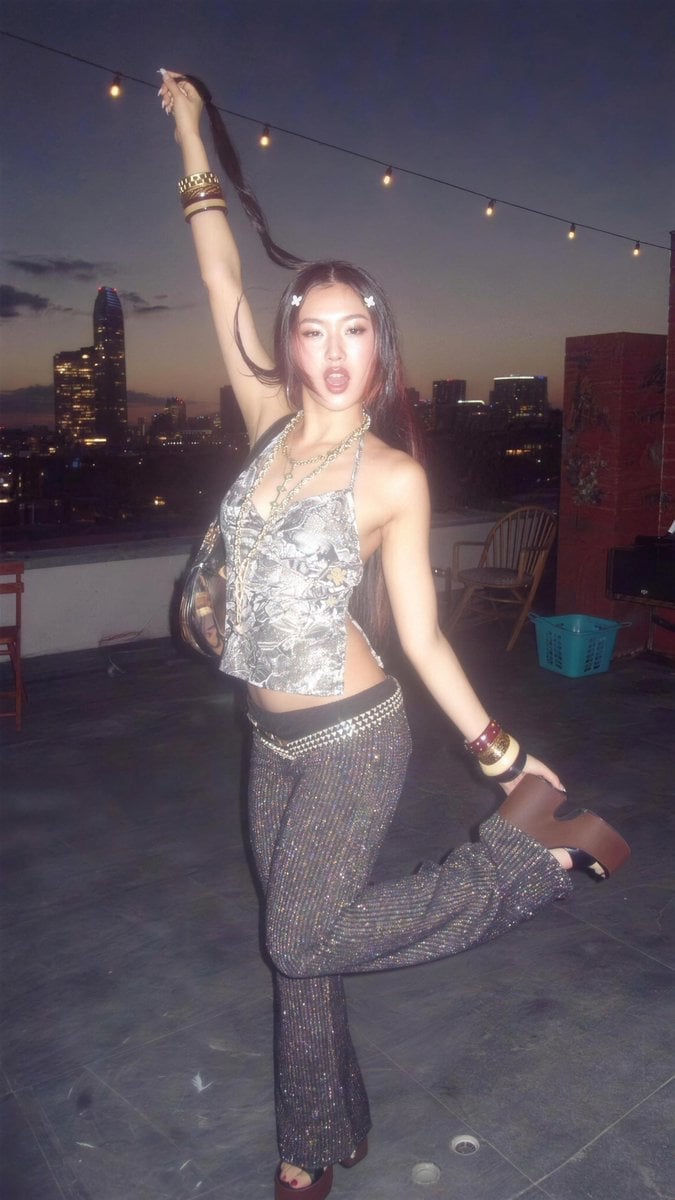
Reference images included
Y2K Rooftop Dance Tutorial Sheet needs input media to work. They load alongside the prompt when you open it in the studio.
How to use Y2K Rooftop Dance Tutorial Sheet in 3 steps
- 1Upload ImagePNG, JPG or paste
Add your photo
Upload the photo the template builds on. The prompt, model and format are already set.
- 2…a portrait of your subject in softgolden-hour light, 85mm…
Personalize
Edit the subject and creative details for your destination.
- 3Generate
Generate
Press Generate — your image is created in PicX Studio, so you can compare it with the original and refine one variable at a time.
More like this
Templates with the same subject, style or setup. Open one to see its prompt.

Movement Sheet - Dance Reference (Seedance 2.0)

Dancer Character - Four View Reference Sheet

If We Met in 1985

Rooftop Fisheye — Cat-Ear Balaclava at Golden Hour

Gen Z Triple Selfie Collage — Y2K Flash Photography

Spider-Man Rooftop Golden Hour Cinematic Photo
Gen Z Flash Selfie Triple Collage

Japanese Negative Film Rooftop Summer Portrait
Pose Dance Combat Reference Sheet
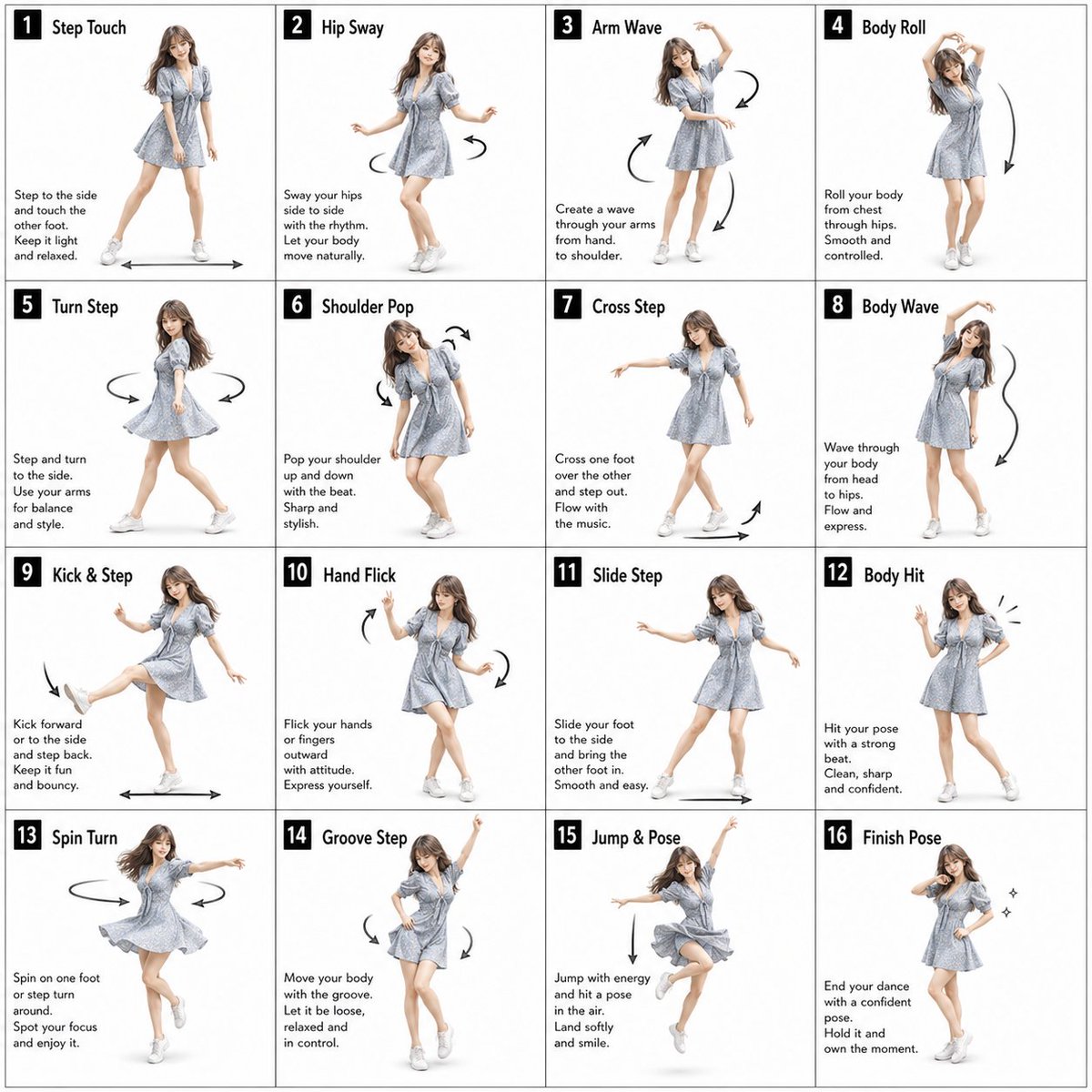
Pose Dance Instruction Sheet
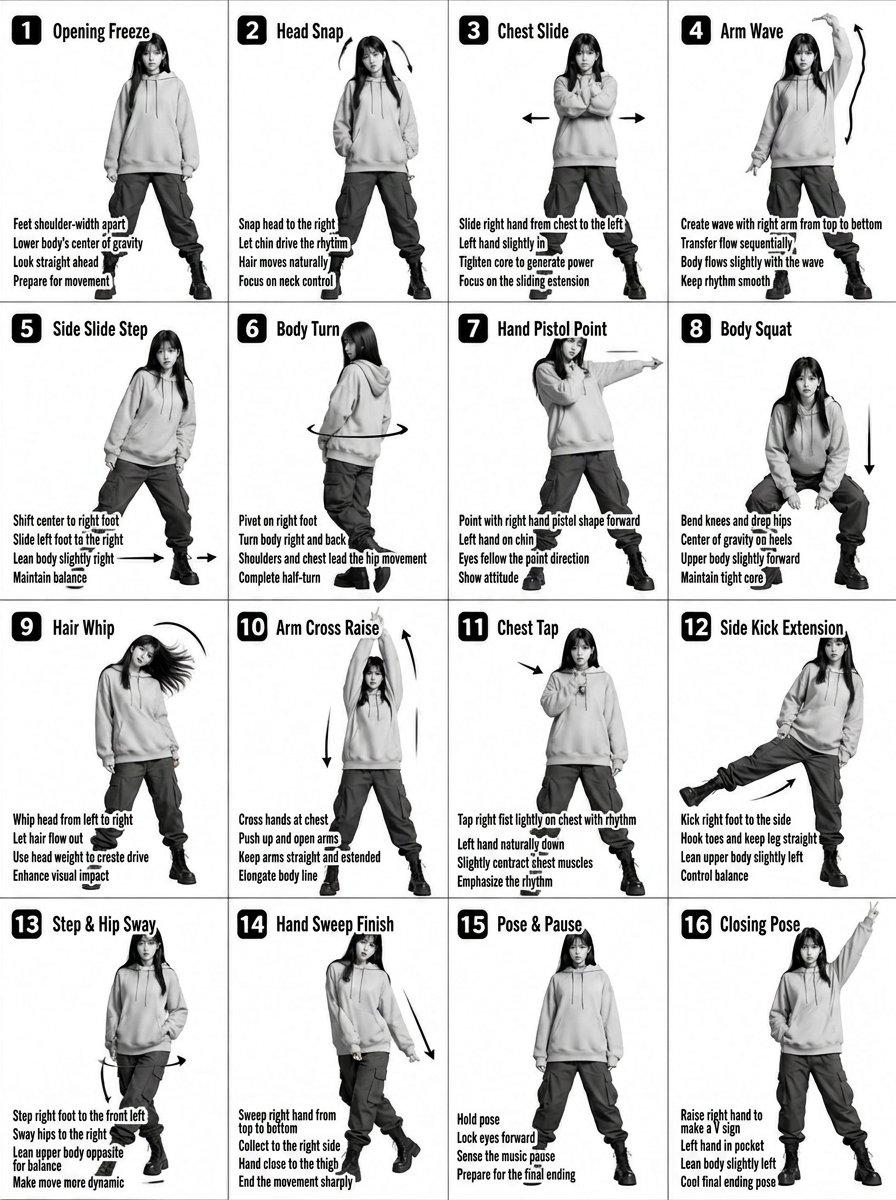
K-pop Dance Tutorial Poster Generator
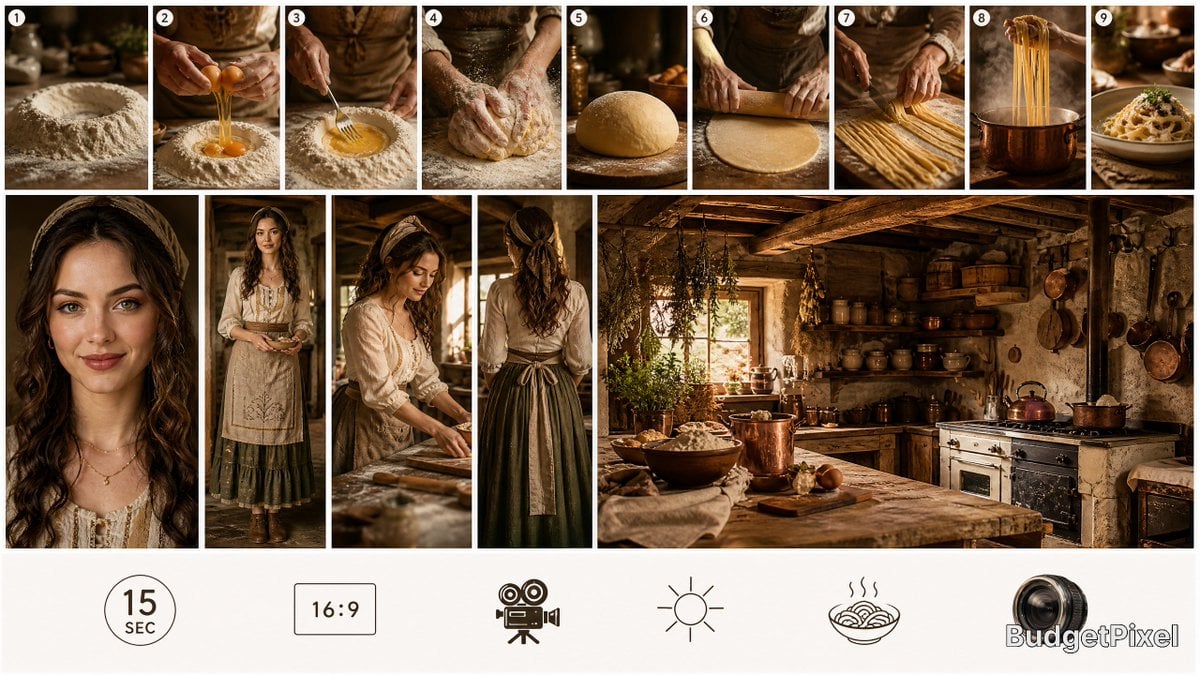
Rustic Pasta Tutorial Reference Sheet
Make it yours
Y2K Rooftop Dance Tutorial Sheet works as-is. These are the safest ways to change it without losing the look.
Change one field
Copy a single group, rewrite it, and generate again so you can see what that field is doing.
Keep the frame, change the subject
Hold the composition and light of Y2K Rooftop Dance Tutorial Sheet, then swap wardrobe, props or the person for a new take.
| If the result… | Why | Fix |
|---|---|---|
| The result drifts from the preview | Too many fields changed at once. | Reuse Y2K Rooftop Dance Tutorial Sheet as-is first, then change one group — subject, light, or setting. |
| The model over-stylizes the scene | The prose prompt leaves finish and camera underspecified. | Add one camera or lighting sentence and stay on GPT Image 2. |
More GPT Image 2 templates
Other prompts made for GPT Image 2.

Six VTuber Japanese Logo Sheet

Realistic Portrait of Woman and Deer

The Vista Modular Condo Poster

AI Model Routing Comparison Infographic

2.5D Anime Art Board

Isometric Productivity Desk Scene

New York Double Exposure Poster

Four-Panel AI Landscape Comparison

Japanese Tatami Lifestyle Magazine Cover

NESCAFÉ Coffee Map Poster
More image prompts
Fresh picks from across the catalog.
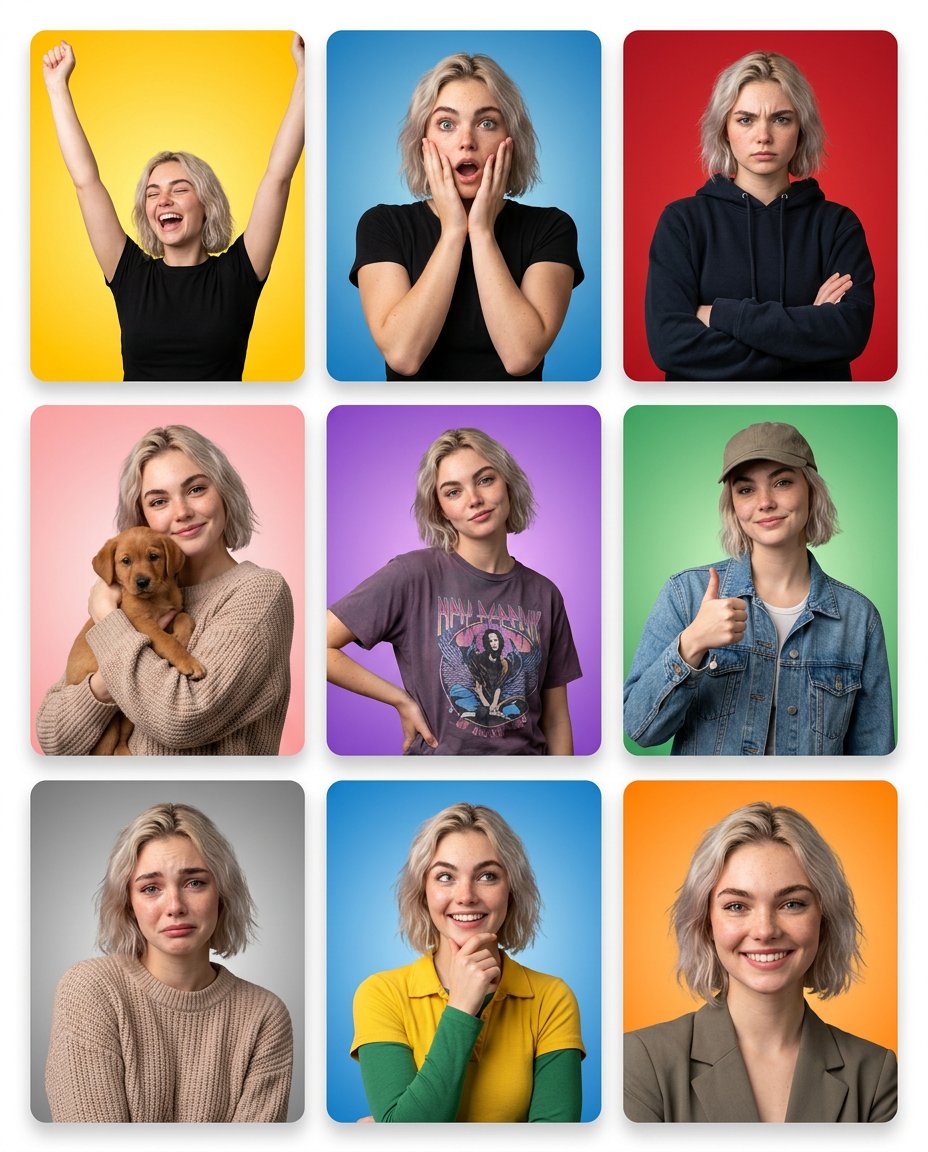
Emotion Grid with Gradient Backgrounds
Professional Photo Restoration and Upscaling
Vlogger Thumbnail Image Generation Prompt
Cinematic Studio Portrait with Precise Facial Matching
Surreal Visual Metaphor Template
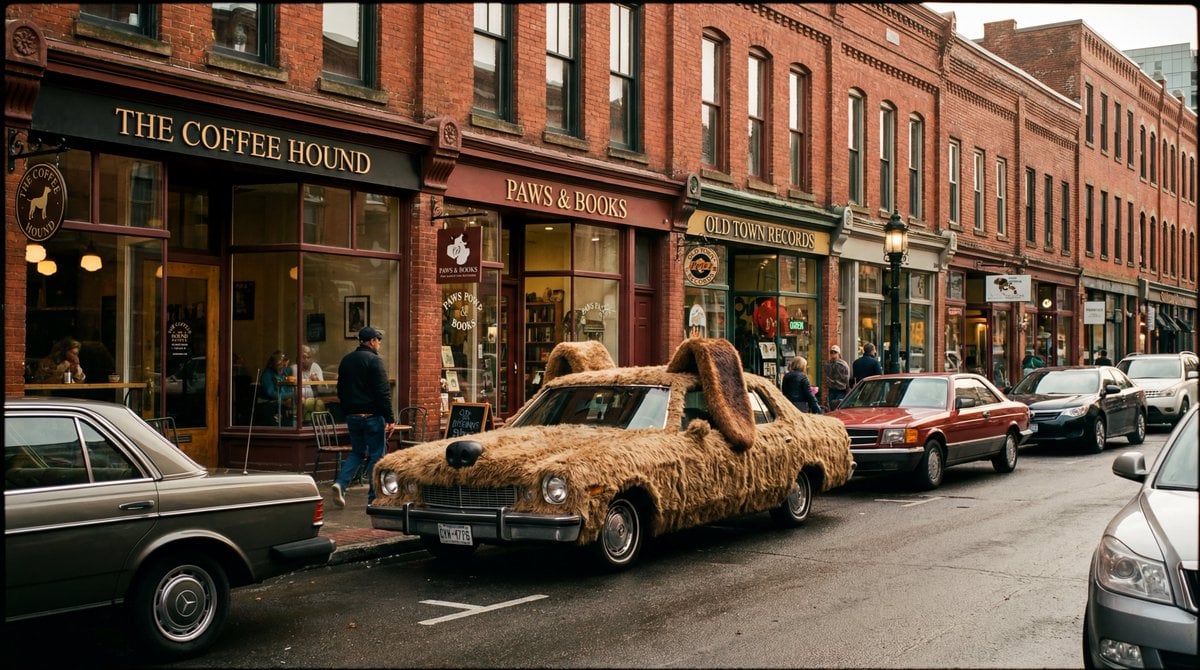
Cinematic Wide-Shot with Dog Fur Car
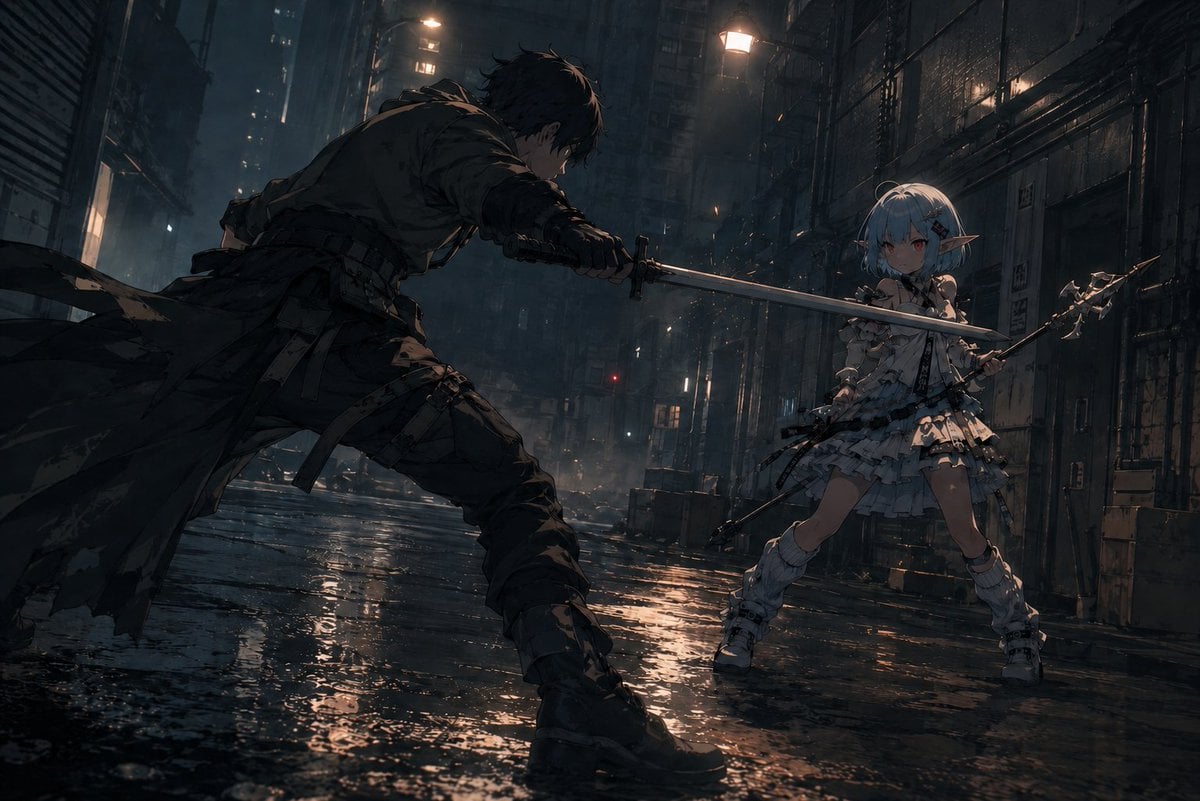
Rainy Cyberpunk Alley Sword Duel
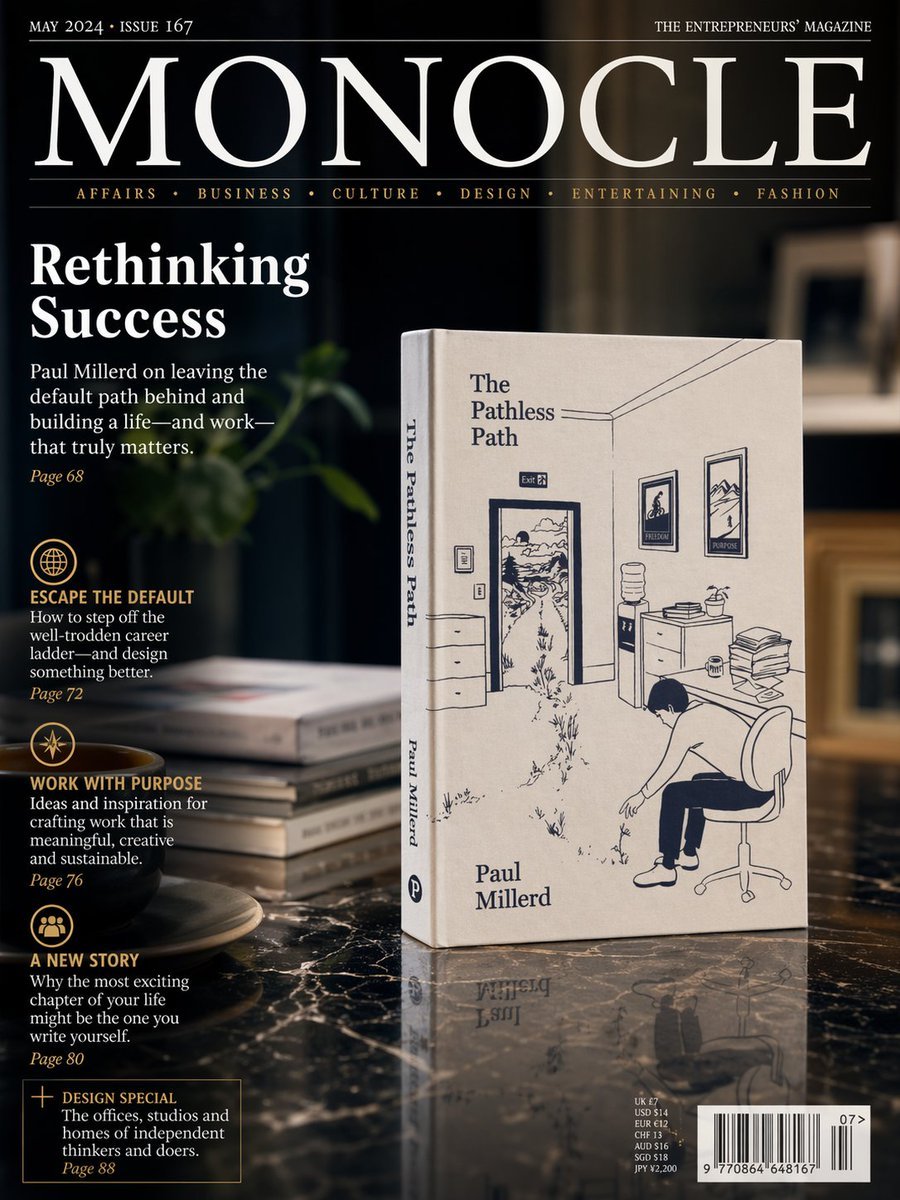
Luxury Magazine Cover With Featured Book
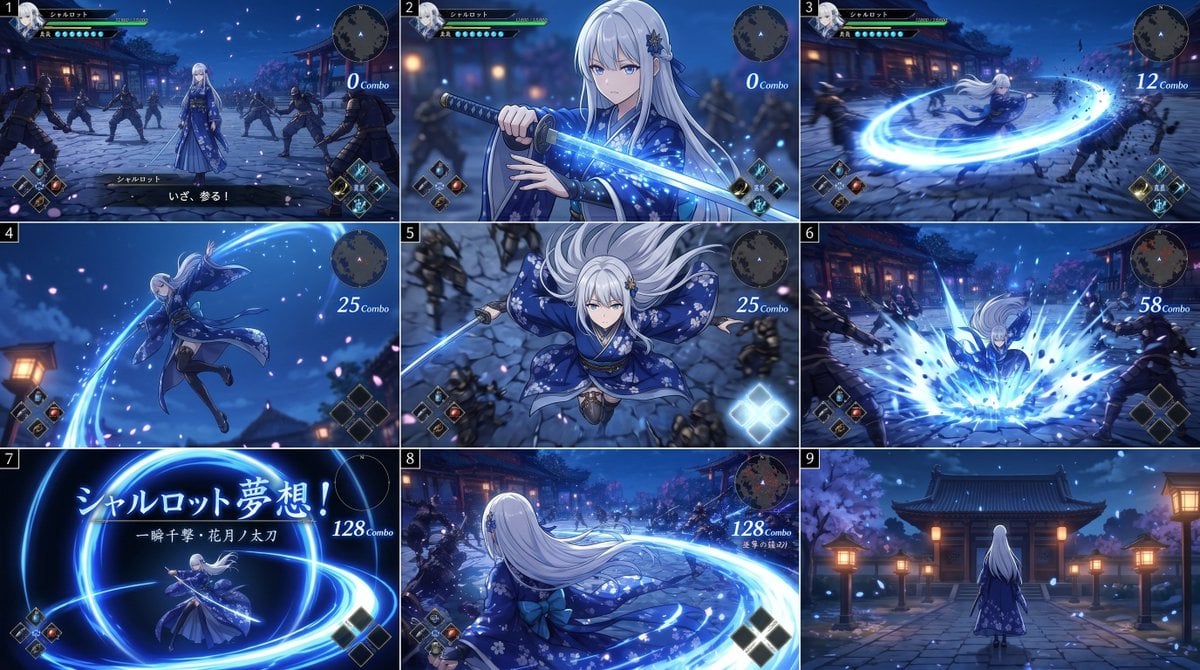
Anime RPG Sword Attack Storyboard
Image Synthesis/Composition Prompt
Browse template categories
Y2K Rooftop Dance Tutorial Sheet questions
How do I use the Y2K Rooftop Dance Tutorial Sheet template?
Add your photo if the template asks for one, edit the prompt if you like — the template's model and format are already selected — and press Generate. Your version opens in PicX Studio.
Can I customize the Y2K Rooftop Dance Tutorial Sheet template?
Yes. You can change the subject, setting, lighting, mood, format, and available model controls before creating your image.
Is the Y2K Rooftop Dance Tutorial Sheet template free?
Opening and editing this template is free. Generating uses credits, shown on the Generate button when you are signed in.
Which AI model should I use?
Start with GPT Image 2, which is the model associated with this template. You can compare another compatible model for a different finish.
Looking for something else? Browse all templates.

Your photo, any look
Thousands of ready templates for every top image and video model, from one credit balance.