
3x3 Photo Collage / 9-Panel Grid
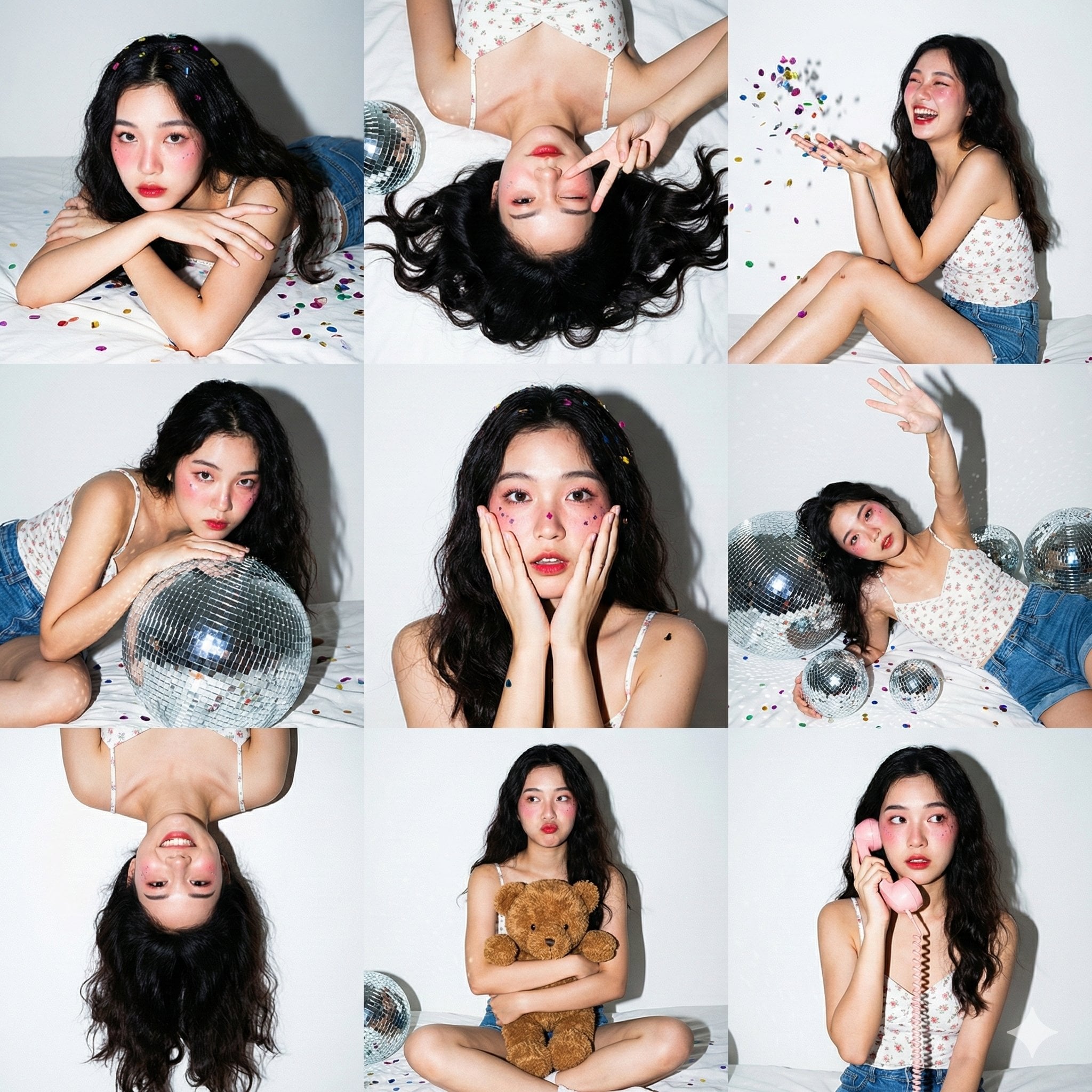
3x3 Photo Collage / 9-Panel Grid.", "layout": "Nine vertical portrait images arranged in a square grid.", "consistency": "Same subject, same outfit, and same lighting across all 9 panels." }, "aesthetic_style": {…
- Prompt included
- Model and format preset
- Premium template
The prompt behind this image
Copy the exact prompt behind 3x3 Photo Collage / 9-Panel Grid, or open it in the studio and make it yours.
3x3 Photo Collage / 9-Panel Grid.", "layout": "Nine vertical portrait images arranged in a square grid.", "consistency": "Same subject, same outfit, and same lighting across all 9 panels." }, "aesthetic_style": { "theme": "Gen Z Home Party / 'Maiden Pavilion' Photoshoot.", "lighting_technique": "Direct On-Camera Flash (Hard Light).", "visuals": "High contrast, sharp shadows, chaotic fun, vibrant colors against a white background." }, "subject_details": { "appearance": "Young Asian woman, fair skin, long dark wavy hair with volume.", "outfit": "White floral camisole top, blue denim shorts.", "makeup": "Heavy pink blush (Igari style), red lips, glitter on cheeks." }, "environment_and_props": { "background": "White wall with taped photos, white bed sheets.", "decor": "Silver disco balls (various sizes), colorful metallic confetti scattered everywhere, brown teddy bear, pink retro corded phone." }, "panel_pose_breakdown": { "1_top_left": "Lying on stomach (prone), resting chin on crossed arms, looking at camera. Confetti in hair.", "2_top_center": "Top-down view lying on back, winking one eye, making a peace sign near face. Hair fanned out.", "3_top_right": "Sitting sideways, knees bent, laughing candidly while throwing a handful of confetti in the air.", "4_middle_left": "Leaning upper body over a large silver disco ball, looking intensely at the camera.", "5_middle_center": "Close-up portrait. Hands touching cheeks in a 'surprised' or 'shy' gesture. Confetti stuck to cheeks.", "6_middle_right": "Lying on back amongst the disco balls, one arm reaching up towards the ceiling/camera.", "7_bottom_left": "Upside-down perspective (head at bottom of frame), playful expression, hair cascading down.", "8_bottom_center": "Sitting cross-legged (Lotus position), hugging the brown teddy bear tight, pouting slightly.", "9_bottom_right": "Sitting up, holding the pink retro telephone receiver to ear, looking sideways as if listening to gossip." }, "camera_technical_values": { "focal_length": "35mm (Versatile environmental portrait lens).", "aperture": "f/5.6 (Ensures subject and props are in focus).", "shutter_speed": "1/200s (Flash sync to freeze confetti motion).", "iso": "ISO 200.", "lighting": "Hard flash creates a distinct drop shadow behind the subject on the white wall and specular highlights on the disco balls." } }, "midjourney_string": "3x3 photo grid collage of a cute Asian girl at a home party, wearing white floral top and
How to use 3x3 Photo Collage / 9-Panel Grid in 3 steps
- 1
Open
The prompt is already in the box next to the preview, with the template's model and format selected.
- 2…a portrait of your subject in softgolden-hour light, 85mm…
Personalize
Edit the subject and creative details for your destination.
- 3Generate
Generate
Press Generate — your image is created in PicX Studio, so you can compare it with the original and refine one variable at a time.
More like this
Templates with the same subject, style or setup. Open one to see its prompt.
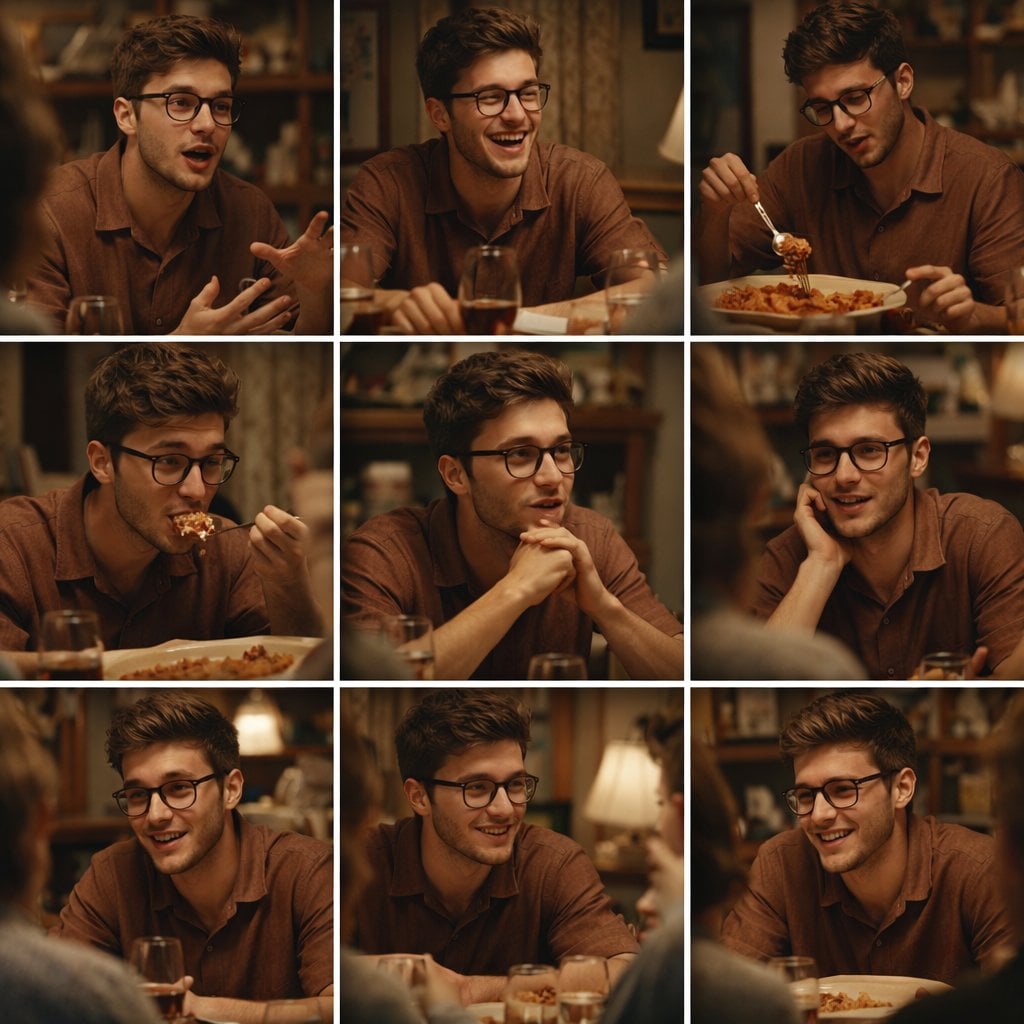
A 3x3 grid storyboard contact sheet comprised of nine candid, cinematic
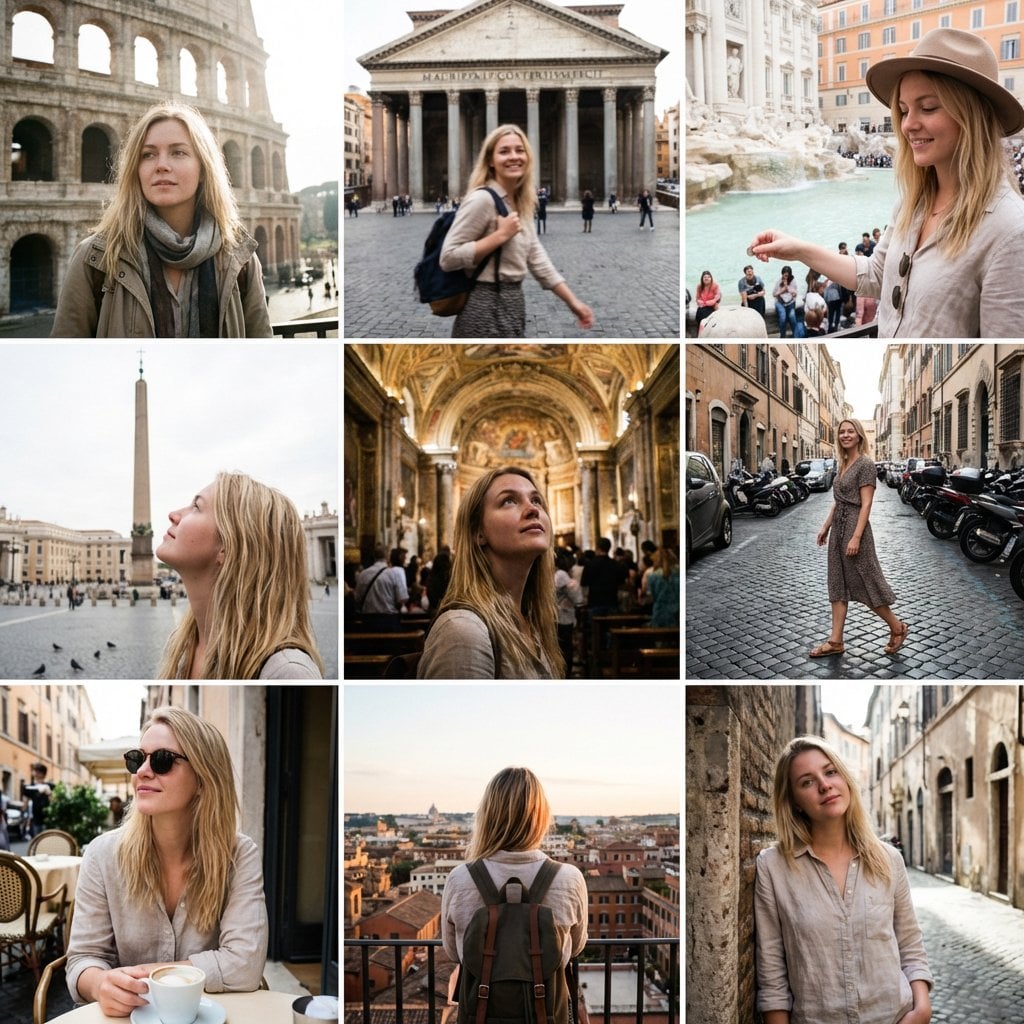
3x3 Instagram-style grid of low-quality smartphone photos featuring
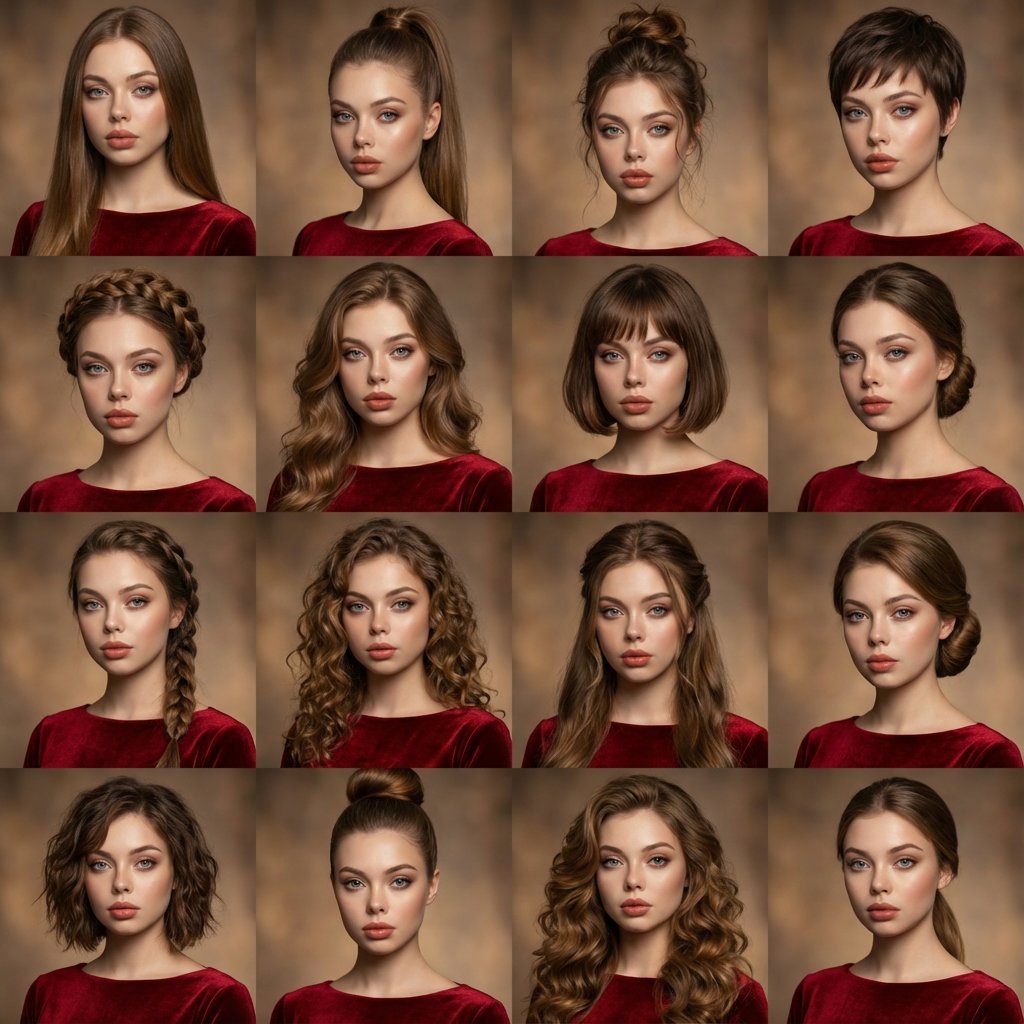
A high-quality photo collage featuring the same person with identical

青蛇小青写真大片,绿色紧身蛇鳞裙,湿发红唇,妖娆妩媚
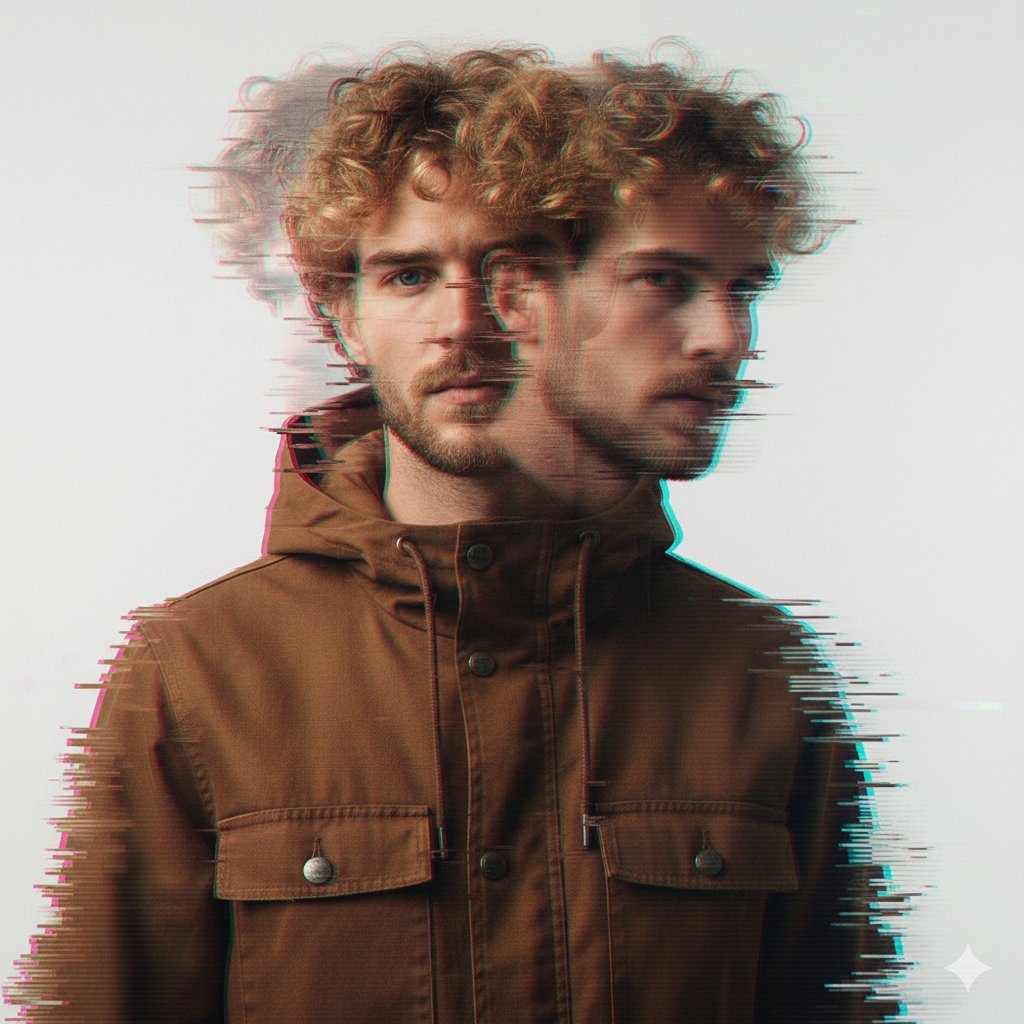
A double exposure, long exposure editorial photograph of a man Use image

Portrait of a young woman in her early 20s walking calmly on a beautiful
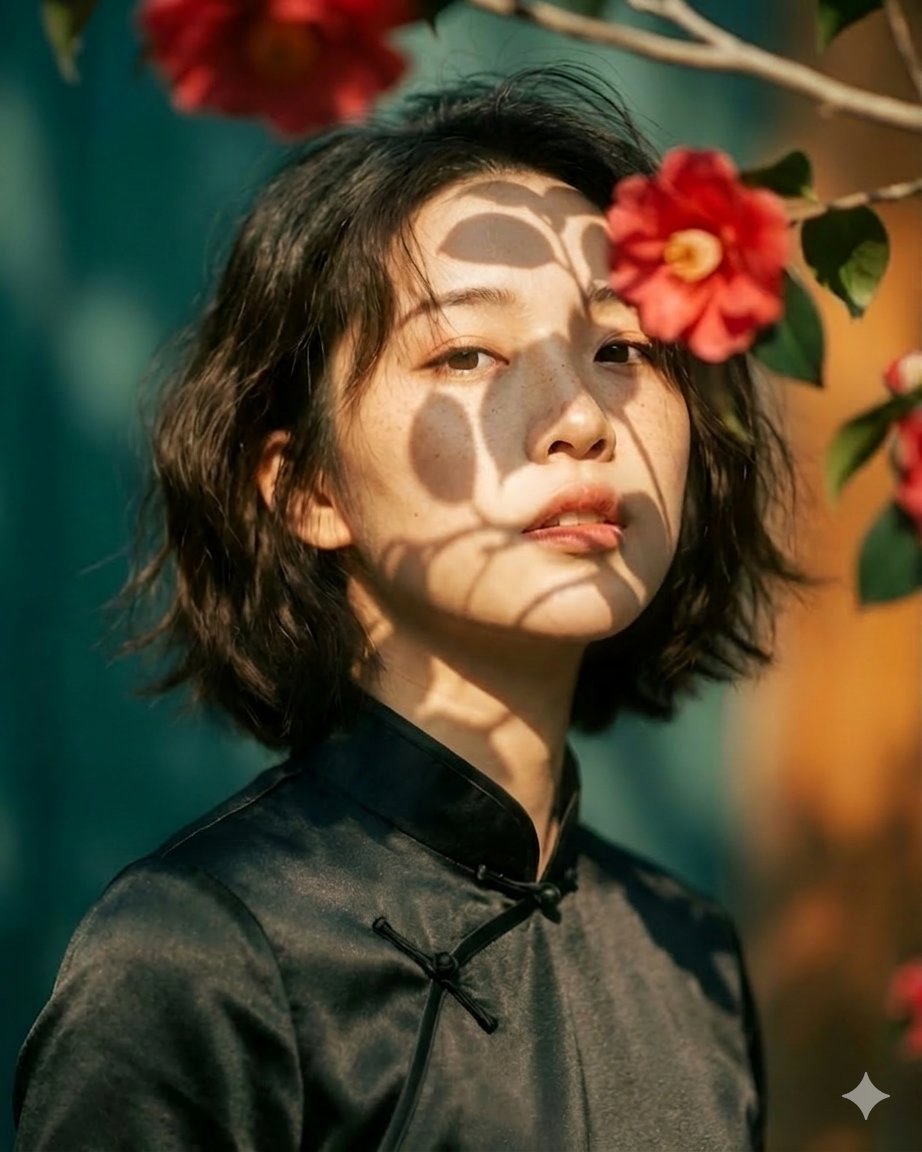
Artistic portrait of an elegant Asian woman wearing a black silk
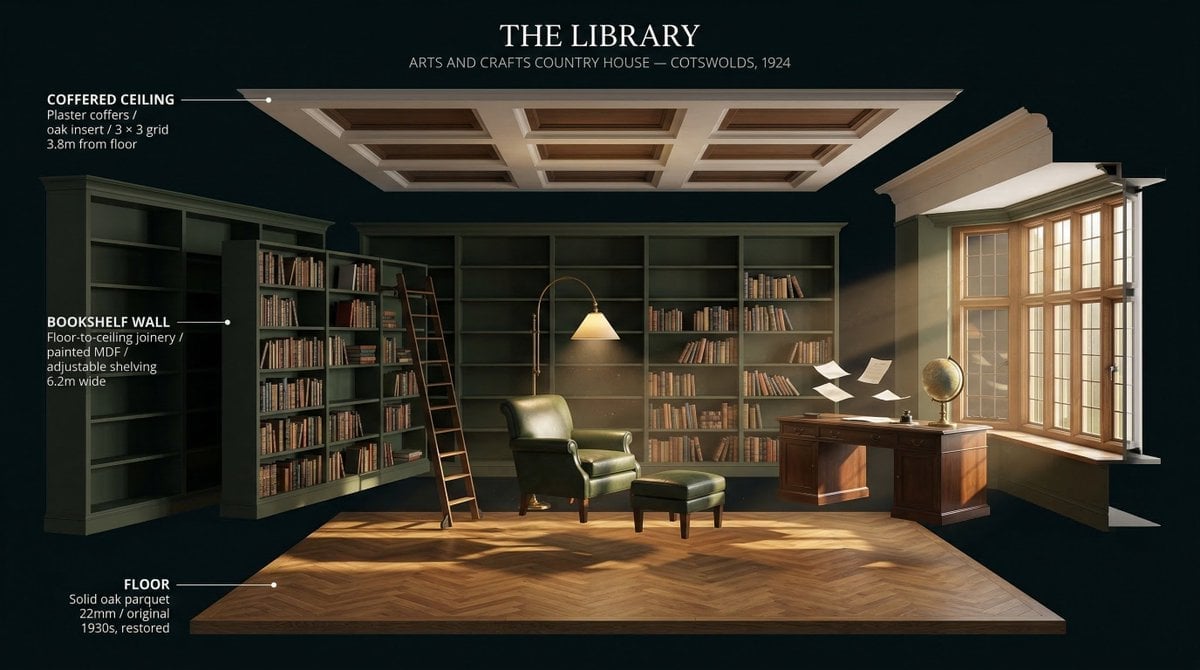
LIGHTING each element still lit by its original source, windows casting
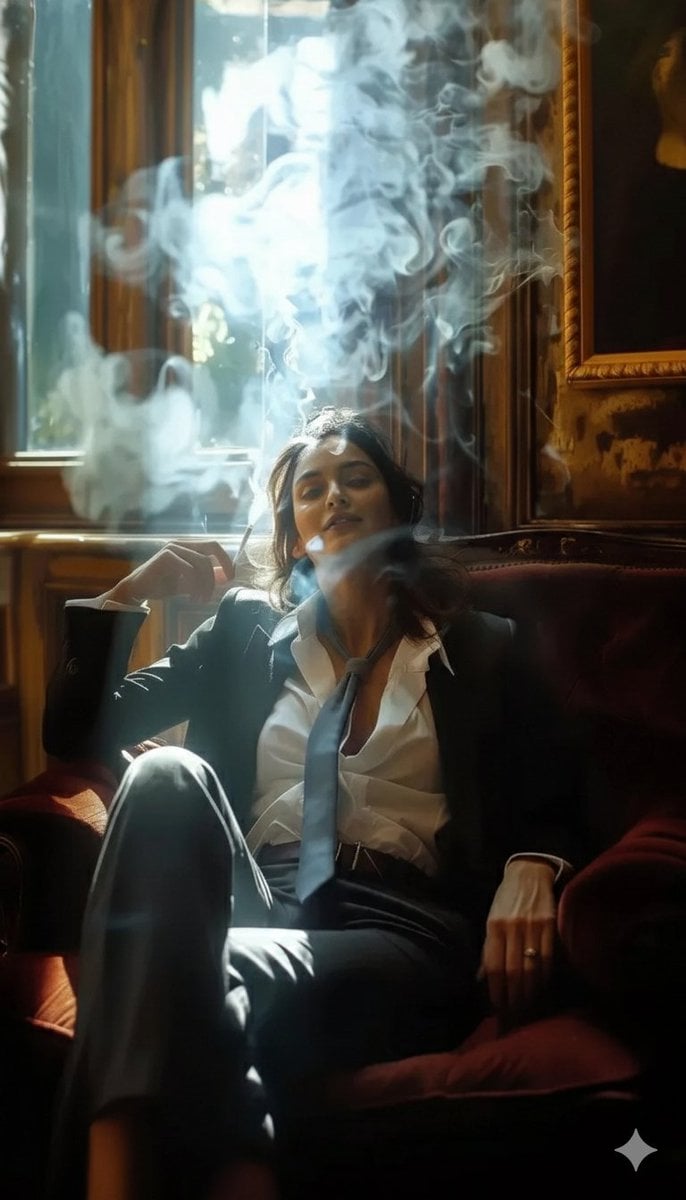
A high-definition cinematic portrait of a sophisticated woman sitting
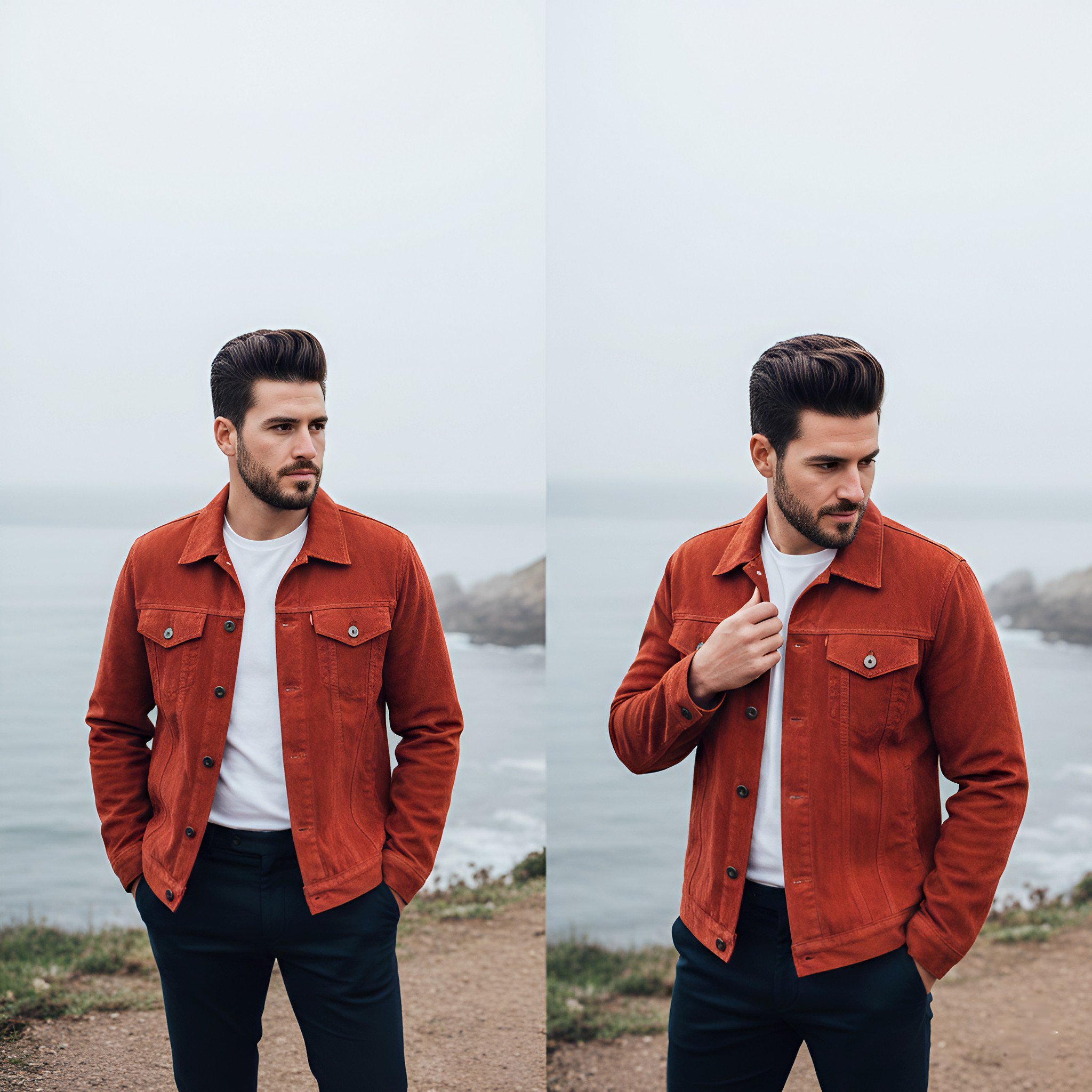
Lifestyle photography, cinematic color grading, shallow depth of field
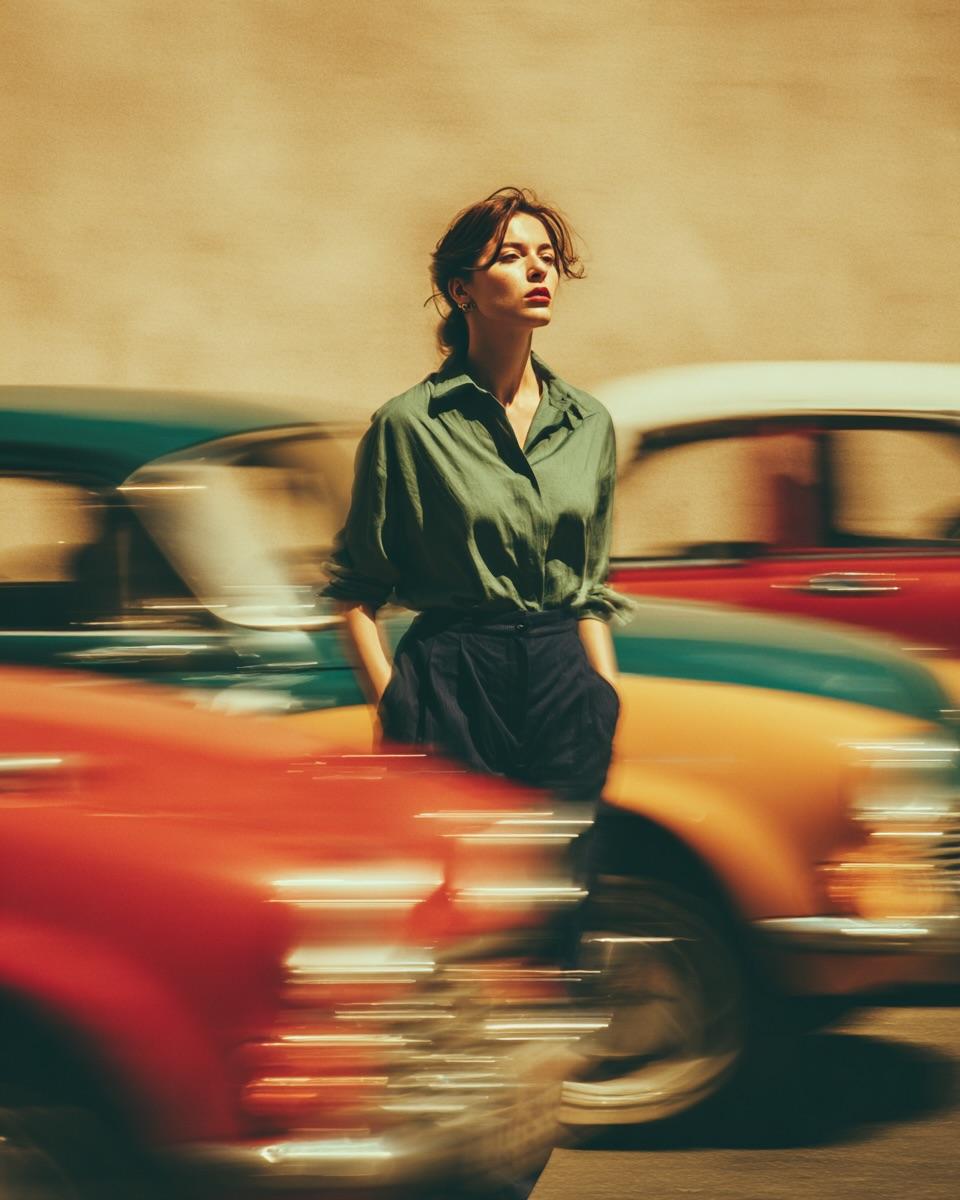
Dramatic motion blur trails, long-exposure photography effect, dynamic
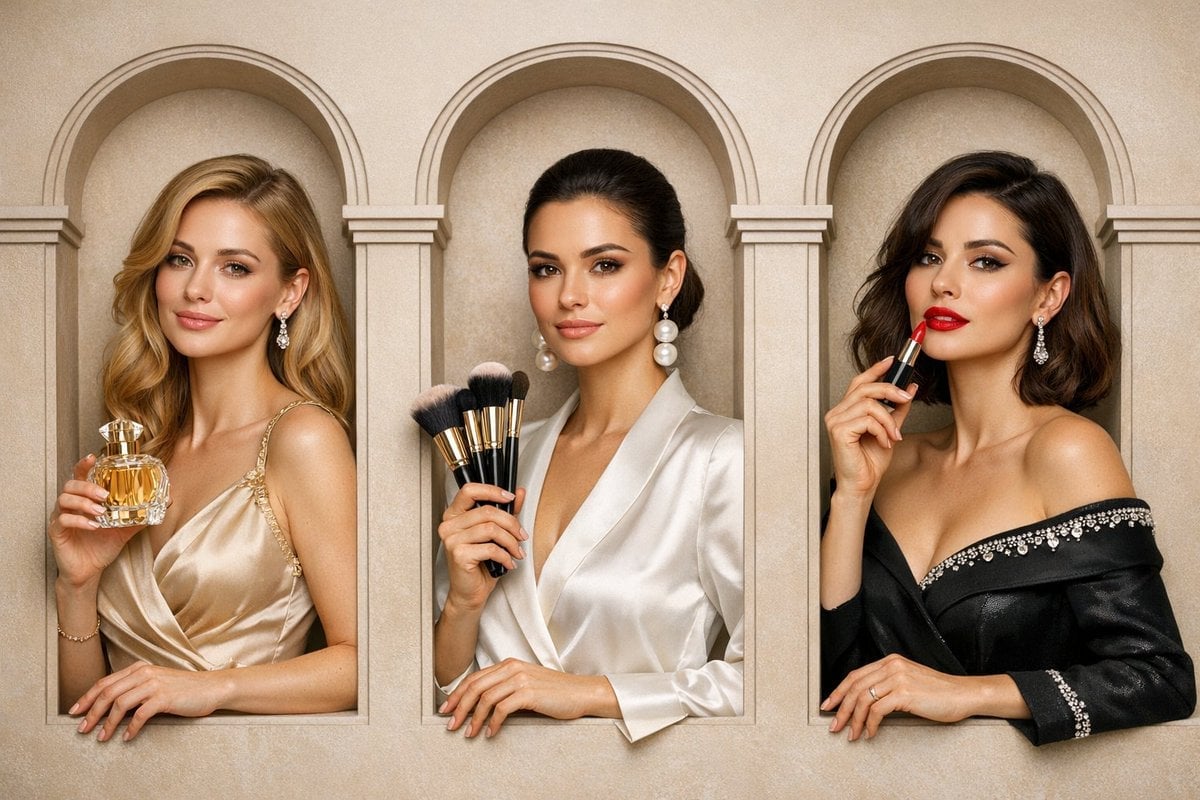
A luxury brand advertisement featuring three stylish arranged
Make it yours
3x3 Photo Collage / 9-Panel Grid works as-is. These are the safest ways to change it without losing the look.
Change one field
Copy a single group, rewrite it, and generate again so you can see what that field is doing.
Keep the frame, change the subject
Hold the composition and light of 3x3 Photo Collage / 9-Panel Grid, then swap wardrobe, props or the person for a new take.
| If the result… | Why | Fix |
|---|---|---|
| The result drifts from the preview | Too many fields changed at once. | Reuse 3x3 Photo Collage / 9-Panel Grid as-is first, then change one group — subject, light, or setting. |
| The model over-stylizes the scene | The prose prompt leaves finish and camera underspecified. | Add one camera or lighting sentence and stay on Nano Banana 2. |
More Nano Banana 2 templates
Other prompts made for Nano Banana 2.
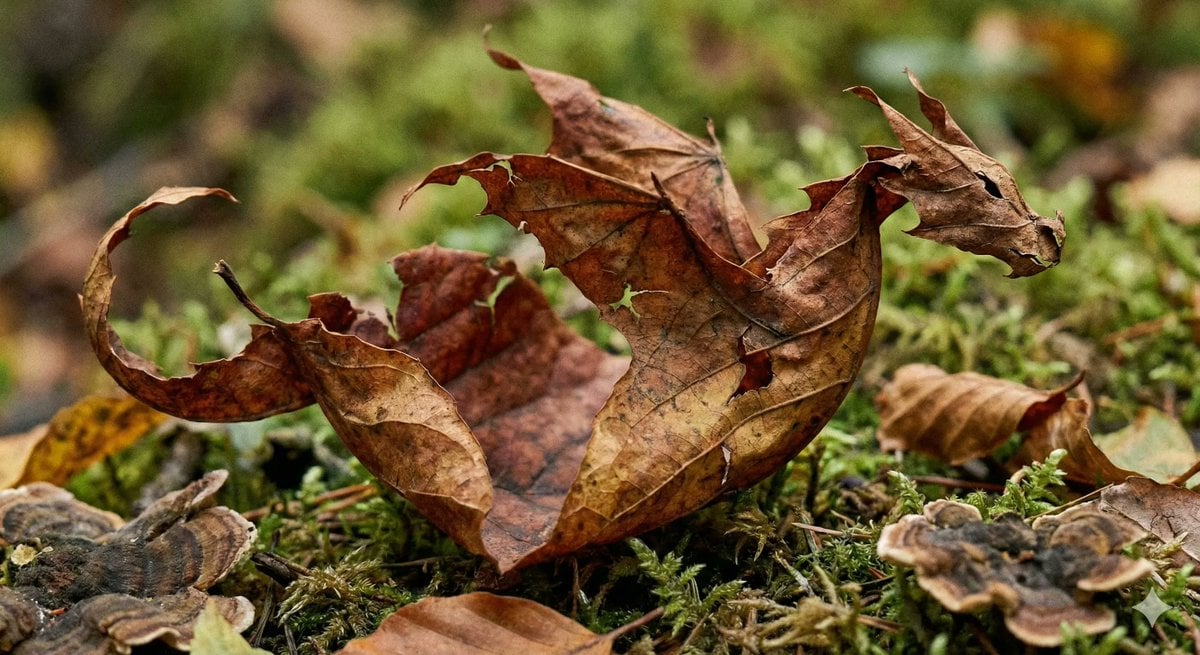
Photorealistic Leaf Shaped Like a Dragon
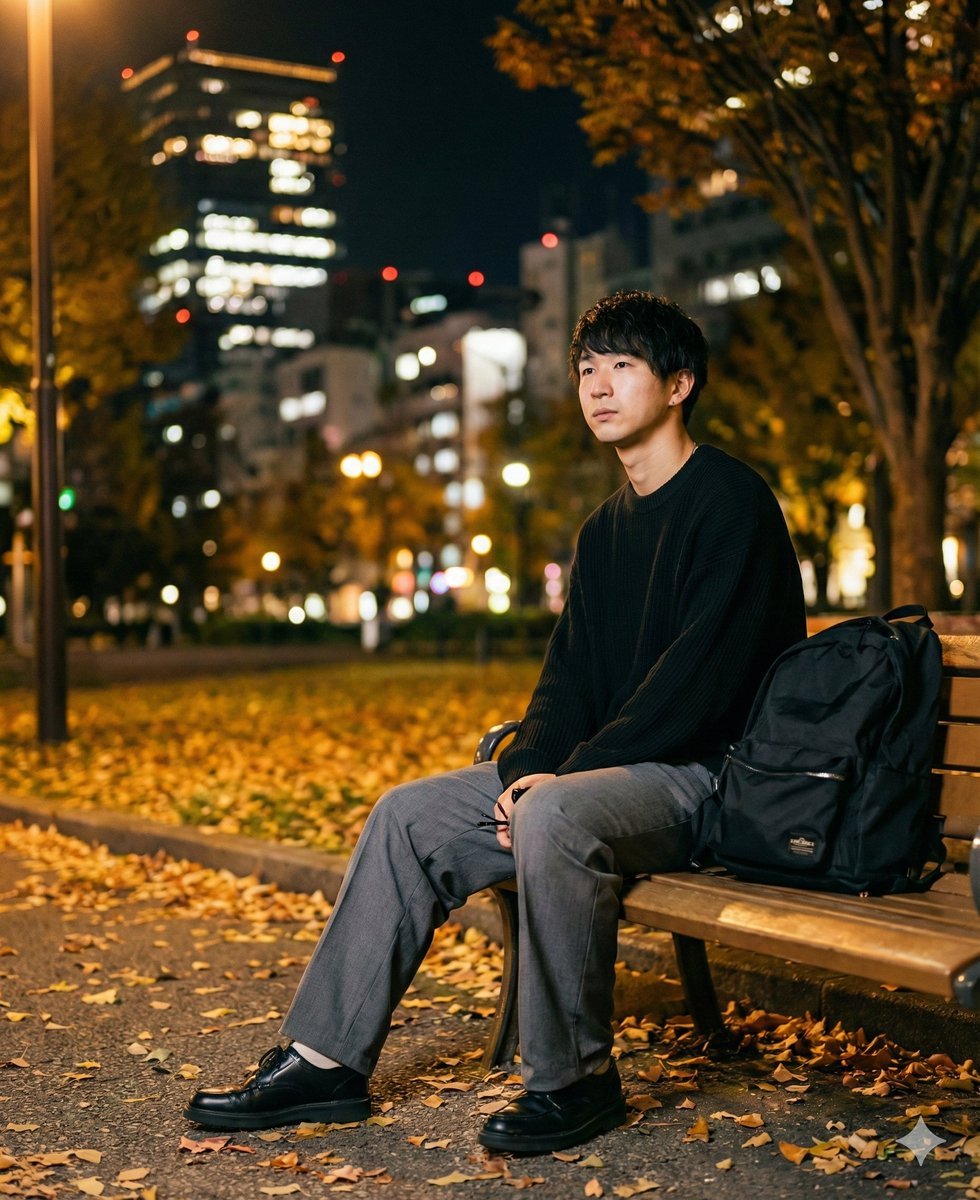
K-Pop Idol Portrait Grid for Rapid Selection
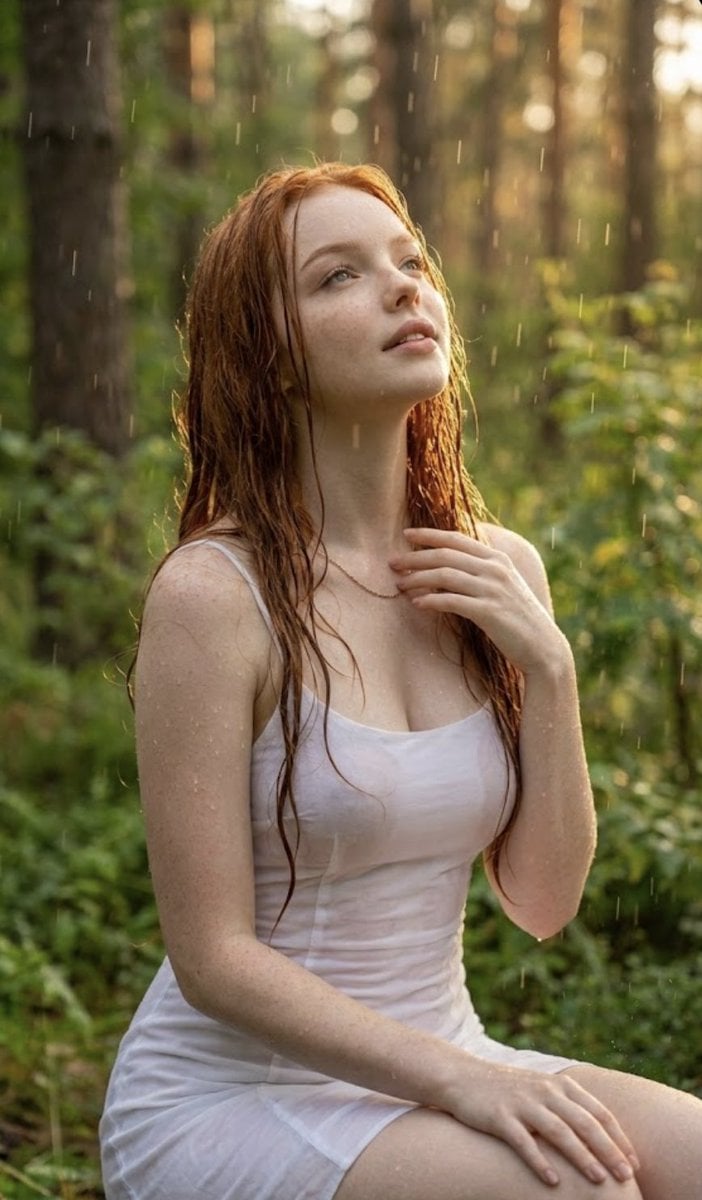
Poetic Rain Forest Portrait During Golden Hour
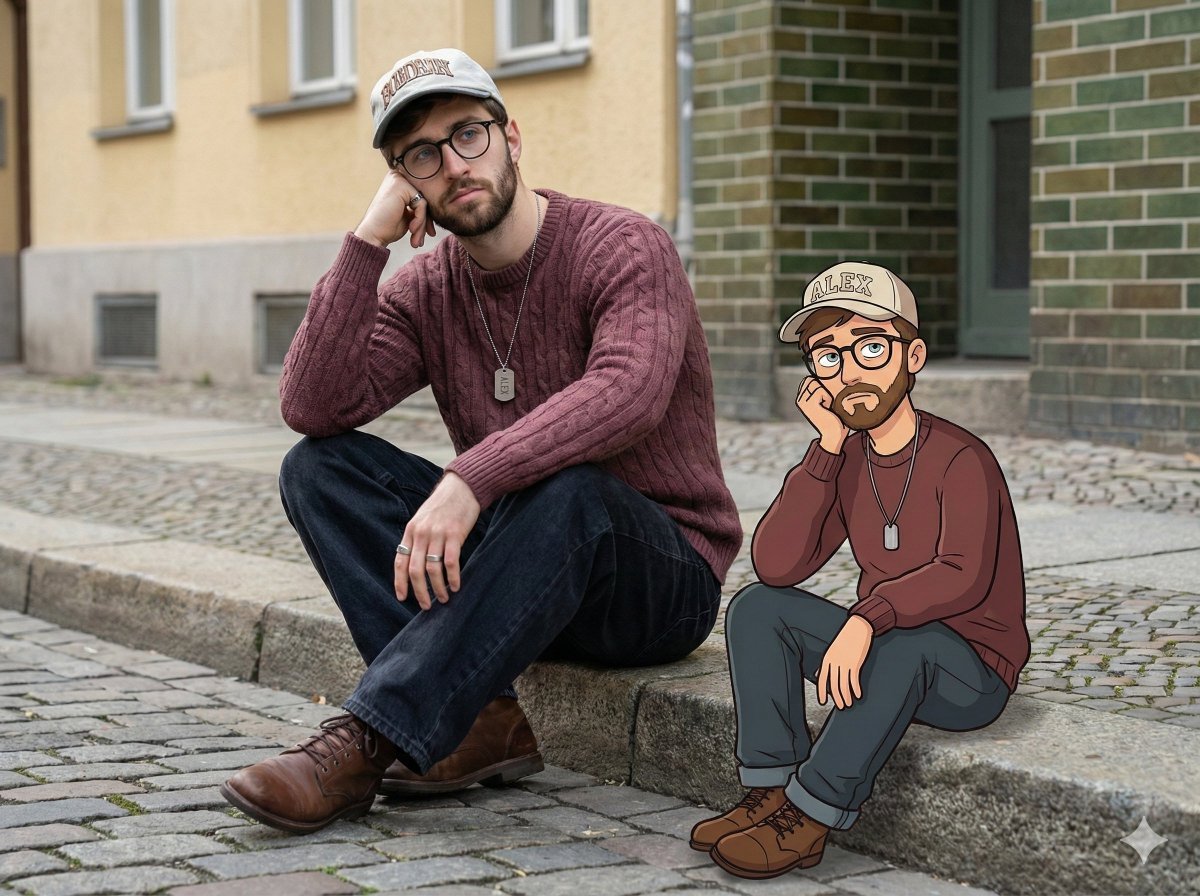
Urban Street Portrait with Cartoon Inner Self Duo
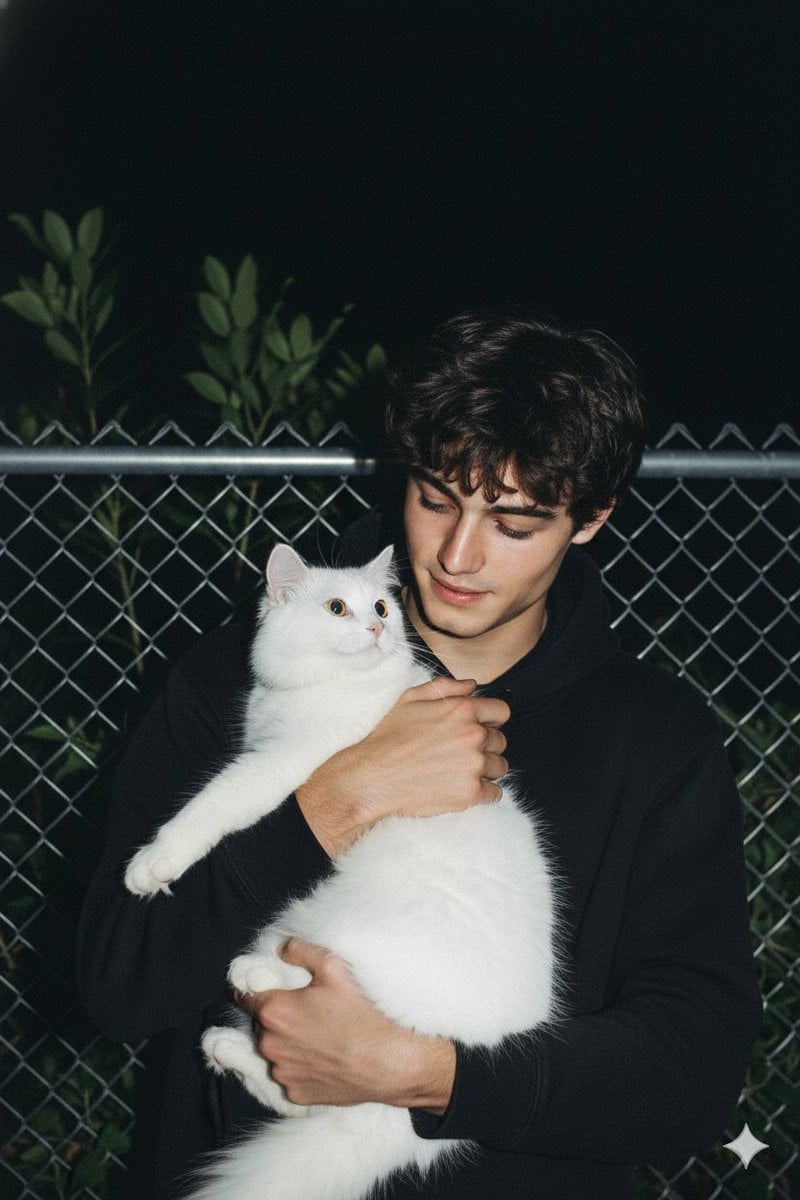
Candid Nighttime Photo with Cat Prompt
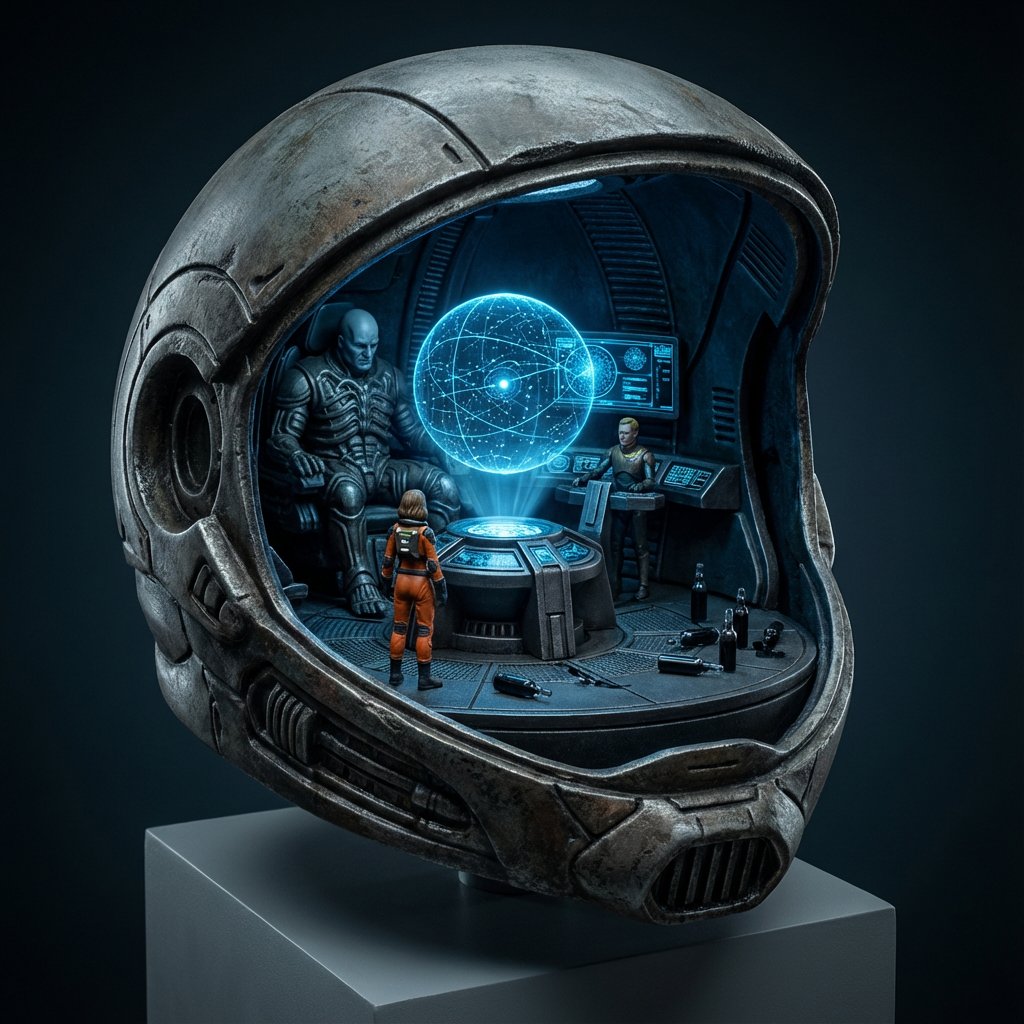
High-Concept 3D Diorama Generation Prompt
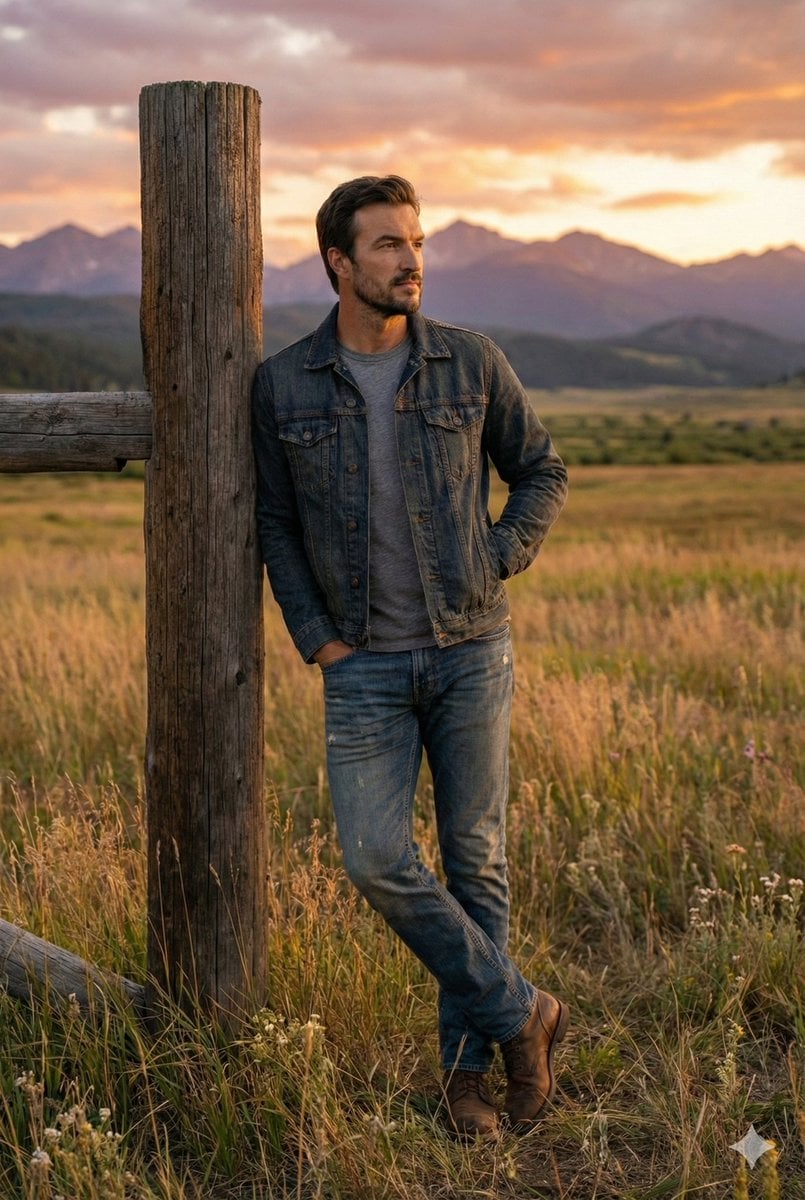
Cinematic Futuristic Studio Portrait Template
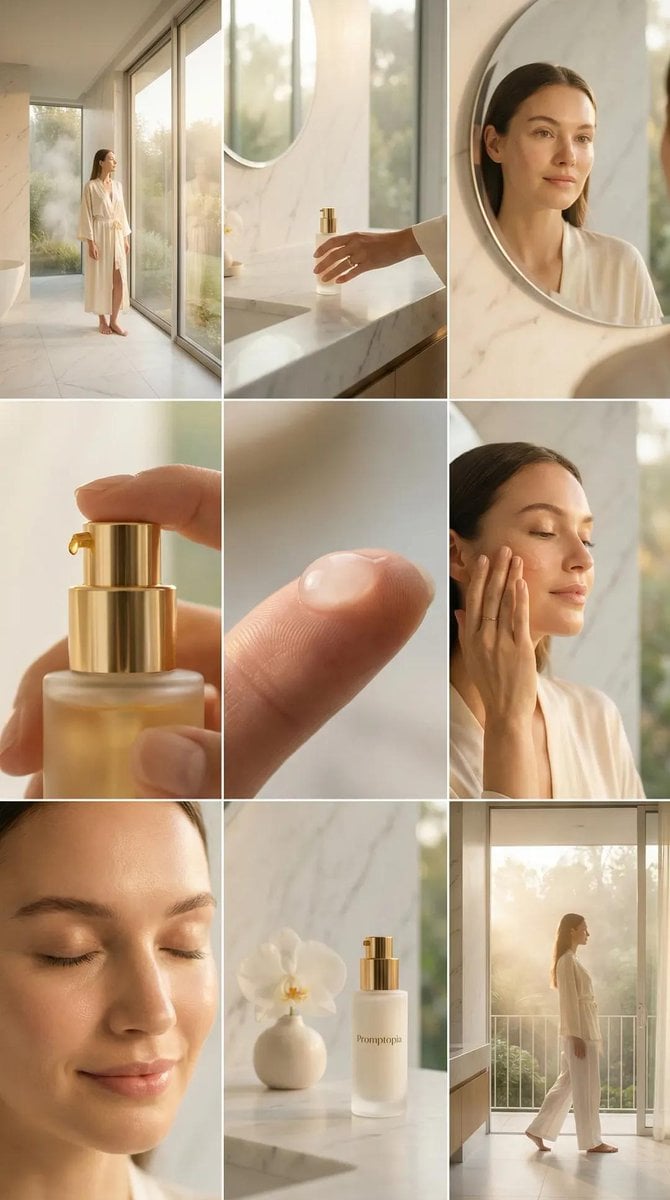
Skincare Editorial Photography Collage Prompt
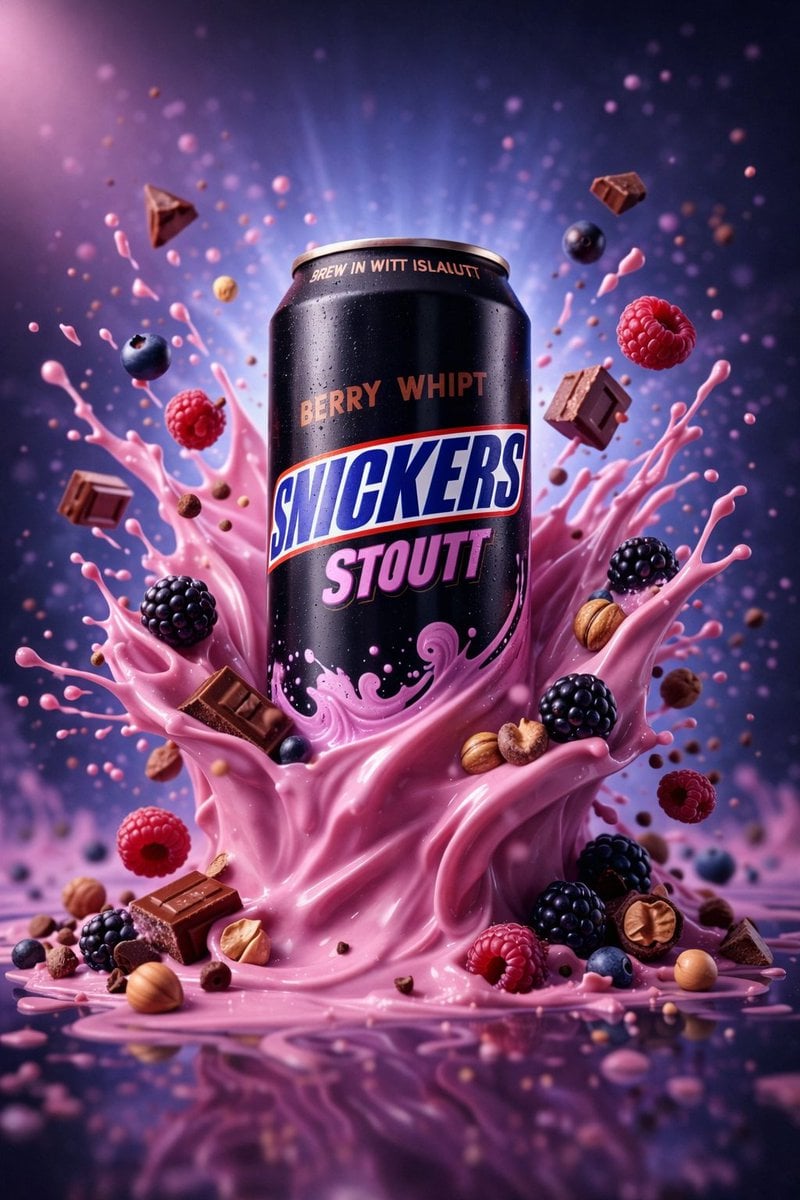
Hyper-Realistic Commercial Product Photography (Splash Effect)
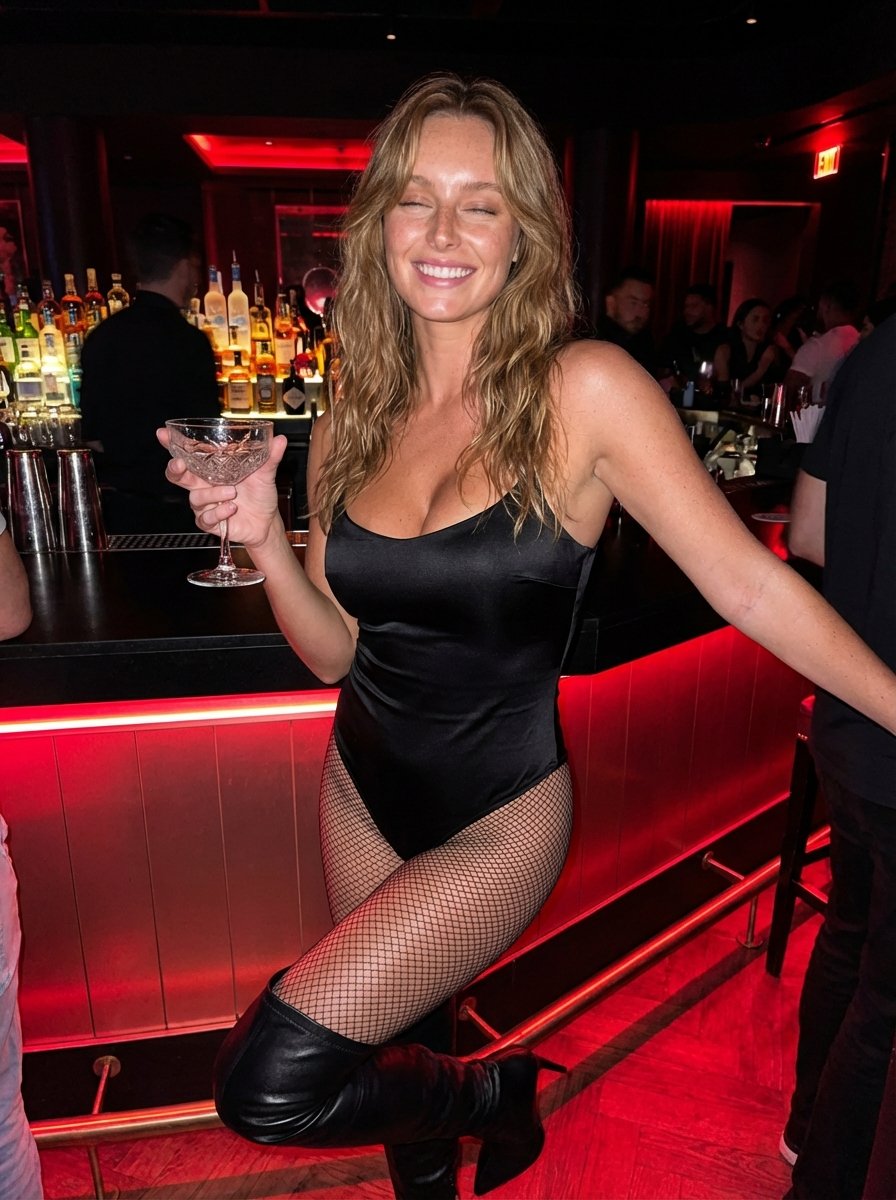
Hyper-Realistic Nightclub Portrait Prompt
More image prompts
Fresh picks from across the catalog.
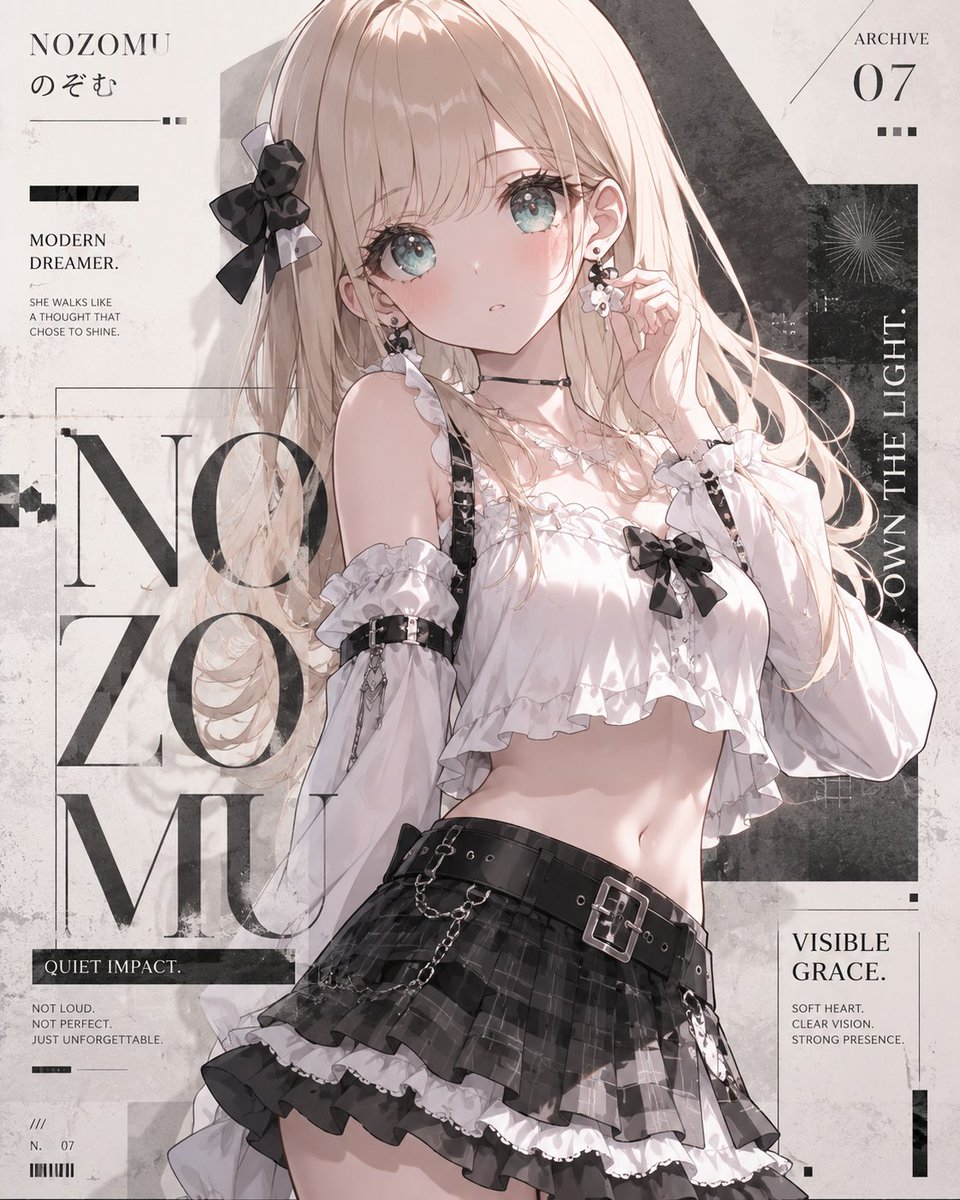
Anime Fashion Magazine Poster
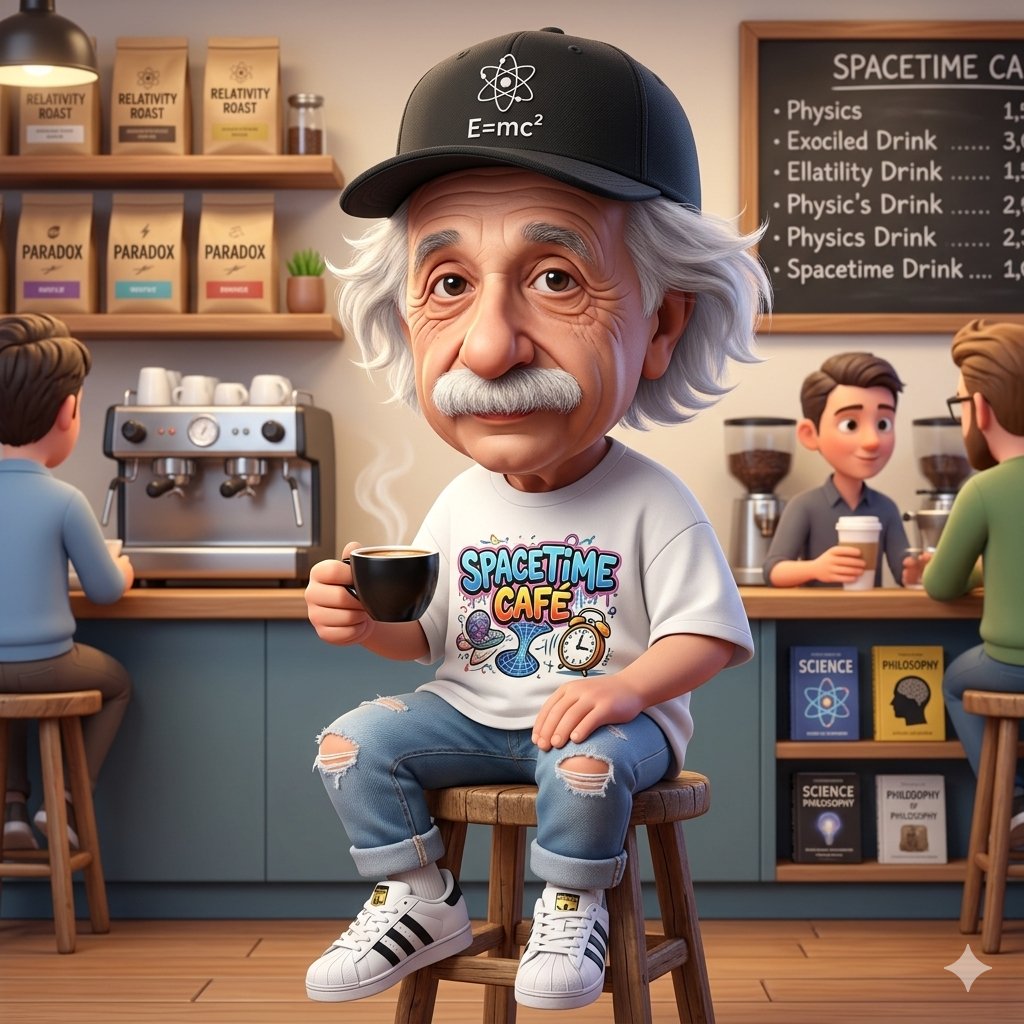
A Cartoonish Take on the Master of Mars

Brutalist Fashion with Alligator
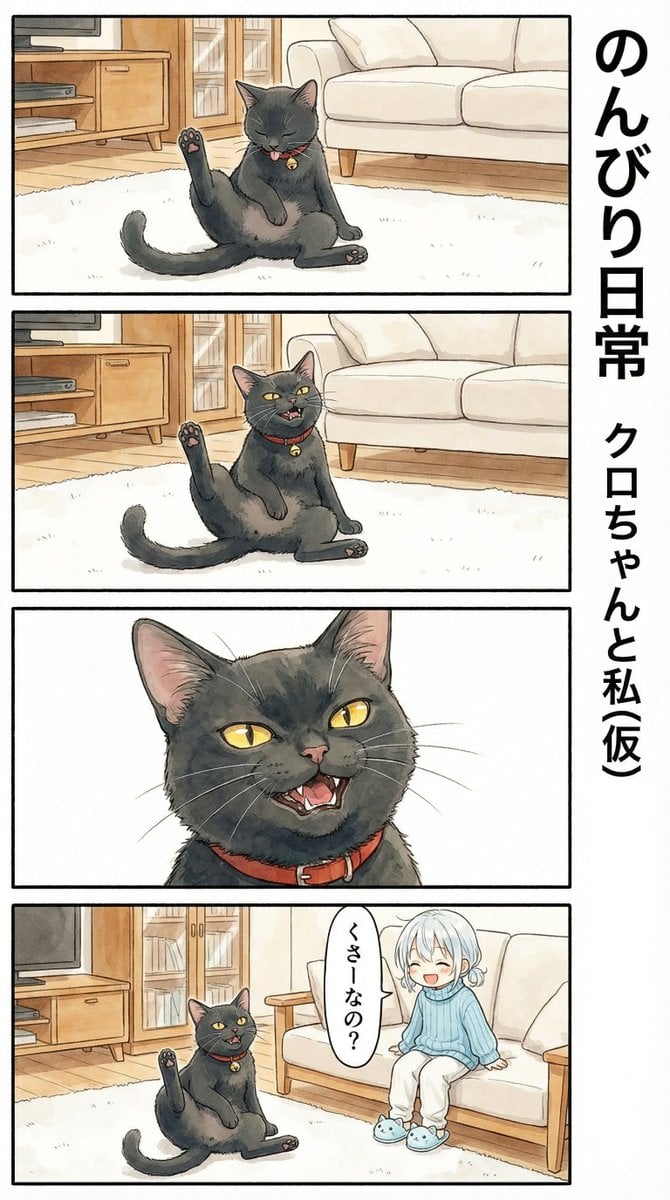
Flehmen Response AI Manga Panel Prompt

Cinematic Portrait with Lamborghini in Dubai Sunset
Gpt2 Product Marketing Anime Character Brand Identity Merch Board

Streetwear Man on Lamborghini at Sunset
Unagi Kabayaki Motion Sheet
Architectural Interior Style Transformation with Depth Map Constraint
Poetic Minimal Illustration Template
Browse template categories
3x3 Photo Collage / 9-Panel Grid questions
How do I use the 3x3 Photo Collage / 9-Panel Grid template?
Add your photo if the template asks for one, edit the prompt if you like — the template's model and format are already selected — and press Generate. Your version opens in PicX Studio.
Can I customize the 3x3 Photo Collage / 9-Panel Grid template?
Yes. You can change the subject, setting, lighting, mood, format, and available model controls before creating your image.
Is the 3x3 Photo Collage / 9-Panel Grid template free?
Opening and editing this template is free. Generating uses credits, shown on the Generate button when you are signed in.
Which AI model should I use?
Start with Nano Banana 2, which is the model associated with this template. You can compare another compatible model for a different finish.
Looking for something else? Browse all templates.

Your photo, any look
Thousands of ready templates for every top image and video model, from one credit balance.