
Rotating Room View Contact Sheet
Generates a multi-angle contact sheet of the same illustrated room from a single reference image, useful for environment turnaround studies.
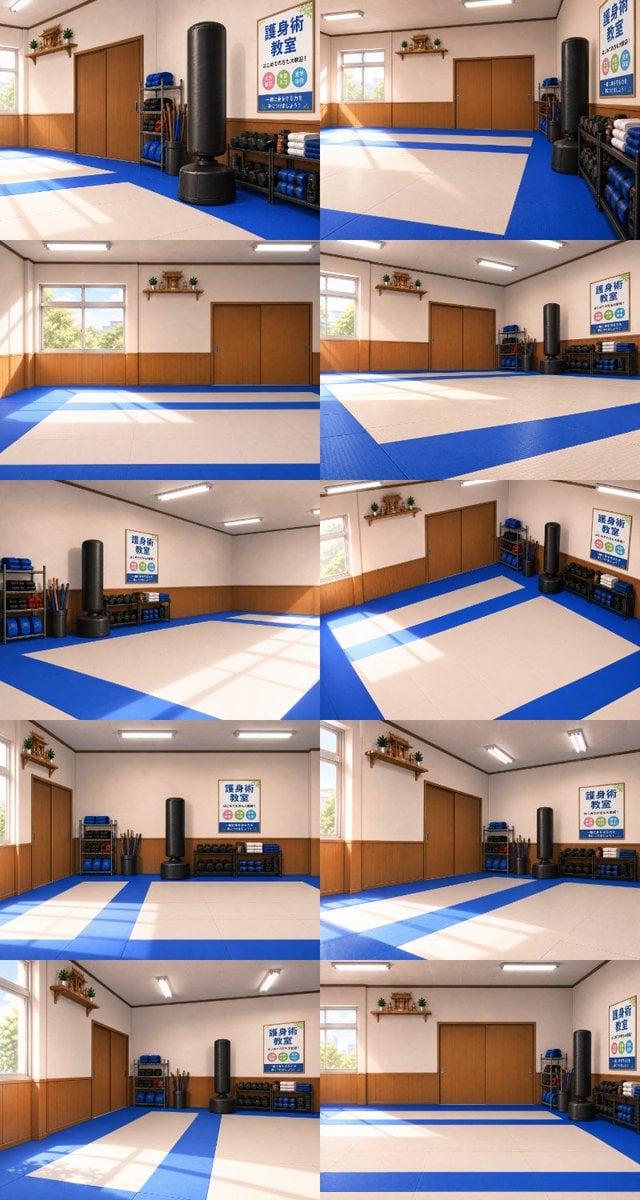
- Prompt included
- Model and format preset
- Free template
The prompt behind this image
Copy the exact prompt behind Rotating Room View Contact Sheet, or open it in the studio and make it yours.
Using the provided reference image as the exact room base, generate a contact-sheet collage showing {argument name="number of views" default="10"} different camera viewpoints of the same self-defense classroom, as if the camera is rotating around the room. Preserve the room identity, furniture, wall poster text, training mats, punching bag, shelves, window, doors, shrine shelf, lighting, colors, and anime background style. Do not add people or new objects. Layout: Arrange the views in a vertical collage with {argument name="collage layout" default="2 columns and 5 rows"}. Each panel should be a wide interior shot, with consistent perspective and lighting, showing different angles of the same space rather than different rooms. Camera variation: Rotate the viewpoint around the room in small increments, including views facing the window, doors, poster wall, equipment shelves, punching bag, and mat area. Keep the geometry believable and maintain continuity between panels. Style constraints: Match the clean illustrated anime interior look of the reference, with soft sunlight through the window, fluorescent ceiling lights, polished blue-and-cream mats, warm wooden wall paneling, and no text overlays outside the poster already in the room.
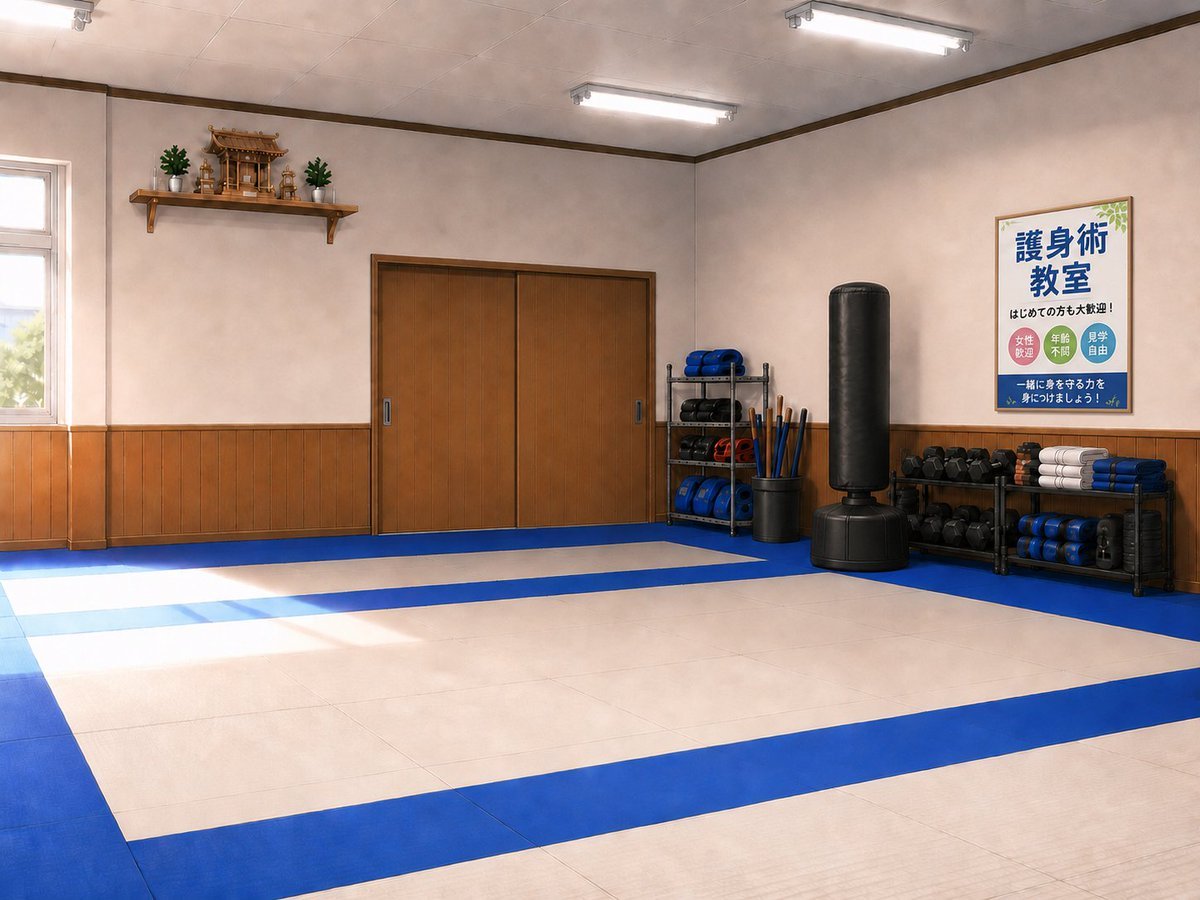
Reference images included
Rotating Room View Contact Sheet needs input media to work. They load alongside the prompt when you open it in the studio.
How to use Rotating Room View Contact Sheet in 3 steps
- 1Upload ImagePNG, JPG or paste
Add your photo
Upload the photo the template builds on. The prompt, model and format are already set.
- 2…a portrait of your subject in softgolden-hour light, 85mm…
Personalize
Edit the subject and creative details for your destination.
- 3Generate
Generate
Press Generate — your image is created in PicX Studio, so you can compare it with the original and refine one variable at a time.
More like this
Templates with the same subject, style or setup. Open one to see its prompt.

Dancer Character - Four View Reference Sheet

Movement Sheet - Dance Reference (Seedance 2.0)
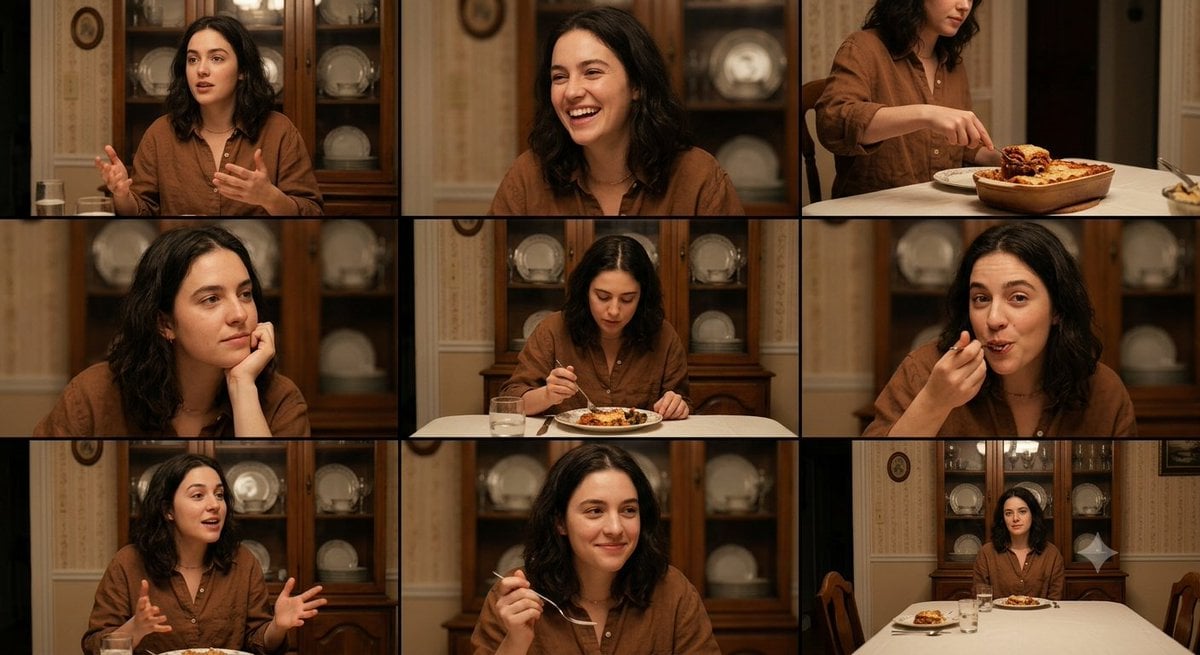
Family Dinner Cinematic Contact Sheet

A 3x3 grid storyboard contact sheet comprised of nine candid, cinematic

Ancient Temple Interior Contact Sheet
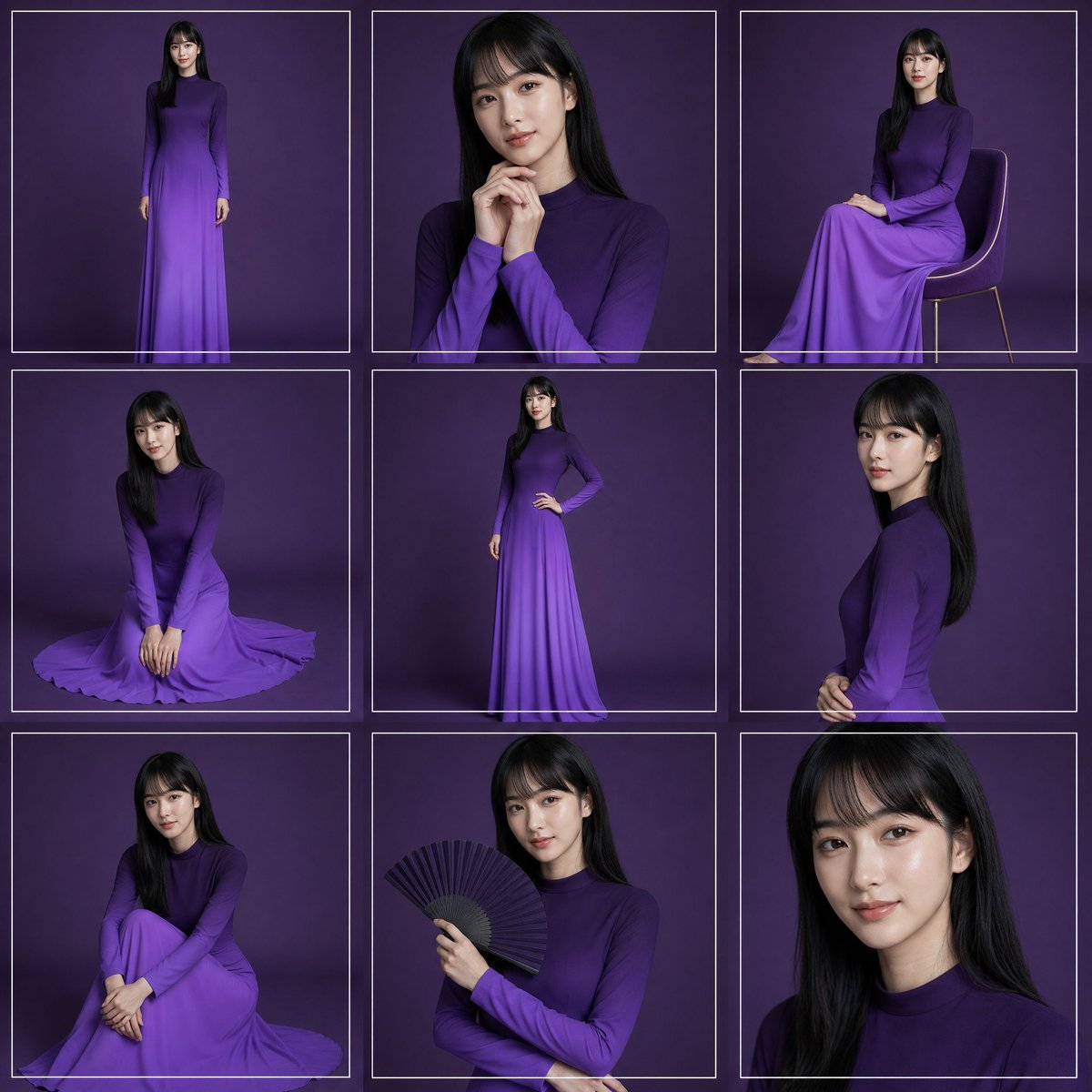
Purple Gown Fashion Contact Sheet
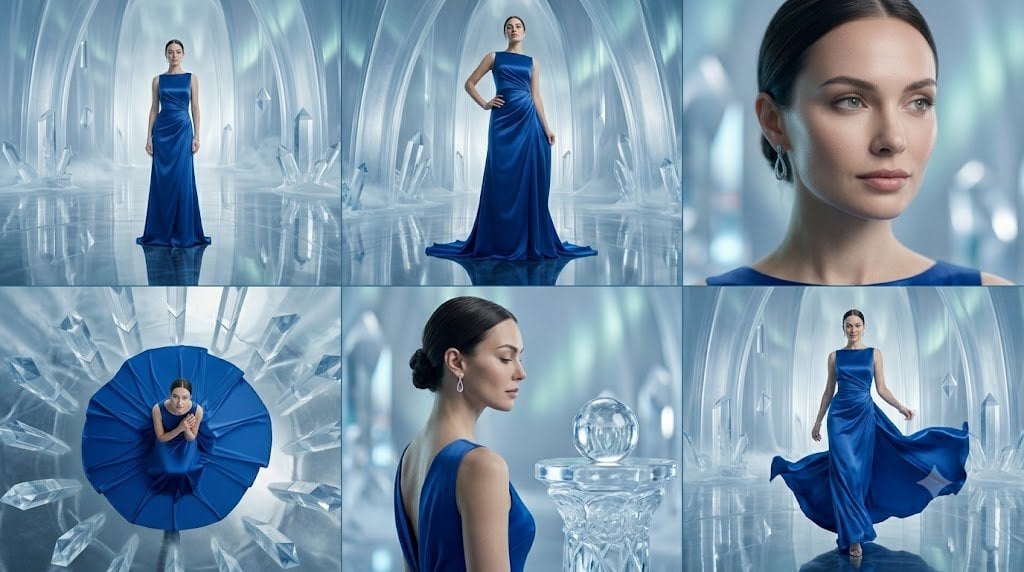
Crystal Palace Blue Gown Contact Sheet
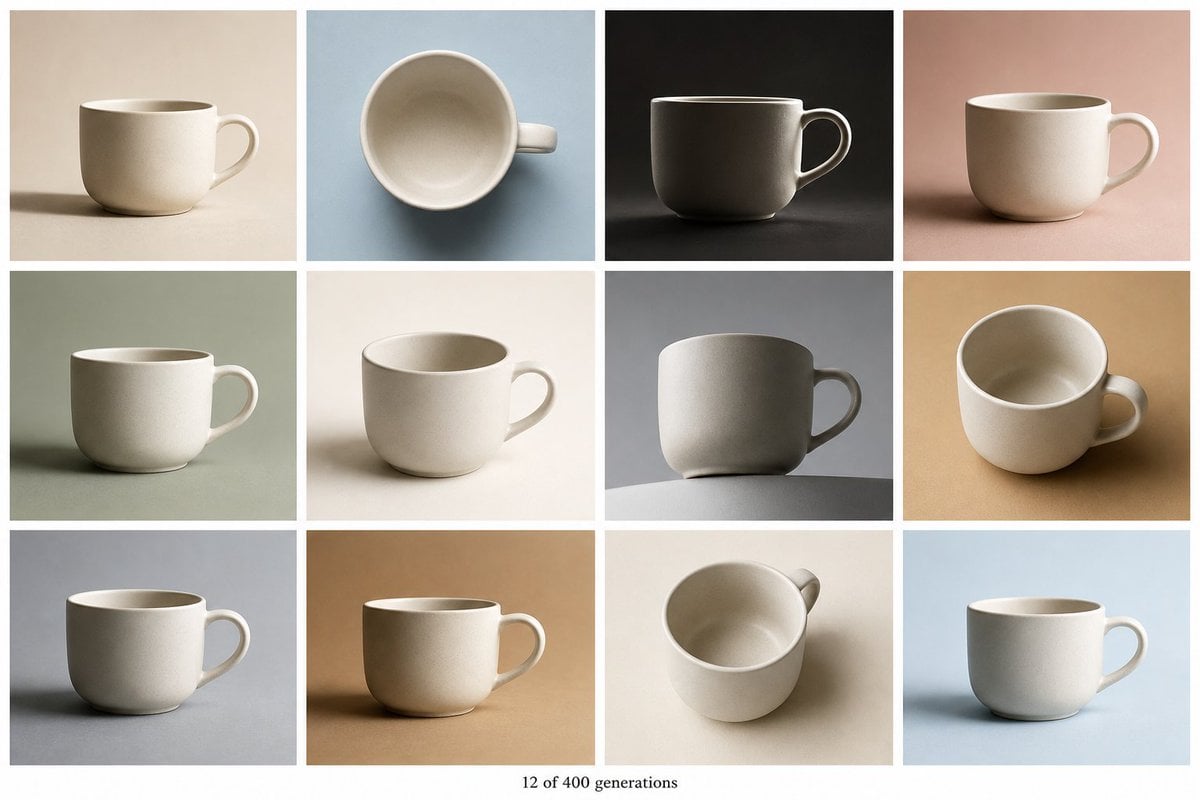
Tile Ceramic Mug Contact Sheet
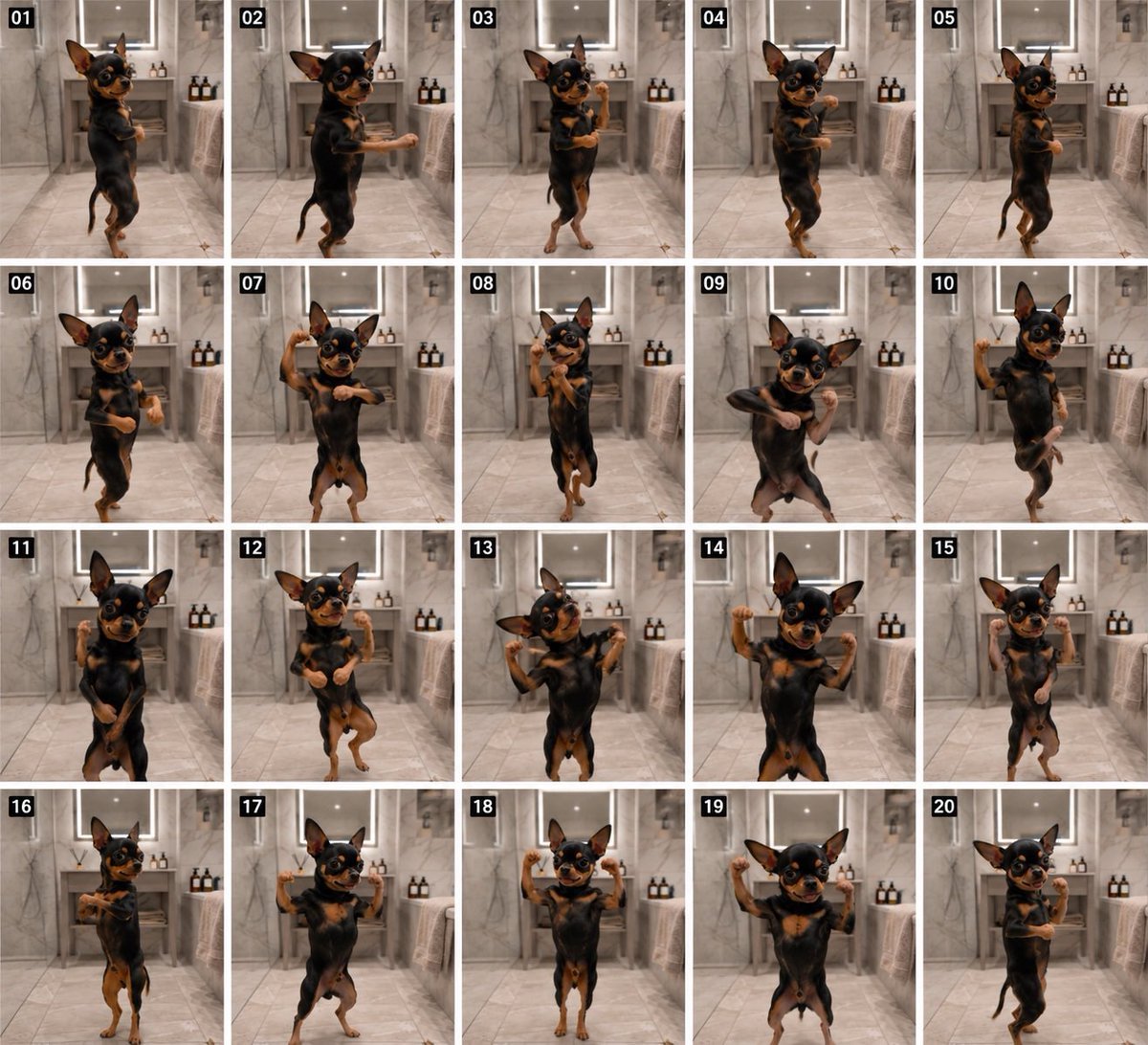
Dancing Chihuahua 20-Frame Contact Sheet
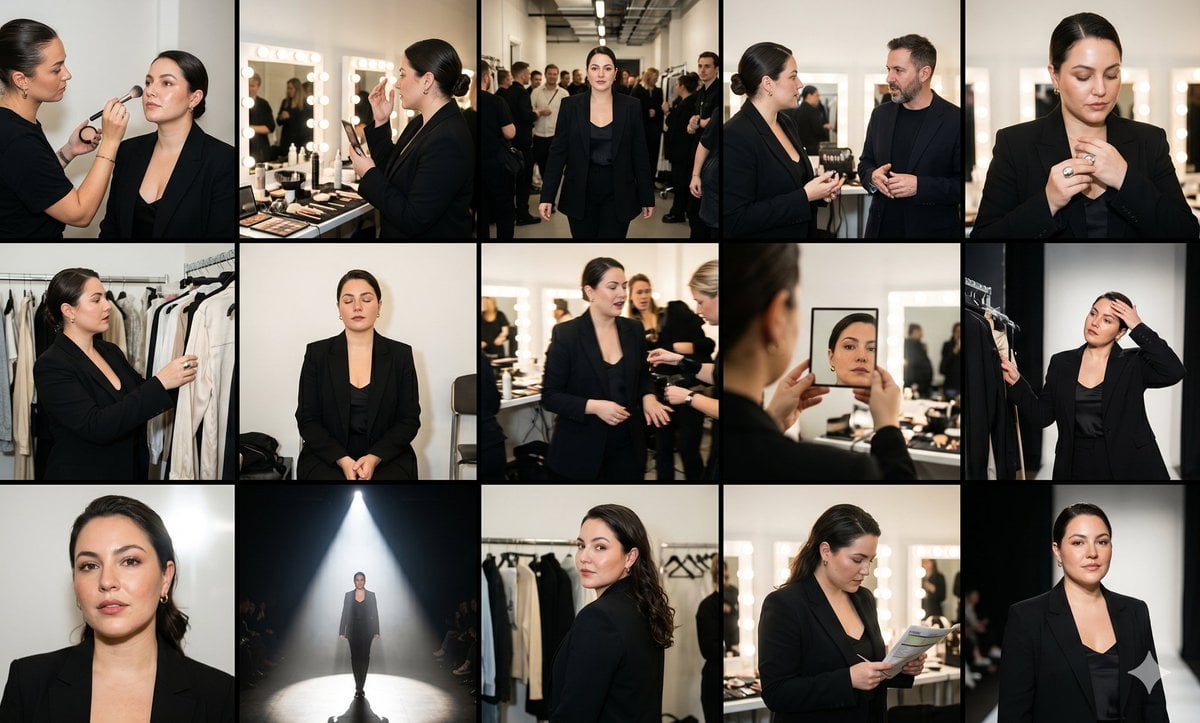
Fashion Week Backstage Contact Sheet

Luxury Black-and-White Fashion Contact Sheet
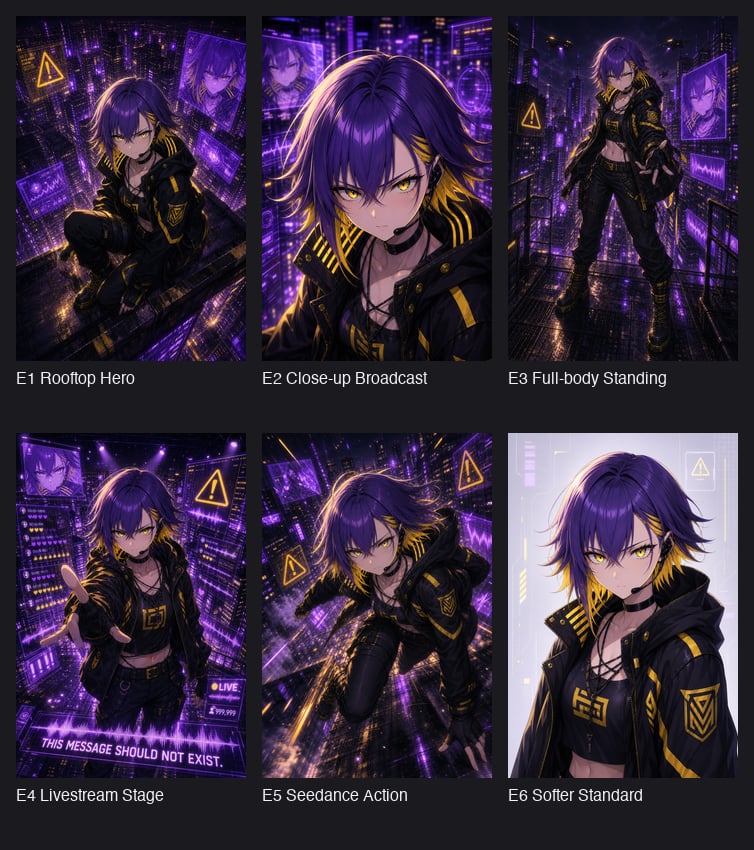
Cyberpunk Anime Hero Contact Sheet
Make it yours
Rotating Room View Contact Sheet works as-is. These are the safest ways to change it without losing the look.
Change one field
Copy a single group, rewrite it, and generate again so you can see what that field is doing.
Keep the frame, change the subject
Hold the composition and light of Rotating Room View Contact Sheet, then swap wardrobe, props or the person for a new take.
| If the result… | Why | Fix |
|---|---|---|
| The result drifts from the preview | Too many fields changed at once. | Reuse Rotating Room View Contact Sheet as-is first, then change one group — subject, light, or setting. |
| The model over-stylizes the scene | The prose prompt leaves finish and camera underspecified. | Add one camera or lighting sentence and stay on GPT Image 2. |
More GPT Image 2 templates
Other prompts made for GPT Image 2.

Six VTuber Japanese Logo Sheet

Realistic Portrait of Woman and Deer

The Vista Modular Condo Poster

AI Model Routing Comparison Infographic

2.5D Anime Art Board

Isometric Productivity Desk Scene

New York Double Exposure Poster

Four-Panel AI Landscape Comparison

Japanese Tatami Lifestyle Magazine Cover

NESCAFÉ Coffee Map Poster
More image prompts
Fresh picks from across the catalog.

Futuristic Studio Portrait
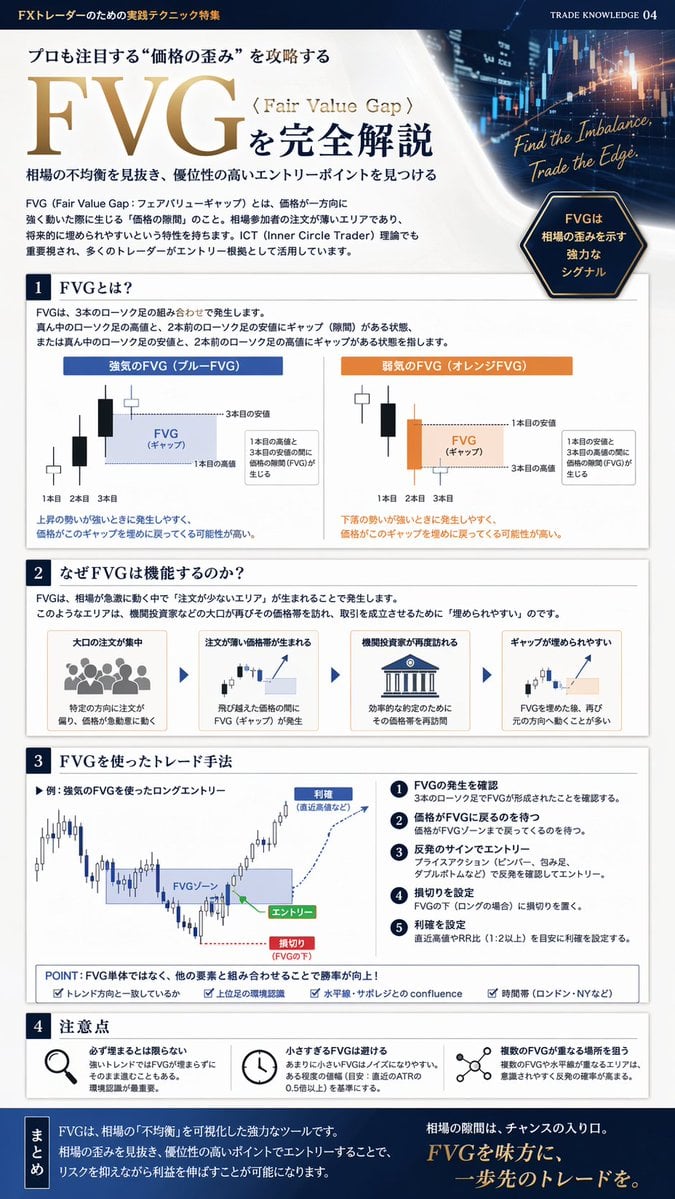
FX Trading Educational Infographic
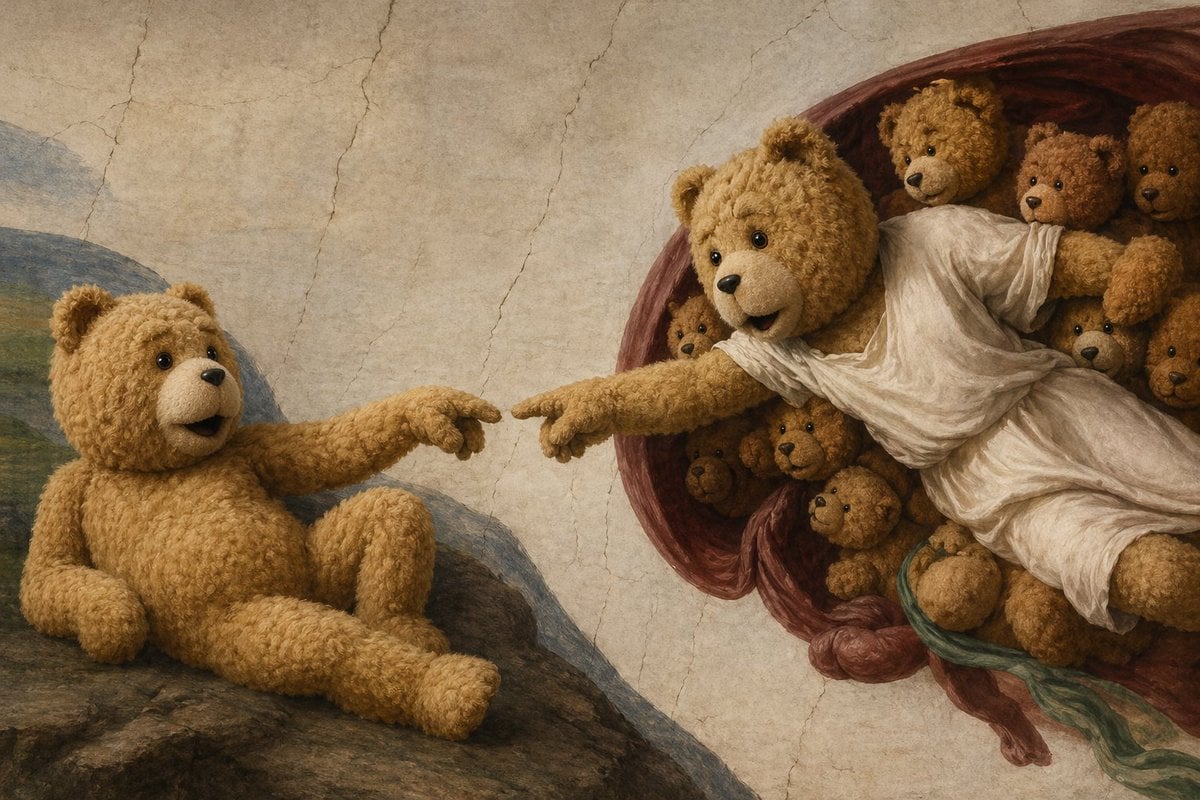
Teddy Bear Creation Fresco

Mecha Anime Poster Art
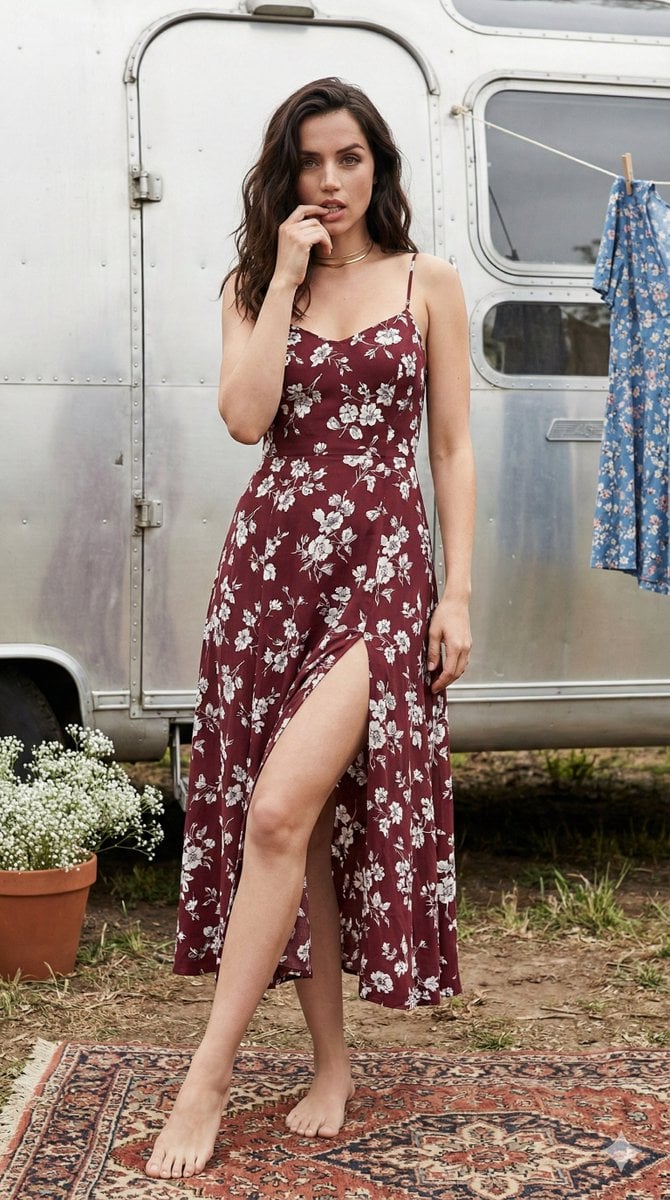
Bohemian Summer Airstream Portrait Prompt
Seedance - Storyboard to Movie

Classical Chinese Romance Landscape with Hanfu
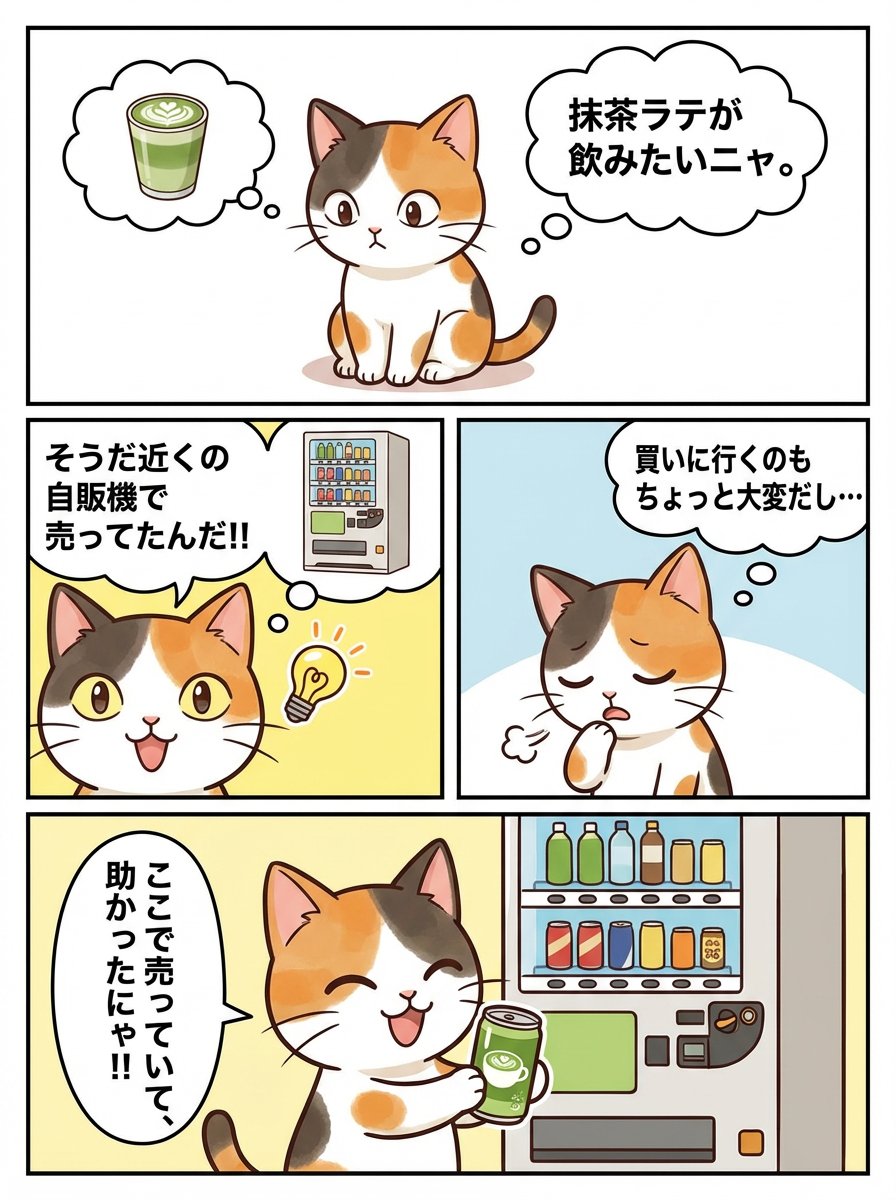
Panel Manga Story Generator (Cat Character)
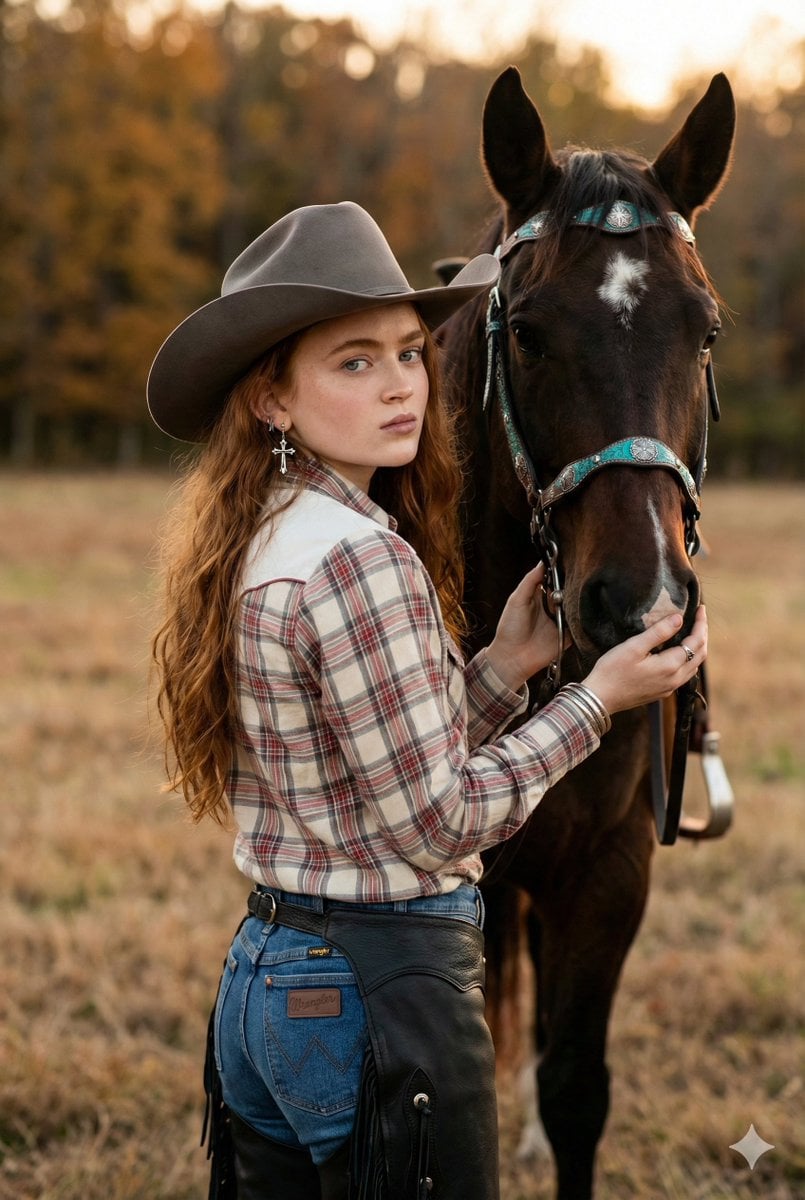
Rustic Cowgirl Portrait with Horse
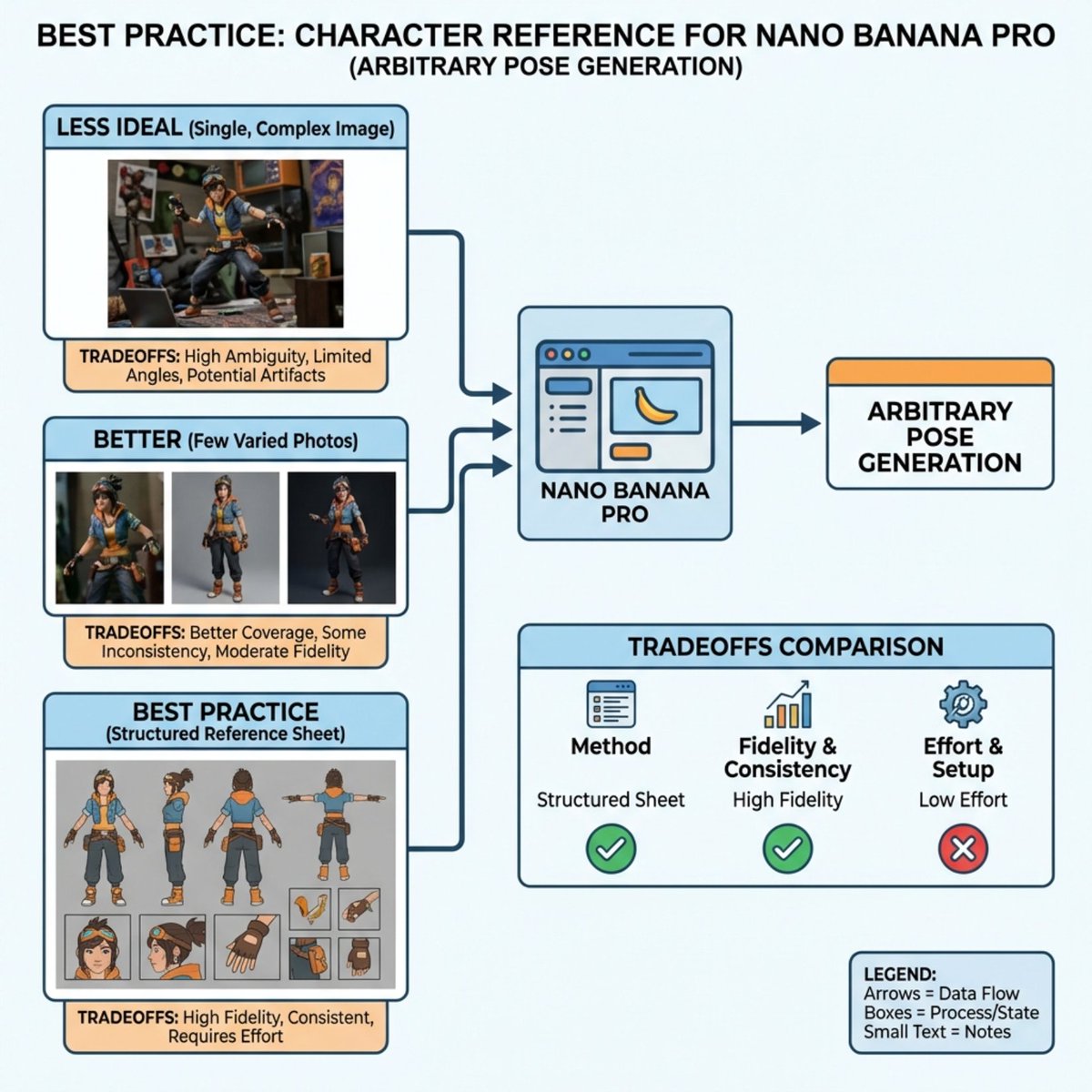
Nano Banana Pro Explains Itself
Browse template categories
Rotating Room View Contact Sheet questions
How do I use the Rotating Room View Contact Sheet template?
Add your photo if the template asks for one, edit the prompt if you like — the template's model and format are already selected — and press Generate. Your version opens in PicX Studio.
Can I customize the Rotating Room View Contact Sheet template?
Yes. You can change the subject, setting, lighting, mood, format, and available model controls before creating your image.
Is the Rotating Room View Contact Sheet template free?
Opening and editing this template is free. Generating uses credits, shown on the Generate button when you are signed in.
Which AI model should I use?
Start with GPT Image 2, which is the model associated with this template. You can compare another compatible model for a different finish.
Looking for something else? Browse all templates.

Your photo, any look
Thousands of ready templates for every top image and video model, from one credit balance.