
Stick Figure Driver Sketch
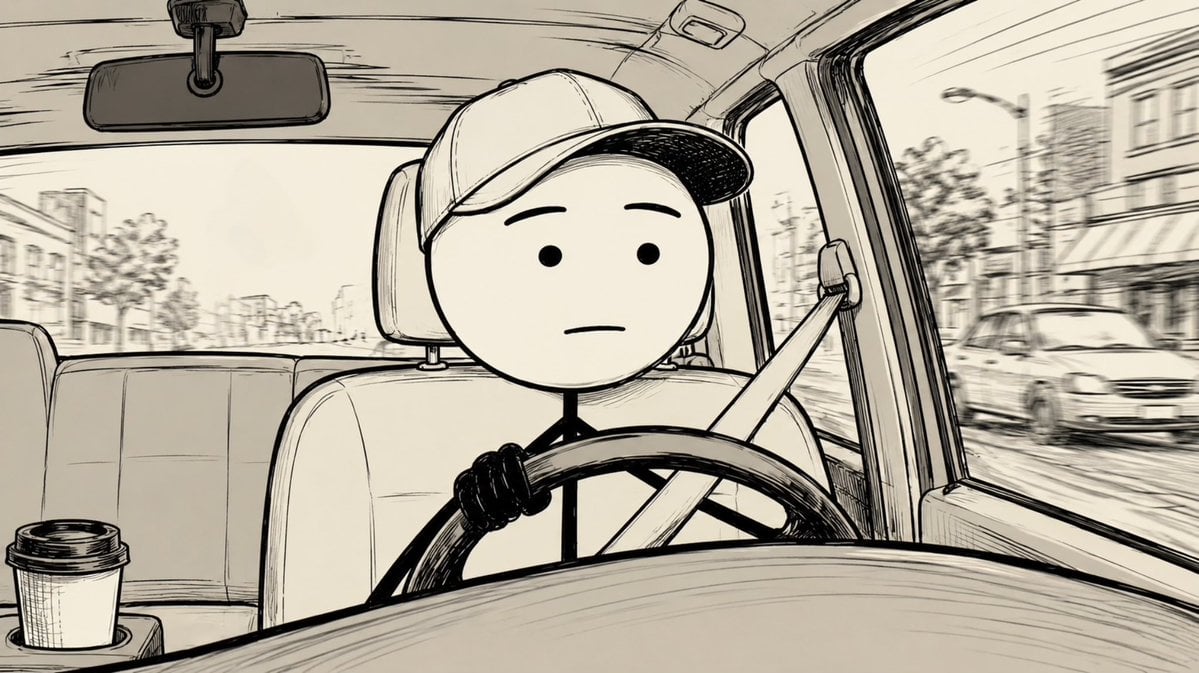
A monochrome hand-drawn dashboard-view car scene featuring a simple stick-figure driver for animated social posts or storyboard frames.
- Prompt included
- Model and format preset
- Free template
The prompt behind this image
Copy the exact prompt behind Stick Figure Driver Sketch, or open it in the studio and make it yours.
Create a widescreen 16:9 black-and-white hand-drawn ink illustration from the perspective of the front dashboard inside a car. Show exactly one simple stick-figure driver centered in frame, wearing {argument name="hat type" default="a baseball cap"}, with a blank neutral face: two dot eyes, two simple eyebrows, and one straight mouth. The character has exactly one visible hand gripping the left side of the steering wheel, a thin stick body, and a diagonal seatbelt crossing from the upper right shoulder to the lower left. Include exactly one large steering wheel in the foreground, one front driver seat and headrest behind the character, one rearview mirror at the top left, one rear bench seat across the background, and exactly one takeaway coffee cup with a lid in a cup holder at the lower left. Through the windows, draw a lightly blurred urban street with storefronts, parked cars, trees, streetlights, and low-rise buildings to imply motion while driving. Use an off-white paper background, rough sketchbook linework, expressive crosshatching, thick black outlines on the character and steering wheel, finer perspective lines for the car interior, and a calm slightly awkward morning commute mood. No color, no text, no logos, no watermark.
How to use Stick Figure Driver Sketch in 3 steps
- 1Upload ImagePNG, JPG or paste
Add your photo
Upload the photo the template builds on. The prompt, model and format are already set.
- 2…a portrait of your subject in softgolden-hour light, 85mm…
Personalize
Edit the subject and creative details for your destination.
- 3Generate
Generate
Press Generate — your image is created in PicX Studio, so you can compare it with the original and refine one variable at a time.
More like this
Templates with the same subject, style or setup. Open one to see its prompt.
Stick Figure Group to Fashion Photo

Japanese Café Sketch Duo Illustration

Delicate Japanese Café Lifestyle Illustration
Simple Stick Figure Coloring Book Clipart
Real-Scene Inset Sketch Poster

Chibi Anime Ninja Sticker Sheet
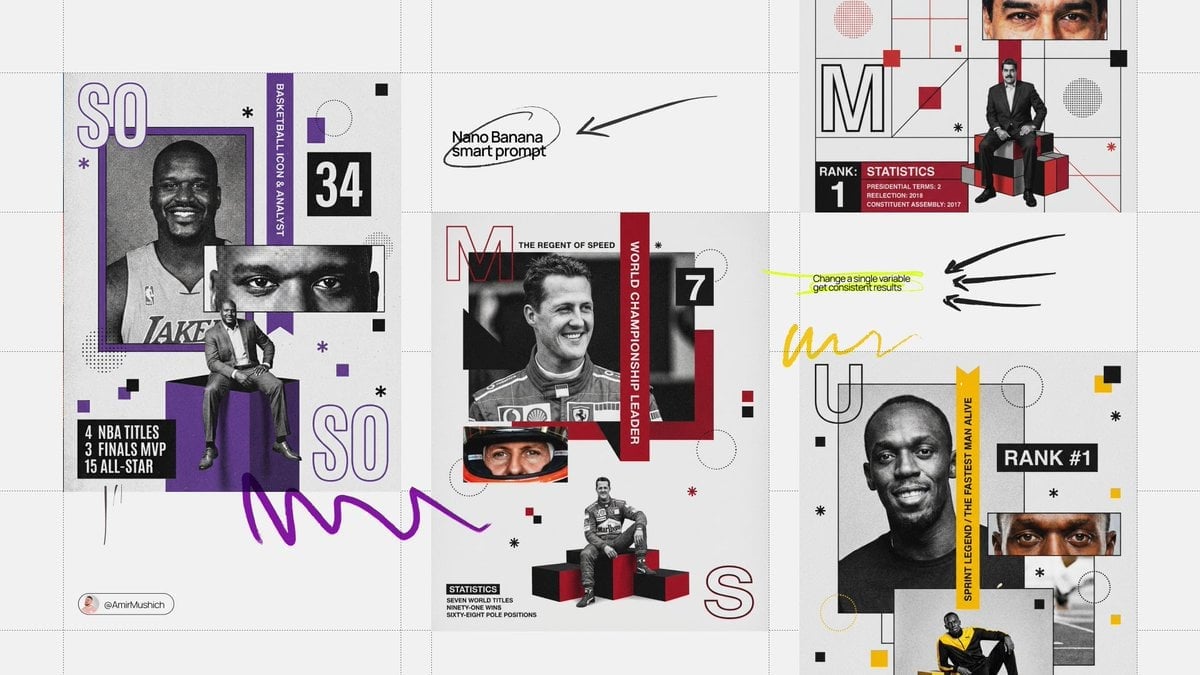
Based on their identity e g, Racing Orange for a driver, Neon Cyan
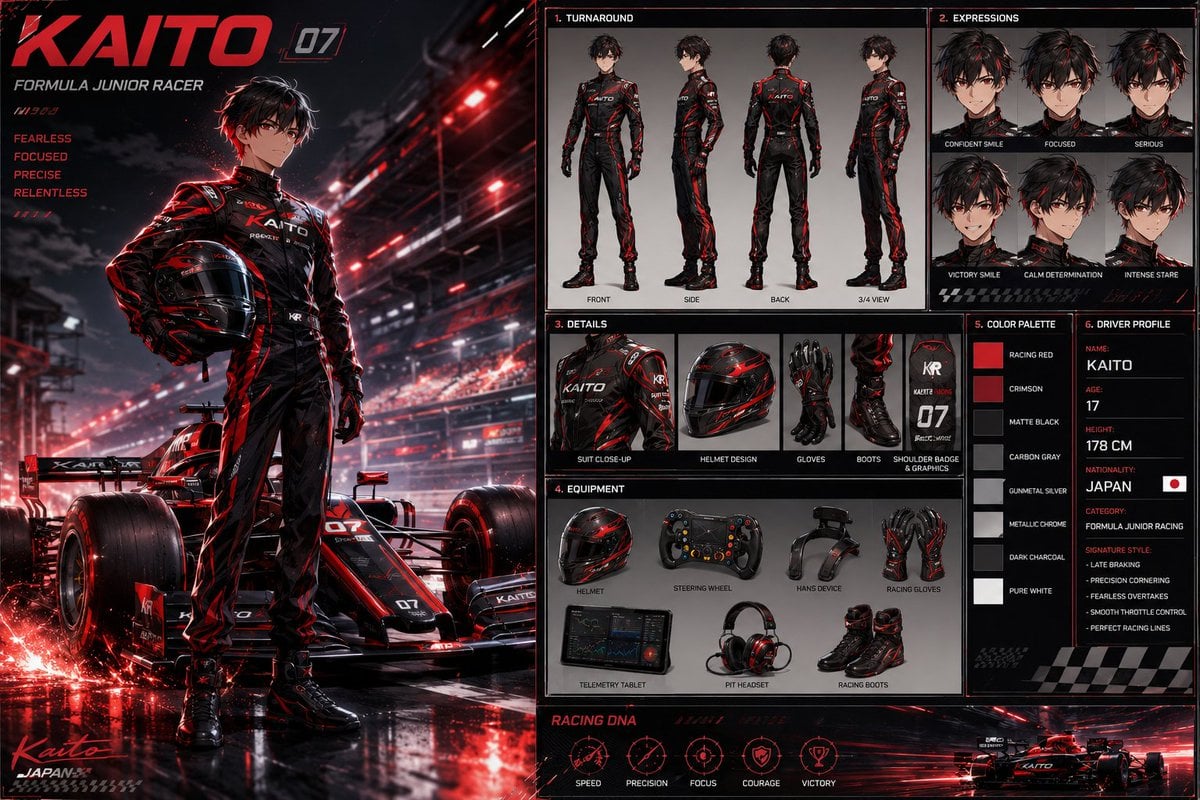
Anime Racing Driver Character Design Sheet
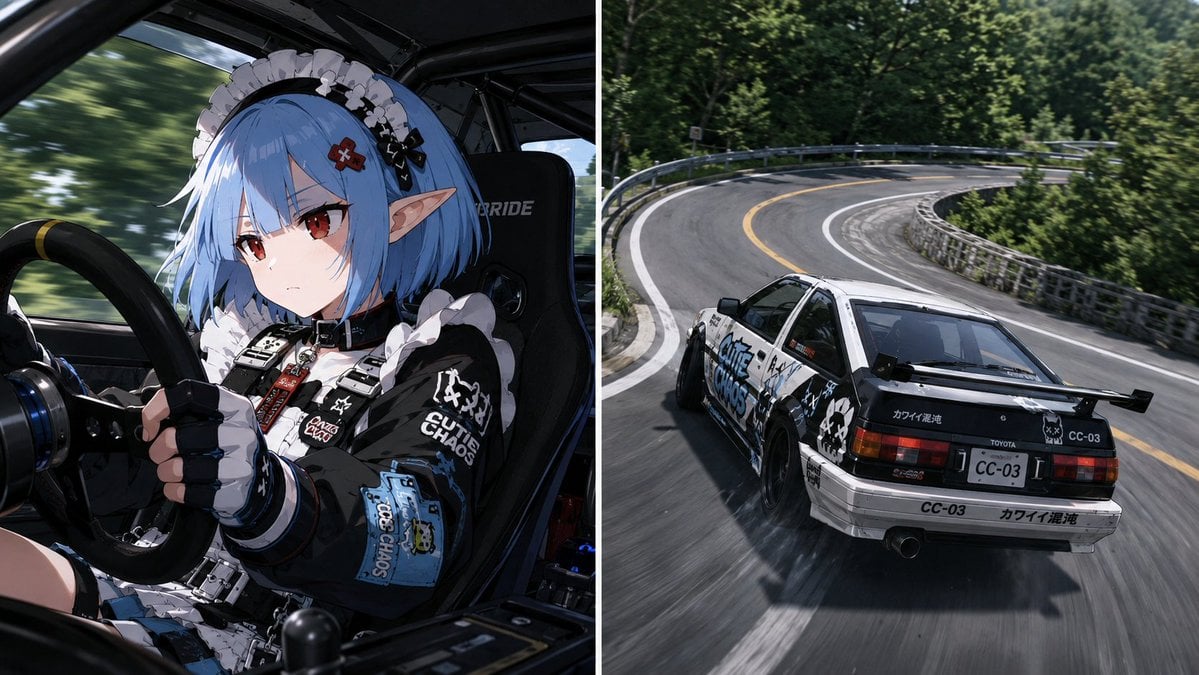
Split Screen Racing Game Driver View
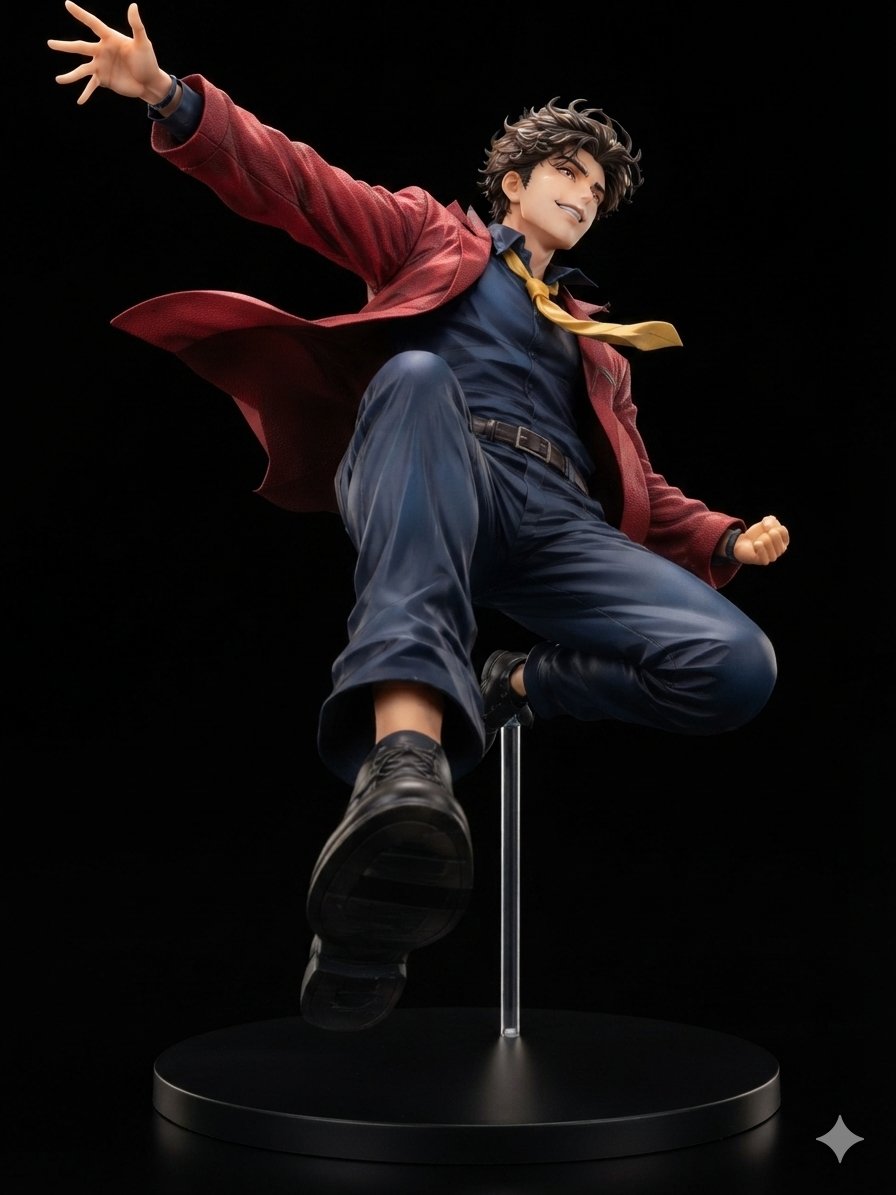
Dynamic Anime Hero Figure Render
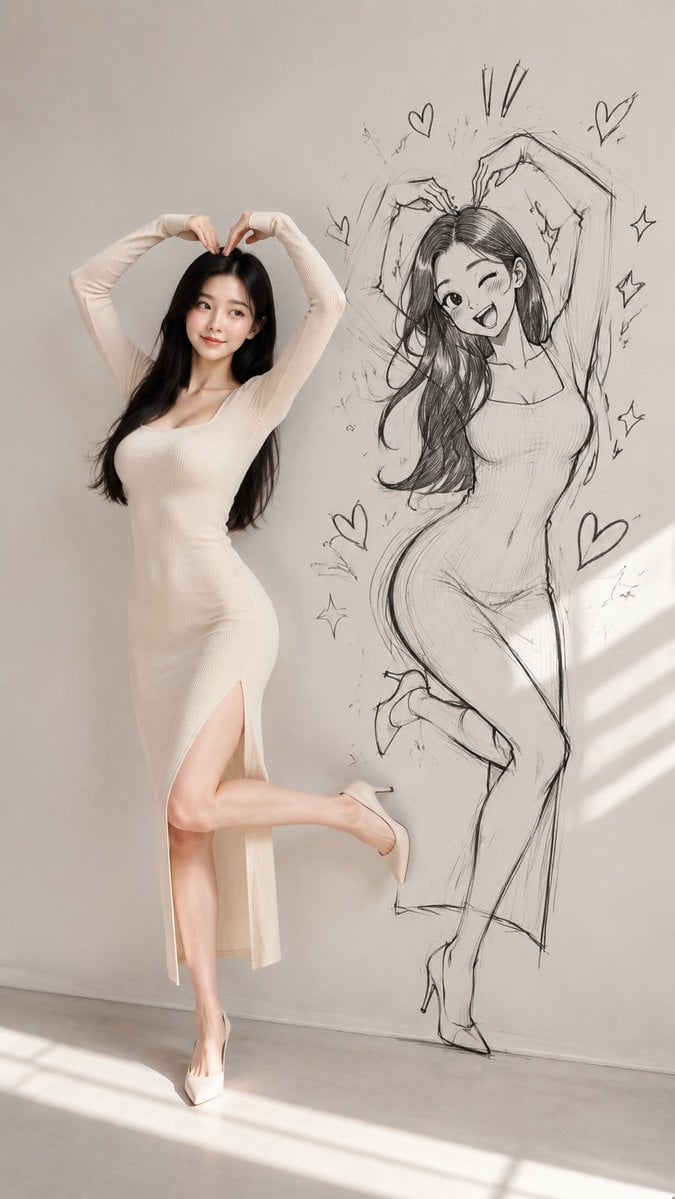
Model With Manga Wall Sketch
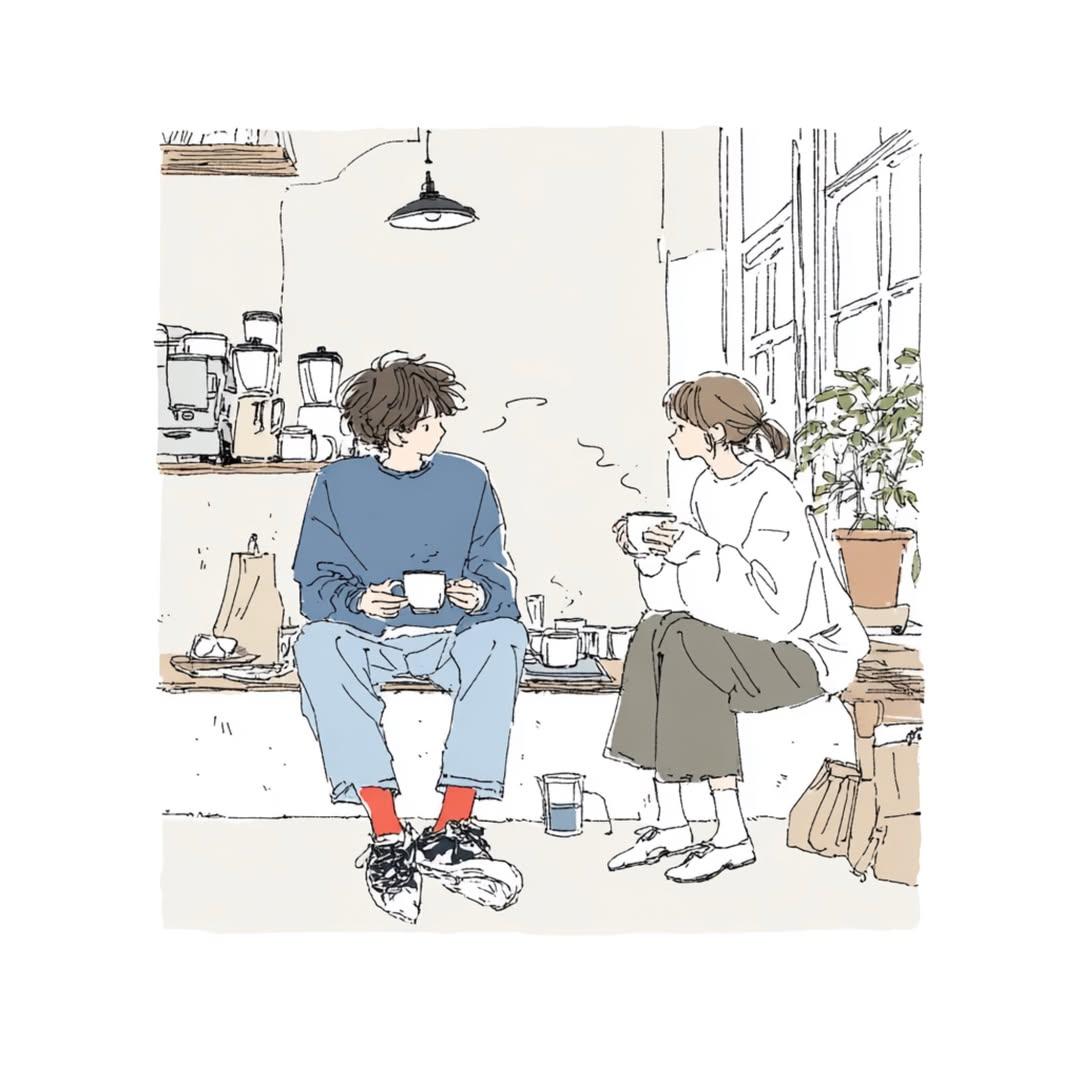
Japanese Lifestyle Sketch Illustration
Make it yours
Stick Figure Driver Sketch works as-is. These are the safest ways to change it without losing the look.
Change one field
Copy a single group, rewrite it, and generate again so you can see what that field is doing.
Keep the frame, change the subject
Hold the composition and light of Stick Figure Driver Sketch, then swap wardrobe, props or the person for a new take.
| If the result… | Why | Fix |
|---|---|---|
| The result drifts from the preview | Too many fields changed at once. | Reuse Stick Figure Driver Sketch as-is first, then change one group — subject, light, or setting. |
| The model over-stylizes the scene | The prose prompt leaves finish and camera underspecified. | Add one camera or lighting sentence and stay on GPT Image 2. |
More GPT Image 2 templates
Other prompts made for GPT Image 2.

Six VTuber Japanese Logo Sheet

Realistic Portrait of Woman and Deer

The Vista Modular Condo Poster

AI Model Routing Comparison Infographic

2.5D Anime Art Board

Isometric Productivity Desk Scene

New York Double Exposure Poster

Four-Panel AI Landscape Comparison

Japanese Tatami Lifestyle Magazine Cover

NESCAFÉ Coffee Map Poster
More image prompts
Fresh picks from across the catalog.
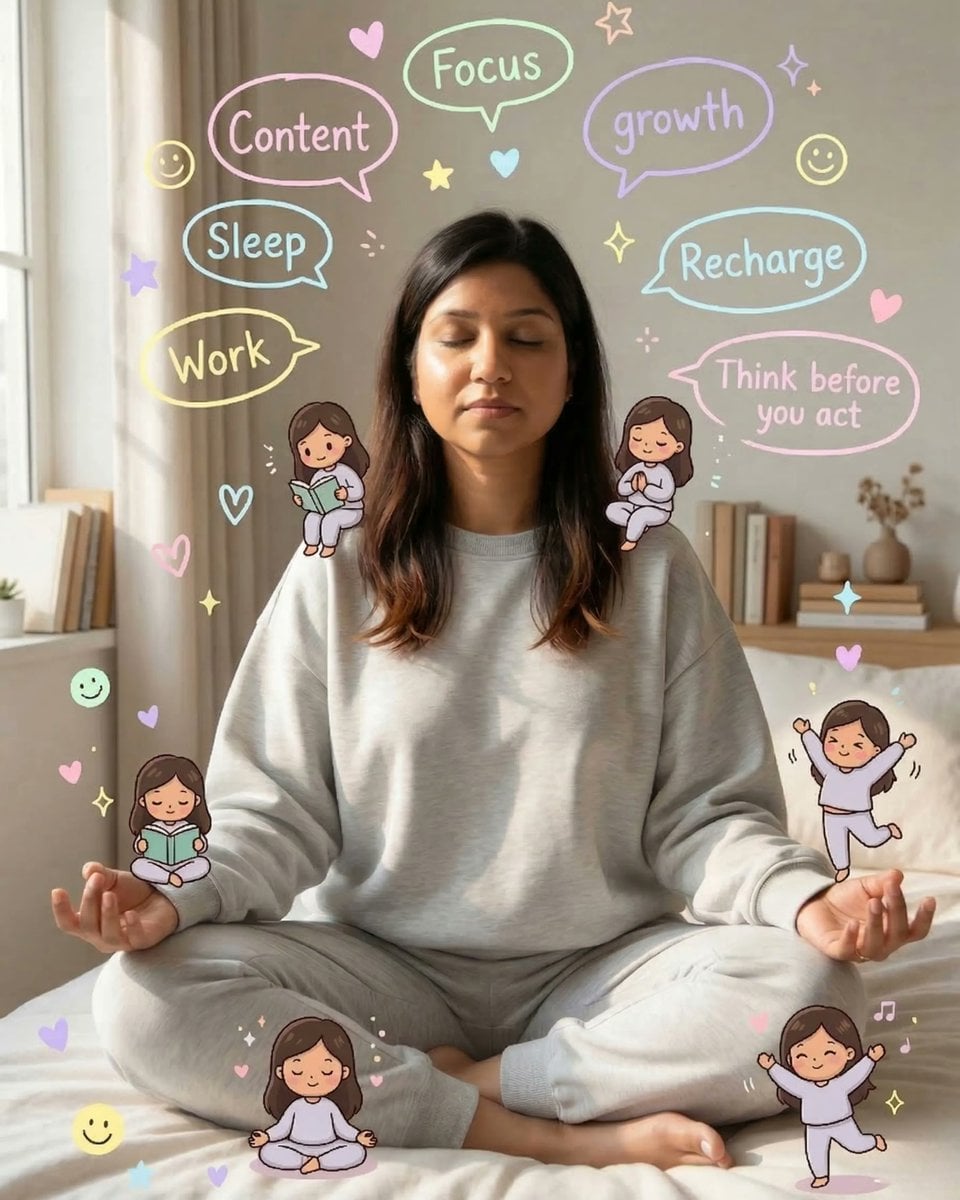
Cozy Meditation Scene with Chibi Doodles
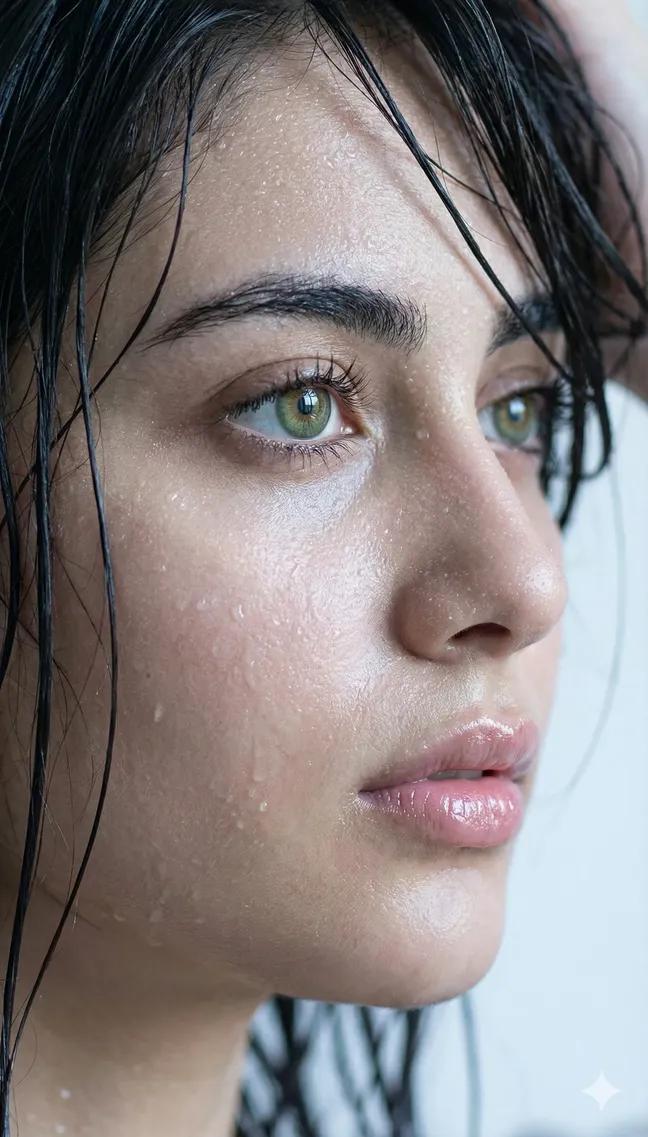
Extreme Wet Close-Up Portrait
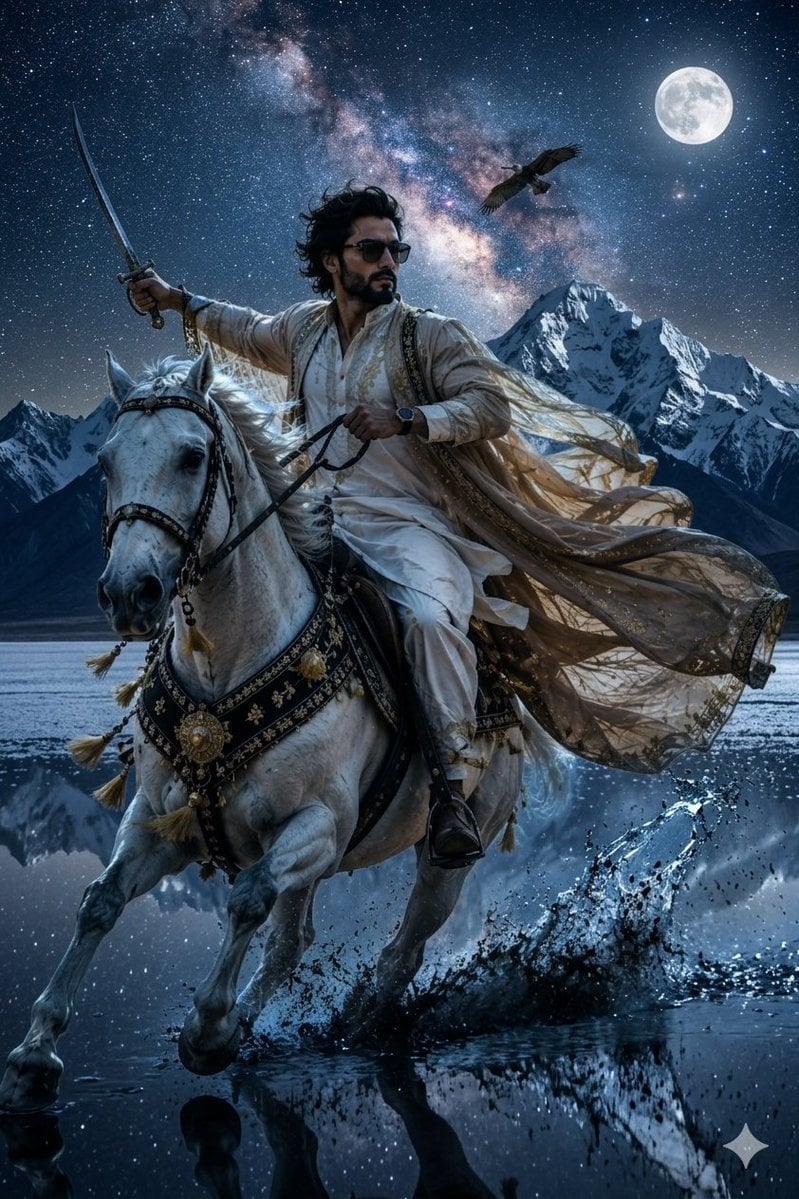
Epic Midnight Warrior Fantasy Scene
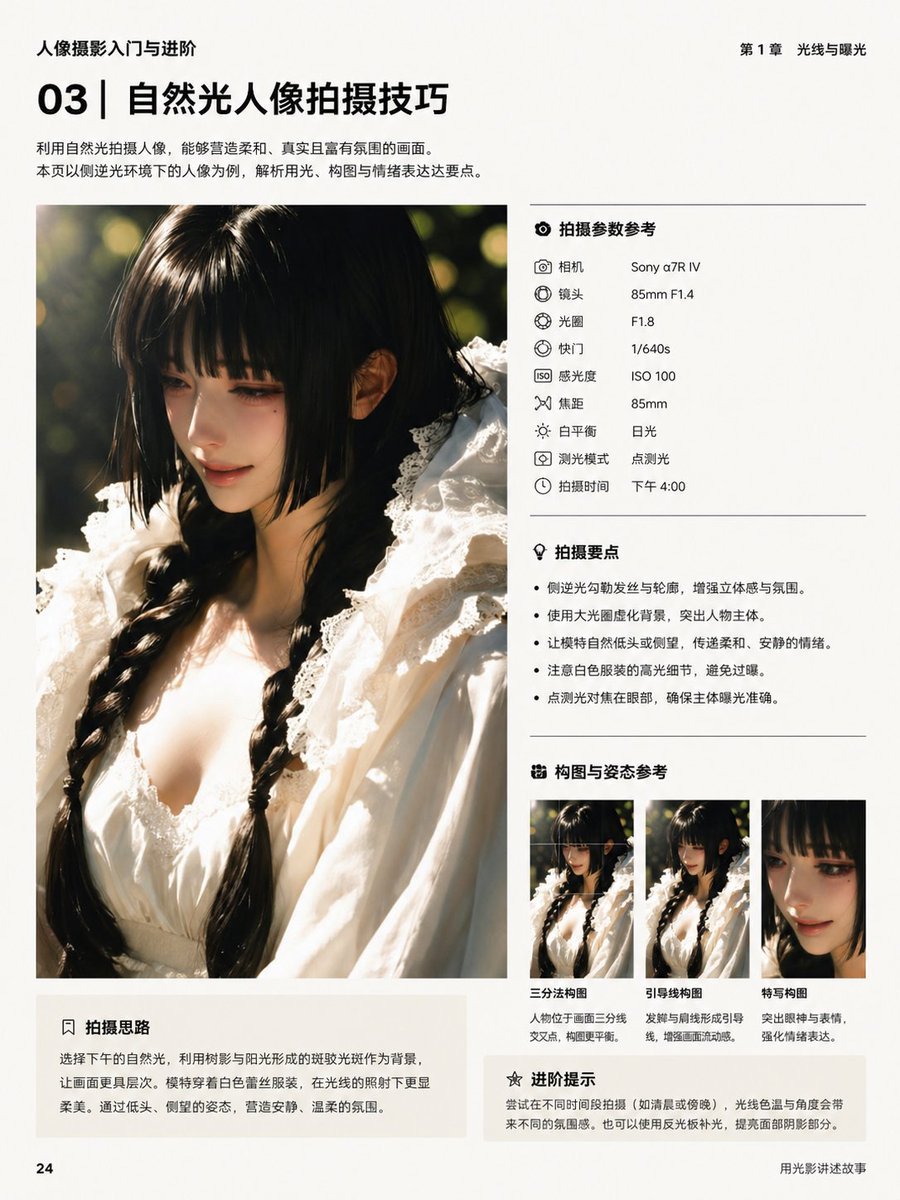
Chinese Photography Book Layout

Realistic Image Generation with Identity Reference Prompt
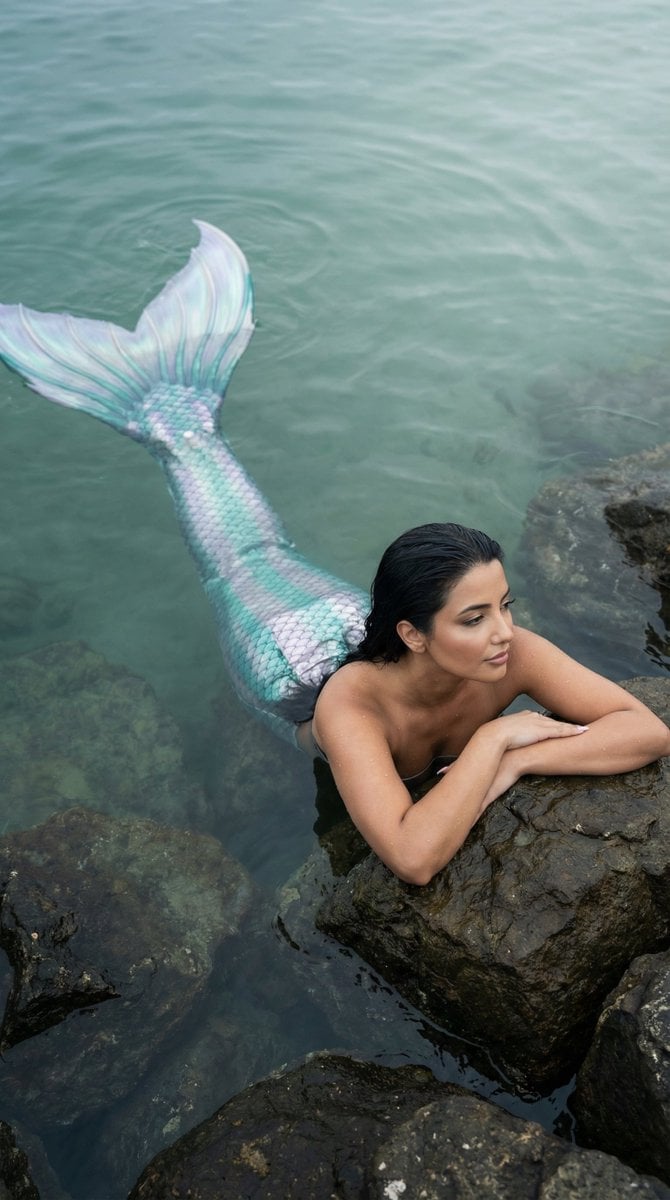
Cinematic Mermaid Portrait in Shallow Water
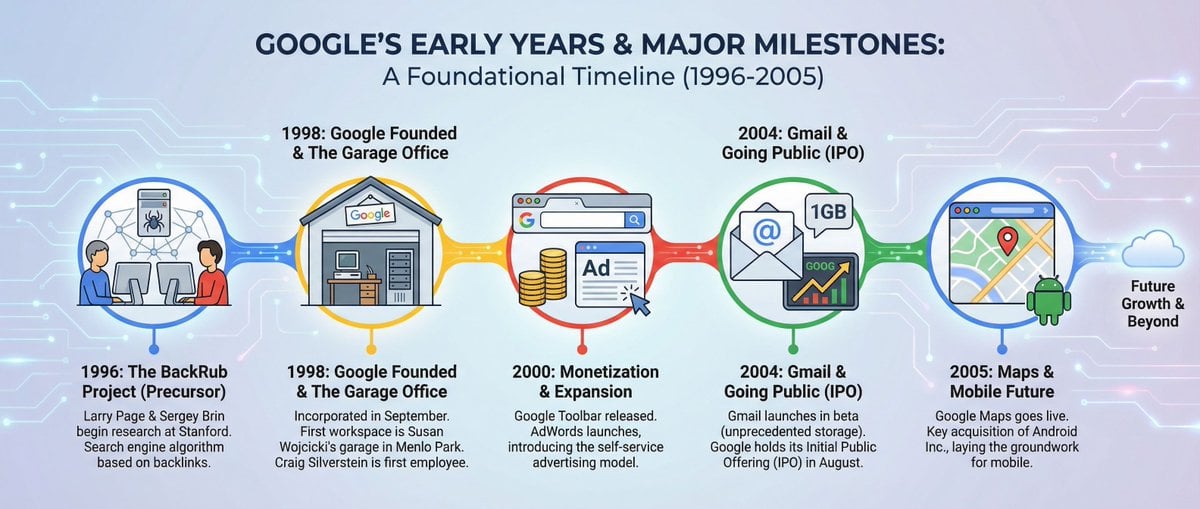
Infographic about Google’s early years
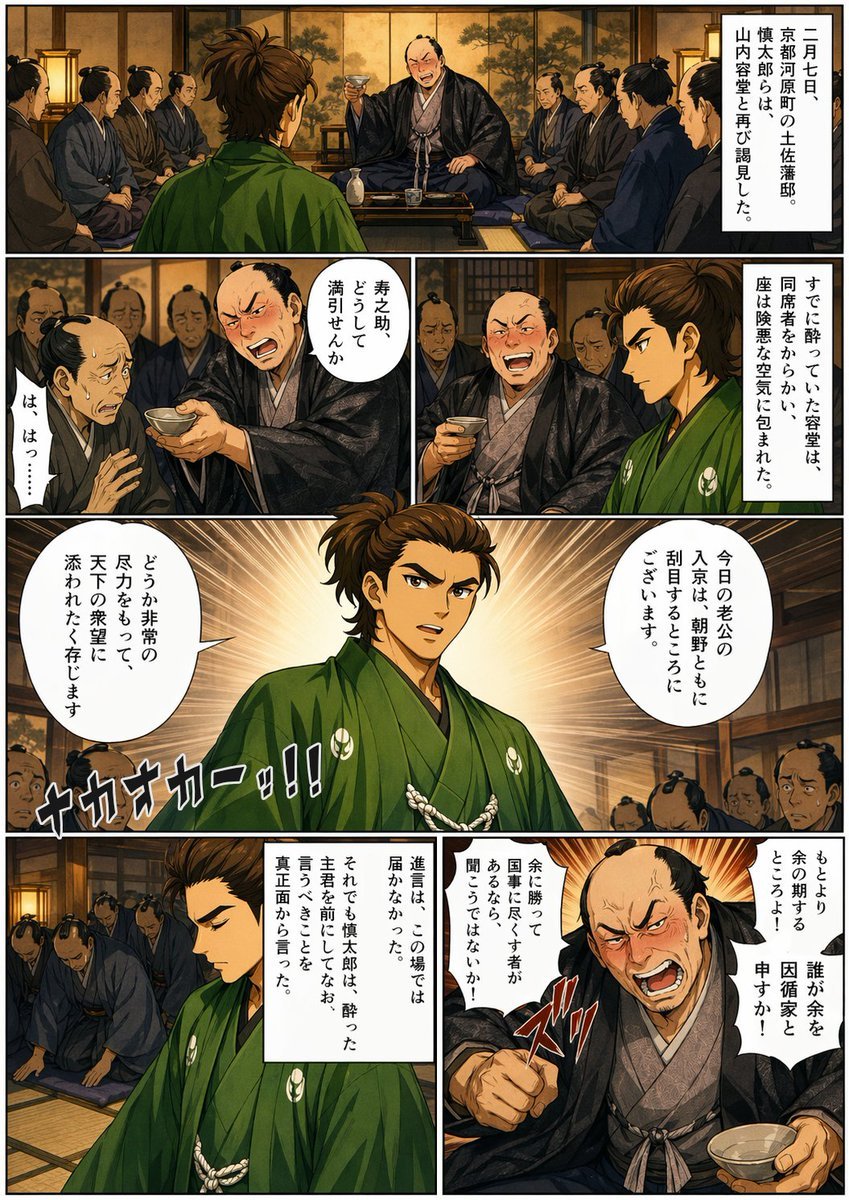
Bakumatsu Confrontation Manga Page
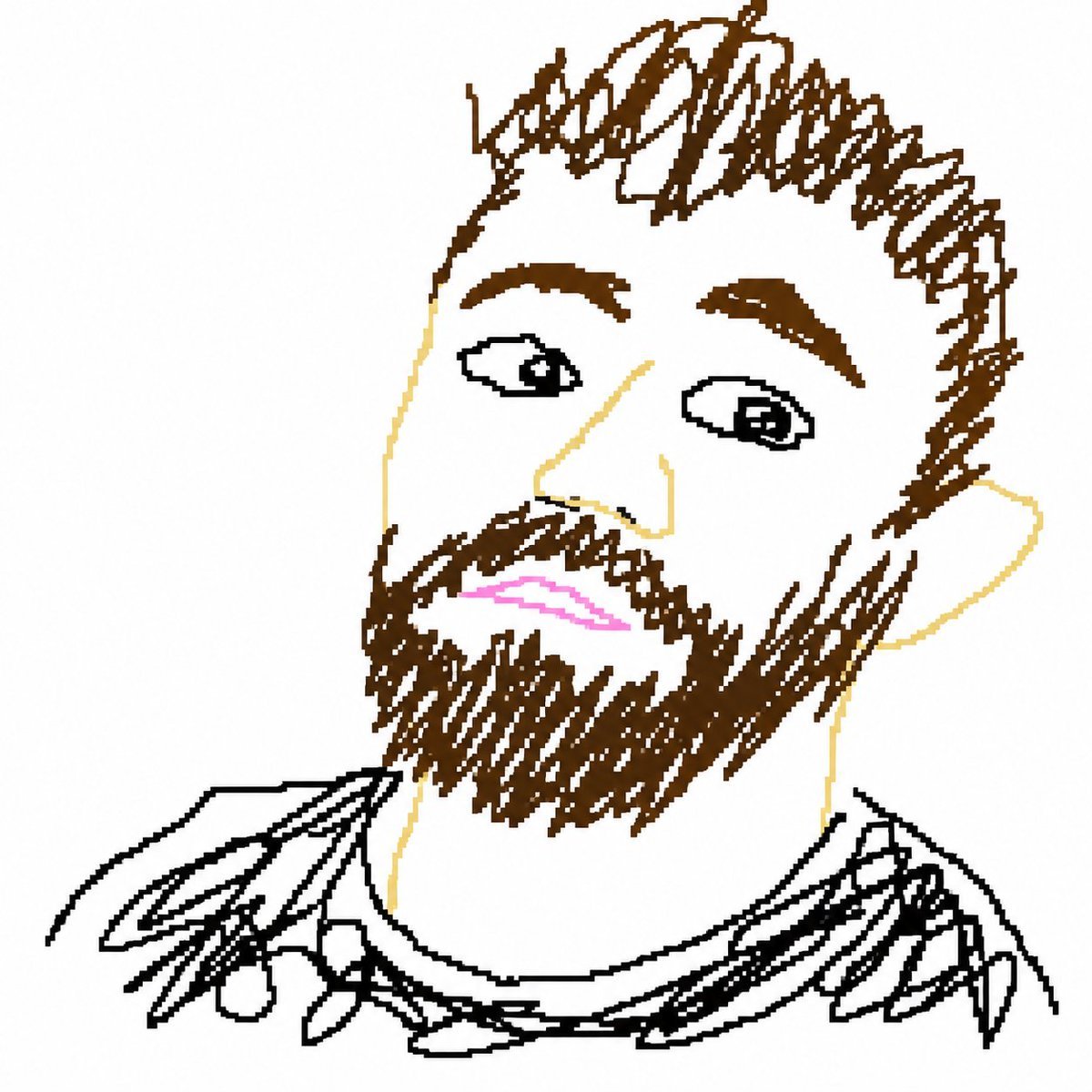
Bad MS Paint Redraw
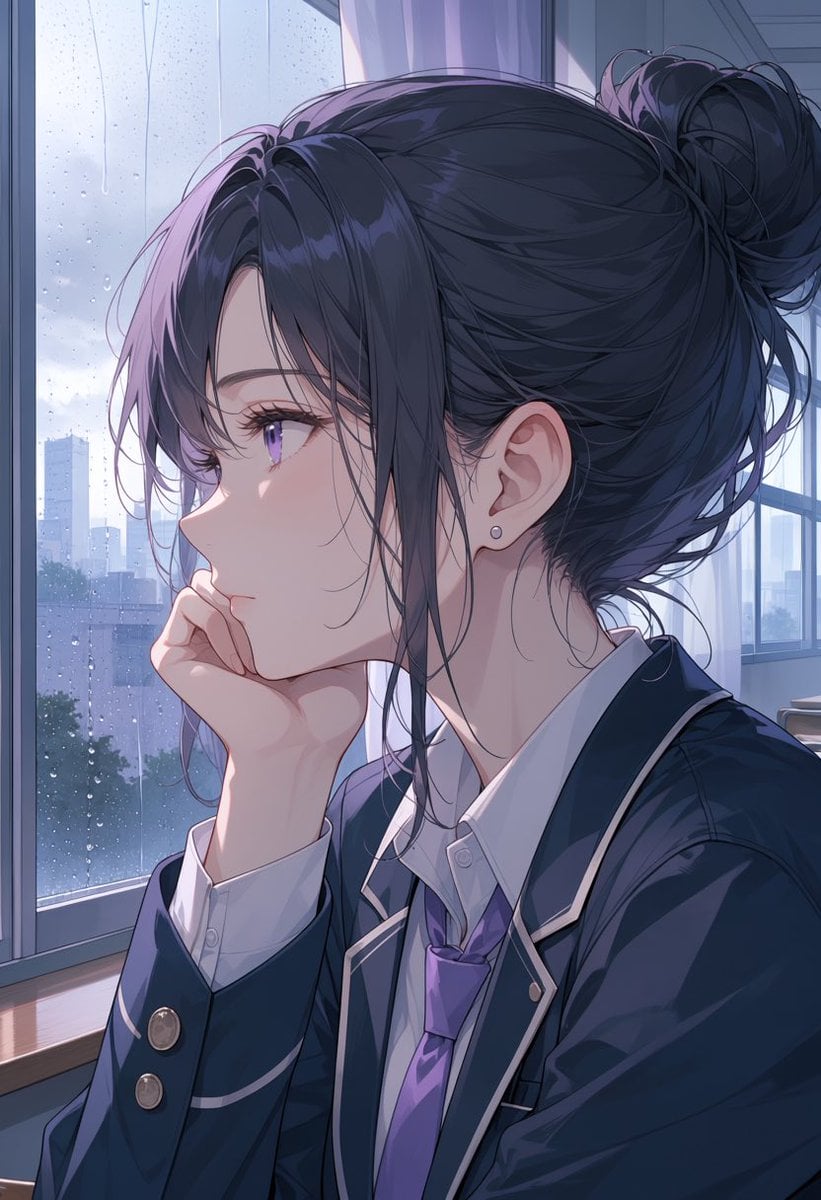
Rainy Anime Student Portrait
Browse template categories
Stick Figure Driver Sketch questions
How do I use the Stick Figure Driver Sketch template?
Add your photo if the template asks for one, edit the prompt if you like — the template's model and format are already selected — and press Generate. Your version opens in PicX Studio.
Can I customize the Stick Figure Driver Sketch template?
Yes. You can change the subject, setting, lighting, mood, format, and available model controls before creating your image.
Is the Stick Figure Driver Sketch template free?
Opening and editing this template is free. Generating uses credits, shown on the Generate button when you are signed in.
Which AI model should I use?
Start with GPT Image 2, which is the model associated with this template. You can compare another compatible model for a different finish.
Looking for something else? Browse all templates.

Your photo, any look
Thousands of ready templates for every top image and video model, from one credit balance.