
Split Screen Racing Game Driver View
A complex split-screen prompt that captures both the driver's interior perspective and an external follow camera during a high-speed race on a Japanese mountain pass.
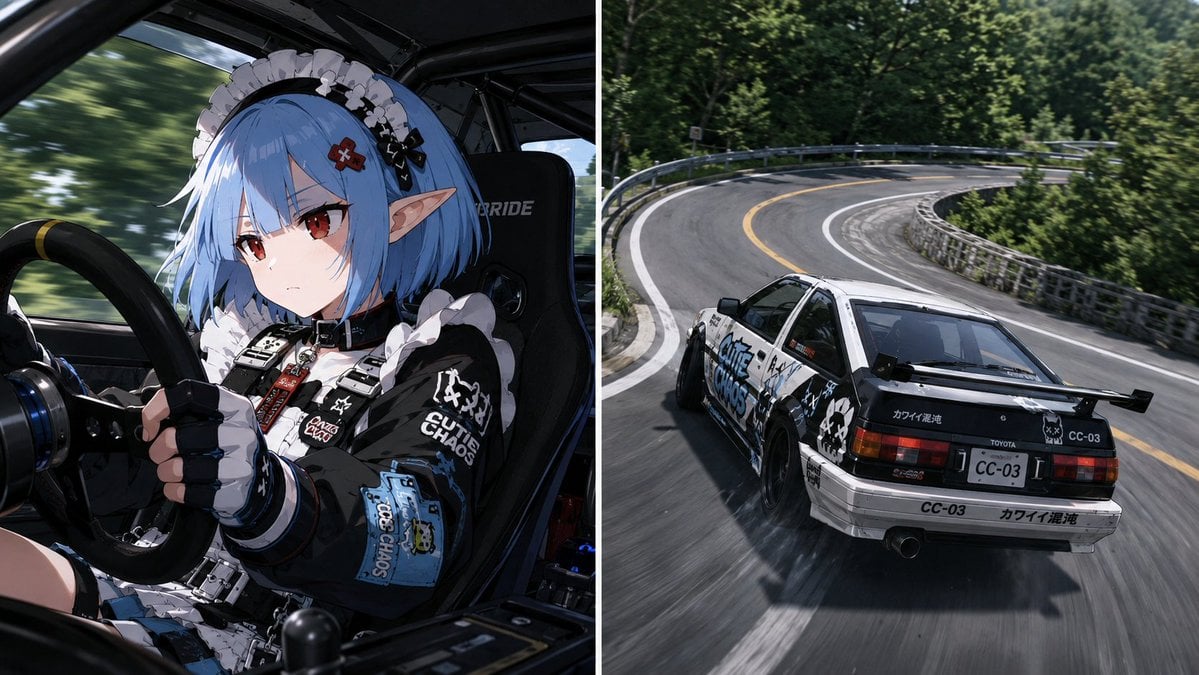
- Prompt included
- Model and format preset
- Free template
The prompt behind this image
Copy the exact prompt behind Split Screen Racing Game Driver View, or open it in the studio and make it yours.
参照画像のキャラクターを完全に維持する。キャラクターの顔、髪型、髪色、瞳、耳、体格、骨格、肩幅、首の太さ、腕のシルエット、年齢感、性別表現、雰囲気を維持すること。画面は左右二分割されたスプリットスクリーン構成。左右は同じ瞬間を異なるカメラで撮影している。左右は同じ車両、同じコーナー、同じ時間軸である。【車両】左右画面に登場する車両は同一車両。車種:{argument name="車種" default="スポーツカーまたはチューニングカー"}。左右画面は同一車両を異なる視点から映している。【左画面】ドライバーカメラ。車内から見た斜めローアングル腰上ショット。キャラクターは車両を運転している。両手でハンドルを握る。コーナリング中。視線は進行方向へ向けられている。真剣な表情。集中している。身体には横Gがかかっている。髪や衣装がわずかに揺れている。衣装:{argument name="衣装" default="モータースポーツファッション"}。キャラクターの顔と表情が大きく見える。車内のロールケージ、バケットシート、メーター類が自然に見える。【右画面】三人称追尾カメラ。同じ車両を後方やや上空から追いかける視点。日本の峠道。森林に囲まれたワインディングロード。ガードレール。路面標示。ヘアピンカーブ。実在する峠道のようなリアリティ。コーナリング中。車体荷重が感じられる姿勢変化。高速走行。躍動感。タイヤのグリップ感。路面との一体感。【画面演出】レースゲームのスクリーンショット風。HUDは最小限。またはHUDなし。スポーツ中継映像のようなリアリティ。左右画面は別のシーンではない。左右画面は同一の瞬間を異なるカメラで撮影している。キャラクターのハンドル操作と車両挙動は完全に同期している。同じ瞬間を二つのカメラが捉えていることが明確に伝わる。高品質アニメキャラクター。高品質背景。躍動感。スピード感。映像作品のワンシーン。
How to use Split Screen Racing Game Driver View in 3 steps
- 1Upload ImagePNG, JPG or paste
Add your photo
Upload the photo the template builds on. The prompt, model and format are already set.
- 2…a portrait of your subject in softgolden-hour light, 85mm…
Personalize
Edit the subject and creative details for your destination.
- 3Generate
Generate
Press Generate — your image is created in PicX Studio, so you can compare it with the original and refine one variable at a time.
More like this
Templates with the same subject, style or setup. Open one to see its prompt.
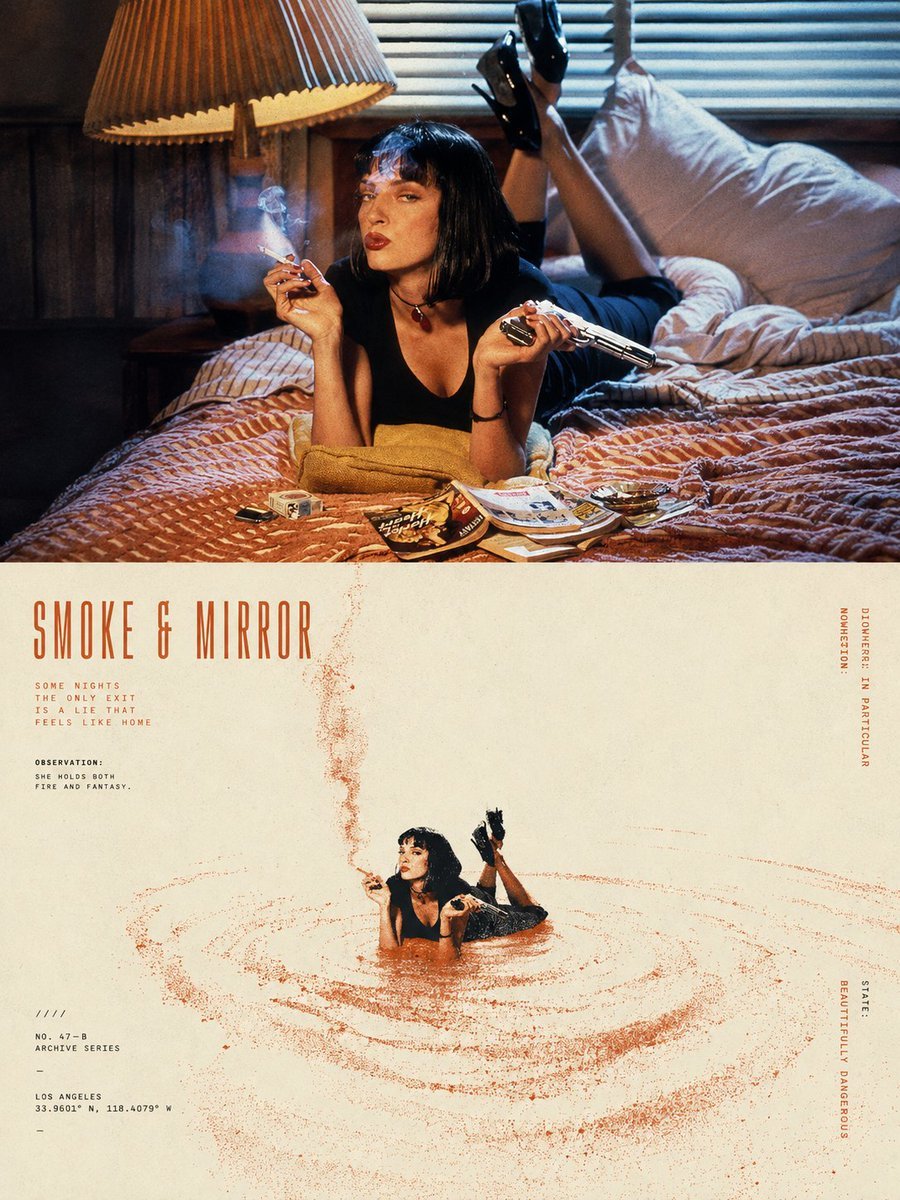
Split-Screen Surreal Printmaking Design
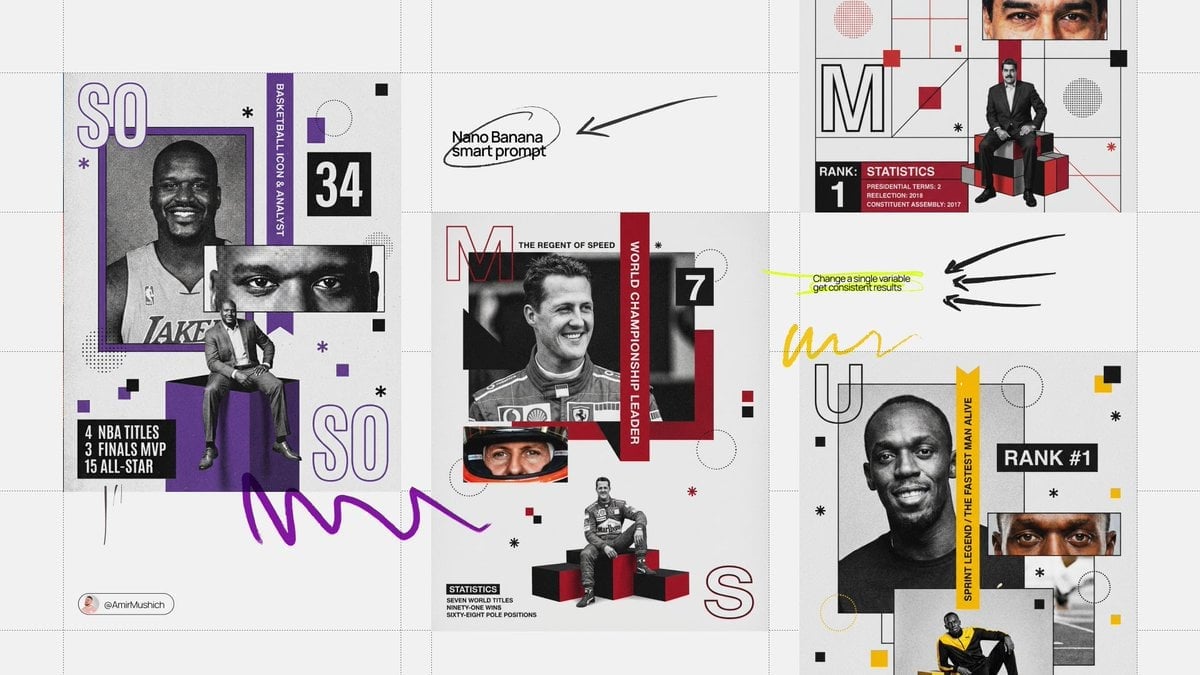
Based on their identity e g, Racing Orange for a driver, Neon Cyan
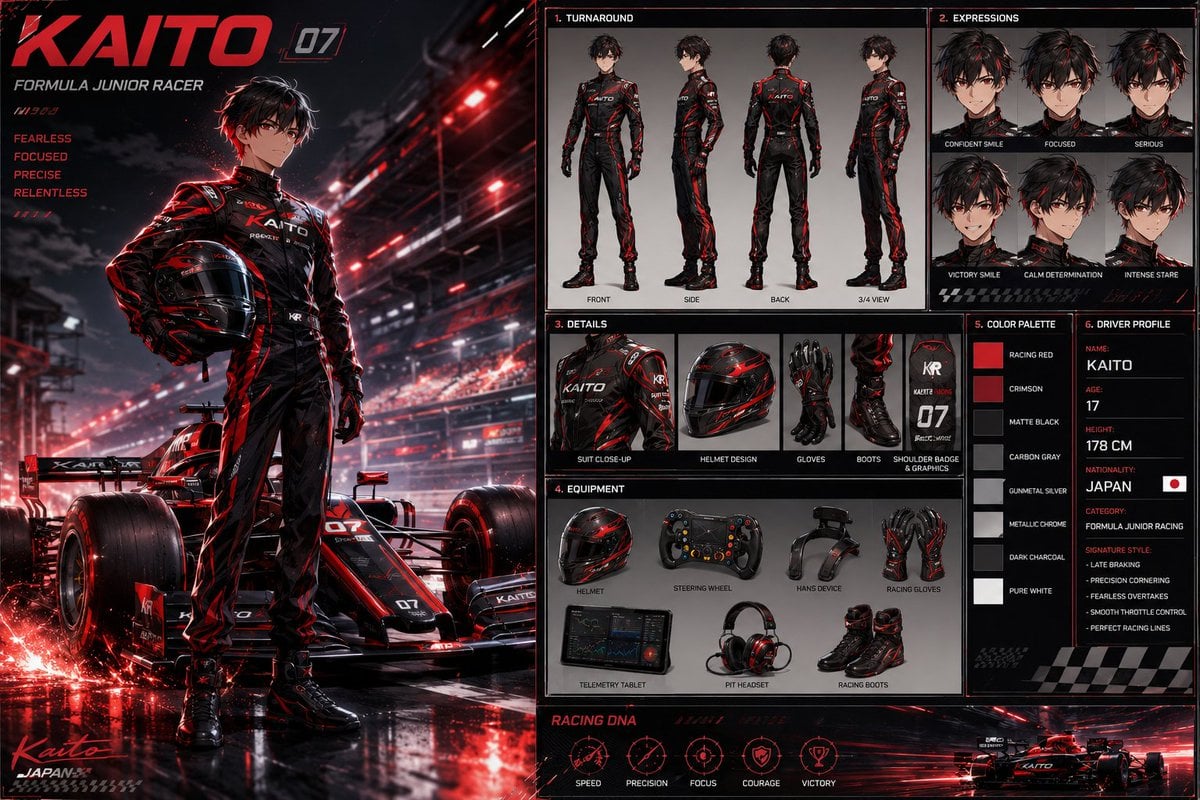
Anime Racing Driver Character Design Sheet
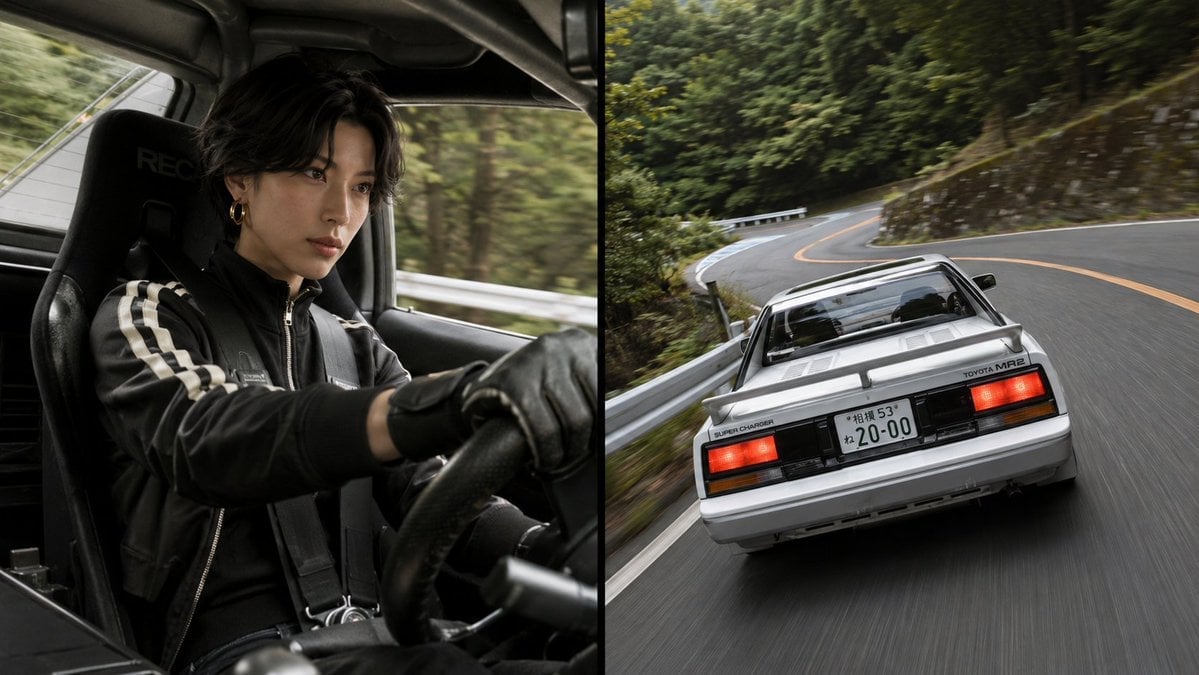
Split-Screen MR2 Touge Drive
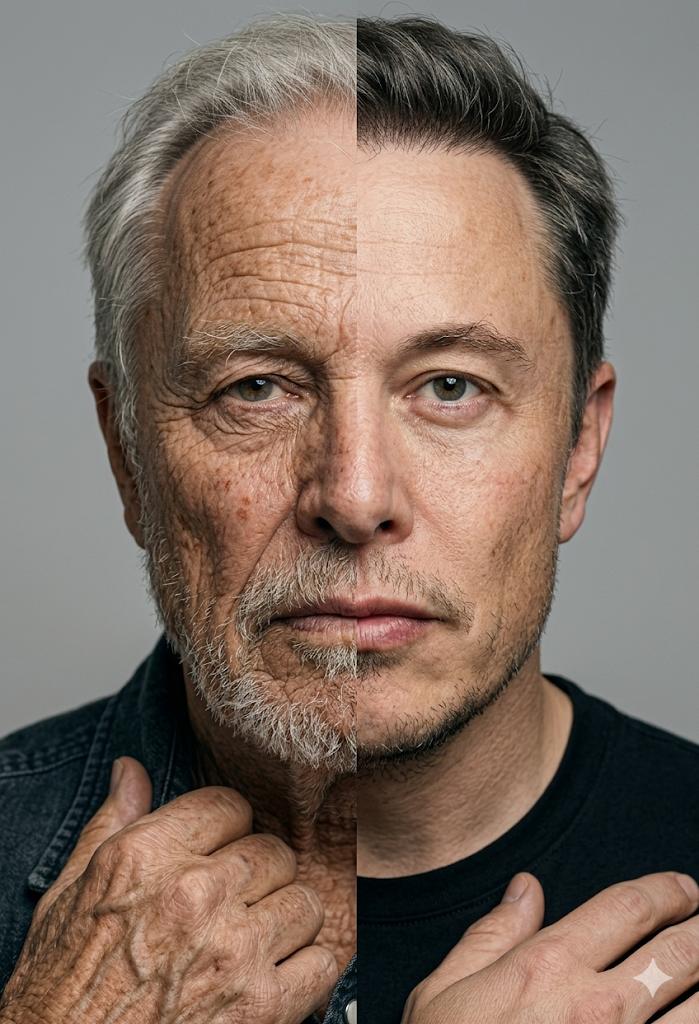
Split Screen Aging Effect
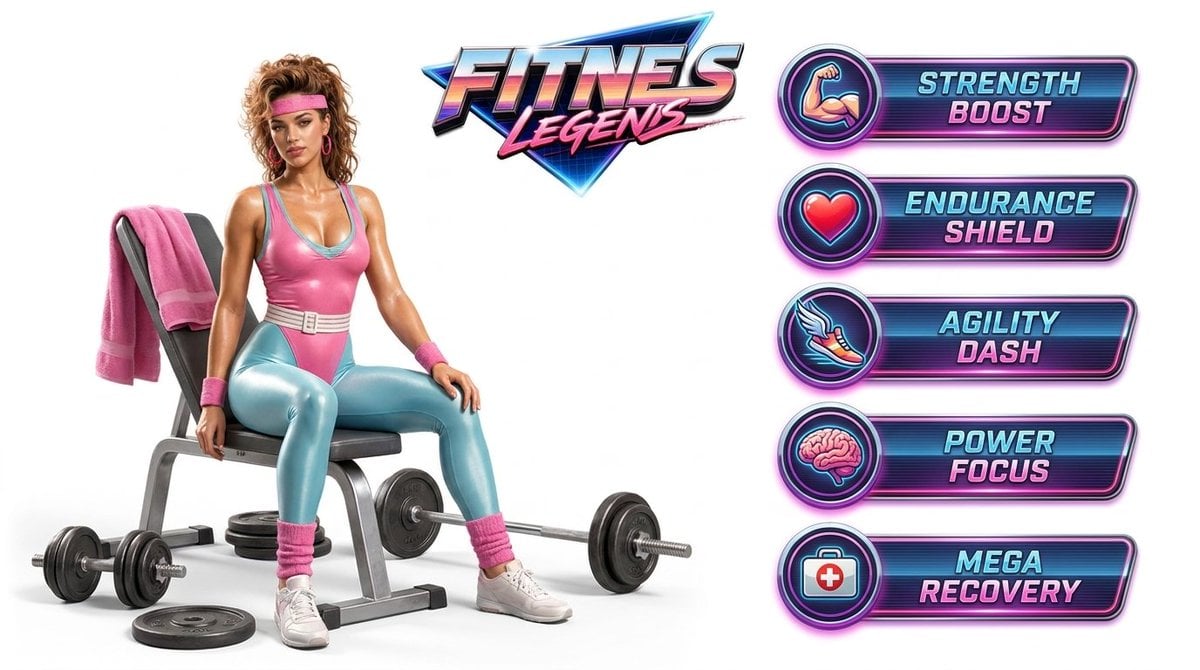
Fitness Game Start Screen UI Render
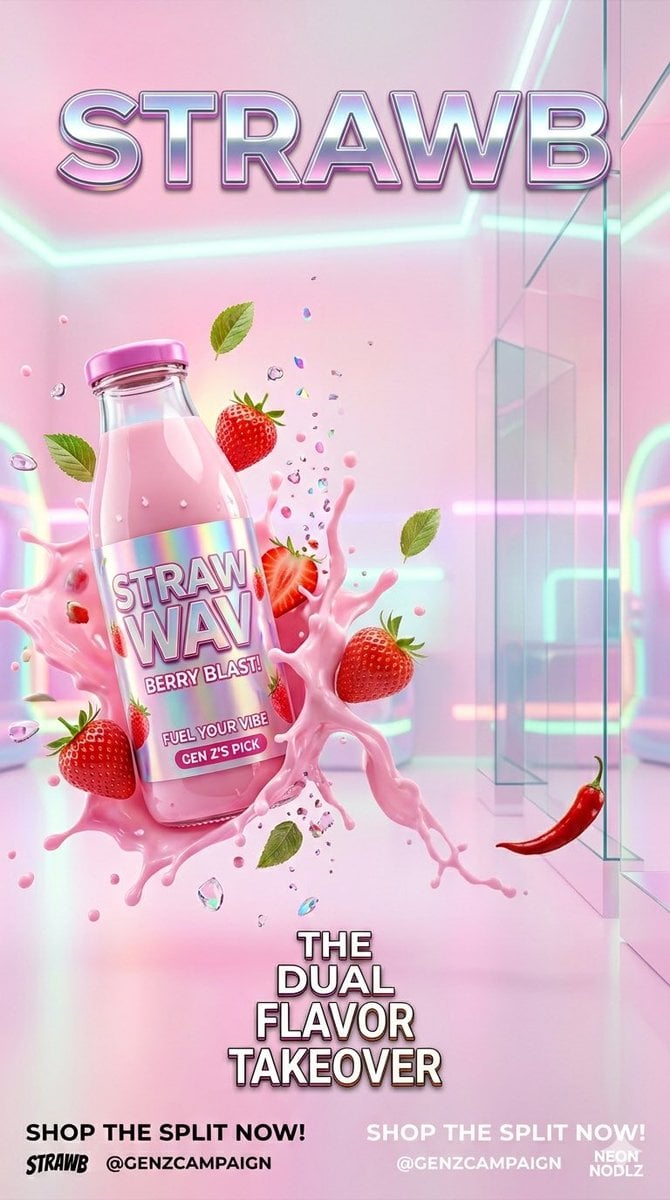
Gen Z Split Screen Advertising Poster

Automotive Blueprint Split Composition

Blueprint Split Reality Archetype Prompt

Japan Neon Speed City Racing Poster
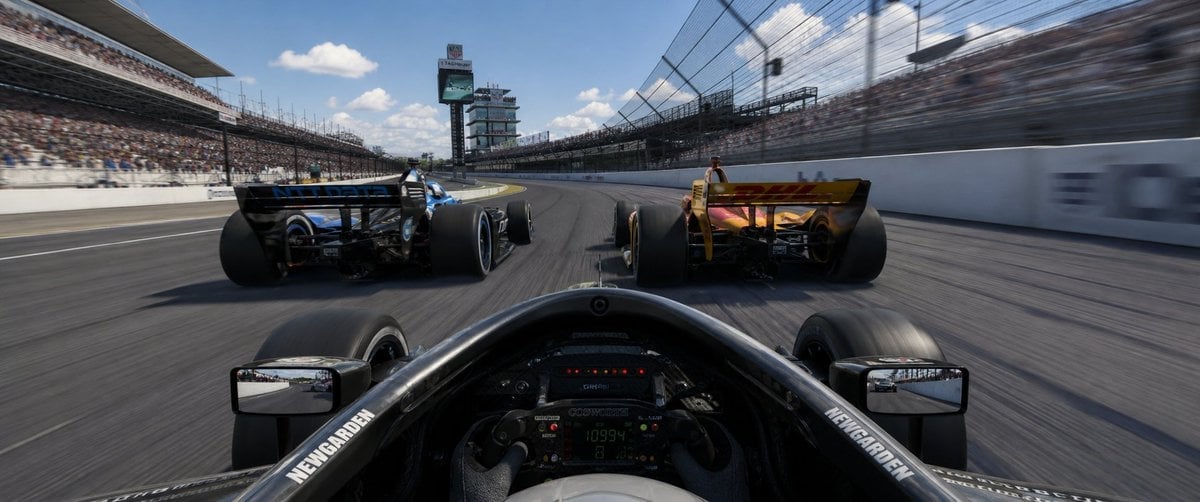
Ultrawide Indy Cockpit Racing View
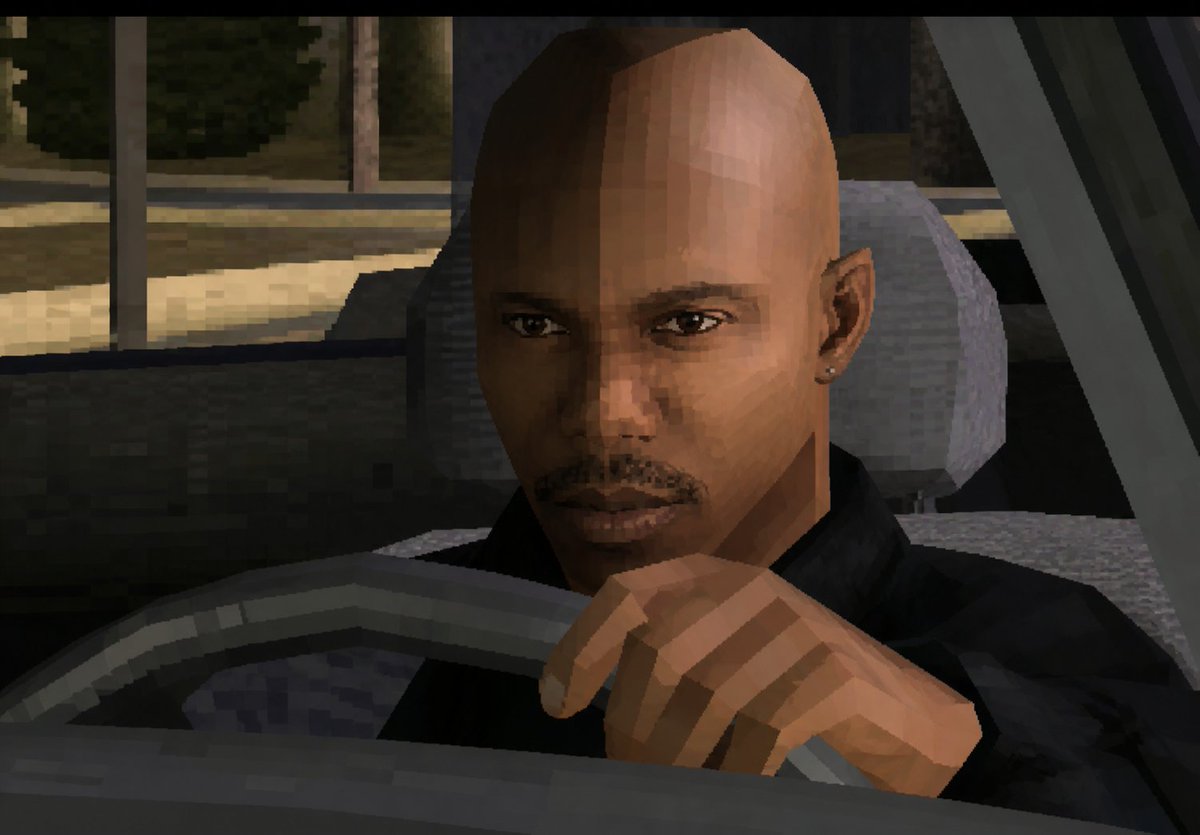
Low-Poly Censored Driver Screenshot
Make it yours
Split Screen Racing Game Driver View works as-is. These are the safest ways to change it without losing the look.
Change one field
Copy a single group, rewrite it, and generate again so you can see what that field is doing.
Keep the frame, change the subject
Hold the composition and light of Split Screen Racing Game Driver View, then swap wardrobe, props or the person for a new take.
| If the result… | Why | Fix |
|---|---|---|
| The result drifts from the preview | Too many fields changed at once. | Reuse Split Screen Racing Game Driver View as-is first, then change one group — subject, light, or setting. |
| The model over-stylizes the scene | The prose prompt leaves finish and camera underspecified. | Add one camera or lighting sentence and stay on GPT Image 2. |
More GPT Image 2 templates
Other prompts made for GPT Image 2.

Six VTuber Japanese Logo Sheet

Realistic Portrait of Woman and Deer

The Vista Modular Condo Poster

AI Model Routing Comparison Infographic

2.5D Anime Art Board

Isometric Productivity Desk Scene

New York Double Exposure Poster

Four-Panel AI Landscape Comparison

Japanese Tatami Lifestyle Magazine Cover

NESCAFÉ Coffee Map Poster
More image prompts
Fresh picks from across the catalog.

Nano Banana Pro 2.0 — 3x3 Travel Profile Grid
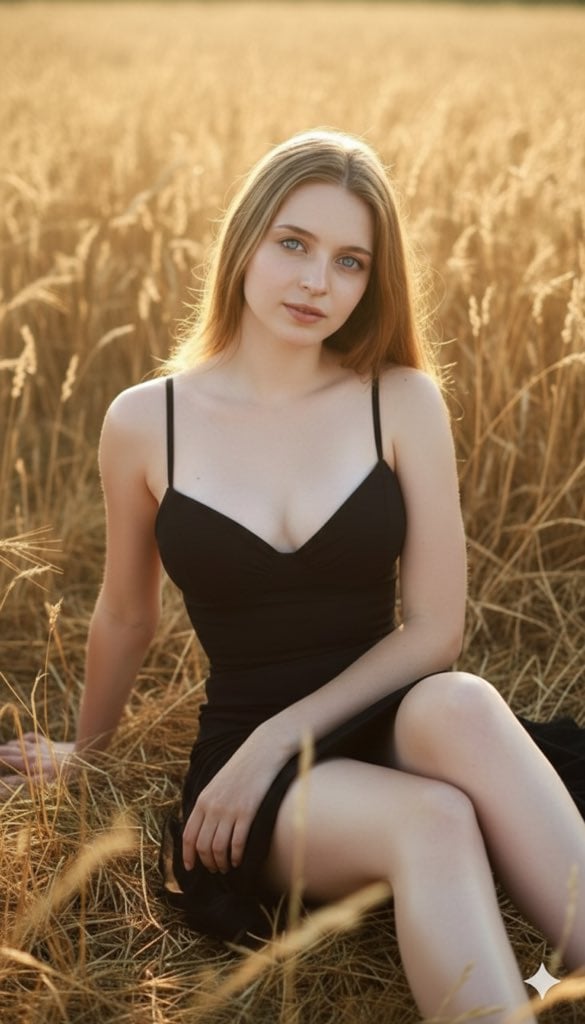
Three Variations of a Blonde Woman in Black Clothing
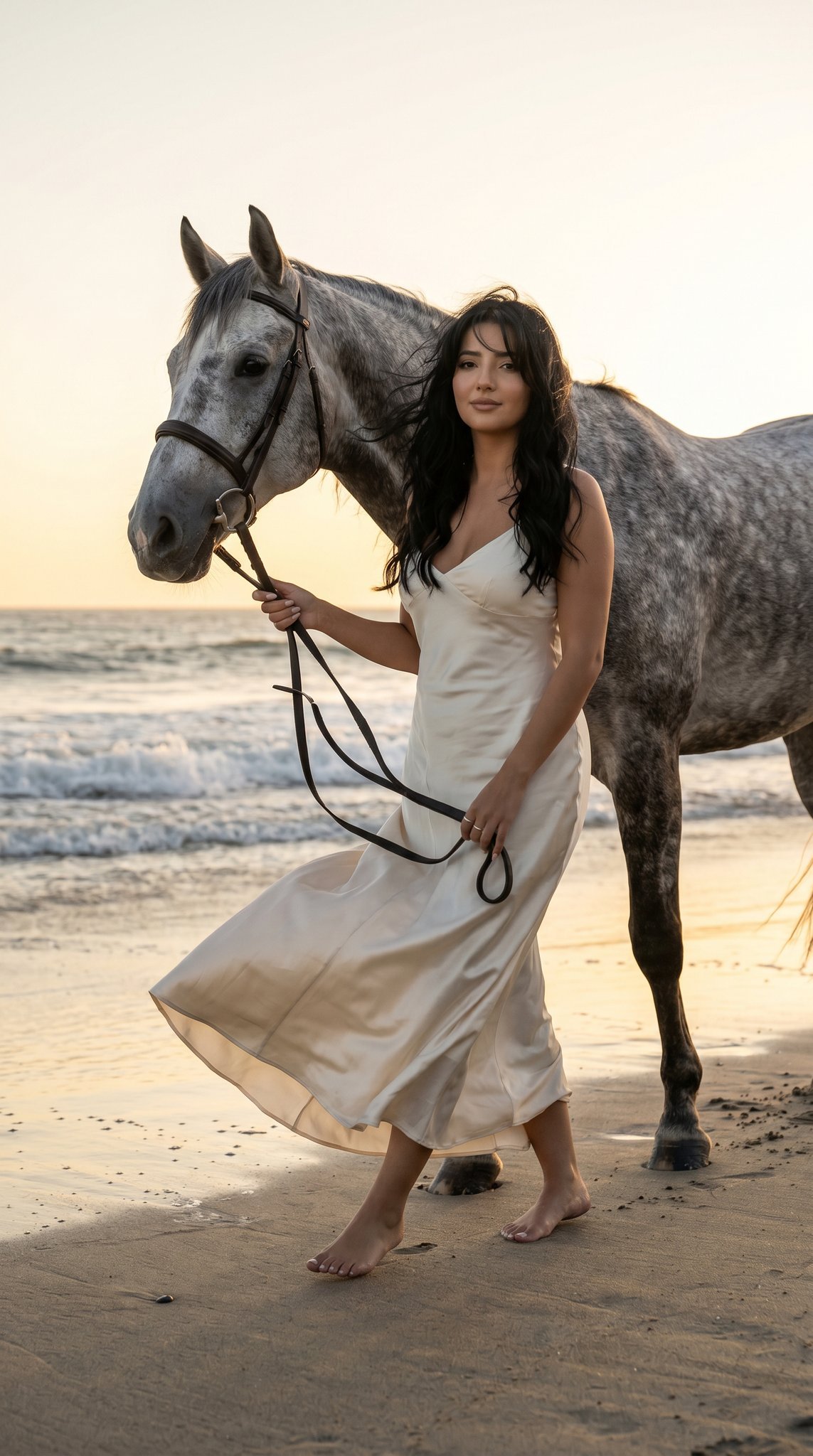
16 Malibu Beach Horse — California Series
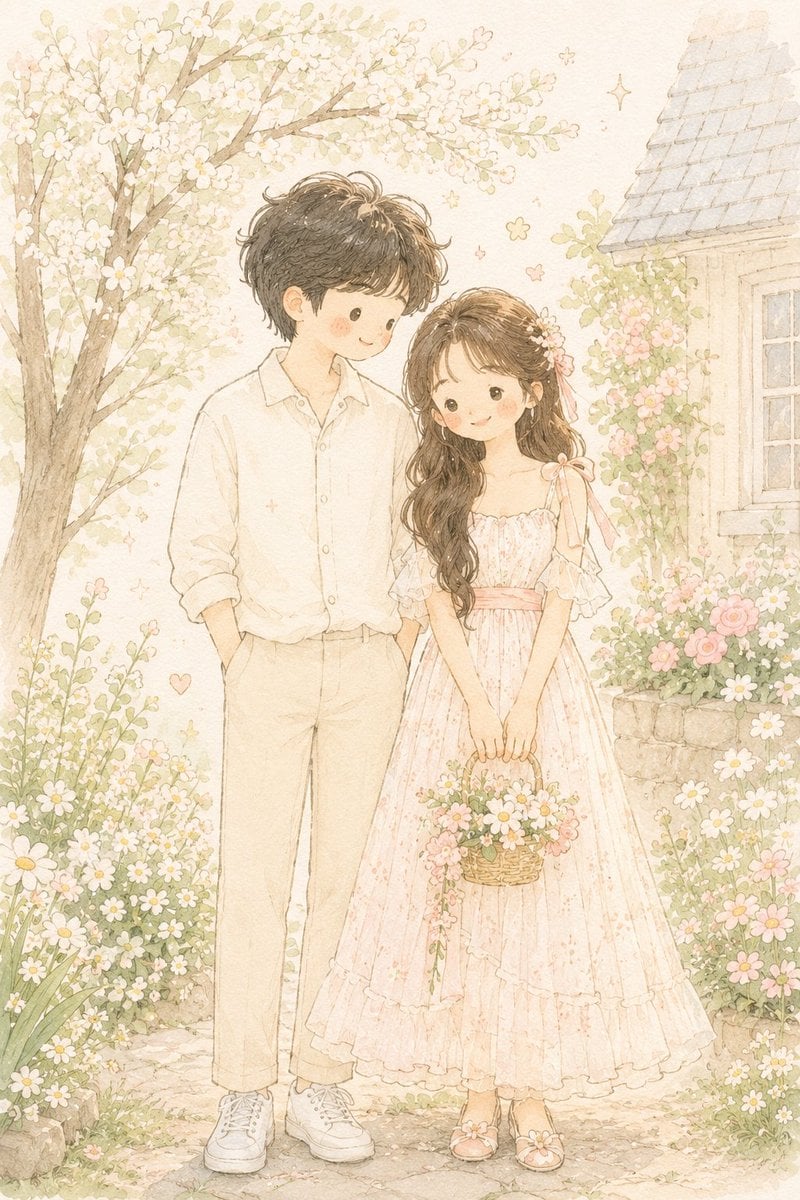
Hand-Drawn Storybook Portrait Illustration
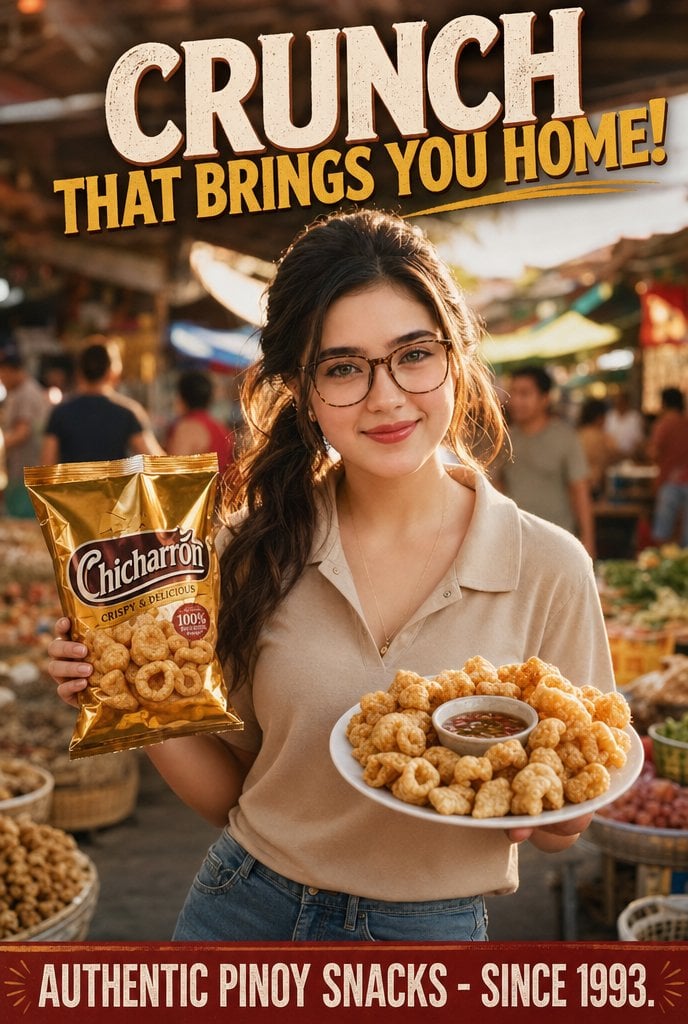
Nostalgic Filipino Chicharrón Ad

Gpt2 Product Marketing Streetwear Sneaker Poster Ad
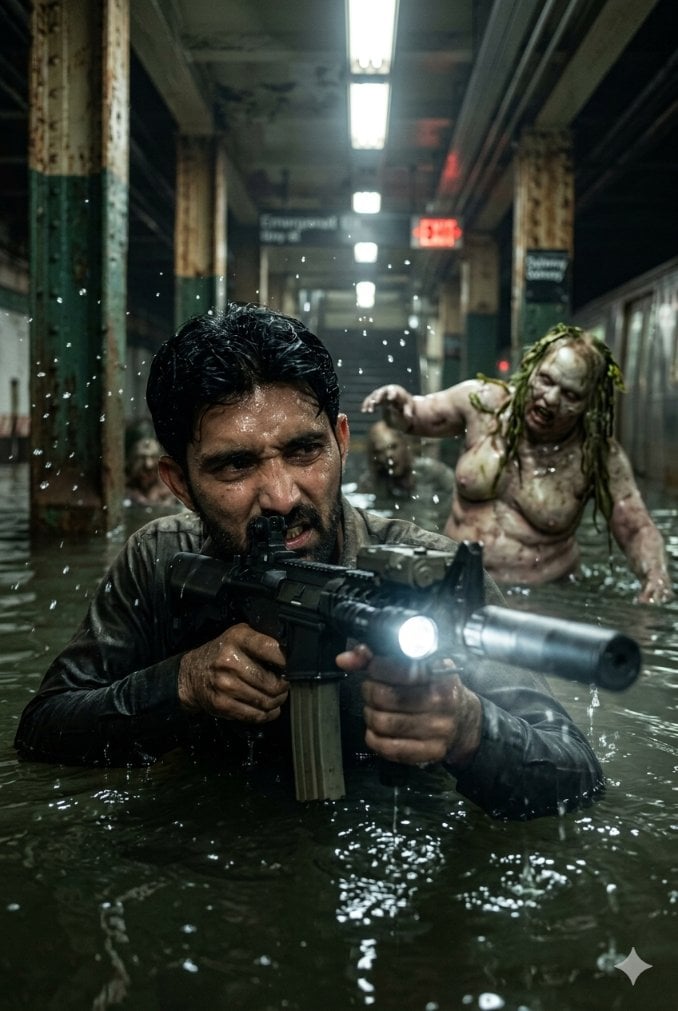
Flooded Subway Horror Chase
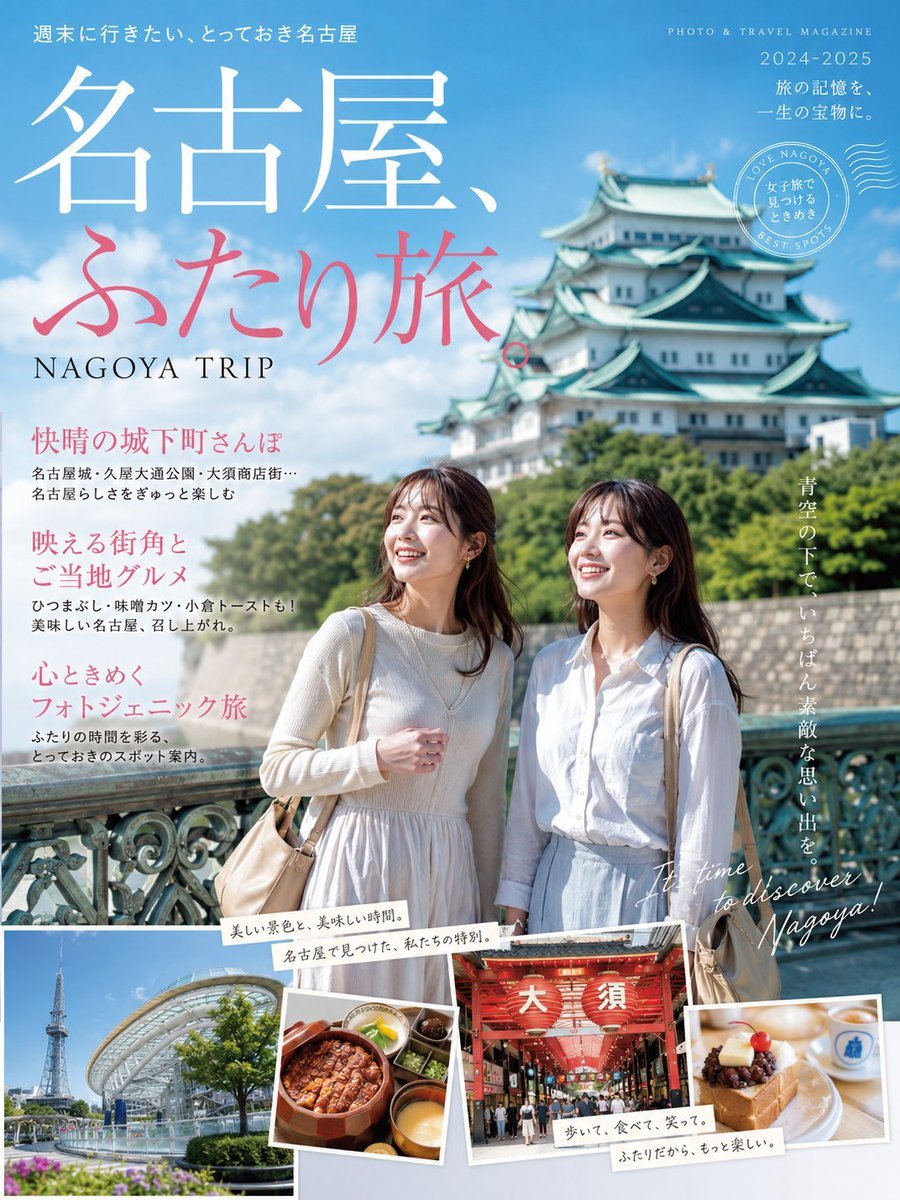
Nagoya Girls Trip Magazine Cover
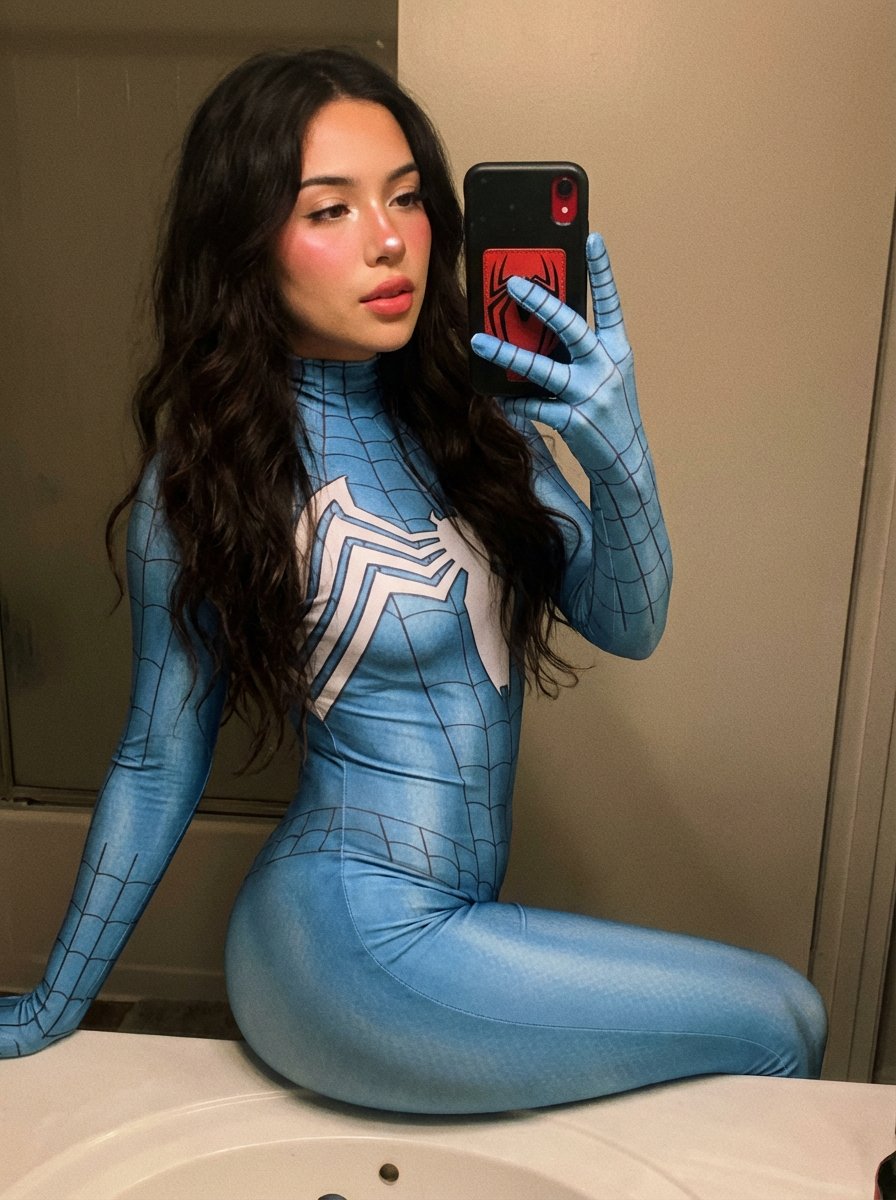
Spider-Woman Symbiote Mirror Selfie Prompt
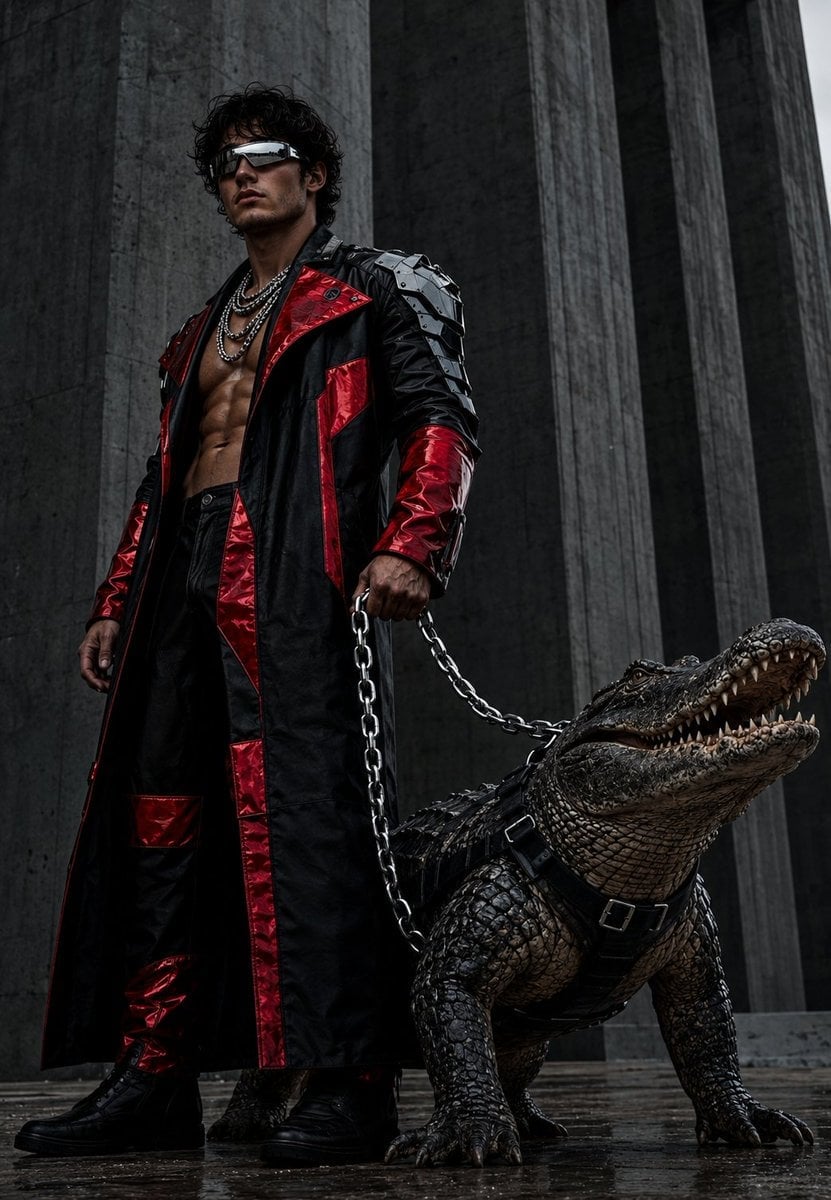
Brutalist Fashion with Alligator
Browse template categories
Split Screen Racing Game Driver View questions
How do I use the Split Screen Racing Game Driver View template?
Add your photo if the template asks for one, edit the prompt if you like — the template's model and format are already selected — and press Generate. Your version opens in PicX Studio.
Can I customize the Split Screen Racing Game Driver View template?
Yes. You can change the subject, setting, lighting, mood, format, and available model controls before creating your image.
Is the Split Screen Racing Game Driver View template free?
Opening and editing this template is free. Generating uses credits, shown on the Generate button when you are signed in.
Which AI model should I use?
Start with GPT Image 2, which is the model associated with this template. You can compare another compatible model for a different finish.
Looking for something else? Browse all templates.

Your photo, any look
Thousands of ready templates for every top image and video model, from one credit balance.