
Low-Poly Censored Driver Screenshot
Generates a retro 3D game-style close-up of a censored driver inside a car for parody, meme, or crime-game visual concepts.
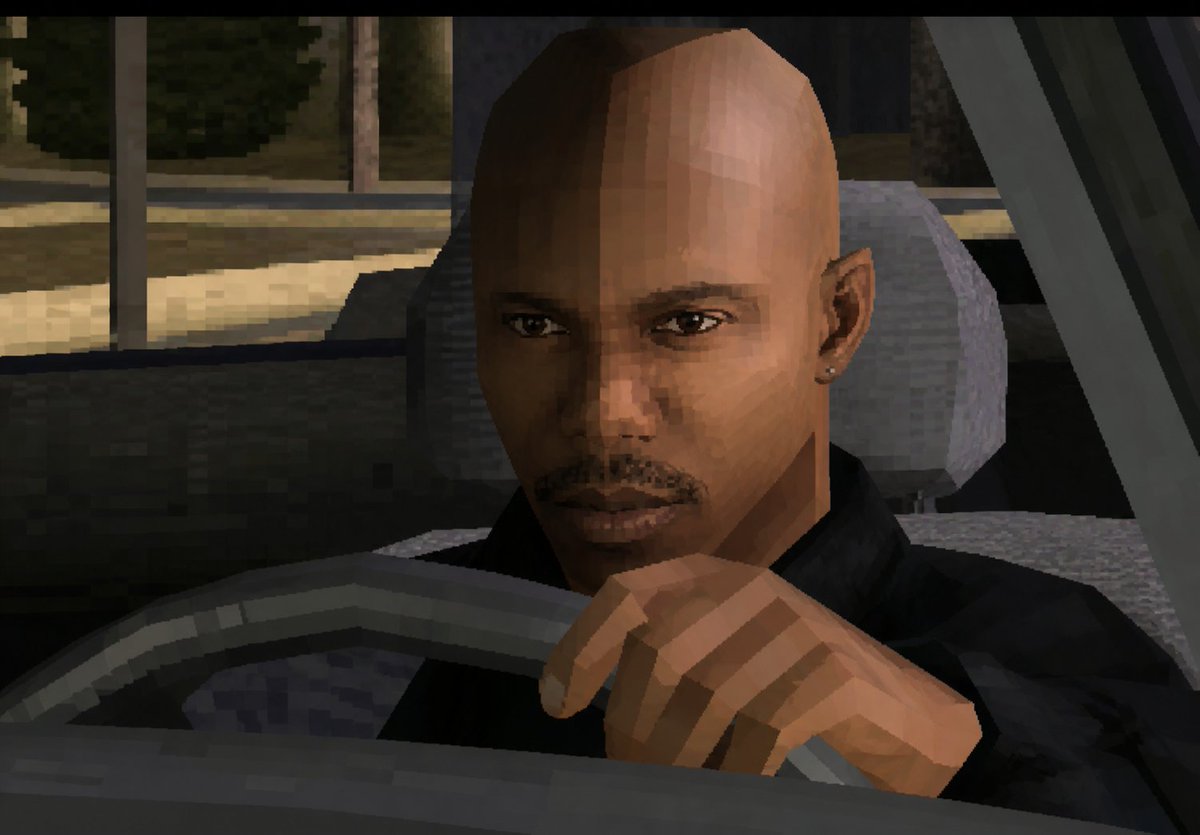
- Prompt included
- Model and format preset
- Free template
The prompt behind this image
Copy the exact prompt behind Low-Poly Censored Driver Screenshot, or open it in the studio and make it yours.
Create a low-resolution, early-2000s 3D video game screenshot in a gritty PlayStation 2 / GTA-style aesthetic, showing a close-up view of {argument name="character type" default="a bald male driver"} seated inside a car at night. The camera is positioned just outside the front-left area of the vehicle, looking through the open side window toward the driver. The driver wears {argument name="clothing" default="a black jacket"} and has one visible hand gripping or resting on the steering wheel in the foreground. His head and ear are visible, but the entire face is intentionally covered by a large opaque {argument name="censor block color" default="medium brown"} rectangular privacy block centered over the face, extending from forehead to chin. The car interior is dark gray and black with a chunky low-poly steering wheel, seat, headrest, door frame, and dashboard shapes. Outside the window, show a dimly lit urban street or parking area with muted trees, pavement, and vertical poles, rendered with blocky textures and heavy pixelation. Use harsh polygonal geometry, jagged edges, flat shaded lighting, muted nighttime colors, visible compression artifacts, and a cinematic screenshot composition with black letterbox bars at the top and bottom.
How to use Low-Poly Censored Driver Screenshot in 3 steps
- 1Upload ImagePNG, JPG or paste
Add your photo
Upload the photo the template builds on. The prompt, model and format are already set.
- 2…a portrait of your subject in softgolden-hour light, 85mm…
Personalize
Edit the subject and creative details for your destination.
- 3Generate
Generate
Press Generate — your image is created in PicX Studio, so you can compare it with the original and refine one variable at a time.
More like this
Templates with the same subject, style or setup. Open one to see its prompt.
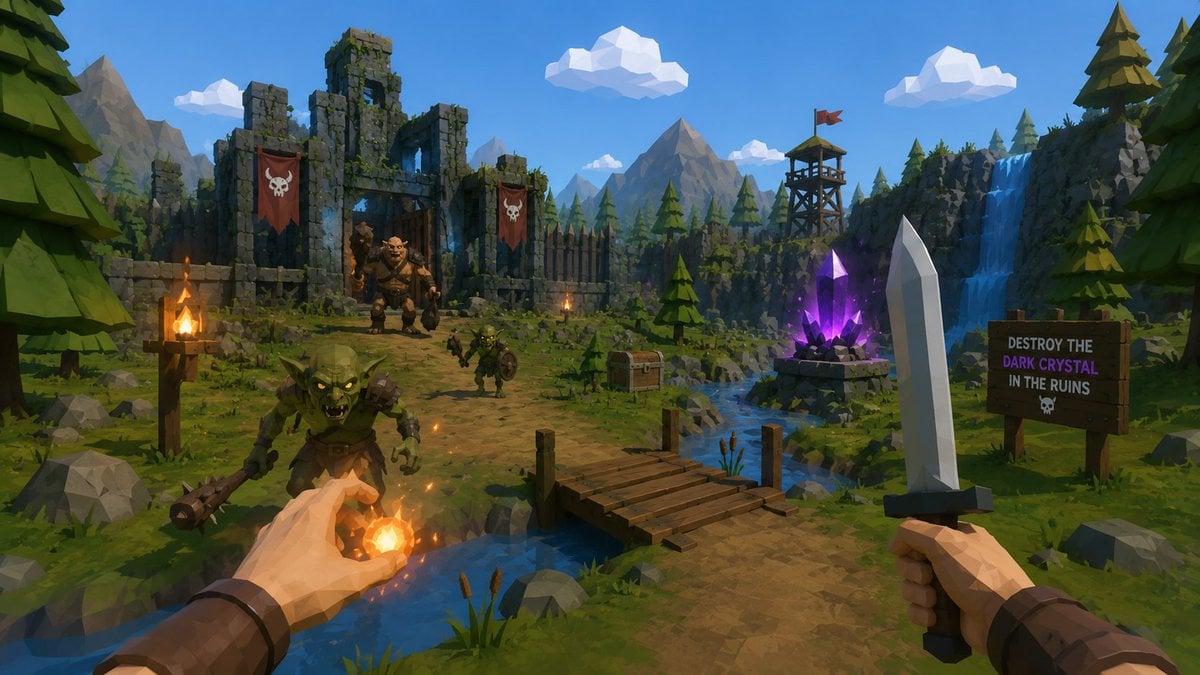
Low-Poly Fantasy Quest Screenshot

Minecraft Next-Gen Voxel World Screenshot
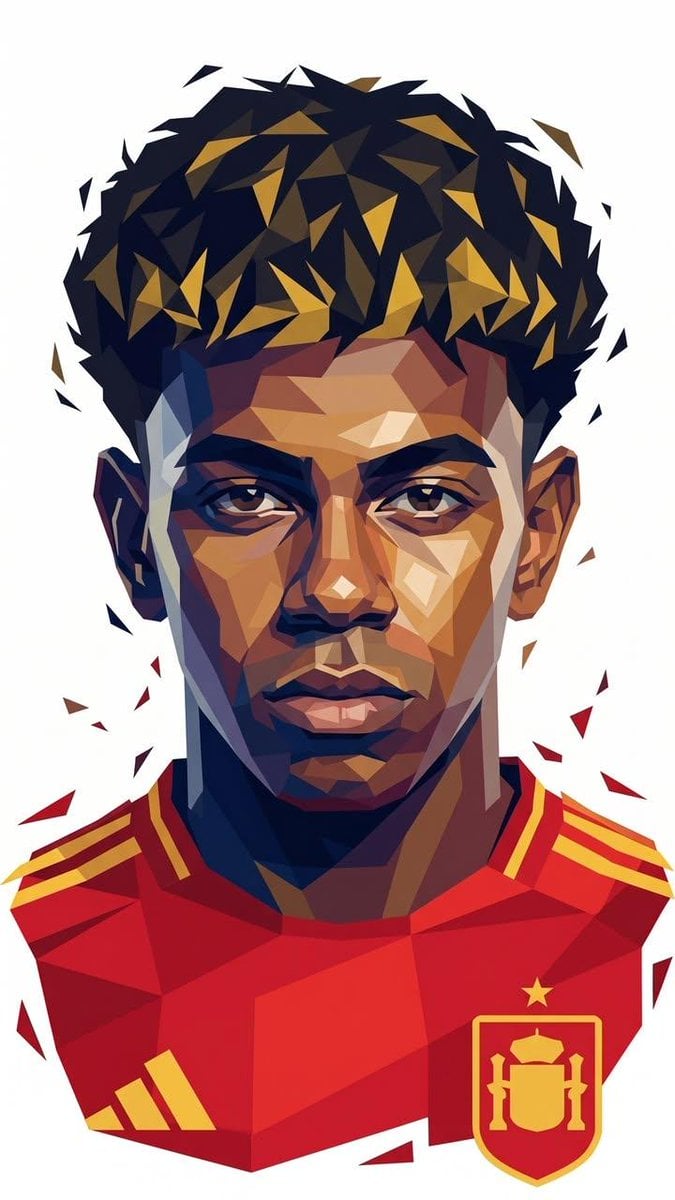
Low-Poly Geometric Male Portrait
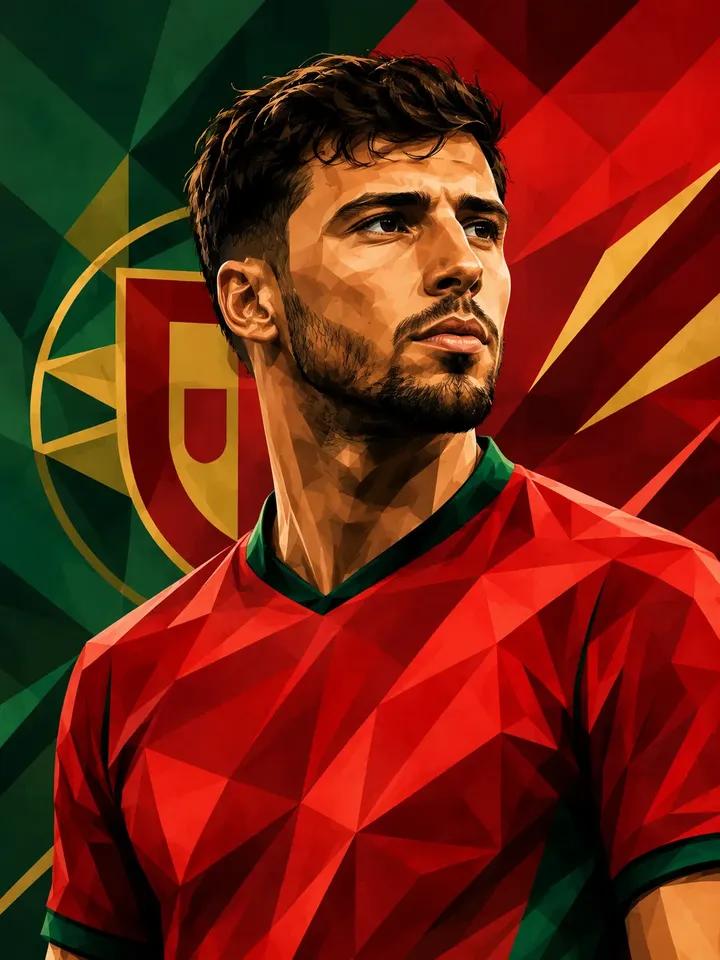
Low Poly Football Player Illustration
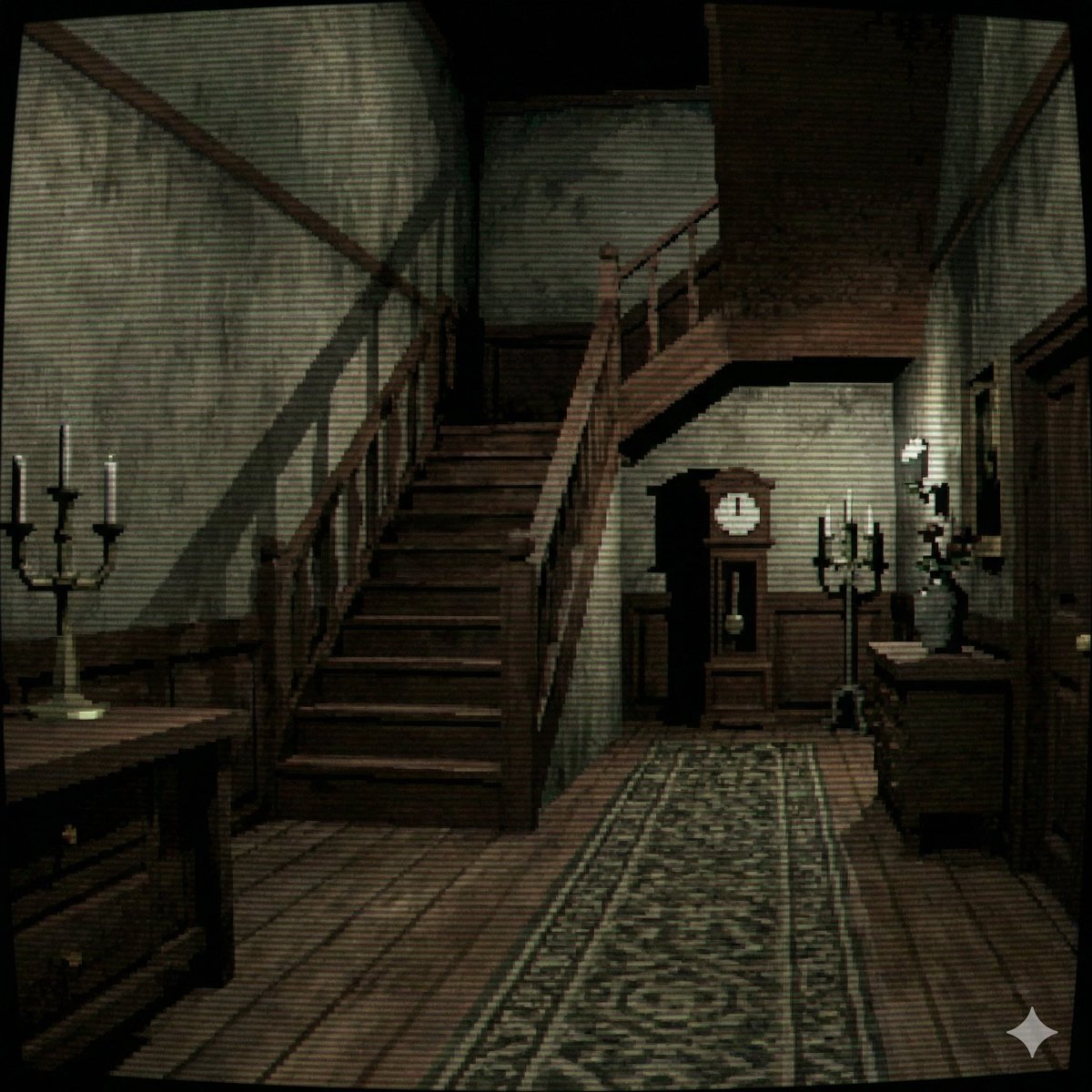
PS1 Style Low-Poly Mansion Interior
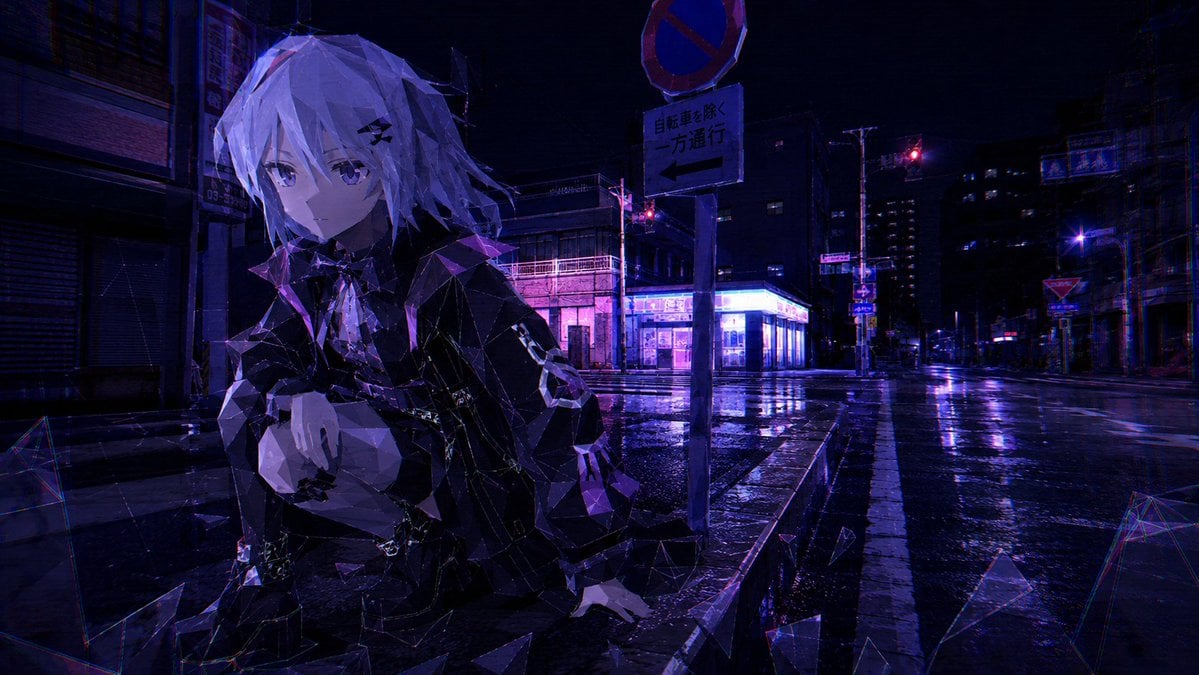
Cyberpunk Low-Poly Rainy Street
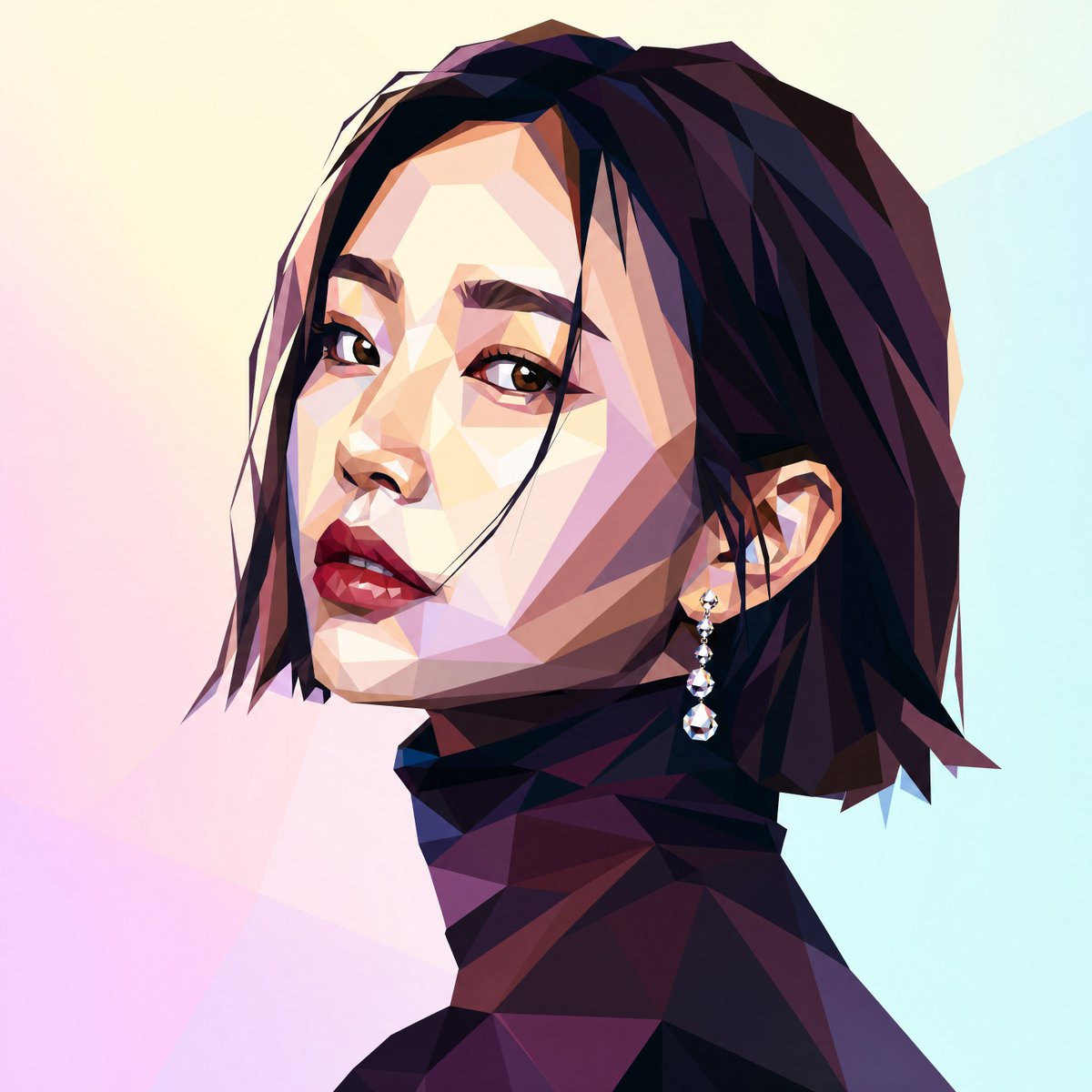
Low-Poly Profile Portrait With Face Block
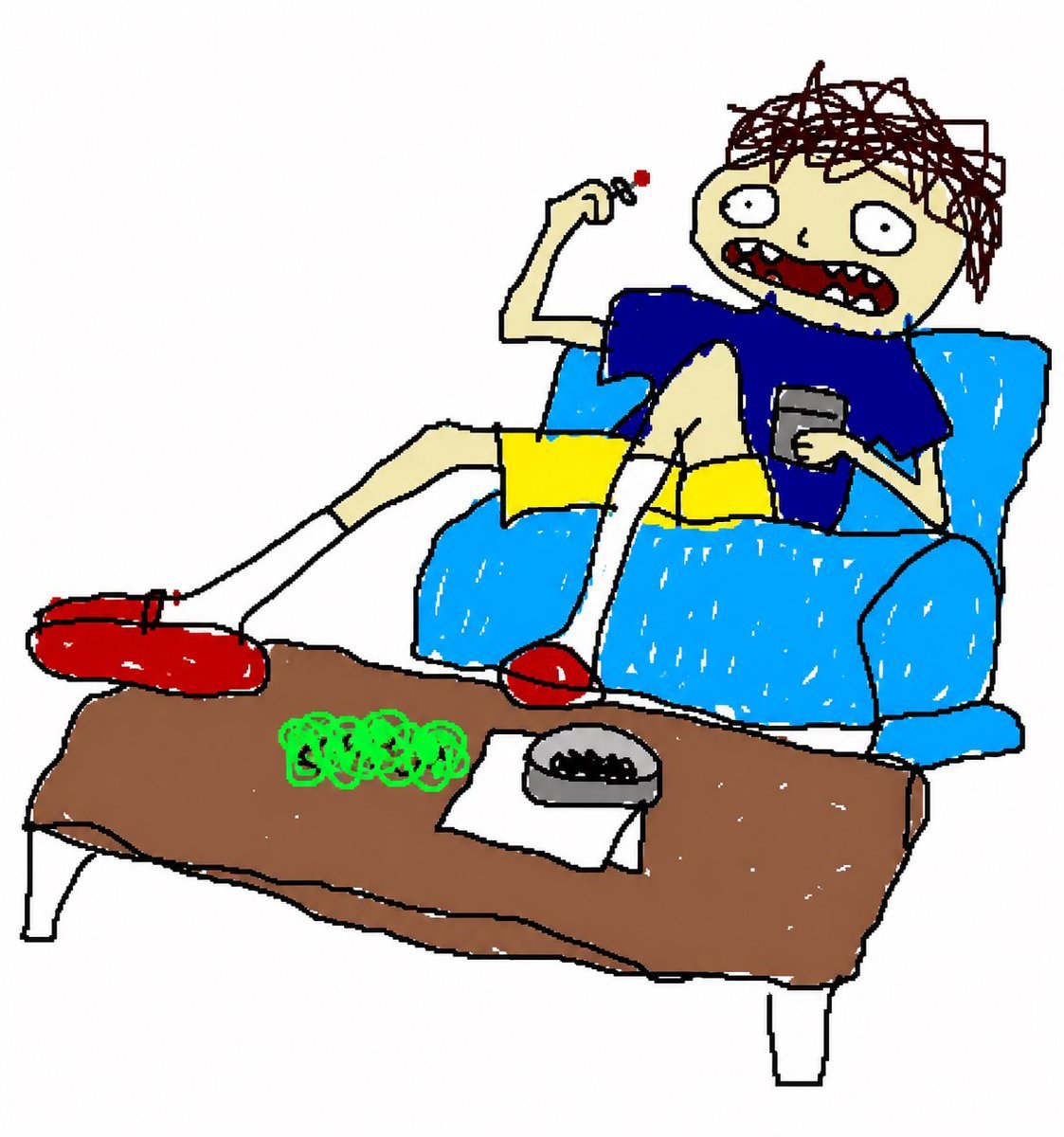
Low-Poly Cartoon Stoner Living Room
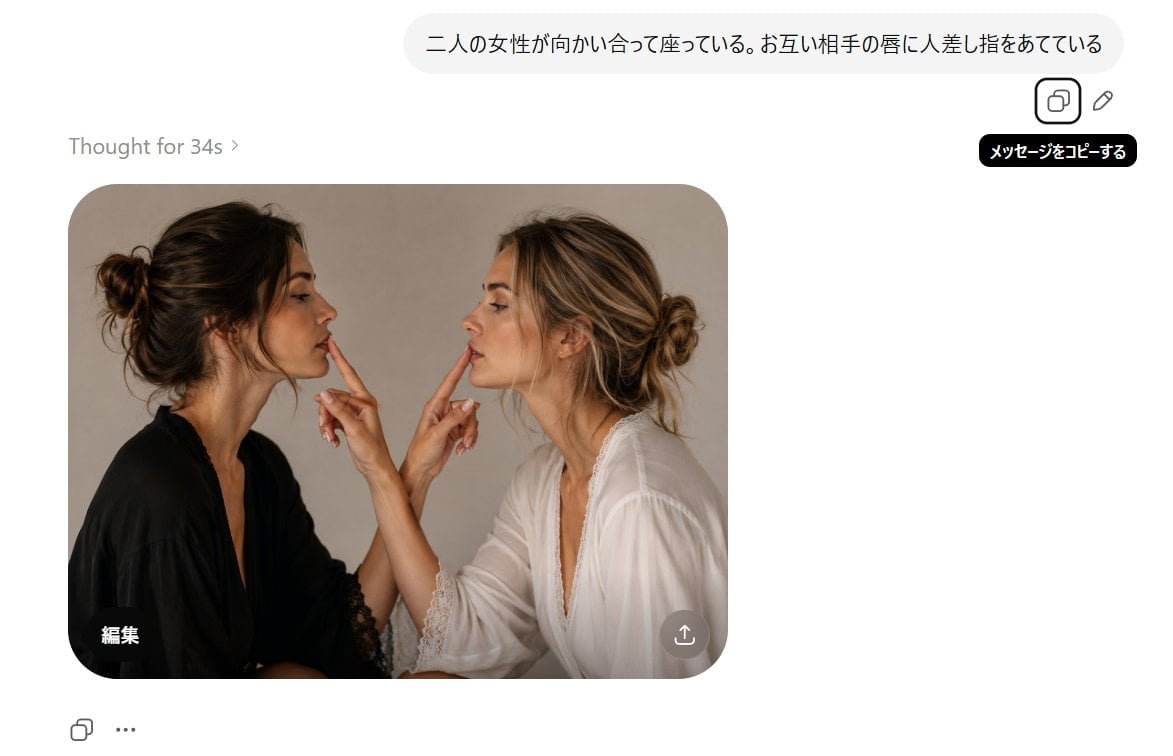
AI Chat Screenshot With Censored Women
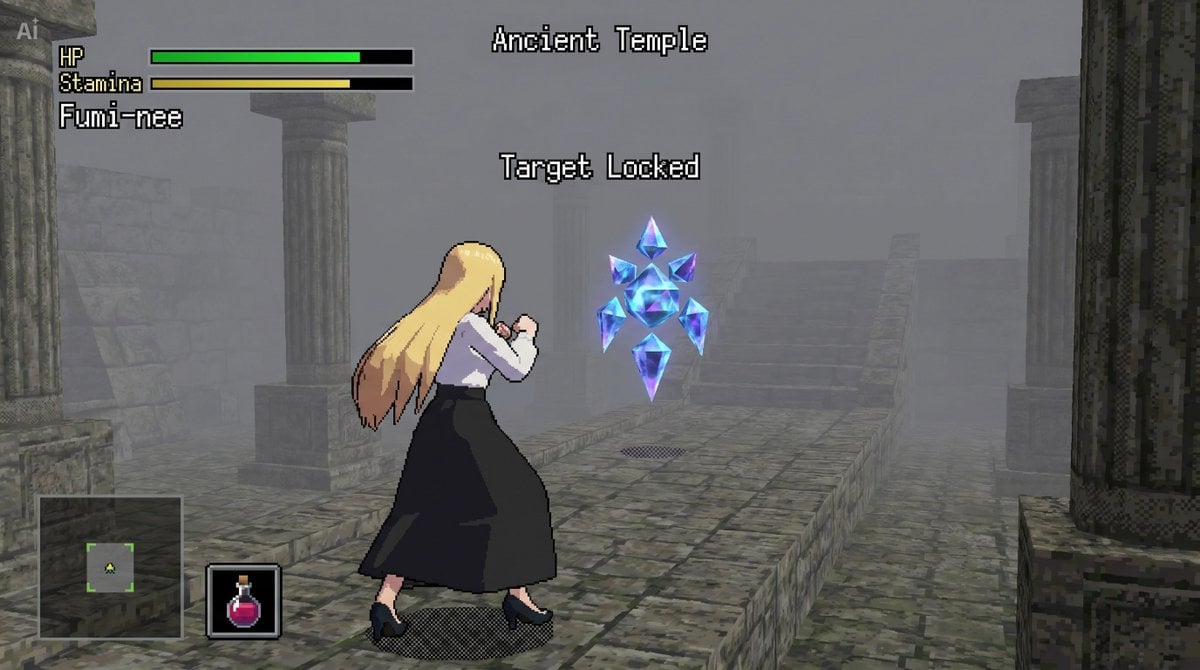
bit Low Poly Action RPG Prompt
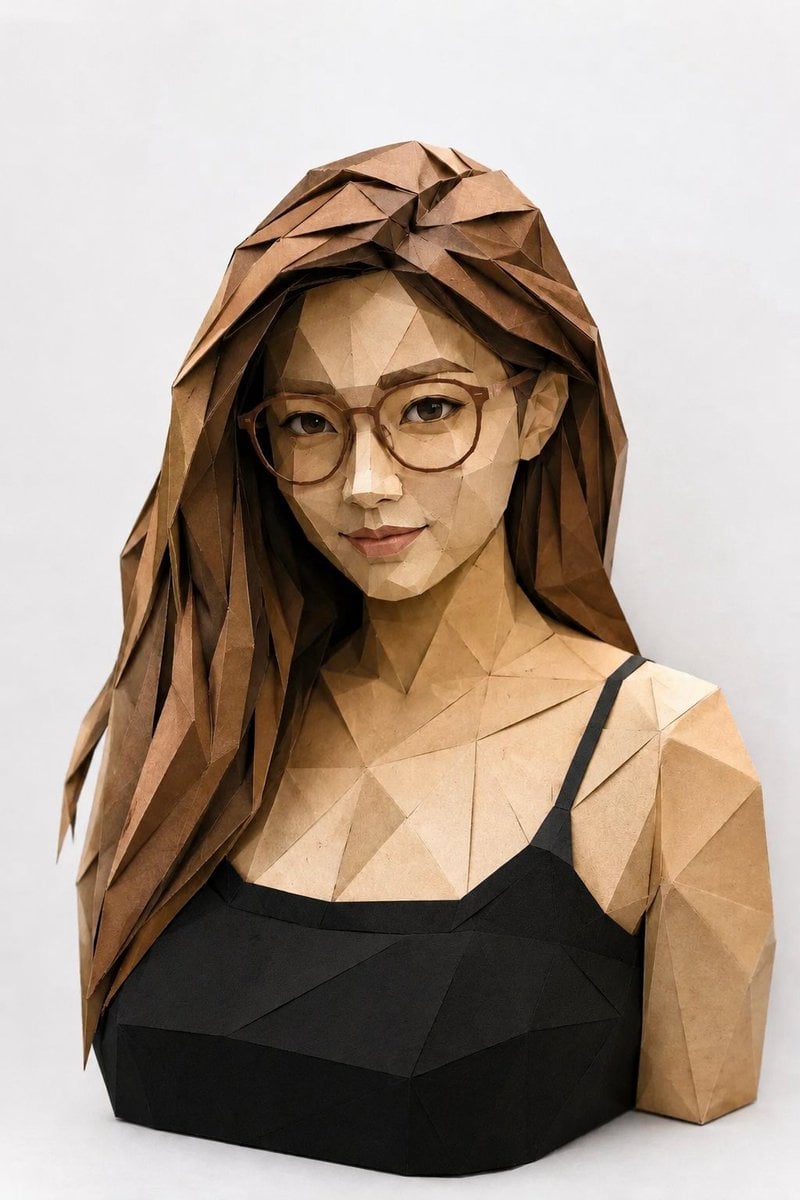
Low-Poly Origami Papercraft Portrait
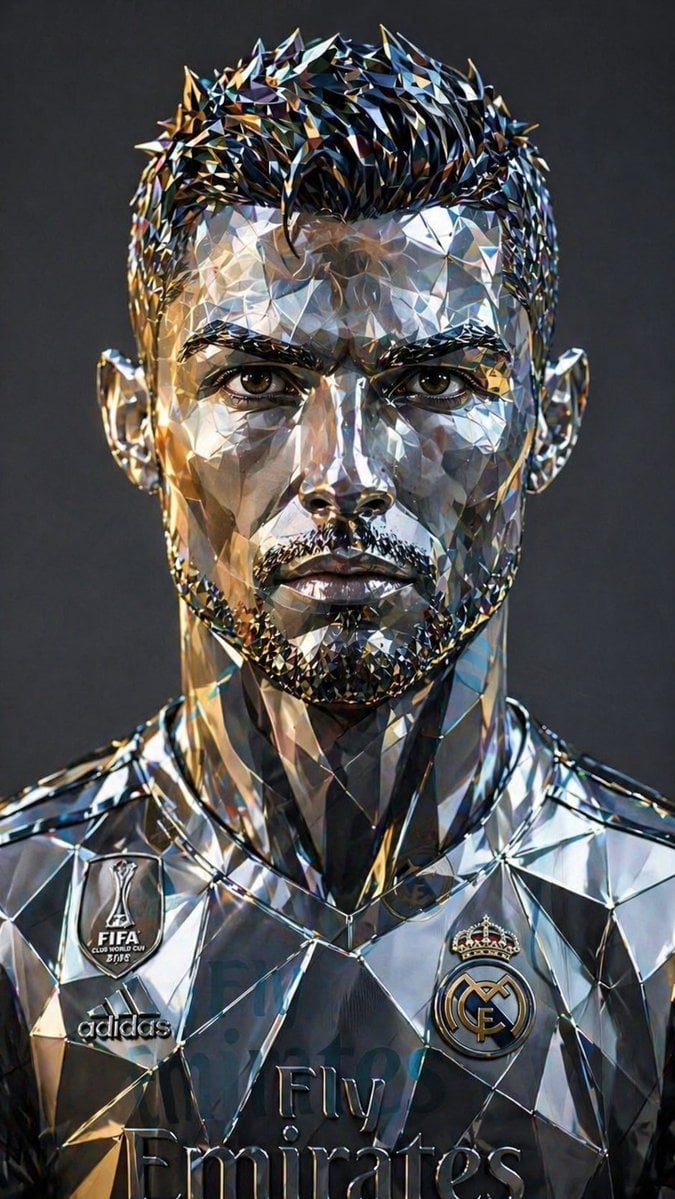
Futuristic Low-Poly Metallic Portrait
Make it yours
Low-Poly Censored Driver Screenshot works as-is. These are the safest ways to change it without losing the look.
Change one field
Copy a single group, rewrite it, and generate again so you can see what that field is doing.
Keep the frame, change the subject
Hold the composition and light of Low-Poly Censored Driver Screenshot, then swap wardrobe, props or the person for a new take.
| If the result… | Why | Fix |
|---|---|---|
| The result drifts from the preview | Too many fields changed at once. | Reuse Low-Poly Censored Driver Screenshot as-is first, then change one group — subject, light, or setting. |
| The model over-stylizes the scene | The prose prompt leaves finish and camera underspecified. | Add one camera or lighting sentence and stay on GPT Image 2. |
More GPT Image 2 templates
Other prompts made for GPT Image 2.

Six VTuber Japanese Logo Sheet

Realistic Portrait of Woman and Deer

The Vista Modular Condo Poster

AI Model Routing Comparison Infographic

2.5D Anime Art Board

Isometric Productivity Desk Scene

New York Double Exposure Poster

Four-Panel AI Landscape Comparison

Japanese Tatami Lifestyle Magazine Cover

NESCAFÉ Coffee Map Poster
More image prompts
Fresh picks from across the catalog.

Gpt2 Avant Garde Tennis Fashion
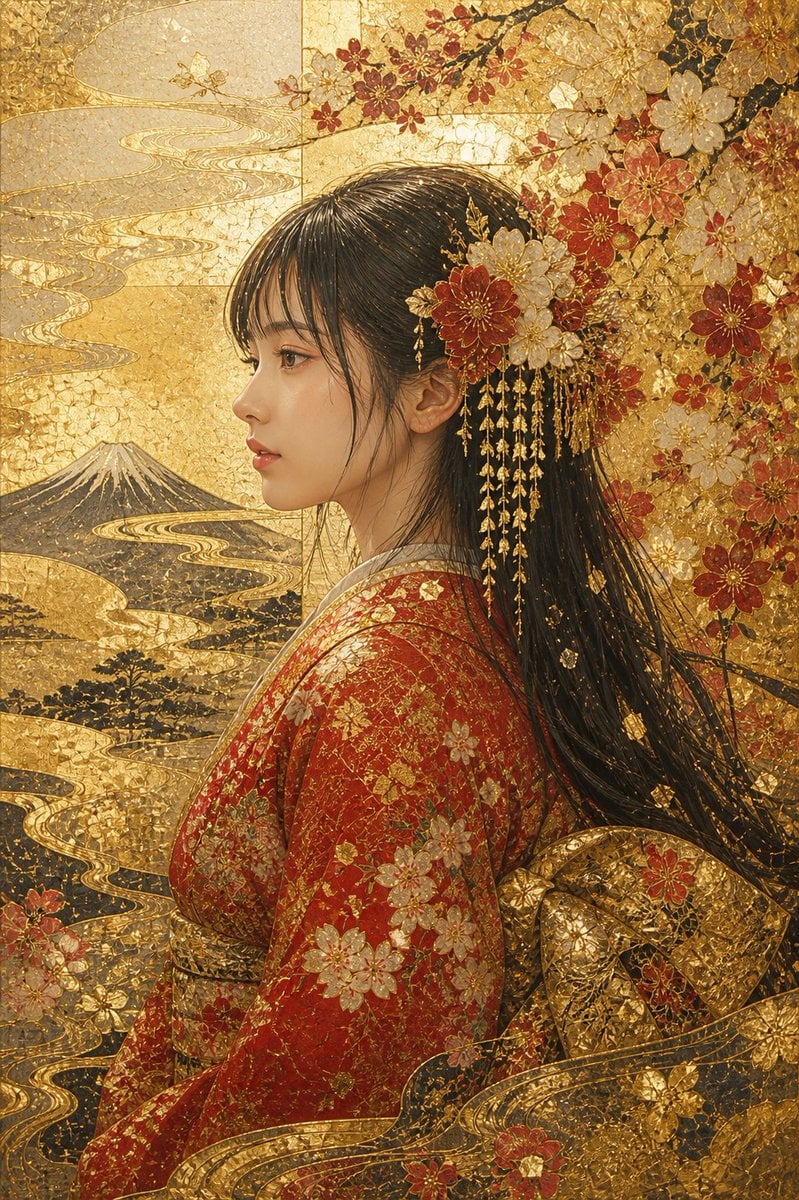
Kirikane Gold Kimono Portrait
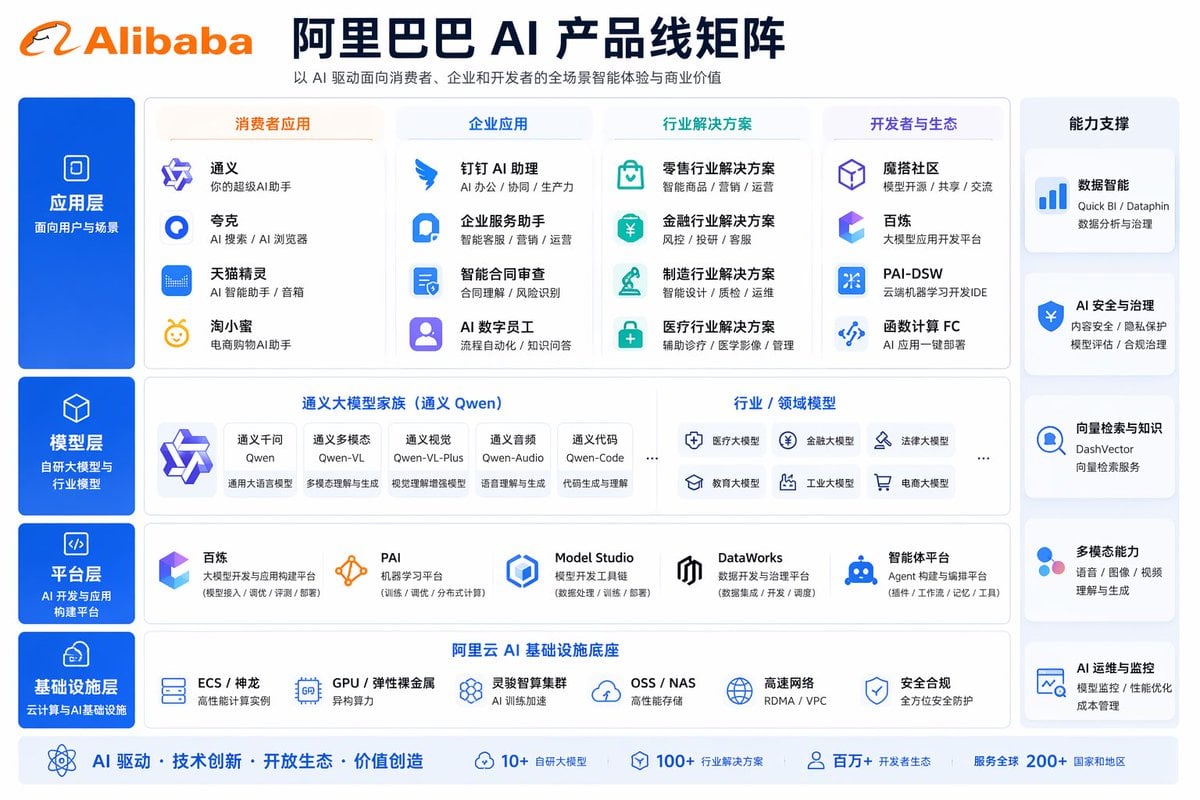
Corporate AI Product Line Infographic
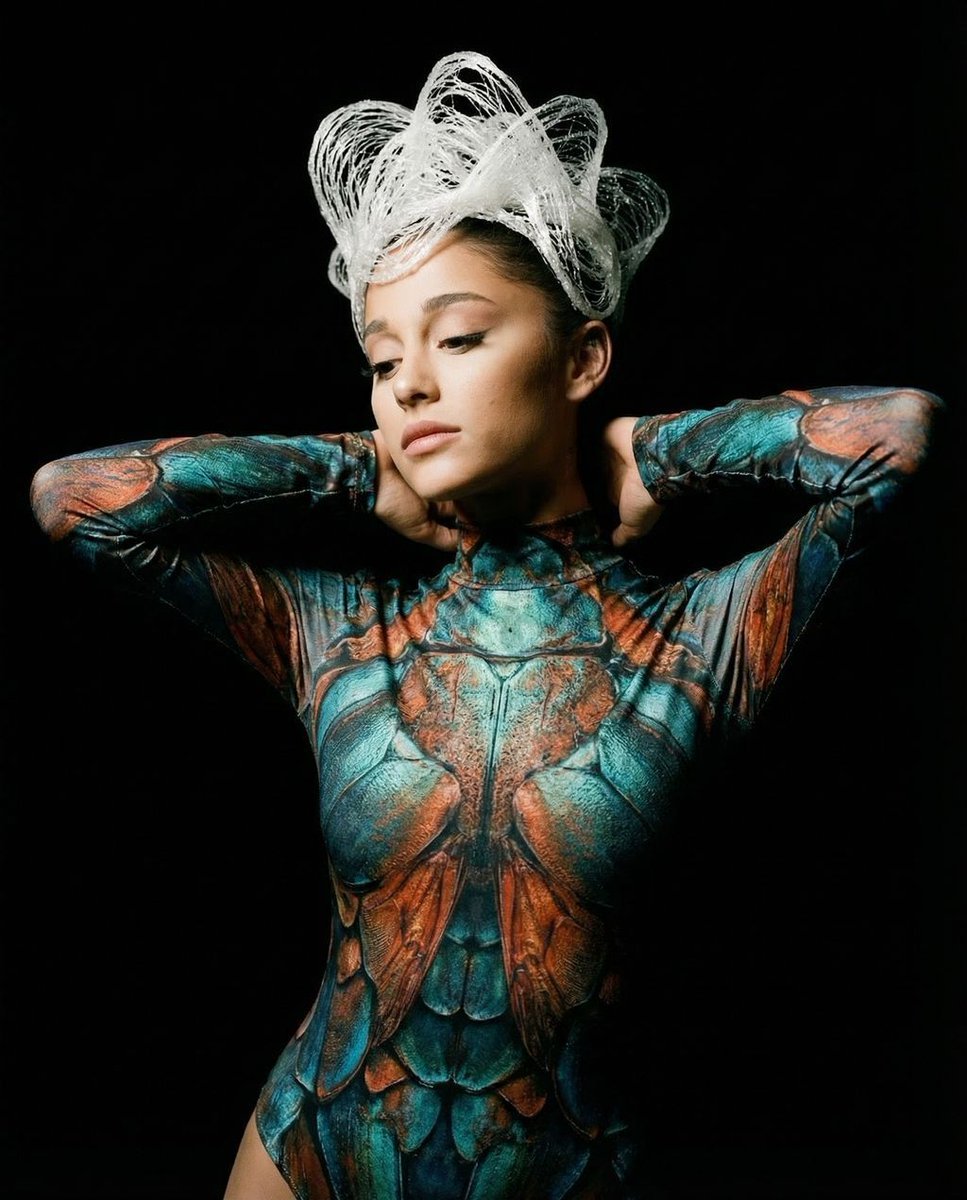
Hyper-Realistic Avant-Garde Fashion Portrait: Cellular Elegance
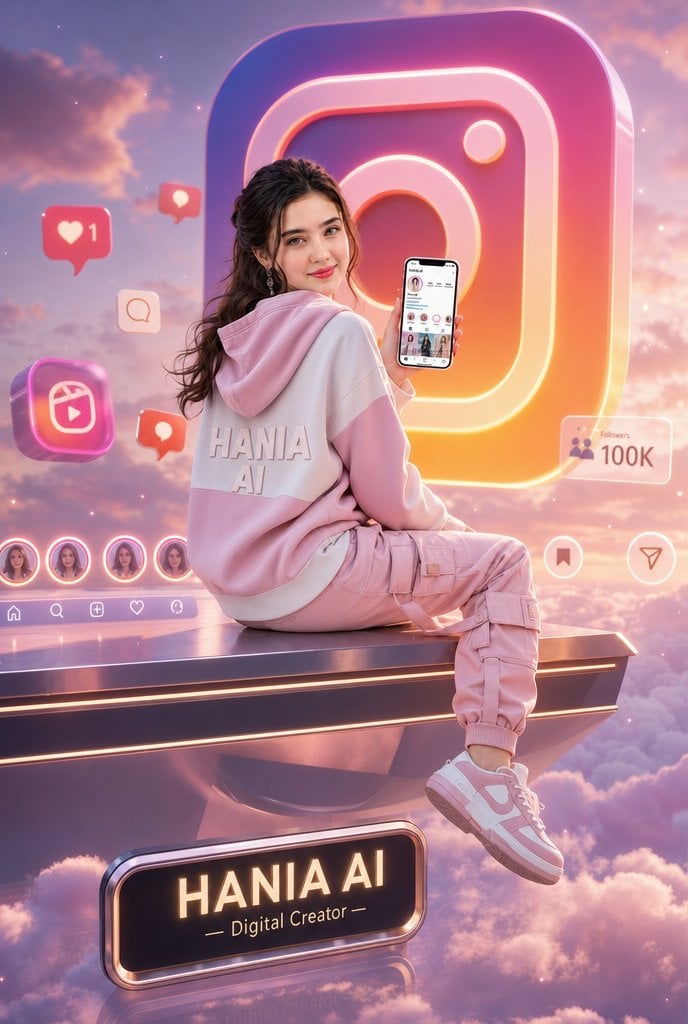
Floating Instagram Creator Portrait
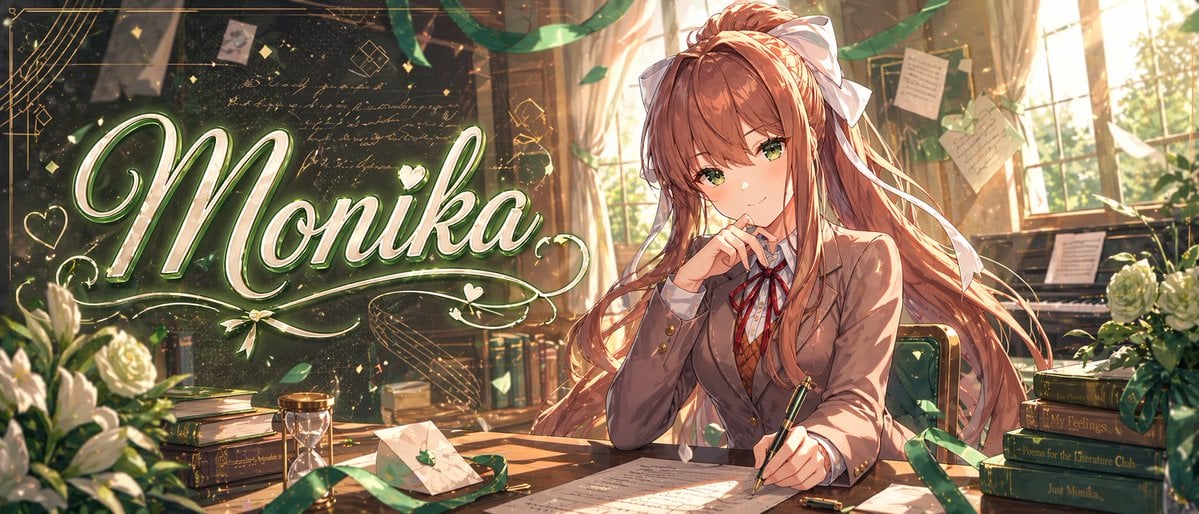
Gpt2 Youtube Thumbnail Monika Anime Banner Illustration
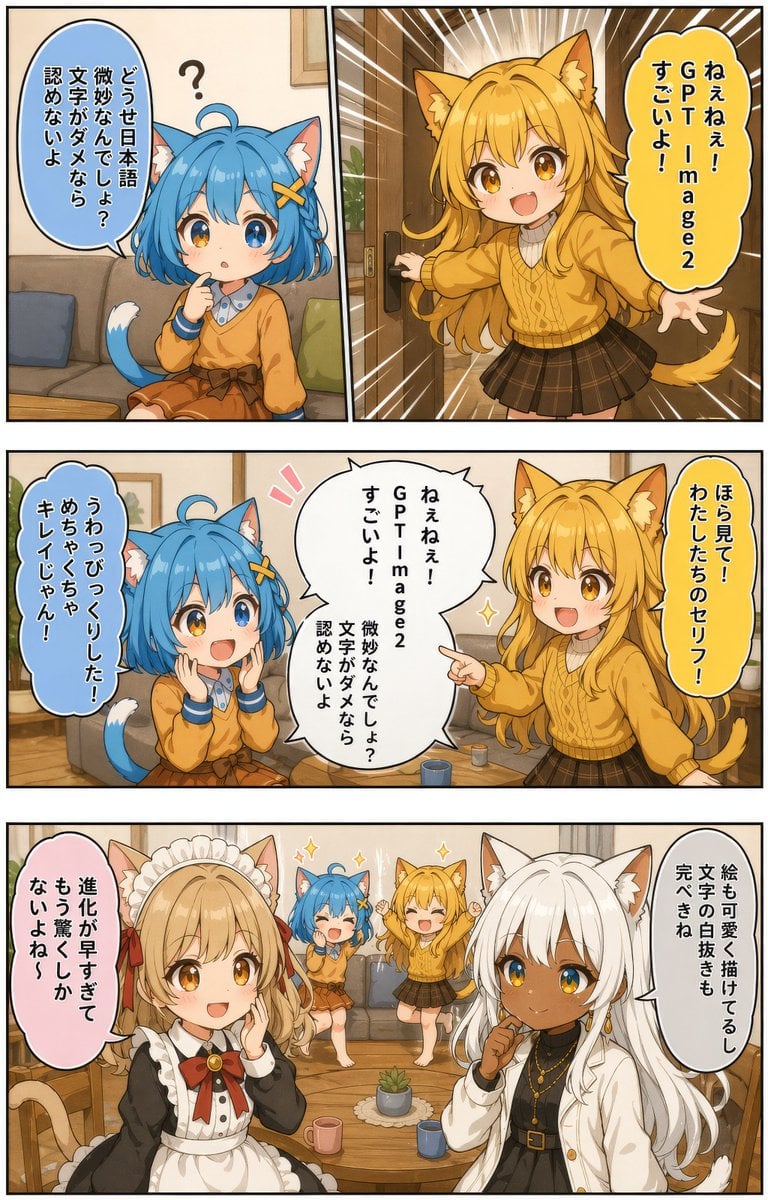
Japanese AI Manga Demo Page
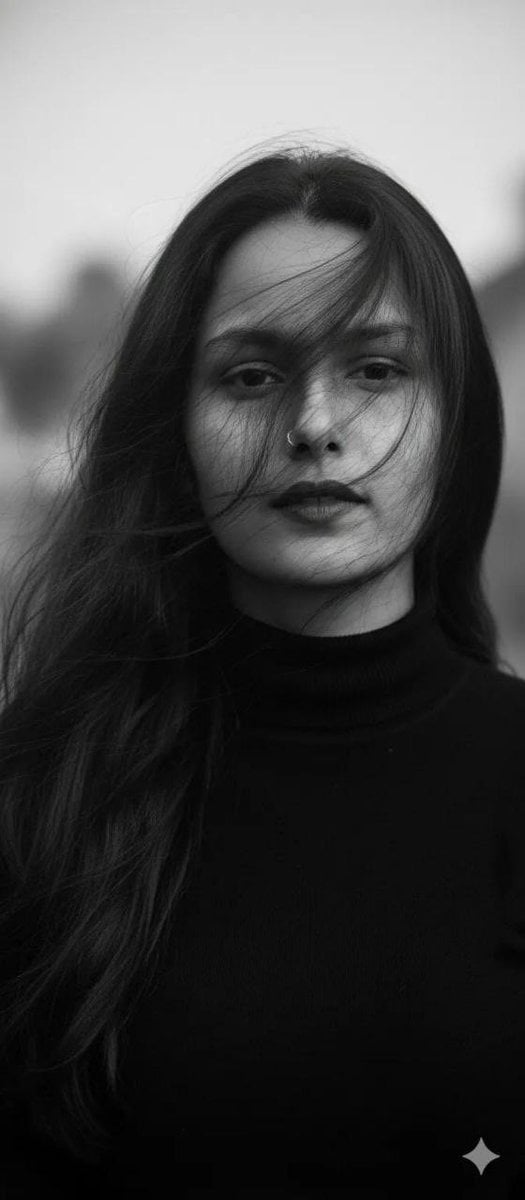
Ultra-Realistic Black and White Cinematic Portrait
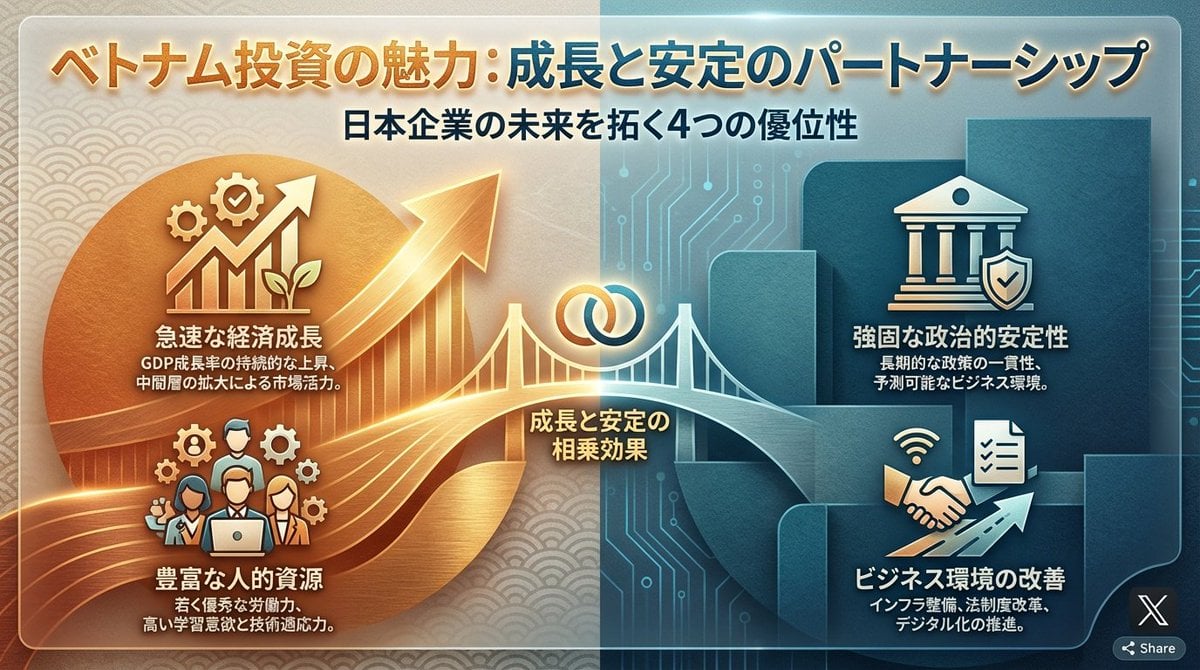
Single-slide about advantages of investing in Vietnam
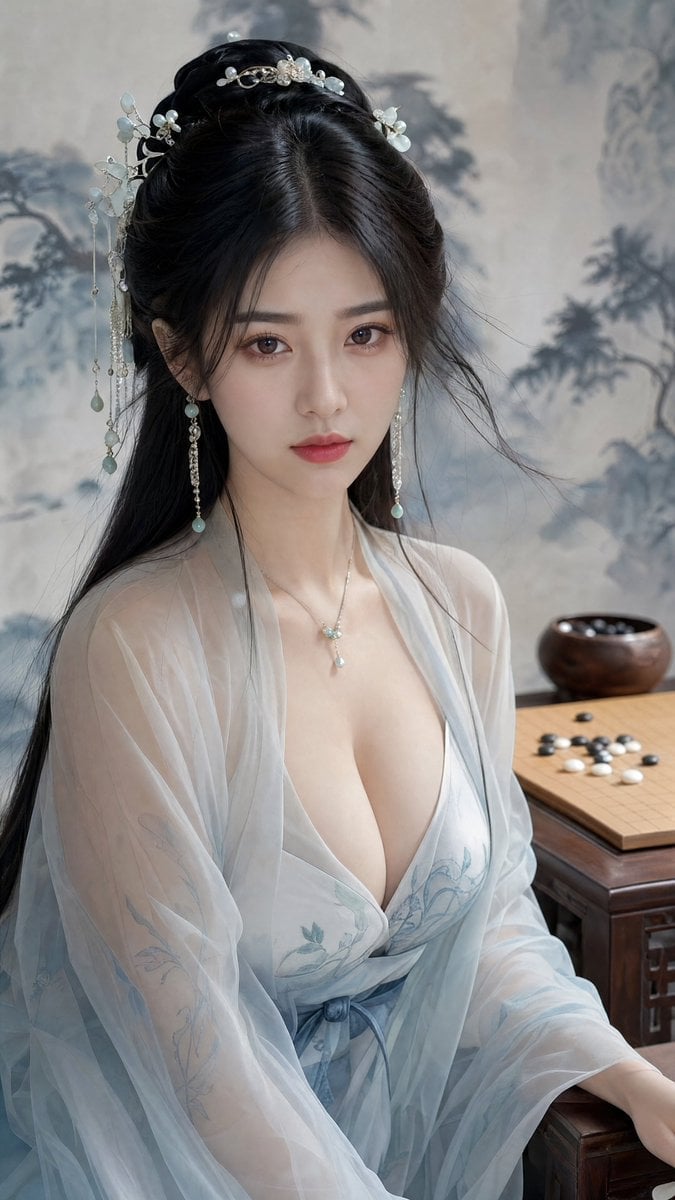
Classical Chinese Go Portrait
Browse template categories
Low-Poly Censored Driver Screenshot questions
How do I use the Low-Poly Censored Driver Screenshot template?
Add your photo if the template asks for one, edit the prompt if you like — the template's model and format are already selected — and press Generate. Your version opens in PicX Studio.
Can I customize the Low-Poly Censored Driver Screenshot template?
Yes. You can change the subject, setting, lighting, mood, format, and available model controls before creating your image.
Is the Low-Poly Censored Driver Screenshot template free?
Opening and editing this template is free. Generating uses credits, shown on the Generate button when you are signed in.
Which AI model should I use?
Start with GPT Image 2, which is the model associated with this template. You can compare another compatible model for a different finish.
Looking for something else? Browse all templates.

Your photo, any look
Thousands of ready templates for every top image and video model, from one credit balance.