
Low-Poly Fantasy Quest Screenshot
Generates a first-person low-poly fantasy RPG scene with enemies, quest signage, ruins, weapons, and an objective crystal for game concept art.
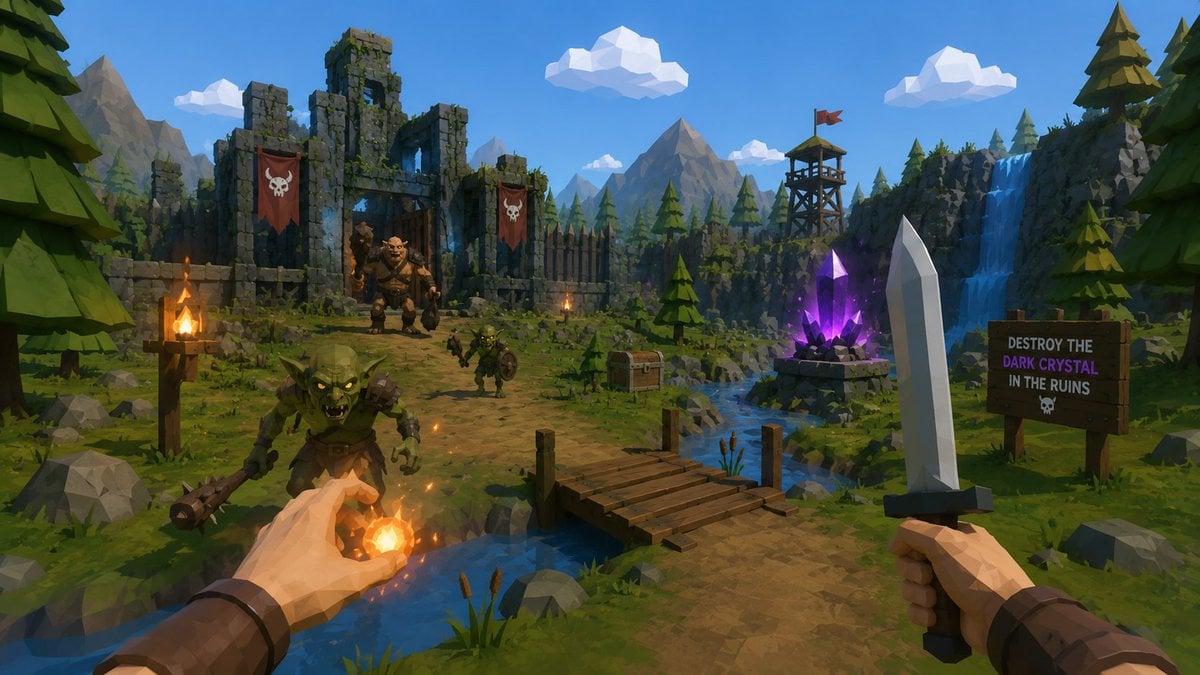
- Prompt included
- Model and format preset
- Free template
The prompt behind this image
Copy the exact prompt behind Low-Poly Fantasy Quest Screenshot, or open it in the studio and make it yours.
Create a first-person low-poly fantasy adventure game screenshot in a bright stylized 3D art style, as if from a playable RPG built from a single image. The camera is at human eye level on a dirt path beside a small stream, with two player hands visible in the foreground: the left hand is casting a glowing orange fireball with sparks and warm light, and the right hand holds a simple faceted steel sword with a dark hilt. Show exactly 3 enemies: 1 large green goblin charging in the lower left foreground with a spiked club, 1 smaller goblin warrior on the path near the center holding a round shield, and 1 bulky ogre or orc boss standing inside the ruined gate in the background. The setting is {argument name="environment" default="a mountain forest valley with ruined stone fortifications"}: mossy broken castle walls on the left, wooden palisades, pine trees, gray boulders, distant angular mountains, a blue sky, and chunky white low-poly clouds. Include exactly 2 red skull banners hanging on the ruin walls, exactly 3 lit torches, 1 wooden footbridge crossing the stream, 1 treasure chest near the riverbank, 1 wooden watchtower with a small red flag on a cliff, 1 blue waterfall on the right, 1 tall pale crystal obelisk in the right foreground, and 1 glowing purple dark crystal on a stone pedestal near the stream. Add a wooden quest sign on the right that reads exactly: "DESTROY THE\nDARK CRYSTAL\nIN THE RUINS" with a small skull icon beneath. Use vibrant game-ready lighting, crisp shadows, readable silhouettes, saturated greens and blues, warm fire highlights, polygonal geometry, no photorealism, no UI overlays, no watermark. The main quest objective is {argument name="quest objective" default="destroy the dark crystal in the ruins"}, the player weapon is {argument name="player weapon" default="a steel sword"}, the magic effect is {argument name="magic spell" default="an orange fireball"}, and the enemy faction is {argument name="enemy faction" default="goblins and orcs"}.
How to use Low-Poly Fantasy Quest Screenshot in 3 steps
- 1Upload ImagePNG, JPG or paste
Add your photo
Upload the photo the template builds on. The prompt, model and format are already set.
- 2…a portrait of your subject in softgolden-hour light, 85mm…
Personalize
Edit the subject and creative details for your destination.
- 3Generate
Generate
Press Generate — your image is created in PicX Studio, so you can compare it with the original and refine one variable at a time.
More like this
Templates with the same subject, style or setup. Open one to see its prompt.
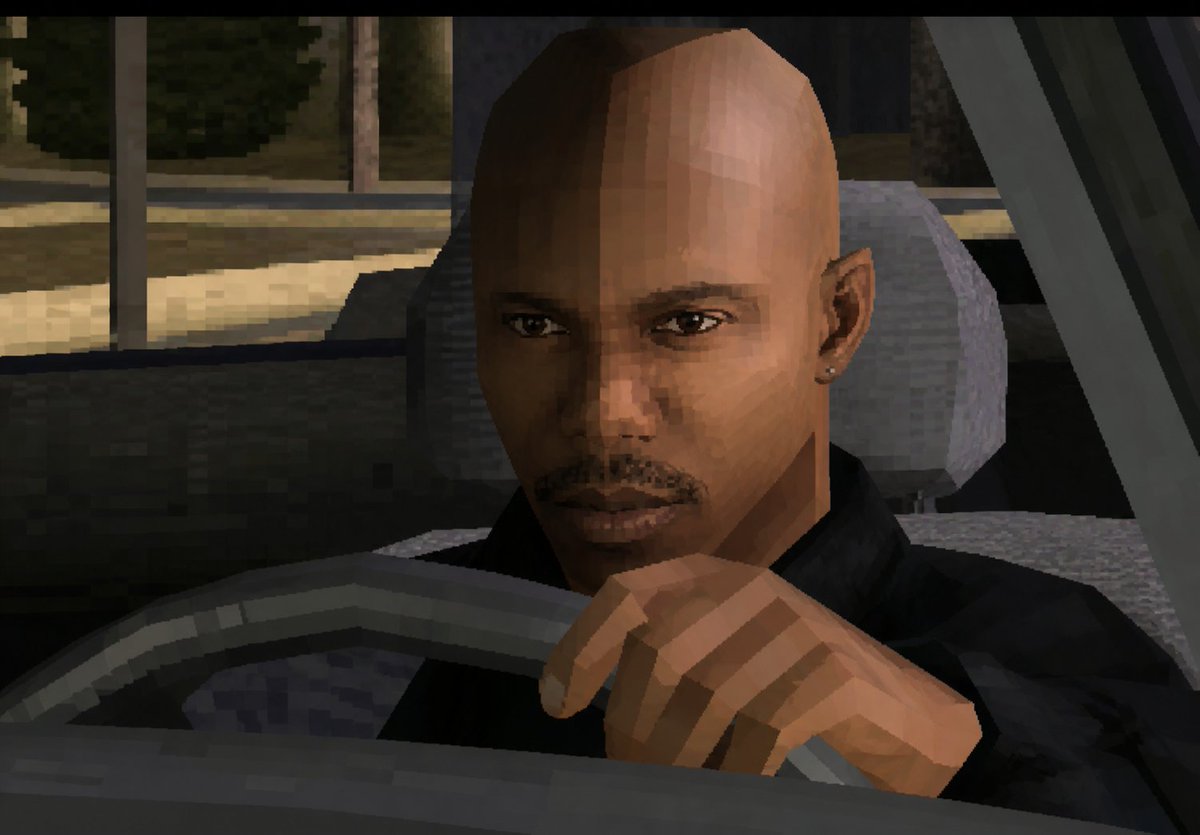
Low-Poly Censored Driver Screenshot

Minecraft Next-Gen Voxel World Screenshot
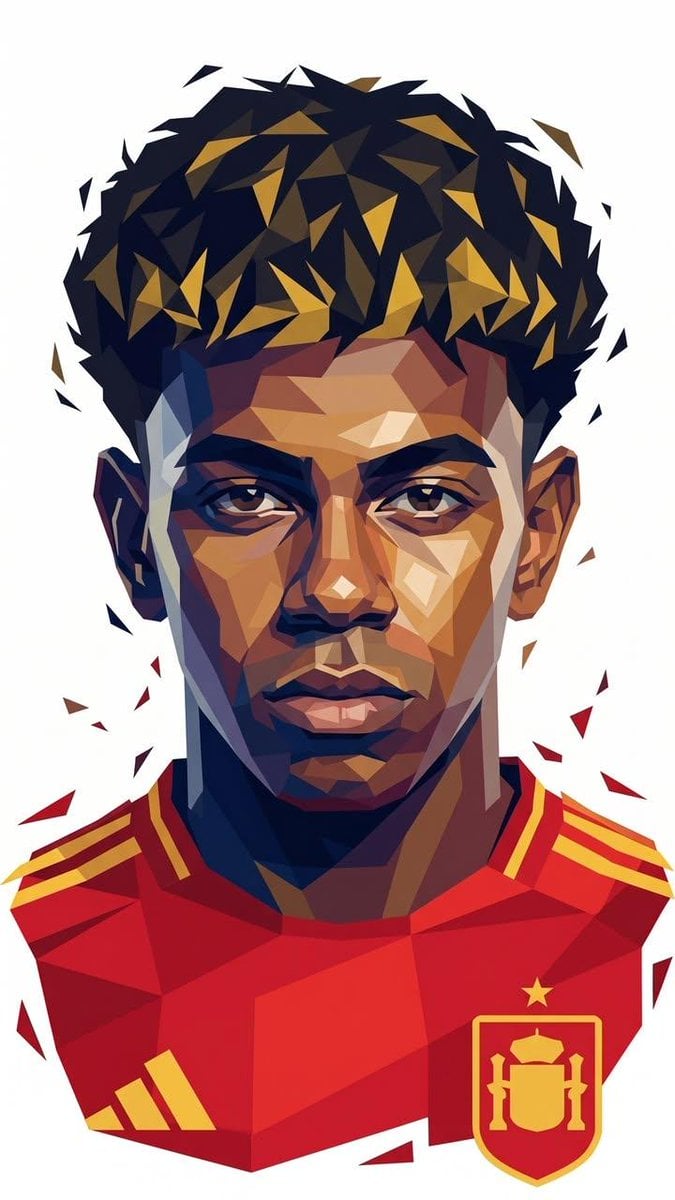
Low-Poly Geometric Male Portrait

Low Poly Football Player Illustration
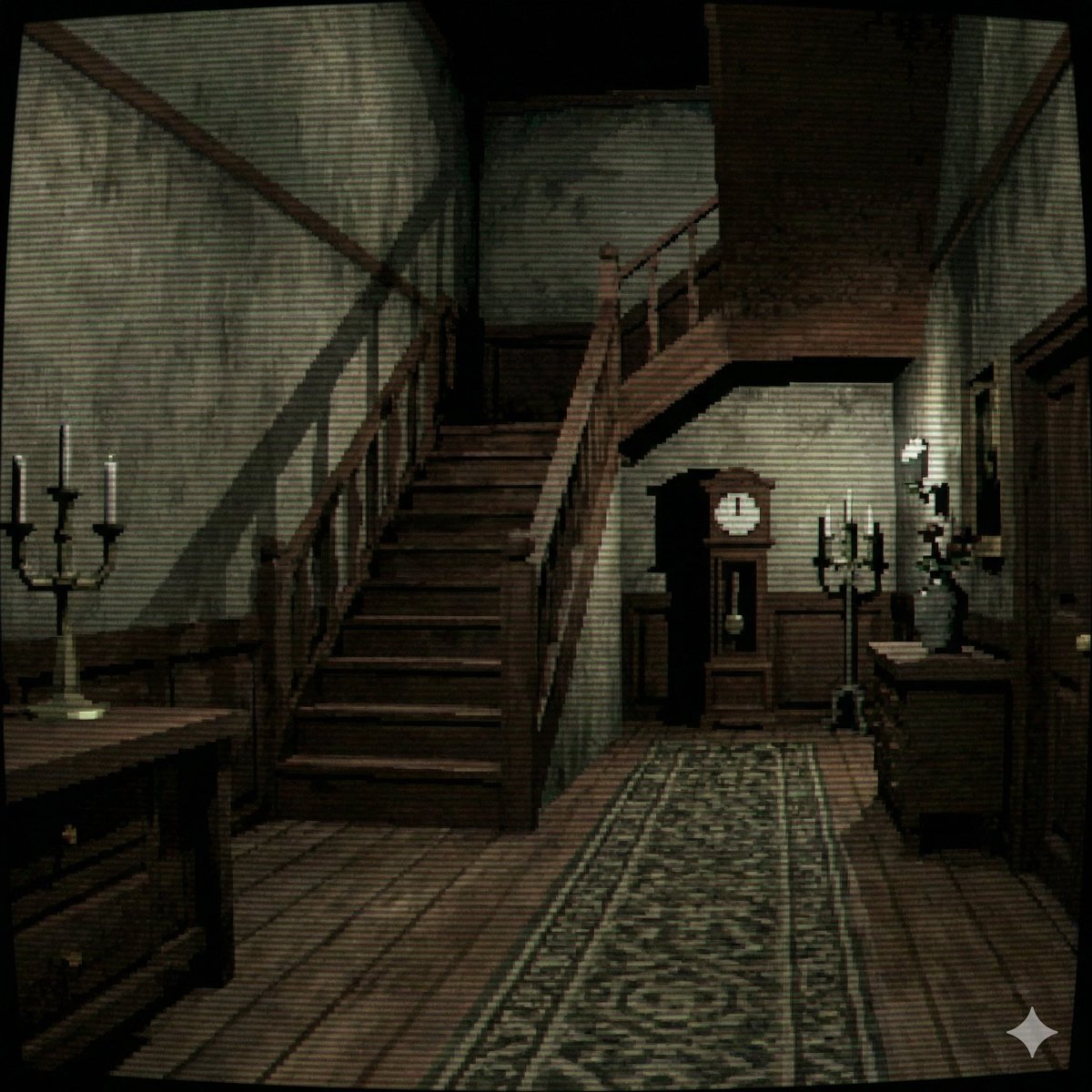
PS1 Style Low-Poly Mansion Interior

Anime Fantasy Celestial Movie Poster
Anime Fantasy Celestial Movie Poster

Minecraft Fantasy Kingdom Voxel Landscape

Unfinished Sketch Comes Alive Portrait

Open Travel Journal Overhead Still Life

Tiny Woman Miniature Fantasy Macro Scene
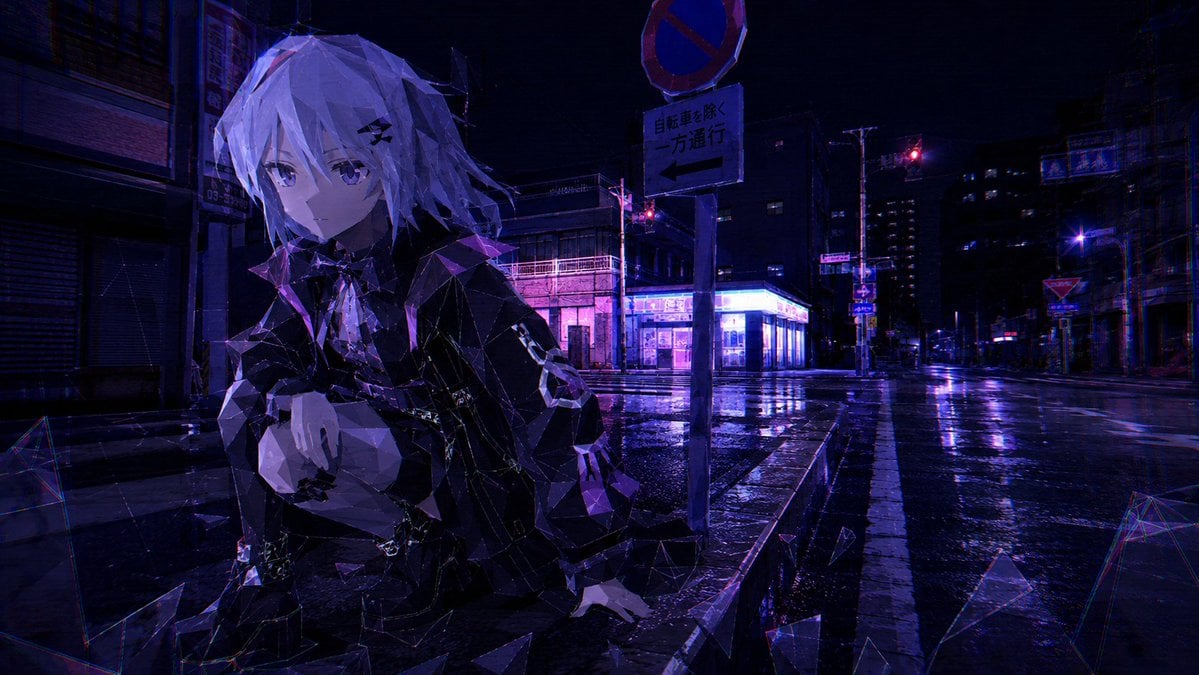
Cyberpunk Low-Poly Rainy Street
Make it yours
Low-Poly Fantasy Quest Screenshot works as-is. These are the safest ways to change it without losing the look.
Change one field
Copy a single group, rewrite it, and generate again so you can see what that field is doing.
Keep the frame, change the subject
Hold the composition and light of Low-Poly Fantasy Quest Screenshot, then swap wardrobe, props or the person for a new take.
| If the result… | Why | Fix |
|---|---|---|
| The result drifts from the preview | Too many fields changed at once. | Reuse Low-Poly Fantasy Quest Screenshot as-is first, then change one group — subject, light, or setting. |
| The model over-stylizes the scene | The prose prompt leaves finish and camera underspecified. | Add one camera or lighting sentence and stay on GPT Image 2. |
More GPT Image 2 templates
Other prompts made for GPT Image 2.

Six VTuber Japanese Logo Sheet

Realistic Portrait of Woman and Deer

The Vista Modular Condo Poster

AI Model Routing Comparison Infographic

2.5D Anime Art Board

Isometric Productivity Desk Scene

New York Double Exposure Poster

Four-Panel AI Landscape Comparison

Japanese Tatami Lifestyle Magazine Cover

NESCAFÉ Coffee Map Poster
More image prompts
Fresh picks from across the catalog.
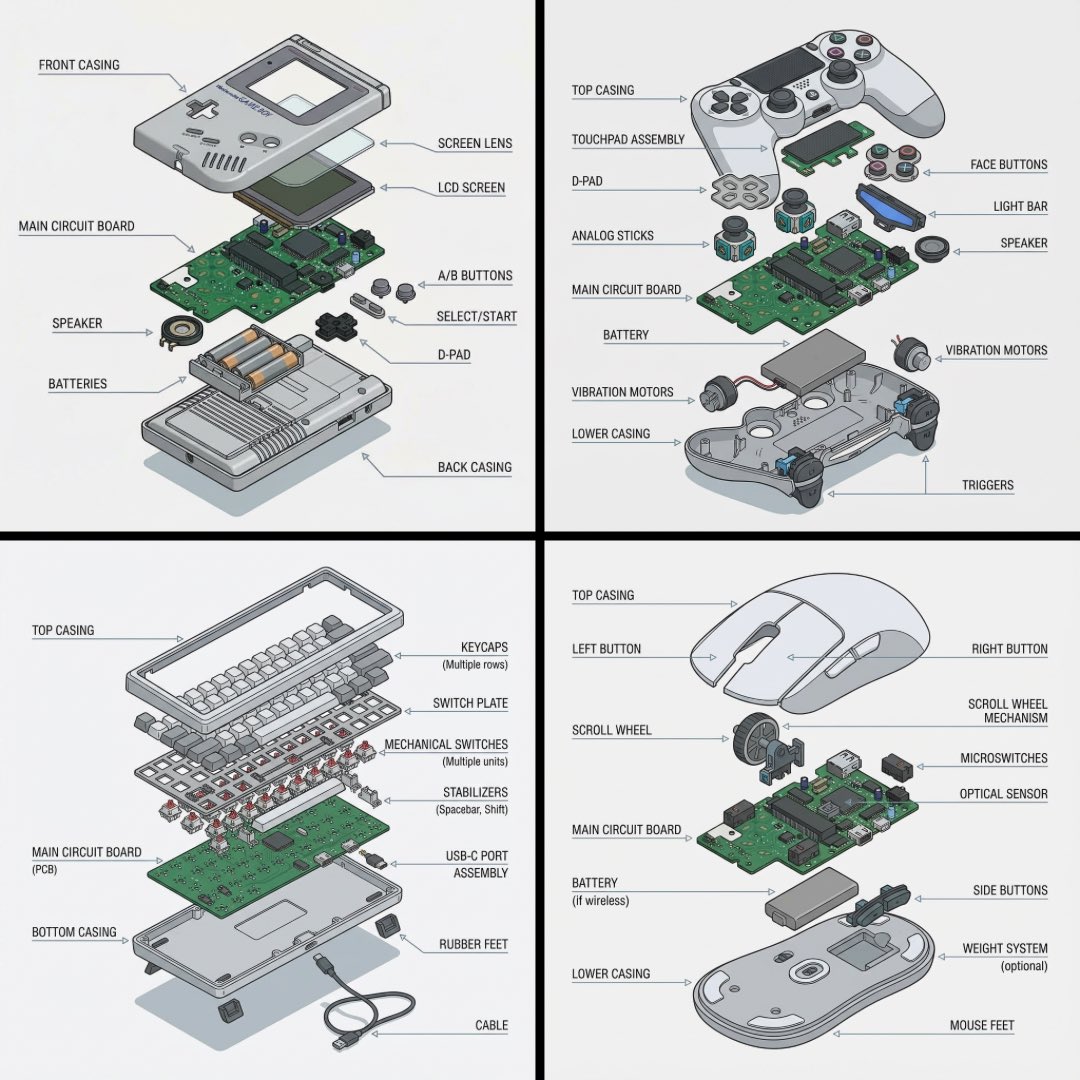
Technical exploded view diagram of a device
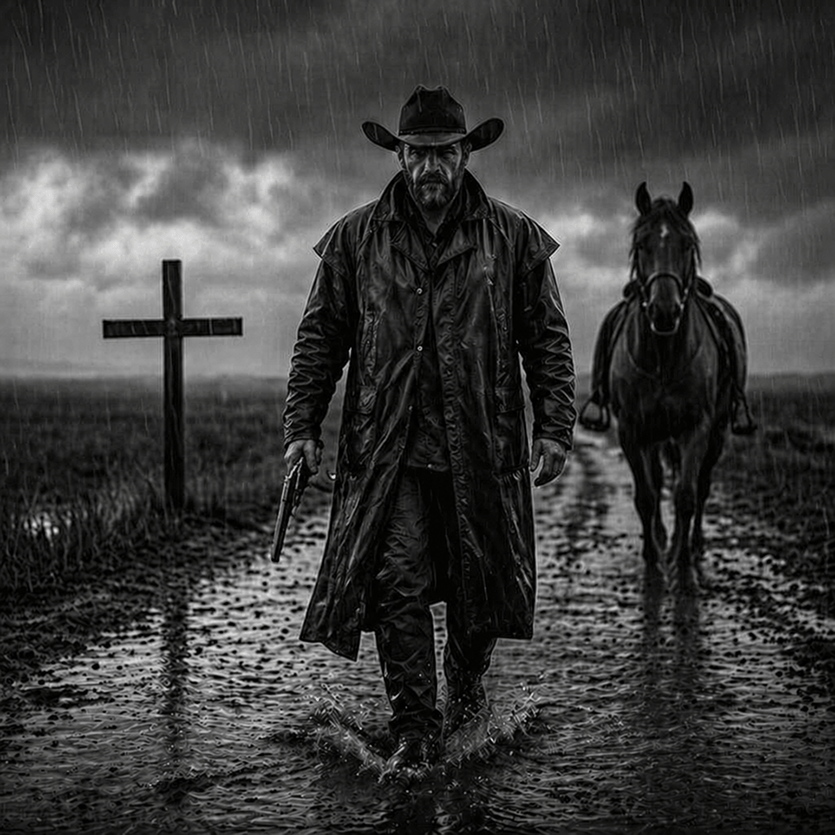
Rain-Soaked Dark Western Gunslinger
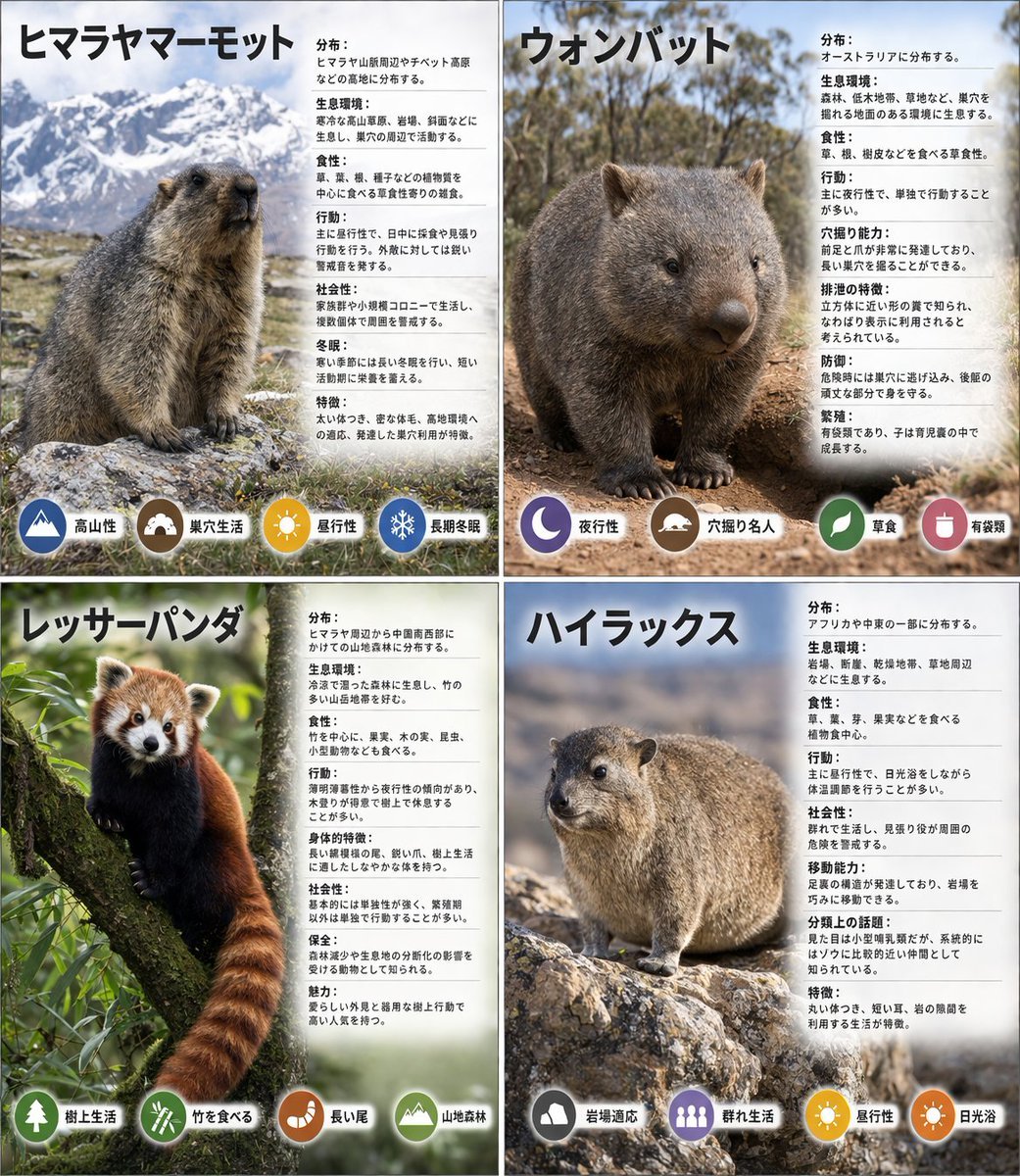
Panel Animal Infographic Grid
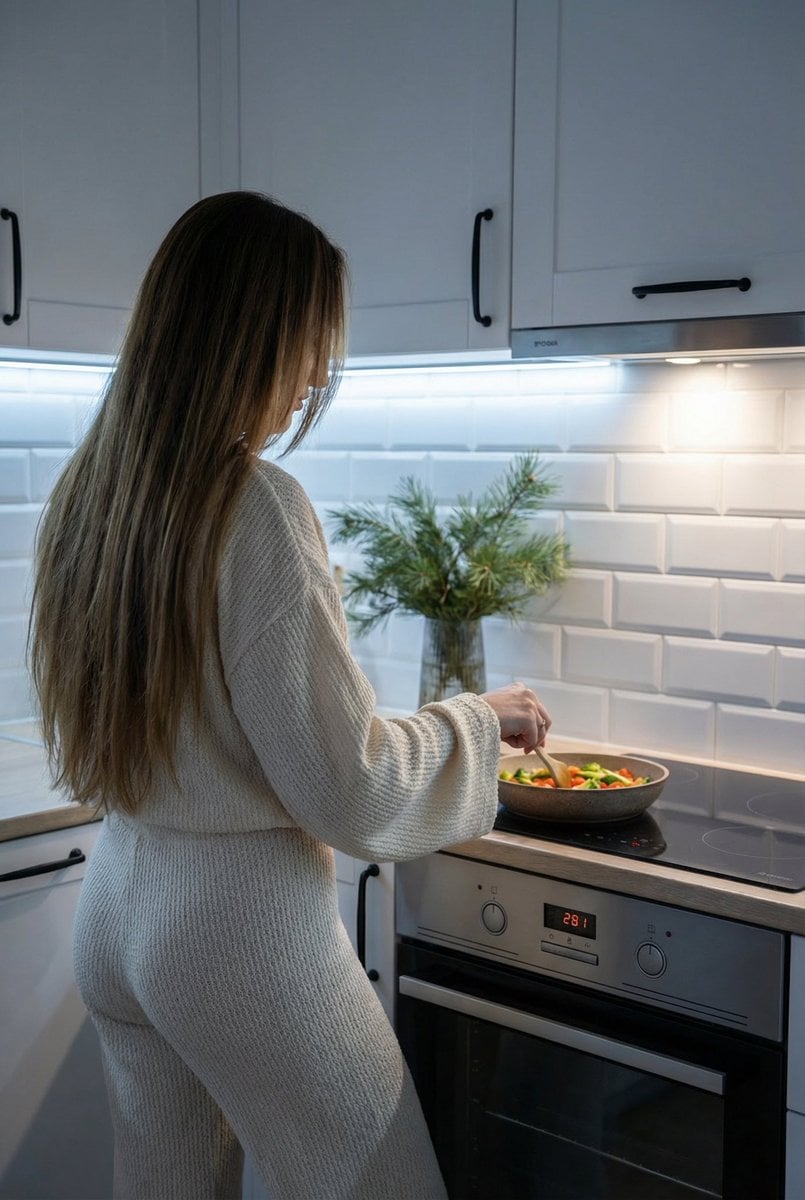
Candid Shot of Woman Cooking in Modern Kitchen
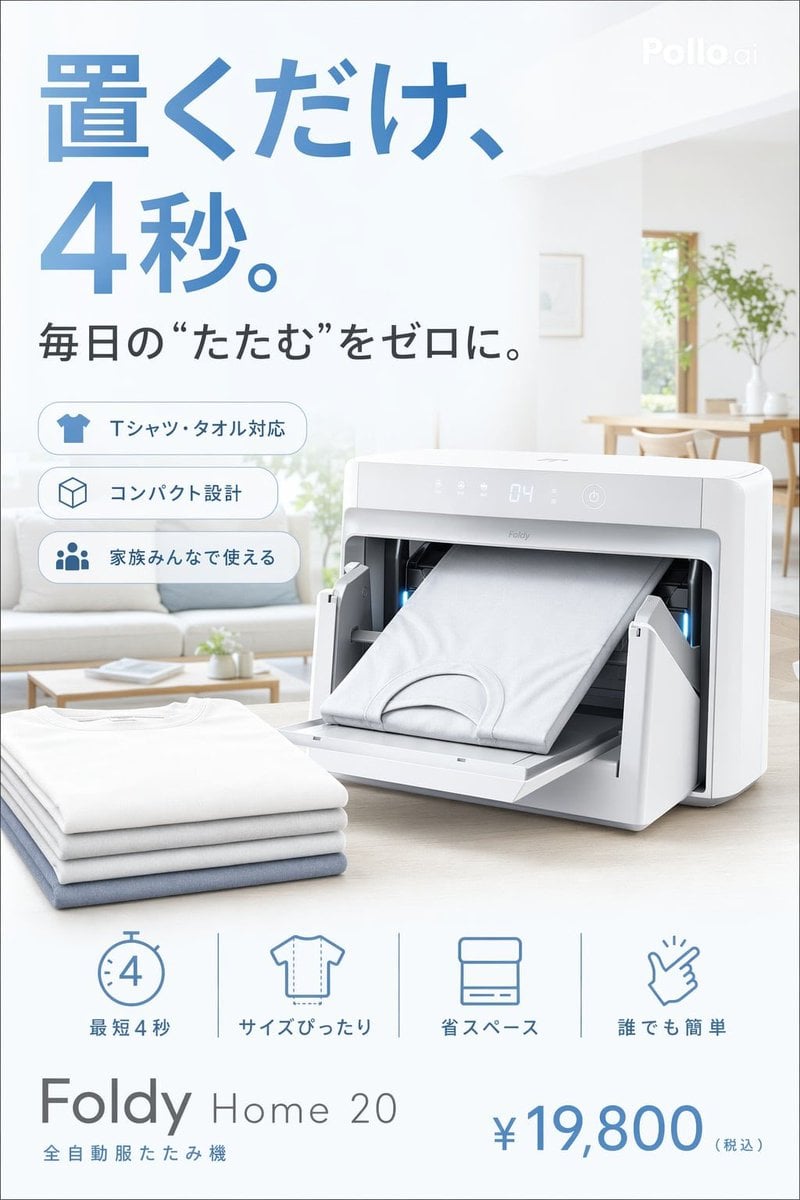
Japanese Auto Laundry Folder Ad
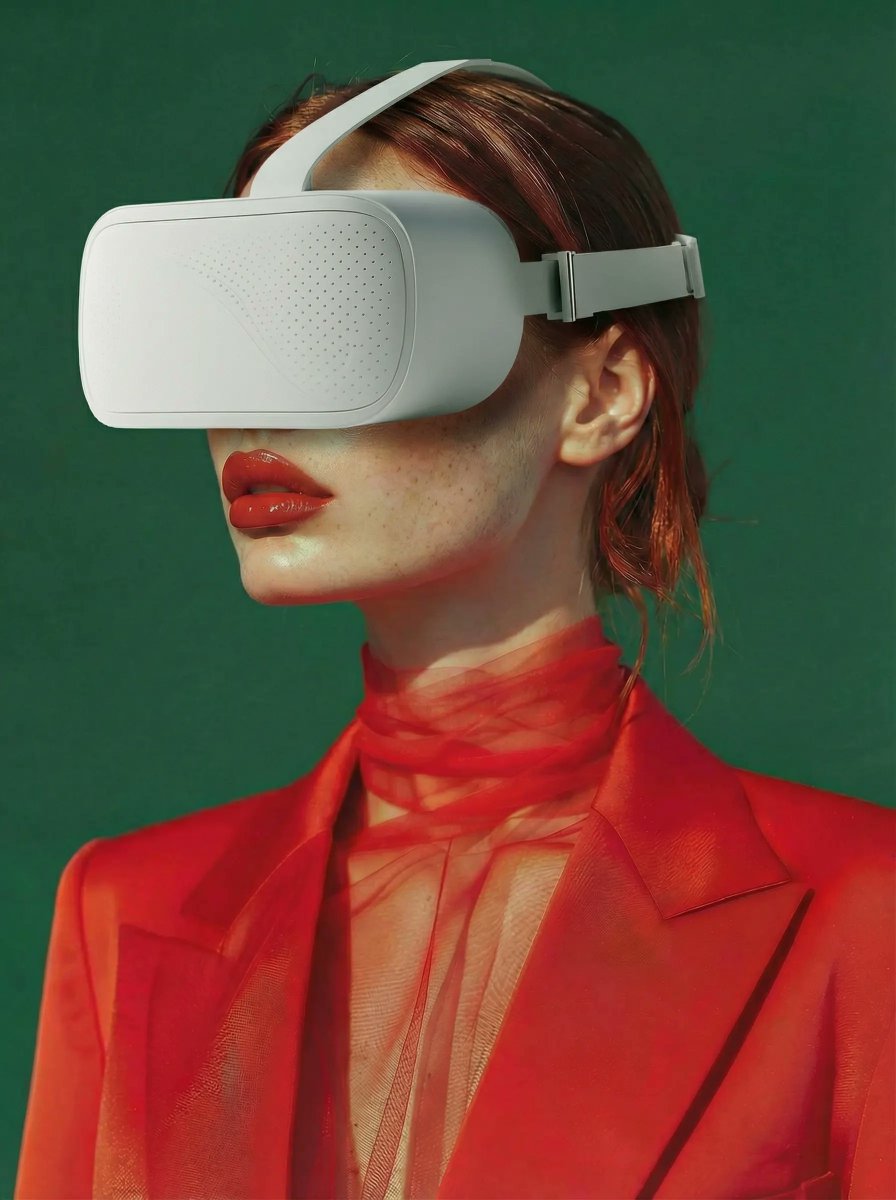
Integrate VR Headset onto Model
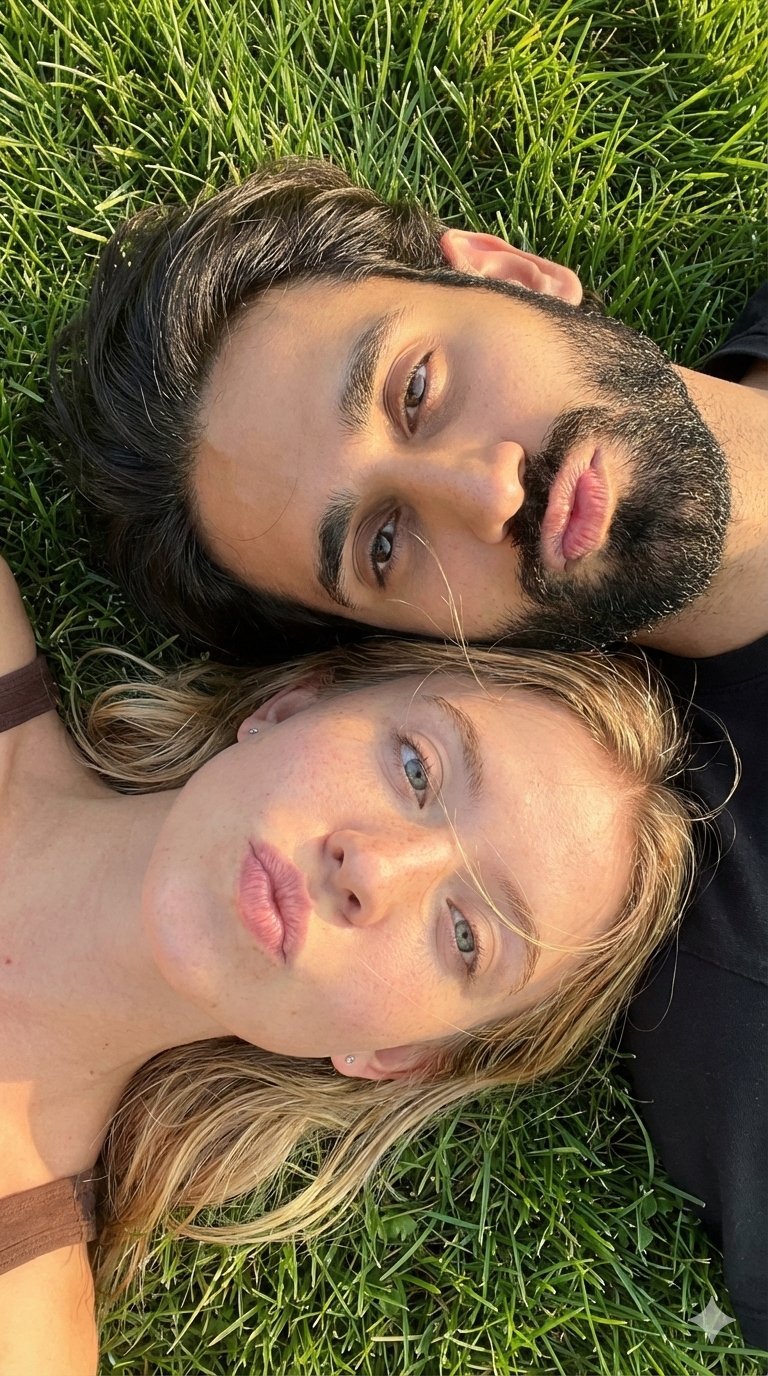
Selfie with Sydney Sweeney and Ana De Ar
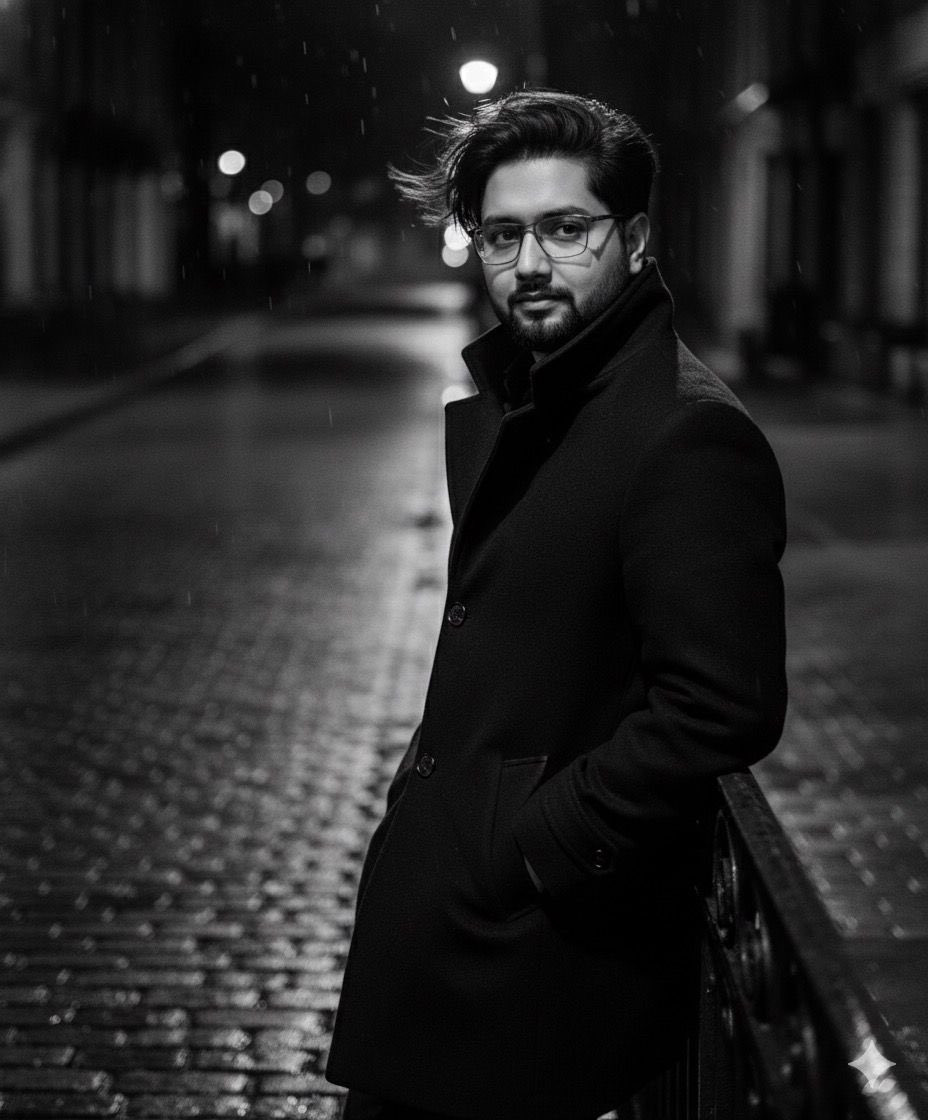
High-fashion black-and-white editorial portrait
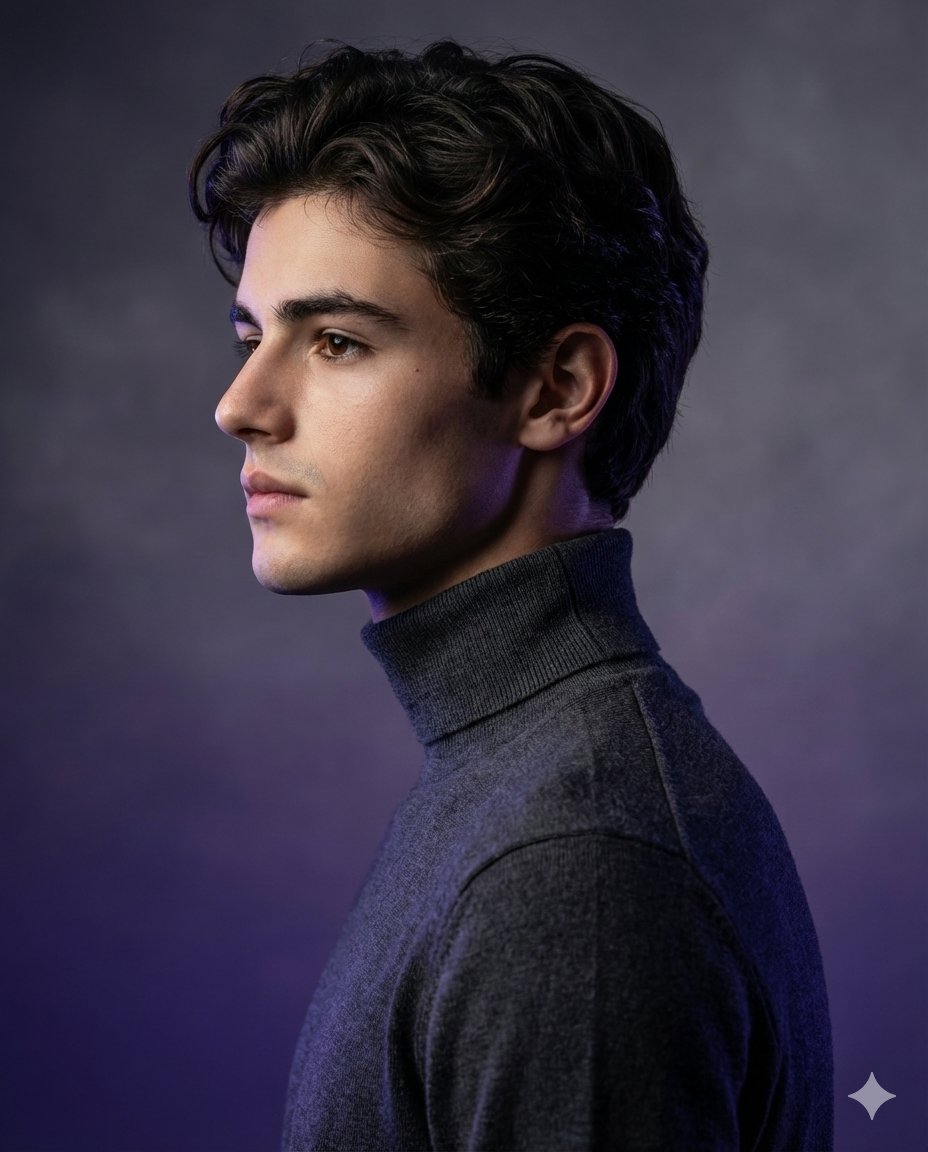
High-Fashion Studio Portrait with Identity Lock
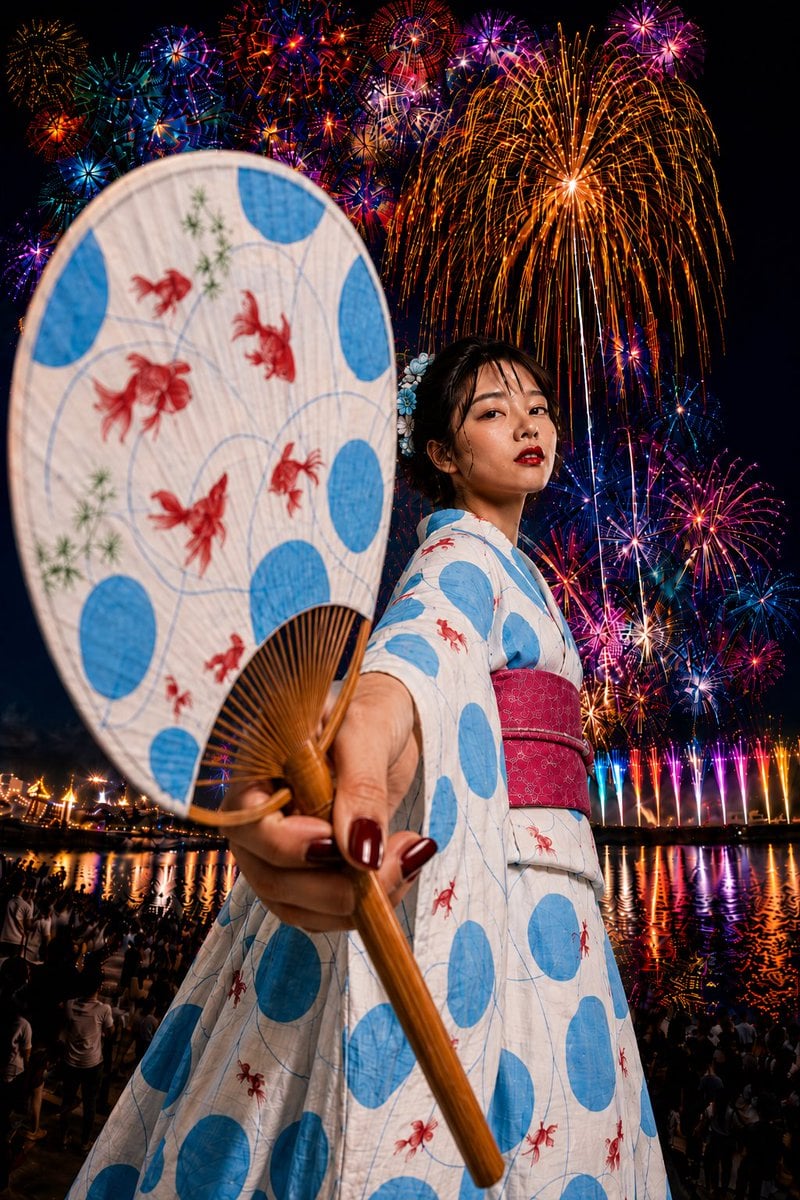
Goldfish Yukata Fireworks Festival Portrait
Browse template categories
Low-Poly Fantasy Quest Screenshot questions
How do I use the Low-Poly Fantasy Quest Screenshot template?
Add your photo if the template asks for one, edit the prompt if you like — the template's model and format are already selected — and press Generate. Your version opens in PicX Studio.
Can I customize the Low-Poly Fantasy Quest Screenshot template?
Yes. You can change the subject, setting, lighting, mood, format, and available model controls before creating your image.
Is the Low-Poly Fantasy Quest Screenshot template free?
Opening and editing this template is free. Generating uses credits, shown on the Generate button when you are signed in.
Which AI model should I use?
Start with GPT Image 2, which is the model associated with this template. You can compare another compatible model for a different finish.
Looking for something else? Browse all templates.

Your photo, any look
Thousands of ready templates for every top image and video model, from one credit balance.