
Cyberpunk Low-Poly Rainy Street
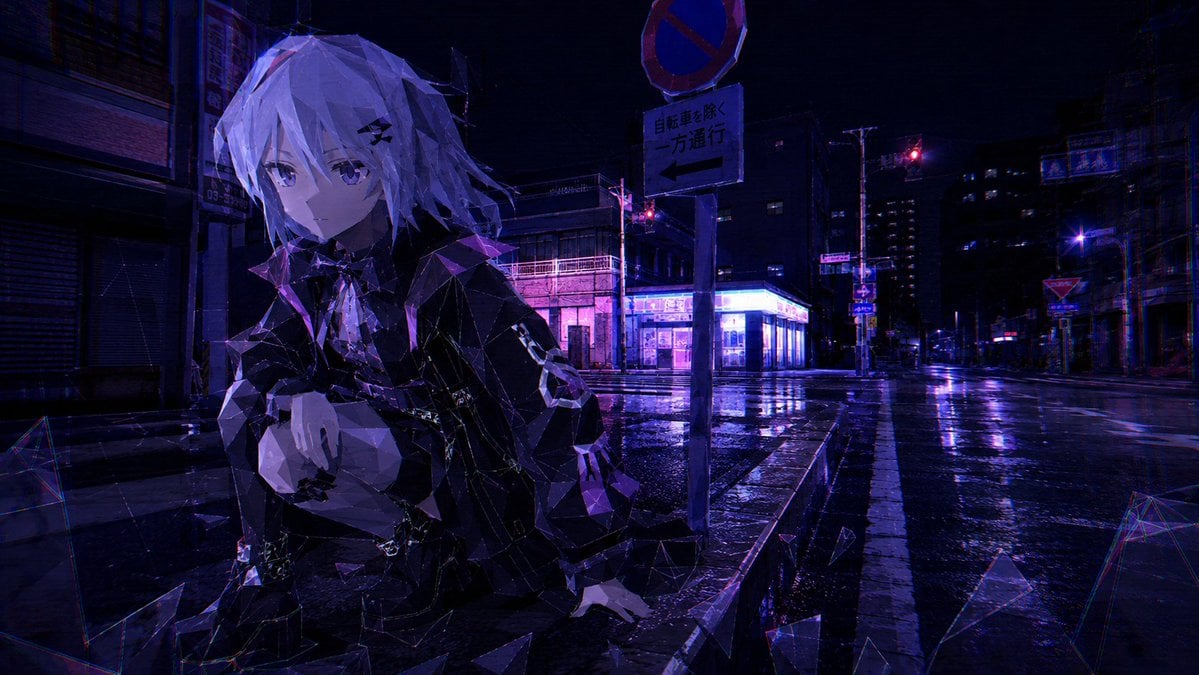
A cinematic prompt for generating a neon cyberpunk Japanese street scene with a faceless low-poly anime figure and rain-soaked reflections.
- Prompt included
- Model and format preset
- Free template
The prompt behind this image
Copy the exact prompt behind Cyberpunk Low-Poly Rainy Street, or open it in the studio and make it yours.
Create a cinematic cyberpunk night street scene in a Japanese city after rain, shot in a wide 16:9 frame with a dark violet and electric blue color grade. In the left foreground, place one androgynous anime-style figure with {argument name="hair color" default="pale silver-white"} messy shoulder-length hair, wearing an oversized glossy black jacket with faceted low-poly geometry, crouching or leaning forward with one hand near the chest and the other extended downward. Cover the character’s face with a flat opaque {argument name="face censor color" default="muted purple"} rectangular block, making the face completely unreadable. Render the character and nearby debris as angular crystalline low-poly fragments, with sharp triangular facets catching purple highlights. The background is a deserted wet intersection with reflective asphalt, shuttered buildings, neon-lit storefronts, distant red traffic lights, and deep shadows. Include exactly two prominent road signs on a pole near the center-right: a circular red-and-blue no-stopping sign above, and a rectangular one-way sign below with the text {argument name="road sign text" default="自転車を除く 一方通行"} and a left arrow. Add exactly 8 prominent glass-like polygon shards around the scene: one wireframe shard at the far left, one triangular shard at the lower left, one large triangle near the bottom center, one small shard near the character’s lowered hand, one small shard in the mid-right street, one large shard at the lower right, one wireframe shard at the far right edge, and one small shard floating near the curb. Use rain-slick reflections, subtle chromatic aberration, high contrast, noir atmosphere, and a glitchy digital-polygon aesthetic. Keep the scene empty of cars and pedestrians, with no readable text other than the road sign.
How to use Cyberpunk Low-Poly Rainy Street in 3 steps
- 1Upload ImagePNG, JPG or paste
Add your photo
Upload the photo the template builds on. The prompt, model and format are already set.
- 2…a portrait of your subject in softgolden-hour light, 85mm…
Personalize
Edit the subject and creative details for your destination.
- 3Generate
Generate
Press Generate — your image is created in PicX Studio, so you can compare it with the original and refine one variable at a time.
More like this
Templates with the same subject, style or setup. Open one to see its prompt.

Rainy Night Android Cyberpunk Portrait

Neon Violet Streetwear Fashion Portrait
Rainy Night Android Cyberpunk Portrait

Low-Angle Cyberpunk Neon Profile Portrait
Cyberpunk Rainy Street Robot Repair
Nano Banana - Paris Street with Flowers

Two Tickets, One Night

Meet Me When It Rains

Two Hearts. One Scooter.

1986 Street Couple

1985 Street Scene
Low-Poly Fantasy Quest Screenshot
Make it yours
Cyberpunk Low-Poly Rainy Street works as-is. These are the safest ways to change it without losing the look.
Change one field
Copy a single group, rewrite it, and generate again so you can see what that field is doing.
Keep the frame, change the subject
Hold the composition and light of Cyberpunk Low-Poly Rainy Street, then swap wardrobe, props or the person for a new take.
| If the result… | Why | Fix |
|---|---|---|
| The result drifts from the preview | Too many fields changed at once. | Reuse Cyberpunk Low-Poly Rainy Street as-is first, then change one group — subject, light, or setting. |
| The model over-stylizes the scene | The prose prompt leaves finish and camera underspecified. | Add one camera or lighting sentence and stay on GPT Image 2. |
More GPT Image 2 templates
Other prompts made for GPT Image 2.

Six VTuber Japanese Logo Sheet

Realistic Portrait of Woman and Deer

The Vista Modular Condo Poster

AI Model Routing Comparison Infographic

2.5D Anime Art Board

Isometric Productivity Desk Scene

New York Double Exposure Poster

Four-Panel AI Landscape Comparison

Japanese Tatami Lifestyle Magazine Cover

NESCAFÉ Coffee Map Poster
More image prompts
Fresh picks from across the catalog.
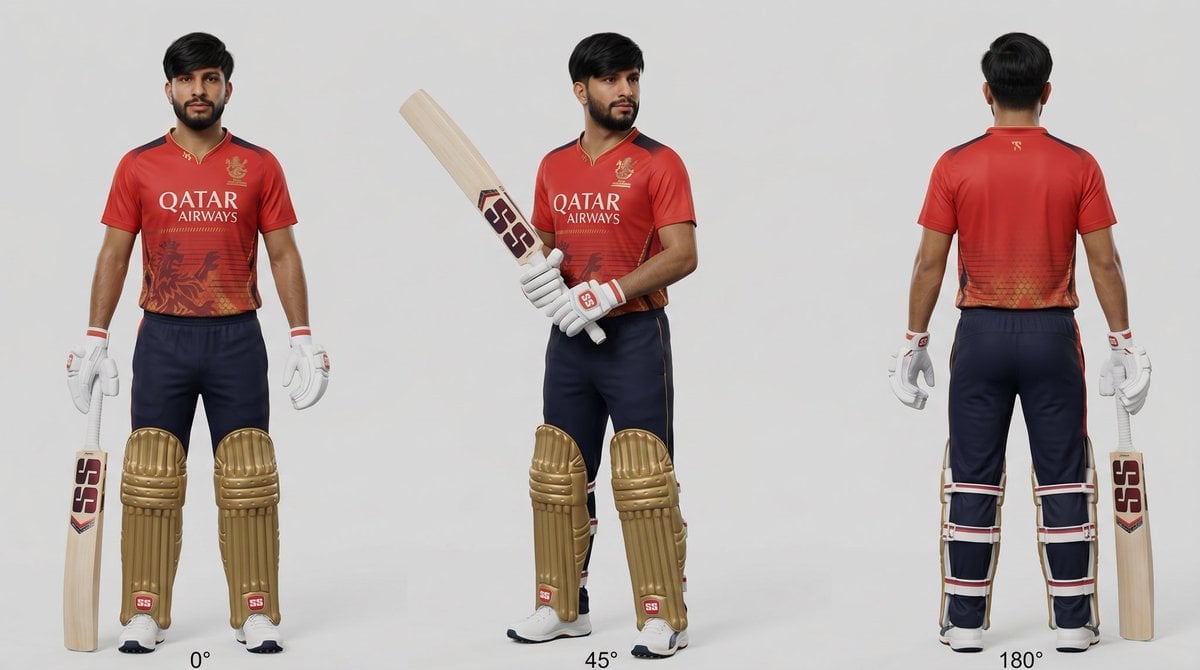
Cricket Player Three-Angle Character Sheet

Panel Advertising Grid Concept
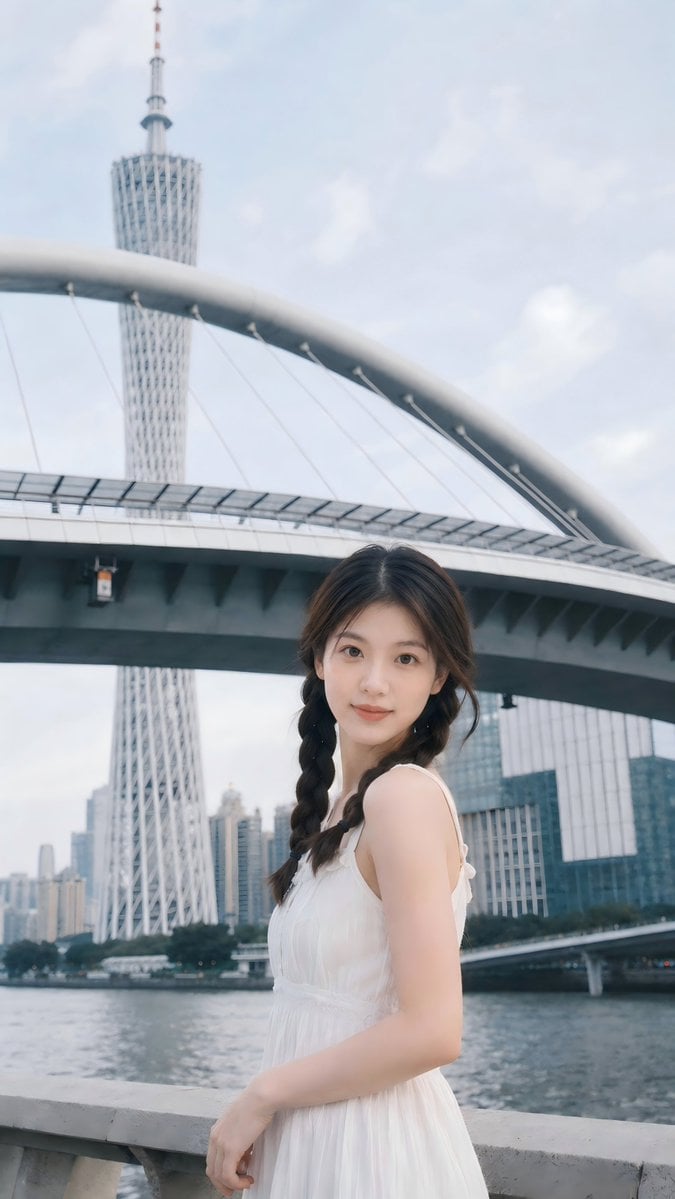
Prompt: Use the uploaded portrait as the ONLY ide
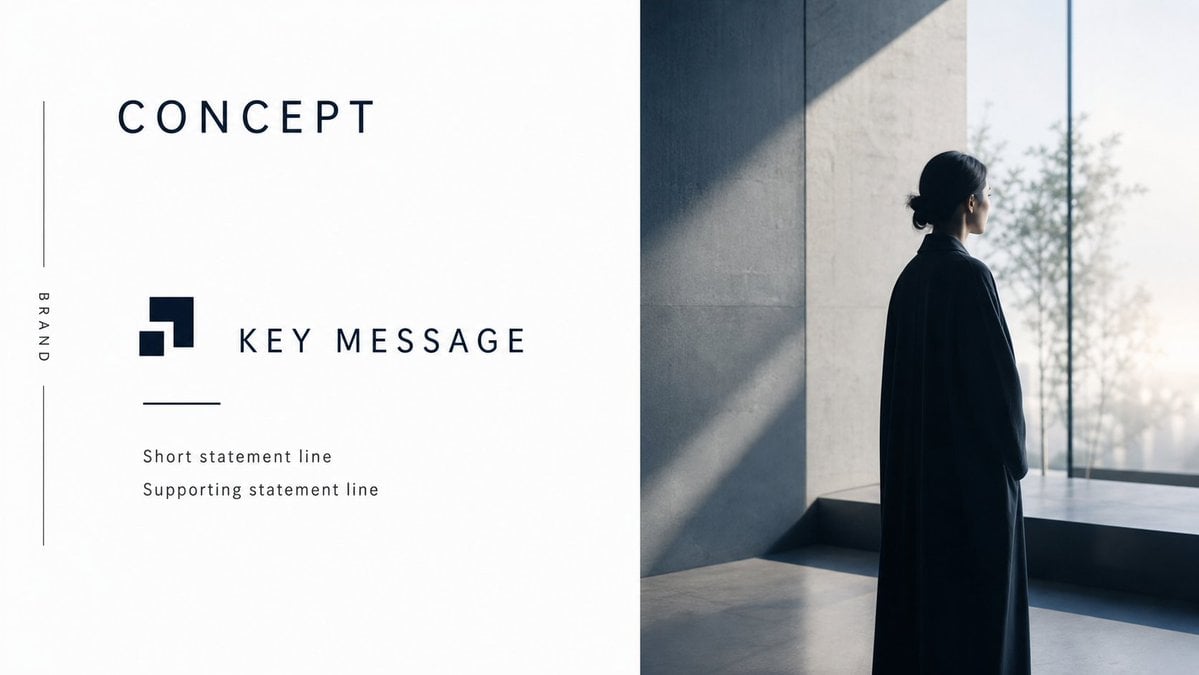
Minimal Luxury Brand Concept Slide
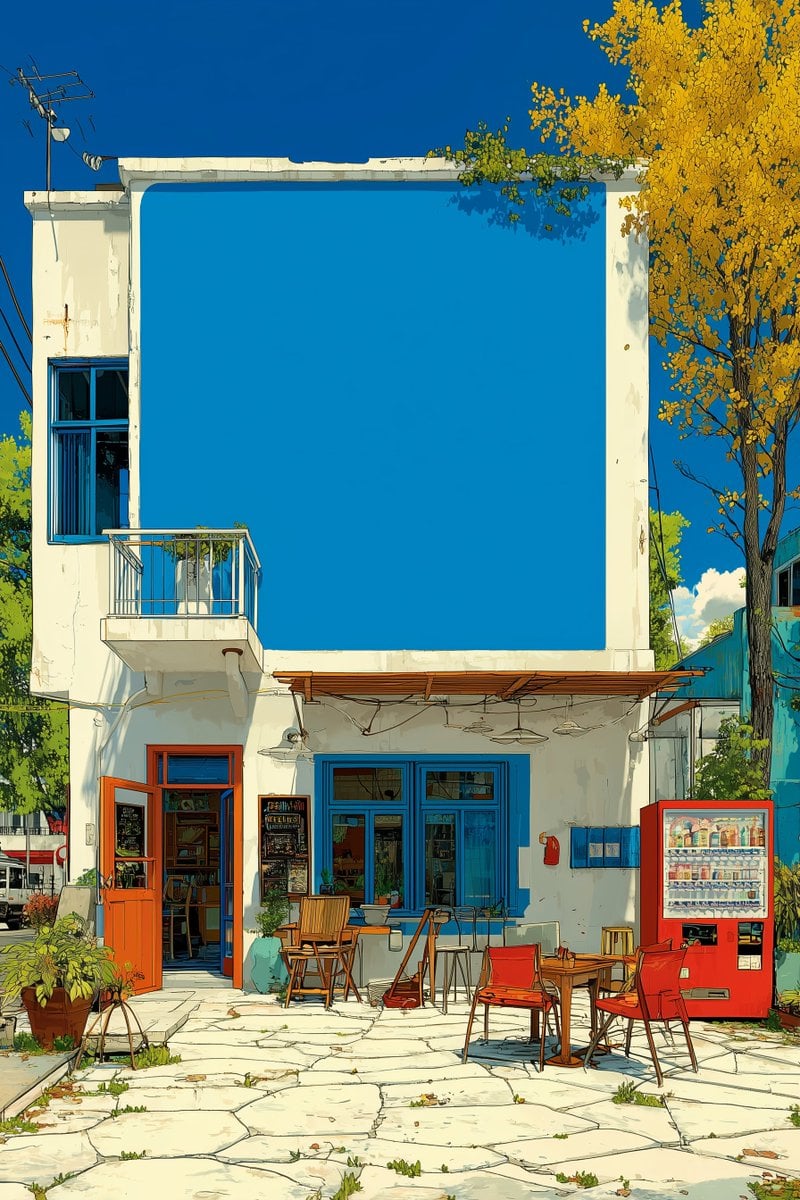
Image Manipulation Prompt for Advertising Placement

Satirical Spanish Sports Front Page
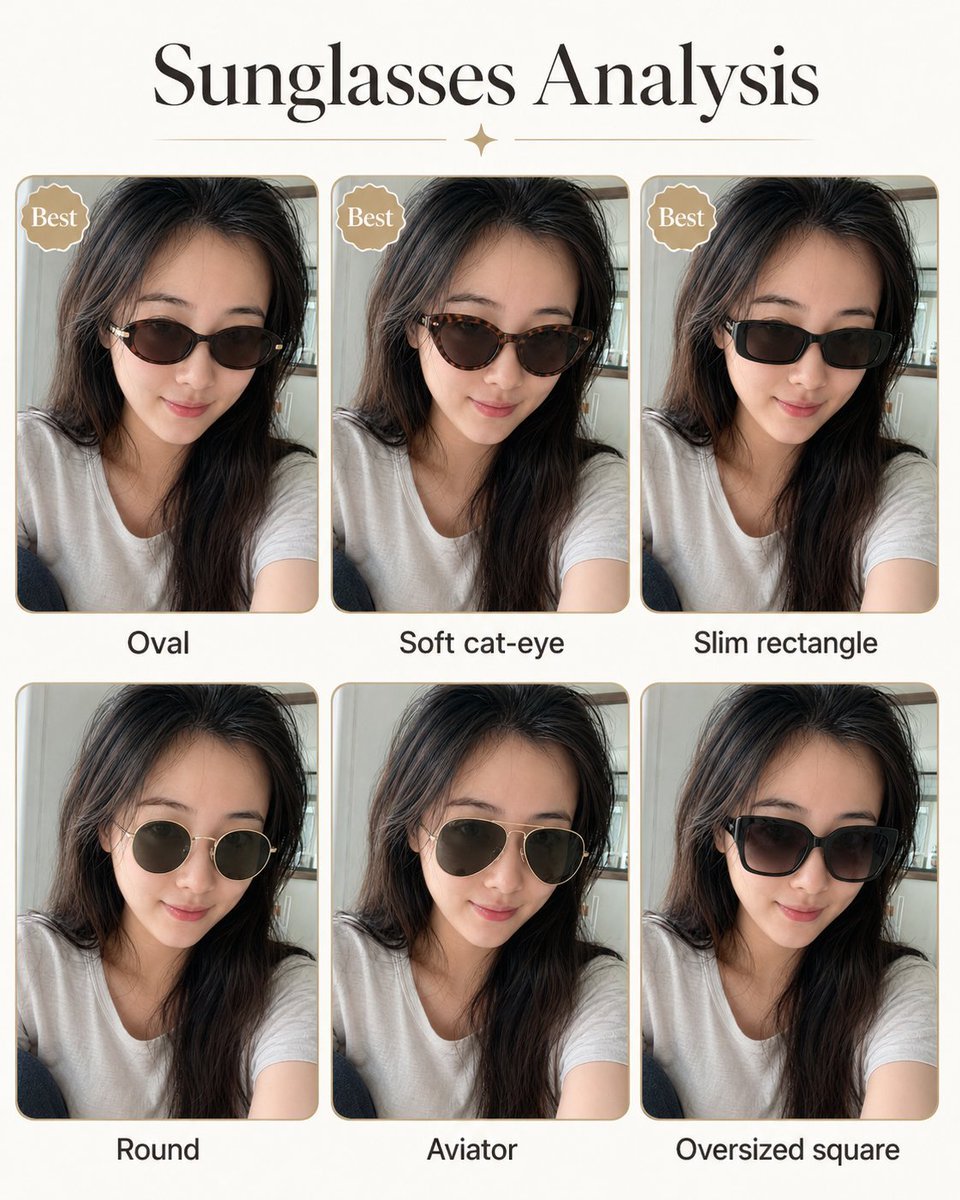
Personal image analysis graphic prompt
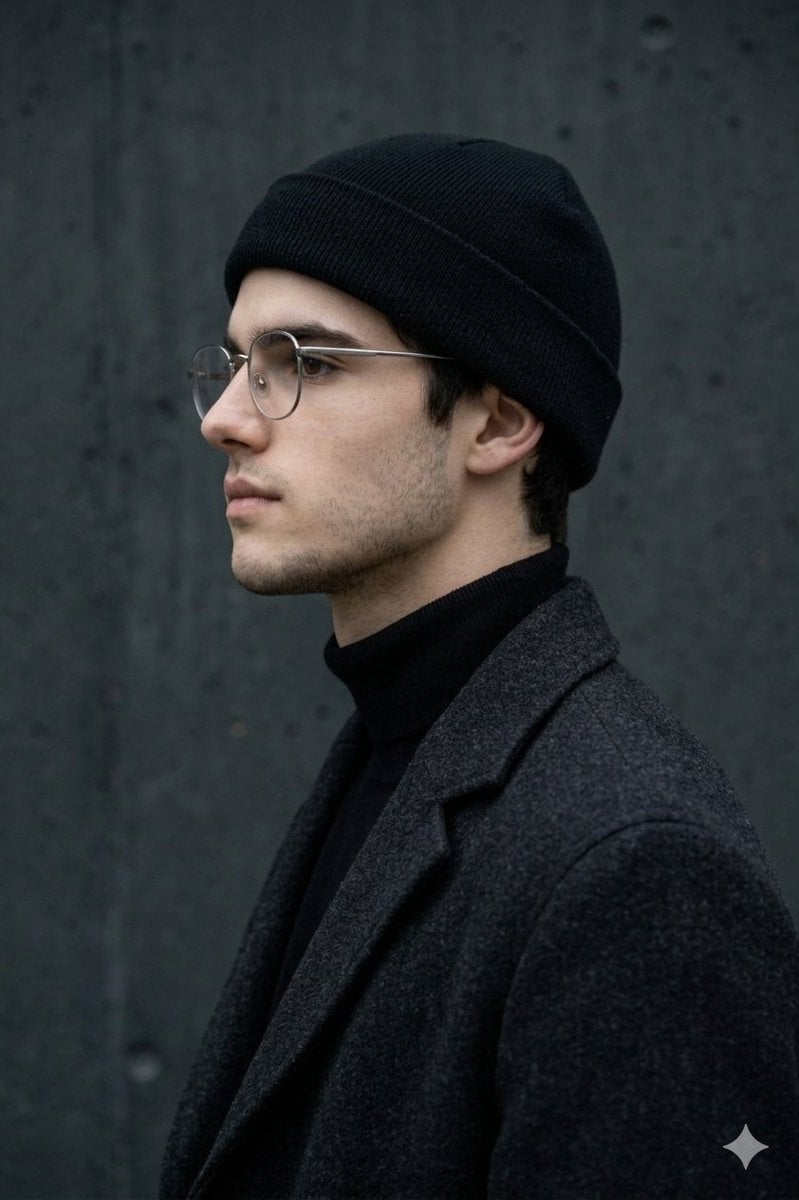
Minimalist Side-Profile Portrait for Character Consistency

Detailed Character Prompt: Young Woman Driving a Tractor
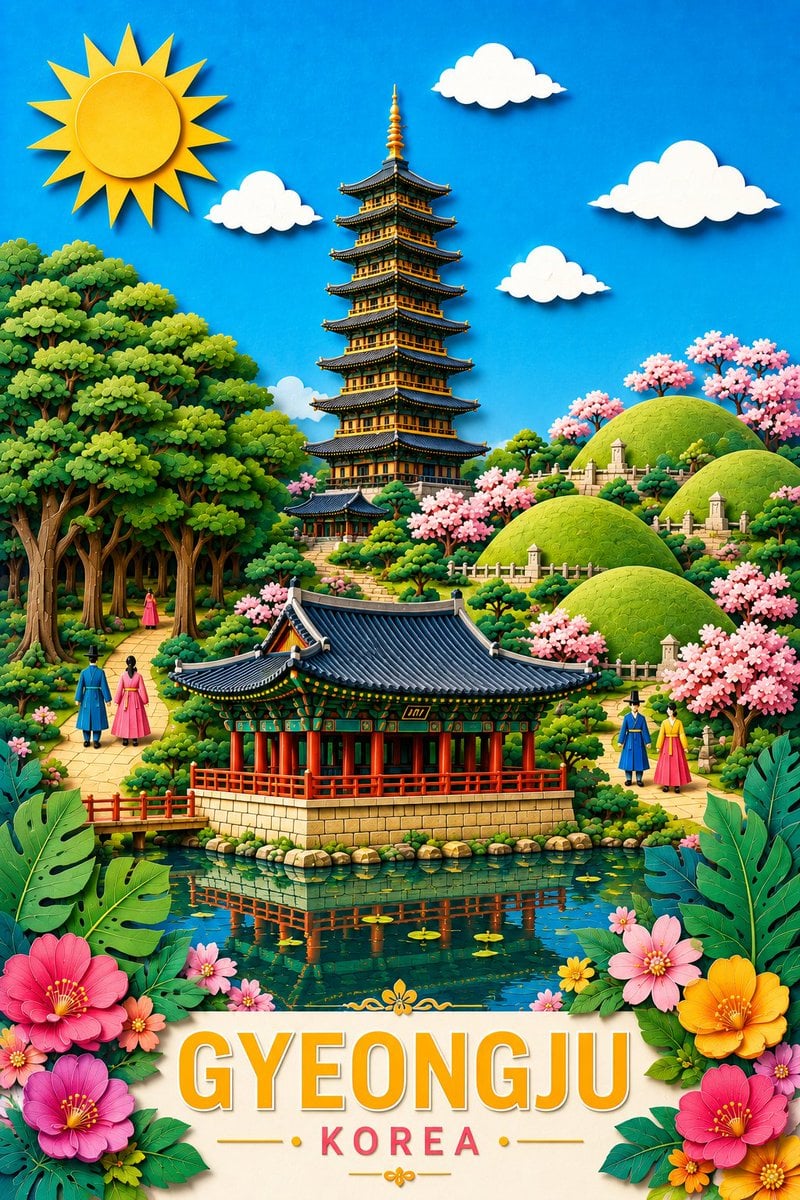
Gyeongju Korea Paper-Cut Travel Poster
Browse template categories
Cyberpunk Low-Poly Rainy Street questions
How do I use the Cyberpunk Low-Poly Rainy Street template?
Add your photo if the template asks for one, edit the prompt if you like — the template's model and format are already selected — and press Generate. Your version opens in PicX Studio.
Can I customize the Cyberpunk Low-Poly Rainy Street template?
Yes. You can change the subject, setting, lighting, mood, format, and available model controls before creating your image.
Is the Cyberpunk Low-Poly Rainy Street template free?
Opening and editing this template is free. Generating uses credits, shown on the Generate button when you are signed in.
Which AI model should I use?
Start with GPT Image 2, which is the model associated with this template. You can compare another compatible model for a different finish.
Looking for something else? Browse all templates.

Your photo, any look
Thousands of ready templates for every top image and video model, from one credit balance.