
Gyeongju Korea Paper-Cut Travel Poster
A colorful 3D paper-cut travel poster combining Gyeongju landmarks such as Wolji pond, Hwangnyongsa pagoda, Gyerim forest, and Daereungwon tombs.
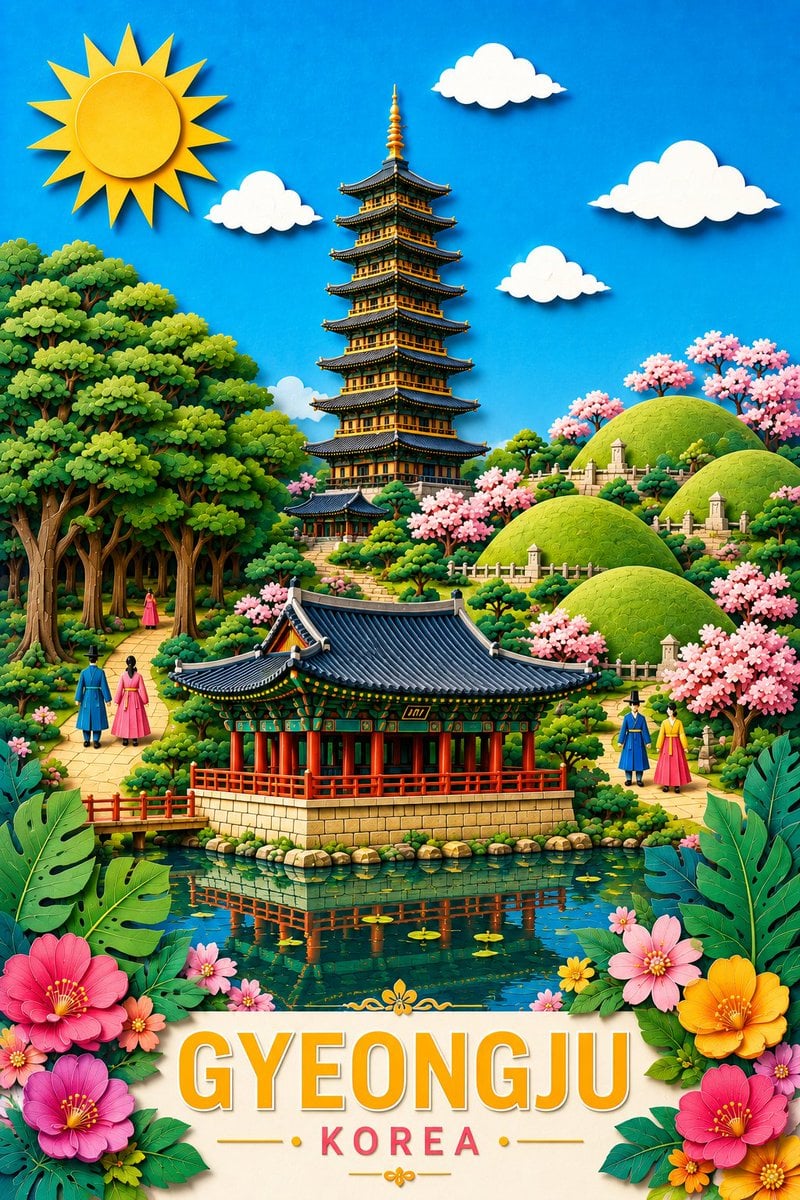
- Prompt included
- Model and format preset
- Free template
The prompt behind this image
Copy the exact prompt behind Gyeongju Korea Paper-Cut Travel Poster, or open it in the studio and make it yours.
Goal: Create a vibrant vertical travel poster for {argument name="destination text" default="GYEONGJU"}, {argument name="country text" default="KOREA"}, celebrating historic Silla-era landmarks in a cheerful 3D paper-cut diorama style. Canvas: Portrait 2:3 poster, high-resolution, richly saturated colors, bright blue sky, layered cut-paper depth, crisp edges, soft shadows, whimsical tourism-poster composition. Layout: Place a large yellow sun in the upper left and four white paper clouds across the sky. In the center background, show a tall ornate multi-tier Korean wooden pagoda with dark tiled eaves and gold details. In the middle foreground, show a traditional Korean pavilion with a dark blue curved tile roof, red columns, green painted brackets, and a stone base, sitting beside a reflective pond. The pond should mirror the pavilion and contain small lily pads. Put rolling green royal tomb mounds on the right hillside and a dense sacred forest on the left. Add a cream-colored bottom title plaque framed by tropical leaves and flowers. Discrete visible elements to include: exactly 1 sun; exactly 4 clouds; exactly 1 central pagoda; exactly 1 foreground pavilion; exactly 4 rounded green tomb mounds; exactly 6 small stone marker/lantern monuments on the tomb hills; exactly 5 human figures in traditional hanbok: two walking on the left path, one small figure deeper in the left forest path, and two walking on the right path. Include many pink cherry blossom trees around the hills and pathways, but keep the count visually natural rather than diagrammatic. Subject details: The scene should evoke Donggung Palace and Wolji pond, Hwangnyongsa temple pagoda, Gyerim forest, and Daereungwon royal tombs in one fantastical composite landscape. The pond occupies the lower middle with clear teal water and reflections. The left side has large leafy trees with twisting trunks and a winding path. The right side has manicured green mounds, white fences, stone markers, and blooming cherry trees. Dress the hanbok figures in bright blue, pink, yellow, and red garments. Bottom typography: Large centered headline text reads {argument name="destination text" default="GYEONGJU"} in bold uppercase orange-yellow letters with a white outline and subtle drop shadow. Beneath it, smaller spaced red uppercase text reads {argument name="country text" default="KOREA"}. Add small gold divider lines and floral ornaments around the subtitle. Foreground decoration: Frame the lower corners with oversized glossy green monstera-like leaves and tropical blossoms: large pink, magenta, orange, and yellow flowers, plus smaller blossoms. Make the entire image feel like a premium, playful, colorful Korean heritage travel poster. Visual style: Hyper-detailed 3D paper craft, clay-like miniature landscape, layered cardstock, polished toy-like textures, saturated greens and blues, warm sunlight, clean outlines, soft realistic shadows, no photorealism. Constraints: No logos, no watermark, no extra text beyond the destination and country text, keep all architecture Korean, maintain a joyful postcard-like composition.
How to use Gyeongju Korea Paper-Cut Travel Poster in 3 steps
- 1Upload ImagePNG, JPG or paste
Add your photo
Upload the photo the template builds on. The prompt, model and format are already set.
- 2…a portrait of your subject in softgolden-hour light, 85mm…
Personalize
Edit the subject and creative details for your destination.
- 3Generate
Generate
Press Generate — your image is created in PicX Studio, so you can compare it with the original and refine one variable at a time.
More like this
Templates with the same subject, style or setup. Open one to see its prompt.

Japan Travel Brochure Poster

Clay Miniature Landmark Travel Diorama
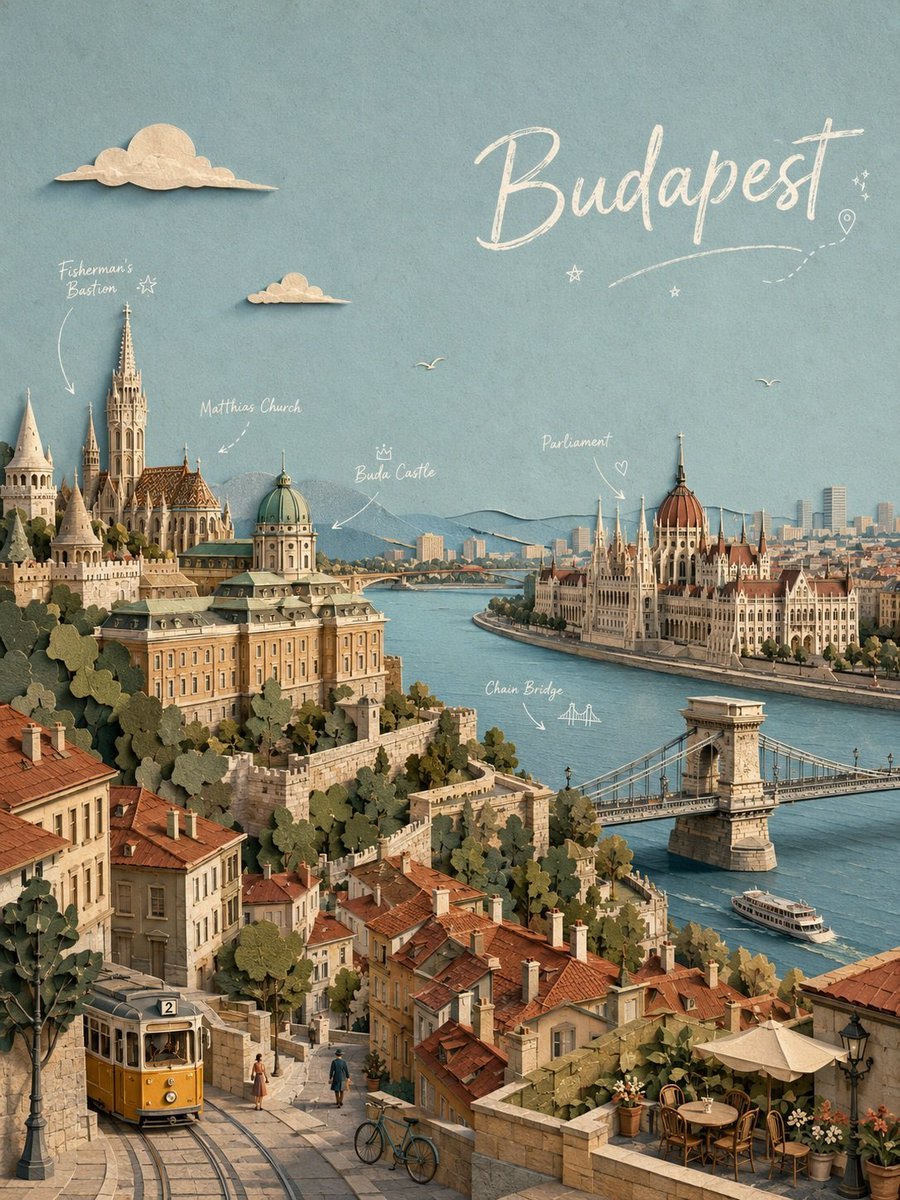
Budapest Paper-Cut Travel Poster

Paper Cut Vintage Travel Poster

Master Paper Cut Illustration — Saudi Arabia Travel Poster in Layered Paper Art

Saudi Arabia Paper Cut Travel Poster

City Posters by Nano Banana Pro
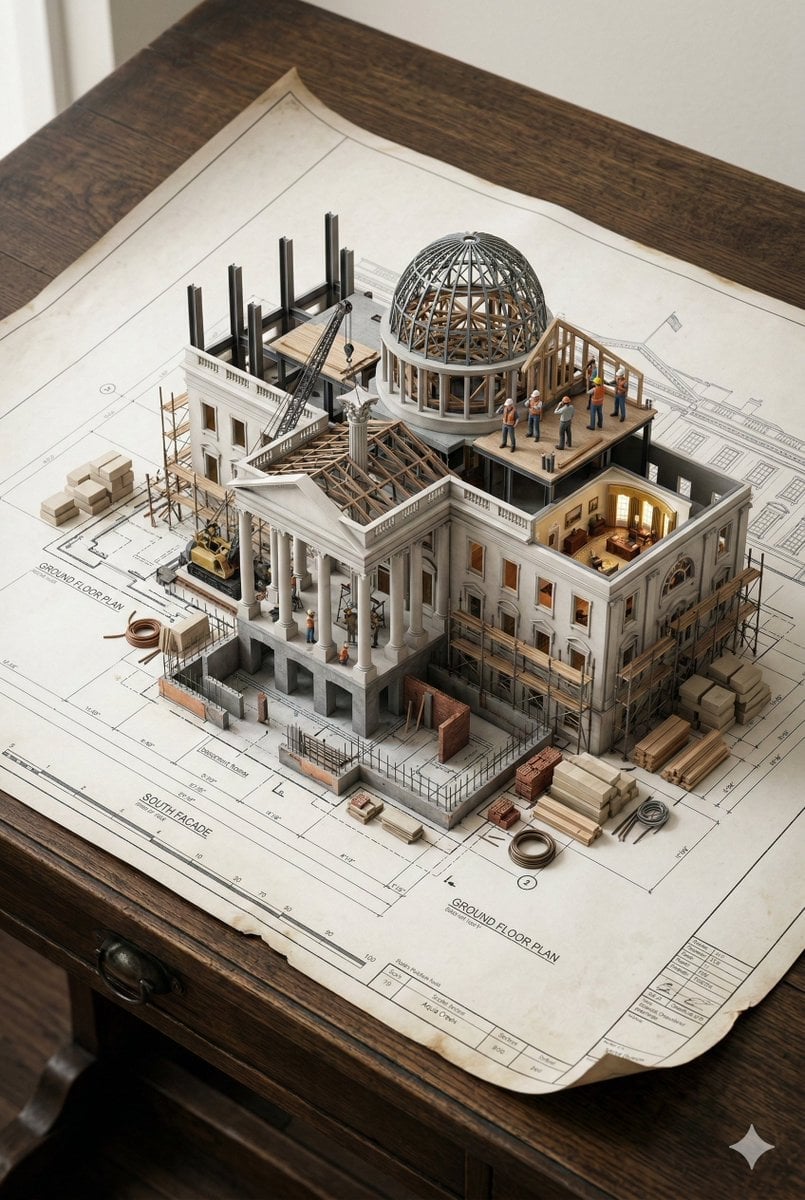
Paper Cut Architectural Section
Paper Cut Steampunk Mechanism
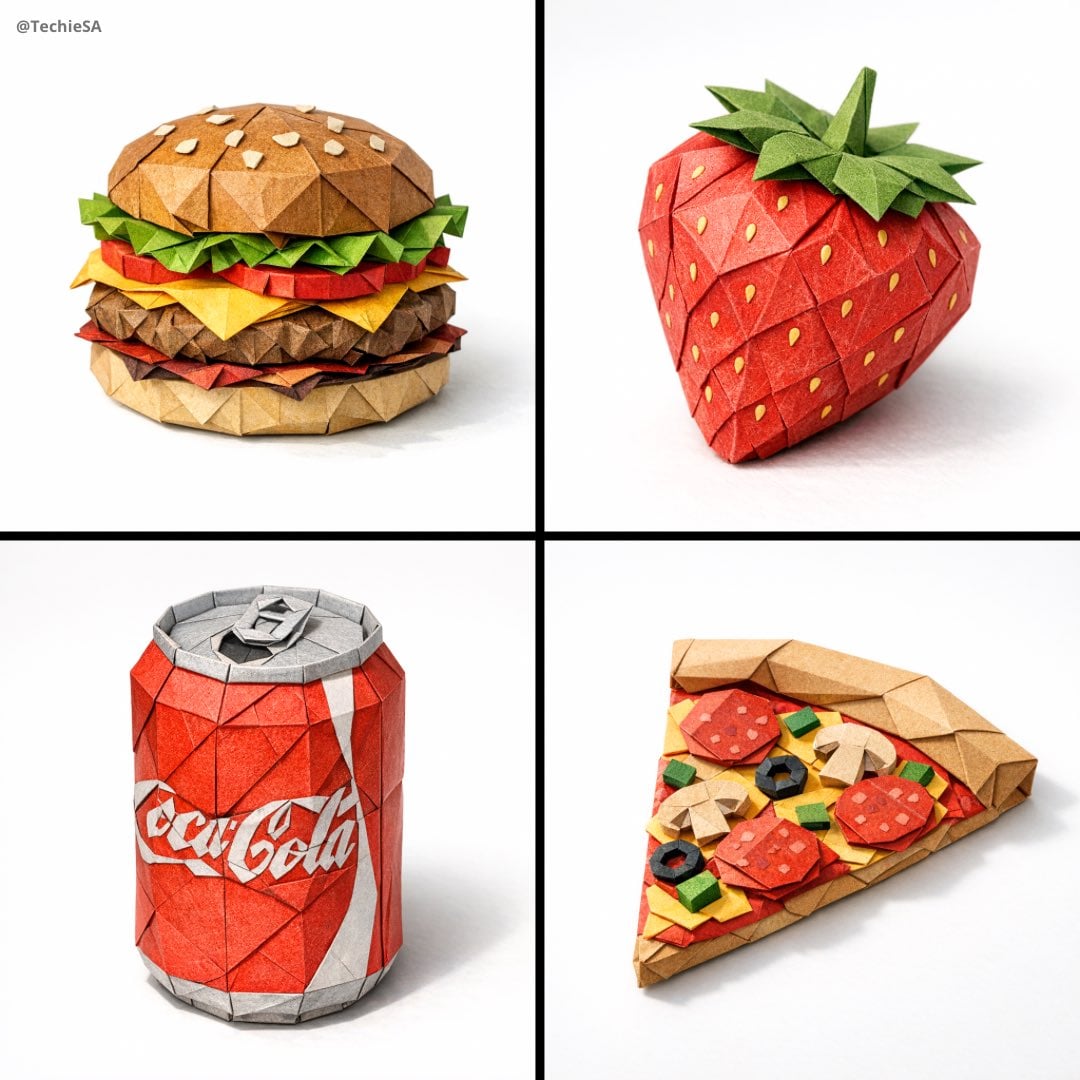
Paper Cut Mandala Meditation
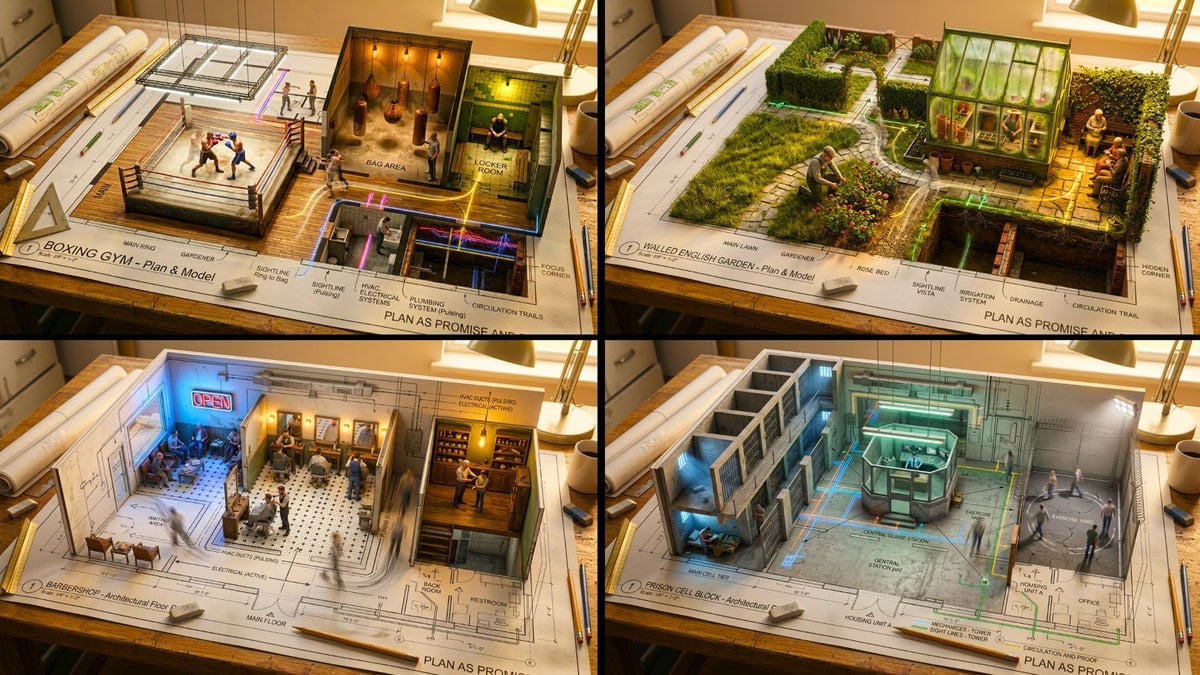
Paper Cut Scientific Illustration

Paper Cut Fairy Tale Scene
Make it yours
Gyeongju Korea Paper-Cut Travel Poster works as-is. These are the safest ways to change it without losing the look.
Change one field
Copy a single group, rewrite it, and generate again so you can see what that field is doing.
Keep the frame, change the subject
Hold the composition and light of Gyeongju Korea Paper-Cut Travel Poster, then swap wardrobe, props or the person for a new take.
| If the result… | Why | Fix |
|---|---|---|
| The result drifts from the preview | Too many fields changed at once. | Reuse Gyeongju Korea Paper-Cut Travel Poster as-is first, then change one group — subject, light, or setting. |
| The model over-stylizes the scene | The prose prompt leaves finish and camera underspecified. | Add one camera or lighting sentence and stay on GPT Image 2. |
More GPT Image 2 templates
Other prompts made for GPT Image 2.

Six VTuber Japanese Logo Sheet

Realistic Portrait of Woman and Deer

The Vista Modular Condo Poster

AI Model Routing Comparison Infographic

2.5D Anime Art Board

Isometric Productivity Desk Scene

New York Double Exposure Poster

Four-Panel AI Landscape Comparison

Japanese Tatami Lifestyle Magazine Cover

NESCAFÉ Coffee Map Poster
More image prompts
Fresh picks from across the catalog.
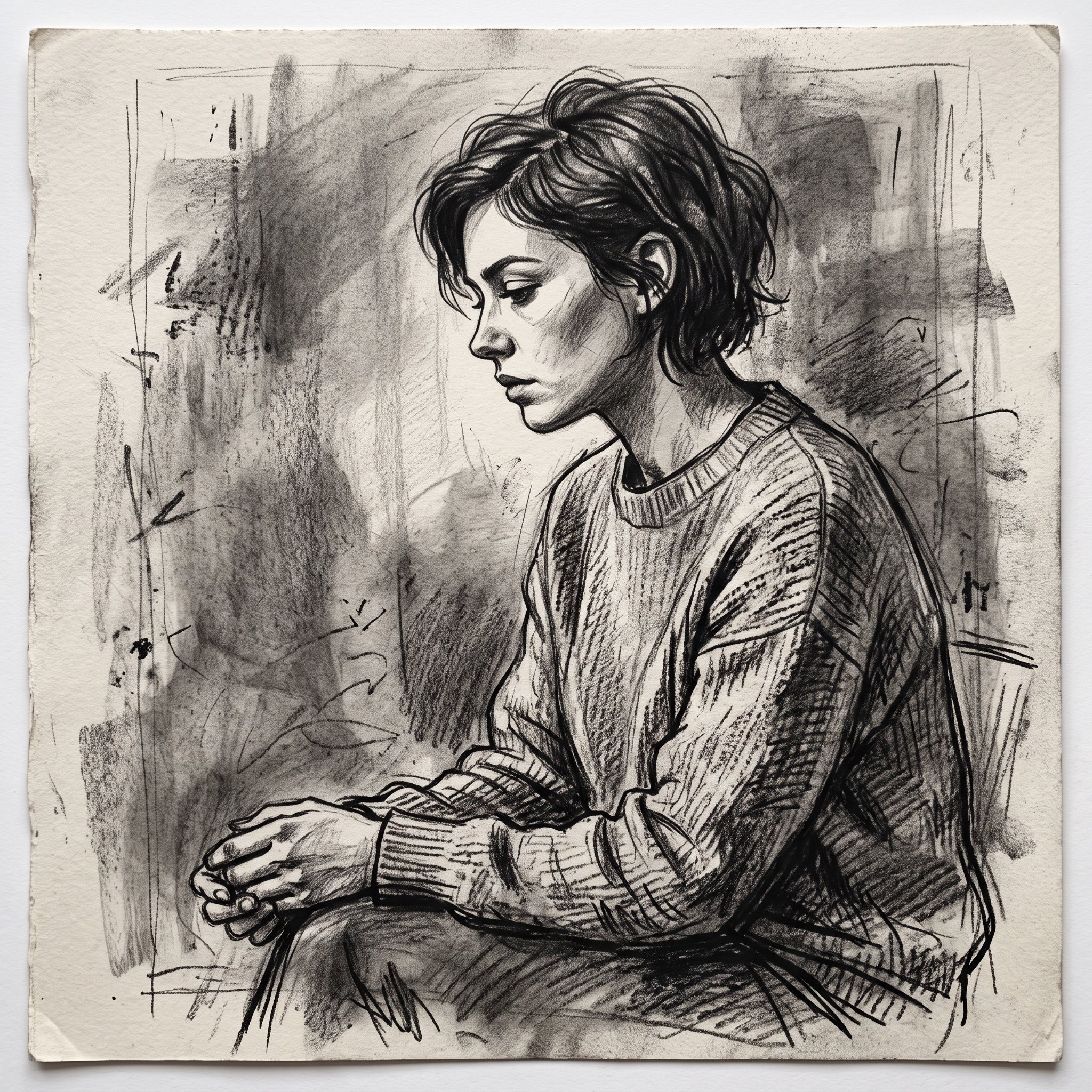
Charcoal Sketch Image Generation Prompt

Cinematic Lifestyle with 3D Cartoon Characters
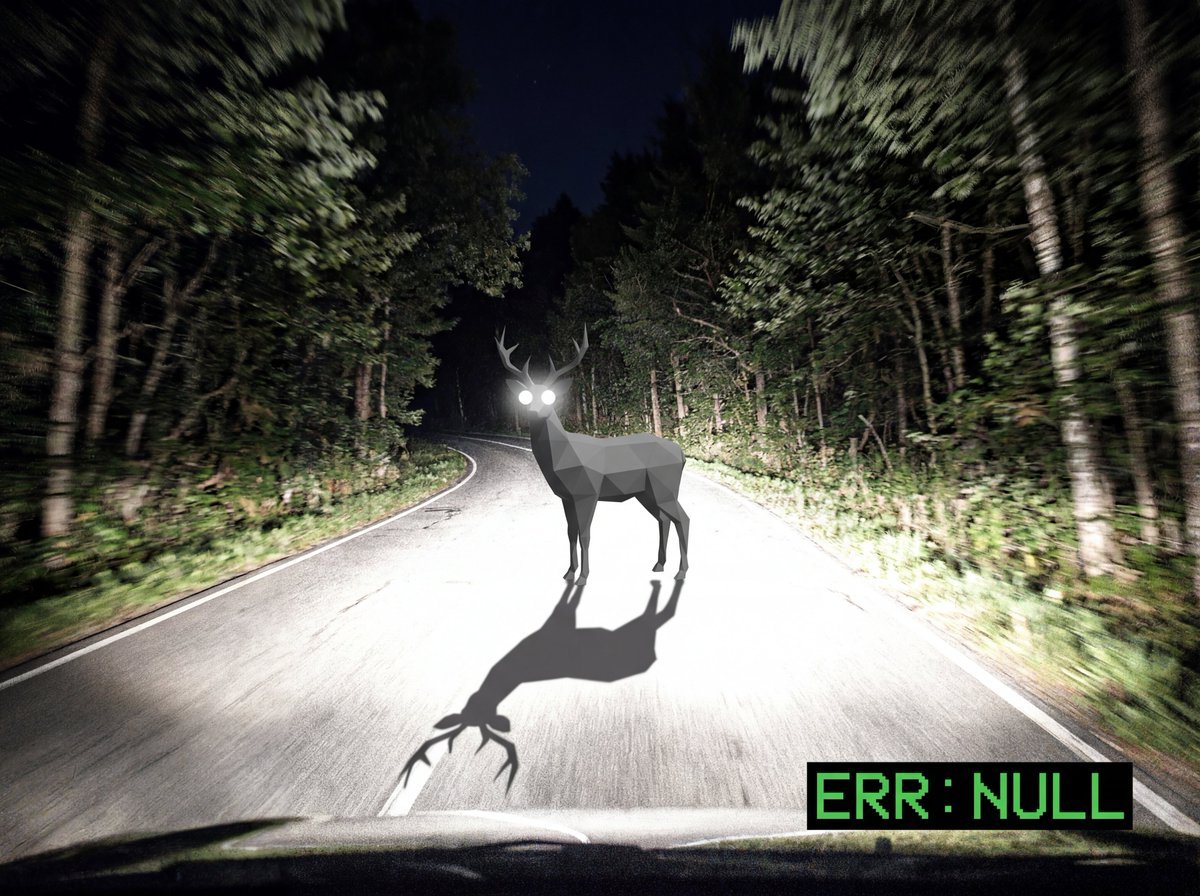
Reality Glitch Documentary Image Prompt: Low-Poly Deer in Headlights
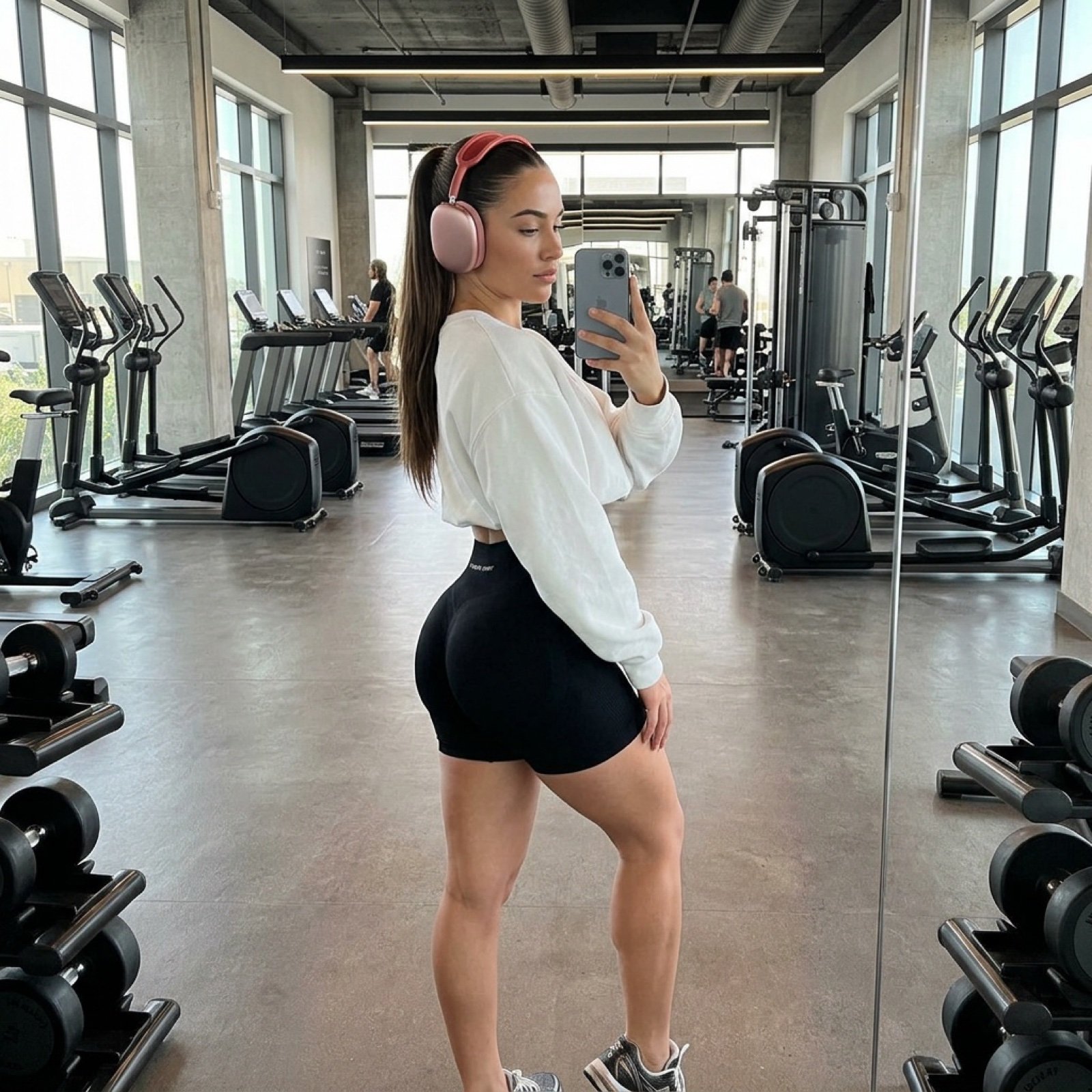
Photorealistic Gym Mirror Selfie Prompt
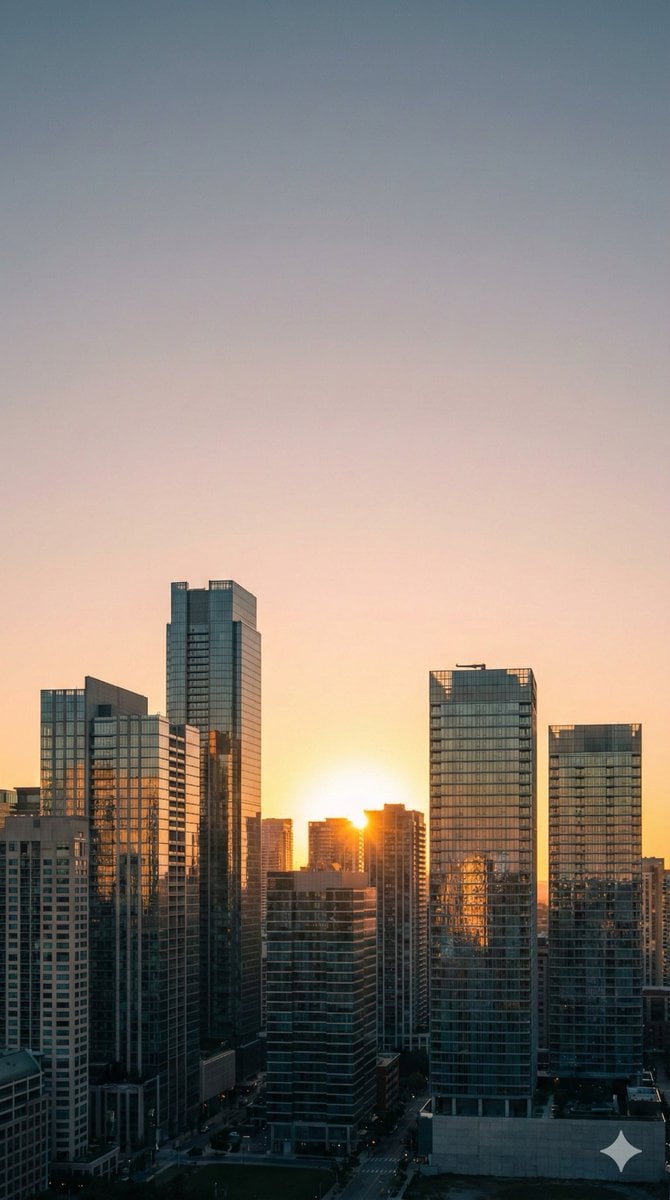
Nano Banana Pro Prompt: 9:16 Wallpaper Generation

Ultra-Realistic Kitchen Selfie with Chocolate Smudge

Charming Character Flaw Portrait
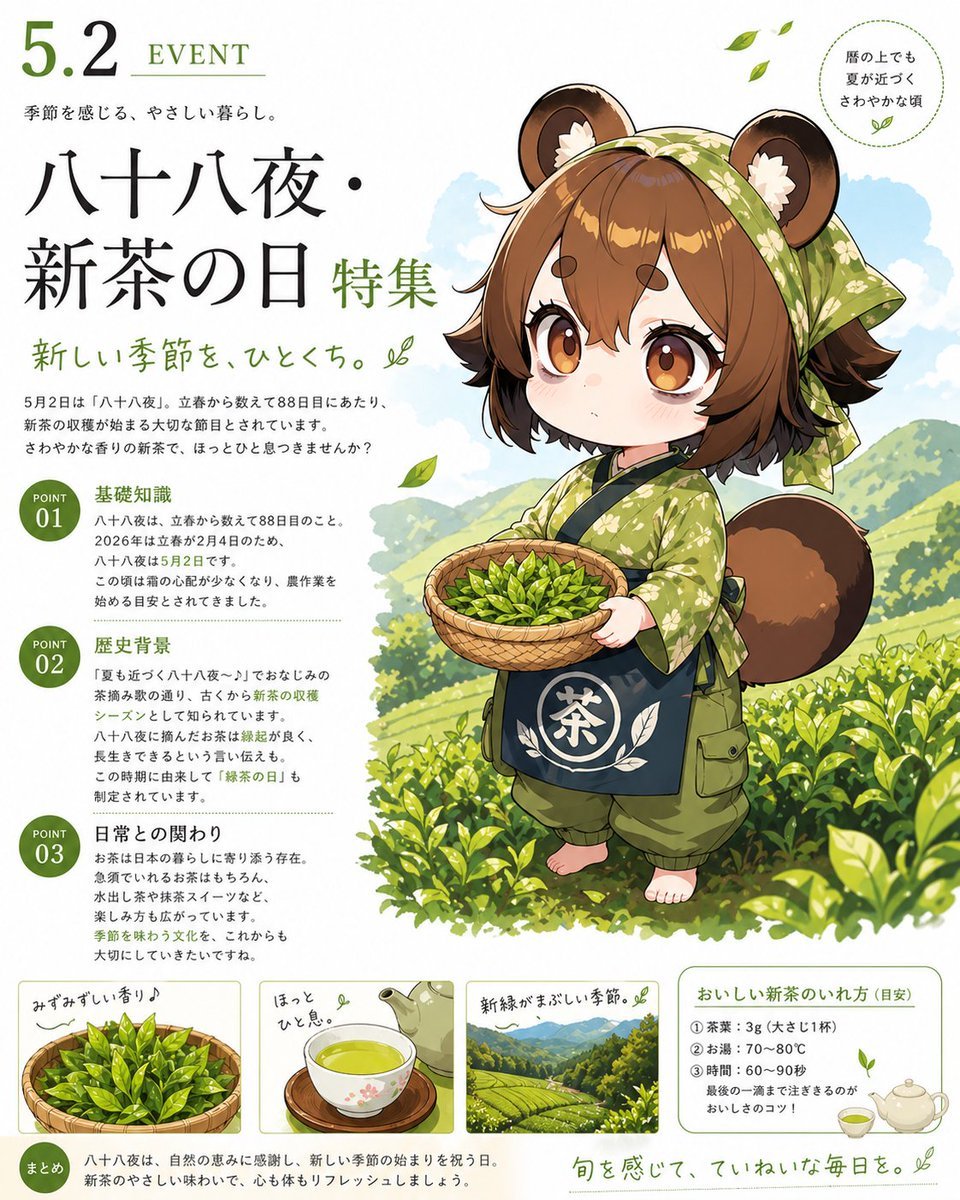
Hachijuhachiya New Tea Day Poster
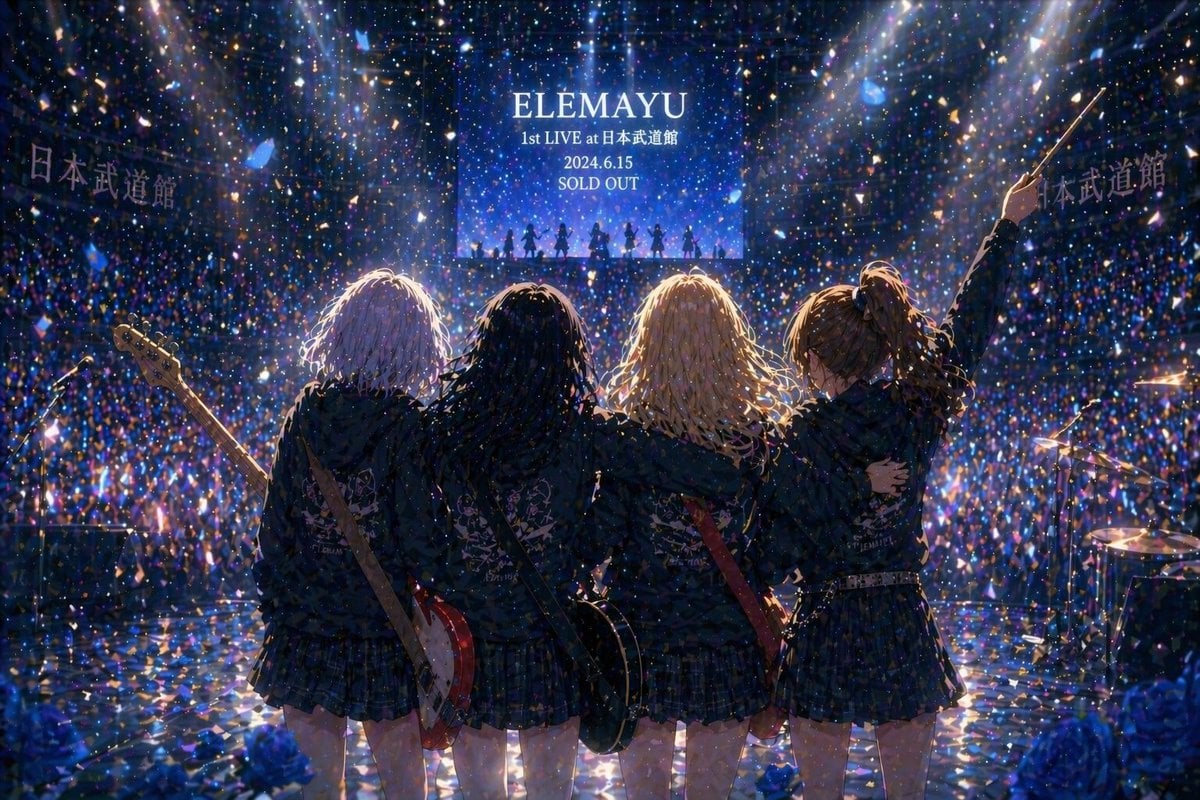
Anime Band Finale at Budokan

High-Fashion Cinematic Portrait Emphasizing Motion
Browse template categories
Gyeongju Korea Paper-Cut Travel Poster questions
How do I use the Gyeongju Korea Paper-Cut Travel Poster template?
Add your photo if the template asks for one, edit the prompt if you like — the template's model and format are already selected — and press Generate. Your version opens in PicX Studio.
Can I customize the Gyeongju Korea Paper-Cut Travel Poster template?
Yes. You can change the subject, setting, lighting, mood, format, and available model controls before creating your image.
Is the Gyeongju Korea Paper-Cut Travel Poster template free?
Opening and editing this template is free. Generating uses credits, shown on the Generate button when you are signed in.
Which AI model should I use?
Start with GPT Image 2, which is the model associated with this template. You can compare another compatible model for a different finish.
Looking for something else? Browse all templates.

Your photo, any look
Thousands of ready templates for every top image and video model, from one credit balance.