
Cyberpunk Rainy Street Robot Repair
This prompt generates a cinematic photorealistic cyberpunk scene of a rain-soaked street mechanic repairing a quadruped robot, ideal for sci-fi concept art and atmospheric city visuals.
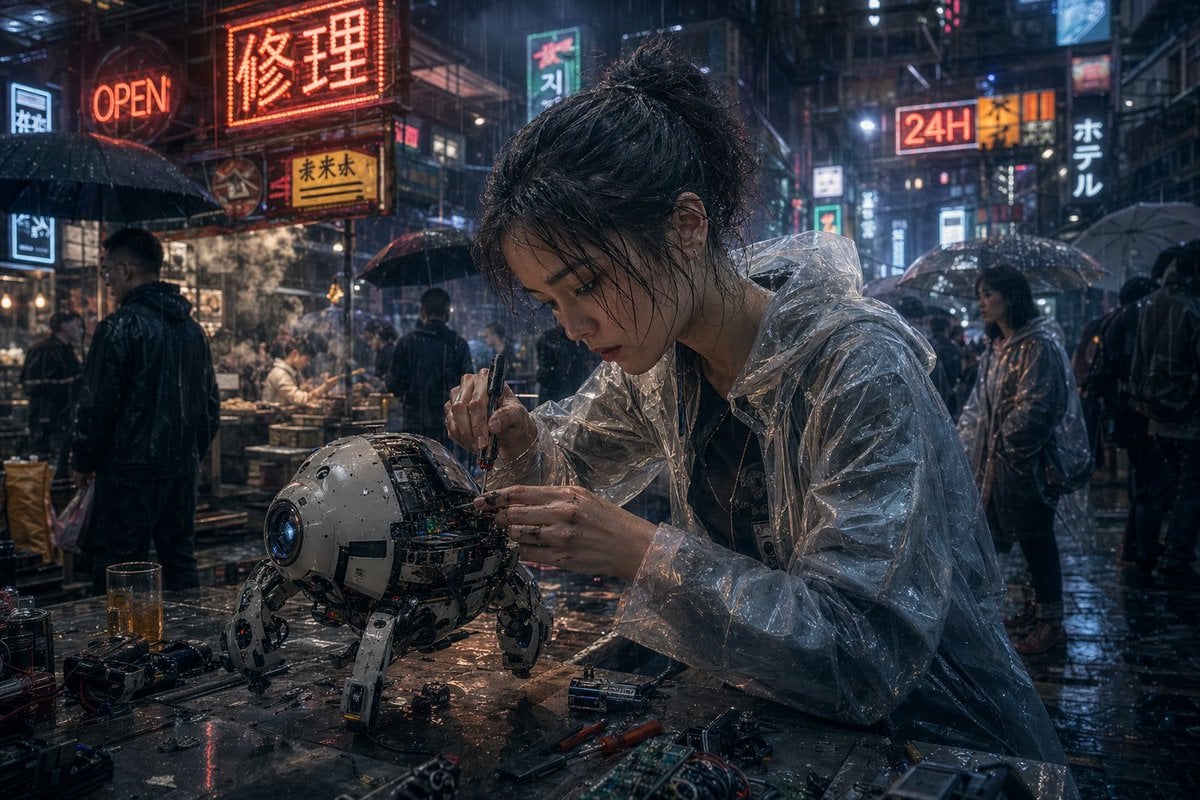
- Prompt included
- Model and format preset
- Free template
The prompt behind this image
Copy the exact prompt behind Cyberpunk Rainy Street Robot Repair, or open it in the studio and make it yours.
A cinematic cyberpunk street scene at night in heavy rain, ultra-detailed and photorealistic. In the foreground, a young East Asian woman mechanic with messy dark hair tied in a loose bun sits at a wet metal worktable, leaning forward with intense concentration as she repairs a small spherical quadruped robot. Her face is obscured by a centered square censor blur. She wears a transparent plastic rain poncho over dark clothing, the glossy folds catching neon reflections. In one hand she holds a precision screwdriver and with the other she adjusts exposed wiring and circuitry inside the robot’s open shell. The robot is compact and worn, about the size of a small dog, with a white and gray rounded body, a blue camera-like lens for one eye, visible internal electronics, scratches, grime, and four articulated mechanical legs planted on the table. Scatter the tabletop with exact repair clutter: 2 screwdrivers, 2 batteries, 1 circuit board, 1 small camera or lens module, loose screws, wires, and a half-filled glass of amber liquid. Surround them with a dense neon-lit East Asian alley market full of rain-slick pavement, steam from food stalls, and pedestrians carrying umbrellas. Include at least 8 visible illuminated signs layered into the background, including a large red sign reading {argument name="main neon sign" default="修理"}, an orange sign reading "OPEN", a bright sign reading "24H", a vertical sign reading "ホテル", and additional mixed Chinese, Japanese, and Korean-style shop signs. Show several background figures in dark rainwear and translucent ponchos, some faces softly blurred by depth of field. Use moody blue-and-orange lighting, glossy reflections, mist, volumetric rain, shallow depth of field, dramatic bokeh, anamorphic highlights, high texture detail, gritty realism, and the feeling of a lone street technician fixing advanced hardware in a bustling futuristic city.
How to use Cyberpunk Rainy Street Robot Repair in 3 steps
- 1Upload ImagePNG, JPG or paste
Add your photo
Upload the photo the template builds on. The prompt, model and format are already set.
- 2…a portrait of your subject in softgolden-hour light, 85mm…
Personalize
Edit the subject and creative details for your destination.
- 3Generate
Generate
Press Generate — your image is created in PicX Studio, so you can compare it with the original and refine one variable at a time.
More like this
Templates with the same subject, style or setup. Open one to see its prompt.

Rainy Night Android Cyberpunk Portrait

Neon Violet Streetwear Fashion Portrait
Rainy Night Android Cyberpunk Portrait
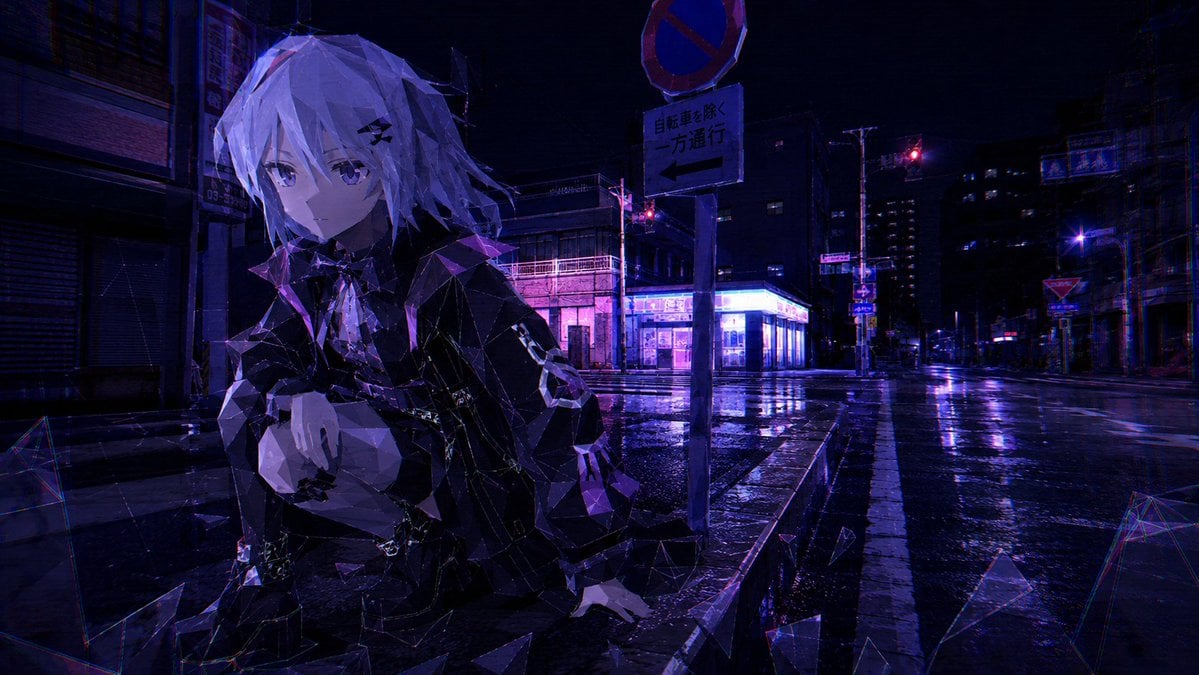
Cyberpunk Low-Poly Rainy Street

Two Tickets, One Night

Meet Me When It Rains

Two Hearts. One Scooter.

1986 Street Couple

1985 Street Scene
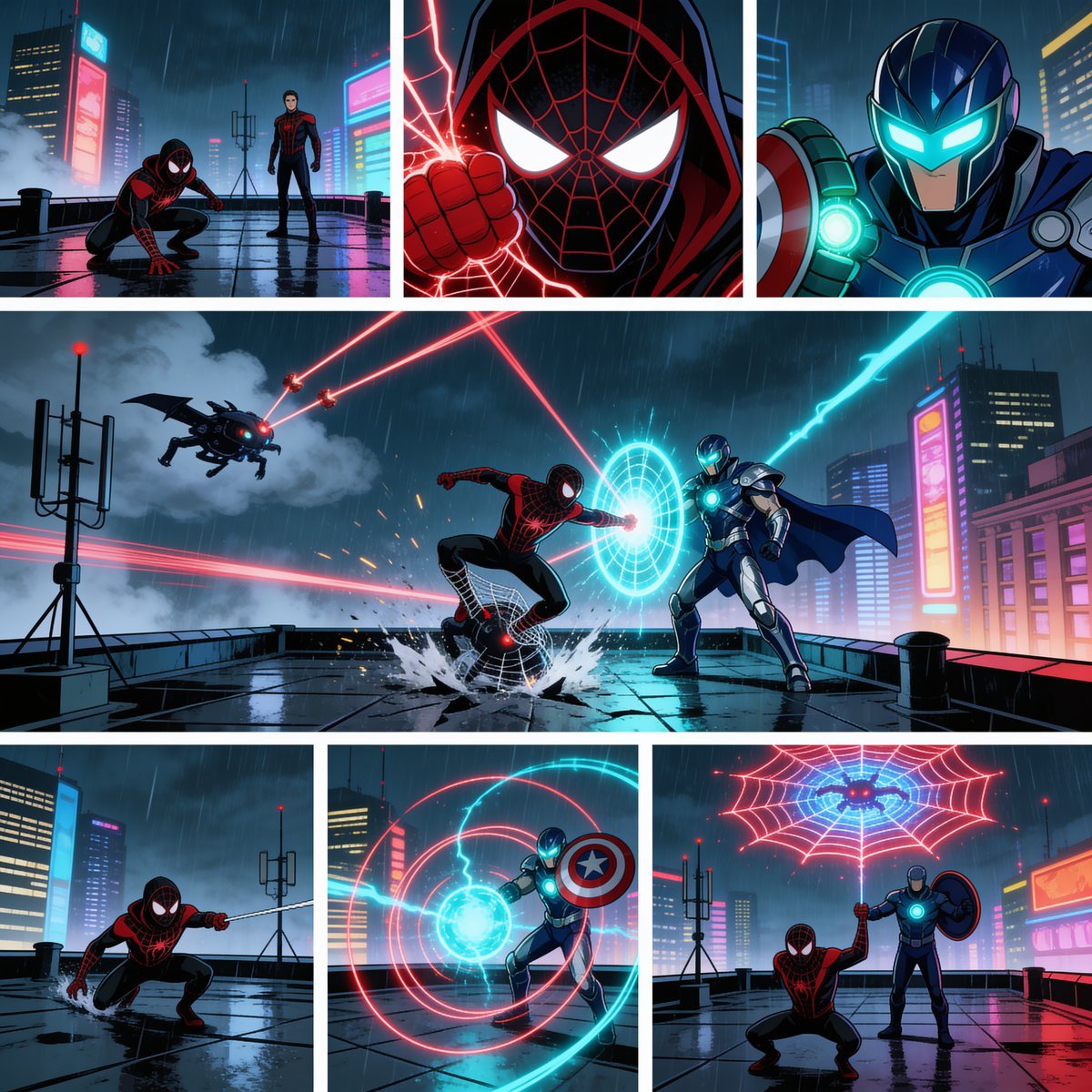
Rainy Cyberpunk Superhero Comic Page

Cinematic Street Fashion Portrait Motion Blur Crowd

Blue Hour Editorial Fashion Portrait
Make it yours
Cyberpunk Rainy Street Robot Repair works as-is. These are the safest ways to change it without losing the look.
Change one field
Copy a single group, rewrite it, and generate again so you can see what that field is doing.
Keep the frame, change the subject
Hold the composition and light of Cyberpunk Rainy Street Robot Repair, then swap wardrobe, props or the person for a new take.
| If the result… | Why | Fix |
|---|---|---|
| The result drifts from the preview | Too many fields changed at once. | Reuse Cyberpunk Rainy Street Robot Repair as-is first, then change one group — subject, light, or setting. |
| The model over-stylizes the scene | The prose prompt leaves finish and camera underspecified. | Add one camera or lighting sentence and stay on GPT Image 2. |
More GPT Image 2 templates
Other prompts made for GPT Image 2.

Six VTuber Japanese Logo Sheet

Realistic Portrait of Woman and Deer

The Vista Modular Condo Poster

AI Model Routing Comparison Infographic

2.5D Anime Art Board

Isometric Productivity Desk Scene

New York Double Exposure Poster

Four-Panel AI Landscape Comparison

Japanese Tatami Lifestyle Magazine Cover

NESCAFÉ Coffee Map Poster
More image prompts
Fresh picks from across the catalog.

Futuristic Neon Portrait Prompt

X Aiwithkhan Gpt Image 2 on Chatgpt

Four-Image Summer Lifestyle Editorial Collage Prompt
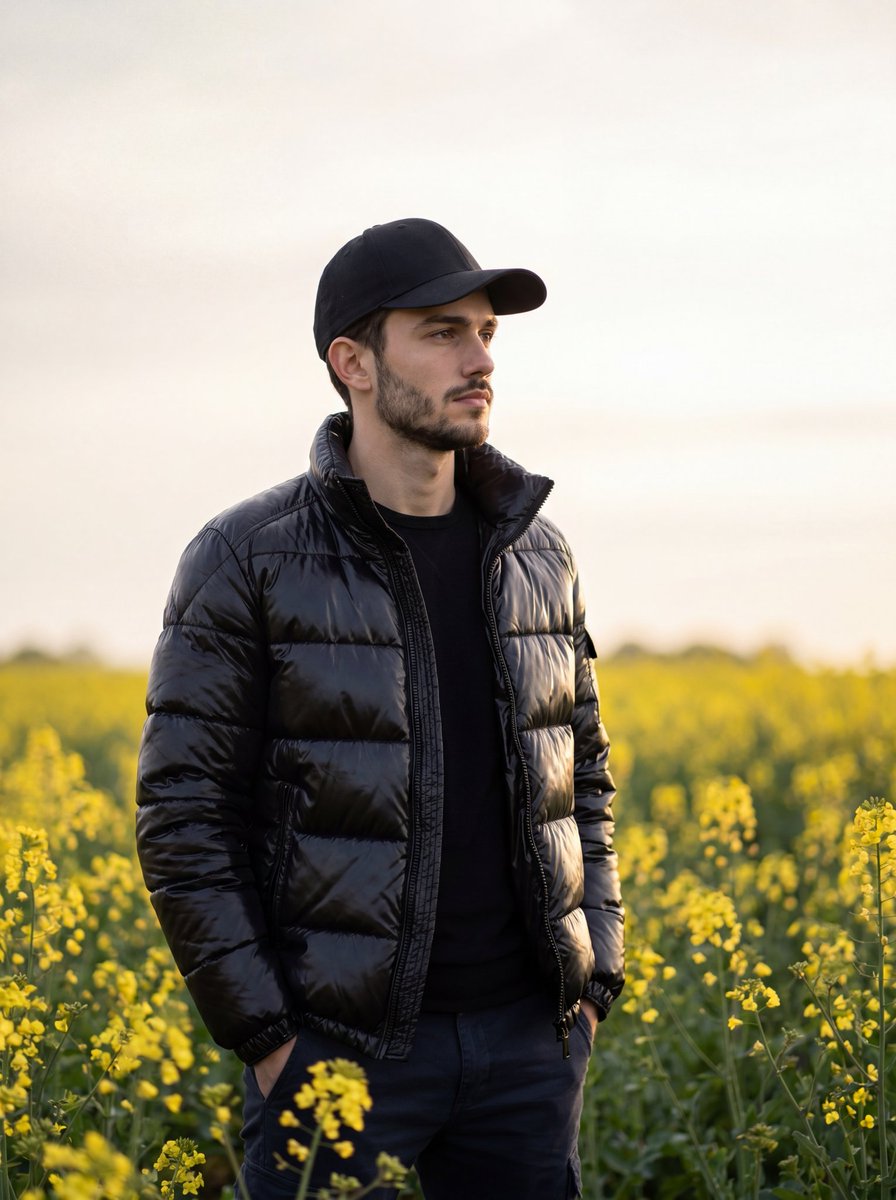
Moody Cinematic Meadow Portrait
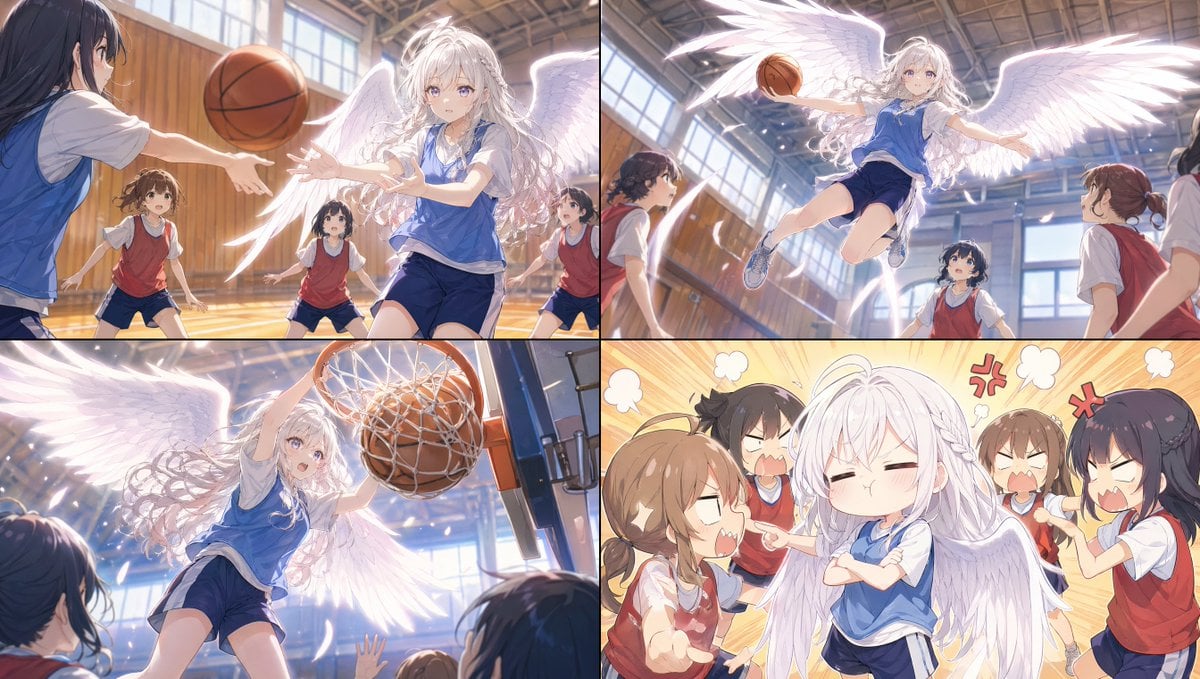
Angel Girl Basketball Storyboard

Winter Fashion Portrait with G-Wagon and Face Consistency Prompt

Imperial jewelry design prompt
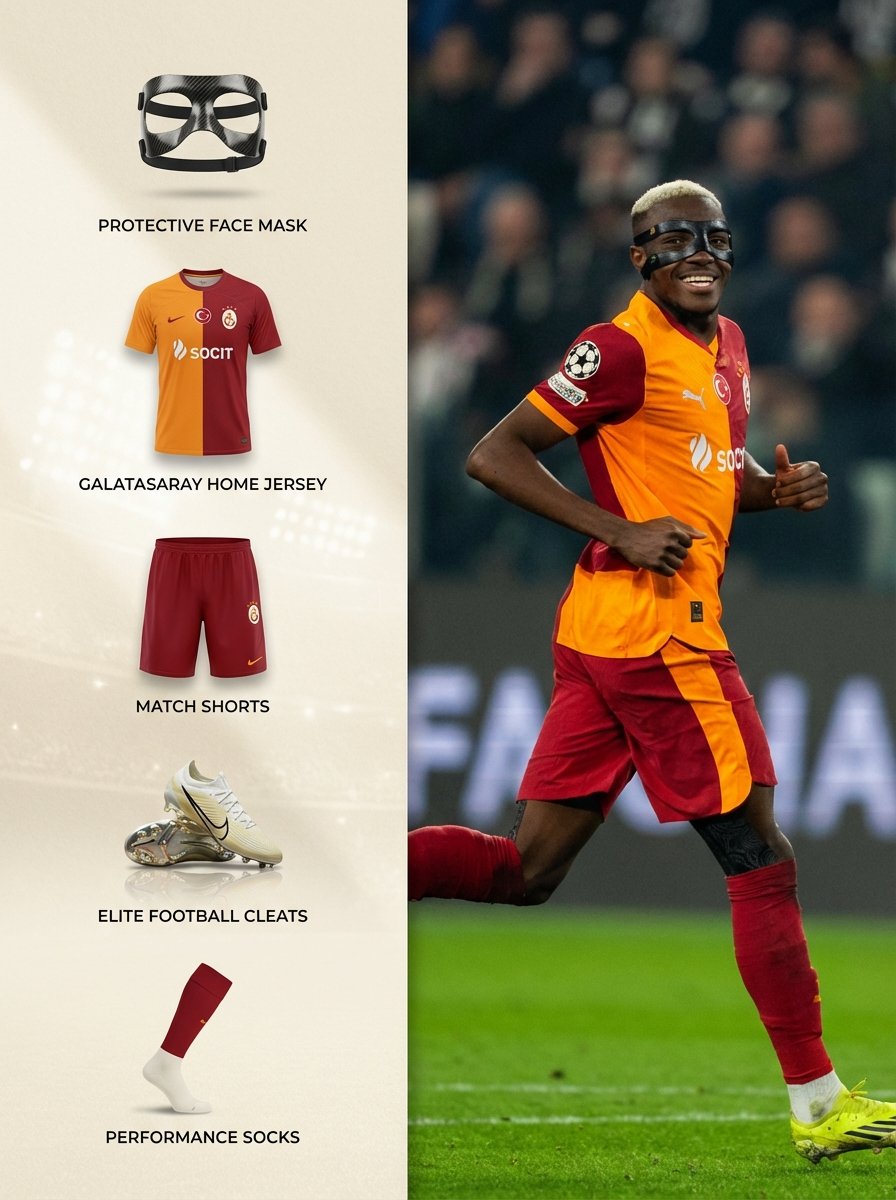
Sports Equipment Infographic Layout of Victor Osimhen
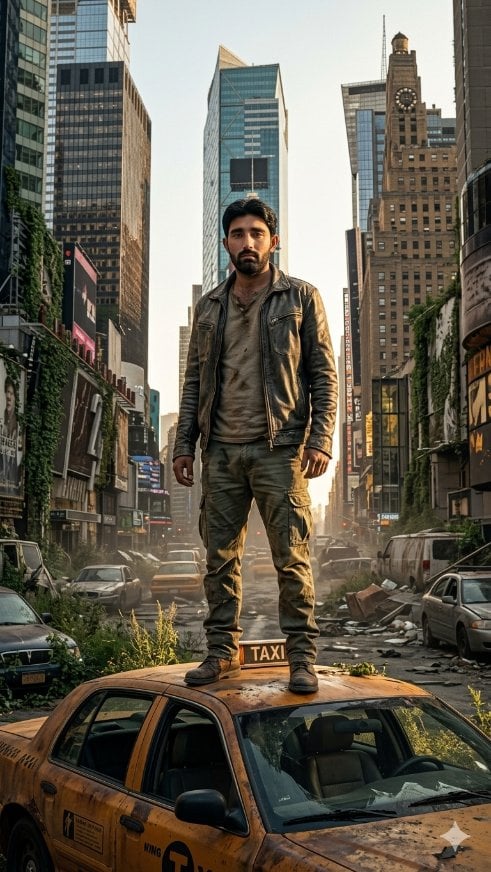
Post-Apocalyptic Taxi Survivor

Scenic Travel Ad Banner Generator
Browse template categories
Cyberpunk Rainy Street Robot Repair questions
How do I use the Cyberpunk Rainy Street Robot Repair template?
Add your photo if the template asks for one, edit the prompt if you like — the template's model and format are already selected — and press Generate. Your version opens in PicX Studio.
Can I customize the Cyberpunk Rainy Street Robot Repair template?
Yes. You can change the subject, setting, lighting, mood, format, and available model controls before creating your image.
Is the Cyberpunk Rainy Street Robot Repair template free?
Opening and editing this template is free. Generating uses credits, shown on the Generate button when you are signed in.
Which AI model should I use?
Start with GPT Image 2, which is the model associated with this template. You can compare another compatible model for a different finish.
Looking for something else? Browse all templates.

Your photo, any look
Thousands of ready templates for every top image and video model, from one credit balance.