
Scenic Travel Ad Banner Generator
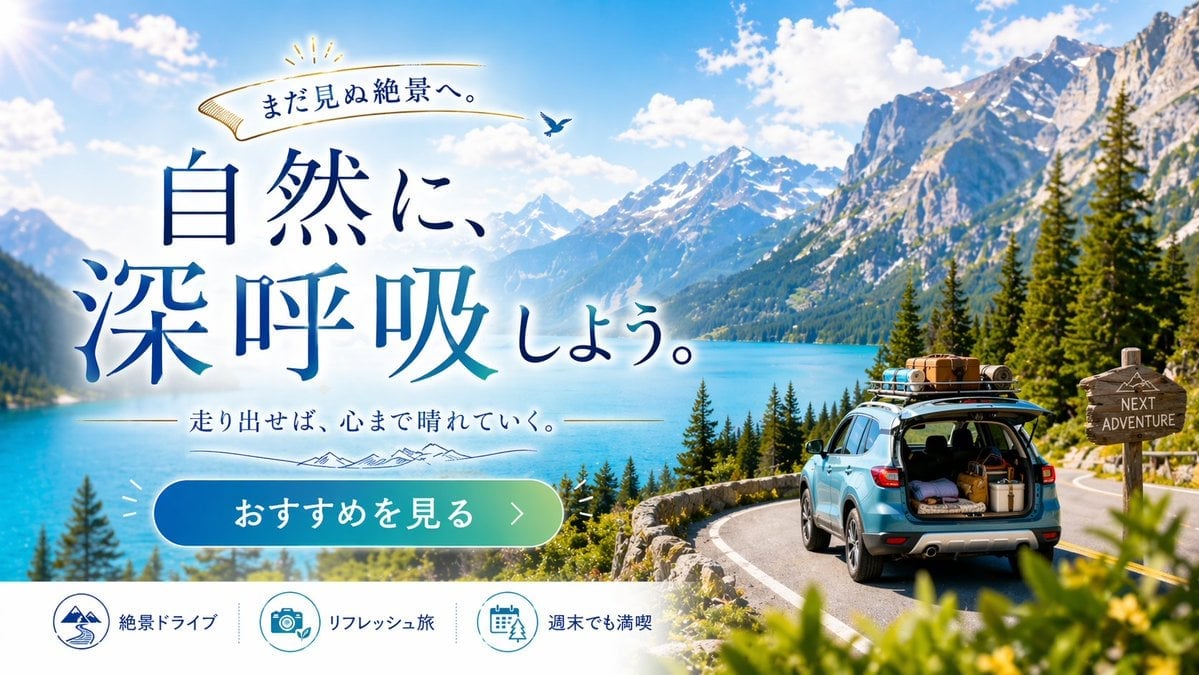
Generates a promotional web banner for road trips, featuring customizable typography, a scenic background, and a bottom feature bar.
- Prompt included
- Model and format preset
- Free template
The prompt behind this image
Copy the exact prompt behind Scenic Travel Ad Banner Generator, or open it in the studio and make it yours.
- Type
- travel advertisement web banner
- Layout › Background
- {argument name="scenery type" default="majestic snow-capped mountains and turquoise lake"}, pine trees, winding paved road, bright blue sky with fluffy clouds
- Layout › Foreground Right
- {argument name="car color" default="light blue"} SUV on road, open trunk with luggage, loaded roof rack, wooden signpost reading 'NEXT ADVENTURE'
- Layout › Typography Left › Top Ribbon
- Golden ribbon with text 'まだ見ぬ絶景へ。' and small bird
- Layout › Typography Left › Main Headline
- Large serif text '{argument name="main headline" default="自然に、深呼吸しよう。"}' in deep blue gradient
- Layout › Typography Left › Sub Headline
- Text '{argument name="sub headline" default="走り出せば、心まで晴れていく。"}' with thin lines and mountain graphic
- Layout › Ui Elements › Cta Button
- Pill-shaped blue-to-green gradient button with text '{argument name="cta button text" default="おすすめを見る >"}'
- Layout › Ui Elements › Bottom Bar › Description
- White footer bar
- Layout › Ui Elements › Bottom Bar › Count
- 3
- Layout › Ui Elements › Bottom Bar › Items › 0 › Icon
- mountain and road
- Layout › Ui Elements › Bottom Bar › Items › 0 › Text
- 絶景ドライブ
- Layout › Ui Elements › Bottom Bar › Items › 1 › Icon
- camera and leaf
- Layout › Ui Elements › Bottom Bar › Items › 1 › Text
- リフレッシュ旅
- Layout › Ui Elements › Bottom Bar › Items › 2 › Icon
- calendar and tree
- Layout › Ui Elements › Bottom Bar › Items › 2 › Text
- 週末でも満喫
Raw JSON
{
  "type": "travel advertisement web banner",
  "layout": {
    "background": "{argument name=\"scenery type\" default=\"majestic snow-capped mountains and turquoise lake\"}, pine trees, winding paved road, bright blue sky with fluffy clouds",
    "foreground_right": "{argument name=\"car color\" default=\"light blue\"} SUV on road, open trunk with luggage, loaded roof rack, wooden signpost reading 'NEXT ADVENTURE'",
    "typography_left": {
      "top_ribbon": "Golden ribbon with text 'まだ見ぬ絶景へ。' and small bird",
      "main_headline": "Large serif text '{argument name=\"main headline\" default=\"自然に、深呼吸しよう。\"}' in deep blue gradient",
      "sub_headline": "Text '{argument name=\"sub headline\" default=\"走り出せば、心まで晴れていく。\"}' with thin lines and mountain graphic"
    },
    "ui_elements": {
      "cta_button": "Pill-shaped blue-to-green gradient button with text '{argument name=\"cta button text\" default=\"おすすめを見る >\"}'",
      "bottom_bar": {
        "description": "White footer bar",
        "count": 3,
        "items": [
          {"icon": "mountain and road", "text": "絶景ドライブ"},
          {"icon": "camera and leaf", "text": "リフレッシュ旅"},
          {"icon": "calendar and tree", "text": "週末でも満喫"}
        ]
      }
    }
  }
}How to use Scenic Travel Ad Banner Generator in 3 steps
- 1Upload ImagePNG, JPG or paste
Add your photo
Upload the photo the template builds on. The prompt, model and format are already set.
- 2…a portrait of your subject in softgolden-hour light, 85mm…
Personalize
Edit the subject and creative details for your destination.
- 3Generate
Generate
Press Generate — your image is created in PicX Studio, so you can compare it with the original and refine one variable at a time.
More like this
Templates with the same subject, style or setup. Open one to see its prompt.

Japan Travel Brochure Poster

Miniature Travel Diorama Postcard

Boardwalk Fashion Portrait

Clay Miniature Landmark Travel Diorama

Travel Poster Graphic Collage

untitled
9 Grid Travel Profile Photo Series
![Nano Banana — One Day In [CITY] Travel Route](https://cdn.picxstudio.com/cdn-cgi/image/format=auto,quality=85,fit=scale-down,onerror=redirect,width=3840,metadata=none/uploads/ai_gezgini_travel_d9a86f2e-c1f5-41a8-a4ef-5d96a8a7a023.jpg)
Nano Banana — One Day In [CITY] Travel Route

Nano Banana Pro 2.0 — 3x3 Travel Profile Grid

City Posters by Nano Banana Pro
Storytelling of a Gym Girl

Kids Crayon Travel Journal Illustration
Make it yours
Scenic Travel Ad Banner Generator works as-is. These are the safest ways to change it without losing the look.
Swap the setting
Keep the rest of the prompt and replace the location block. The current setting is “{argument name="scenery type" default="majestic snow-capped mountains and turquo”.
Change one field
Copy a single group, rewrite it, and generate again so you can see what that field is doing.
Keep the frame, change the subject
Hold the composition and light of Scenic Travel Ad Banner Generator, then swap wardrobe, props or the person for a new take.
| If the result… | Why | Fix |
|---|---|---|
| The result drifts from the preview | Too many fields changed at once. | Reuse Scenic Travel Ad Banner Generator as-is first, then change one group — subject, light, or setting. |
| GPT Image 2 ignores part of the JSON | Some models flatten or skip nested keys. | Keep the same values and paste them as a short paragraph instead. |
More GPT Image 2 templates
Other prompts made for GPT Image 2.

Six VTuber Japanese Logo Sheet

Realistic Portrait of Woman and Deer

The Vista Modular Condo Poster

AI Model Routing Comparison Infographic

2.5D Anime Art Board

Isometric Productivity Desk Scene

New York Double Exposure Poster

Four-Panel AI Landscape Comparison

Japanese Tatami Lifestyle Magazine Cover

NESCAFÉ Coffee Map Poster
More image prompts
Fresh picks from across the catalog.
Gpt2 E Commerce Main Image Tropical Citrus Soda Ad Poster
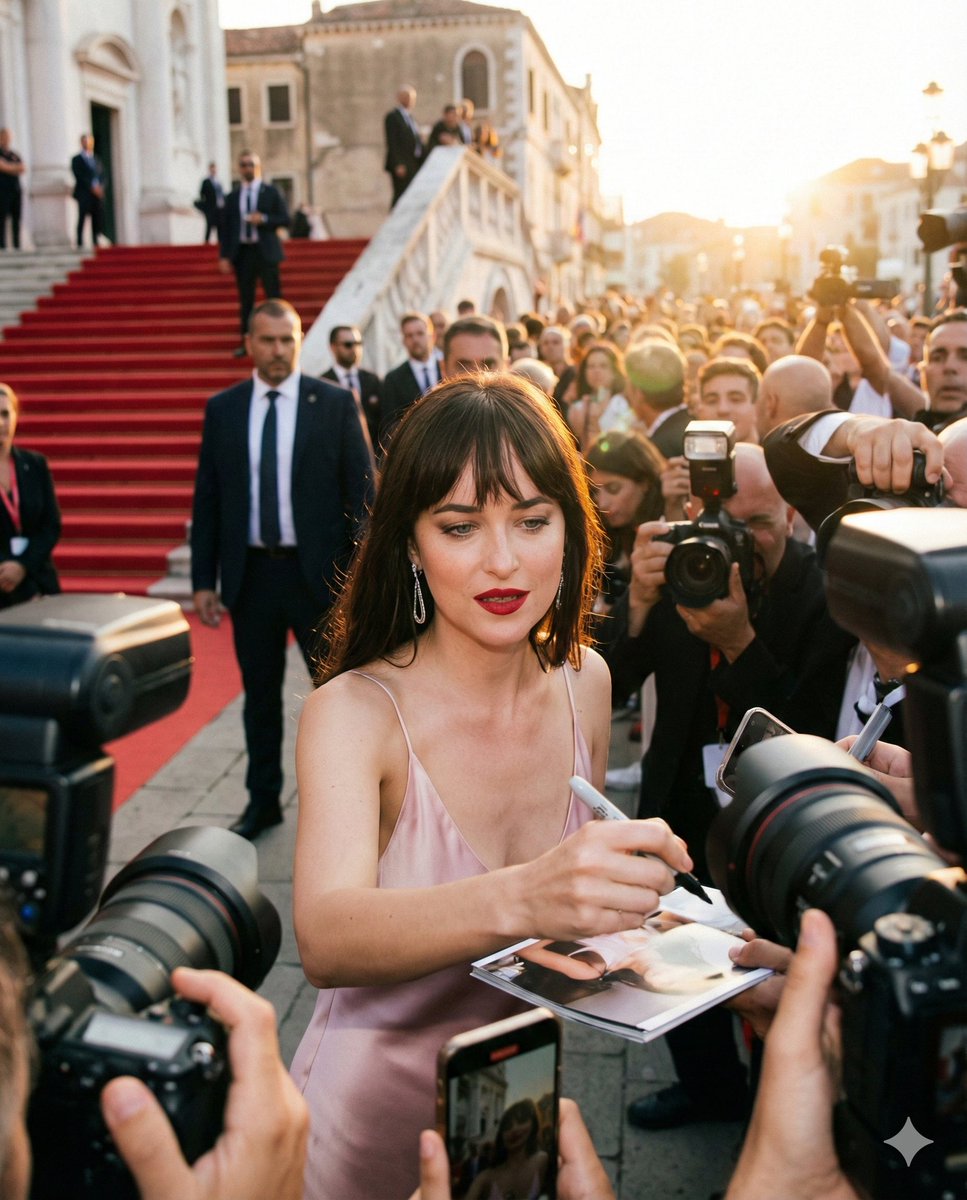
Red Carpet Paparazzi Realism Prompt
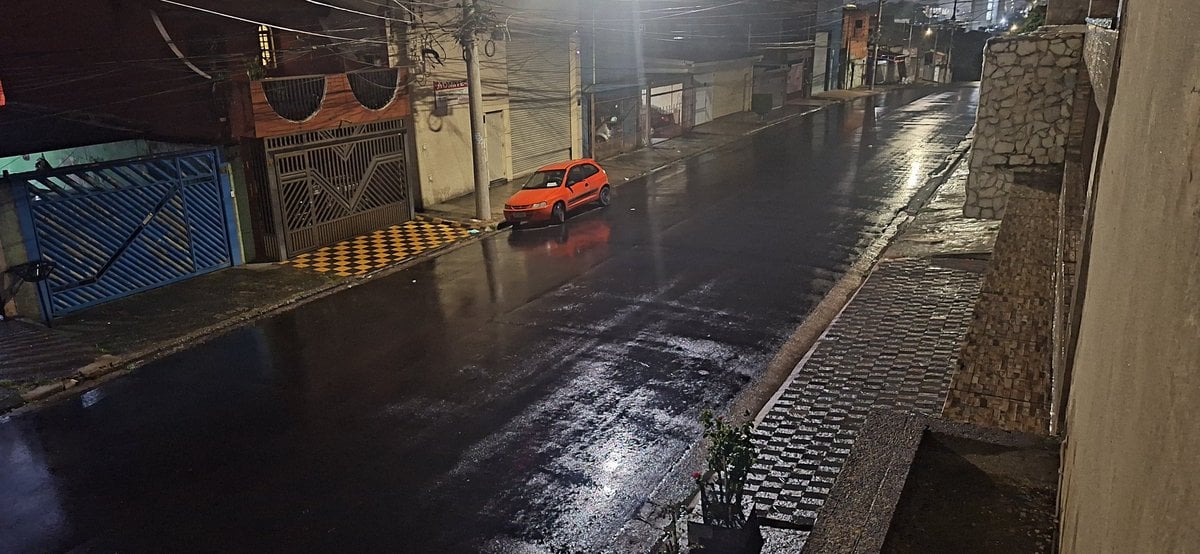
Delorean 'Back to the Future' Scene Integration Prompt
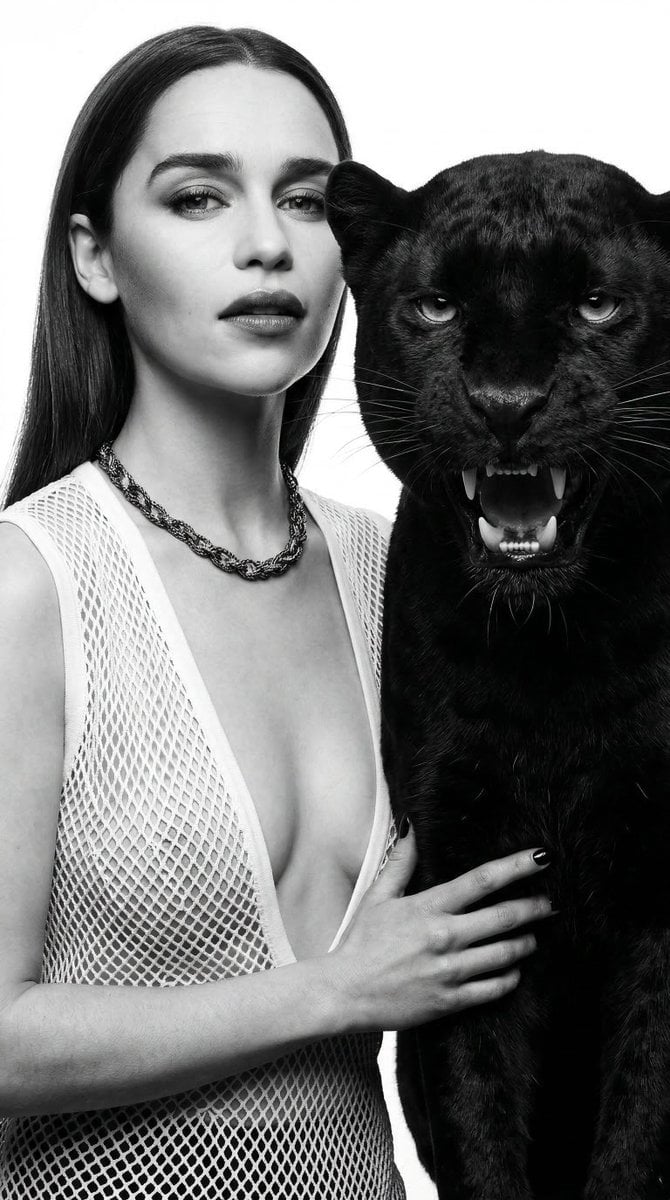
Black and White Panther and Woman Editorial Portrait

Retro Snowy Tactical Selfie
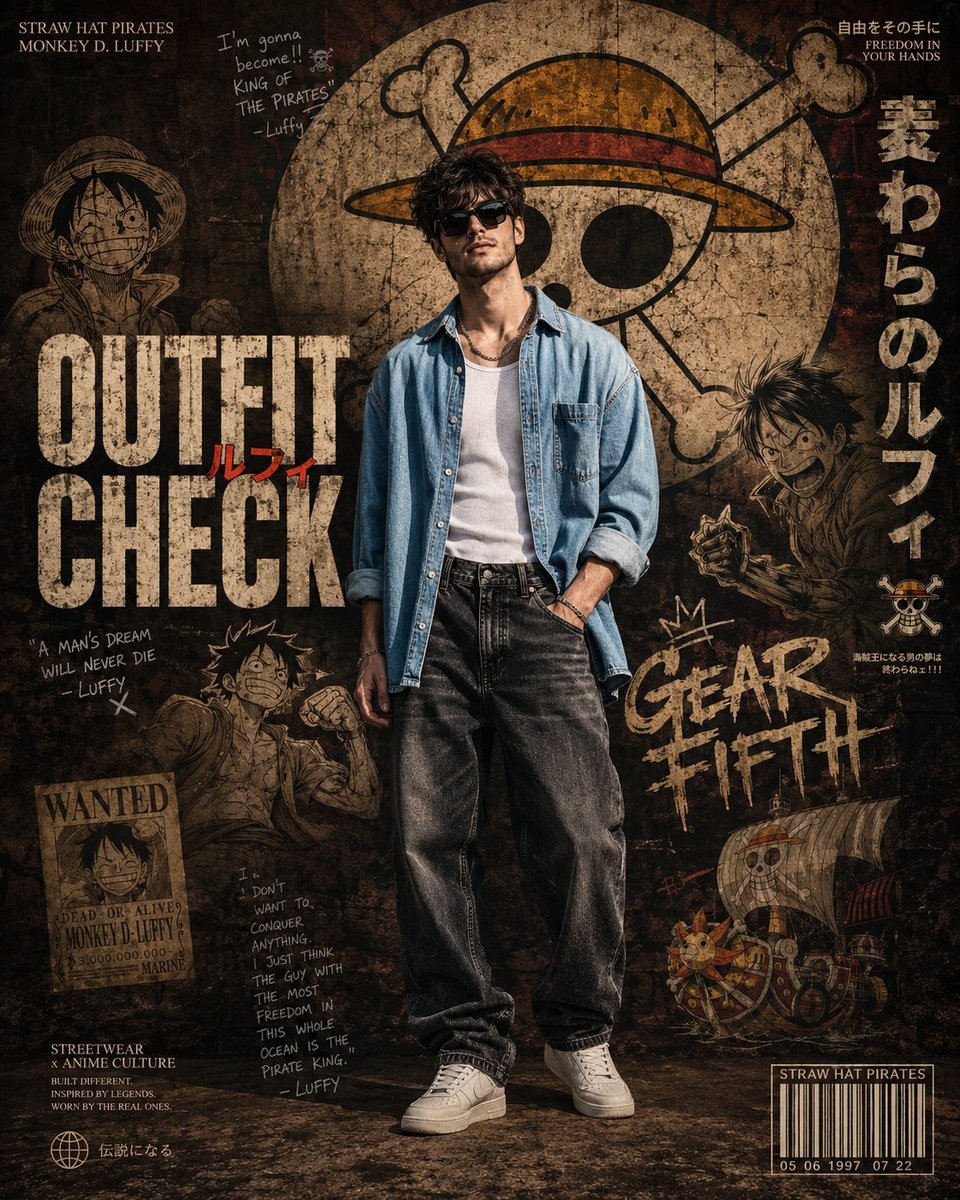
Anime Streetwear Poster Design
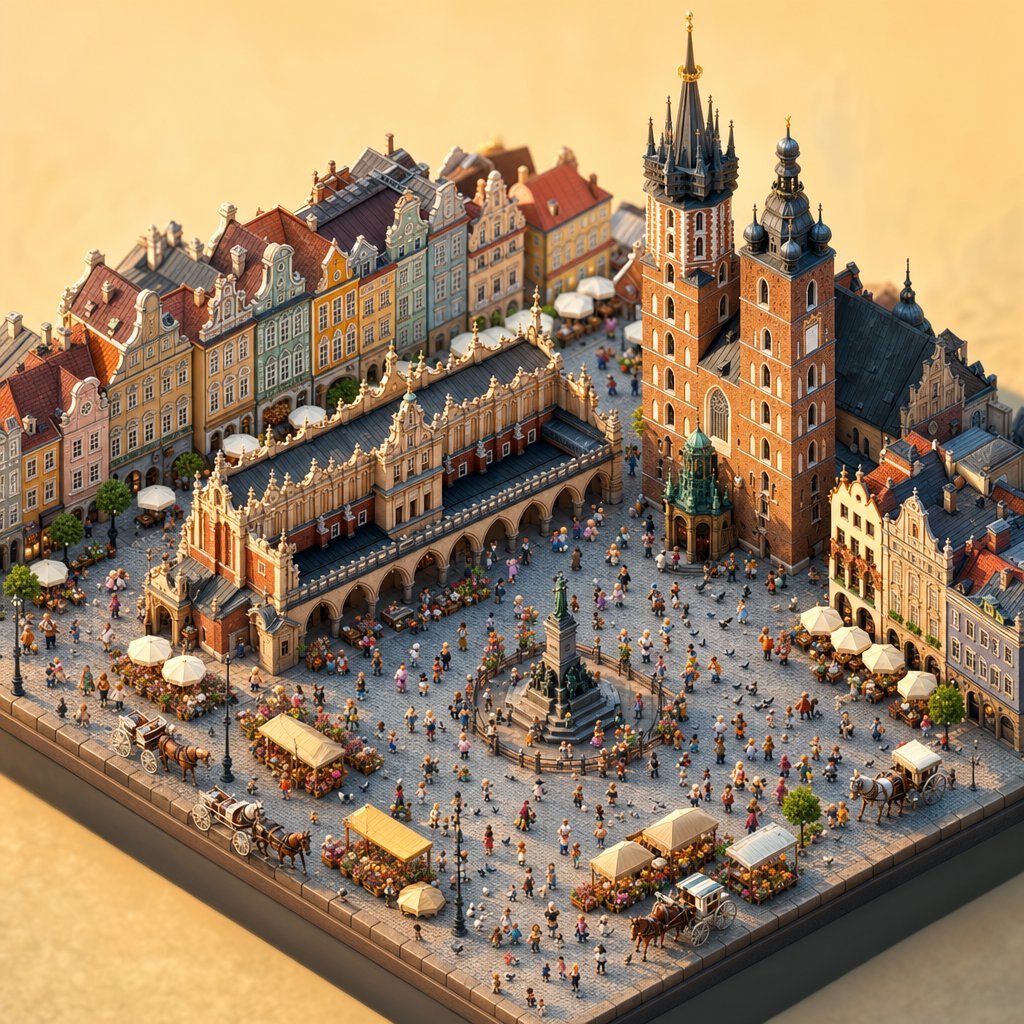
Isometric Krakow Market Square Diorama
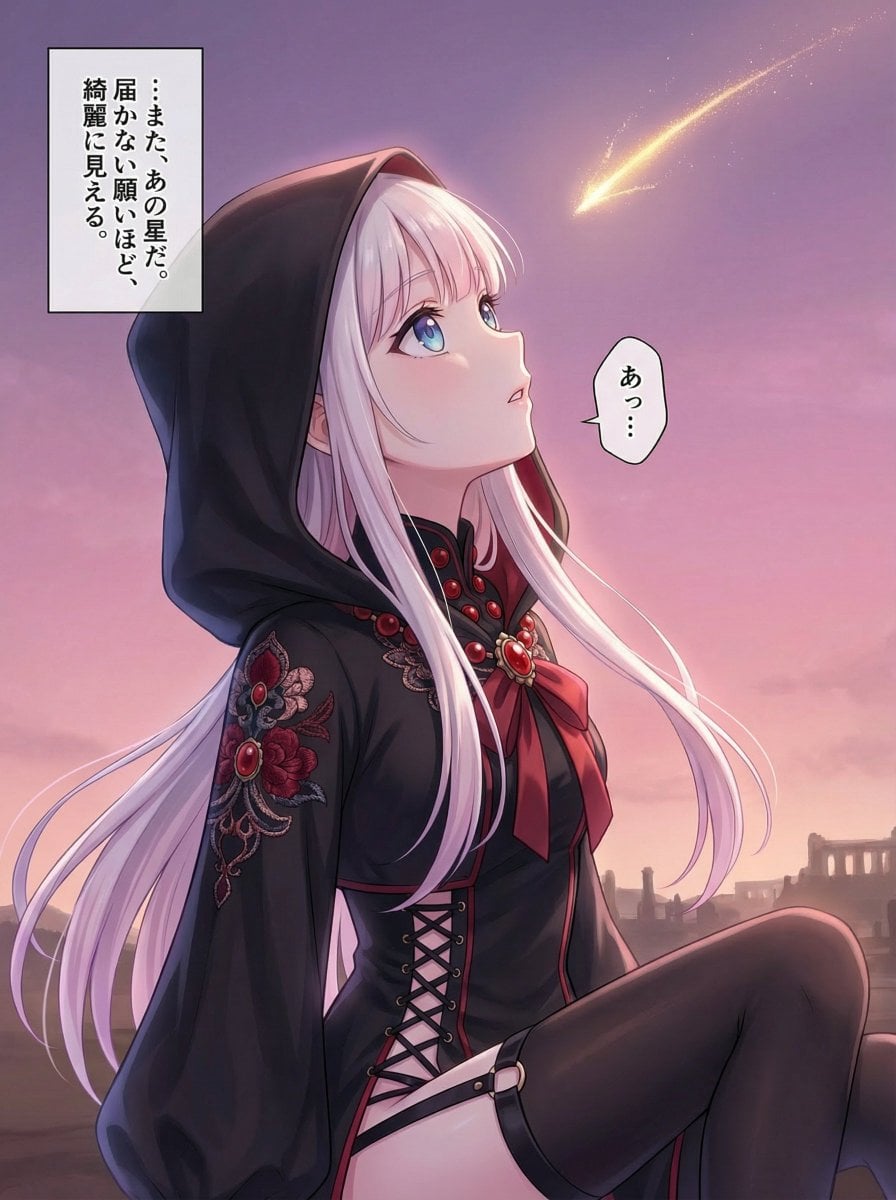
Comprehensive manga one-page scene creation system prompt
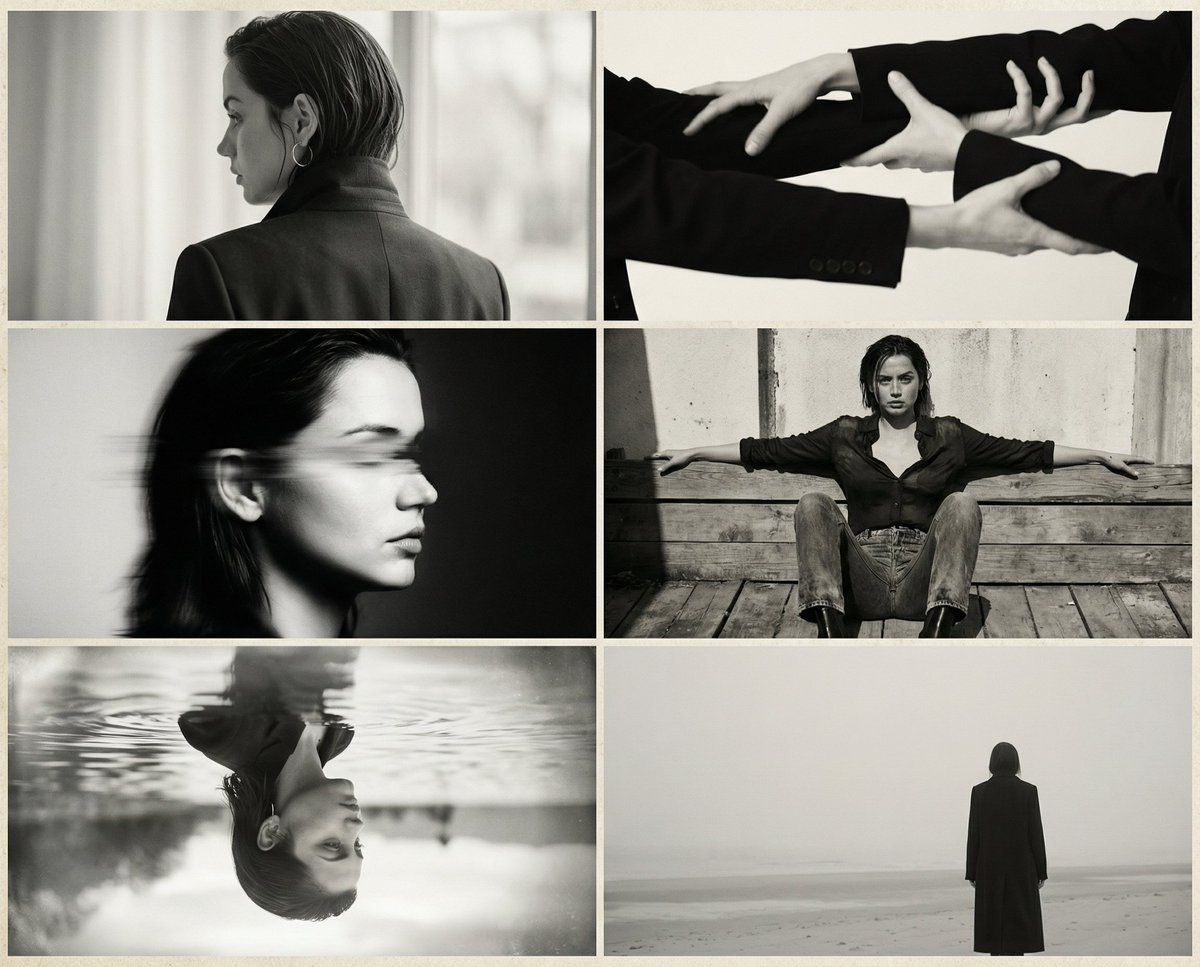
Six-Image 90s Zine Fashion Collage
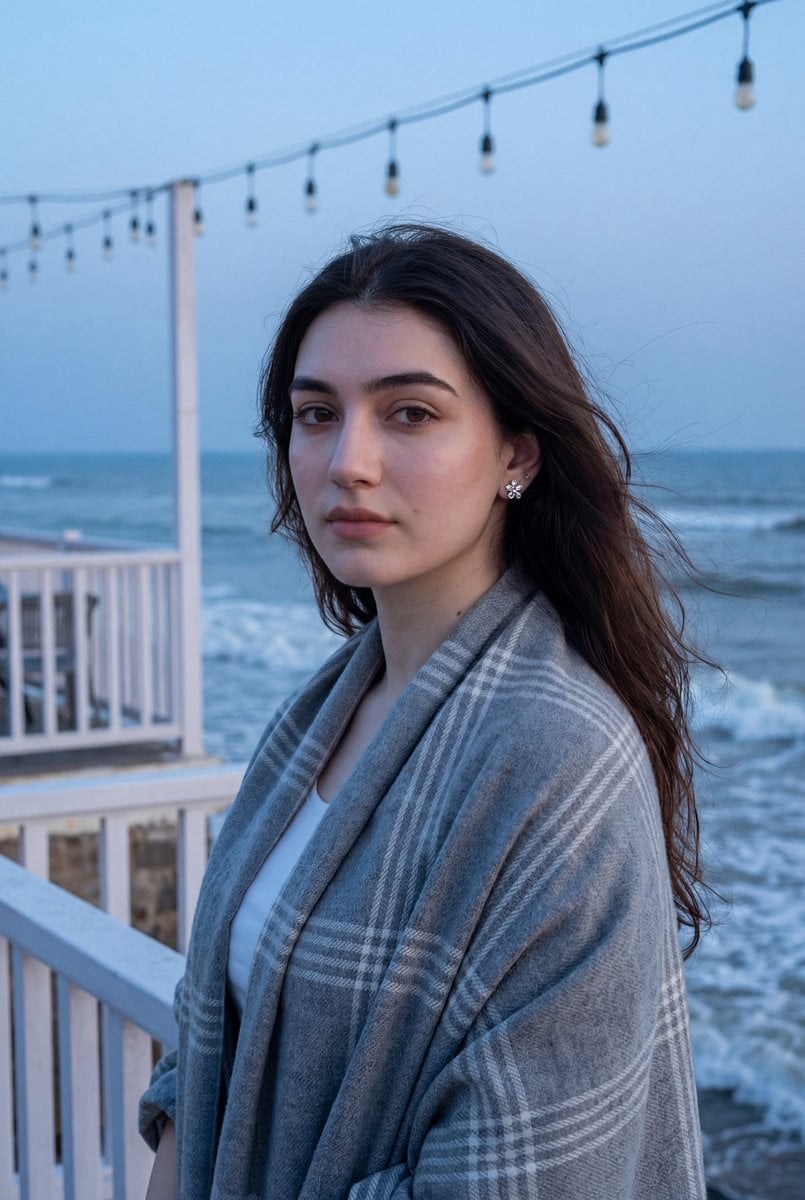
Photorealistic Portrait of a Woman on a Seaside Terrace at Blue Hour
Browse template categories
Scenic Travel Ad Banner Generator questions
How do I use the Scenic Travel Ad Banner Generator template?
Add your photo if the template asks for one, edit the prompt if you like — the template's model and format are already selected — and press Generate. Your version opens in PicX Studio.
Can I customize the Scenic Travel Ad Banner Generator template?
Yes. You can change the subject, setting, lighting, mood, format, and available model controls before creating your image.
Is the Scenic Travel Ad Banner Generator template free?
Opening and editing this template is free. Generating uses credits, shown on the Generate button when you are signed in.
Which AI model should I use?
Start with GPT Image 2, which is the model associated with this template. You can compare another compatible model for a different finish.
Looking for something else? Browse all templates.

Your photo, any look
Thousands of ready templates for every top image and video model, from one credit balance.