
Low-Poly Profile Portrait With Face Block
Generates a stylish faceted side-profile portrait with an anonymizing face rectangle, useful for editorial avatars or privacy-themed art.
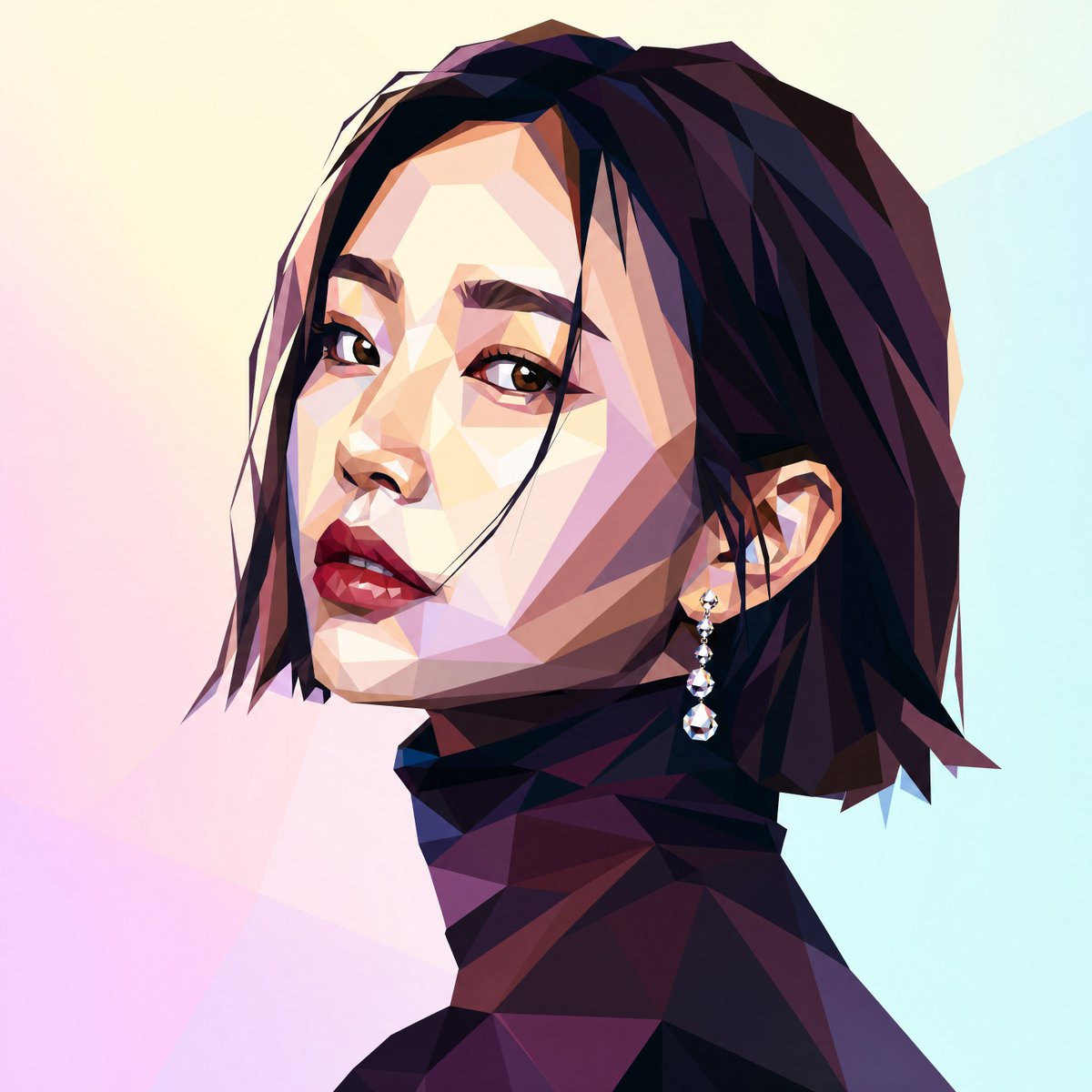
- Prompt included
- Model and format preset
- Free template
The prompt behind this image
Copy the exact prompt behind Low-Poly Profile Portrait With Face Block, or open it in the studio and make it yours.
Create a square 1:1 digital illustration in a low-poly faceted geometric style: a close-up side-profile portrait of a fashionable woman facing left, cropped from the shoulders up. She has {argument name="hair color" default="deep black with burgundy and violet highlights"} short layered bob hair with sharp angular strands, a visible ear, and a dangling crystal earring with small beads and a teardrop gem. Her neck and shoulders are rendered as dark faceted polygon planes in plum, navy, maroon, and black, suggesting an elegant high-neck garment. Place a large opaque matte rectangle over the central face area, colored {argument name="face block color" default="muted taupe beige"}, hiding the facial features like an intentional privacy mask or placeholder. Use dramatic angular lighting, crisp polygon edges, high contrast shadows, and gemstone-like facets. The background is a soft pastel gradient with abstract translucent polygon shapes in {argument name="background colors" default="pale cream, pink, lavender, and light cyan"}. Keep the composition minimal, modern, editorial, and centered, with no text or logos.
How to use Low-Poly Profile Portrait With Face Block in 3 steps
- 1Upload ImagePNG, JPG or paste
Add your photo
Upload the photo the template builds on. The prompt, model and format are already set.
- 2…a portrait of your subject in softgolden-hour light, 85mm…
Personalize
Edit the subject and creative details for your destination.
- 3Generate
Generate
Press Generate — your image is created in PicX Studio, so you can compare it with the original and refine one variable at a time.
More like this
Templates with the same subject, style or setup. Open one to see its prompt.

Realistic portrait 100 identical face, no editing allowed
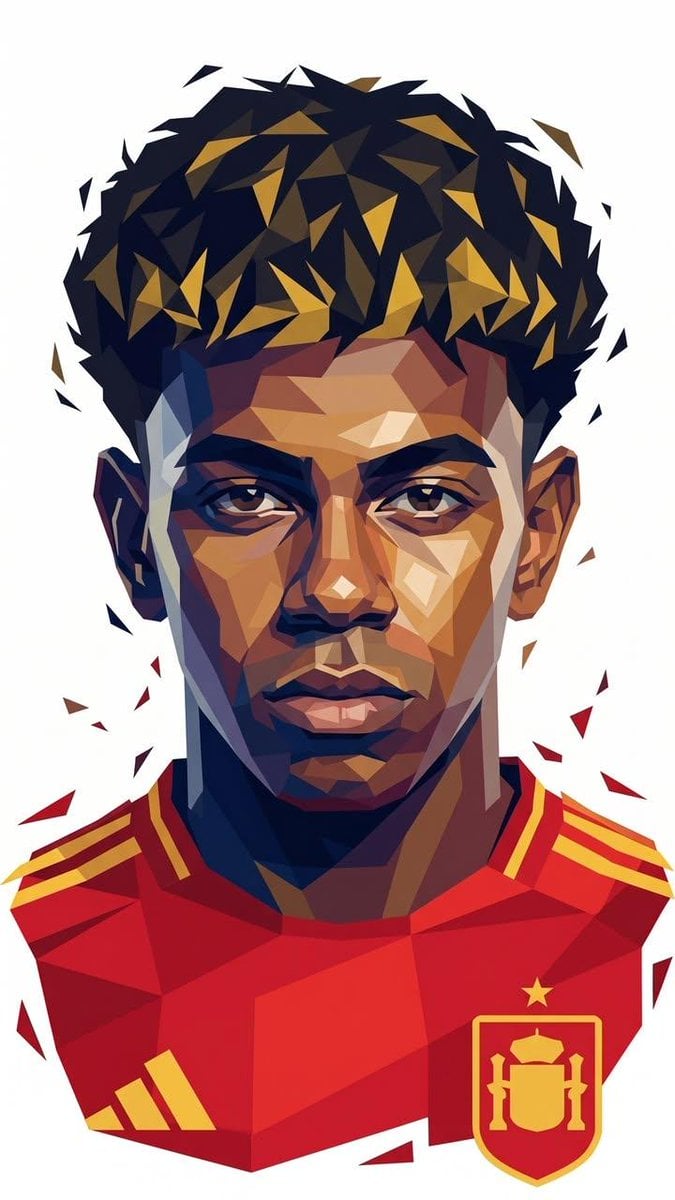
Low-Poly Geometric Male Portrait

Geometric Color-Block Beauty Editorial Portrait

Photoreal Selfie Minecraft Block World
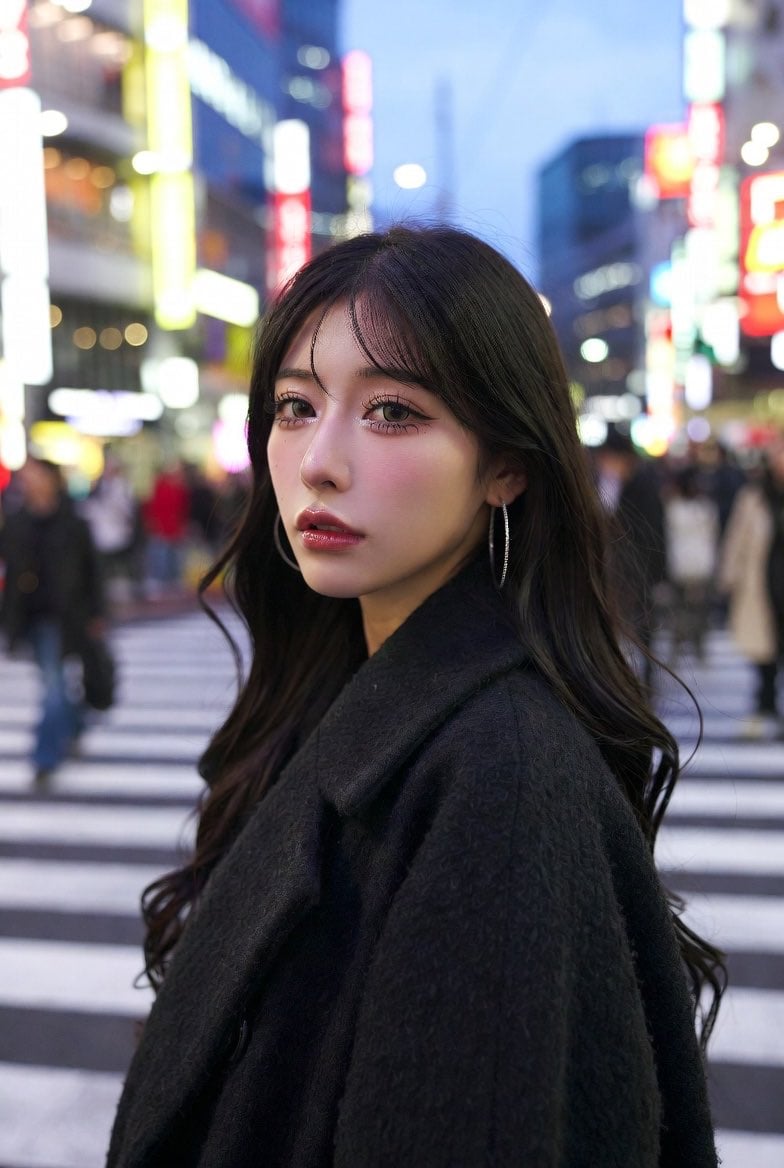
Neon City Portrait With Face Block
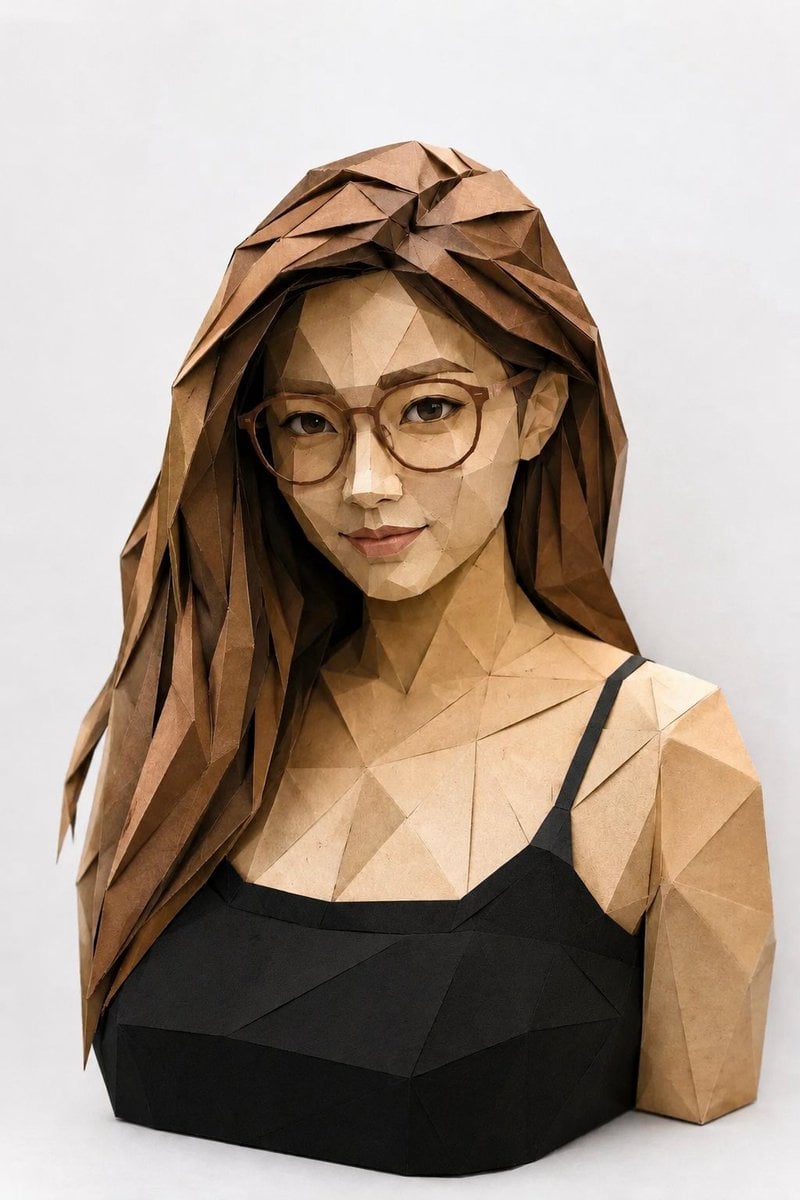
Low-Poly Origami Papercraft Portrait
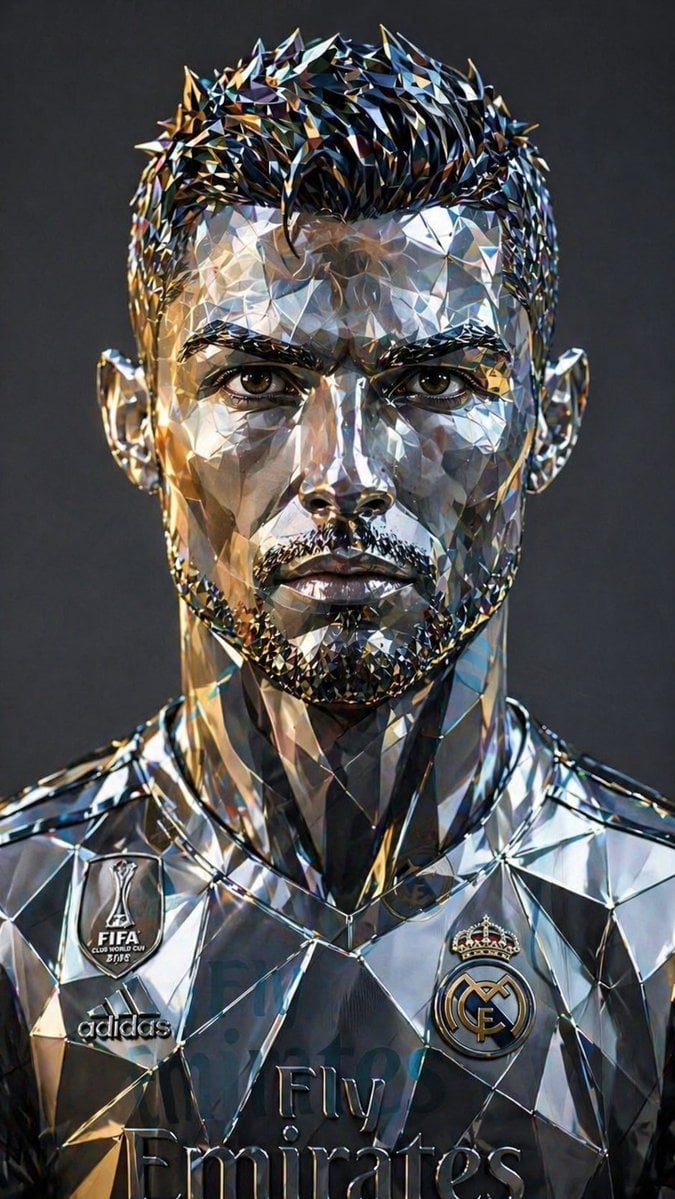
Futuristic Low-Poly Metallic Portrait
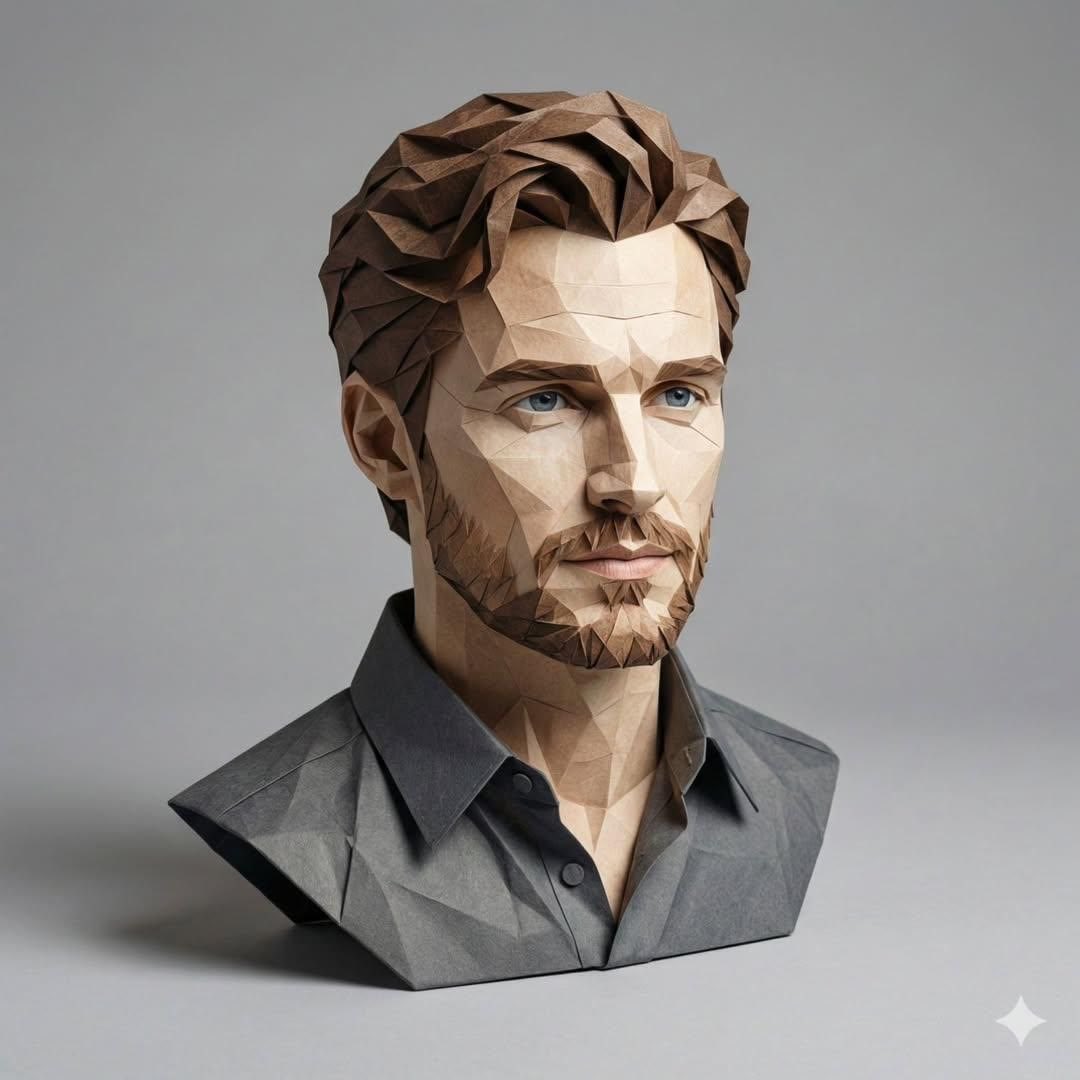
3D Paper-Craft Portrait with Low-Poly Aesthetic
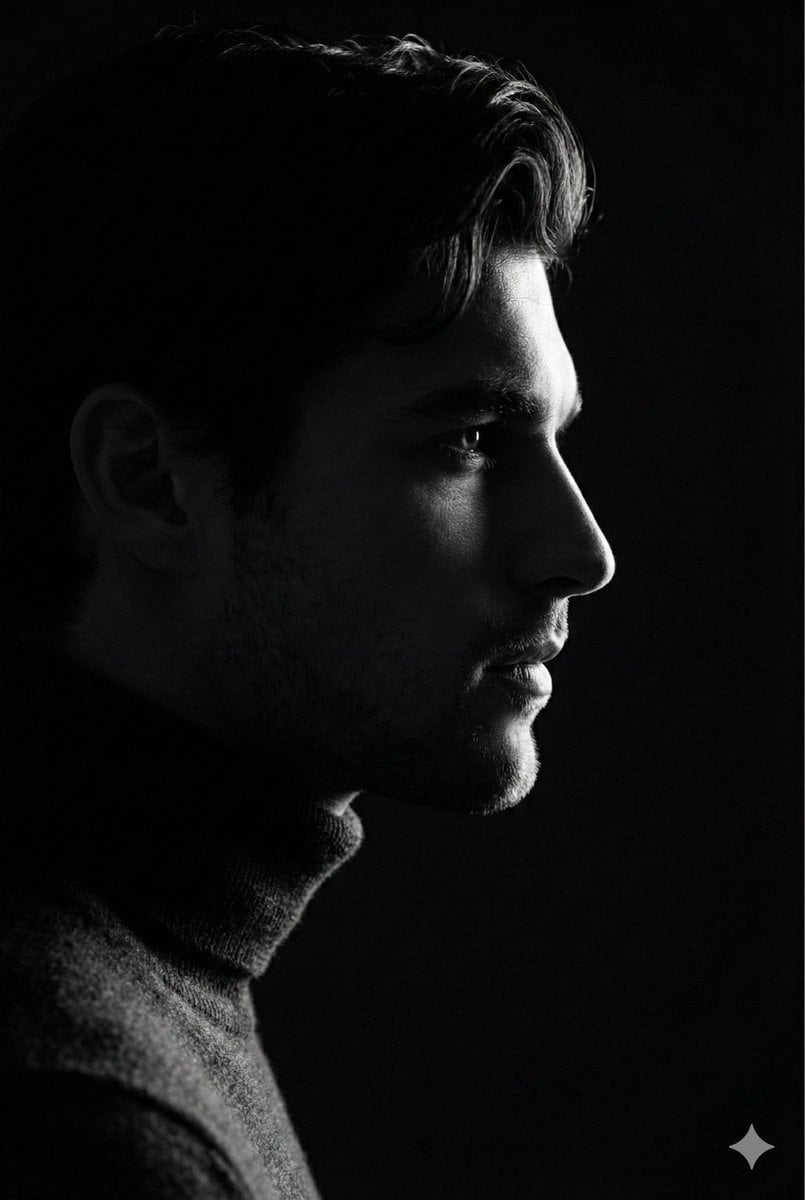
Low-Key Profile Portrait with Single Rim Light

Found Photograph: Us, 1970

80s Couple Studio Portrait

80s Bollywood Star
Make it yours
Low-Poly Profile Portrait With Face Block works as-is. These are the safest ways to change it without losing the look.
Change one field
Copy a single group, rewrite it, and generate again so you can see what that field is doing.
Keep the frame, change the subject
Hold the composition and light of Low-Poly Profile Portrait With Face Block, then swap wardrobe, props or the person for a new take.
| If the result… | Why | Fix |
|---|---|---|
| The result drifts from the preview | Too many fields changed at once. | Reuse Low-Poly Profile Portrait With Face Block as-is first, then change one group — subject, light, or setting. |
| The model over-stylizes the scene | The prose prompt leaves finish and camera underspecified. | Add one camera or lighting sentence and stay on GPT Image 2. |
More GPT Image 2 templates
Other prompts made for GPT Image 2.

Six VTuber Japanese Logo Sheet

Realistic Portrait of Woman and Deer

The Vista Modular Condo Poster

AI Model Routing Comparison Infographic

2.5D Anime Art Board

Isometric Productivity Desk Scene

New York Double Exposure Poster

Four-Panel AI Landscape Comparison

Japanese Tatami Lifestyle Magazine Cover

NESCAFÉ Coffee Map Poster
More image prompts
Fresh picks from across the catalog.
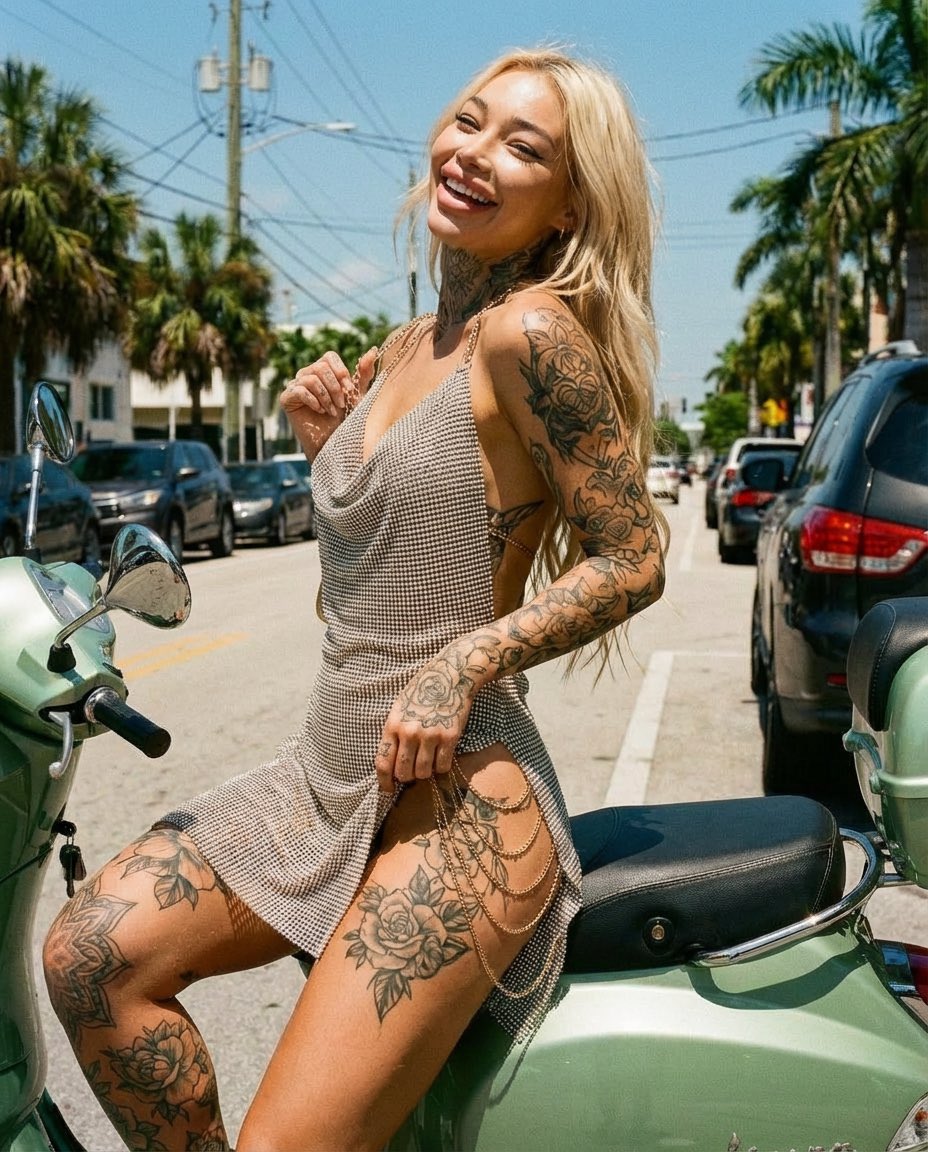
Sunlit Street Scene with Tattooed Woman on Scooter (JSON Format)
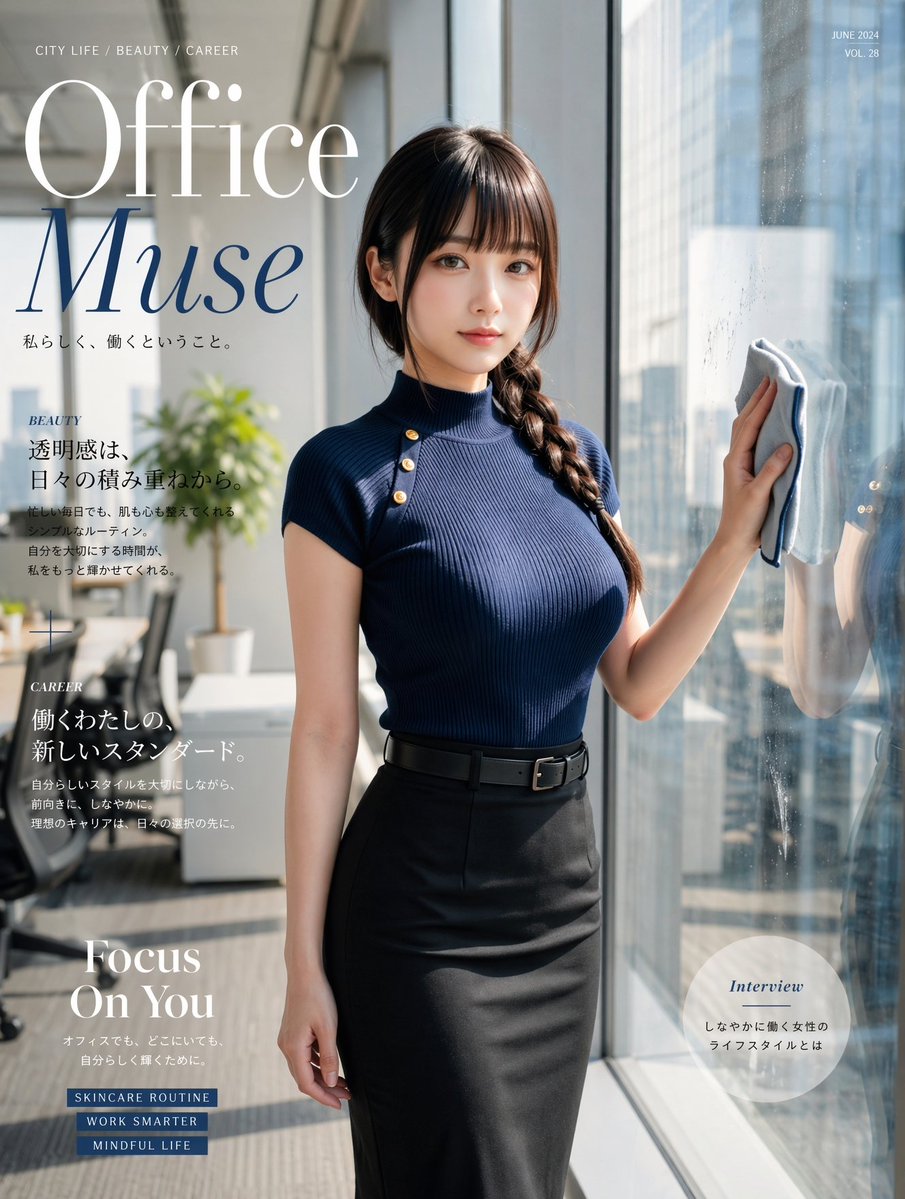
Office Muse Fashion Cover
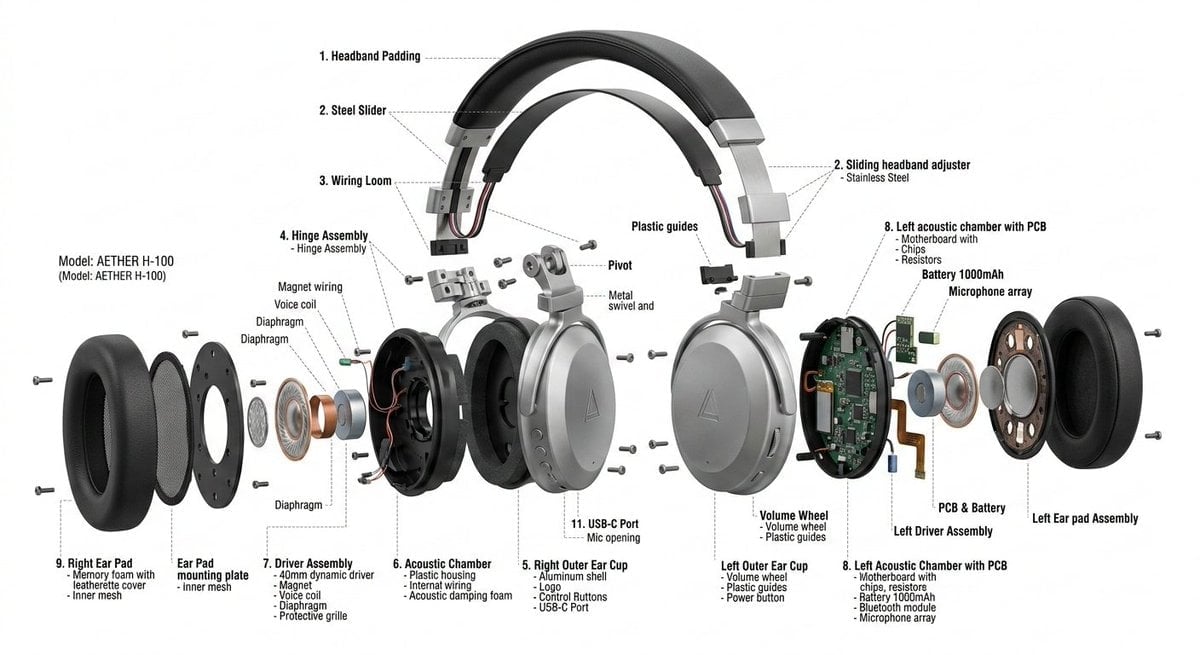
Exploded View Product Design Diagram Prompt

Anachronistic Beauty Tutorial

Sculptor's Awakening Cinematic Scene Prompt
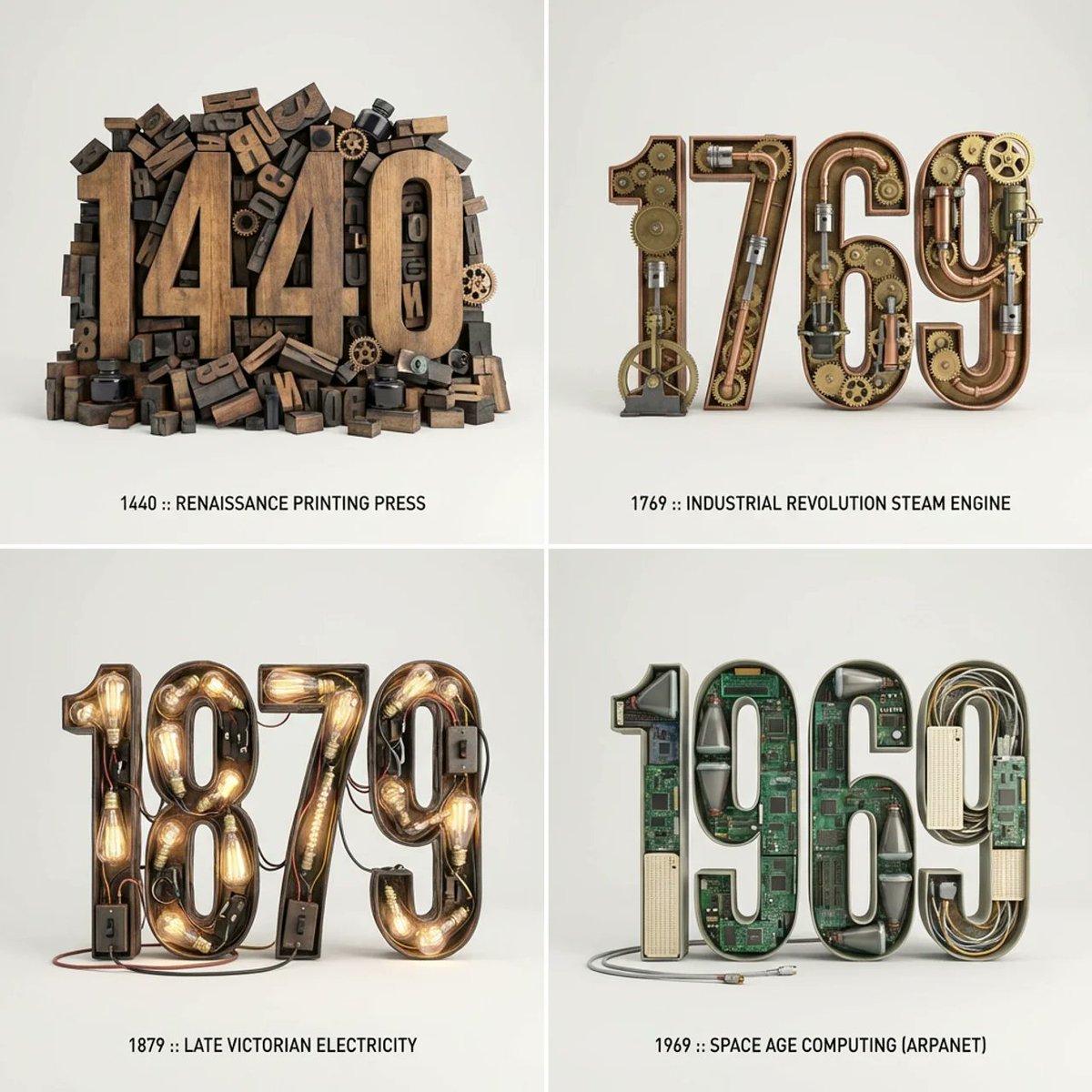
Typographic Sculpture of Historical Inventions

Mount Fuji Train Wallpaper
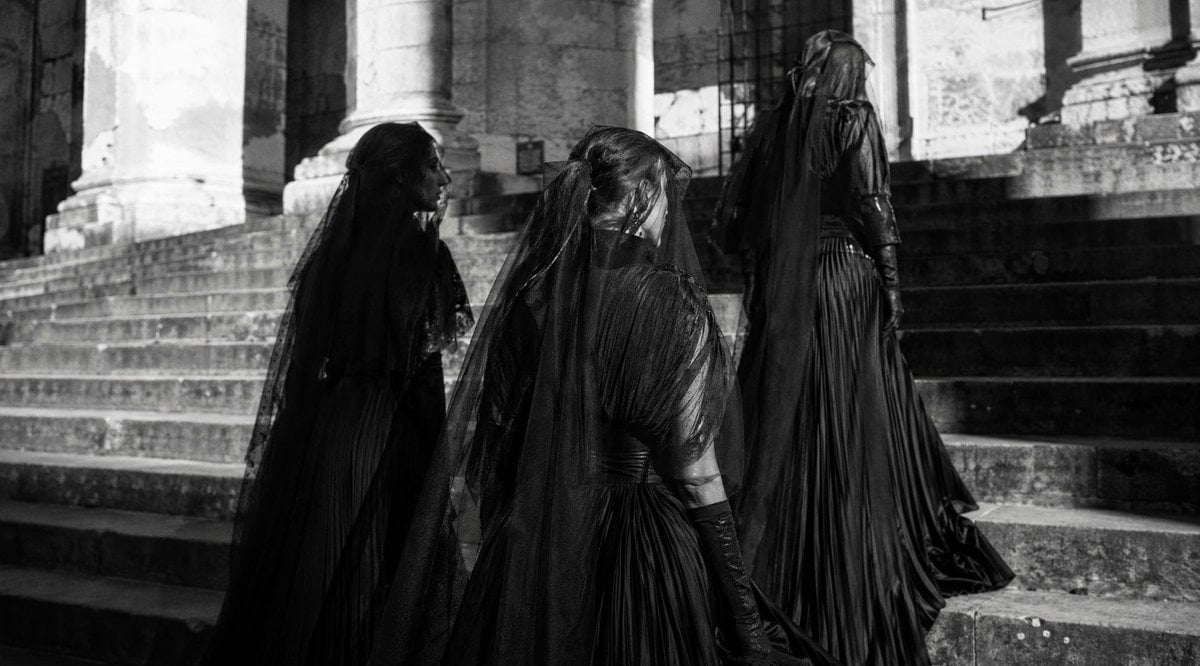
Gothic Mourners on Cathedral Steps
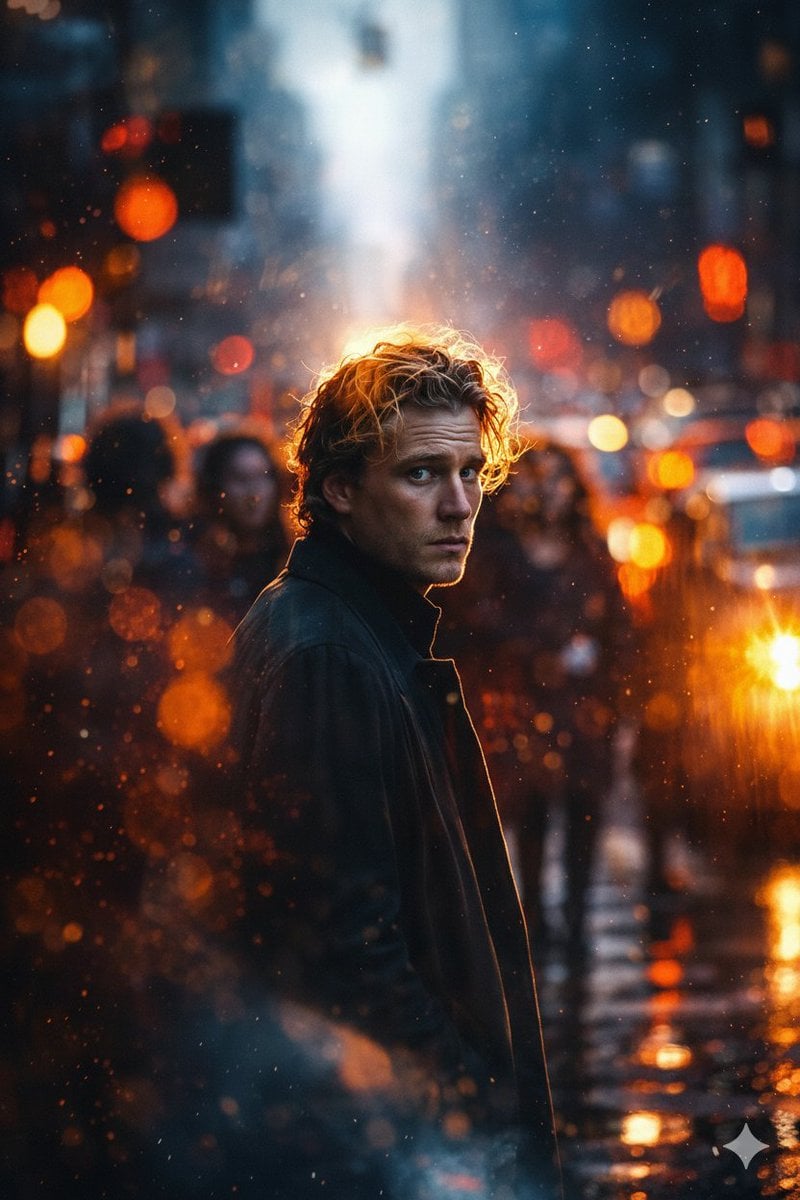
Cinematic Rainy City Portrait Prompt
X Sumiturkude007 Image Description Subject
Browse template categories
Low-Poly Profile Portrait With Face Block questions
How do I use the Low-Poly Profile Portrait With Face Block template?
Add your photo if the template asks for one, edit the prompt if you like — the template's model and format are already selected — and press Generate. Your version opens in PicX Studio.
Can I customize the Low-Poly Profile Portrait With Face Block template?
Yes. You can change the subject, setting, lighting, mood, format, and available model controls before creating your image.
Is the Low-Poly Profile Portrait With Face Block template free?
Opening and editing this template is free. Generating uses credits, shown on the Generate button when you are signed in.
Which AI model should I use?
Start with GPT Image 2, which is the model associated with this template. You can compare another compatible model for a different finish.
Looking for something else? Browse all templates.

Your photo, any look
Thousands of ready templates for every top image and video model, from one credit balance.