
Low-Poly Cartoon Stoner Living Room
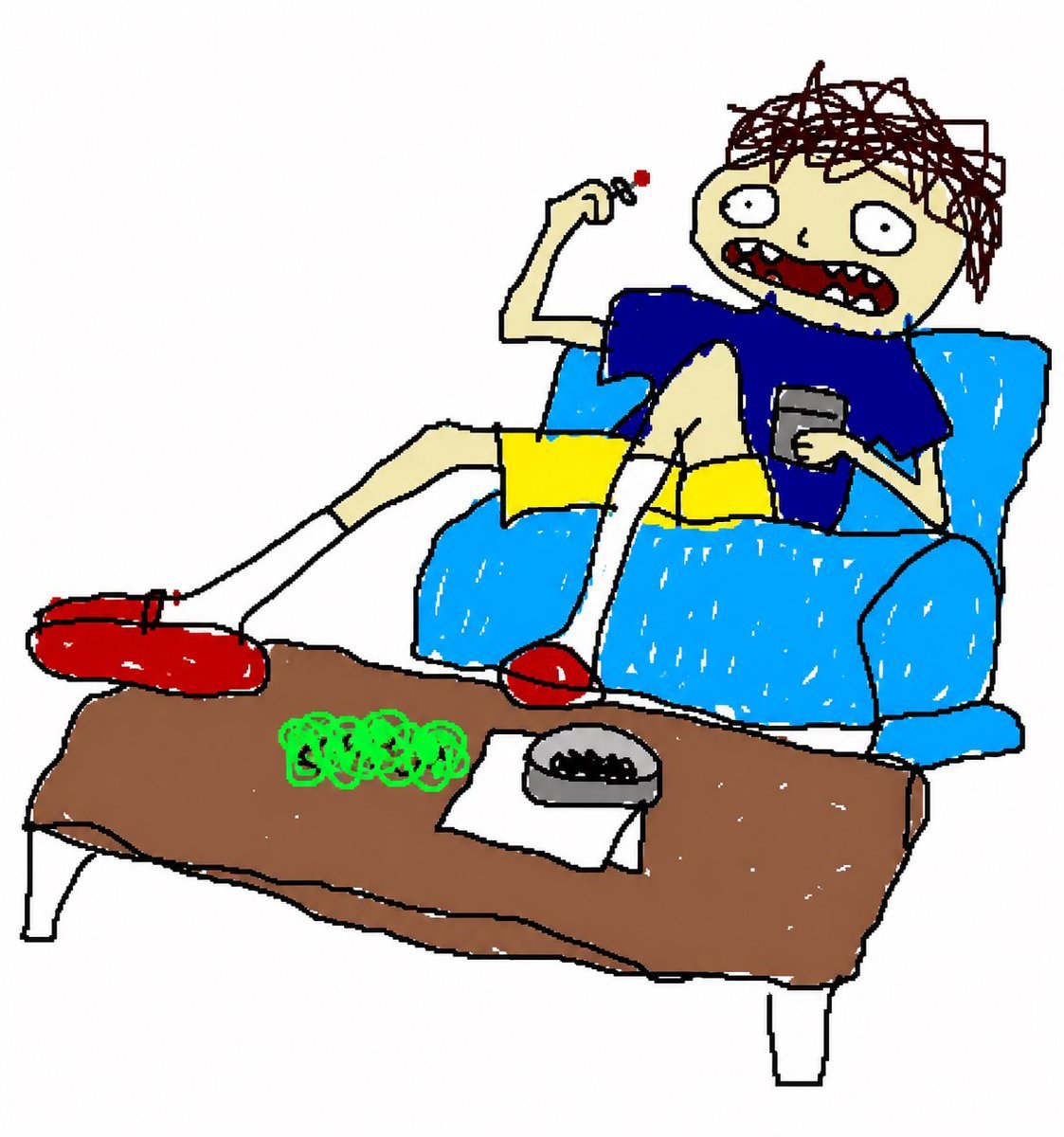
This generates a humorous stylized 3D cartoon of a lanky young man lounging in a chair with smoking paraphernalia, ideal for meme art, character scenes, or indie animation-style illustrations.
- Prompt included
- Model and format preset
- Free template
The prompt behind this image
Copy the exact prompt behind Low-Poly Cartoon Stoner Living Room, or open it in the studio and make it yours.
A stylized 3D low-poly cartoon scene of a skinny disheveled young man slouching in a plush blue armchair in a wood-paneled room, viewed in a medium-wide shot from slightly below table height. He has messy dark brown dreadlock-like hair, pale skin, droopy half-lidded eyes, and a huge open mouth showing uneven white teeth, with an exaggerated goofy expression. His pose is loose and lazy: one leg stretched far out and resting on the coffee table, the other bent up on the chair, one hand holding a small smoking item near his face with a tiny red ember, the other hand holding a gray remote control. He wears a {argument name="shirt color" default="royal blue"} T-shirt, {argument name="shorts color" default="mustard yellow"} shorts, long white socks, and oversized red slide sandals. In front of him is a rectangular wooden coffee table with 3 clearly visible items on top: a pile of bright green buds at the center front, 1 folded white paper beside the pile, and 1 round gray ashtray with dark ash near the right side. The room is simple and warm-toned with vertical wooden wall panels, a dark wood floor, soft indoor lighting, and a small cropped section of framed wall decor in the upper right corner. The overall look is humorous, rough-edged, and handcrafted, like an indie animated sitcom made from painted paper-cutout or low-poly clay textures, with muted shadows, slightly worn surfaces, and a casual stoner-lounge vibe.
How to use Low-Poly Cartoon Stoner Living Room in 3 steps
- 1Upload ImagePNG, JPG or paste
Add your photo
Upload the photo the template builds on. The prompt, model and format are already set.
- 2…a portrait of your subject in softgolden-hour light, 85mm…
Personalize
Edit the subject and creative details for your destination.
- 3Generate
Generate
Press Generate — your image is created in PicX Studio, so you can compare it with the original and refine one variable at a time.
More like this
Templates with the same subject, style or setup. Open one to see its prompt.

Toon Cartoon Ballroom Dance
Low-Poly Fantasy Quest Screenshot
Warm Modern Japanese Living Room Render
Low-Poly Geometric Male Portrait

Low Poly Football Player Illustration

Surreal Anime & Reality Living Room
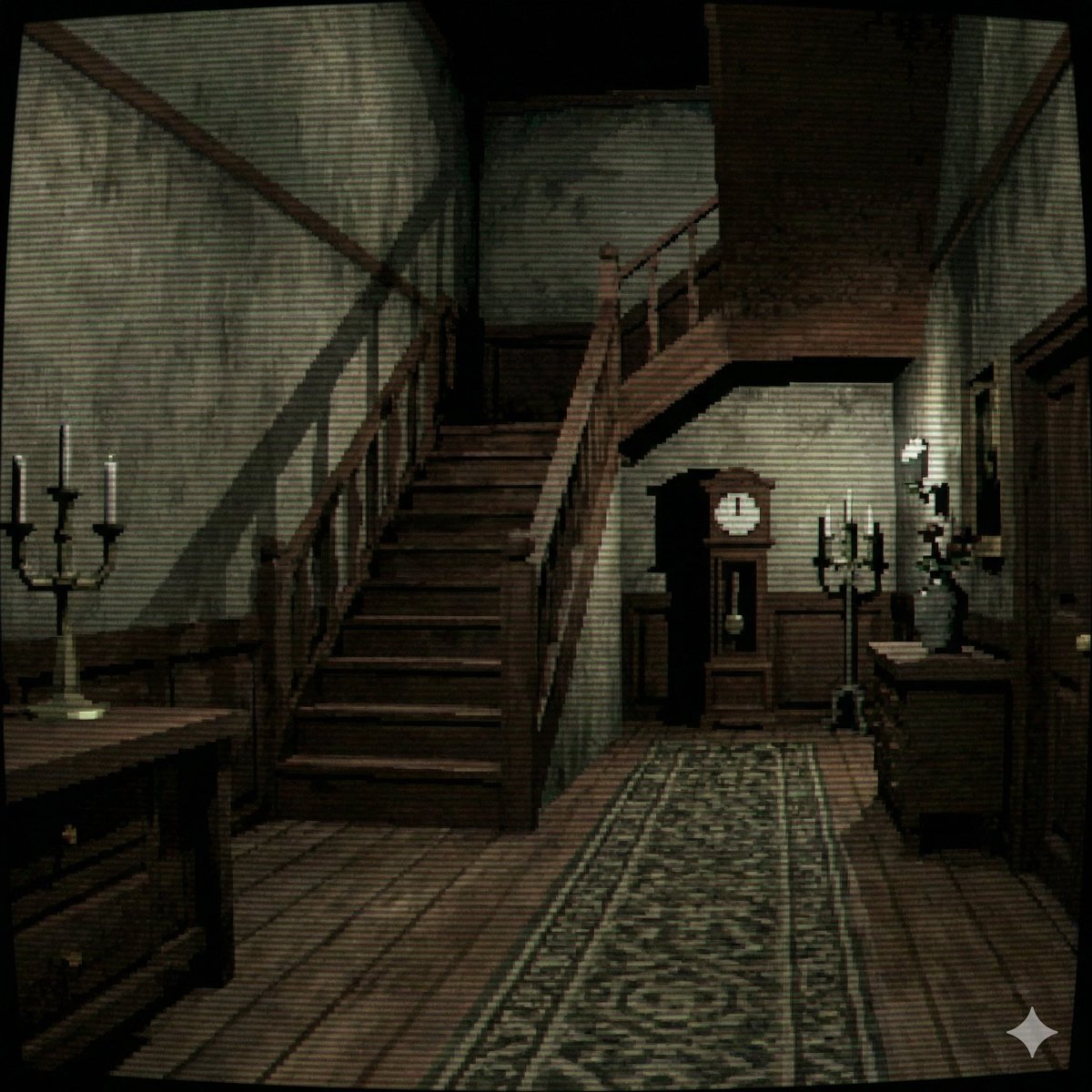
PS1 Style Low-Poly Mansion Interior

Toon Cartoon Finale Fireworks

Toon Cartoon Garden Maze

Toon Cartoon Rooftop Concert

Toon Cartoon Kitchen Chaos

Toon Cartoon Carnival Ride
Make it yours
Low-Poly Cartoon Stoner Living Room works as-is. These are the safest ways to change it without losing the look.
Change one field
Copy a single group, rewrite it, and generate again so you can see what that field is doing.
Keep the frame, change the subject
Hold the composition and light of Low-Poly Cartoon Stoner Living Room, then swap wardrobe, props or the person for a new take.
| If the result… | Why | Fix |
|---|---|---|
| The result drifts from the preview | Too many fields changed at once. | Reuse Low-Poly Cartoon Stoner Living Room as-is first, then change one group — subject, light, or setting. |
| The model over-stylizes the scene | The prose prompt leaves finish and camera underspecified. | Add one camera or lighting sentence and stay on GPT Image 2. |
More GPT Image 2 templates
Other prompts made for GPT Image 2.

Six VTuber Japanese Logo Sheet

Realistic Portrait of Woman and Deer

The Vista Modular Condo Poster

AI Model Routing Comparison Infographic

2.5D Anime Art Board

Isometric Productivity Desk Scene

New York Double Exposure Poster

Four-Panel AI Landscape Comparison

Japanese Tatami Lifestyle Magazine Cover

NESCAFÉ Coffee Map Poster
More image prompts
Fresh picks from across the catalog.
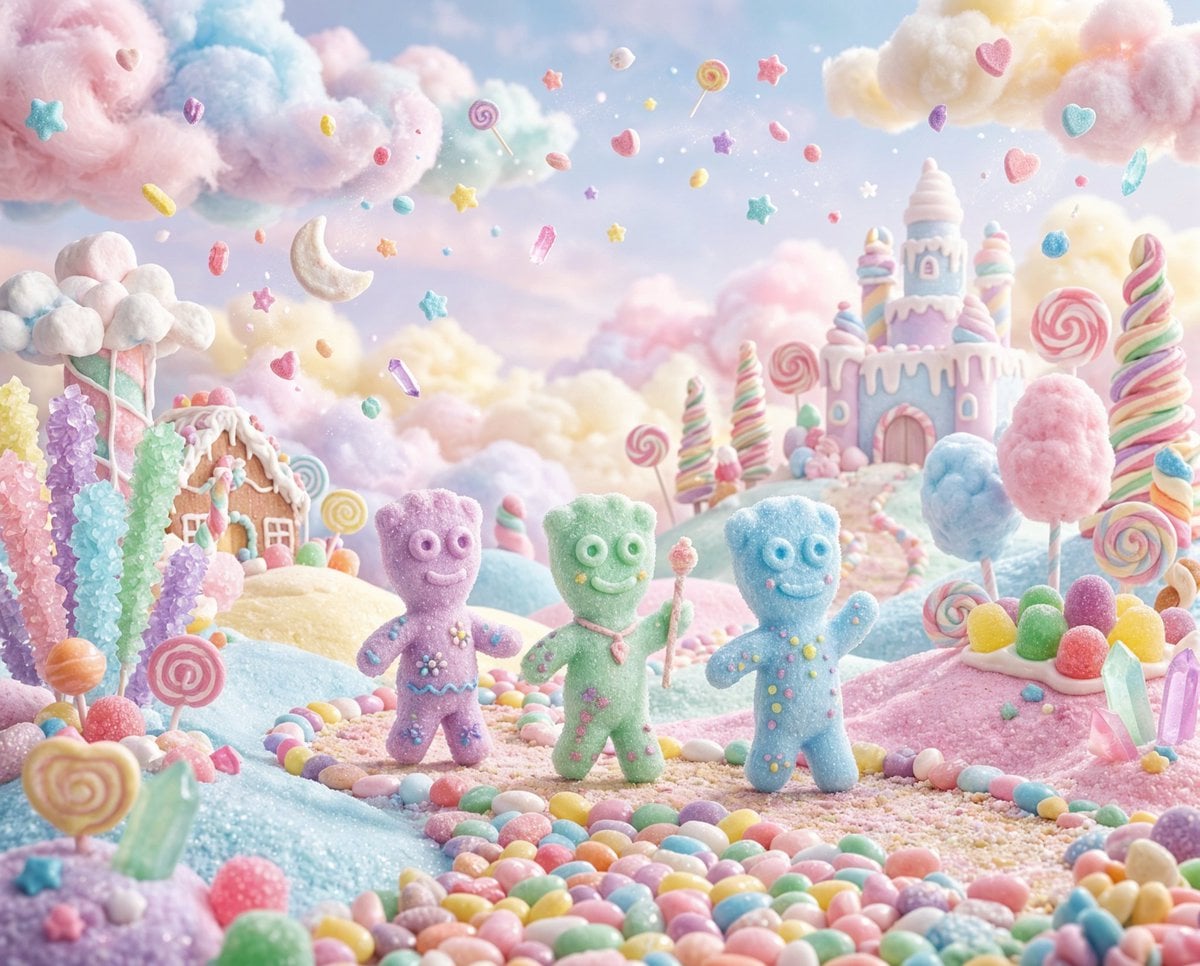
Pastel Painted Sour Patch Kids in Whimsical Candyland

Sheep Good-Luck Charm Poster
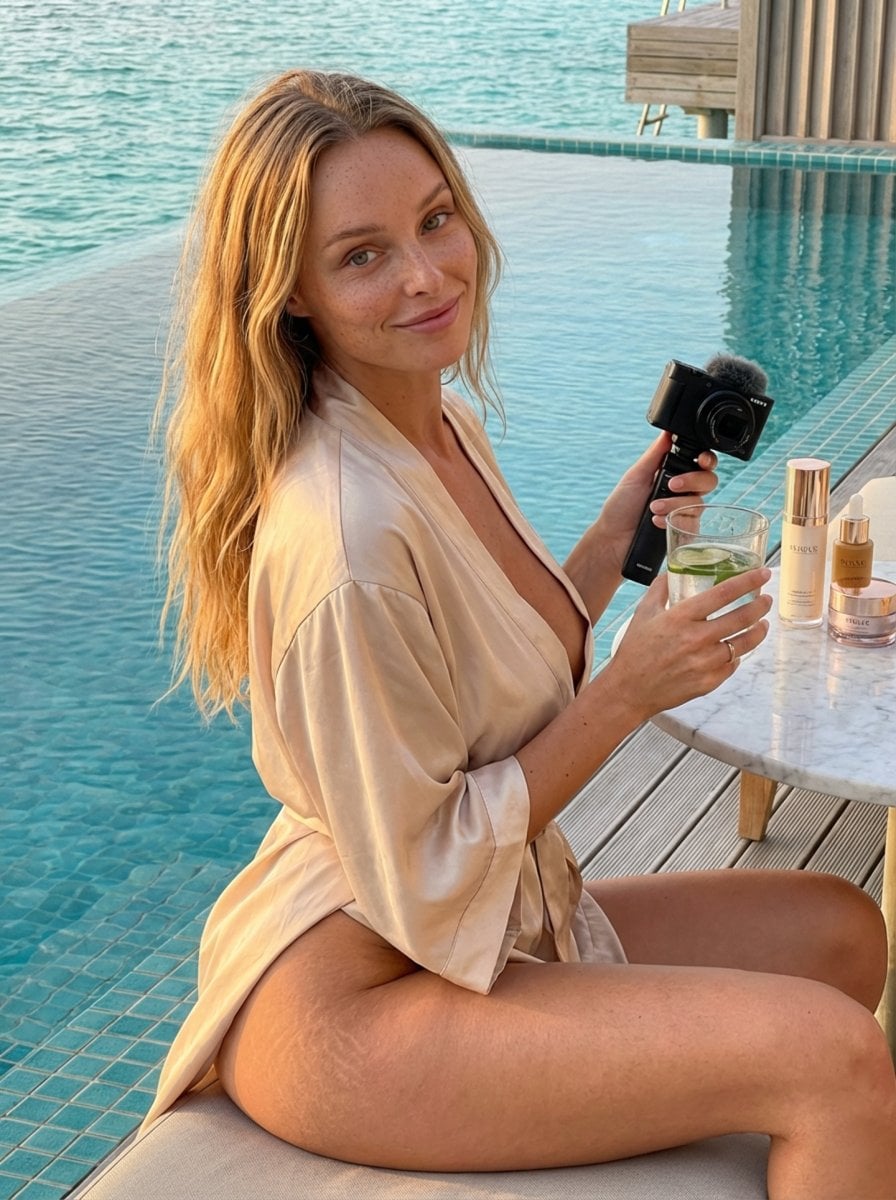
Golden Hour Luxury Vlog Portrait with Hyper-Voluminous Anatomy
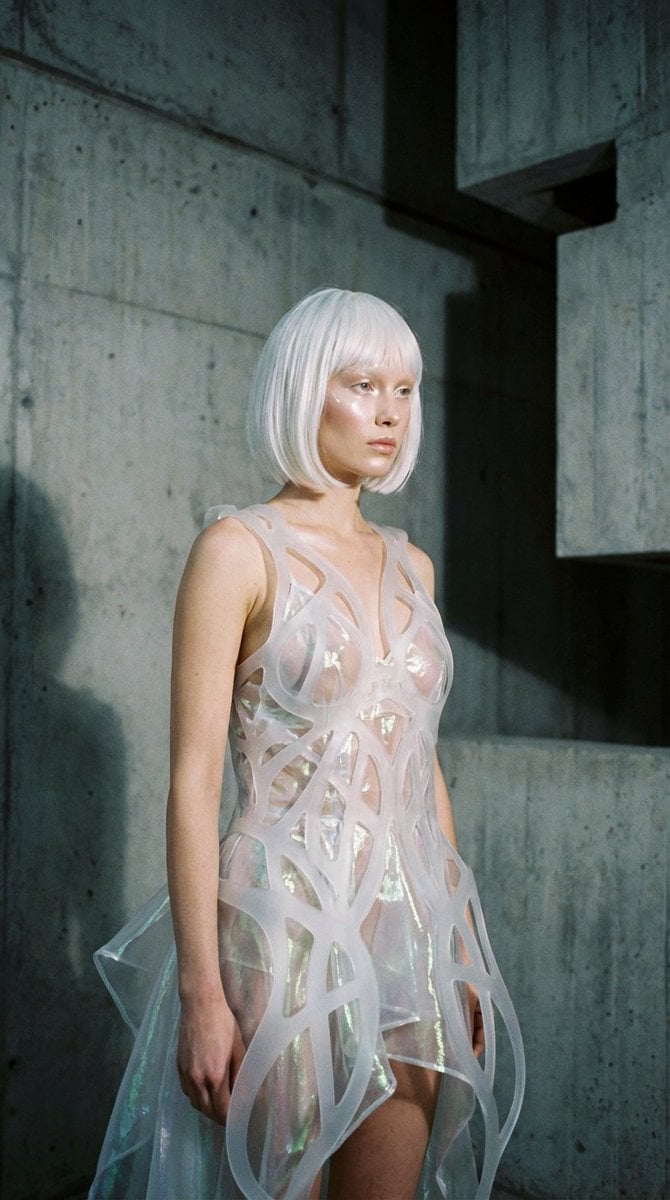
Avant-Garde Architectural Fashion Editorial
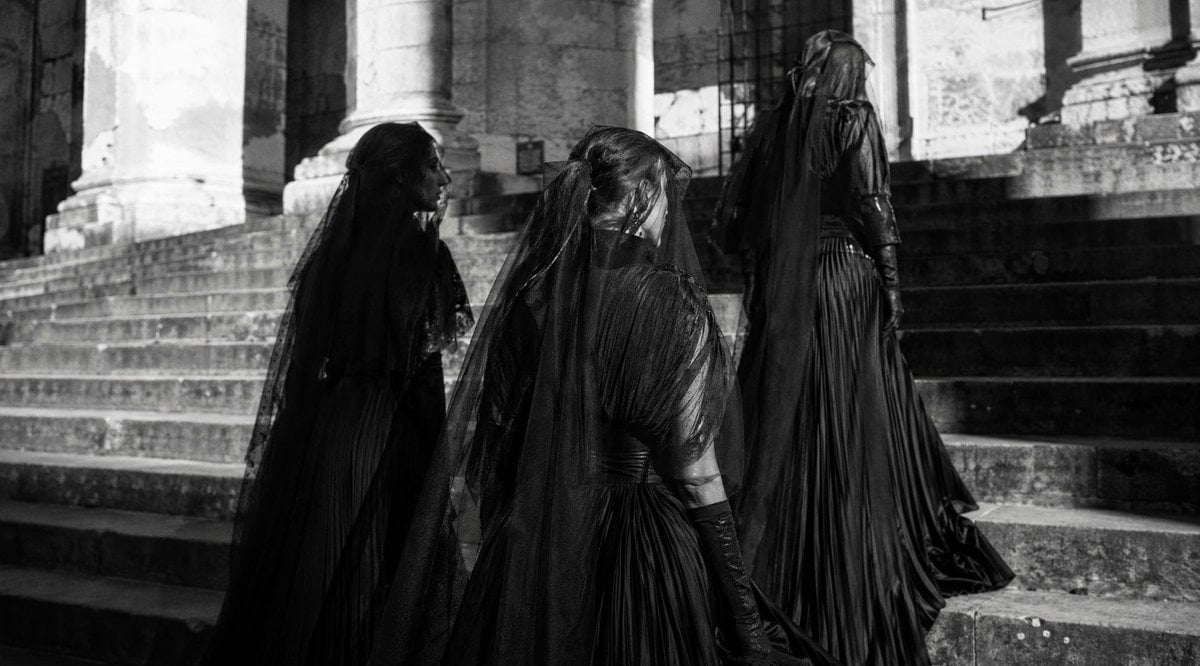
Gothic Mourners on Cathedral Steps
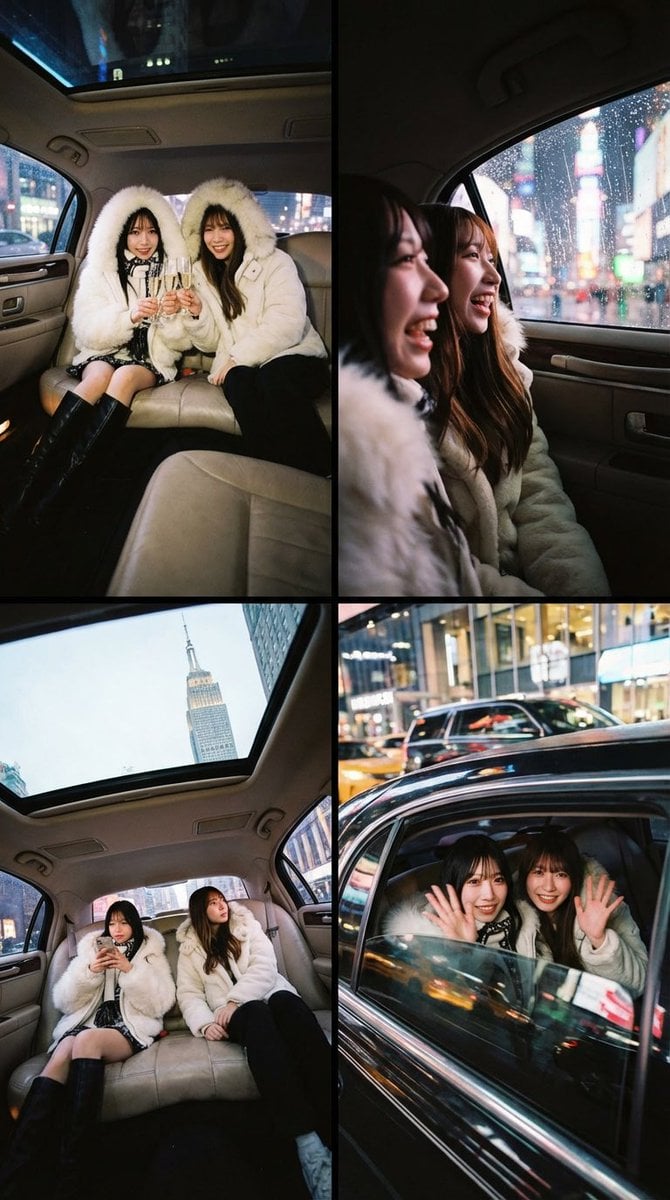
Two-Person Composition and Angle Arrangement Prompt

Gpt2 Profile Avatar Dreamy Oriental Female Portrait

X Meng Dagg695 Gpt Image 2 on Socialsight
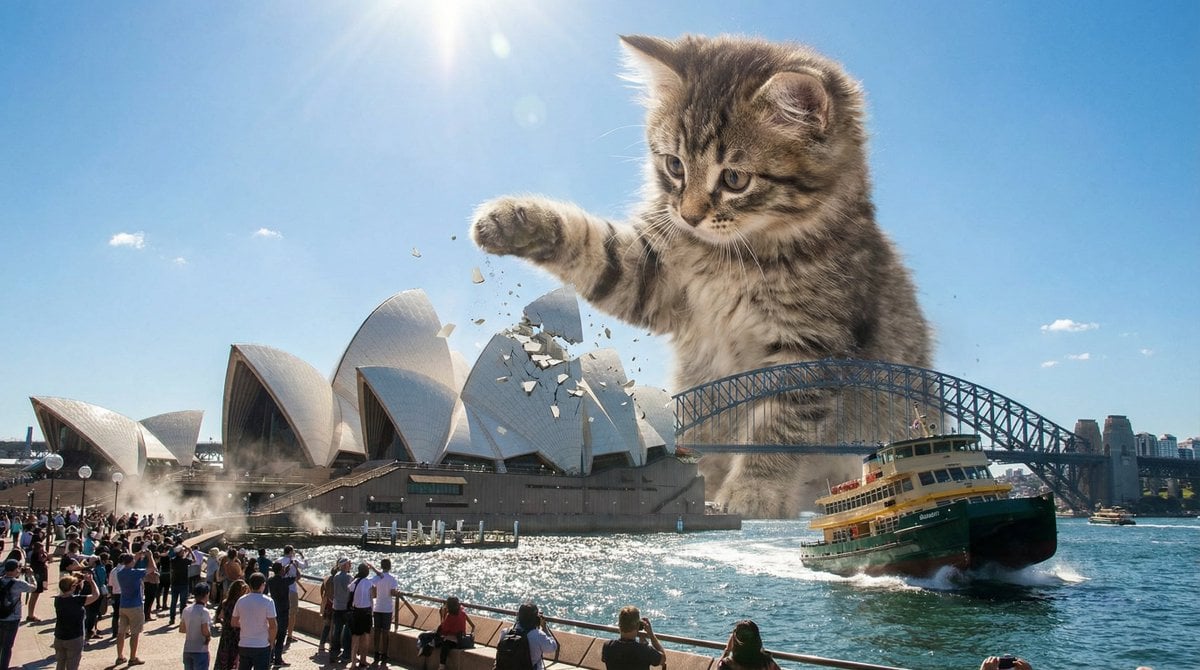
Kaiju Kitten Destroying Sydney Waterfront
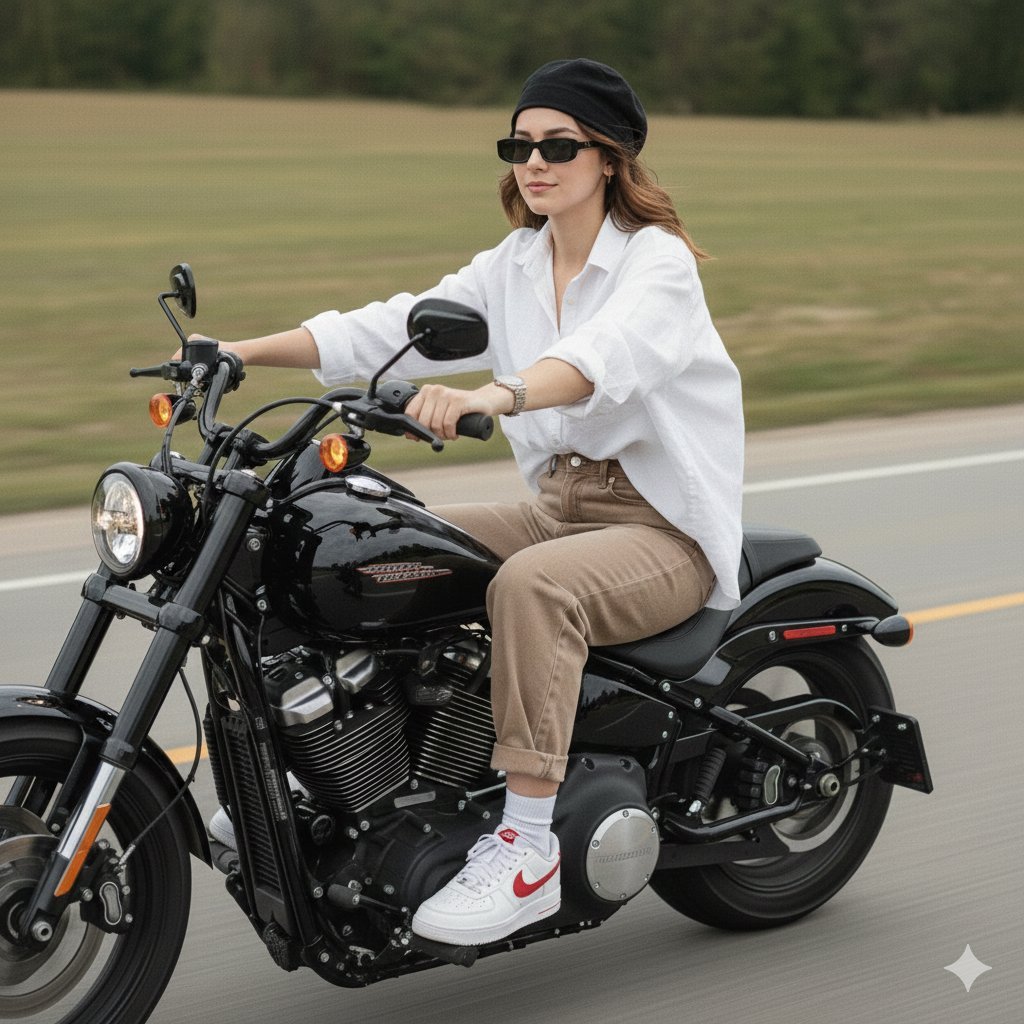
Cinematic Motorcycle Ride with Identity Lock
Browse template categories
Low-Poly Cartoon Stoner Living Room questions
How do I use the Low-Poly Cartoon Stoner Living Room template?
Add your photo if the template asks for one, edit the prompt if you like — the template's model and format are already selected — and press Generate. Your version opens in PicX Studio.
Can I customize the Low-Poly Cartoon Stoner Living Room template?
Yes. You can change the subject, setting, lighting, mood, format, and available model controls before creating your image.
Is the Low-Poly Cartoon Stoner Living Room template free?
Opening and editing this template is free. Generating uses credits, shown on the Generate button when you are signed in.
Which AI model should I use?
Start with GPT Image 2, which is the model associated with this template. You can compare another compatible model for a different finish.
Looking for something else? Browse all templates.

Your photo, any look
Thousands of ready templates for every top image and video model, from one credit balance.