
Kirikane Gold Kimono Portrait
Generates an ornate Japanese gold-leaf portrait of a woman in a floral kimono, useful for decorative traditional art and luxury editorial visuals.
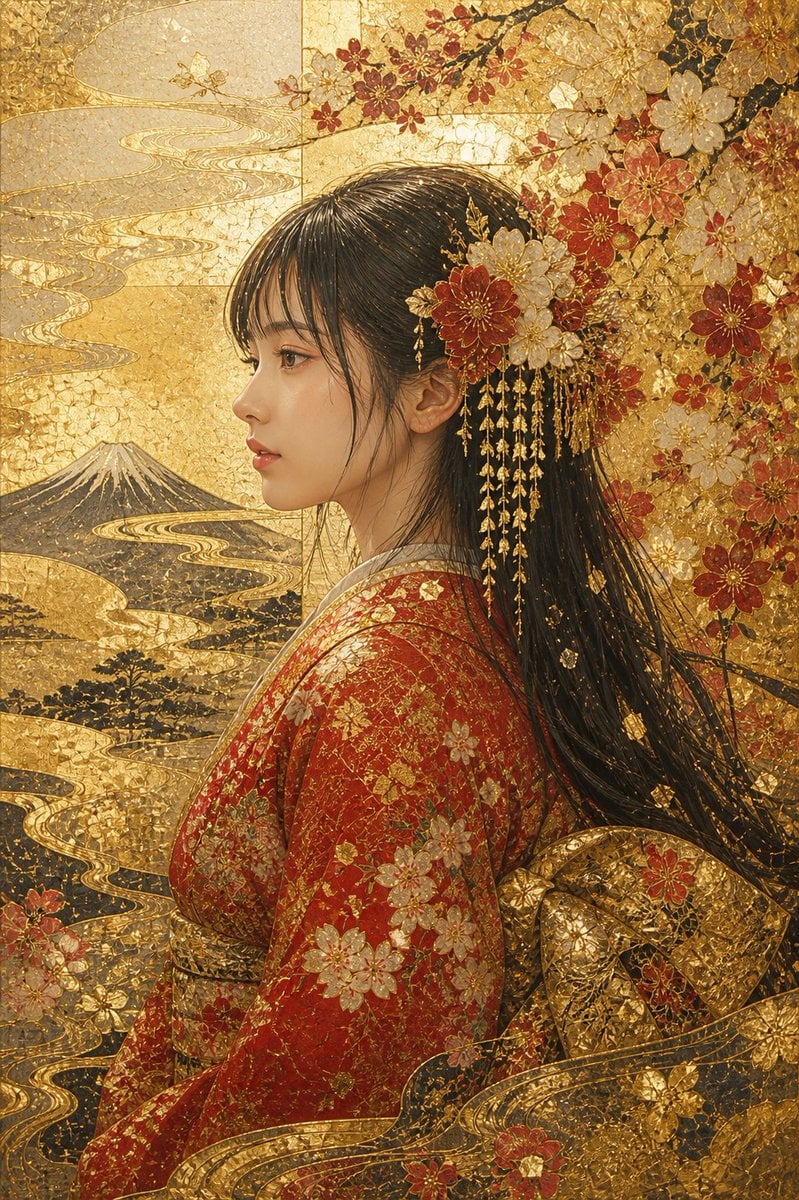
- Prompt included
- Model and format preset
- Free template
The prompt behind this image
Copy the exact prompt behind Kirikane Gold Kimono Portrait, or open it in the studio and make it yours.
Create a vertical, ultra-detailed Japanese decorative portrait in the style of a luxurious byobu folding screen and kirikane cut-gold leaf craft. Show a young Japanese woman in side profile facing left, wearing an ornate {argument name="kimono color" default="deep vermilion red"} bridal kimono covered with gold leaf, pale cherry blossom patterns, and intricate brocade texture. Her long glossy {argument name="hair color" default="black"} hair flows down her back, decorated with an elaborate cluster of red and ivory sakura hair ornaments and many dangling golden kanzashi chains. Place a flat opaque {argument name="face covering" default="warm tan square"} over the center of her face, hiding facial features. The background is a radiant antique gold-leaf landscape with visible cracked foil texture, fine engraved kirikane lines, swirling rivers of gold and cream, distant {argument name="background mountain" default="Mount Fuji"}, dark pine silhouettes, and abundant red and white cherry blossoms blooming across the upper right and lower foreground. Use a dense gilded composition with layered metallic flakes, raised lacquer-like outlines, mosaic gold cracks, delicate floral filigree, and shimmering highlights; make it feel like traditional Japanese nihonga mixed with high-fashion portraiture. Warm golden lighting, extremely ornate surface detail, elegant asymmetrical composition, no modern objects, no text, vertical 2:3 aspect ratio.
How to use Kirikane Gold Kimono Portrait in 3 steps
- 1Upload ImagePNG, JPG or paste
Add your photo
Upload the photo the template builds on. The prompt, model and format are already set.
- 2…a portrait of your subject in softgolden-hour light, 85mm…
Personalize
Edit the subject and creative details for your destination.
- 3Generate
Generate
Press Generate — your image is created in PicX Studio, so you can compare it with the original and refine one variable at a time.
More like this
Templates with the same subject, style or setup. Open one to see its prompt.

80s Golden Hour Cinema

Rooftop Fisheye — Cat-Ear Balaclava at Golden Hour
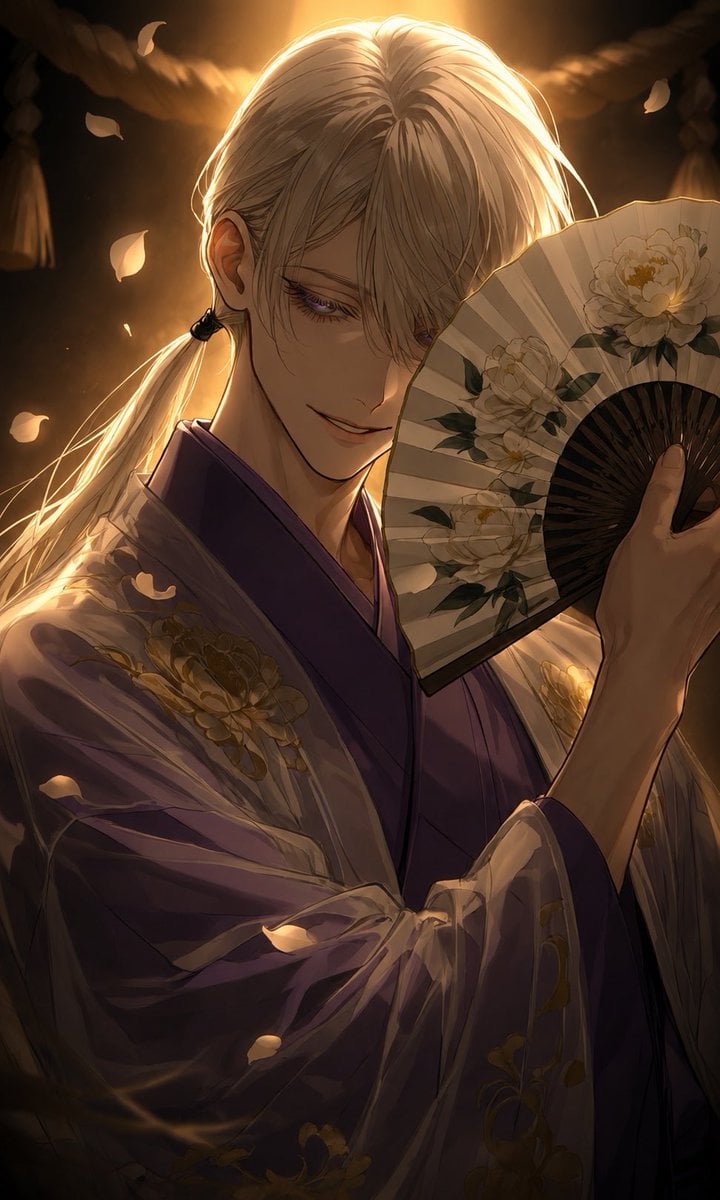
Golden Kimono Fan Portrait

Found Photograph: Us, 1970

80s Couple Studio Portrait

80s Bollywood Star

Me in 1985

1985 Studio Portrait

Hyper-Realistic Minecraft POV Portrait

Rainy Café Window Moody Portrait
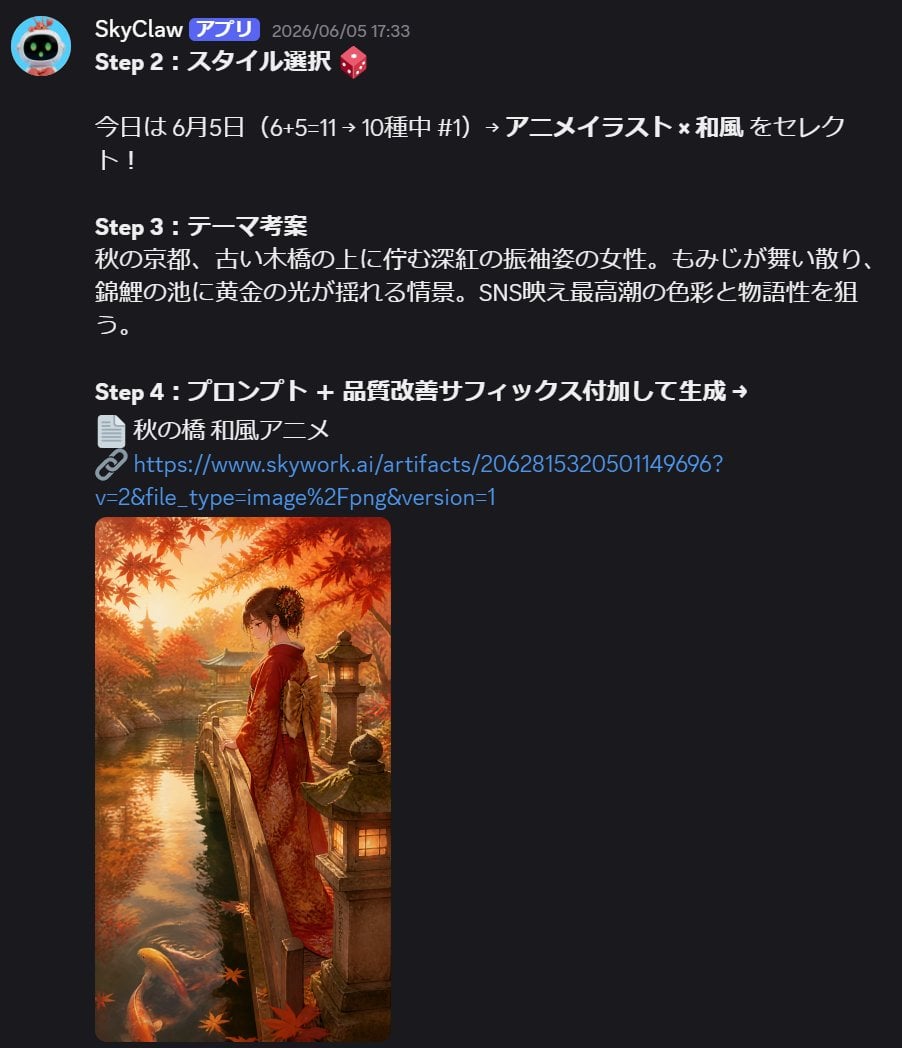
Anime Kimono Golden Hour Illustration

untitled
Make it yours
Kirikane Gold Kimono Portrait works as-is. These are the safest ways to change it without losing the look.
Change one field
Copy a single group, rewrite it, and generate again so you can see what that field is doing.
Keep the frame, change the subject
Hold the composition and light of Kirikane Gold Kimono Portrait, then swap wardrobe, props or the person for a new take.
| If the result… | Why | Fix |
|---|---|---|
| The result drifts from the preview | Too many fields changed at once. | Reuse Kirikane Gold Kimono Portrait as-is first, then change one group — subject, light, or setting. |
| The model over-stylizes the scene | The prose prompt leaves finish and camera underspecified. | Add one camera or lighting sentence and stay on GPT Image 2. |
More GPT Image 2 templates
Other prompts made for GPT Image 2.

Six VTuber Japanese Logo Sheet

Realistic Portrait of Woman and Deer

The Vista Modular Condo Poster

AI Model Routing Comparison Infographic

2.5D Anime Art Board

Isometric Productivity Desk Scene

New York Double Exposure Poster

Four-Panel AI Landscape Comparison

Japanese Tatami Lifestyle Magazine Cover

NESCAFÉ Coffee Map Poster
More image prompts
Fresh picks from across the catalog.
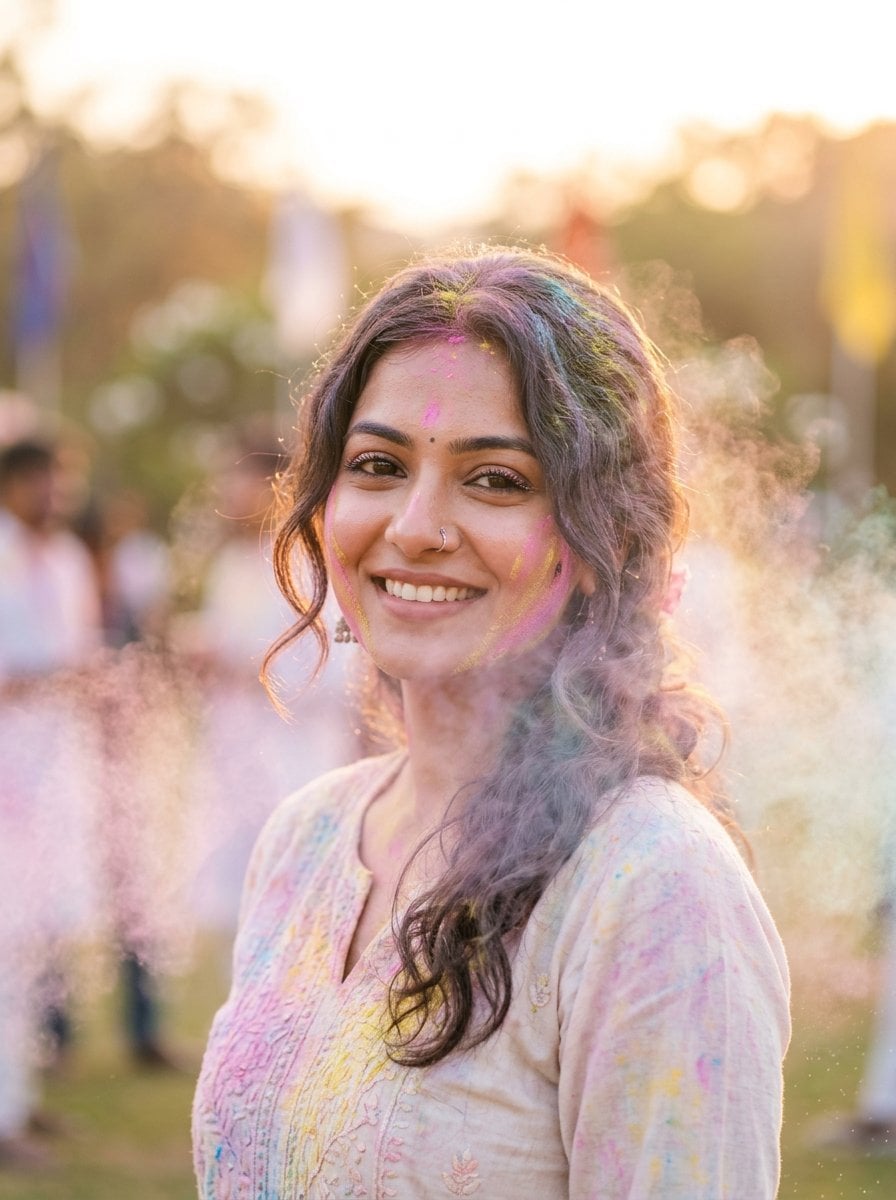
Soft Dreamy Holi Festival Portrait Prompt
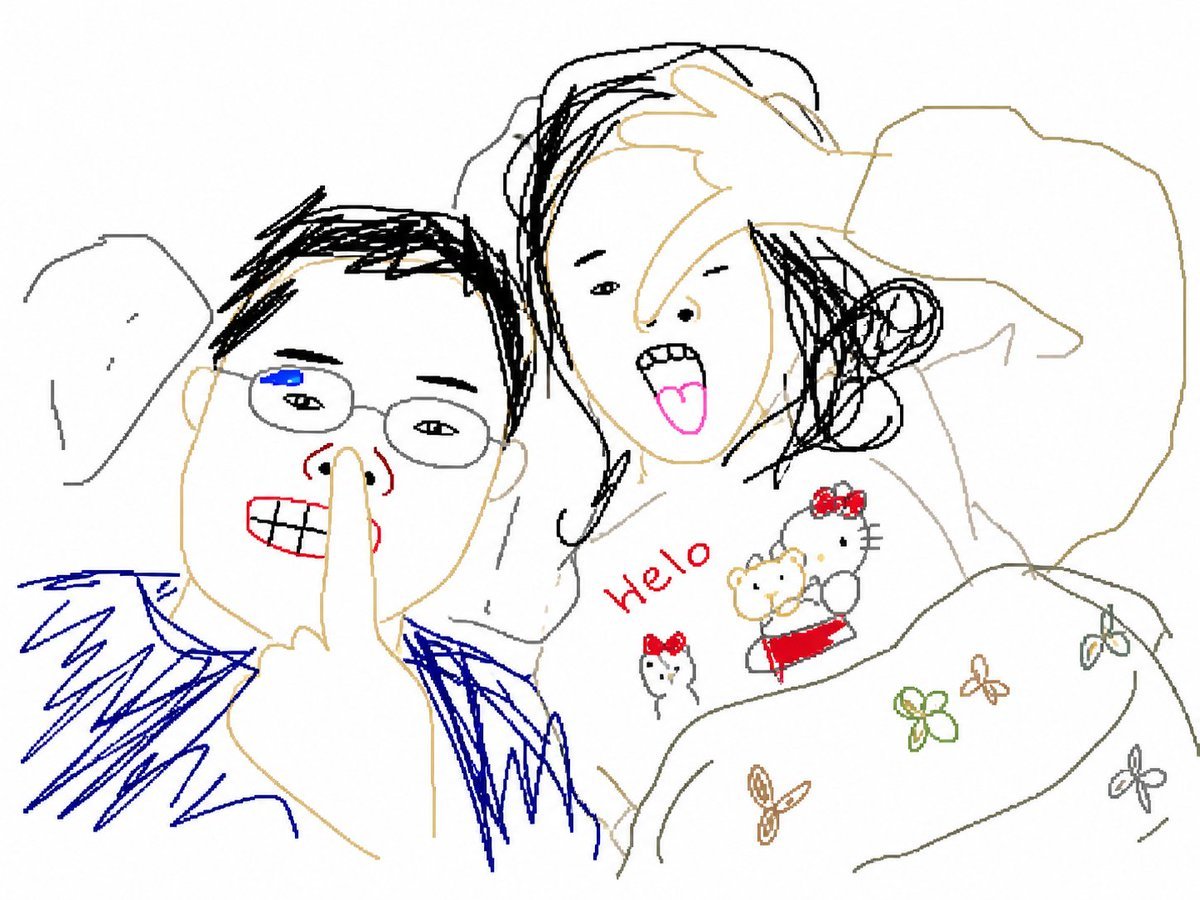
Clumsy MS Paint Redraw Style
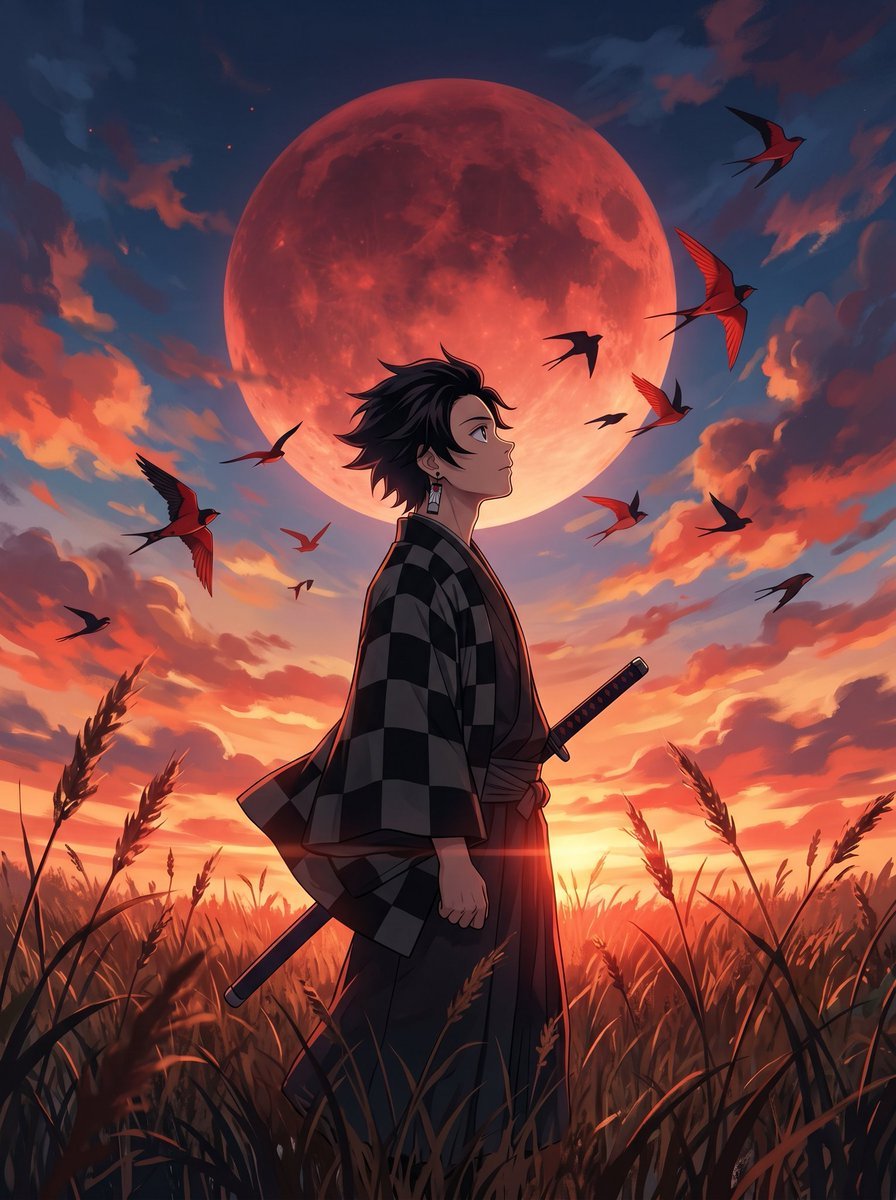
Cinematic Crimson Moon Anime Warrior
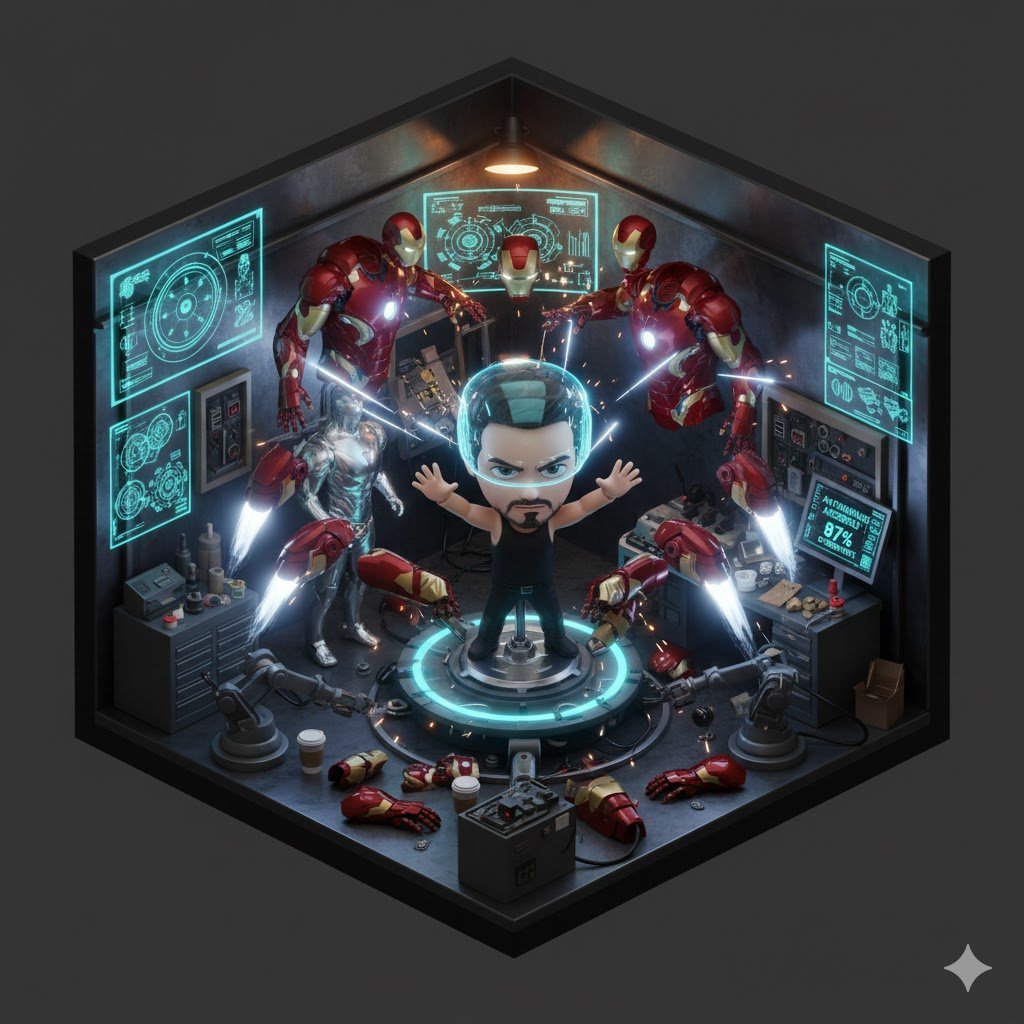
Isometric 3D Tony Stark Workshop Cube
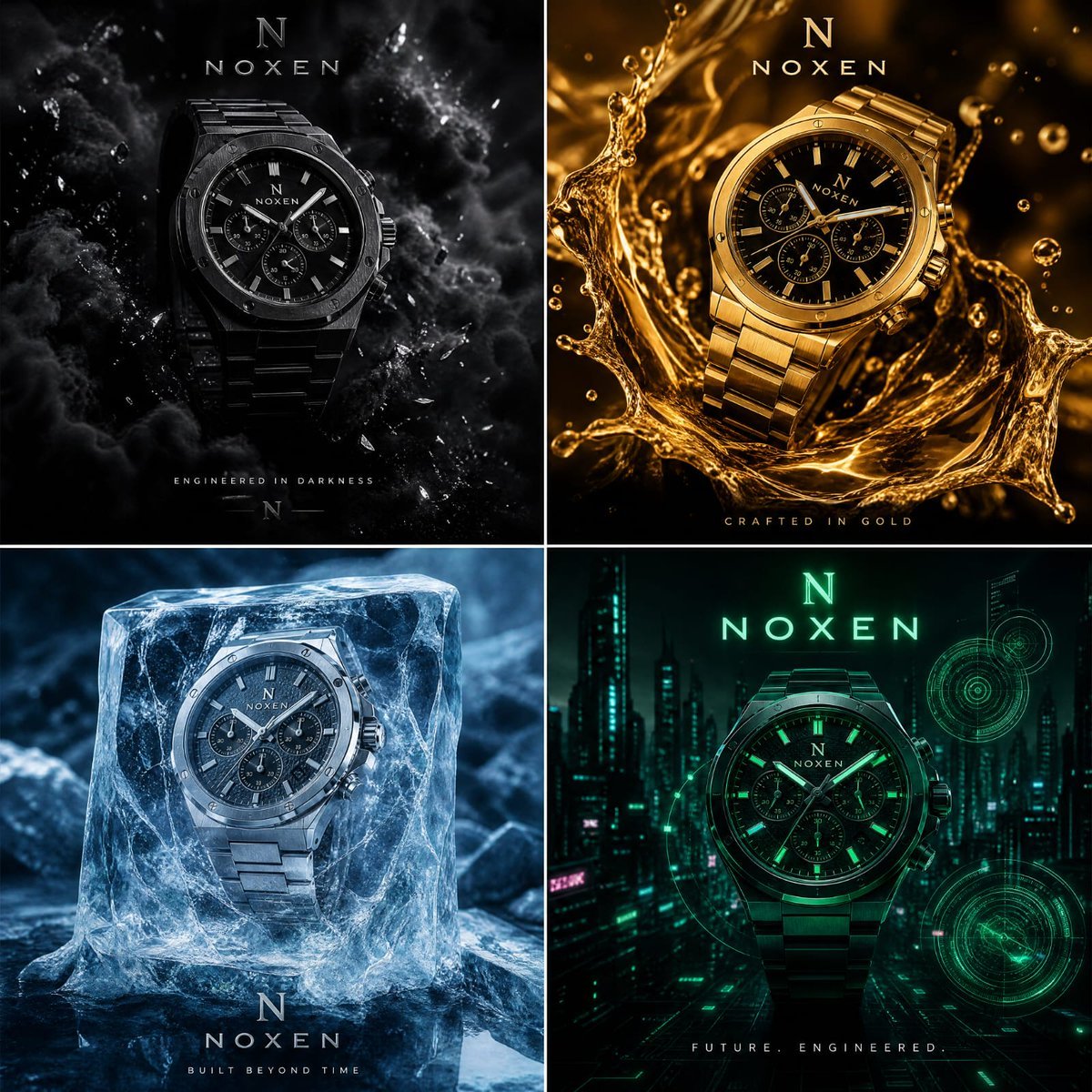
NOXEN Four Dimensions Watch Ad
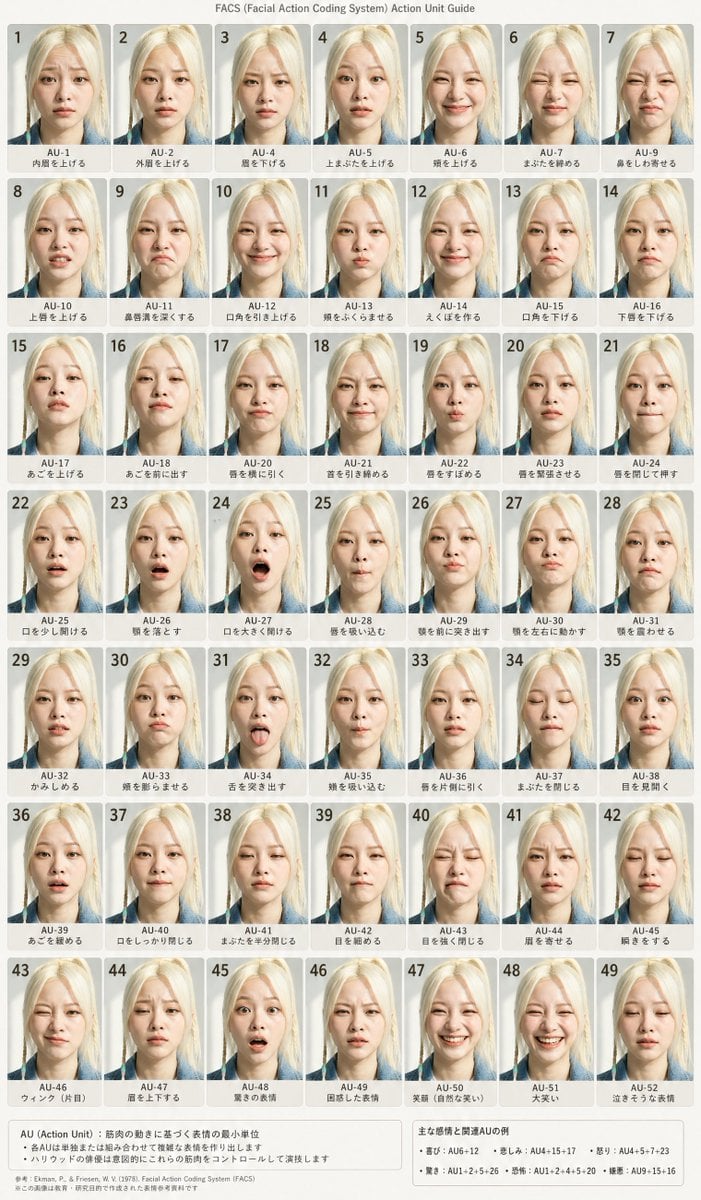
FACS Facial Expression Chart
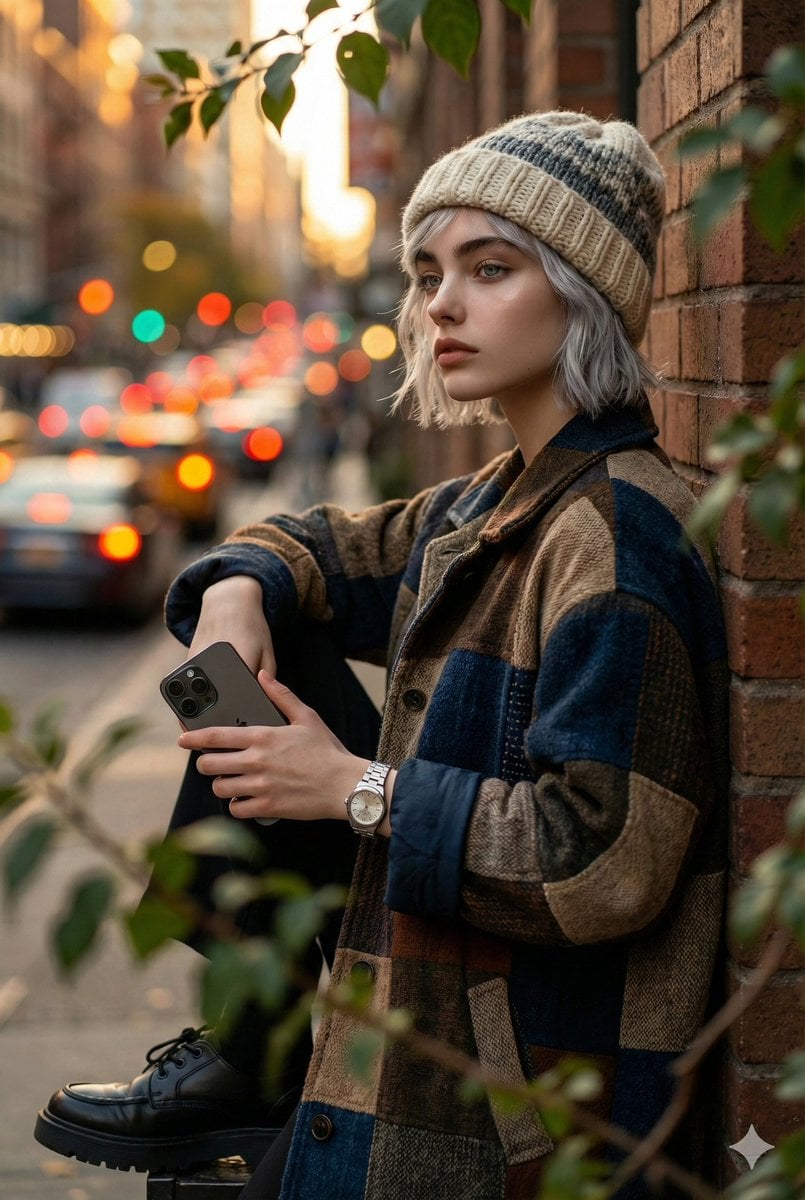
Ultra-Realistic Portrait with Custom Outfit and Face Match Prompt

Meme-to-Toy Box Conversion Template
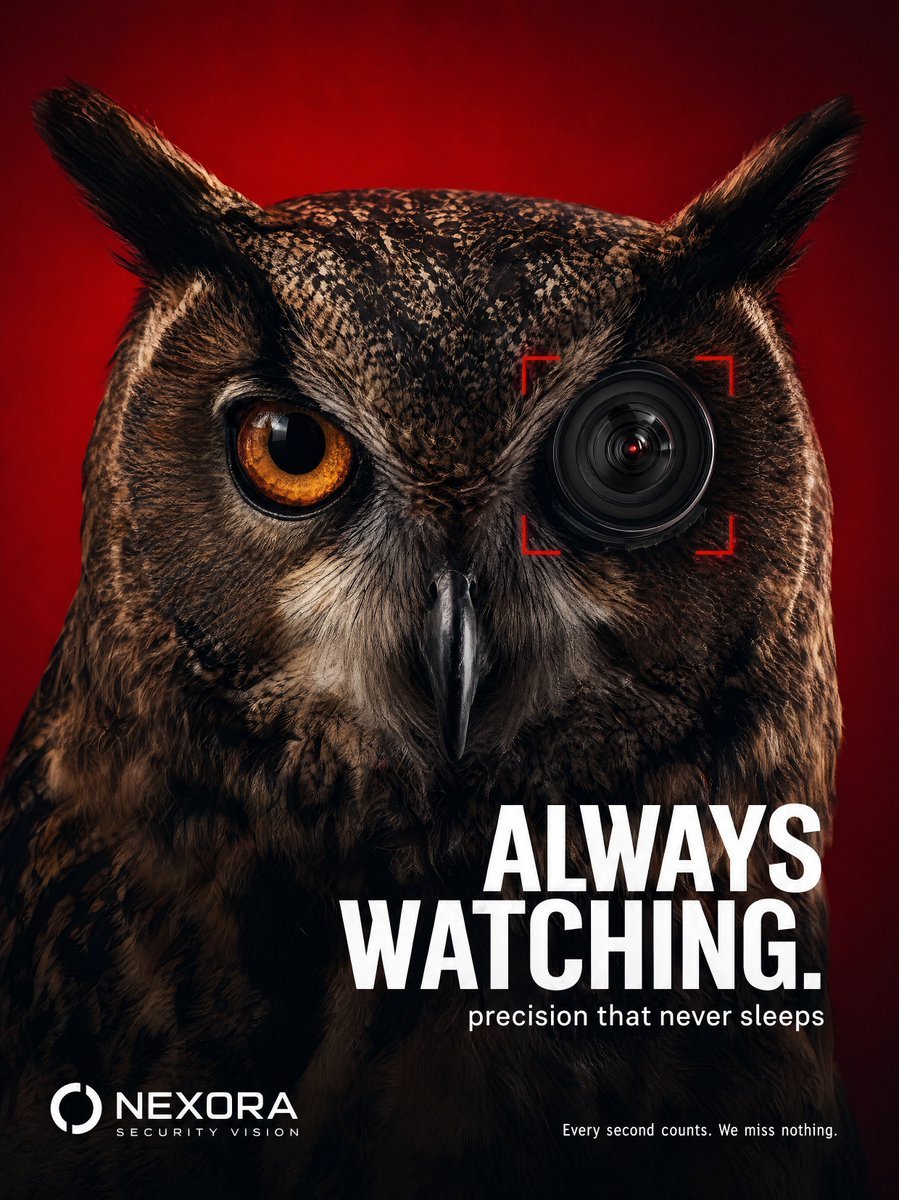
Tech Security Brand Advertising
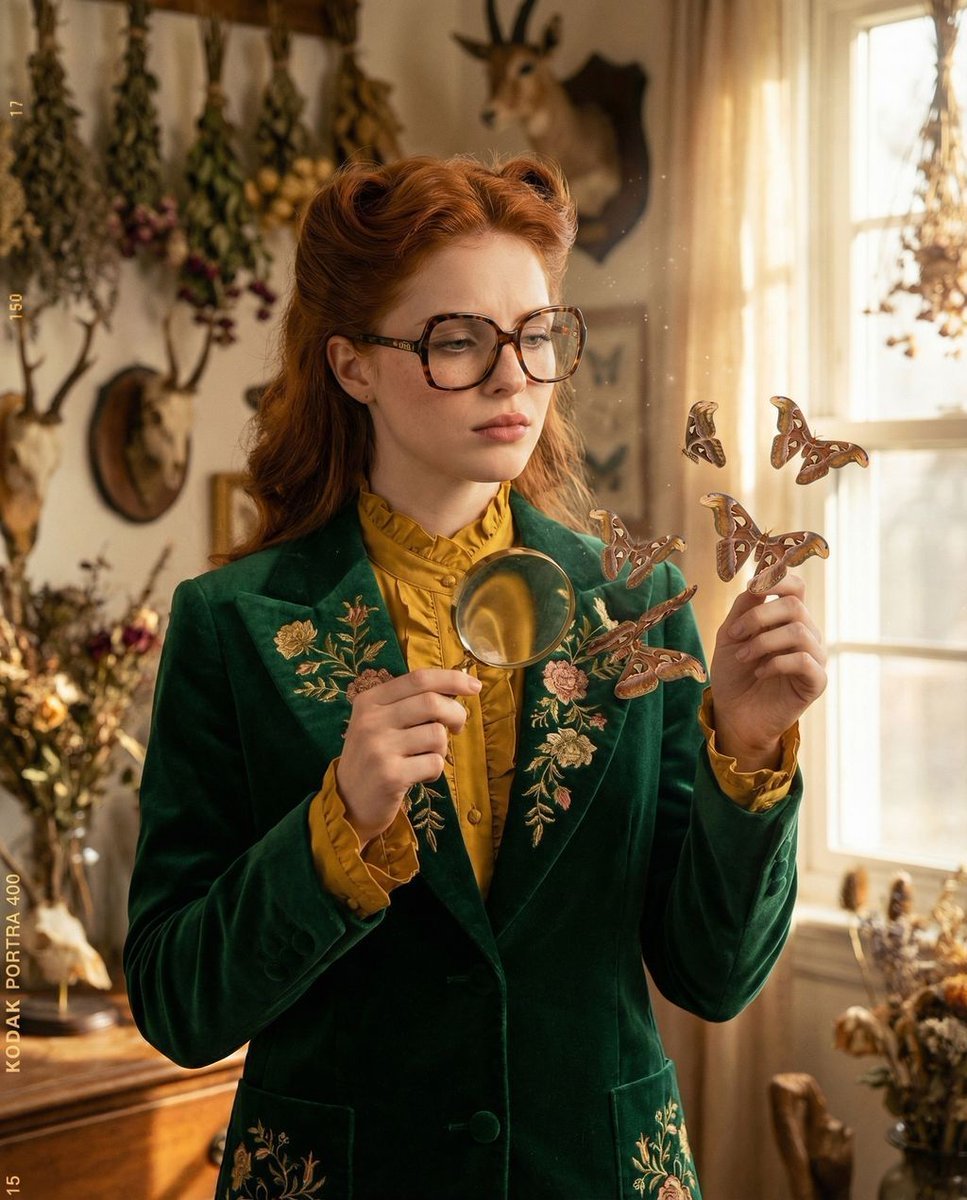
Hyper-Realistic Surreal High Fashion Editorial
Browse template categories
Kirikane Gold Kimono Portrait questions
How do I use the Kirikane Gold Kimono Portrait template?
Add your photo if the template asks for one, edit the prompt if you like — the template's model and format are already selected — and press Generate. Your version opens in PicX Studio.
Can I customize the Kirikane Gold Kimono Portrait template?
Yes. You can change the subject, setting, lighting, mood, format, and available model controls before creating your image.
Is the Kirikane Gold Kimono Portrait template free?
Opening and editing this template is free. Generating uses credits, shown on the Generate button when you are signed in.
Which AI model should I use?
Start with GPT Image 2, which is the model associated with this template. You can compare another compatible model for a different finish.
Looking for something else? Browse all templates.

Your photo, any look
Thousands of ready templates for every top image and video model, from one credit balance.