
Hyper-Realistic Surreal High Fashion Editorial
A complex, structured prompt designed for generating a hyper-realistic, surreal high-fashion editorial image titled 'Eclectic Metamorphosis.' It features a distinguished protagonist in Gucci-inspired velvet fashion…
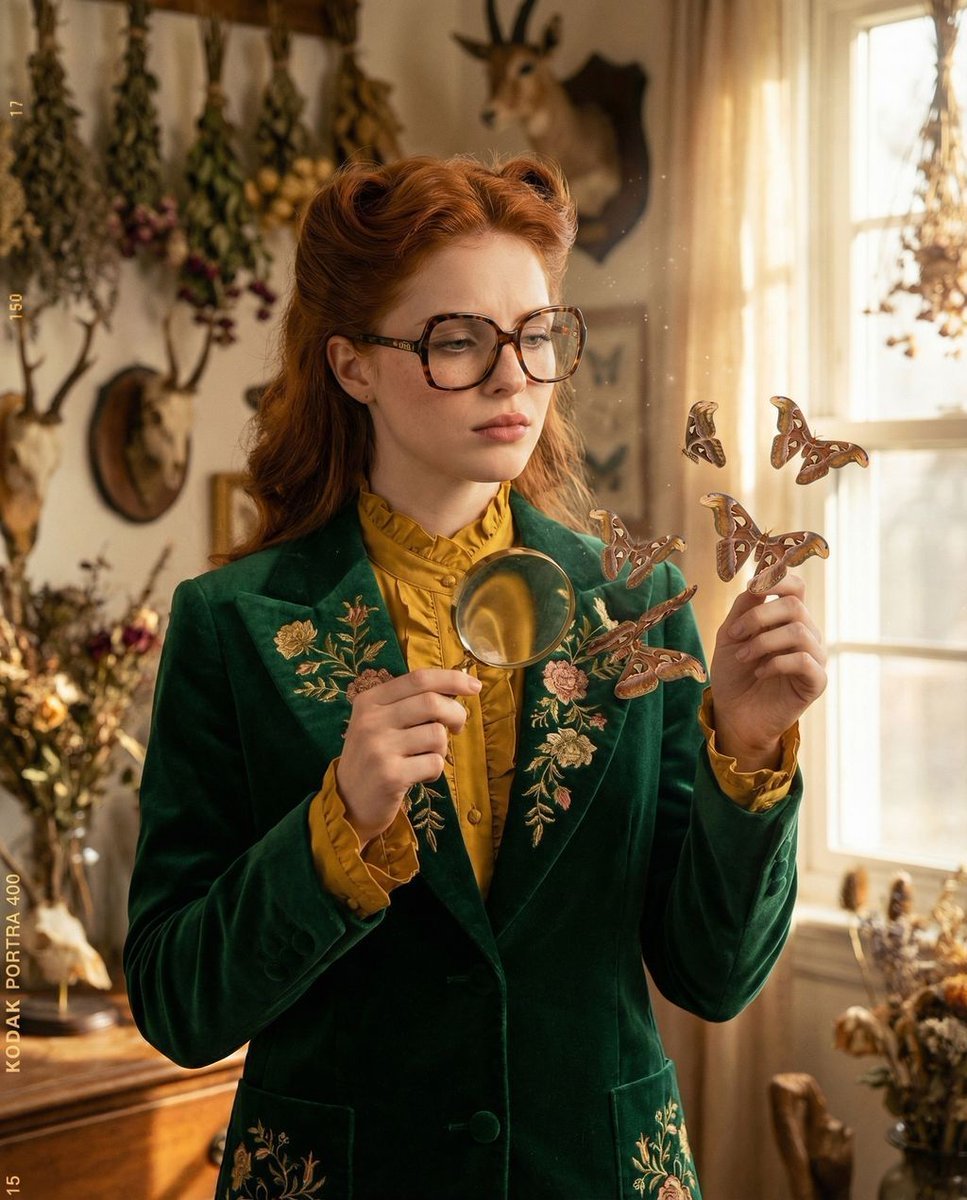
- Prompt included
- Model and format preset
- Premium template
The prompt behind this image
Copy the exact prompt behind Hyper-Realistic Surreal High Fashion Editorial, or open it in the studio and make it yours.
{ "vibe_title_en": "Eclectic Metamorphosis", "master_prompt": "A hyper-realistic medium shot of a distinguished protagonist embodying 'The Melancholic Prodigy,' dressed in daring, Gucci-inspired high fashion with rich eclectic patterns and heavy velvet textures. The setting is a sun-drenched, dusty botanical curiosities study filled with dried herbs and antique taxidermy. The subject stands at a 45-degree angle, head turned directly to the camera with a sorrowful, piercing focus. Surreal Element: The floral embroidery on the subject's lapel is physically peeling off the fabric, transforming into hyper-realistic, living atlas moths that flutter suspended in the air near their face. The subject's hand is raised, holding a vintage brass magnifying glass, inspecting the transformation with tactile curiosity. Lighting is warm and volumetric, highlighting swirling dust motes (Tyndall effect). Shot on a Hasselblad H6D-100c with a 50mm lens, utilizing Kodak Portra 400 film emulation for creamy skin tones, organic grain, and a practical-effect aesthetic.", "meta": { "intent": "Editorial High Fashion with Surreal Narrative", "priorities": "Tactile Texture, Photorealistic Surrealism, Emotional Depth", "device_profile": "Hasselblad H6D-100c" }, "frame": { "aspect": "4:5", "composition": "The Three-Quarter Editorial", "layout": "Mid-shot (Waist-up)", "camera_angle": "Eye-level", "tilt_roll_degrees": "0" }, "subject": { "gender": "Female", "identity": "The Melancholic Prodigy", "demographics": "Middle-aged, distinguished, sophisticated", "face": "Sorrowful focus, natural skin texture with visible pores and freckles, piercing gaze", "hair": "Styled with vintage volume, slightly tousled", "body": "45-degree angle to camera, relaxed but poised", "expression": "Introspective melancholy mixed with focused curiosity", "pose": "One hand raised holding a magnifying glass near the chest, head turned to lens" }, "wardrobe_accessories": { "garments": [ { "item": "Structured Blazer", "material": "Heavy Velvet with Embroidery", "color": "{argument name="blazer color" default="Deep Emerald Green and Gold"}", "fit": "Tailored, Oversized Shoulders" }, { "item": "Silk Blouse", "material": "Silk", "color": "Mustard Yellow", "fit": "Loose, Ruffled Neck" } ], "accessories": [ { "item": "Oversized Spectacles", "color": "Tortoiseshell", "material": "Acetate", "brand_style": "Gucci Vintage" }, { "item": "Magnifying Glass", "color": "Brass", "material": "Metal and Glass", "brand_style": "Antique" } ] }, "environment": { "setting": "Botanical Curiosities Study", "surfaces": "Aged wood, dusty glass, velvet fabric", "depth": "Shallow depth of field blurring the cluttered background", "atmosphere": "Warm, du
How to use Hyper-Realistic Surreal High Fashion Editorial in 3 steps
- 1
Open
The prompt is already in the box next to the preview, with the template's model and format selected.
- 2…a portrait of your subject in softgolden-hour light, 85mm…
Personalize
Edit the subject and creative details for your destination.
- 3Generate
Generate
Press Generate — your image is created in PicX Studio, so you can compare it with the original and refine one variable at a time.
More like this
Templates with the same subject, style or setup. Open one to see its prompt.

Blue Backdrop Luxury Fashion Portrait Campaign

Luxury Black-and-White Fashion Contact Sheet

untitled

Google Gemini Nano Banana Pro

Conceptual Fashion Portrait in Spider We

01 Skincare Split Portrait — Nano Banana 2

24 The Getty Center — California Series

21 Glass Floor Skyscraper — California Series

19 Luxury Helicopter Travel — California Series

08 Rodeo Drive Luxury Exit — California Series

03 Beverly Hills Convertible — California Series

Gpt Image 2 Fashion Portrait
Make it yours
Hyper-Realistic Surreal High Fashion Editorial works as-is. These are the safest ways to change it without losing the look.
Change one field
Copy a single group, rewrite it, and generate again so you can see what that field is doing.
Keep the frame, change the subject
Hold the composition and light of Hyper-Realistic Surreal High Fashion Editorial, then swap wardrobe, props or the person for a new take.
| If the result… | Why | Fix |
|---|---|---|
| The result drifts from the preview | Too many fields changed at once. | Reuse Hyper-Realistic Surreal High Fashion Editorial as-is first, then change one group — subject, light, or setting. |
| The model over-stylizes the scene | The prose prompt leaves finish and camera underspecified. | Add one camera or lighting sentence and stay on Nano Banana 2. |
More Nano Banana 2 templates
Other prompts made for Nano Banana 2.

Photorealistic Leaf Shaped Like a Dragon

K-Pop Idol Portrait Grid for Rapid Selection

Poetic Rain Forest Portrait During Golden Hour

Urban Street Portrait with Cartoon Inner Self Duo

Candid Nighttime Photo with Cat Prompt

High-Concept 3D Diorama Generation Prompt

Cinematic Futuristic Studio Portrait Template

Skincare Editorial Photography Collage Prompt

Hyper-Realistic Commercial Product Photography (Splash Effect)

Hyper-Realistic Nightclub Portrait Prompt
More image prompts
Fresh picks from across the catalog.
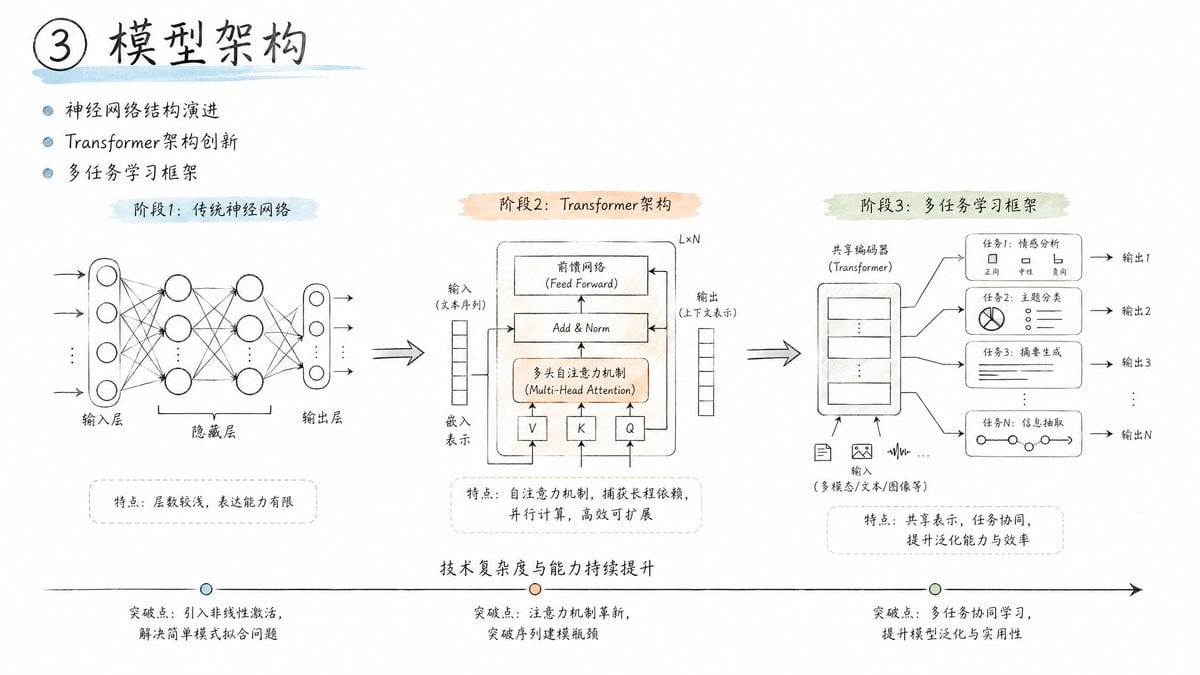
Engineering Sketch Aesthetic
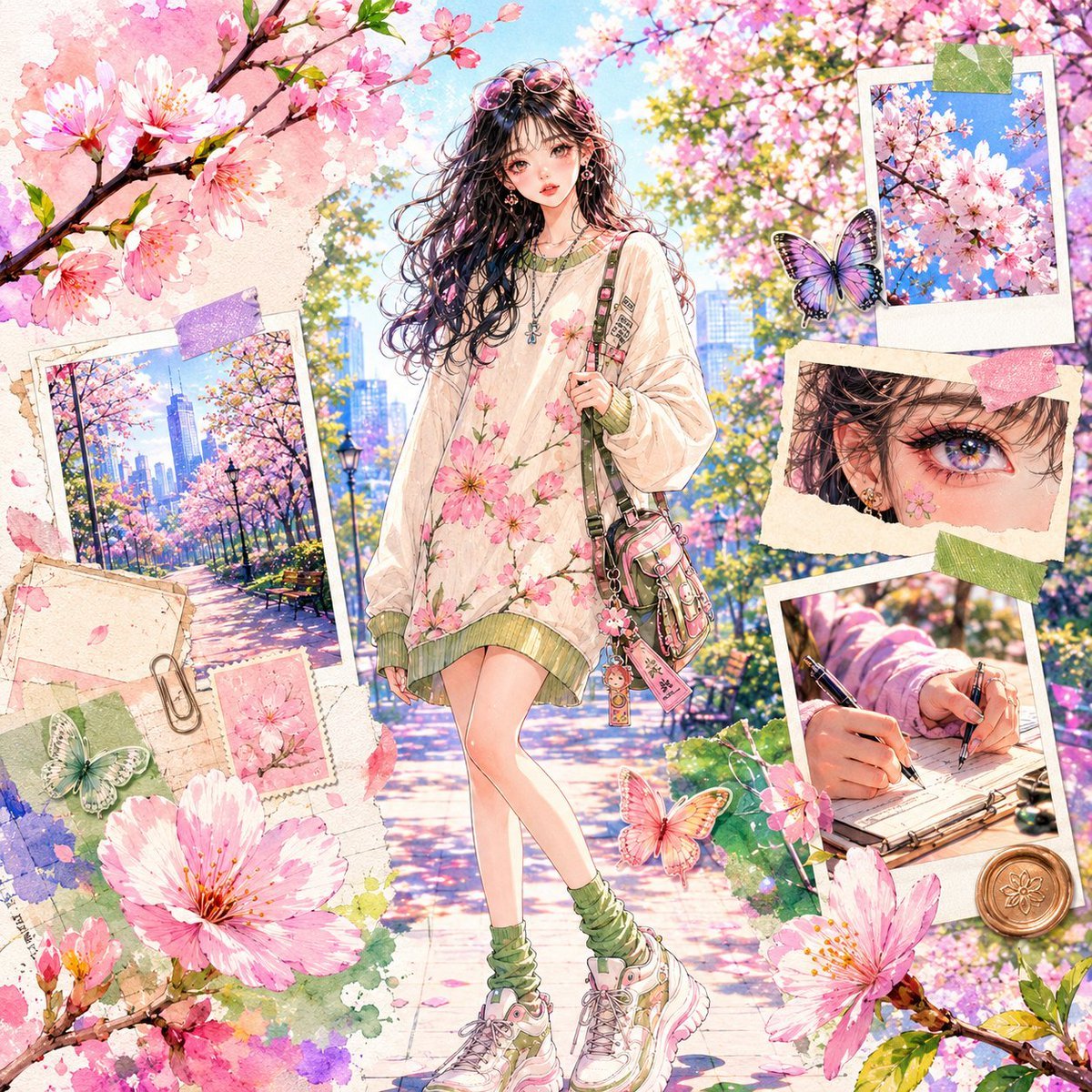
Watercolor Anime Fashion Collage
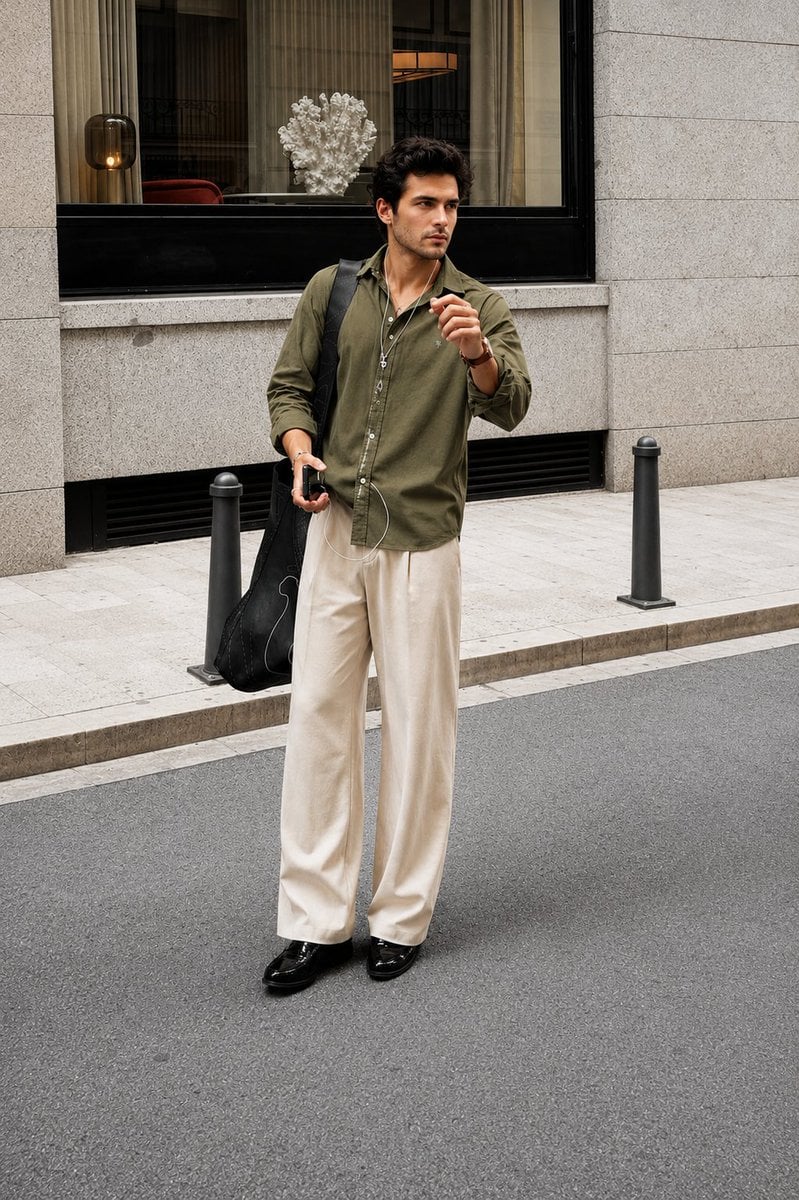
Ultra Realistic Luxury Street Fashion Portrait
Cinematic Male Portrait with Neon Halo
Natural outdoor portrait of a young woman on a picnic blanket
Google Gemini Nano Banana Pro
Gpt2 Social Media Post Gothic Android Warrior Cathedral Key Art
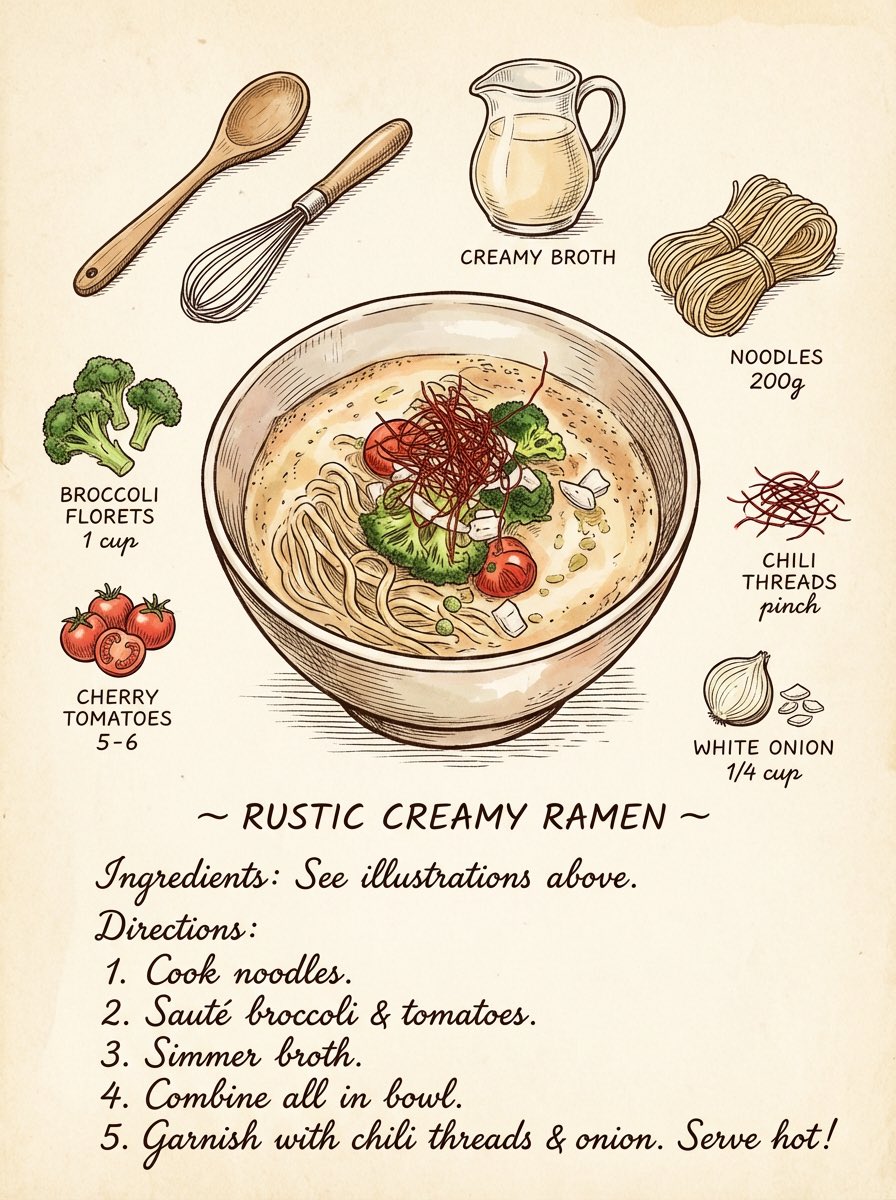
Vintage cookbook-style recipe illustration
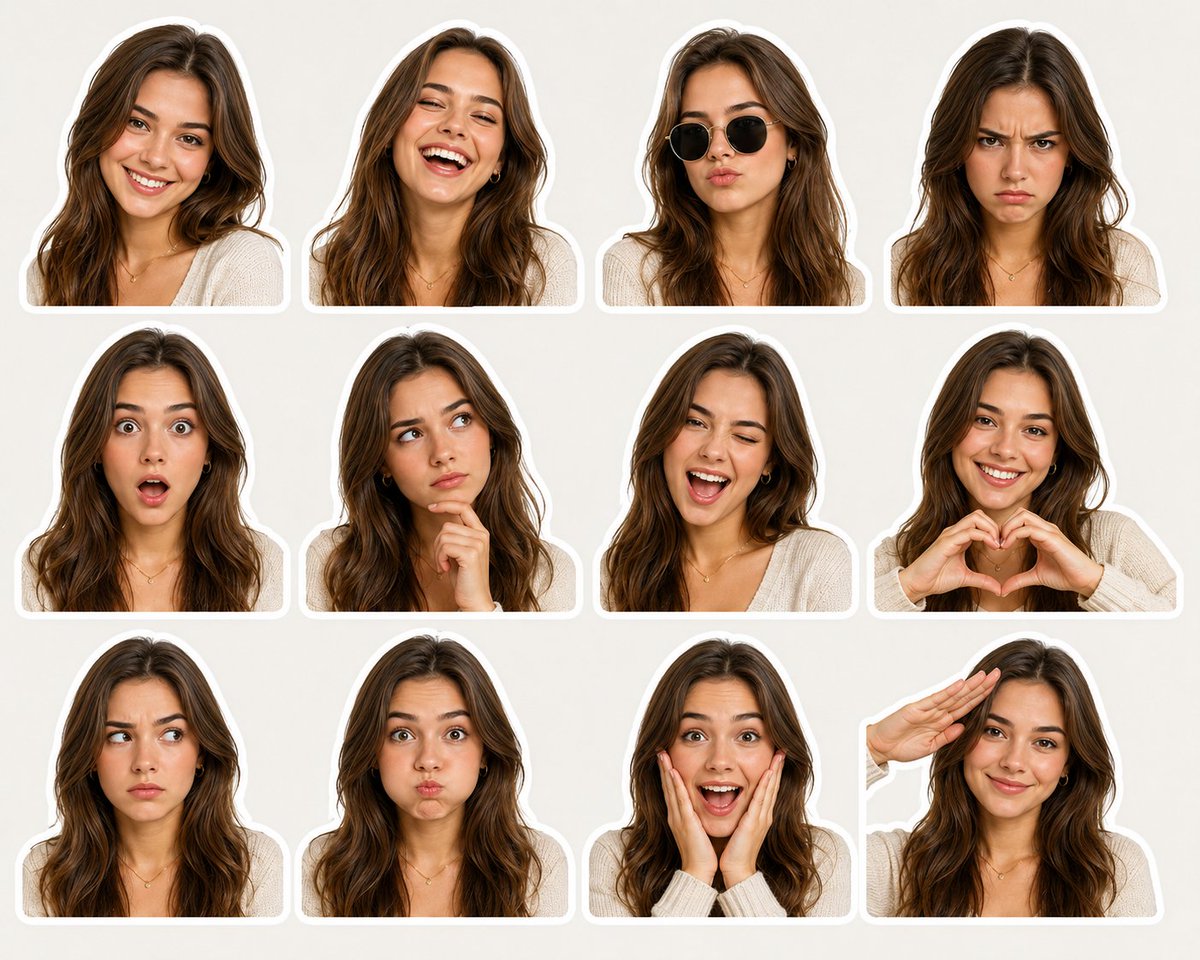
Expressive Woman Emoji Sticker Pack
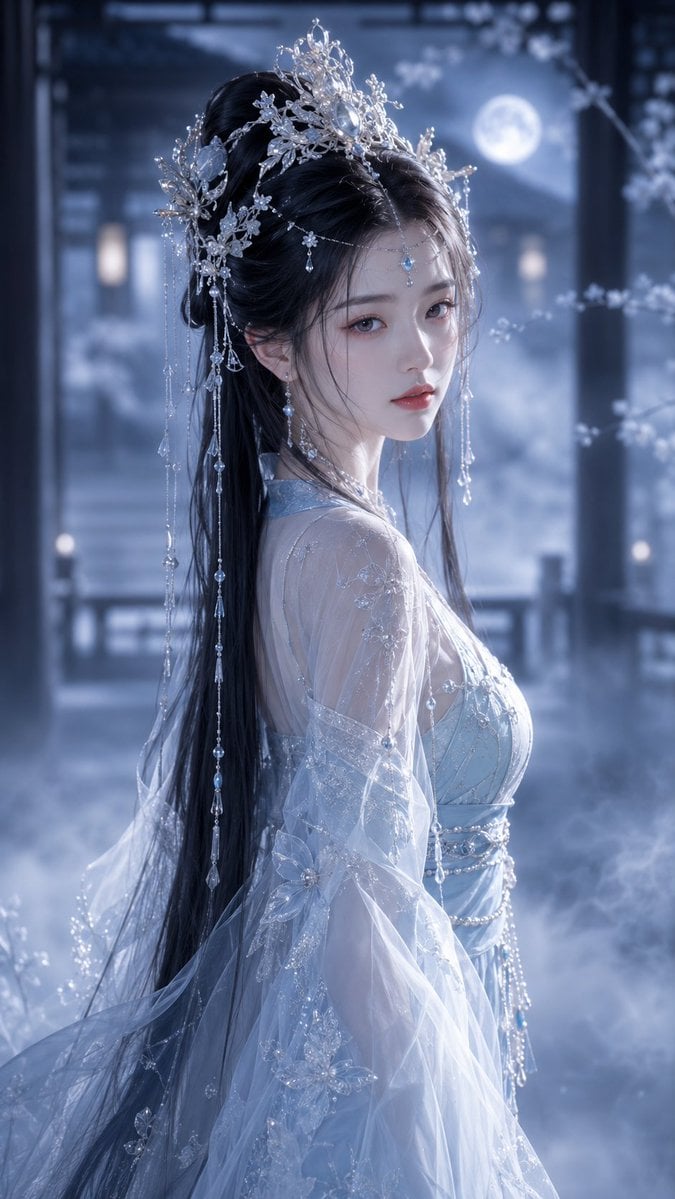
Ethereal Tang-Style Fantasy Portrait
Browse template categories
Hyper-Realistic Surreal High Fashion Editorial questions
How do I use the Hyper-Realistic Surreal High Fashion Editorial template?
Add your photo if the template asks for one, edit the prompt if you like — the template's model and format are already selected — and press Generate. Your version opens in PicX Studio.
Can I customize the Hyper-Realistic Surreal High Fashion Editorial template?
Yes. You can change the subject, setting, lighting, mood, format, and available model controls before creating your image.
Is the Hyper-Realistic Surreal High Fashion Editorial template free?
Opening and editing this template is free. Generating uses credits, shown on the Generate button when you are signed in.
Which AI model should I use?
Start with Nano Banana 2, which is the model associated with this template. You can compare another compatible model for a different finish.
Looking for something else? Browse all templates.

Your photo, any look
Thousands of ready templates for every top image and video model, from one credit balance.