
Anime Kimono Golden Hour Illustration
A detailed anime-style prompt for generating a scene of a woman in a kimono by a koi pond during autumn, featuring rich warm colors and soft lighting.
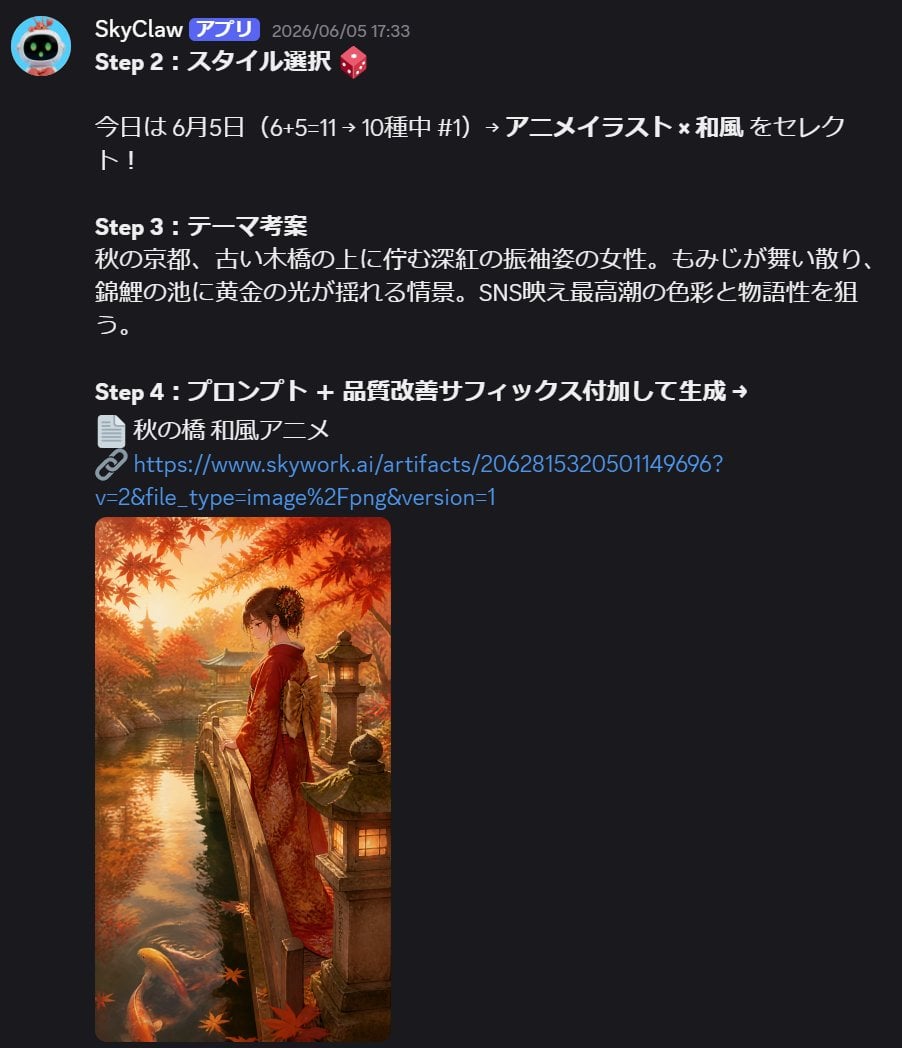
- Prompt included
- Model and format preset
- Free template
The prompt behind this image
Copy the exact prompt behind Anime Kimono Golden Hour Illustration, or open it in the studio and make it yours.
A breathtaking anime-style illustration of a young woman in an elegant {argument name="color" default="deep crimson"} furisode kimono, standing alone on a weathered wooden bridge over a tranquil koi pond at golden hour. Crimson and amber maple leaves drift gently around her as she gazes peacefully into the rippling water below. Soft warm sunlight filters through an overhead canopy of autumn momiji trees, casting a luminous golden glow across her figure and the moss-covered stone lanterns lining the bridge. Koi in hues of white, orange, and gold glide slowly beneath the glassy surface, which reflects the blazing autumn canopy in slow, undulating patterns. The palette is rich in warm amber, deep scarlet, burnished gold, and soft ivory. Painted in a refined anime art style with watercolor-influenced shading, delicate ink line work, and impressionistic soft-focus background. Vertical portrait composition {argument name="aspect ratio" default="9:16"}.
How to use Anime Kimono Golden Hour Illustration in 3 steps
- 1
Open
The prompt is already in the box next to the preview, with the template's model and format selected.
- 2…a portrait of your subject in softgolden-hour light, 85mm…
Personalize
Edit the subject and creative details for your destination.
- 3Generate
Generate
Press Generate — your image is created in PicX Studio, so you can compare it with the original and refine one variable at a time.
More like this
Templates with the same subject, style or setup. Open one to see its prompt.

Captain Tsubasa Anime World Cup Poster

Anime Character Charm Analysis Sheet

80s Golden Hour Cinema
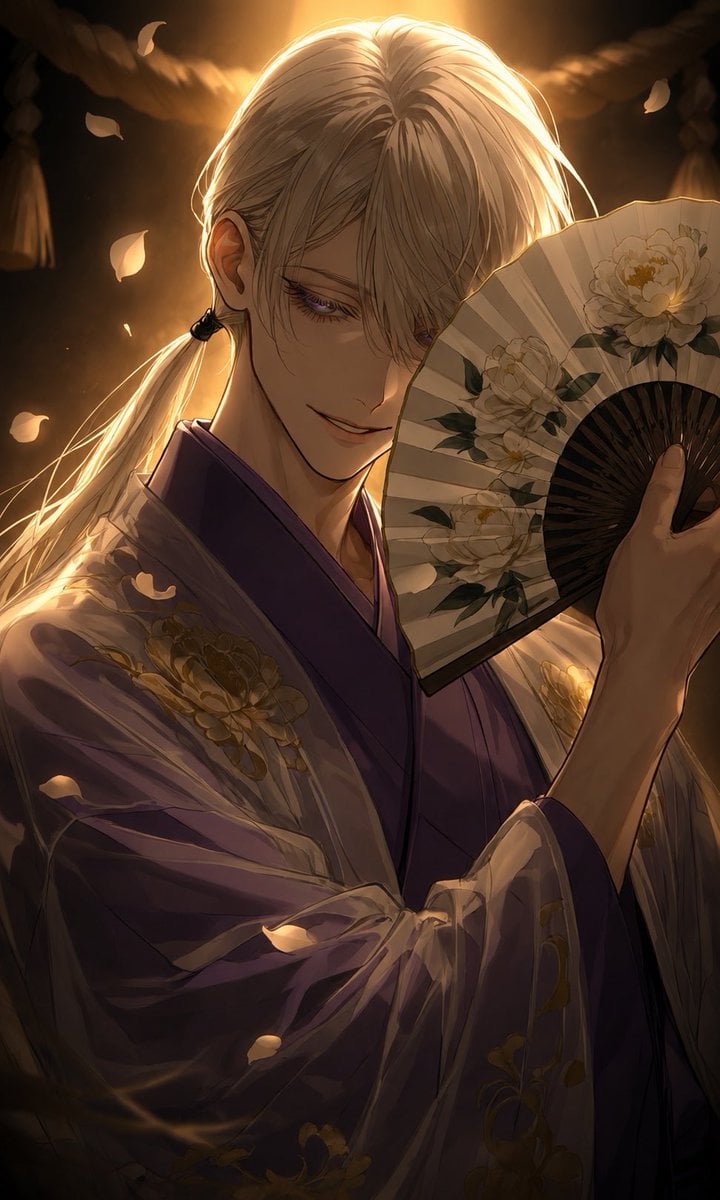
Golden Kimono Fan Portrait
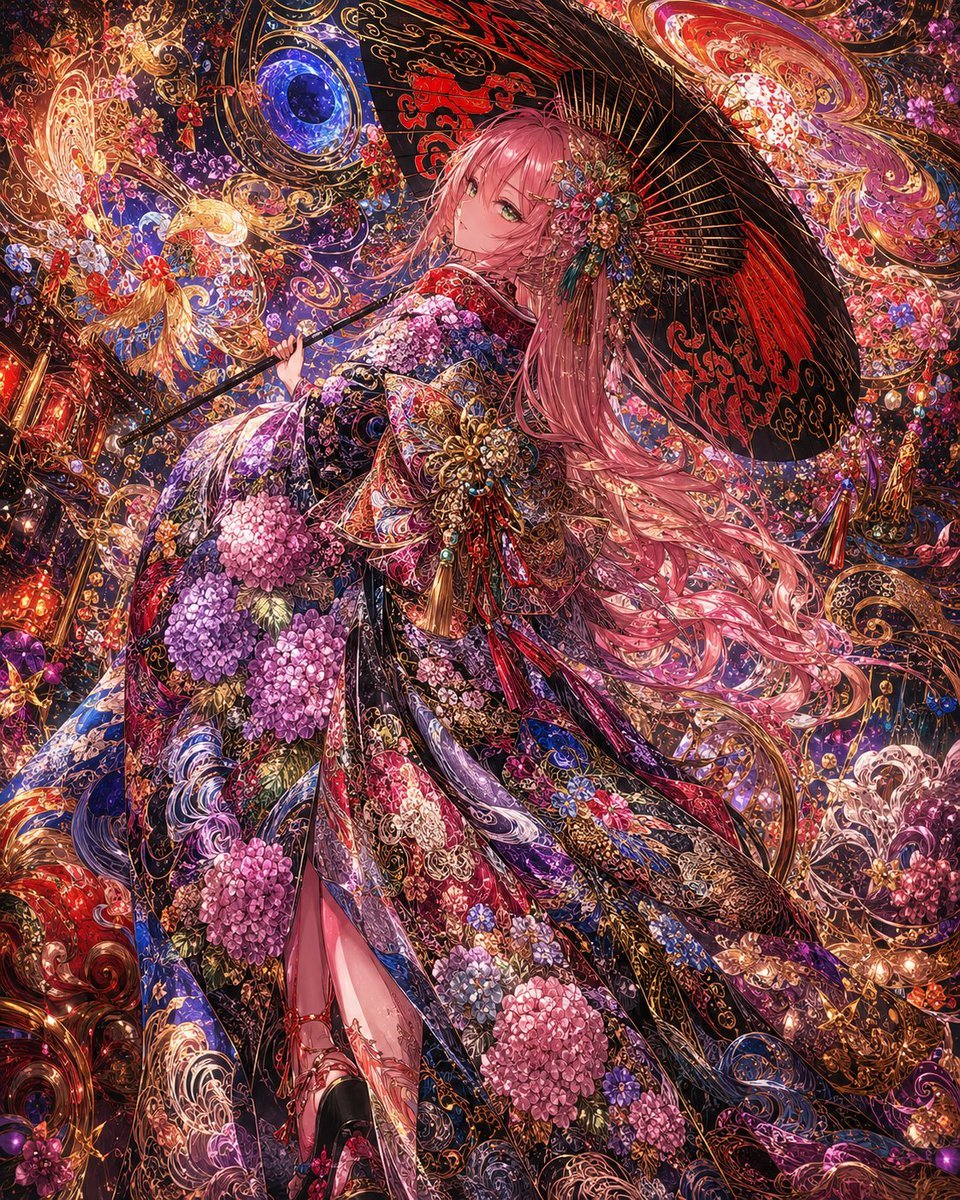
Ornate Kimono Anime Woman

Cinematic Golden Hour Garden Portrait

Cinematic Golden Hour Urban Portrait
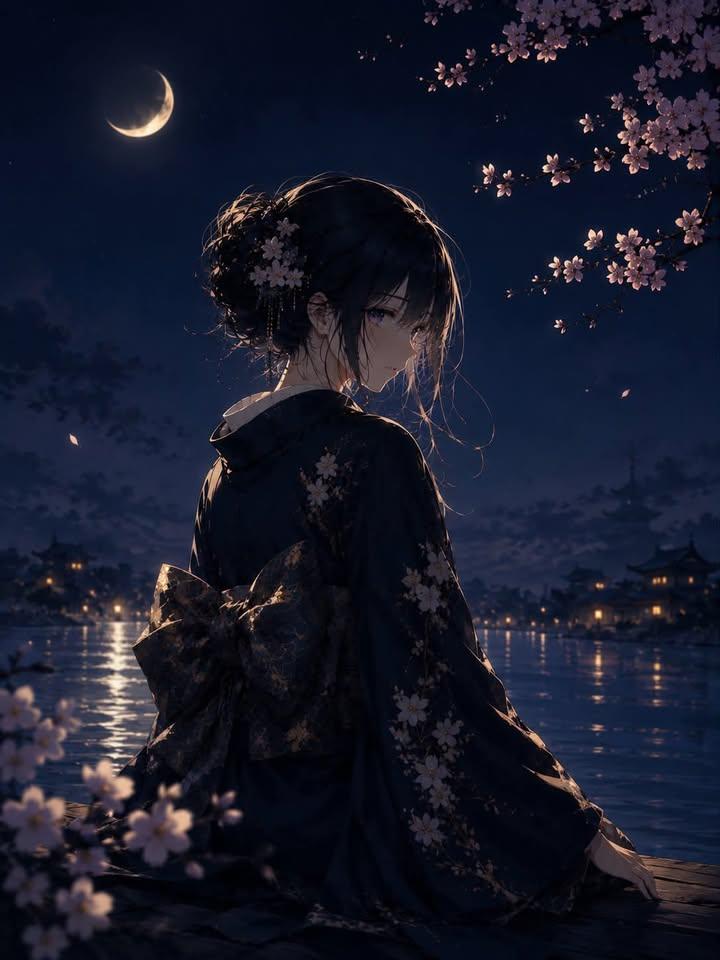
Luxury Japanese Fantasy Anime Kimono
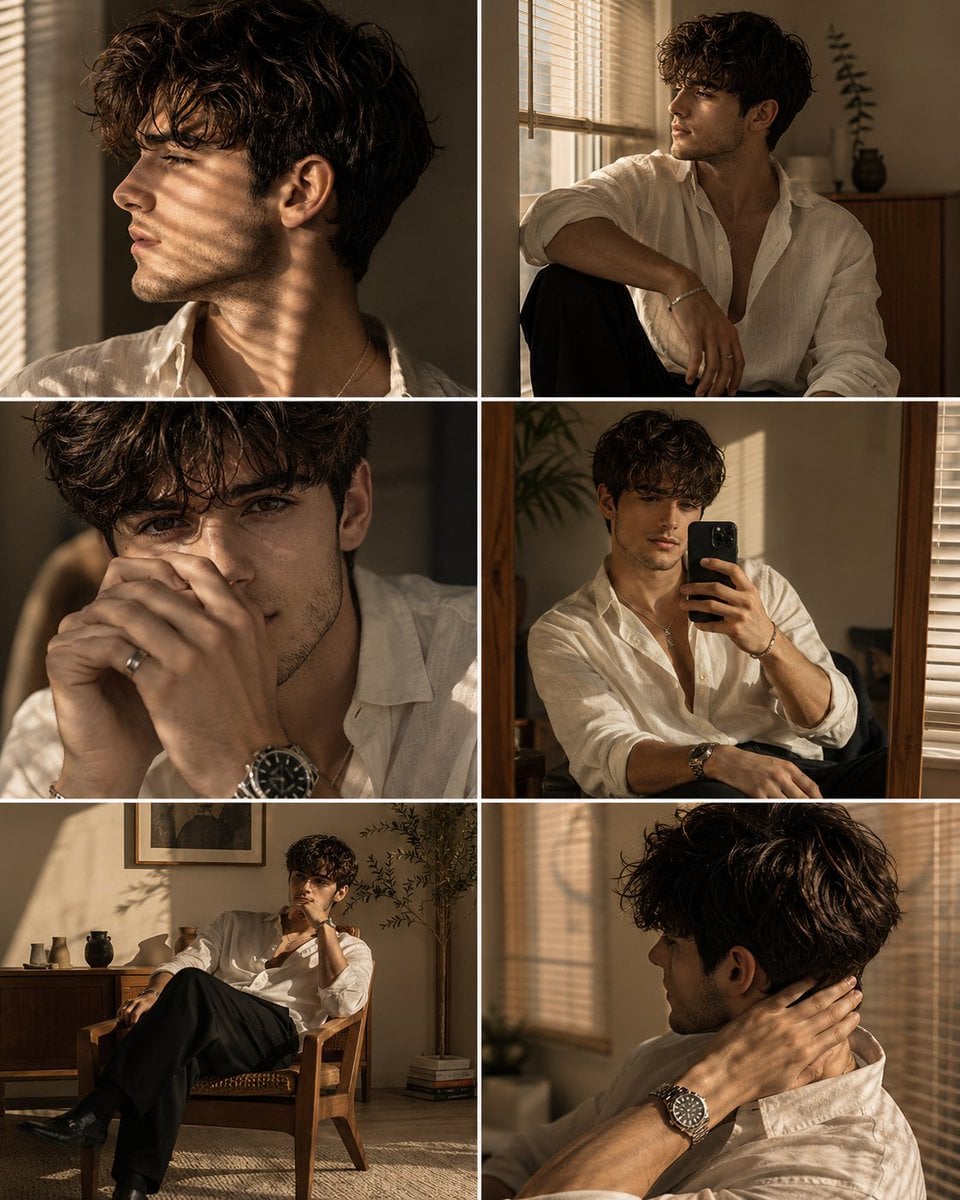
Luxury Men's Golden Hour Collage

Rooftop Fisheye — Cat-Ear Balaclava at Golden Hour

Golden Hour Redhead Portrait
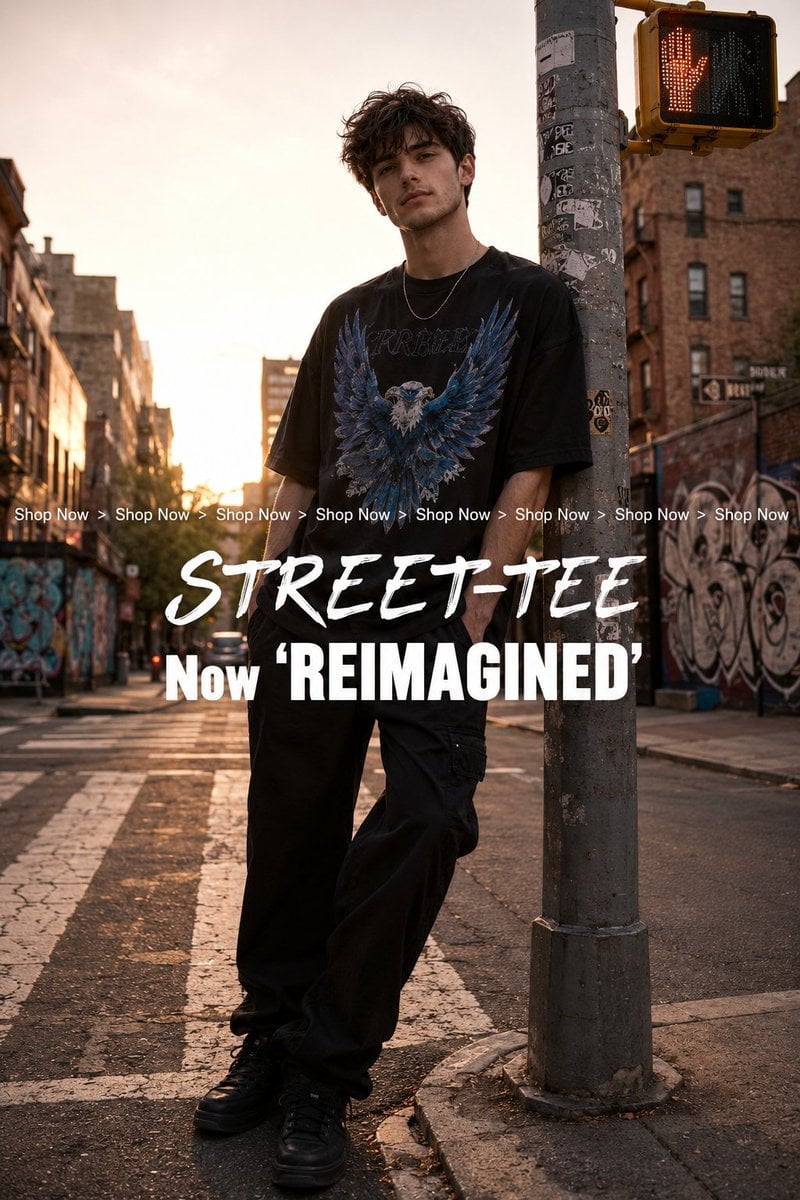
Golden Hour Streetwear Facebook Ad
Make it yours
Anime Kimono Golden Hour Illustration works as-is. These are the safest ways to change it without losing the look.
Change one field
Copy a single group, rewrite it, and generate again so you can see what that field is doing.
Keep the frame, change the subject
Hold the composition and light of Anime Kimono Golden Hour Illustration, then swap wardrobe, props or the person for a new take.
| If the result… | Why | Fix |
|---|---|---|
| The result drifts from the preview | Too many fields changed at once. | Reuse Anime Kimono Golden Hour Illustration as-is first, then change one group — subject, light, or setting. |
| The model over-stylizes the scene | The prose prompt leaves finish and camera underspecified. | Add one camera or lighting sentence and stay on GPT Image 2. |
More GPT Image 2 templates
Other prompts made for GPT Image 2.

Six VTuber Japanese Logo Sheet

Realistic Portrait of Woman and Deer

The Vista Modular Condo Poster

AI Model Routing Comparison Infographic

2.5D Anime Art Board

Isometric Productivity Desk Scene

New York Double Exposure Poster

Four-Panel AI Landscape Comparison

Japanese Tatami Lifestyle Magazine Cover

NESCAFÉ Coffee Map Poster
More image prompts
Fresh picks from across the catalog.
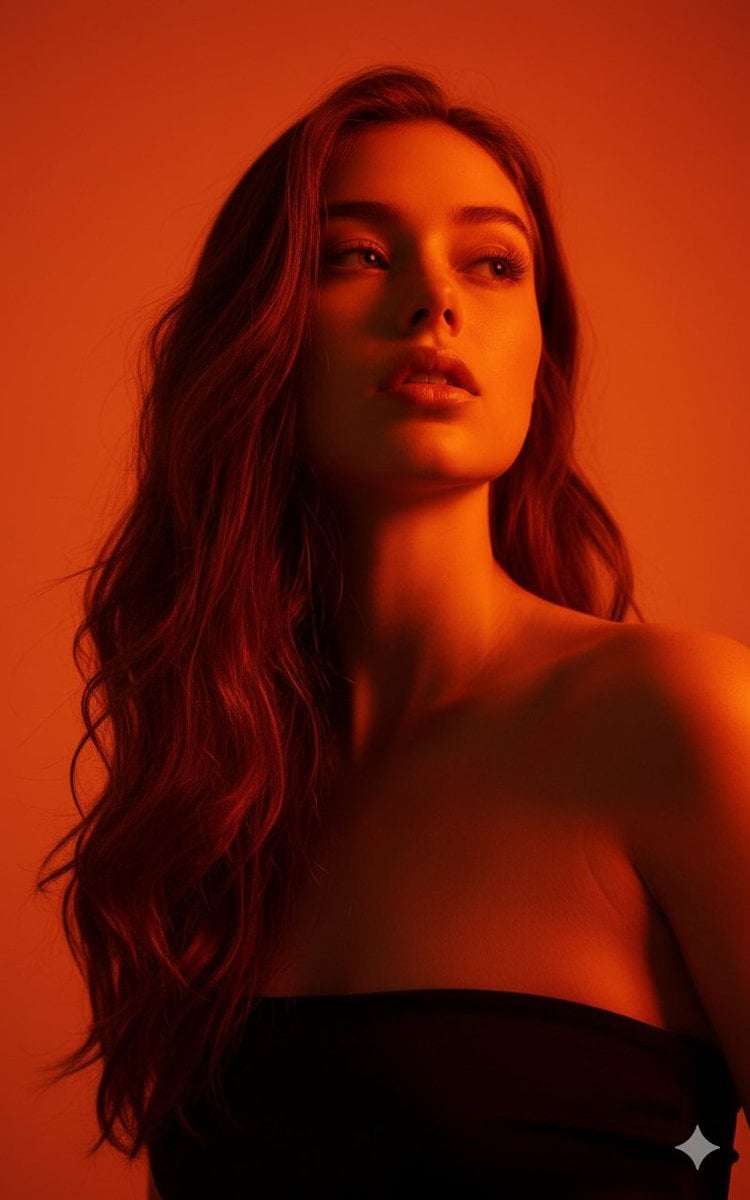
Editorial Portrait with Identity Lock and Dramatic Lighting
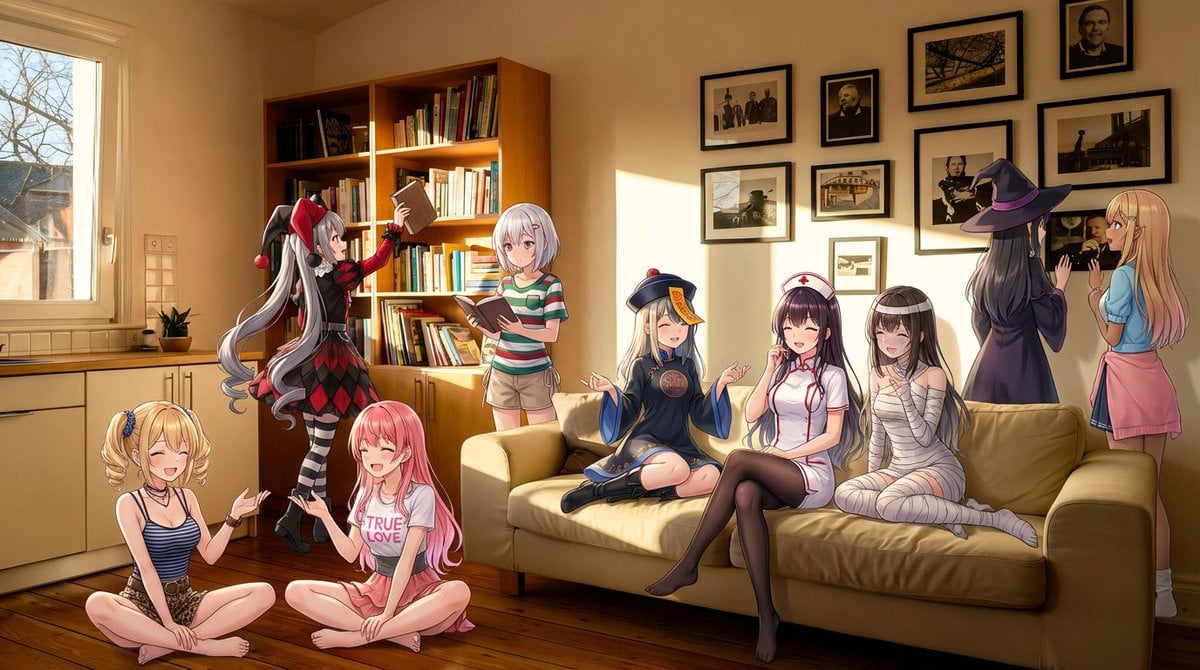
Nine-character group scene in living room background
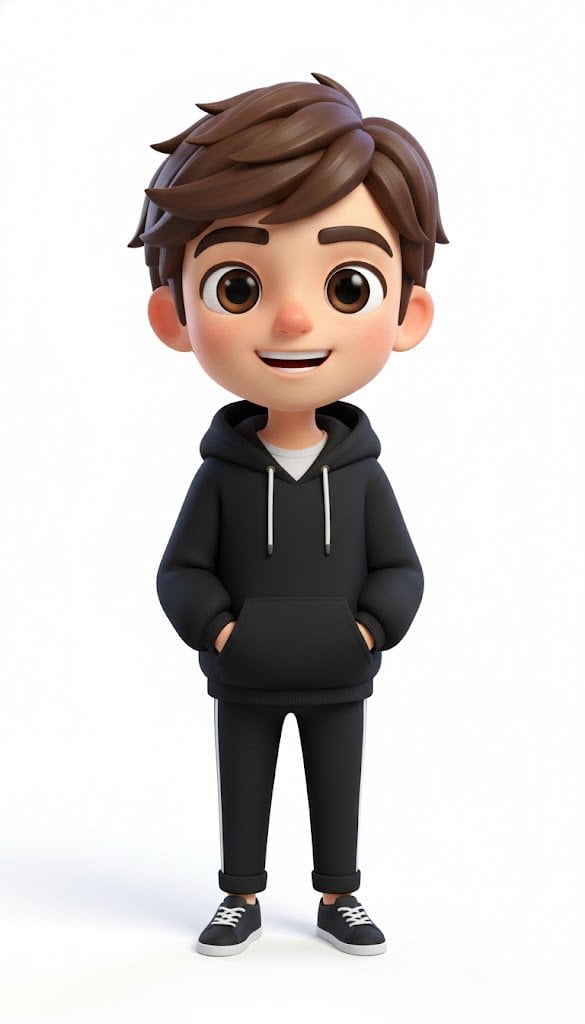
Pixar-Style American Passerby Prompt
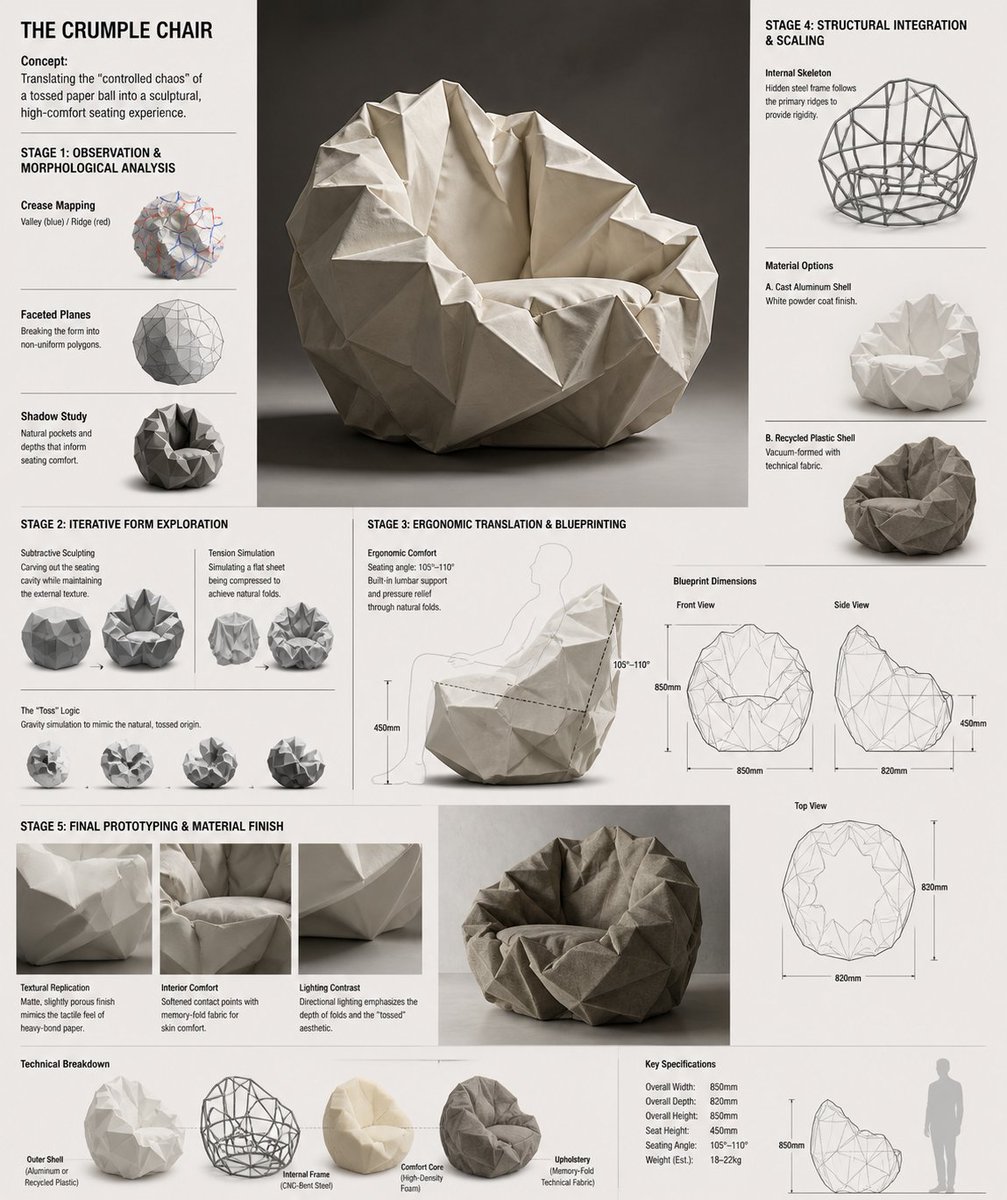
Crumple Paper Furniture Concept Design

Unfiltered Smartphone Photo of Man in Shopping Cart in Liquor Store
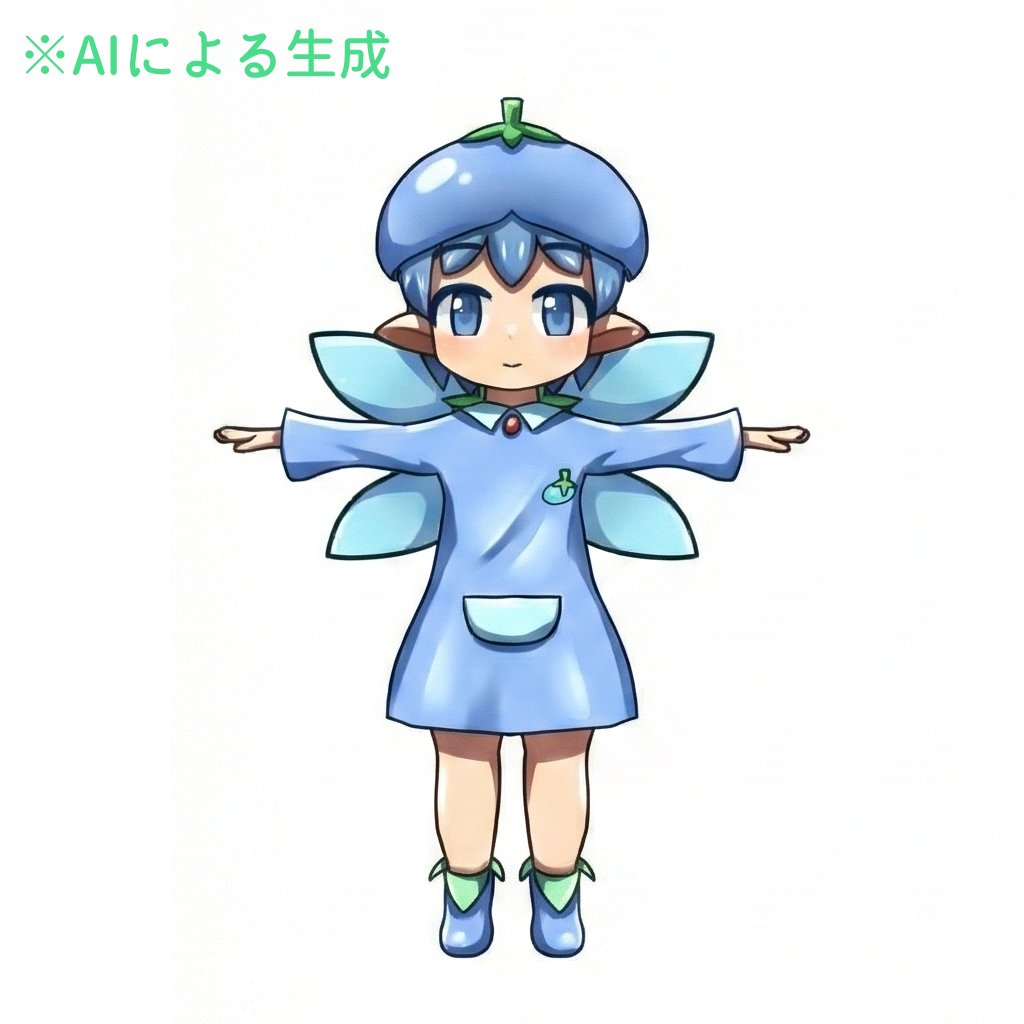
Enhancing Three-View Drawings and Generating Angles with Nano Banana

Ultra-Photorealistic Portrait of a Young Woman in Hawaiian Tropic Attire

Ultra-realistic selfie with F1 champion Lando Norris
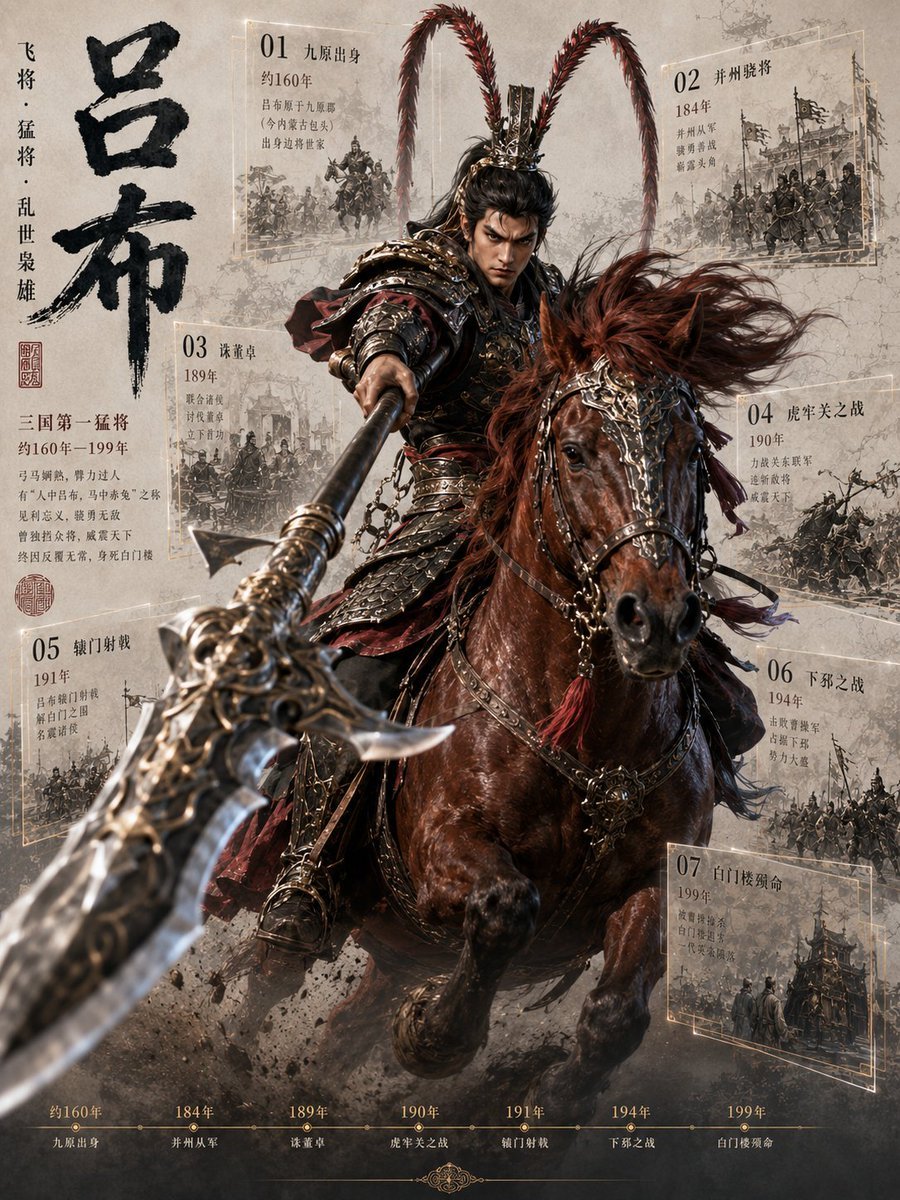
Lü Bu Historical Warrior Poster
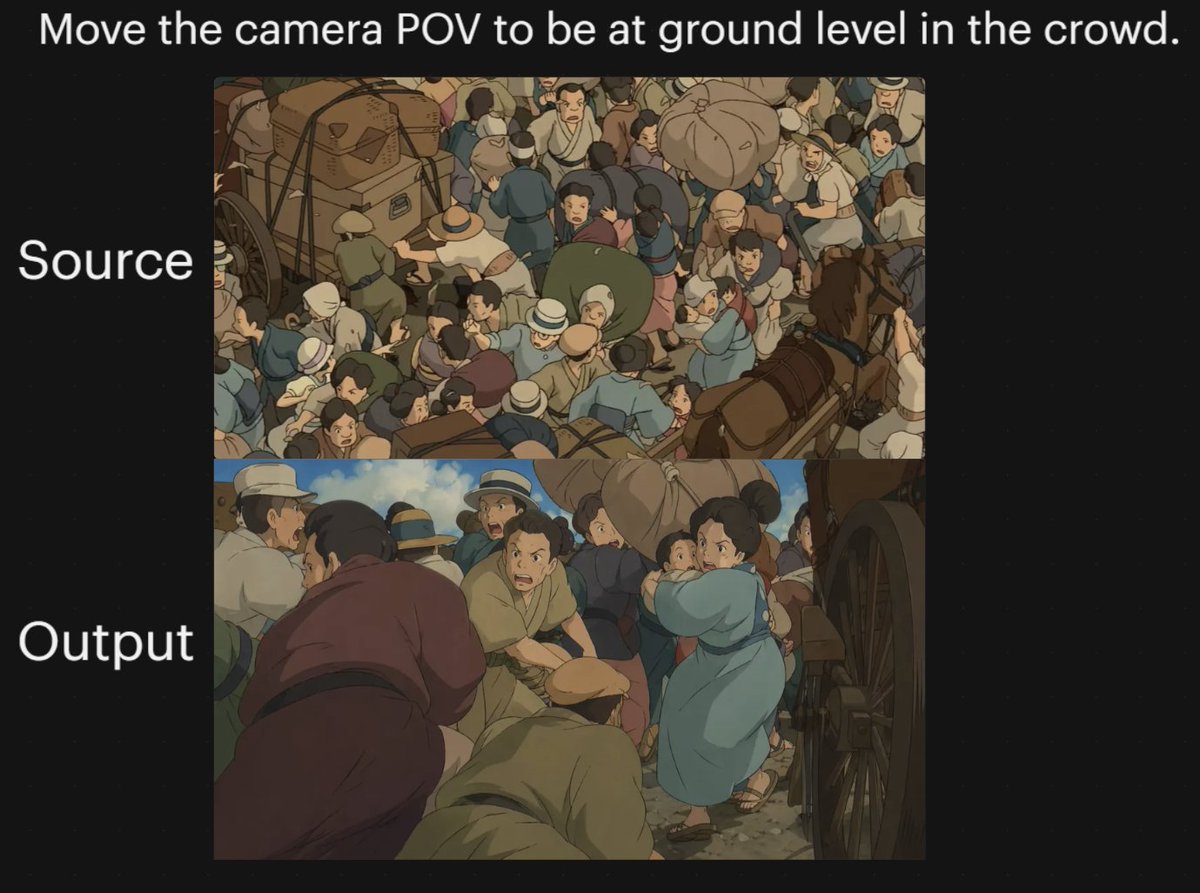
Anime Crowd Camera POV Comparison
Browse template categories
Anime Kimono Golden Hour Illustration questions
How do I use the Anime Kimono Golden Hour Illustration template?
Add your photo if the template asks for one, edit the prompt if you like — the template's model and format are already selected — and press Generate. Your version opens in PicX Studio.
Can I customize the Anime Kimono Golden Hour Illustration template?
Yes. You can change the subject, setting, lighting, mood, format, and available model controls before creating your image.
Is the Anime Kimono Golden Hour Illustration template free?
Opening and editing this template is free. Generating uses credits, shown on the Generate button when you are signed in.
Which AI model should I use?
Start with GPT Image 2, which is the model associated with this template. You can compare another compatible model for a different finish.
Looking for something else? Browse all templates.

Your photo, any look
Thousands of ready templates for every top image and video model, from one credit balance.