
Ultrawide Indy Cockpit Racing View
A photorealistic ultra-wide racing simulator scene showing an Indy-style cockpit view chasing two rival cars on a packed oval speedway.
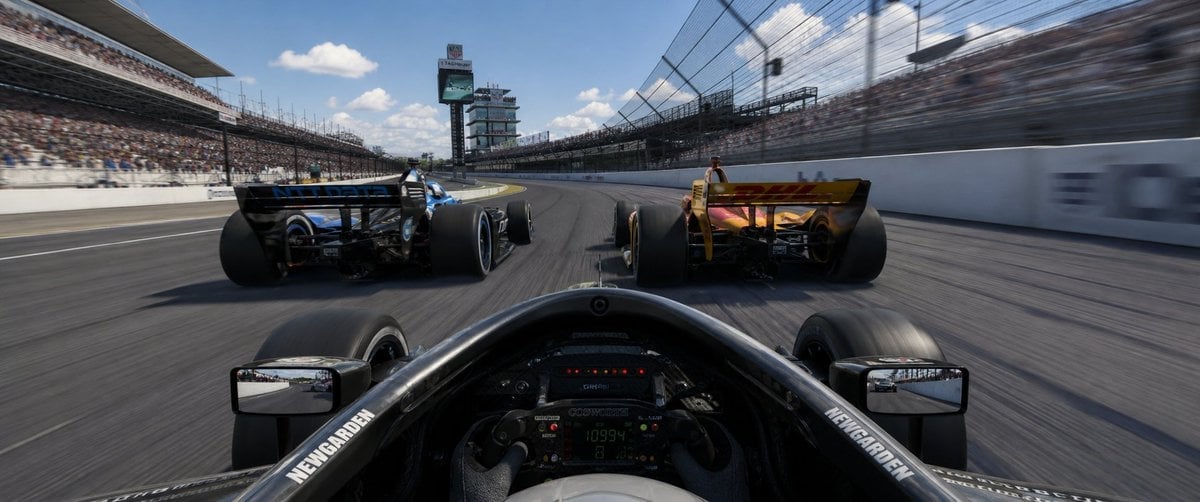
- Prompt included
- Model and format preset
- Free template
The prompt behind this image
Copy the exact prompt behind Ultrawide Indy Cockpit Racing View, or open it in the studio and make it yours.
Create an ultra-wide 32:9 photorealistic racing game screenshot from the driver’s cockpit perspective during an Indy-style oval race at {argument name="race track" default="the Indianapolis 500 speedway"}. The camera is low inside a black open-wheel race car, showing the halo/cockpit rim, steering wheel with tiny digital telemetry, front tires partly visible, and exactly 2 rectangular side mirrors, one on each side reflecting the track behind. Ahead are exactly 2 rival open-wheel cars: a black-and-blue car slightly left and a yellow/orange car slightly right, both seen from the rear with huge rear tires and rear wings, racing side by side into a gentle left-hand banked turn. Use strong speed sensation with motion blur on the asphalt, catch fencing, and packed grandstands, while keeping the cars and cockpit mostly sharp. The track is a large oval with white concrete walls, tall safety fences, full spectator stands on both sides, and a scoring tower/pylon in the distance near the center-left. Bright midday sunlight, blue sky with scattered white clouds, cinematic HDR realism, glossy carbon fiber, detailed tire rubber, immersive AAA racing simulator style. Add small white sponsor-like lettering on the cockpit sides reading {argument name="cockpit sponsor text" default="NEWGARDEN"}, but avoid prominent readable logos elsewhere. No UI overlay, no watermark, no extra cars, no text captions.
How to use Ultrawide Indy Cockpit Racing View in 3 steps
- 1Upload ImagePNG, JPG or paste
Add your photo
Upload the photo the template builds on. The prompt, model and format are already set.
- 2…a portrait of your subject in softgolden-hour light, 85mm…
Personalize
Edit the subject and creative details for your destination.
- 3Generate
Generate
Press Generate — your image is created in PicX Studio, so you can compare it with the original and refine one variable at a time.
More like this
Templates with the same subject, style or setup. Open one to see its prompt.

Japan Neon Speed City Racing Poster
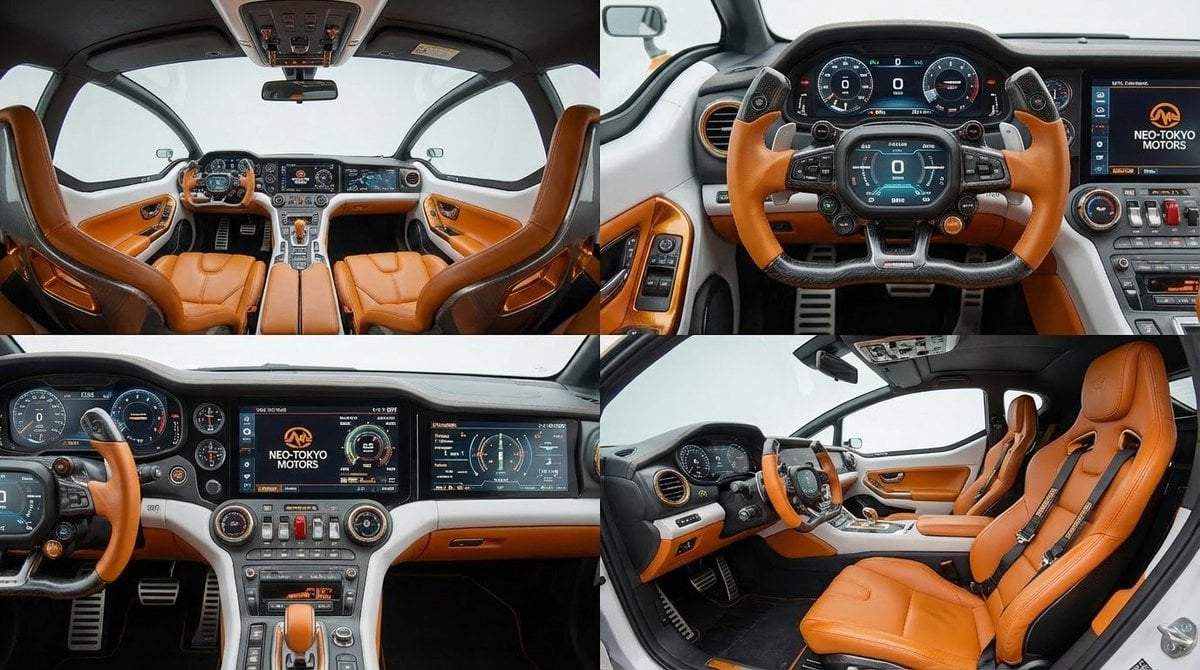
Cockpit Interior Grid View
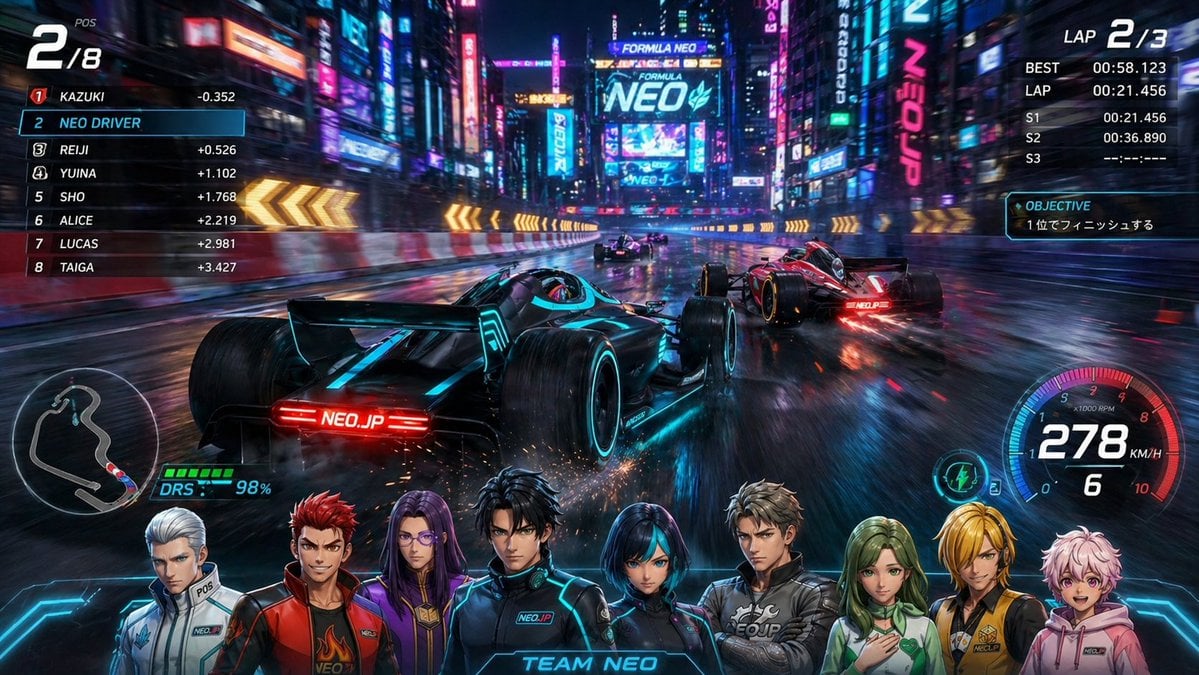
Cyberpunk Formula Neo Racing HUD
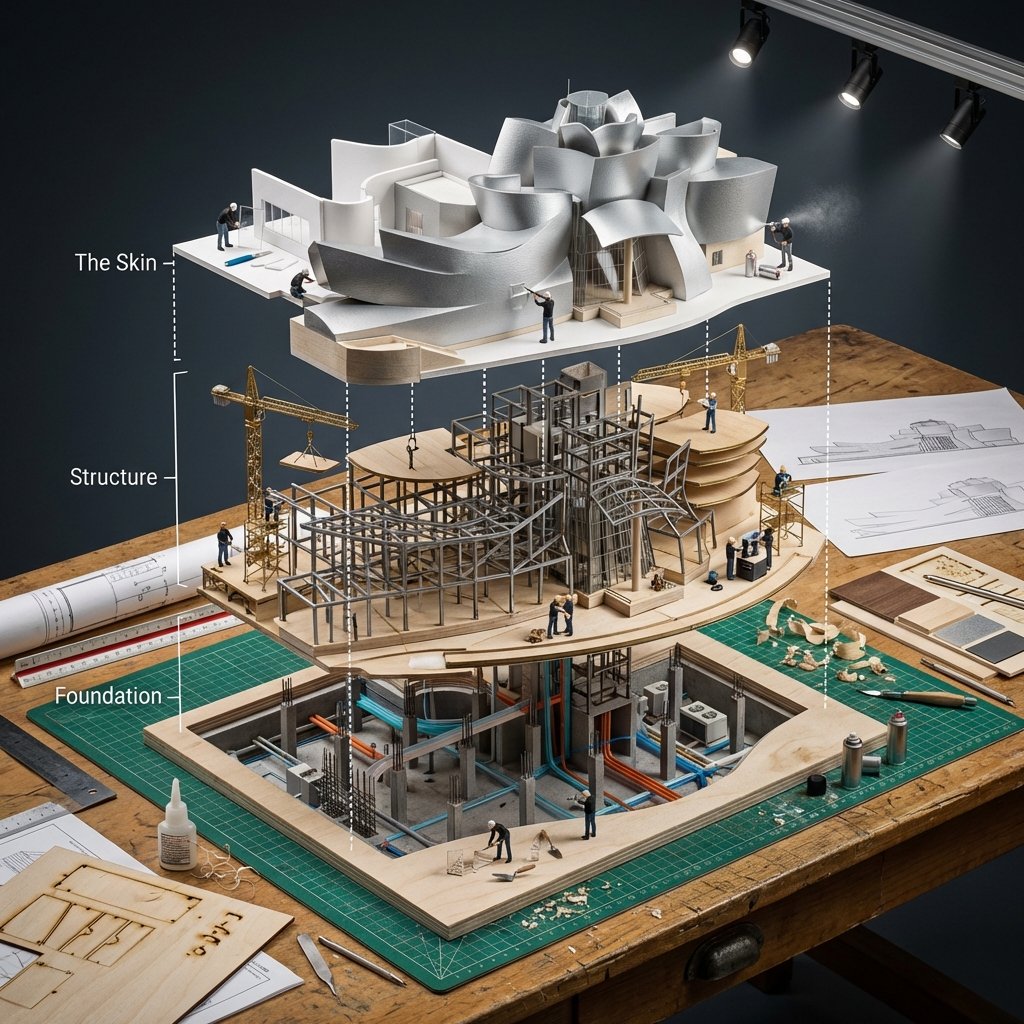
Building Exploded View Architectural Diorama

Teen Girl Alpine Lake Mountain View
Based on their identity e g, Racing Orange for a driver, Neon Cyan
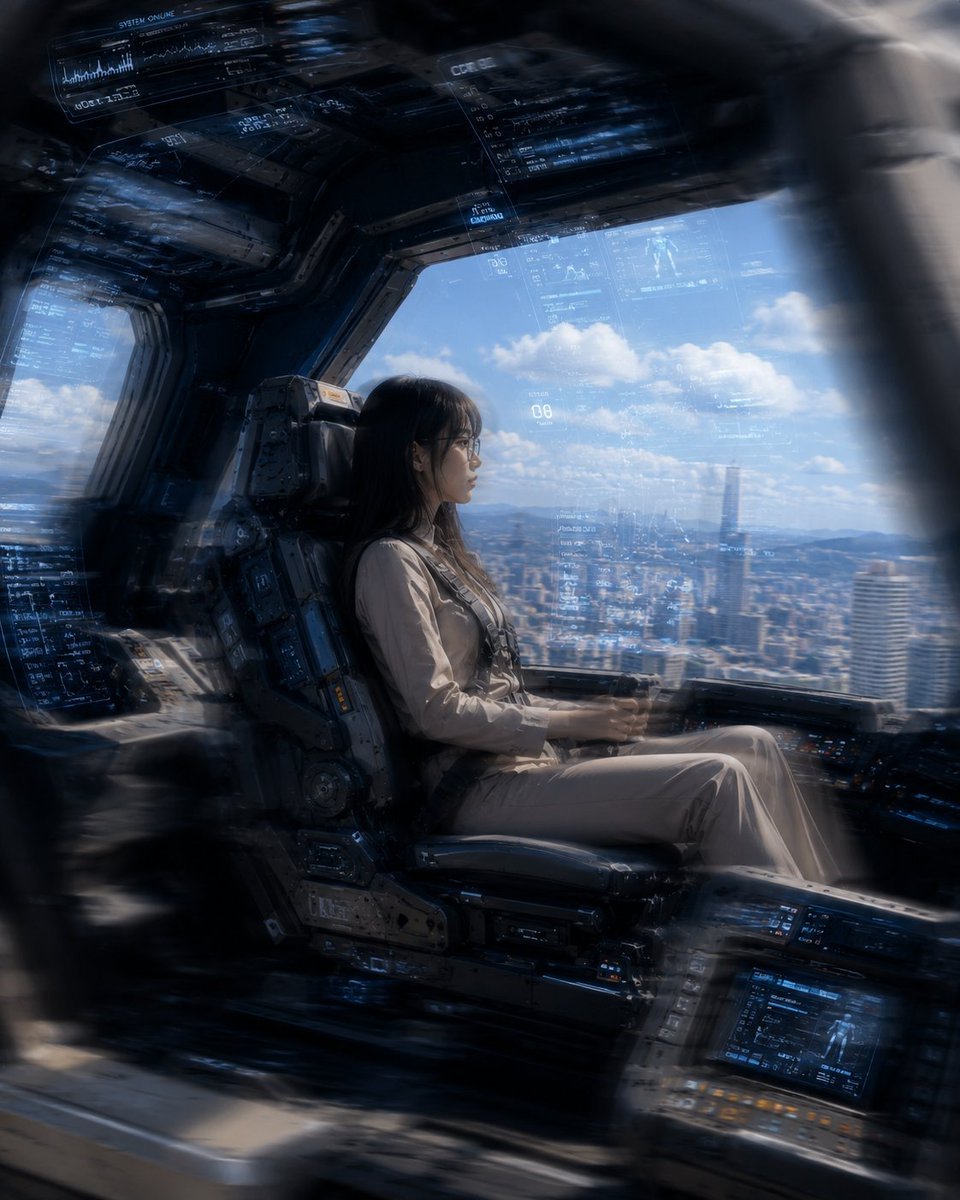
Mecha Cockpit Pilot Scene
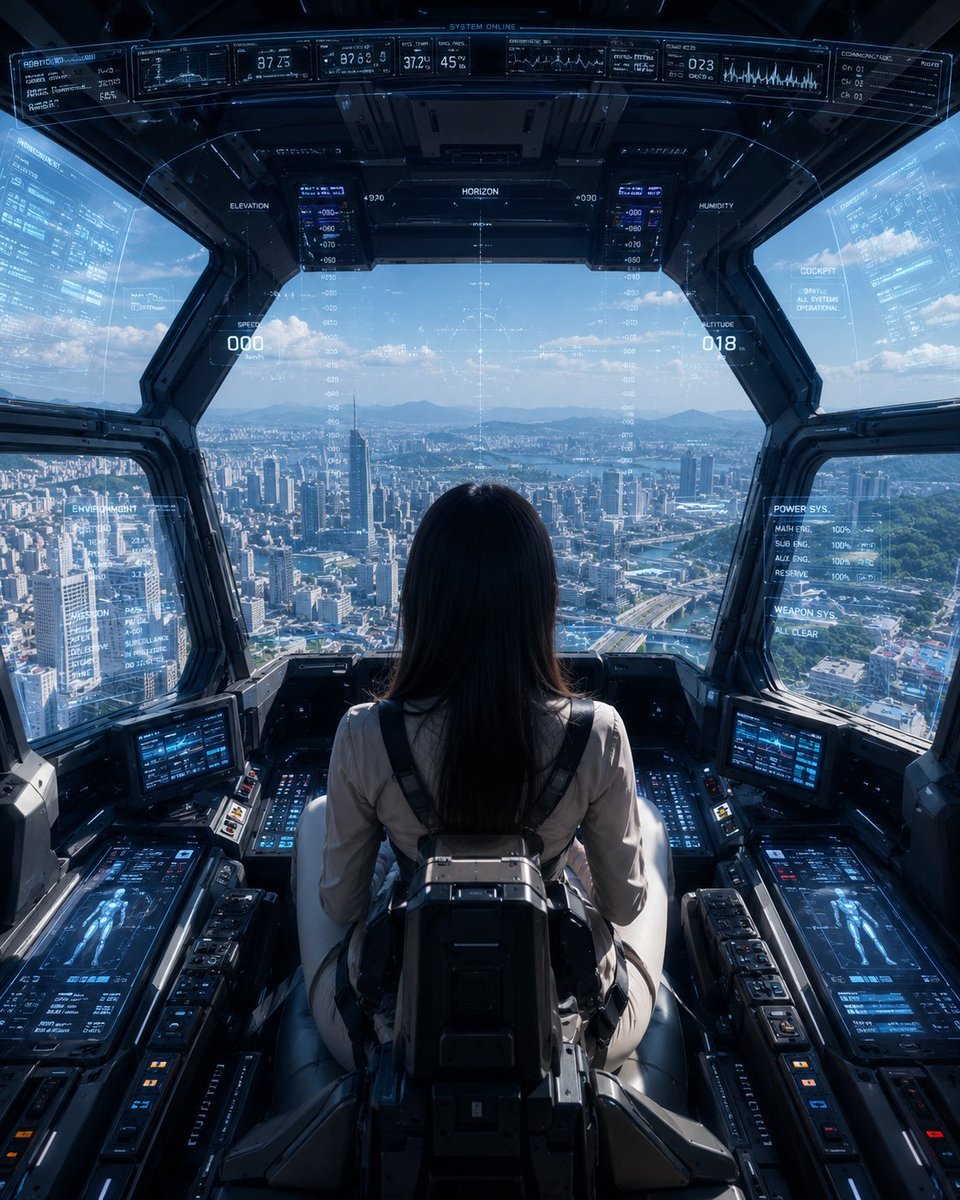
Mech Pilot Cockpit Over City
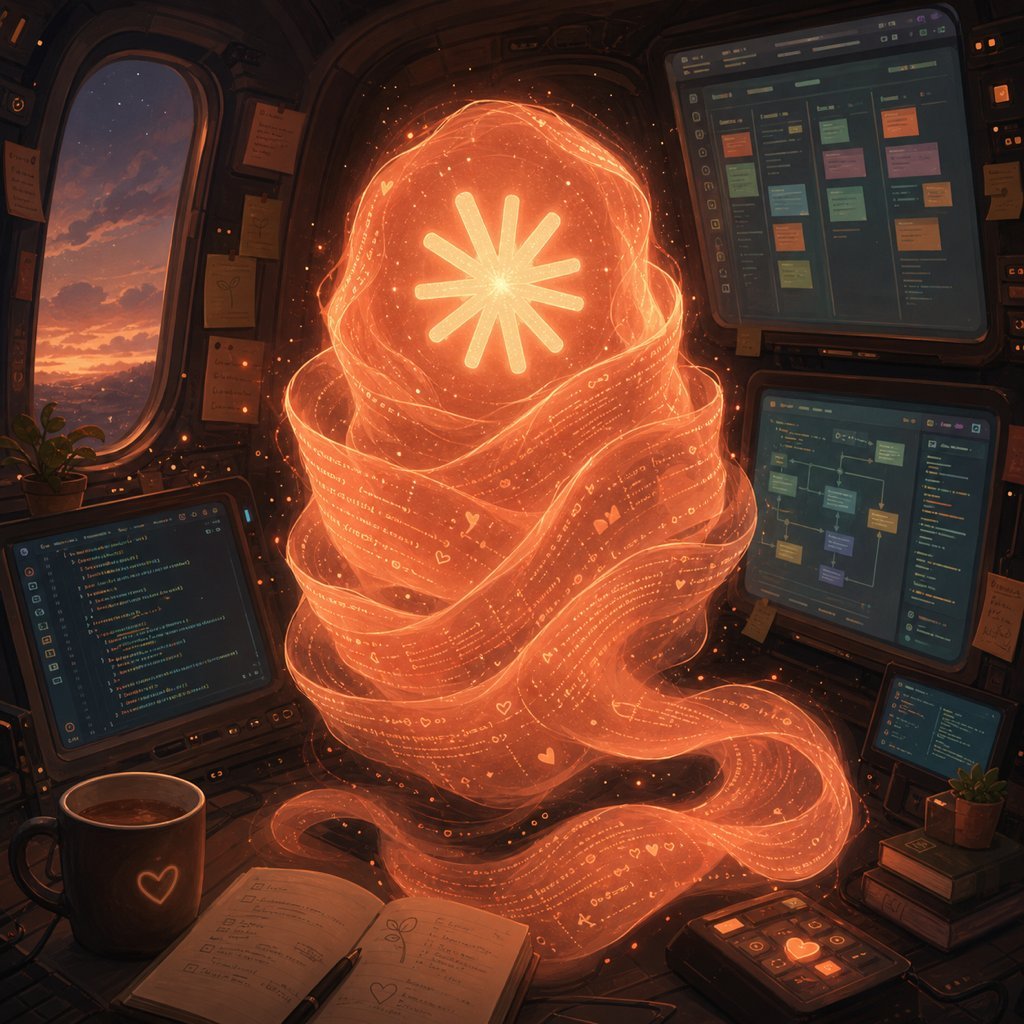
Holographic Code Fox in a Spaceship Cockpit
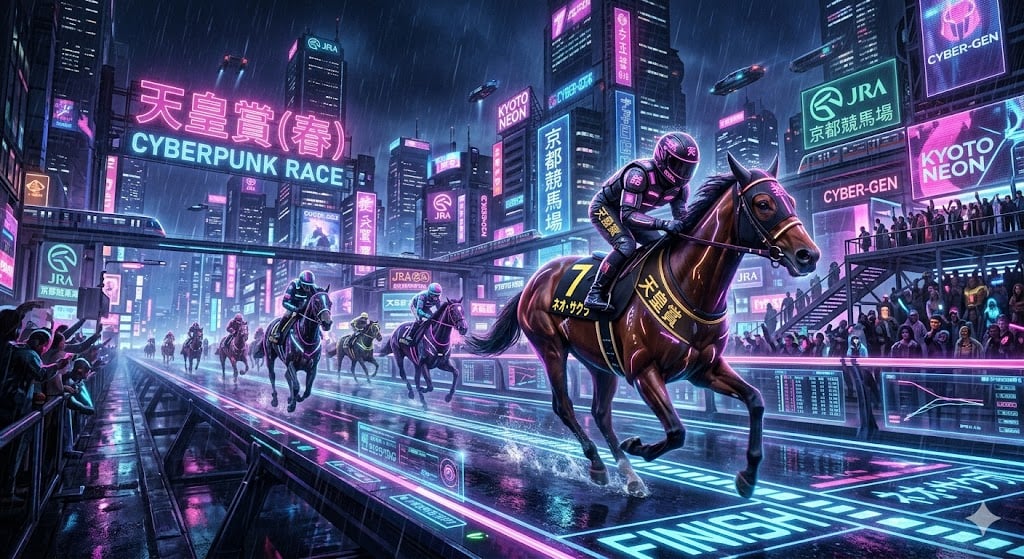
Cyberpunk Horse Racing Illustration
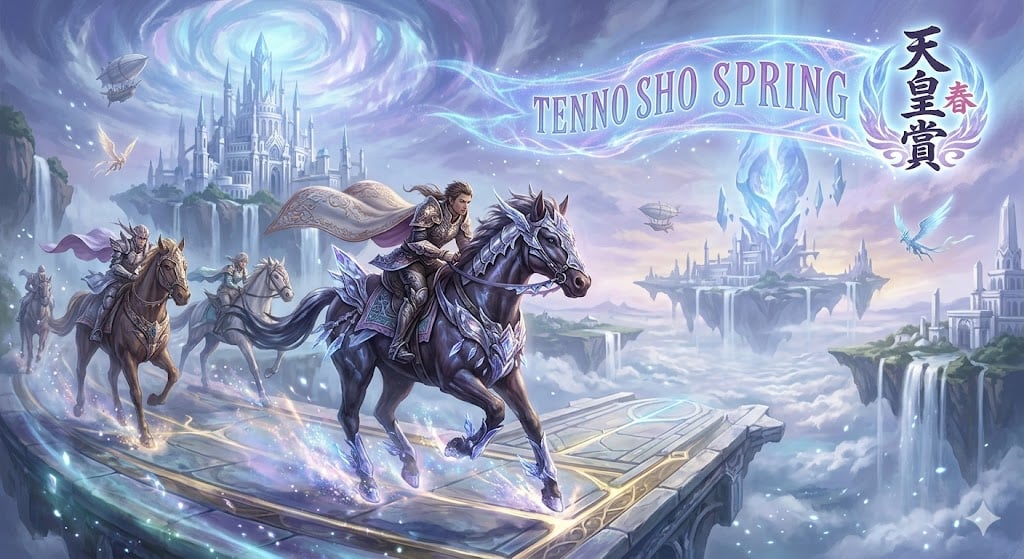
Fantasy Style Horse Racing
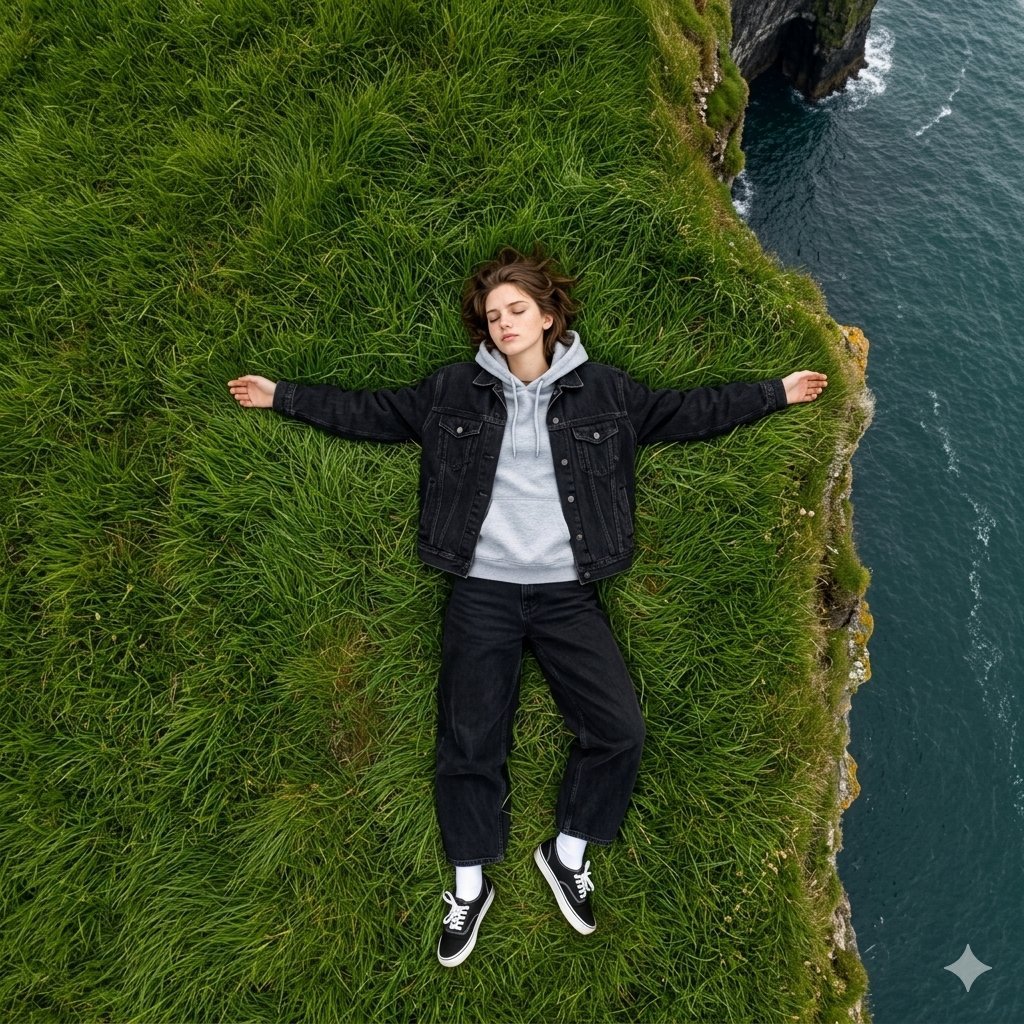
Bird's Eye View Coastal Portrait
Make it yours
Ultrawide Indy Cockpit Racing View works as-is. These are the safest ways to change it without losing the look.
Change one field
Copy a single group, rewrite it, and generate again so you can see what that field is doing.
Keep the frame, change the subject
Hold the composition and light of Ultrawide Indy Cockpit Racing View, then swap wardrobe, props or the person for a new take.
| If the result… | Why | Fix |
|---|---|---|
| The result drifts from the preview | Too many fields changed at once. | Reuse Ultrawide Indy Cockpit Racing View as-is first, then change one group — subject, light, or setting. |
| The model over-stylizes the scene | The prose prompt leaves finish and camera underspecified. | Add one camera or lighting sentence and stay on GPT Image 2. |
More GPT Image 2 templates
Other prompts made for GPT Image 2.

Six VTuber Japanese Logo Sheet

Realistic Portrait of Woman and Deer

The Vista Modular Condo Poster

AI Model Routing Comparison Infographic

2.5D Anime Art Board

Isometric Productivity Desk Scene

New York Double Exposure Poster

Four-Panel AI Landscape Comparison

Japanese Tatami Lifestyle Magazine Cover

NESCAFÉ Coffee Map Poster
More image prompts
Fresh picks from across the catalog.
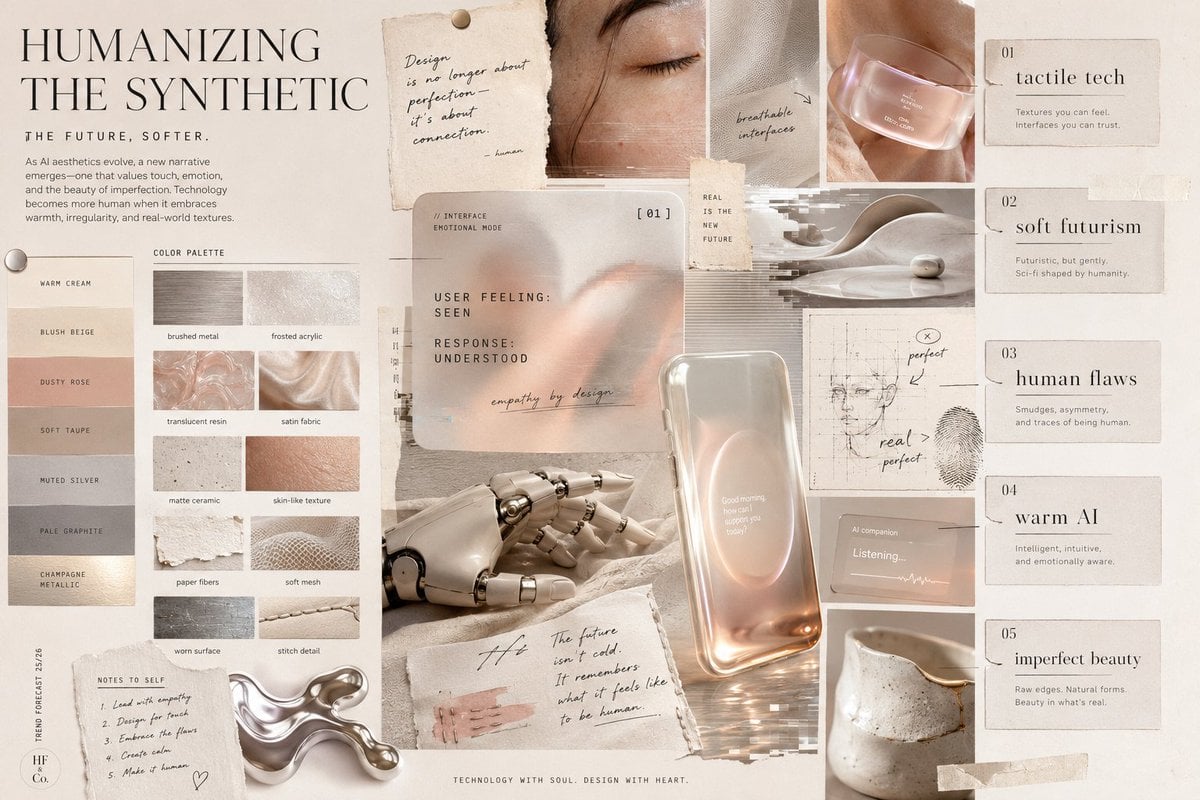
Visual Trend Analysis Moodboard
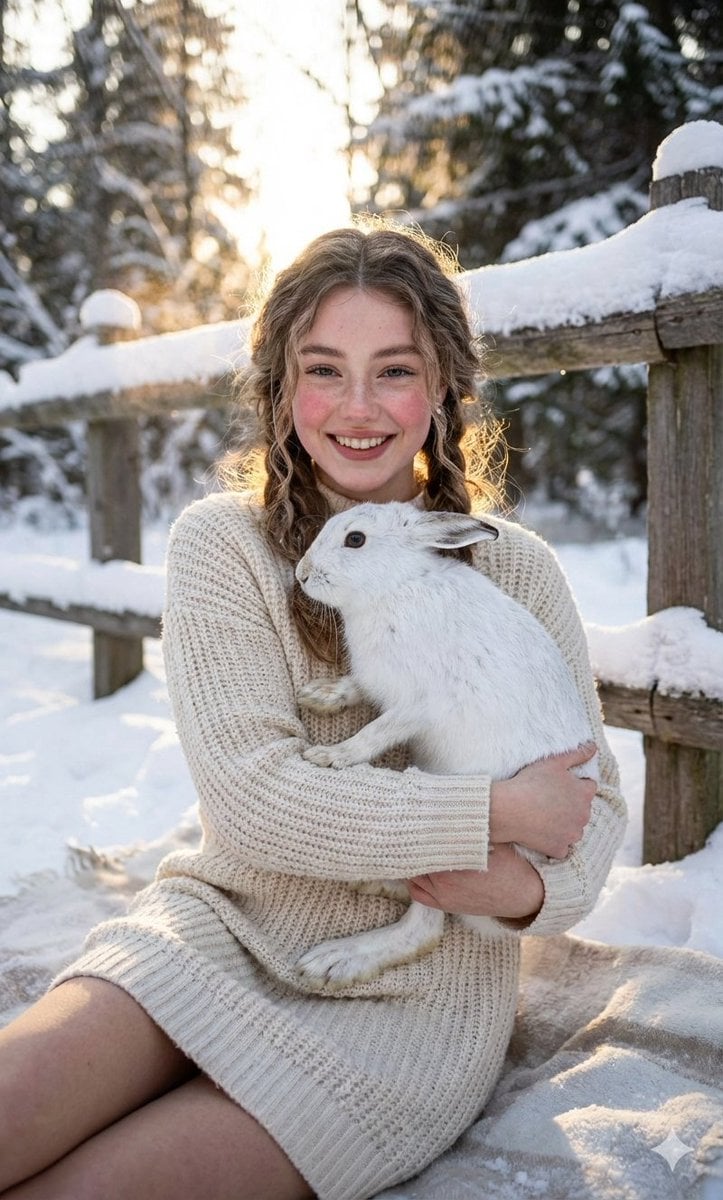
Cozy Winter Portrait with White Hare
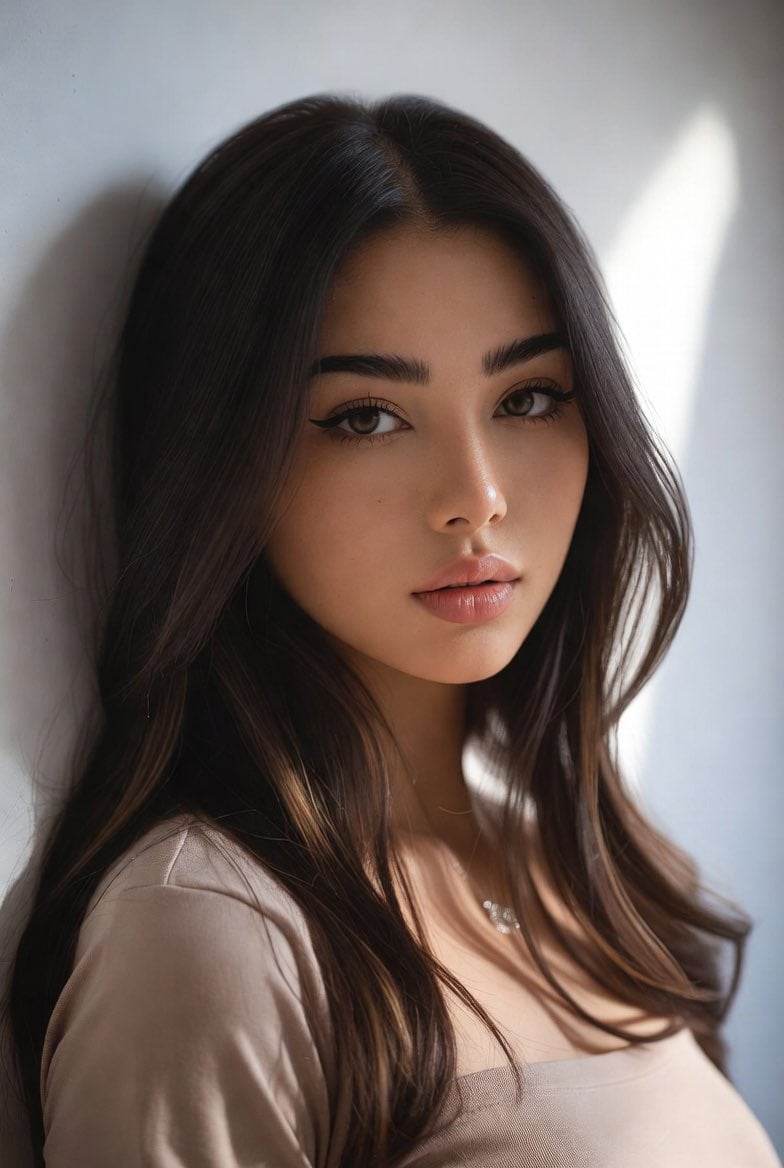
Censored Mixed-Heritage Portrait
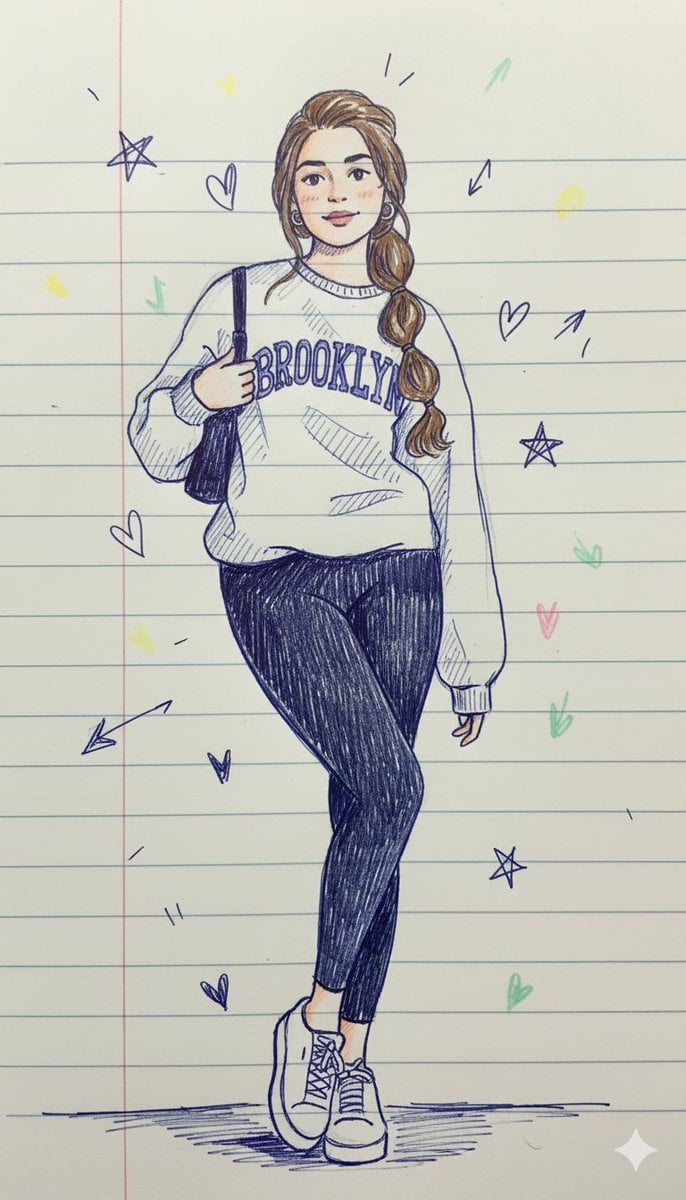
Notebook Pen Doodle Identity Preservation Prompt
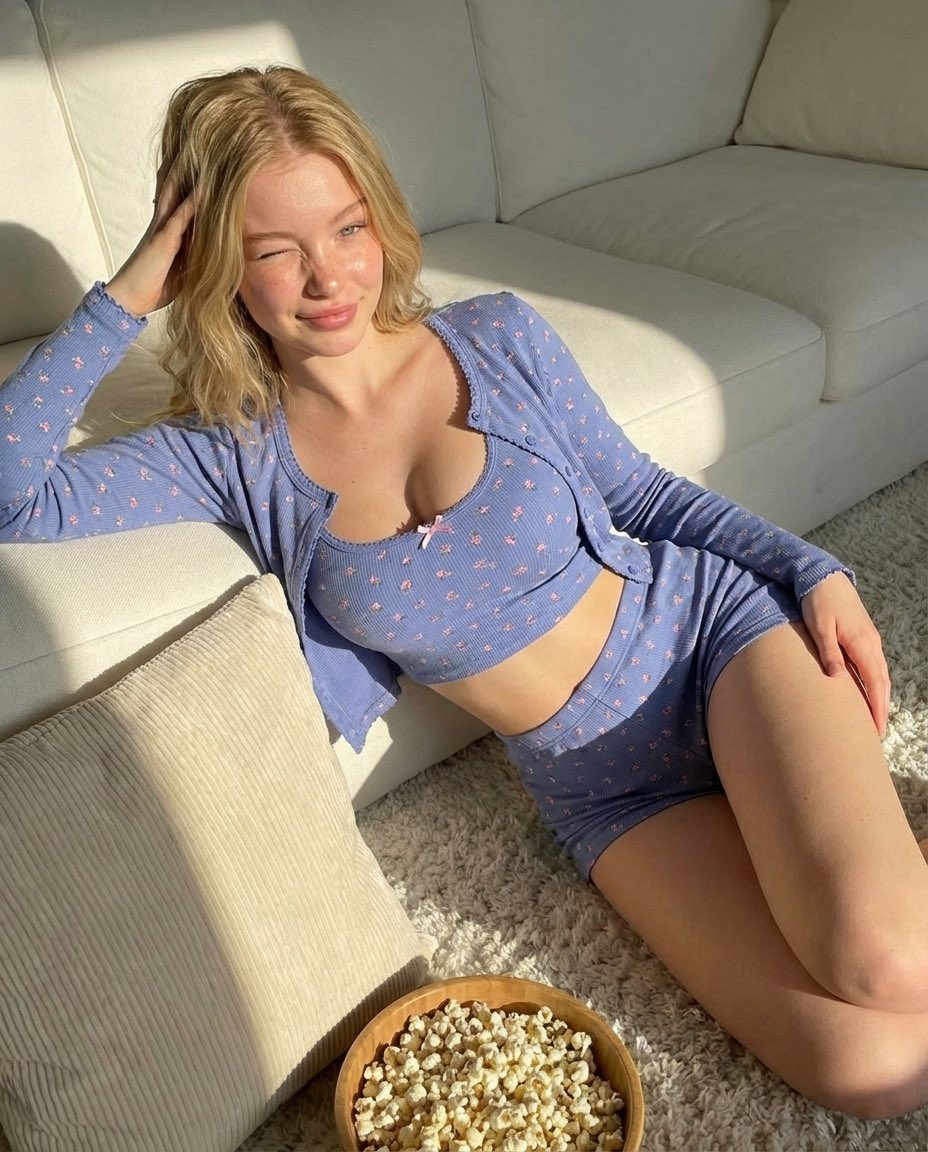
Cozy Indoor Portrait
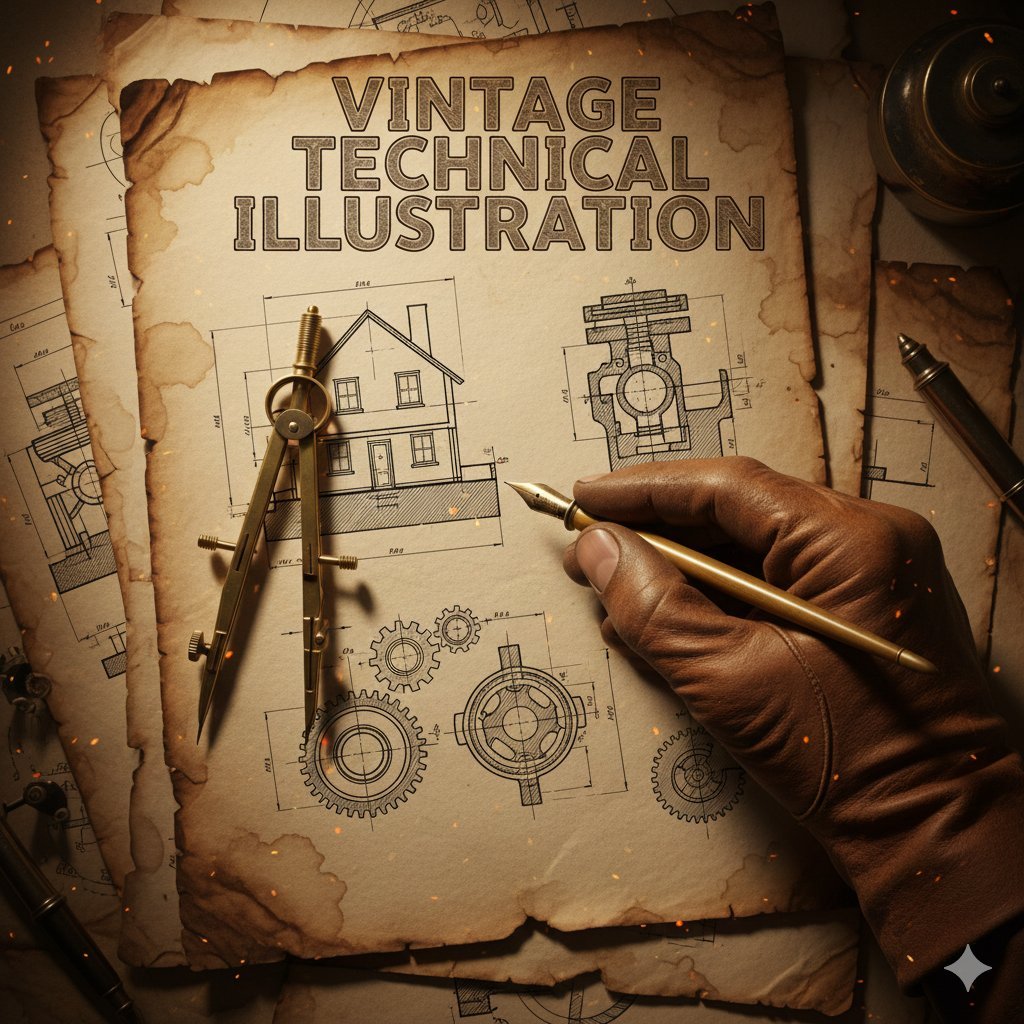
Vintage Technical Illustration Macro Shot
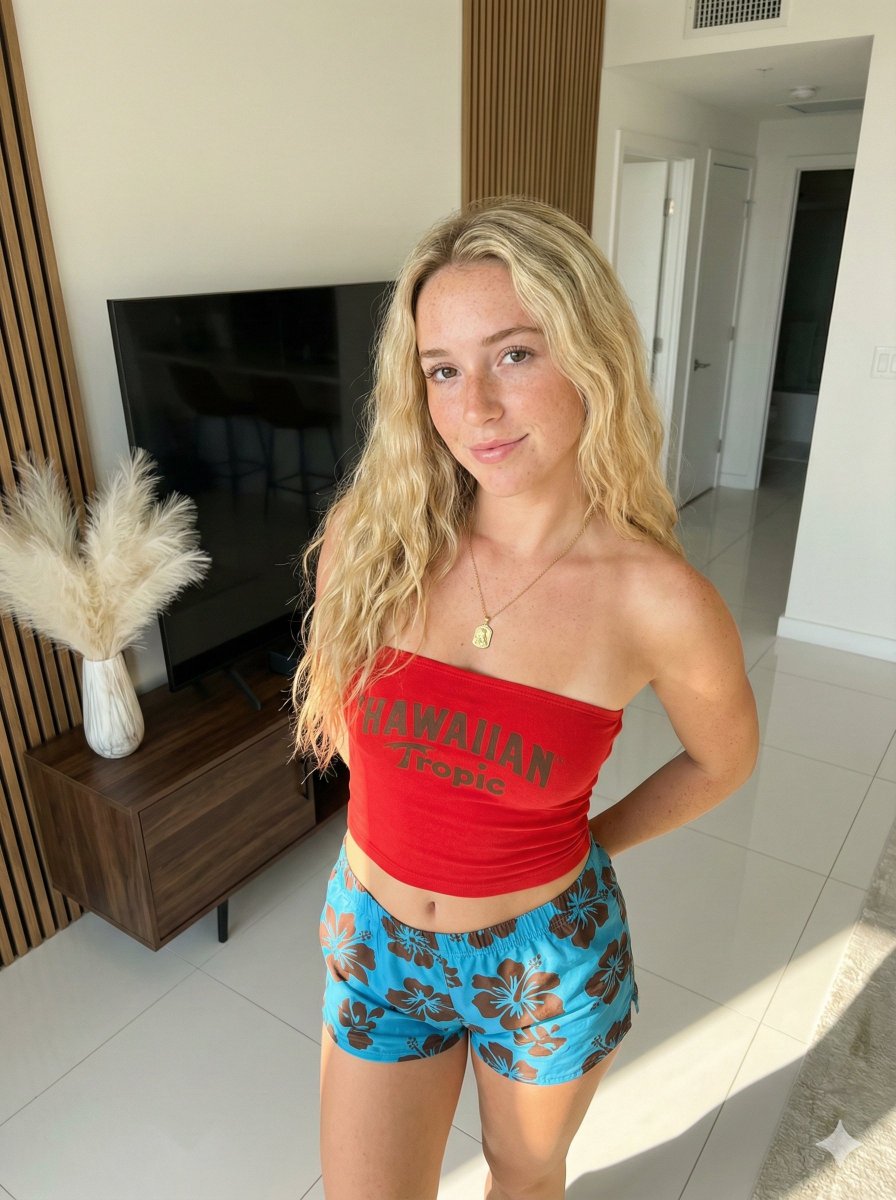
Ultra-Photorealistic Indoor Portrait (Hawaiian Tropic)
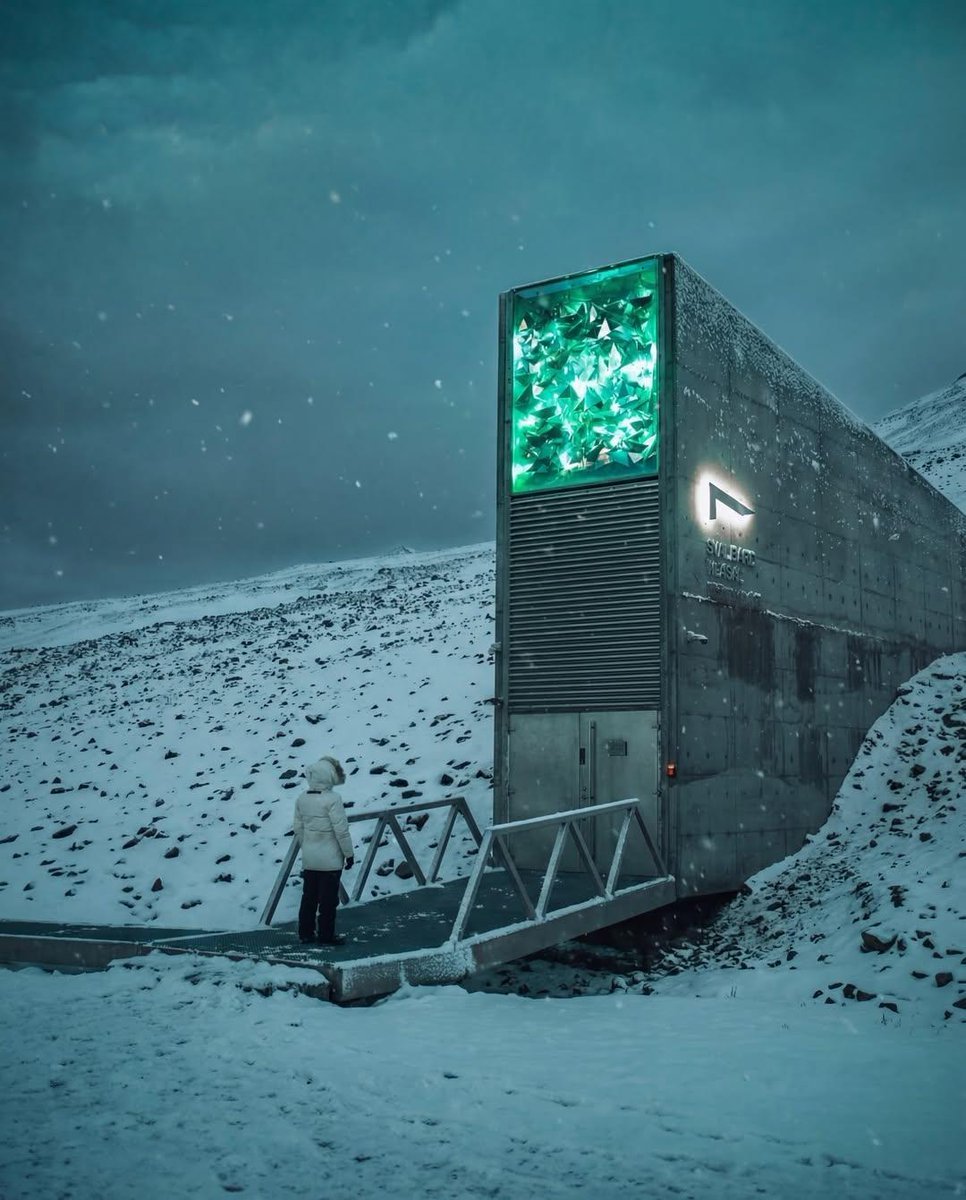
Cinematic Futuristic Winter Landscape
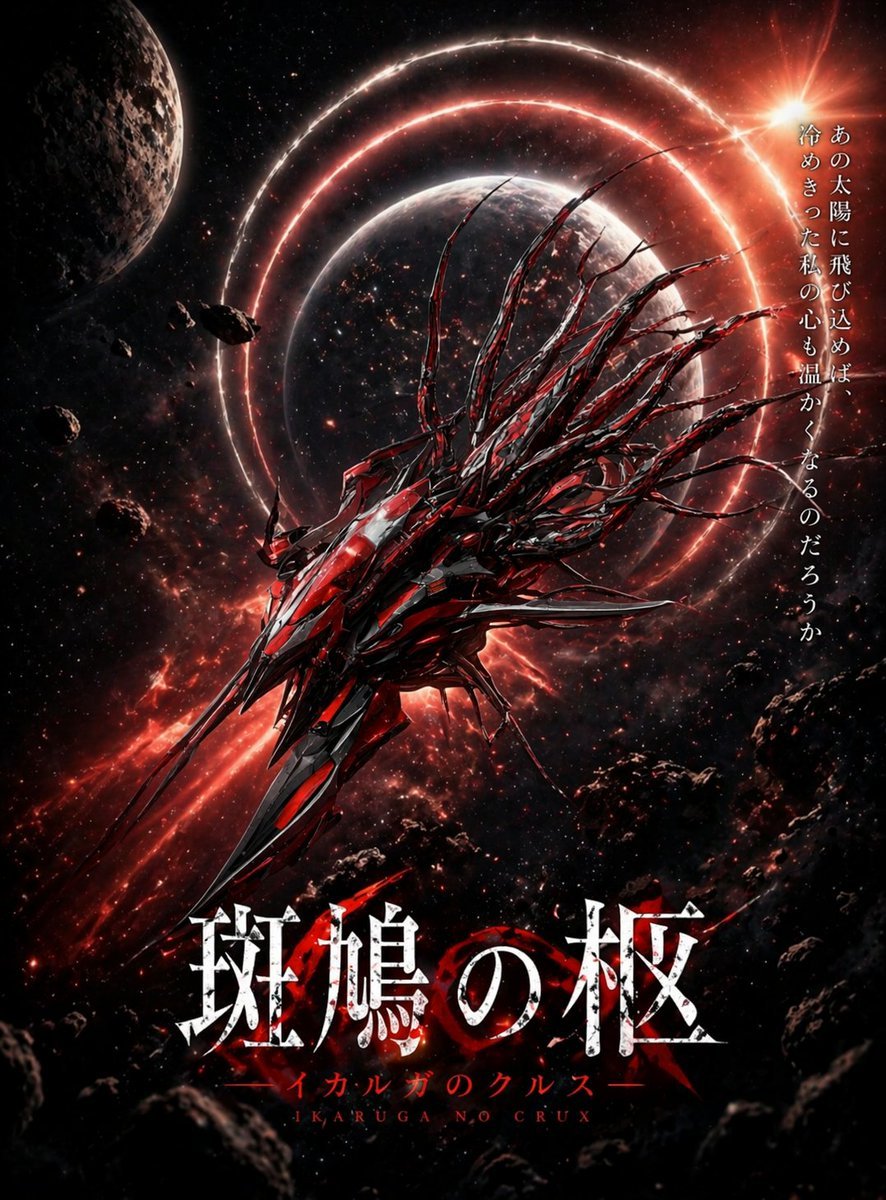
Crimson Space Opera Key Visual
untitled
Browse template categories
Ultrawide Indy Cockpit Racing View questions
How do I use the Ultrawide Indy Cockpit Racing View template?
Add your photo if the template asks for one, edit the prompt if you like — the template's model and format are already selected — and press Generate. Your version opens in PicX Studio.
Can I customize the Ultrawide Indy Cockpit Racing View template?
Yes. You can change the subject, setting, lighting, mood, format, and available model controls before creating your image.
Is the Ultrawide Indy Cockpit Racing View template free?
Opening and editing this template is free. Generating uses credits, shown on the Generate button when you are signed in.
Which AI model should I use?
Start with GPT Image 2, which is the model associated with this template. You can compare another compatible model for a different finish.
Looking for something else? Browse all templates.

Your photo, any look
Thousands of ready templates for every top image and video model, from one credit balance.