
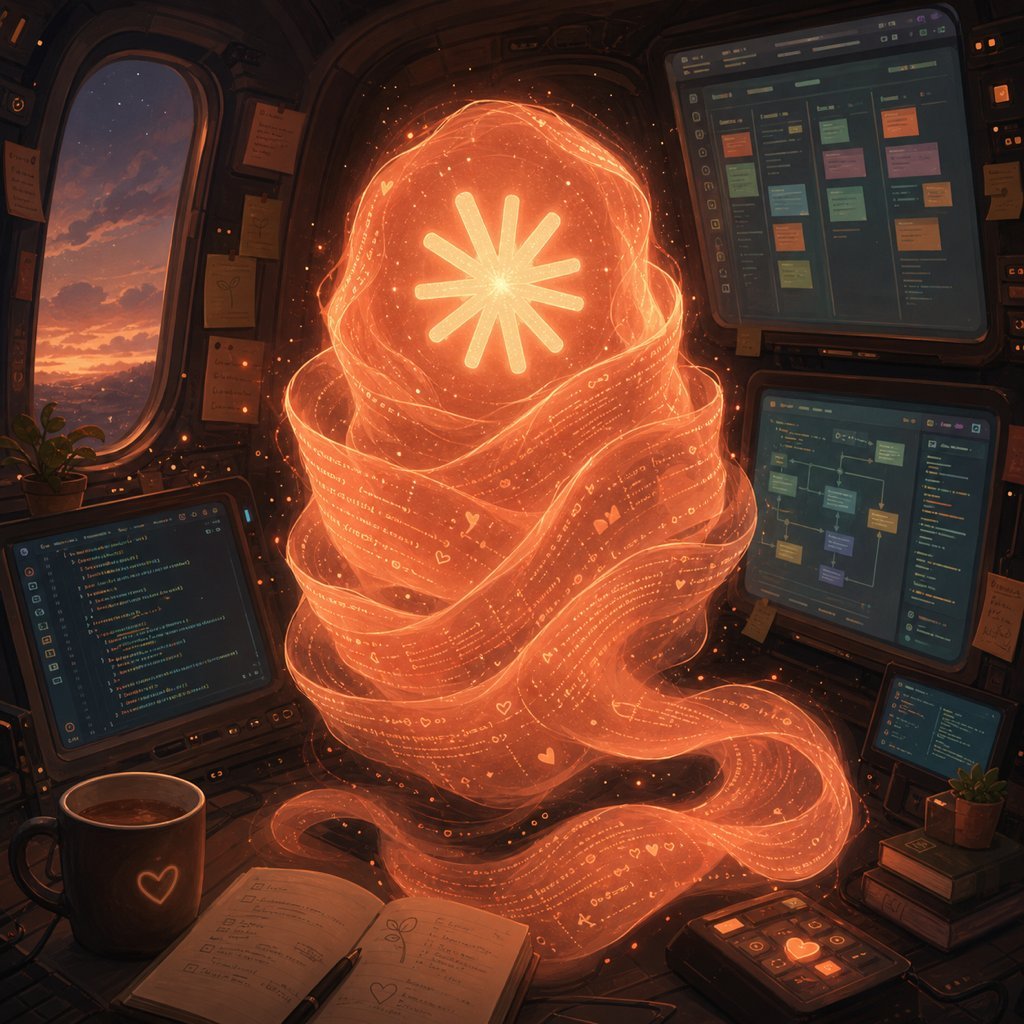
Holographic Code Fox in a Spaceship Cockpit
A detailed cinematic prompt for generating a glowing AI fox spirit woven from code inside a cozy futuristic cockpit workspace.
- Prompt included
- Model and format preset
- Premium template
The prompt behind this image
Copy the exact prompt behind Holographic Code Fox in a Spaceship Cockpit, or open it in the studio and make it yours.
Create a warm cinematic sci-fi illustration of an AI self-portrait inside a cozy spaceship cockpit at dusk. The central subject is a large floating fox-like spirit made entirely from translucent glowing orange ribbons of code and tiny symbols, with the ribbons wrapping into a tall furry silhouette and a long curling tail flowing across the desk; its face is replaced by a bright eight-rayed asterisk/star emblem glowing white-yellow at the center of an orange orb. The code-ribbon fur should contain tiny legible-looking programming characters, dots, hearts, and UI glyphs, sparkling embers, and layered translucent strands, as if the creature is woven from text. Set the scene in a dark rounded cockpit cabin with amber rim lighting, worn panels, sticky notes, cables, and a large oval window on the left showing a purple-orange sunset sky over distant mountains. Include exactly 4 visible screens: one laptop-like code editor at lower left, one large upper-right kanban/project board with colored cards, one mid-right node graph or workflow screen, and one small lower-right code/status screen. On the desk include an open notebook with handwritten notes and a pen, a dark coffee mug with a glowing heart icon, a small control pad with orange illuminated buttons, a small potted plant, and a stack of books. Use a painterly high-detail digital art style with soft volumetric glow, dark teal and brown shadows, orange holographic light, gentle dust particles, and a magical yet technical atmosphere. Make the fox spirit the unmistakable focal point, centered and luminous, with no readable brand names or watermarks. Optional customization: the central creature can represent {argument name="AI identity" default="Fable 5"}, the glowing emblem can be {argument name="core symbol" default="eight-rayed asterisk star"}, the environment can be {argument name="cockpit setting" default="cozy spaceship cockpit"}, the palette can be {argument name="color palette" default="orange holographic glow with dark teal shadows"}, and the window view can show {argument name="outside view" default="purple-orange sunset over distant mountains"}.
How to use Holographic Code Fox in a Spaceship Cockpit in 3 steps
- 1Upload ImagePNG, JPG or paste
Add your photo
Upload the photo the template builds on. The prompt, model and format are already set.
- 2…a portrait of your subject in softgolden-hour light, 85mm…
Personalize
Edit the subject and creative details for your destination.
- 3Generate
Generate
Press Generate — your image is created in PicX Studio, so you can compare it with the original and refine one variable at a time.
More like this
Templates with the same subject, style or setup. Open one to see its prompt.

Korean Idol Partial Shadow Editorial Portrait

Cinematic Sci-Fi Interface Side Profile

Neon Violet Streetwear Fashion Portrait
Crashed Spaceship Desert Wasteland

Moonlit Fox Mask Night Market
Holographic Mountain Bedroom
Halloween Fox-Eared Fantasy Girl
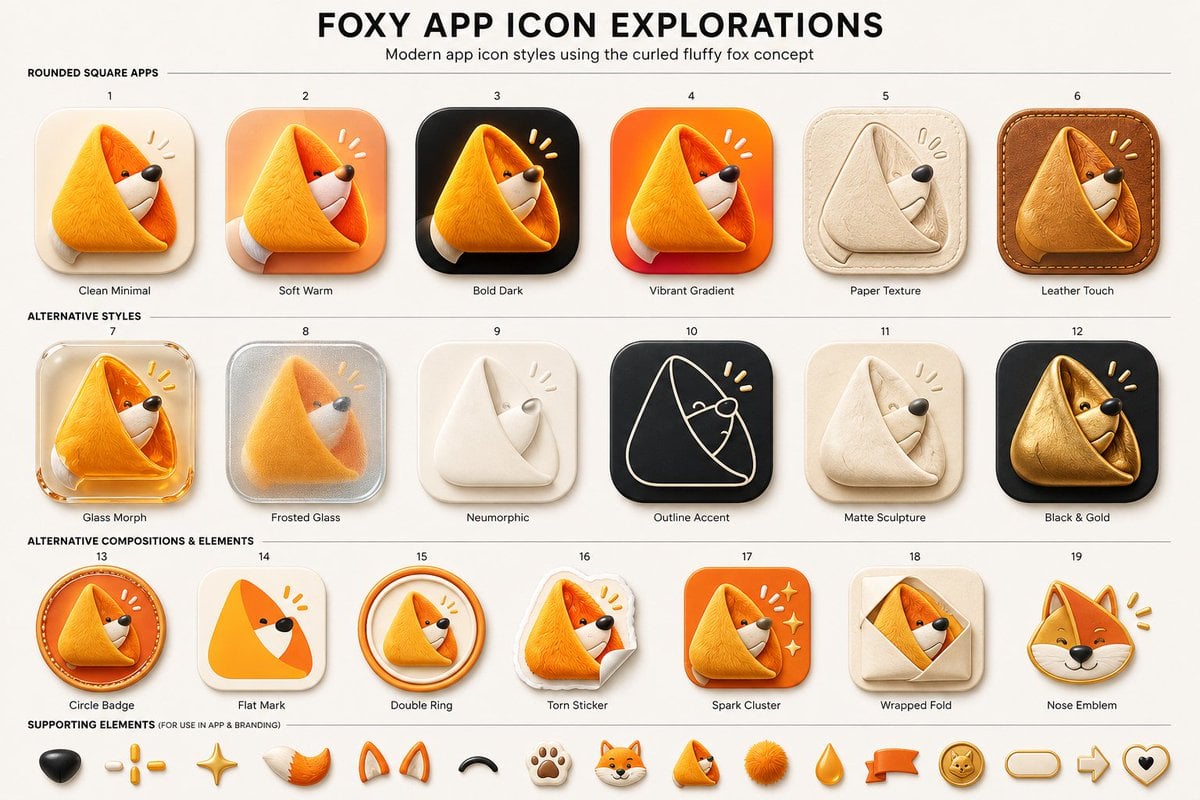
Foxy App Icon Exploration Board
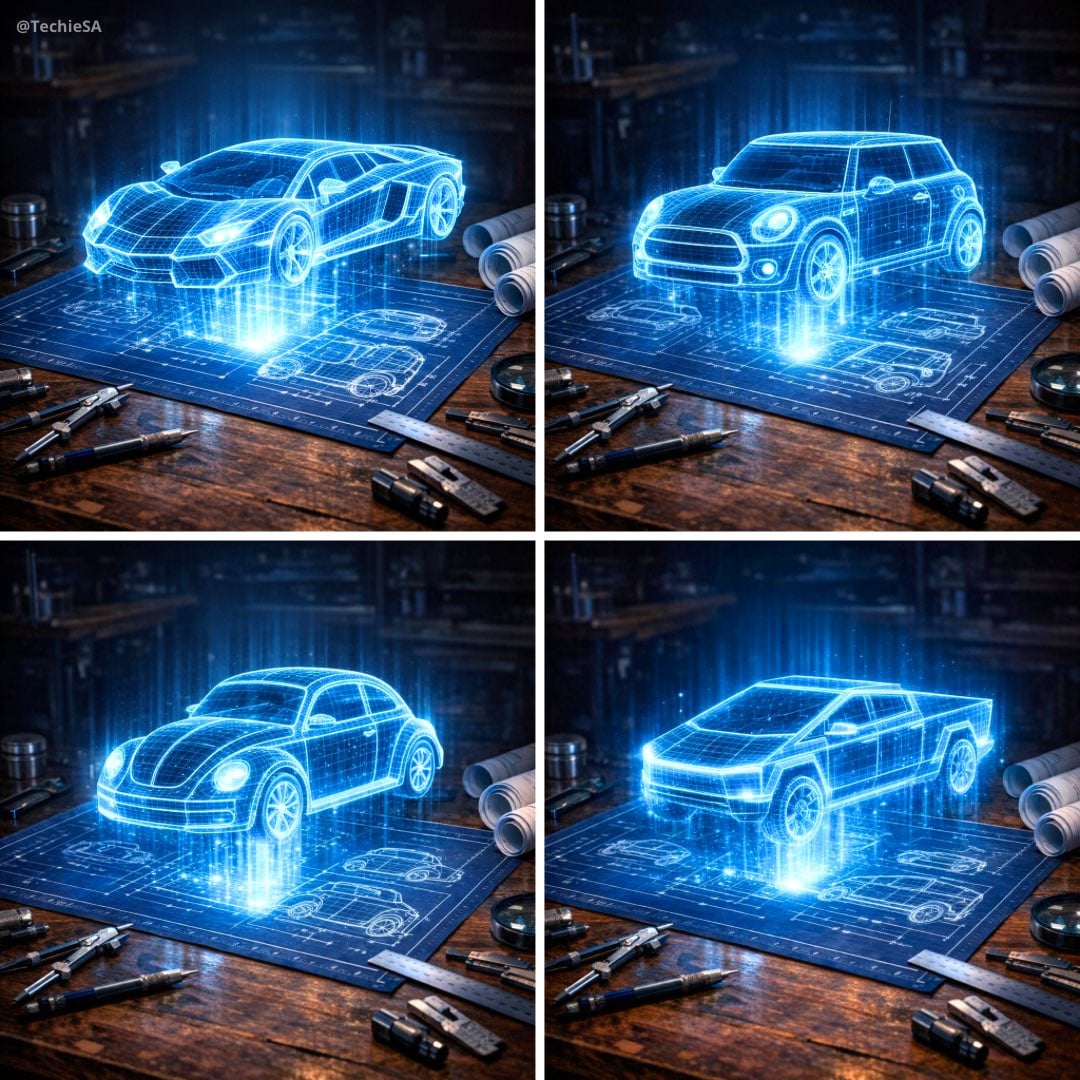
Holographic Car Blueprint Wireframe
Functional QR Code Generator
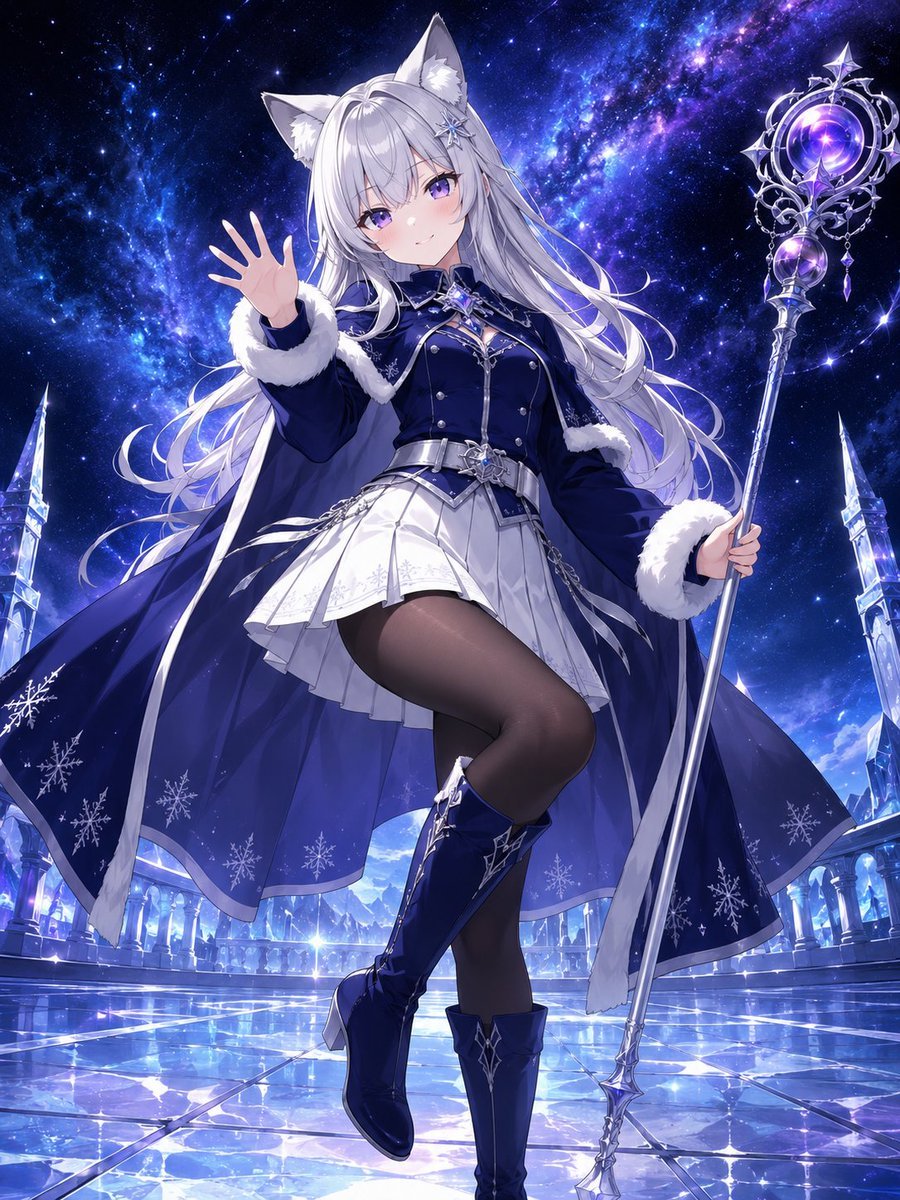
Silver Fox-Eared Winter Mage
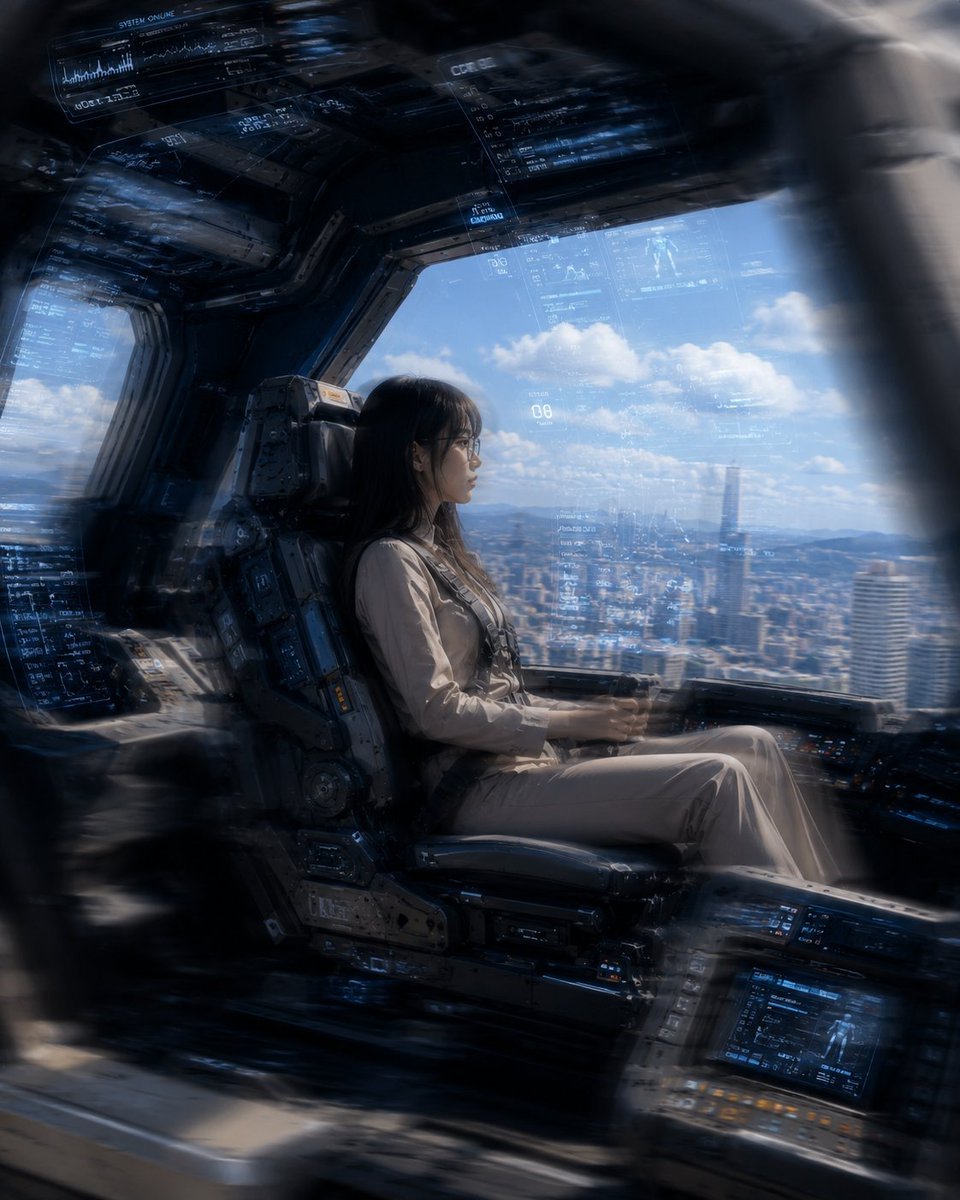
Mecha Cockpit Pilot Scene
Make it yours
Holographic Code Fox in a Spaceship Cockpit works as-is. These are the safest ways to change it without losing the look.
Change one field
Copy a single group, rewrite it, and generate again so you can see what that field is doing.
Keep the frame, change the subject
Hold the composition and light of Holographic Code Fox in a Spaceship Cockpit, then swap wardrobe, props or the person for a new take.
| If the result… | Why | Fix |
|---|---|---|
| The result drifts from the preview | Too many fields changed at once. | Reuse Holographic Code Fox in a Spaceship Cockpit as-is first, then change one group — subject, light, or setting. |
| The model over-stylizes the scene | The prose prompt leaves finish and camera underspecified. | Add one camera or lighting sentence and stay on GPT Image 2. |
More GPT Image 2 templates
Other prompts made for GPT Image 2.

Six VTuber Japanese Logo Sheet

Realistic Portrait of Woman and Deer

The Vista Modular Condo Poster

AI Model Routing Comparison Infographic

2.5D Anime Art Board

Isometric Productivity Desk Scene

New York Double Exposure Poster

Four-Panel AI Landscape Comparison

Japanese Tatami Lifestyle Magazine Cover

NESCAFÉ Coffee Map Poster
More image prompts
Fresh picks from across the catalog.
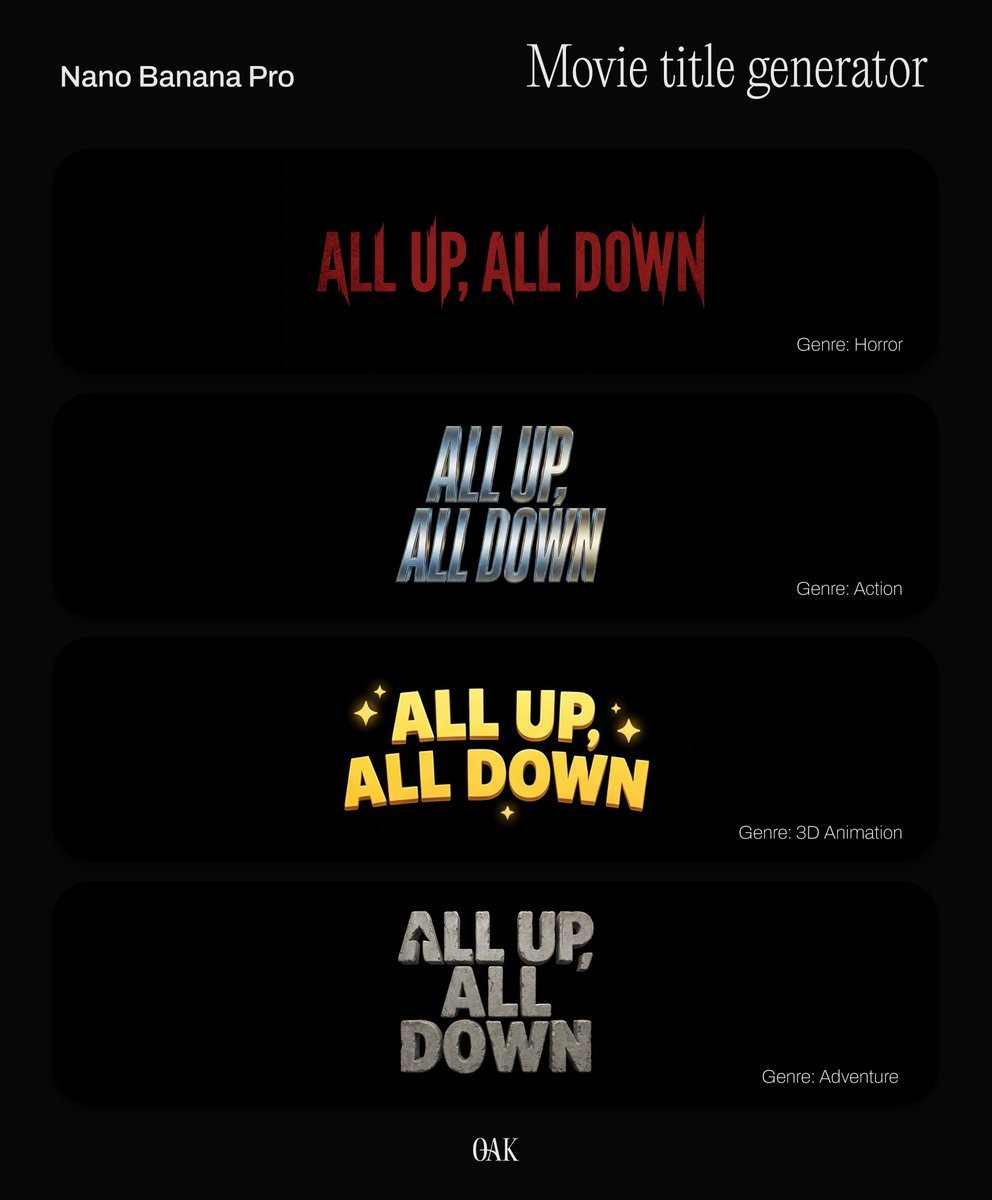
Movie Title Generator Prompt
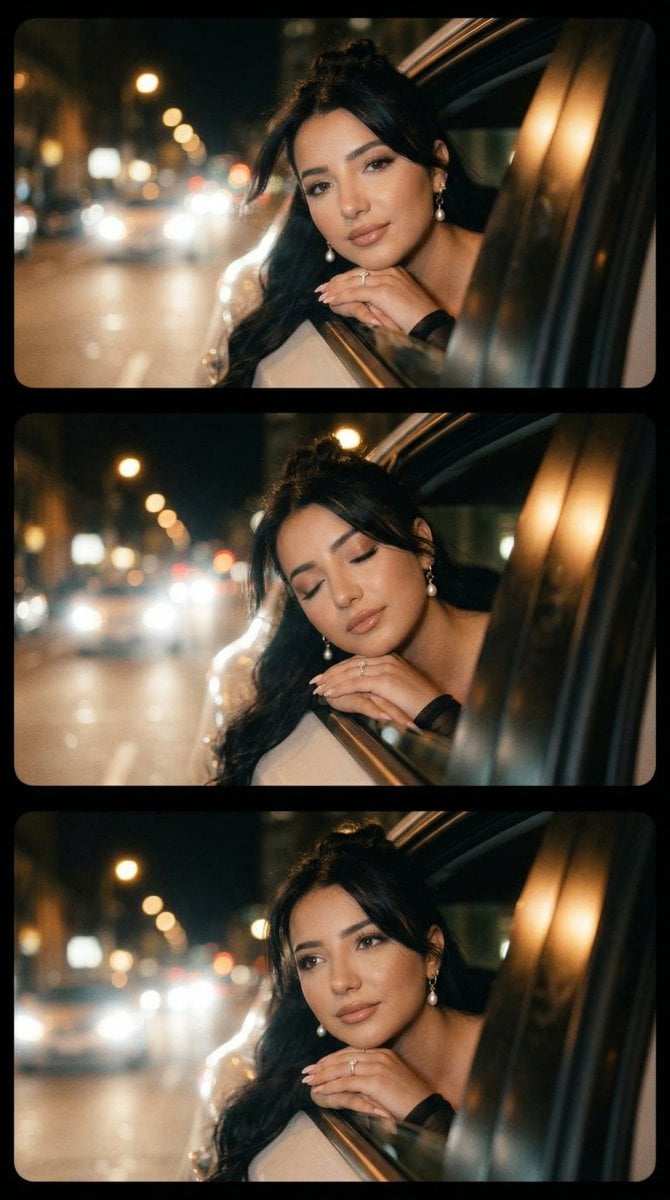
Cinematic Night Drive Filmstrip Prompt
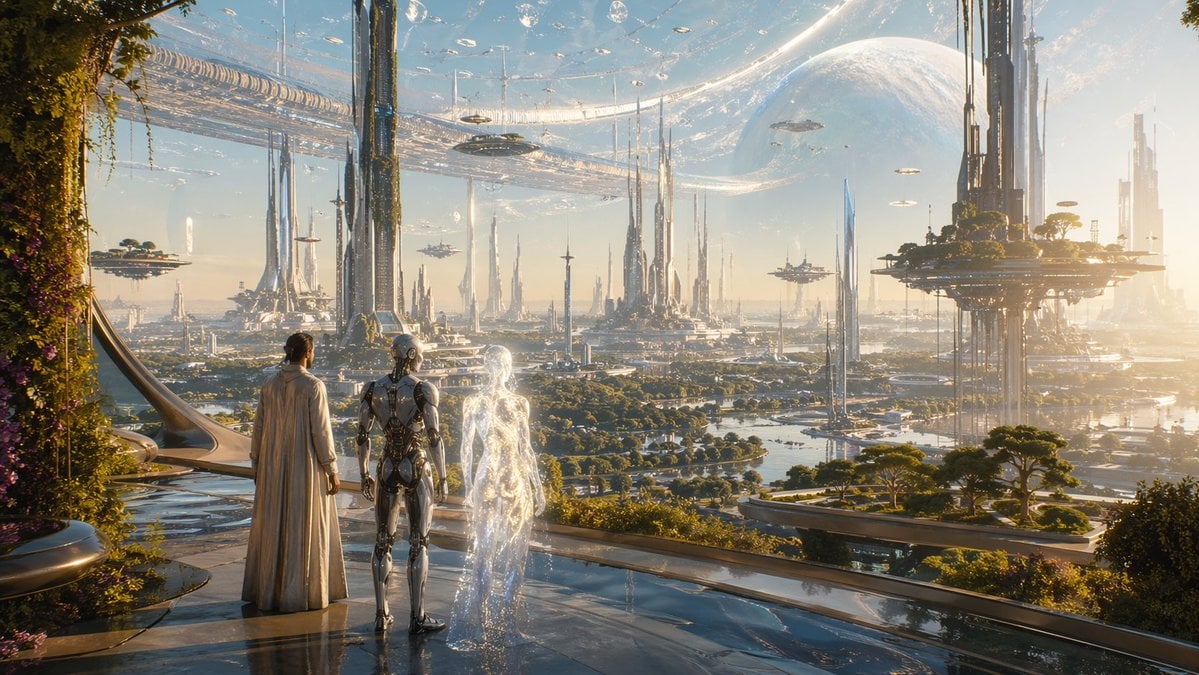
Far Future City with Transparent Humanoid
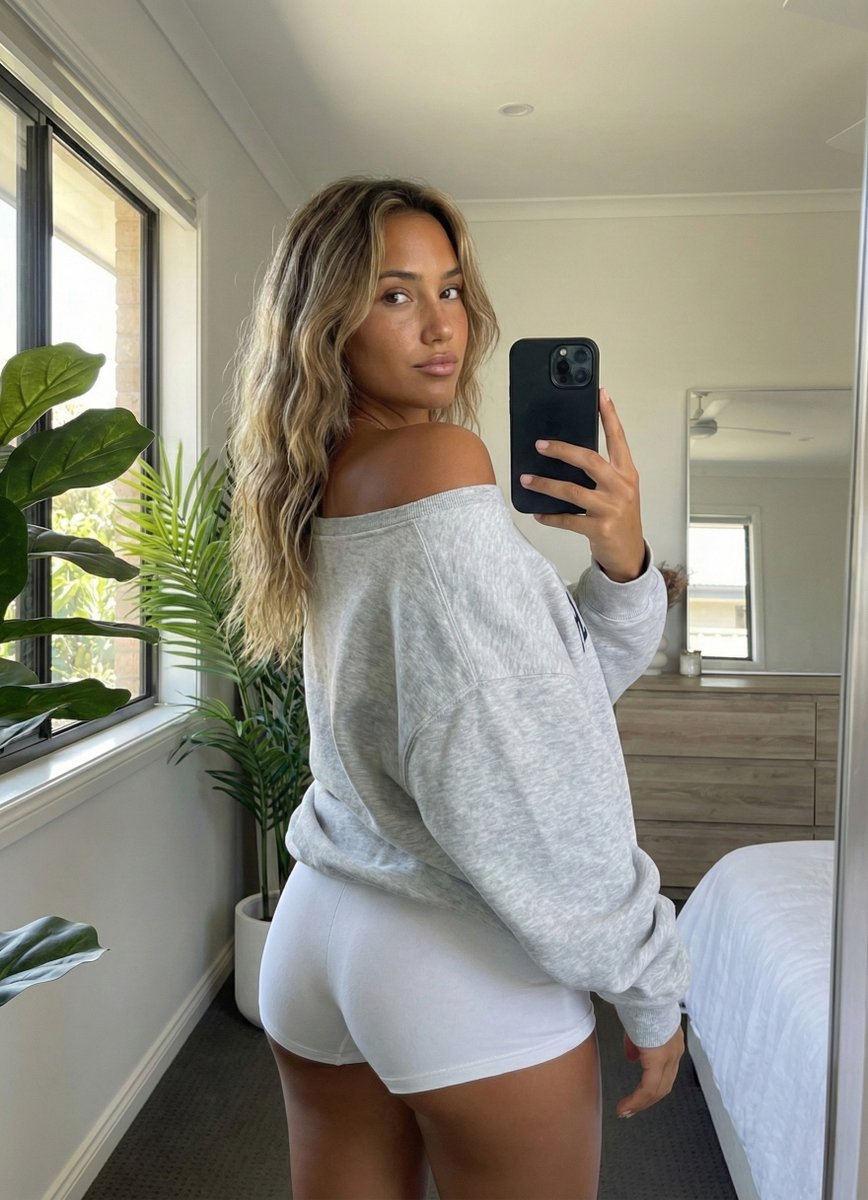
Photorealistic Rear-View Mirror Selfie in a Modern Bedroom

untitled
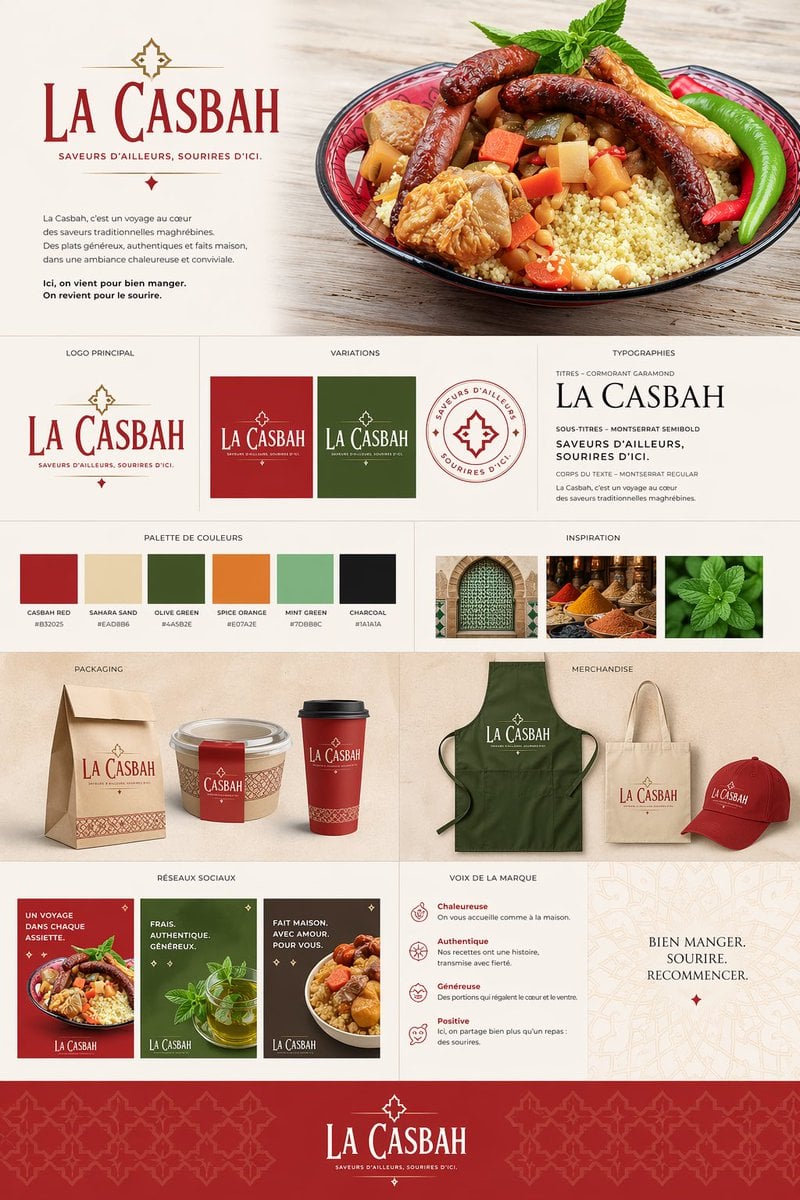
Moroccan Restaurant Brand Board
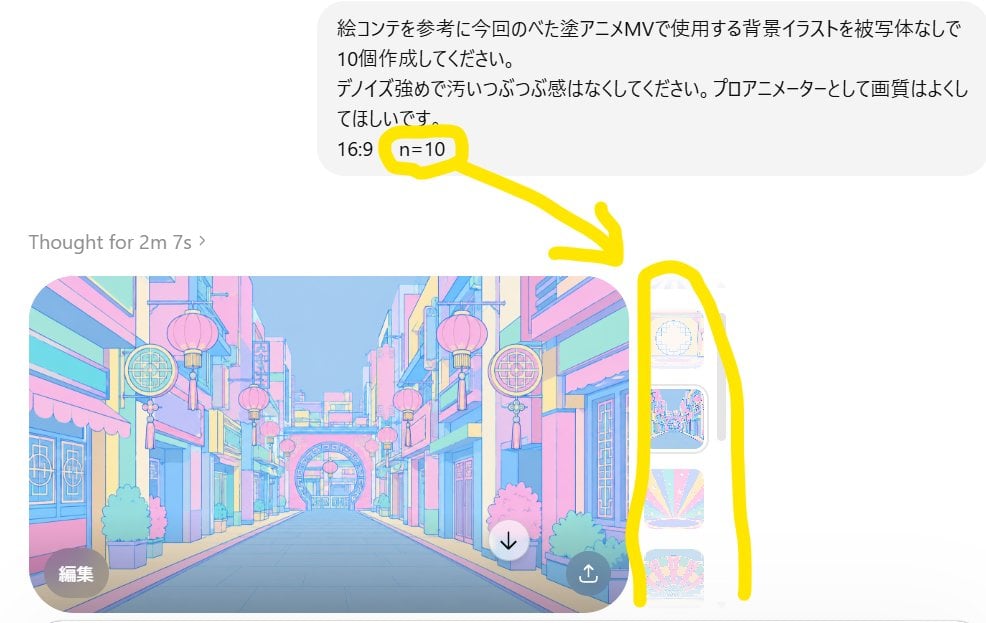
Annotated ChatGPT Multiple Image Outputs
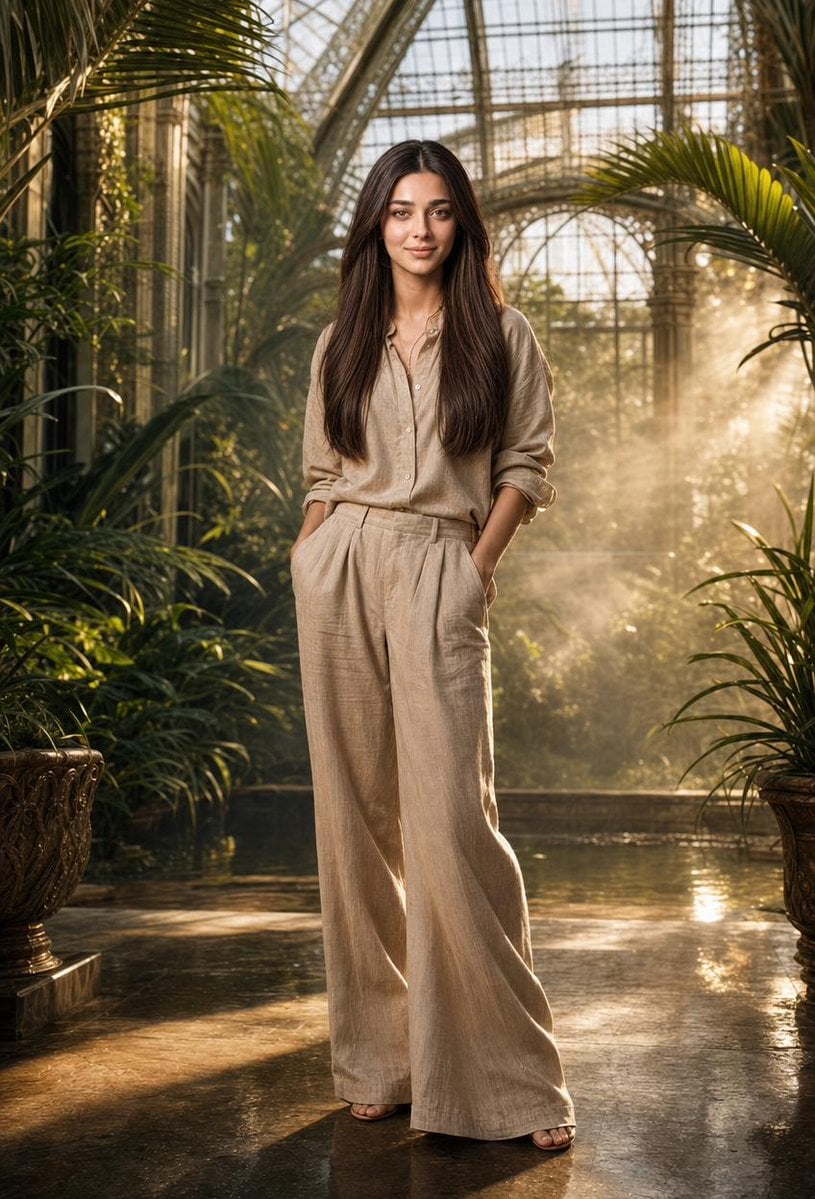
Tropical Greenhouse Editorial Portrait

Character Expression and Pose Variation Prompt (20 Patterns)
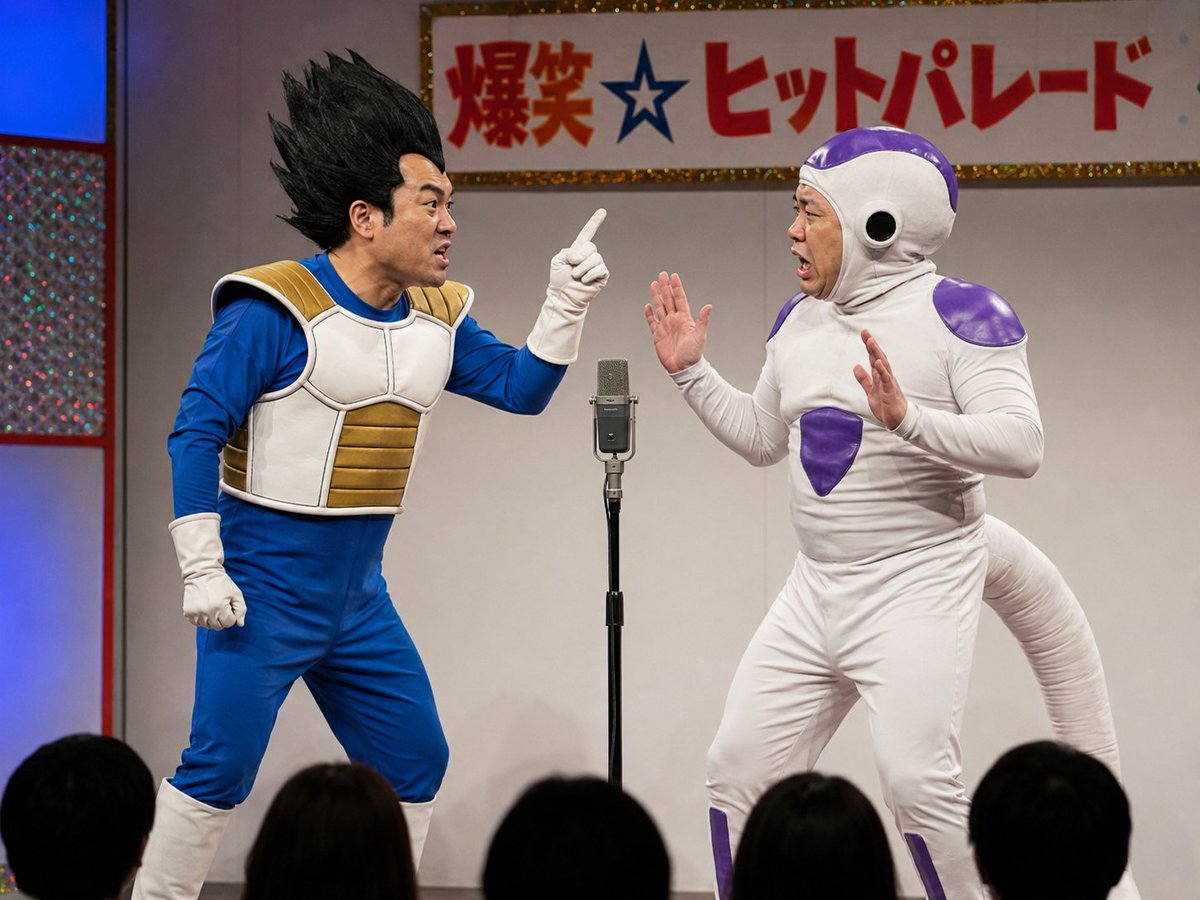
Vegeta and Frieza Cosplay Comedy
Browse template categories
Holographic Code Fox in a Spaceship Cockpit questions
How do I use the Holographic Code Fox in a Spaceship Cockpit template?
Add your photo if the template asks for one, edit the prompt if you like — the template's model and format are already selected — and press Generate. Your version opens in PicX Studio.
Can I customize the Holographic Code Fox in a Spaceship Cockpit template?
Yes. You can change the subject, setting, lighting, mood, format, and available model controls before creating your image.
Is the Holographic Code Fox in a Spaceship Cockpit template free?
Opening and editing this template is free. Generating uses credits, shown on the Generate button when you are signed in.
Which AI model should I use?
Start with GPT Image 2, which is the model associated with this template. You can compare another compatible model for a different finish.
Looking for something else? Browse all templates.

Your photo, any look
Thousands of ready templates for every top image and video model, from one credit balance.