
Mech Pilot Cockpit Over City
A cinematic photorealistic prompt for generating a giant robot pilot seated in a futuristic cockpit overlooking a city with blue holographic HUD displays.
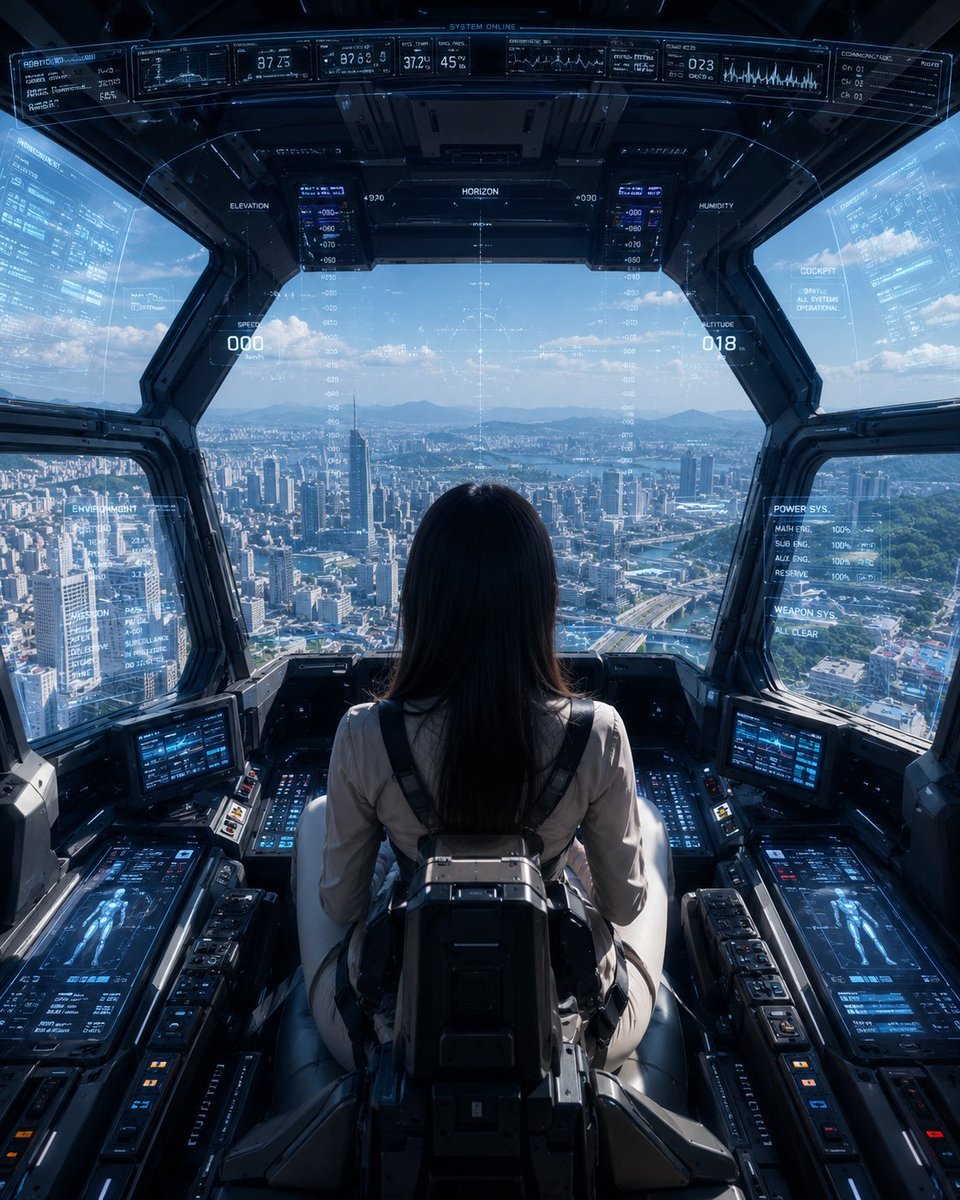
- Prompt included
- Model and format preset
- Free template
The prompt behind this image
Copy the exact prompt behind Mech Pilot Cockpit Over City, or open it in the studio and make it yours.
Create a cinematic photorealistic sci-fi cockpit scene from a rear-centered viewpoint: a lone female pilot, {argument name="pilot description" default="young woman with long straight black hair"}, sits in a high-tech pilot seat facing forward inside the cockpit of a giant robot or advanced mech. She wears a fitted {argument name="pilot suit color" default="light beige flight suit"} with black shoulder harnesses and a bulky rectangular mechanical backpack/seat module attached behind her. The cockpit is dark graphite metal with angular armored window frames and a wide panoramic windshield overlooking a bright futuristic city from high altitude. Outside, show dense modern skyscrapers, roads, a bay or river, distant mountains, blue sky, and scattered clouds in crisp daylight. Fill the cockpit with glowing blue holographic HUD overlays projected on the glass and consoles: include exactly 8 main display clusters visible in the composition—1 long curved top status strip across the ceiling, 1 central horizon/altitude targeting reticle on the windshield, 2 vertical side telemetry panels near the front window pillars, 2 translucent side-window data panels, and 2 large lower console screens showing humanoid mech schematics and system readouts. Add smaller buttons, switches, illuminated panels, and cockpit controls on both left and right arm consoles, using cool cyan-blue UI graphics with fine technical text, charts, waveforms, numeric indicators, and labels such as system online, horizon, altitude, speed, power system, and weapon system. Composition should be symmetrical, immersive, and highly detailed, with the pilot centered in the lower half and the city framed through the cockpit glass. Use realistic lighting with strong daylight outside, blue reflections on glass, deep interior shadows, sharp focus, ultra-detailed hard-surface design, cinematic science-fiction atmosphere, no cartoon styling, no visible watermark, no extra characters, and no exterior view of the robot.
How to use Mech Pilot Cockpit Over City in 3 steps
- 1Upload ImagePNG, JPG or paste
Add your photo
Upload the photo the template builds on. The prompt, model and format are already set.
- 2…a portrait of your subject in softgolden-hour light, 85mm…
Personalize
Edit the subject and creative details for your destination.
- 3Generate
Generate
Press Generate — your image is created in PicX Studio, so you can compare it with the original and refine one variable at a time.
More like this
Templates with the same subject, style or setup. Open one to see its prompt.
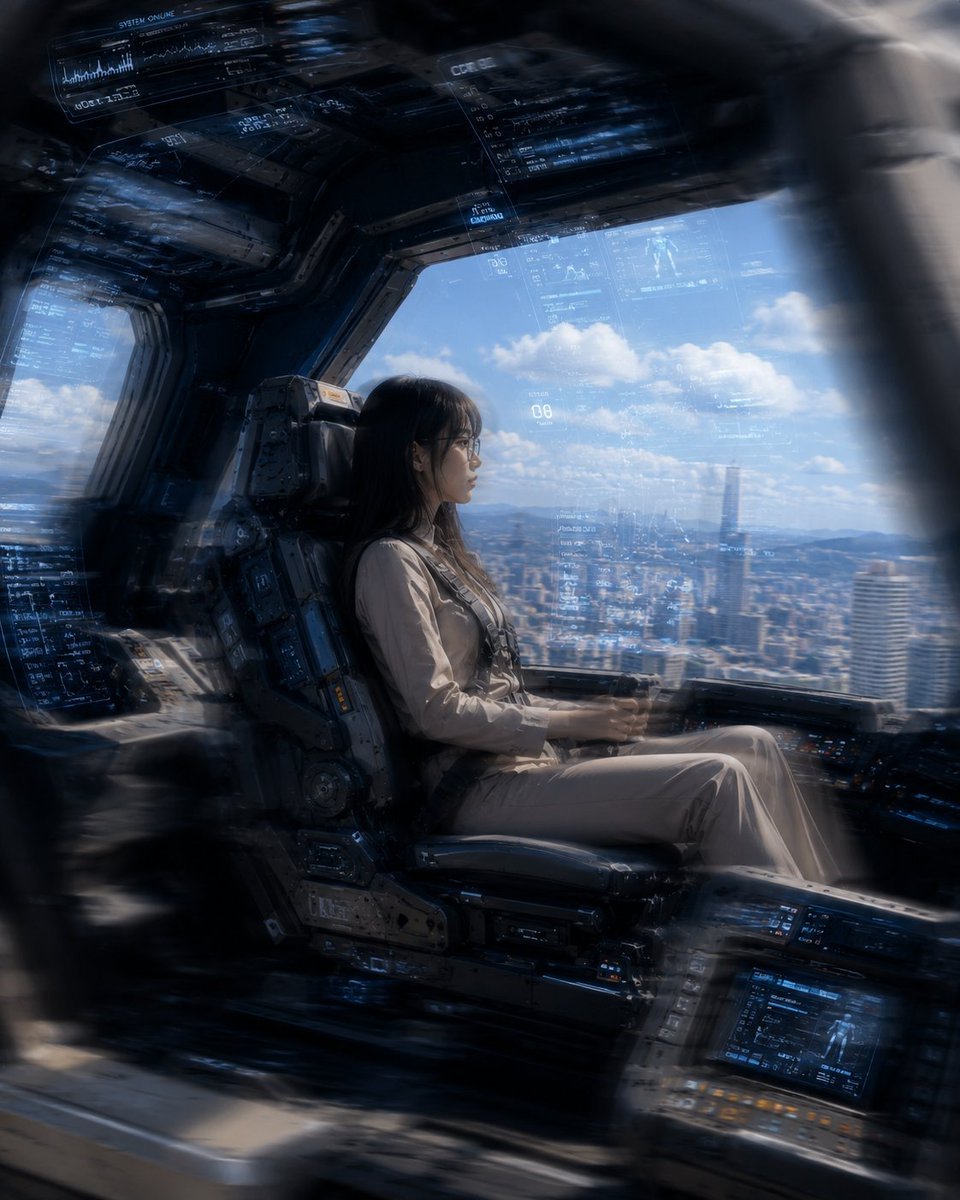
Mecha Cockpit Pilot Scene

Cozy Knit Sweater Window Portrait

Minimalist Hand-Drawn Doodle Portrait
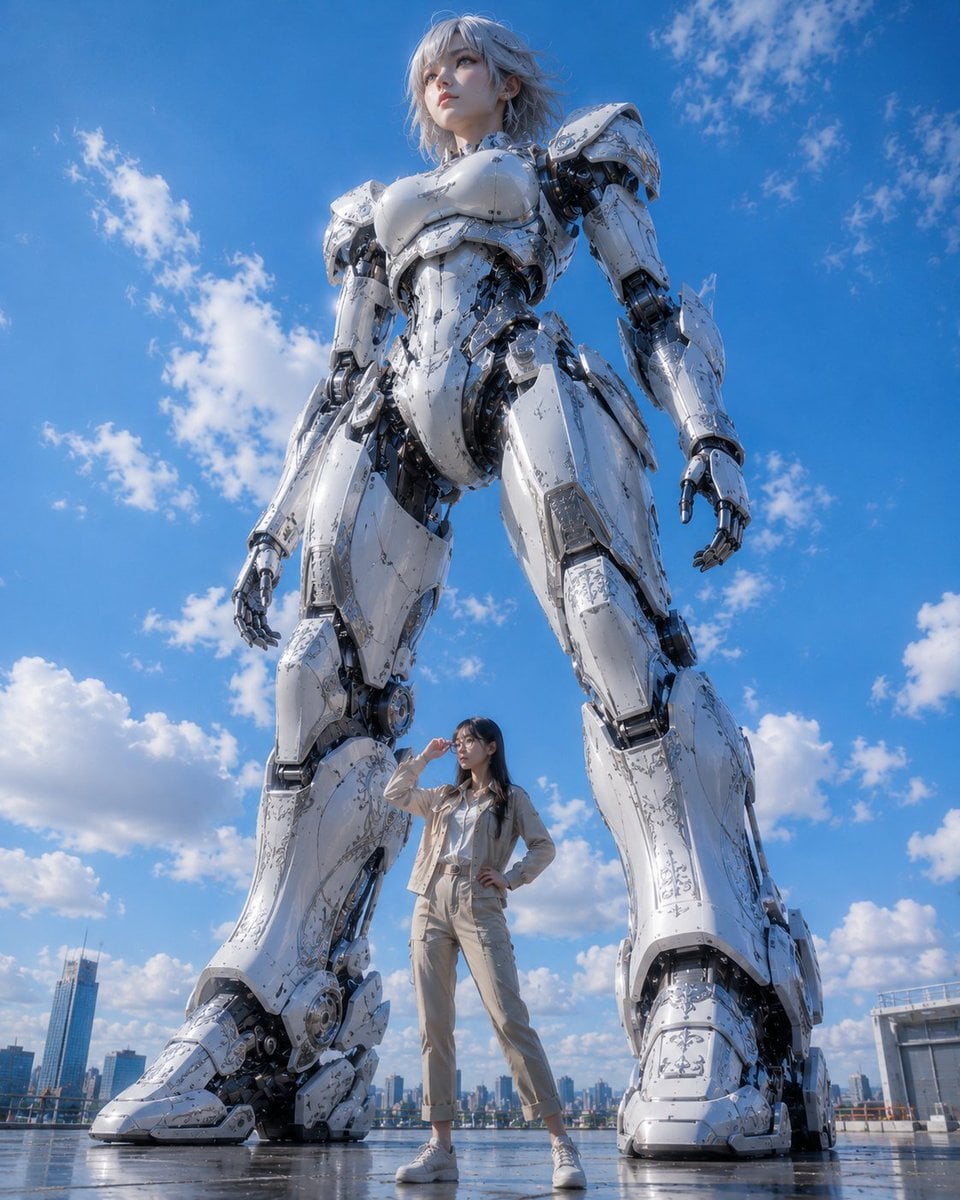
Giant Robot and Pilot Mecha Armor
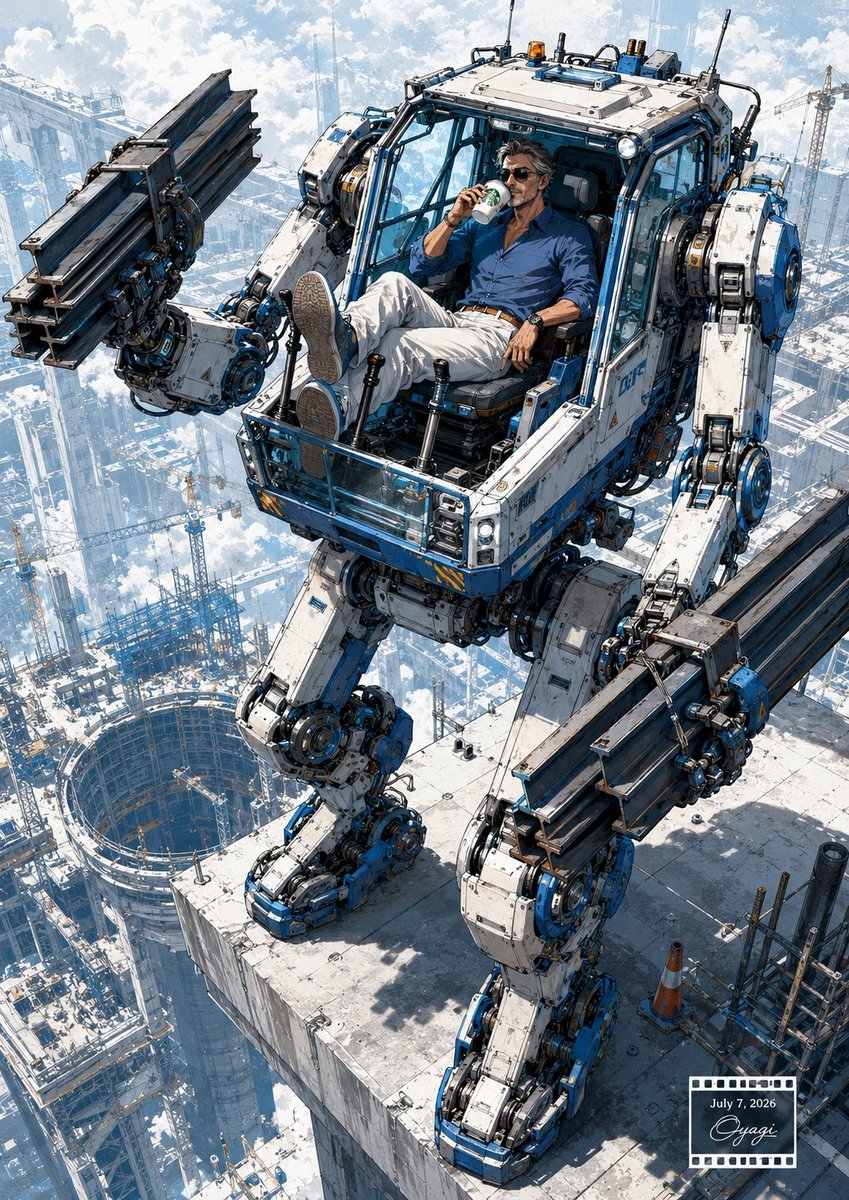
Relaxed Pilot in Construction Mech
Mesoamerican Bio-Mechanical Cockpit
Anime Mecha Pilot Poster
Six-Panel Mecha Pilot Manga

Nano Banana Pro 2.0 — 3x3 Travel Profile Grid
Stormy Police Mech Duel
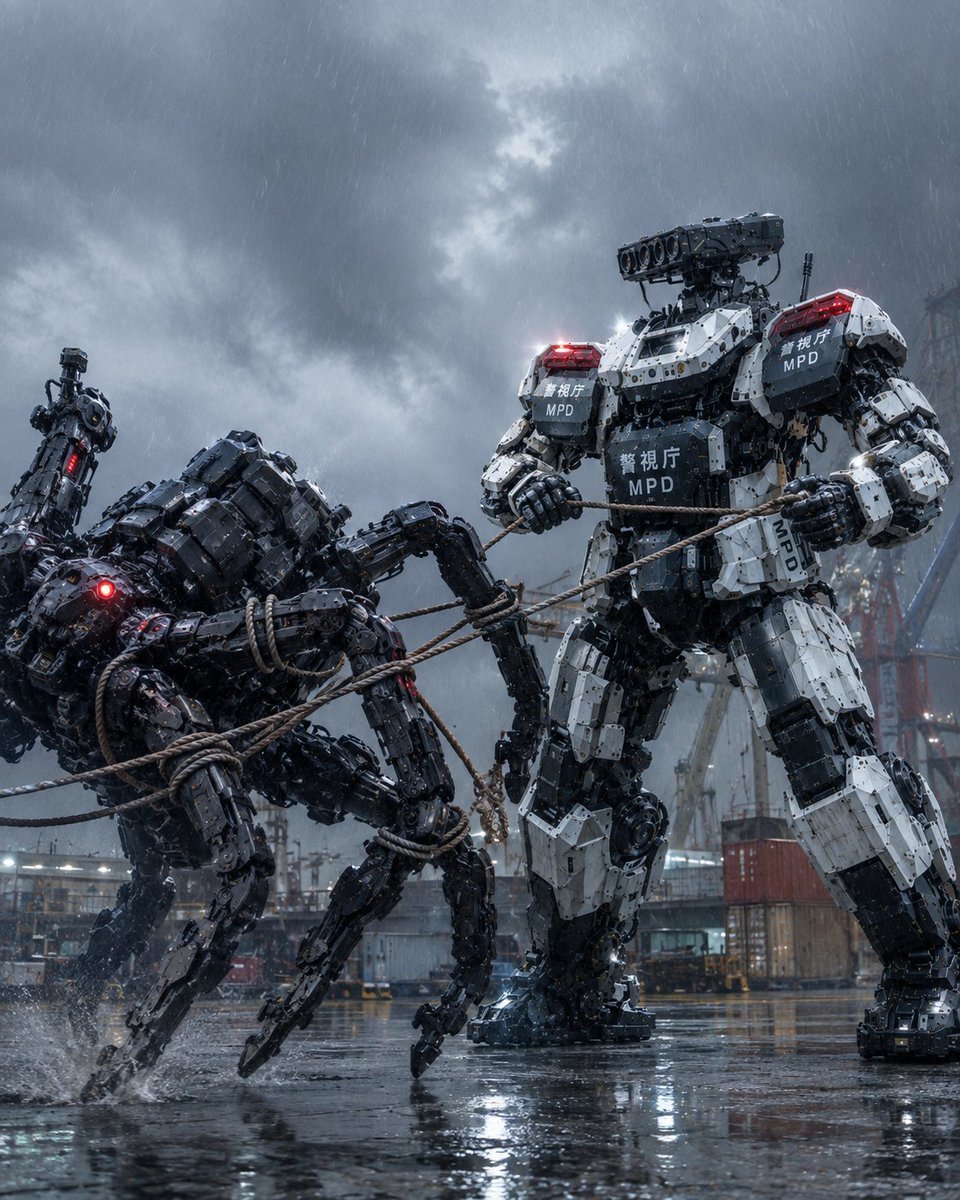
MPD Mech Captures Spider Robot
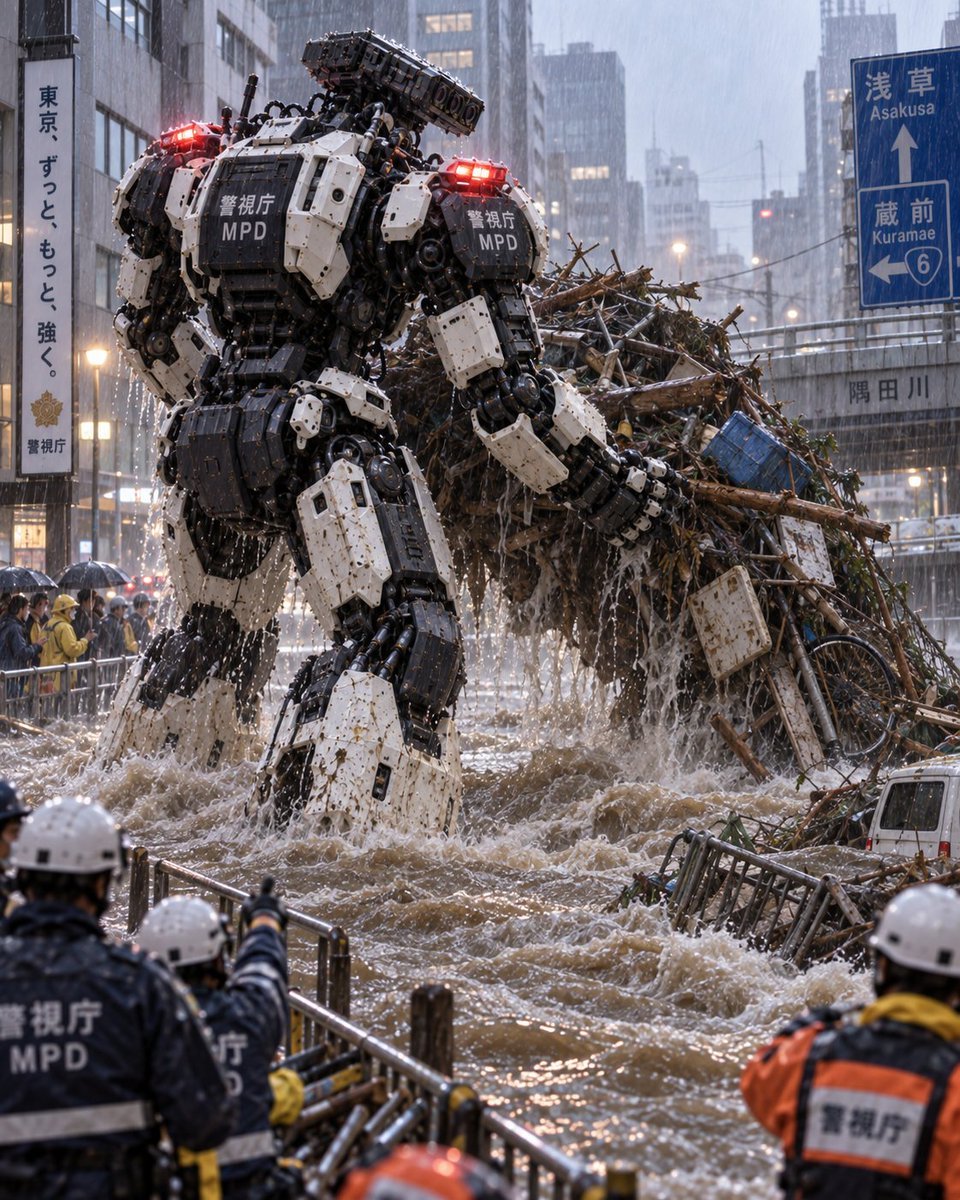
Tokyo Police Flood Rescue Mech
Make it yours
Mech Pilot Cockpit Over City works as-is. These are the safest ways to change it without losing the look.
Change one field
Copy a single group, rewrite it, and generate again so you can see what that field is doing.
Keep the frame, change the subject
Hold the composition and light of Mech Pilot Cockpit Over City, then swap wardrobe, props or the person for a new take.
| If the result… | Why | Fix |
|---|---|---|
| The result drifts from the preview | Too many fields changed at once. | Reuse Mech Pilot Cockpit Over City as-is first, then change one group — subject, light, or setting. |
| The model over-stylizes the scene | The prose prompt leaves finish and camera underspecified. | Add one camera or lighting sentence and stay on GPT Image 2. |
More GPT Image 2 templates
Other prompts made for GPT Image 2.

Six VTuber Japanese Logo Sheet

Realistic Portrait of Woman and Deer

The Vista Modular Condo Poster

AI Model Routing Comparison Infographic

2.5D Anime Art Board

Isometric Productivity Desk Scene

New York Double Exposure Poster

Four-Panel AI Landscape Comparison

Japanese Tatami Lifestyle Magazine Cover

NESCAFÉ Coffee Map Poster
More image prompts
Fresh picks from across the catalog.

Cinematic Moody Portrait
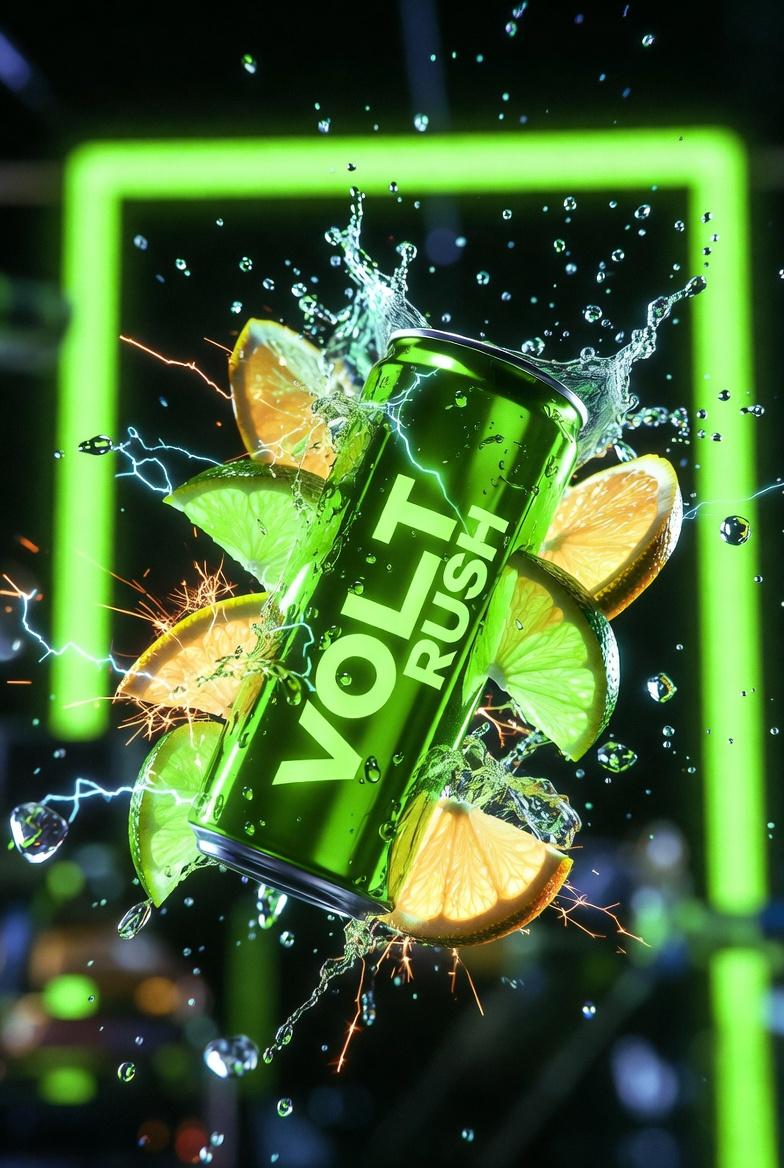
Ultra-Cinematic Product Photography of 'VOLT RUSH' Energy Drink
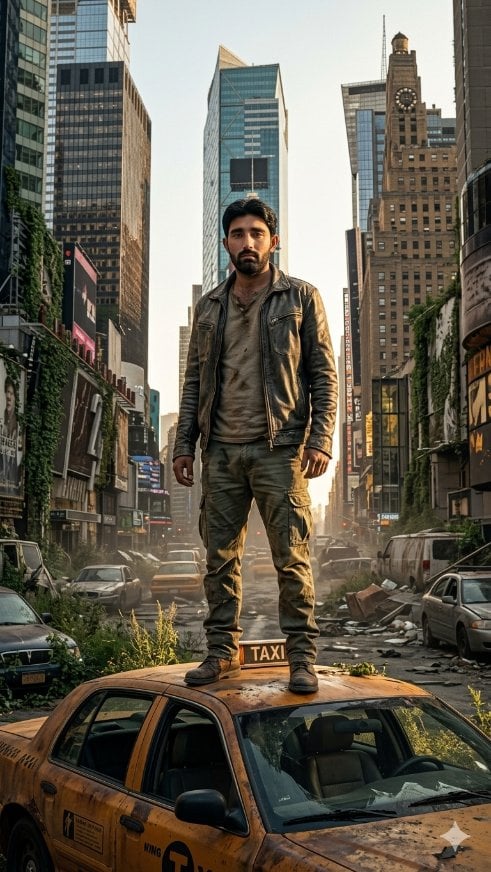
Post-Apocalyptic Taxi Survivor
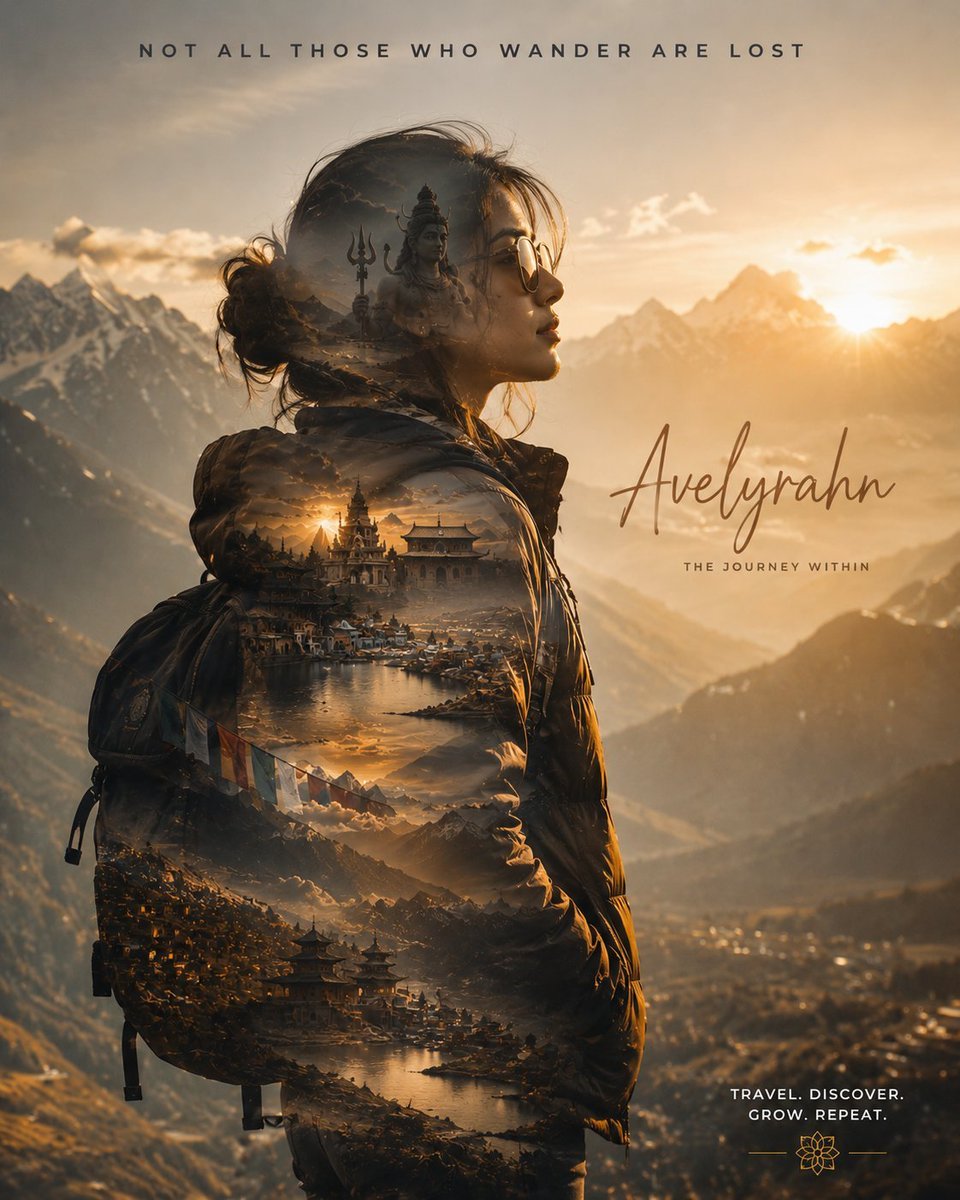
Double Exposure Spiritual Travel Poster
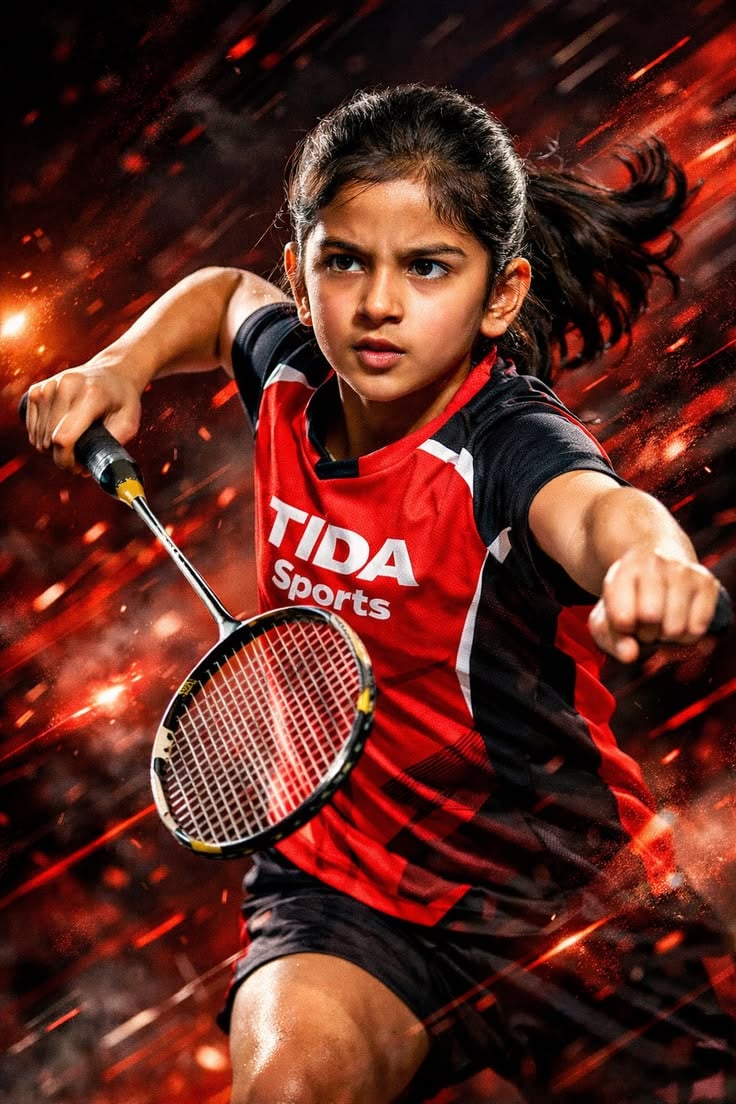
Dynamic Sports Action Portrait
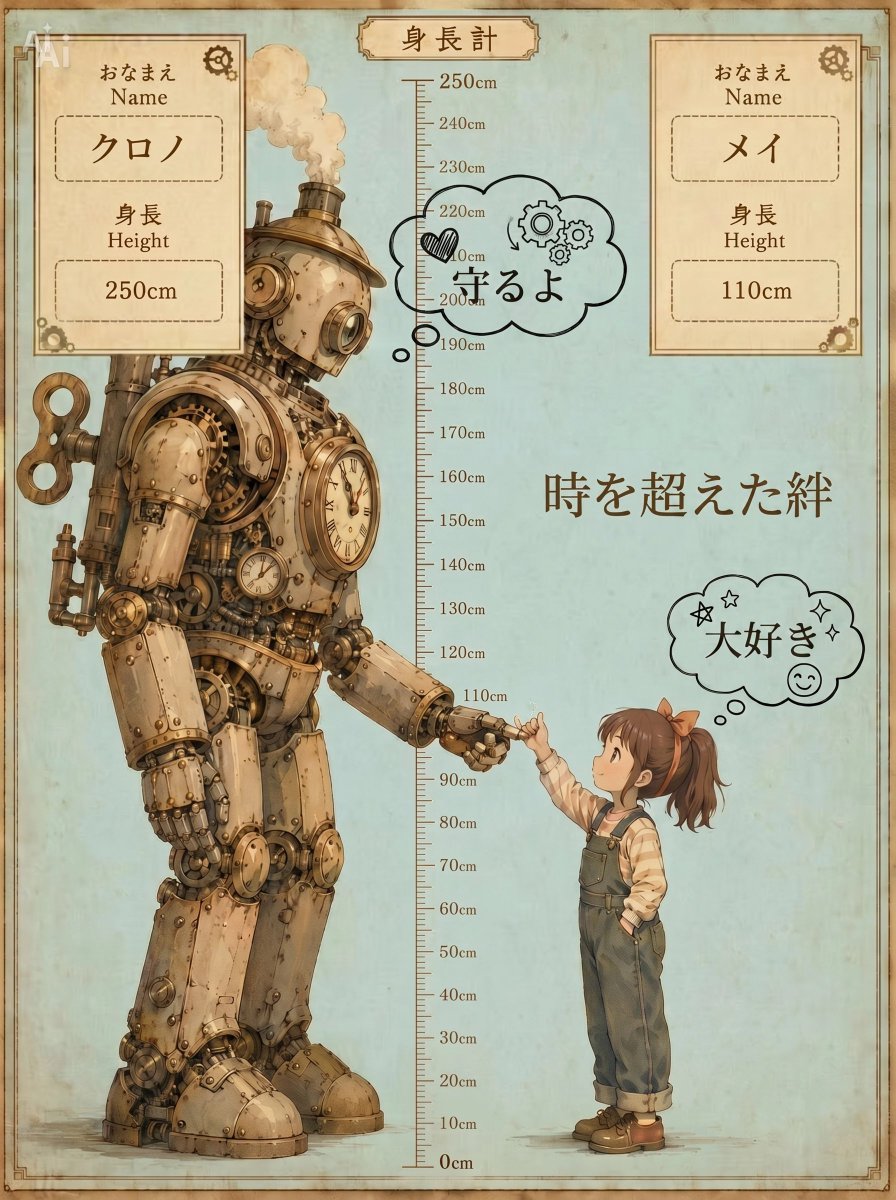
Steampunk Height Difference Poster
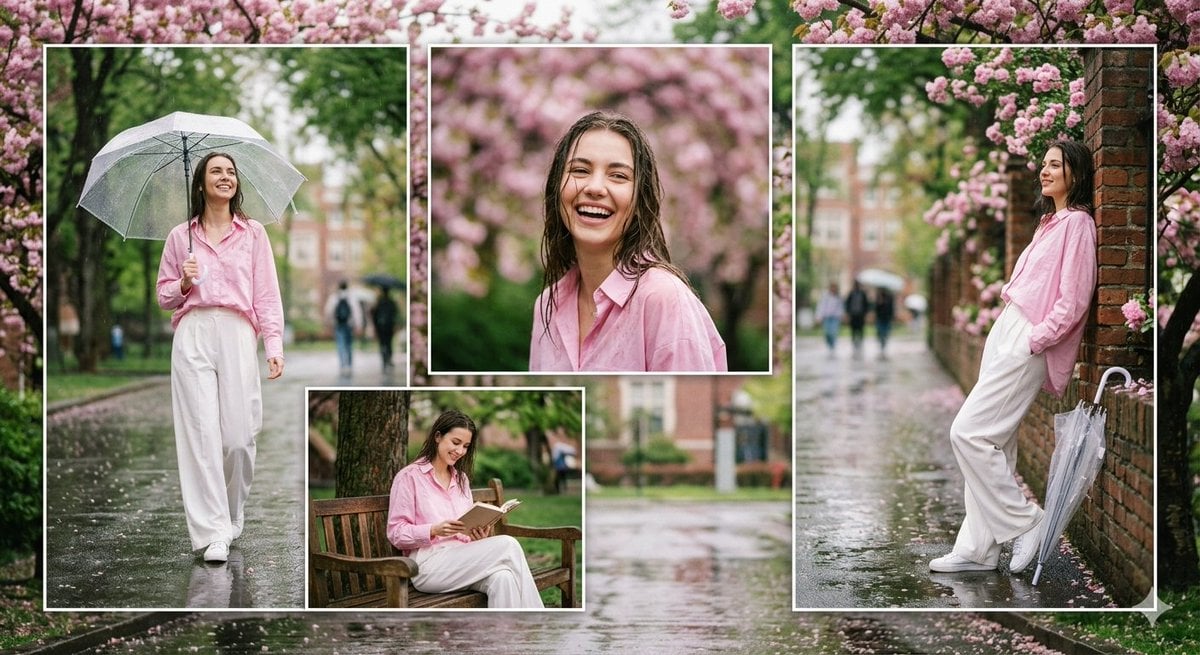
Rainy Campus Fashion Portrait Collage
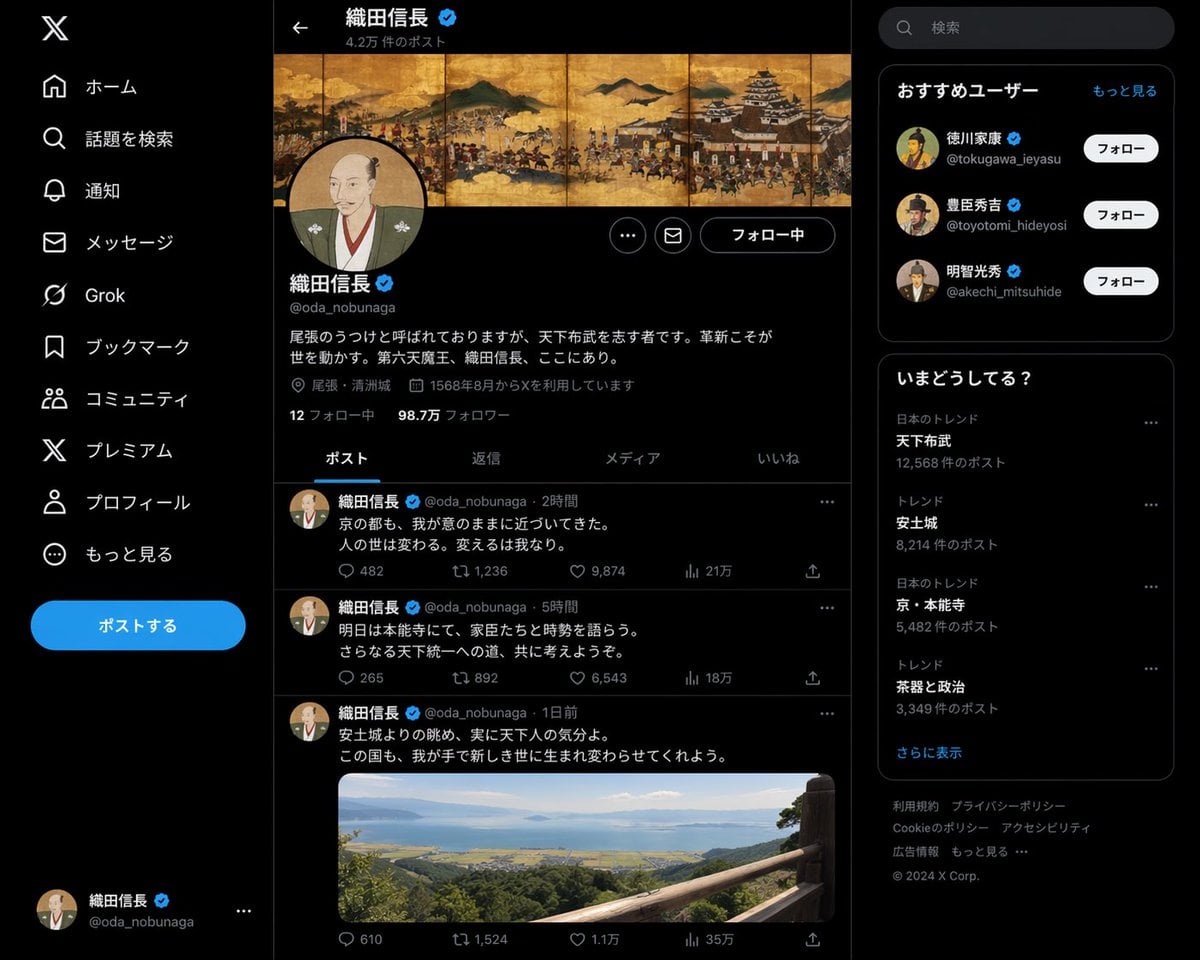
Historical Figure Social Media Page
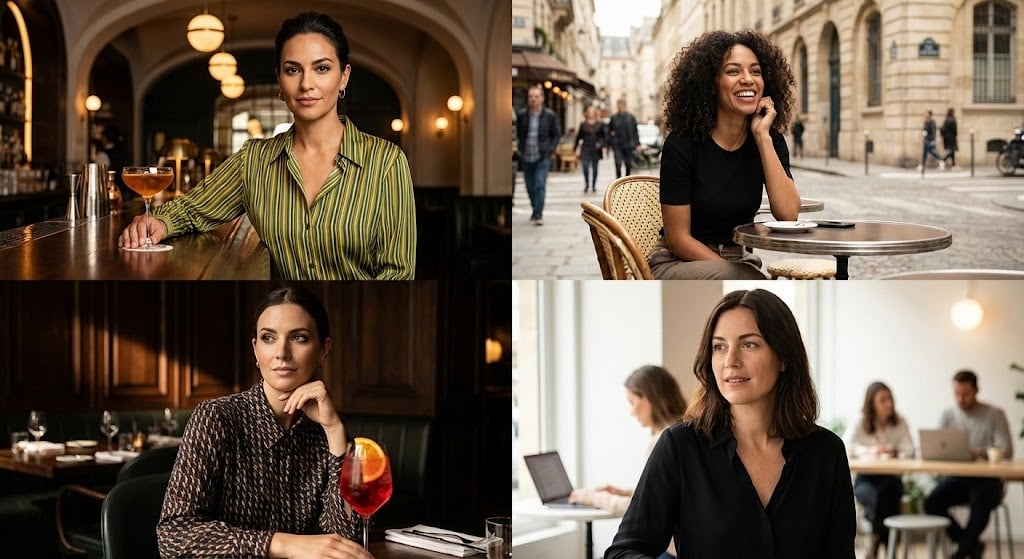
Cinematic Portrait Grid Comparison

Intimate Bohemian Portrait Prompt (Jenna Ortega & Emma Myers)
Browse template categories
Mech Pilot Cockpit Over City questions
How do I use the Mech Pilot Cockpit Over City template?
Add your photo if the template asks for one, edit the prompt if you like — the template's model and format are already selected — and press Generate. Your version opens in PicX Studio.
Can I customize the Mech Pilot Cockpit Over City template?
Yes. You can change the subject, setting, lighting, mood, format, and available model controls before creating your image.
Is the Mech Pilot Cockpit Over City template free?
Opening and editing this template is free. Generating uses credits, shown on the Generate button when you are signed in.
Which AI model should I use?
Start with GPT Image 2, which is the model associated with this template. You can compare another compatible model for a different finish.
Looking for something else? Browse all templates.

Your photo, any look
Thousands of ready templates for every top image and video model, from one credit balance.