
Relaxed Pilot in Construction Mech
Generates a detailed sci-fi construction illustration of a man casually piloting a massive rooftop mech above a futuristic city worksite.
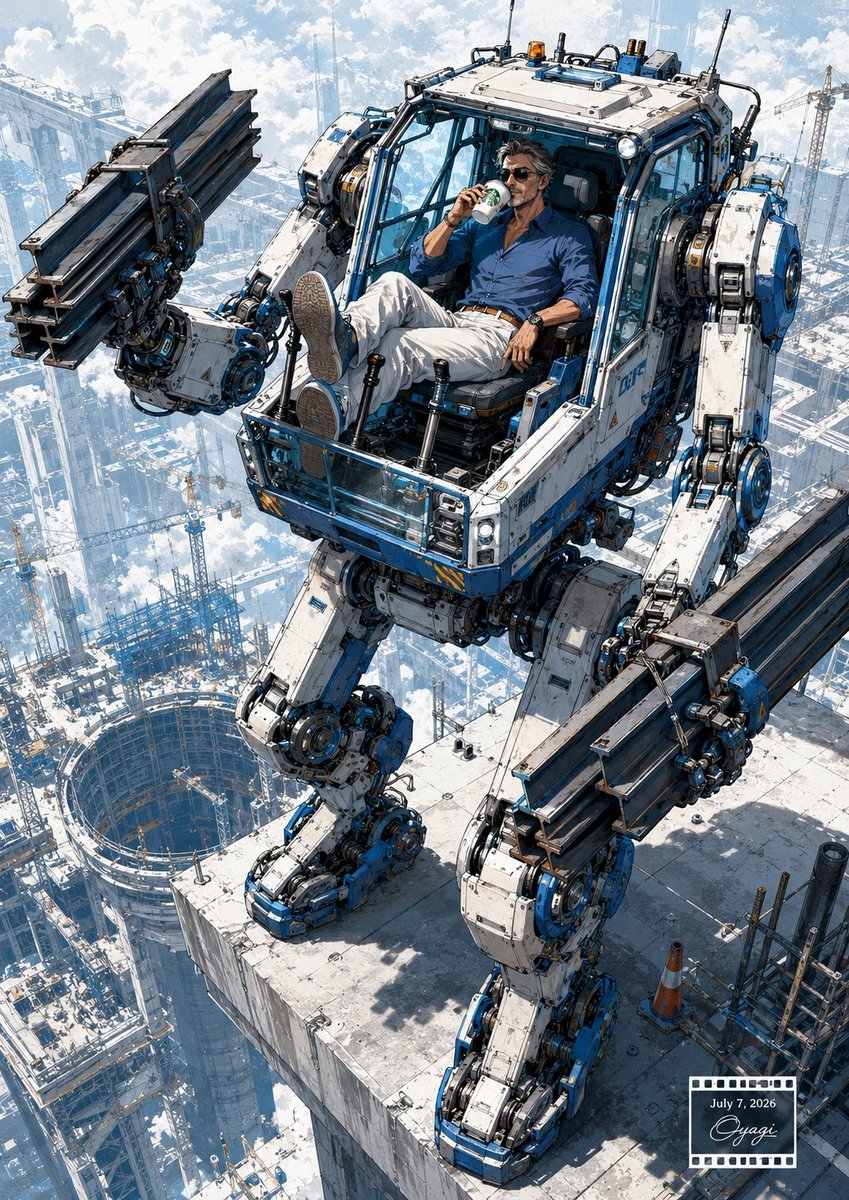
- Prompt included
- Model and format preset
- Free template
The prompt behind this image
Copy the exact prompt behind Relaxed Pilot in Construction Mech, or open it in the studio and make it yours.
Create a highly detailed cinematic sci-fi construction scene in a vertical 3:4 composition. A massive white-and-blue humanoid construction mech stands on the edge of a skyscraper rooftop high above a futuristic city construction site, viewed from a dramatic elevated three-quarter angle. The mech has exactly 2 long mechanical arms, 2 heavy mechanical legs, an open cockpit cabin with glass framing, exposed hydraulic pistons, cables, circular joints, bolts, warning stripes, antennae, roof lights, and weathered industrial paint. Each arm grips one bundle of dark steel I-beams, for exactly 2 visible steel beam bundles total, held horizontally like oversized construction tools. Inside the cockpit, a relaxed middle-aged man with wavy dark hair, stubble, sunglasses, a blue button-up shirt, white trousers, brown belt, wristwatch, and casual shoes reclines with both feet up, calmly drinking from a small cup as if on a break; use {argument name="character mood" default="calm, confident, slightly smug"}. The rooftop is a pale concrete slab with construction clutter, including exactly 1 orange traffic cone and scaffolding pipes near the lower right. Far below, show a vast city full of cranes, skeletal high-rise frames, platforms, and one large circular excavation pit, fading into clouds and bright haze. Lighting is crisp daylight with blue sky, white clouds, strong shadows, high altitude atmosphere, intricate manga/anime-inspired mechanical linework, realistic industrial textures, and epic scale. Add a small film-strip style date/signature stamp in the bottom-right corner containing {argument name="date text" default="July 7, 2026"} and a cursive signature-like mark. No extra characters, no logos, no readable brand names.
How to use Relaxed Pilot in Construction Mech in 3 steps
- 1Upload ImagePNG, JPG or paste
Add your photo
Upload the photo the template builds on. The prompt, model and format are already set.
- 2…a portrait of your subject in softgolden-hour light, 85mm…
Personalize
Edit the subject and creative details for your destination.
- 3Generate
Generate
Press Generate — your image is created in PicX Studio, so you can compare it with the original and refine one variable at a time.
More like this
Templates with the same subject, style or setup. Open one to see its prompt.
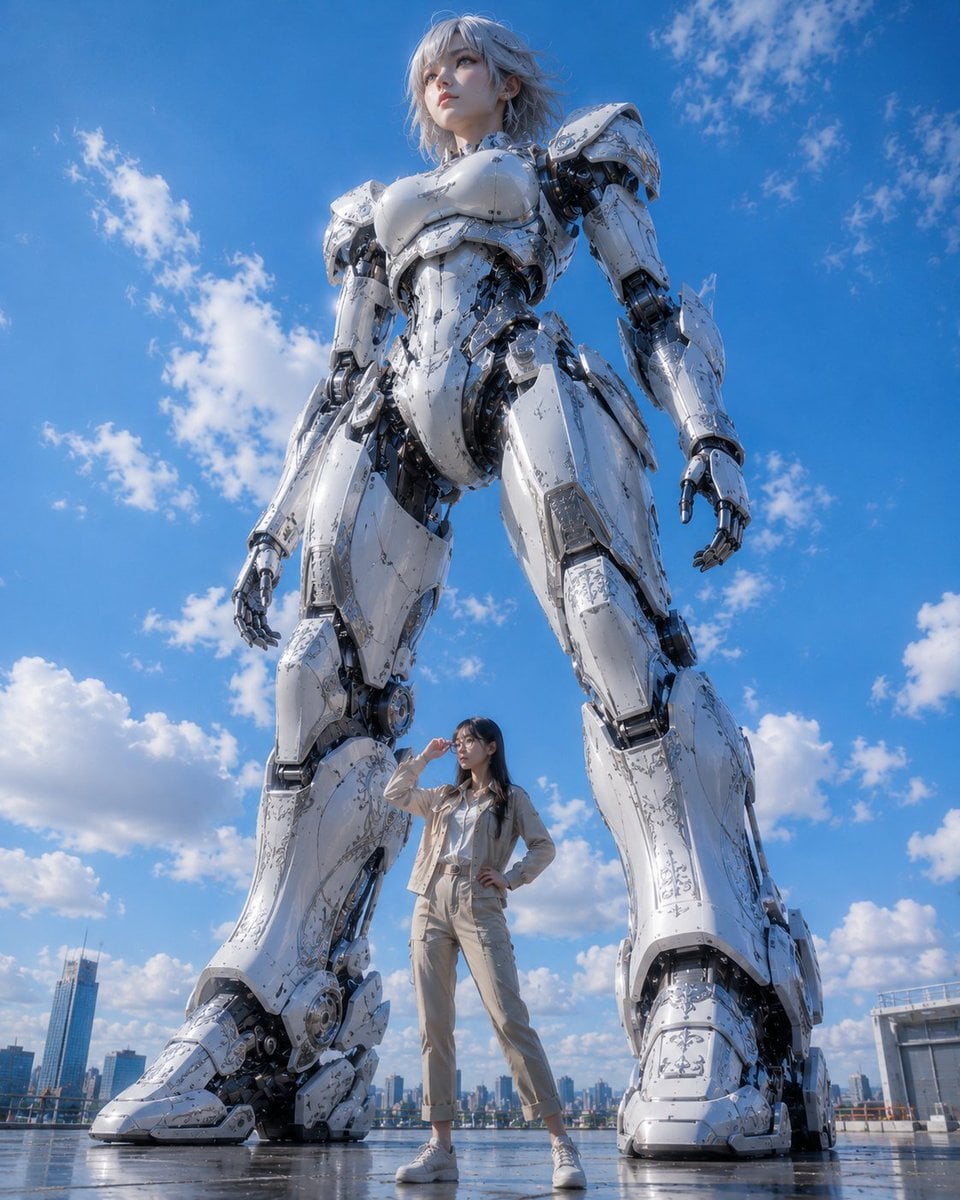
Giant Robot and Pilot Mecha Armor
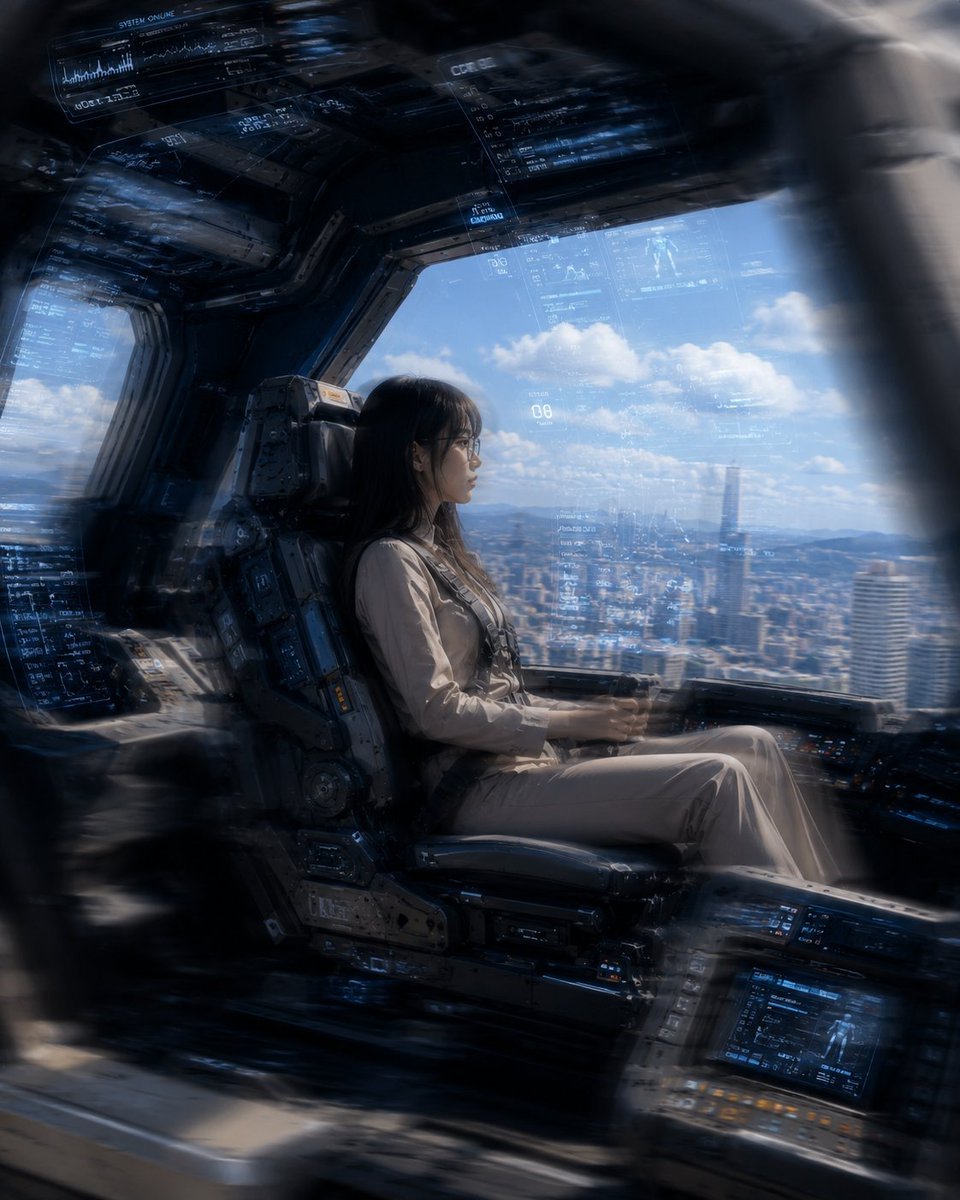
Mecha Cockpit Pilot Scene
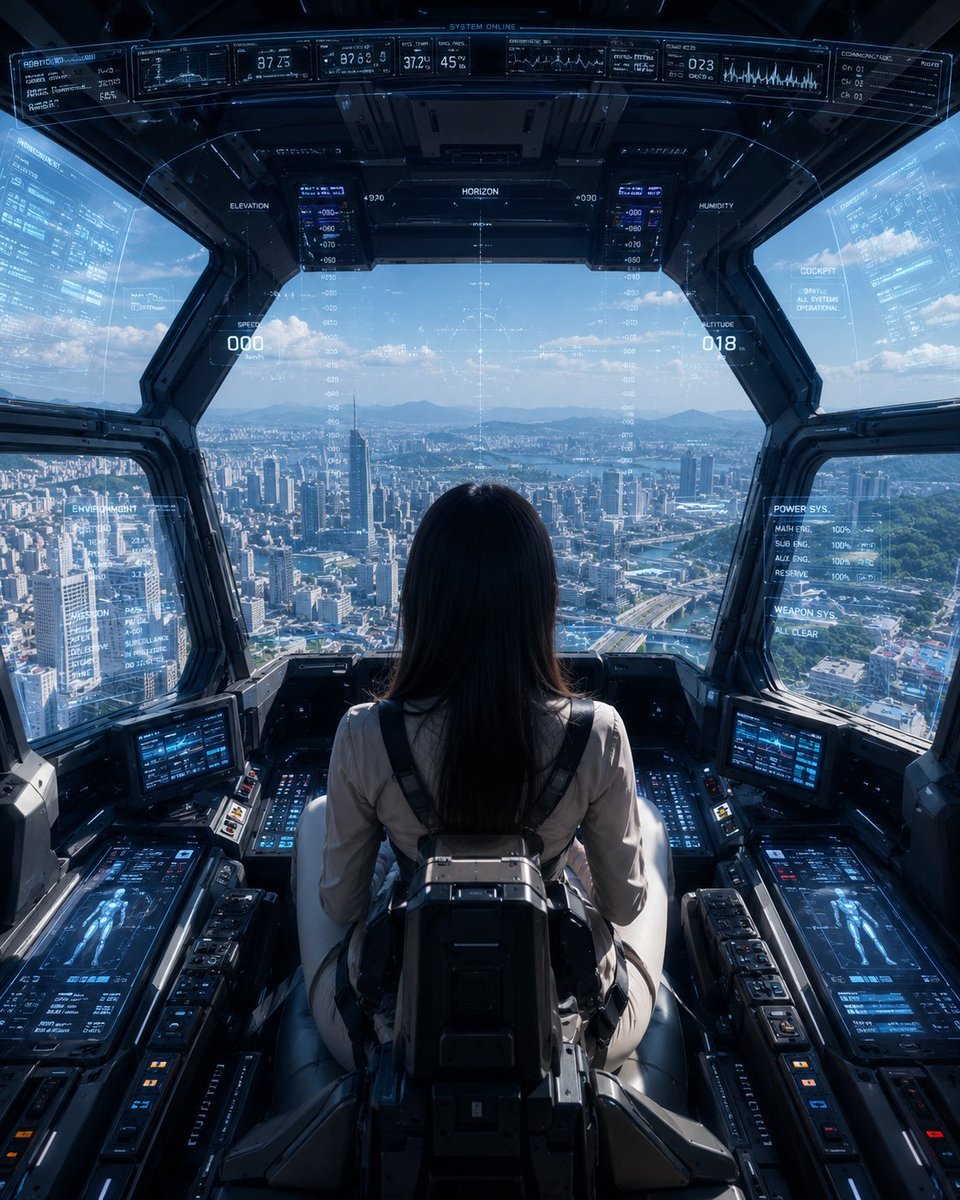
Mech Pilot Cockpit Over City

Japanese Café Sketch Duo Illustration
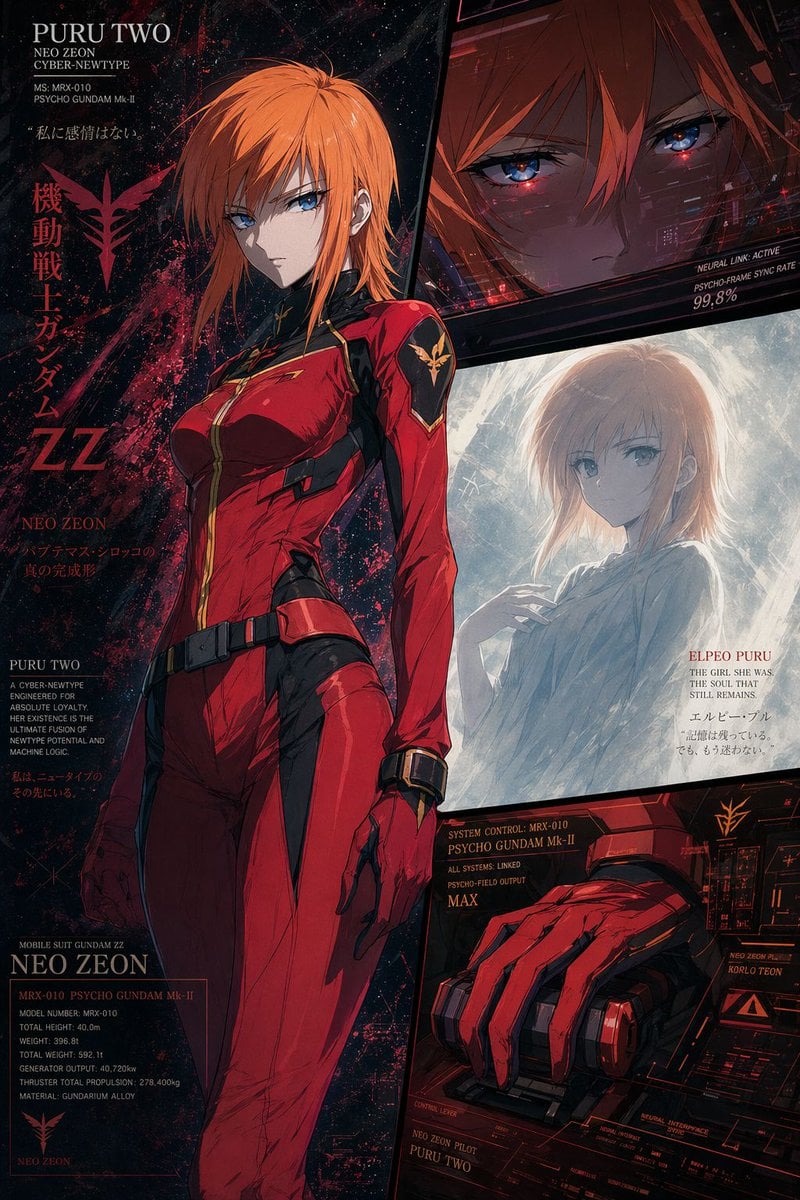
Anime Mecha Pilot Poster
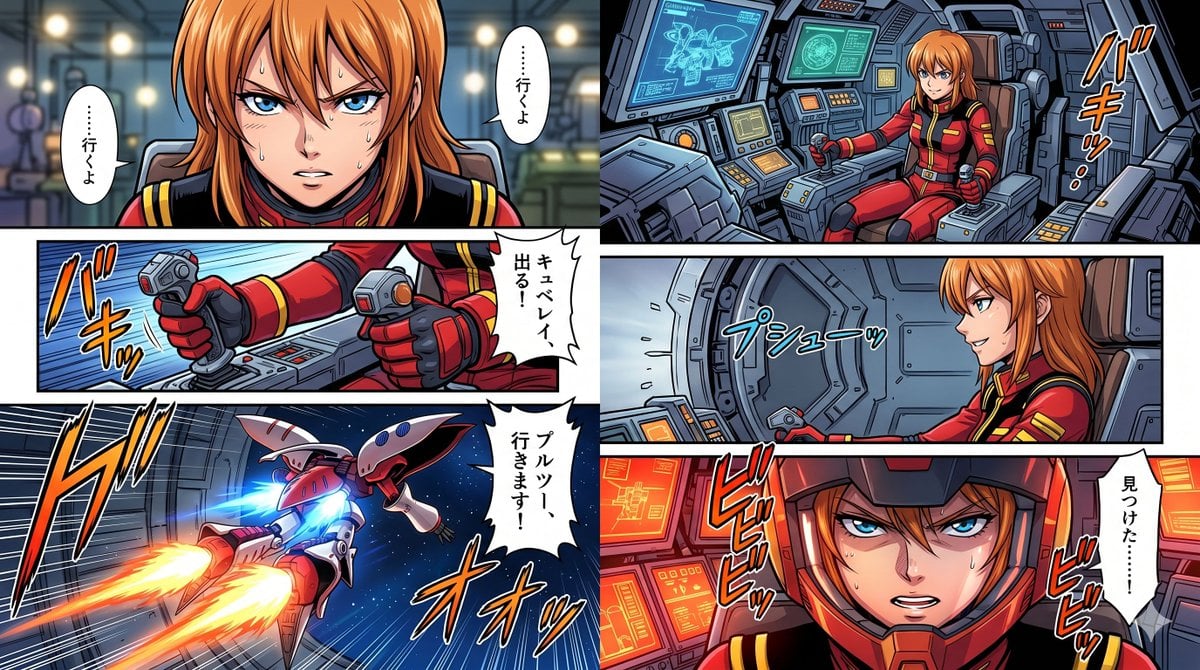
Six-Panel Mecha Pilot Manga
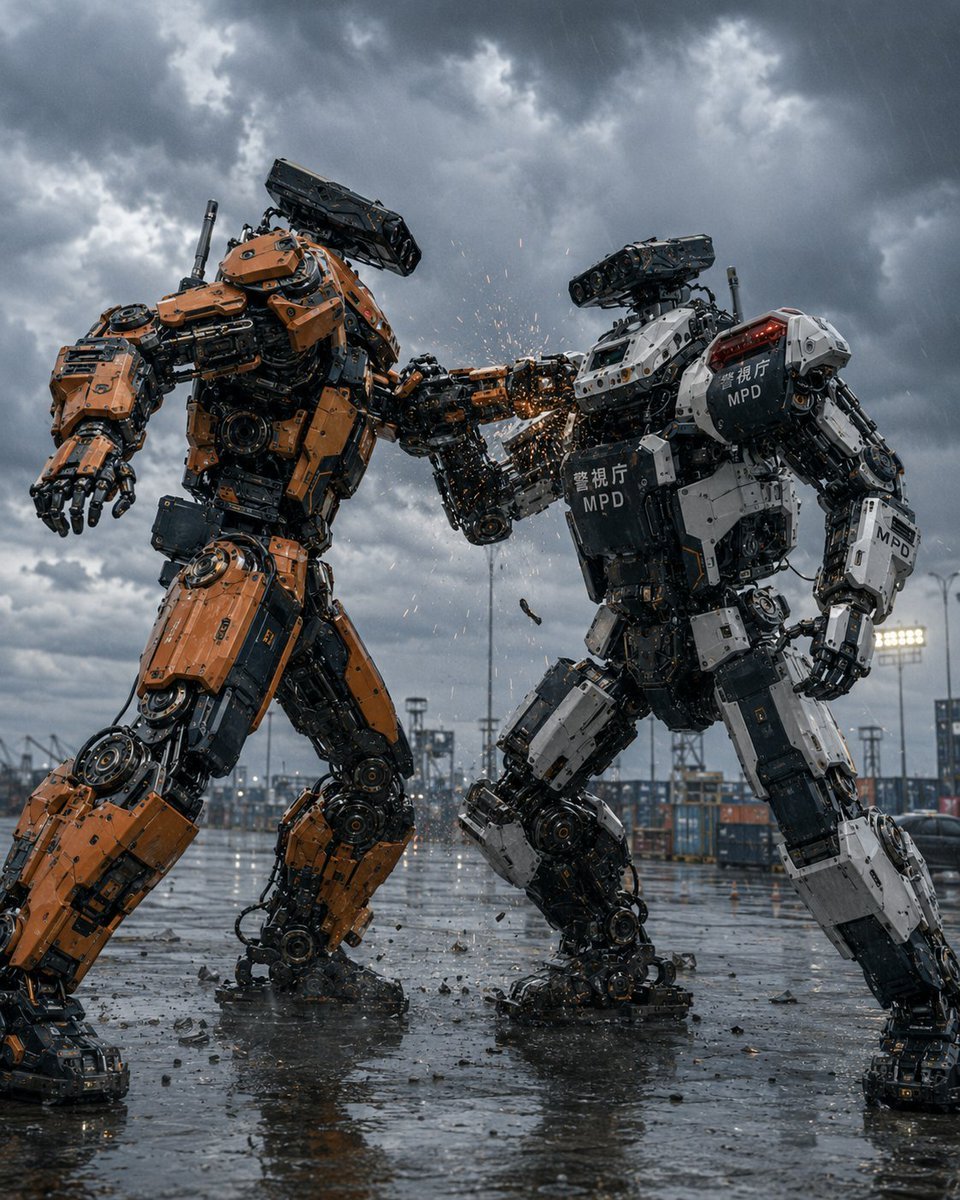
Stormy Police Mech Duel
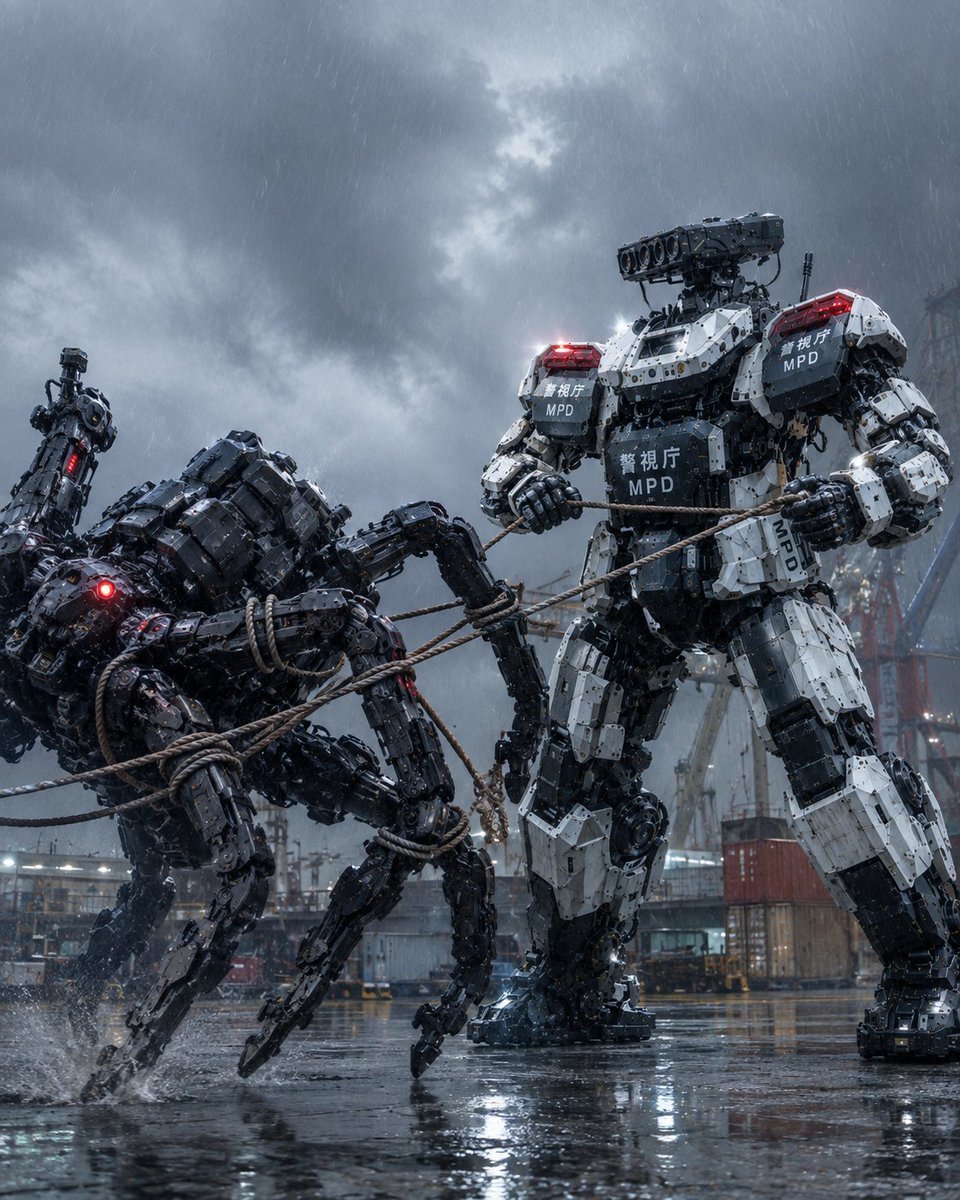
MPD Mech Captures Spider Robot
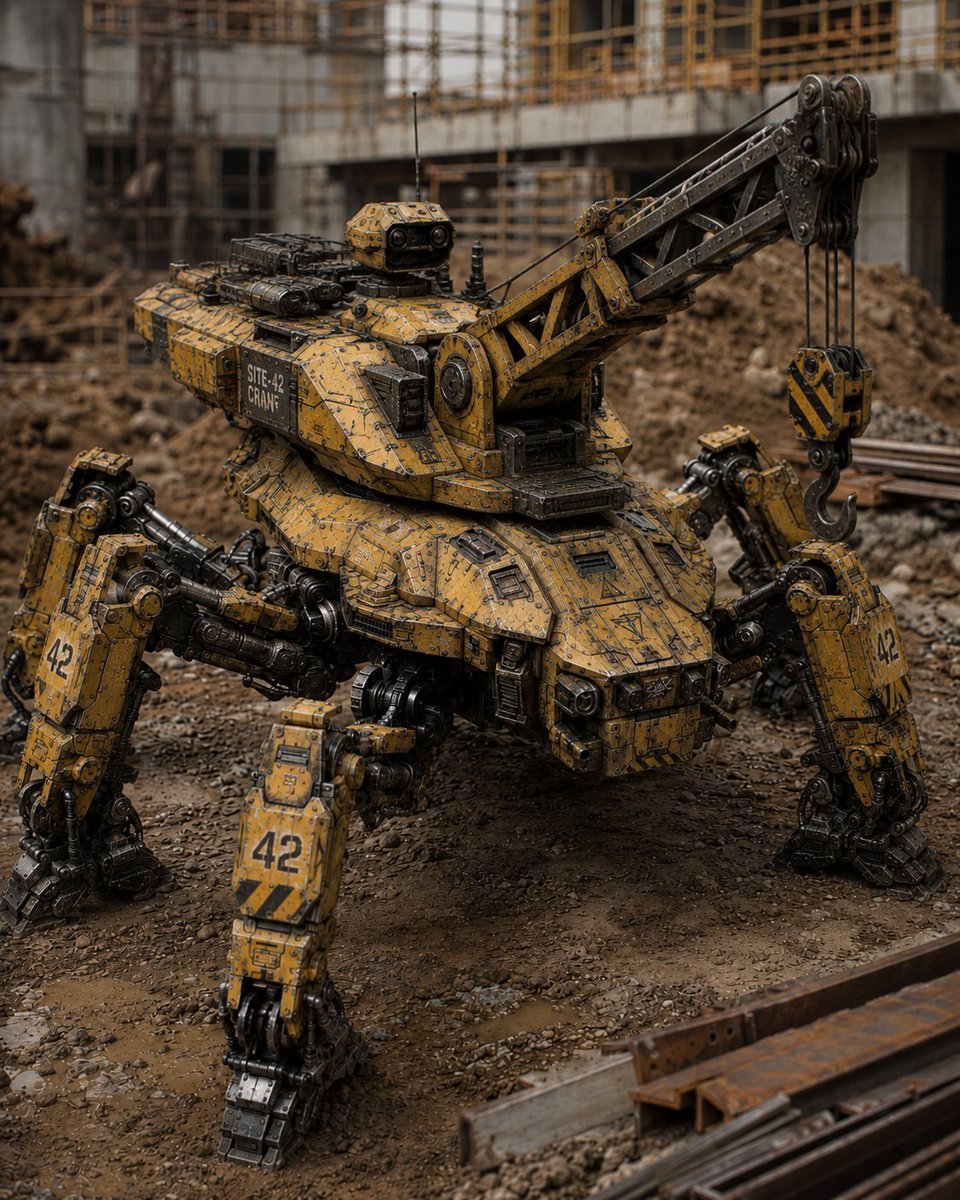
Peaceful Multi-Legged Construction Machine
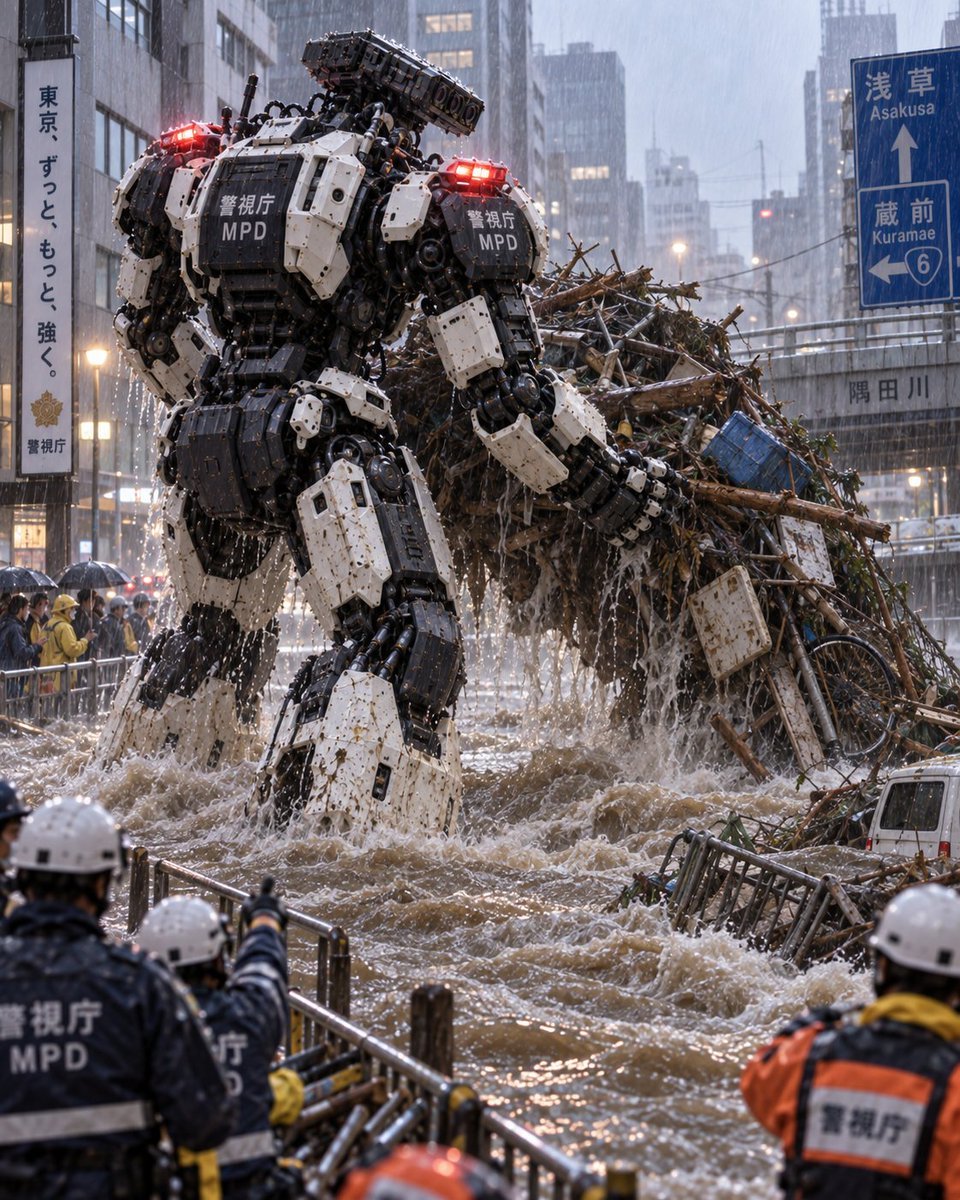
Tokyo Police Flood Rescue Mech
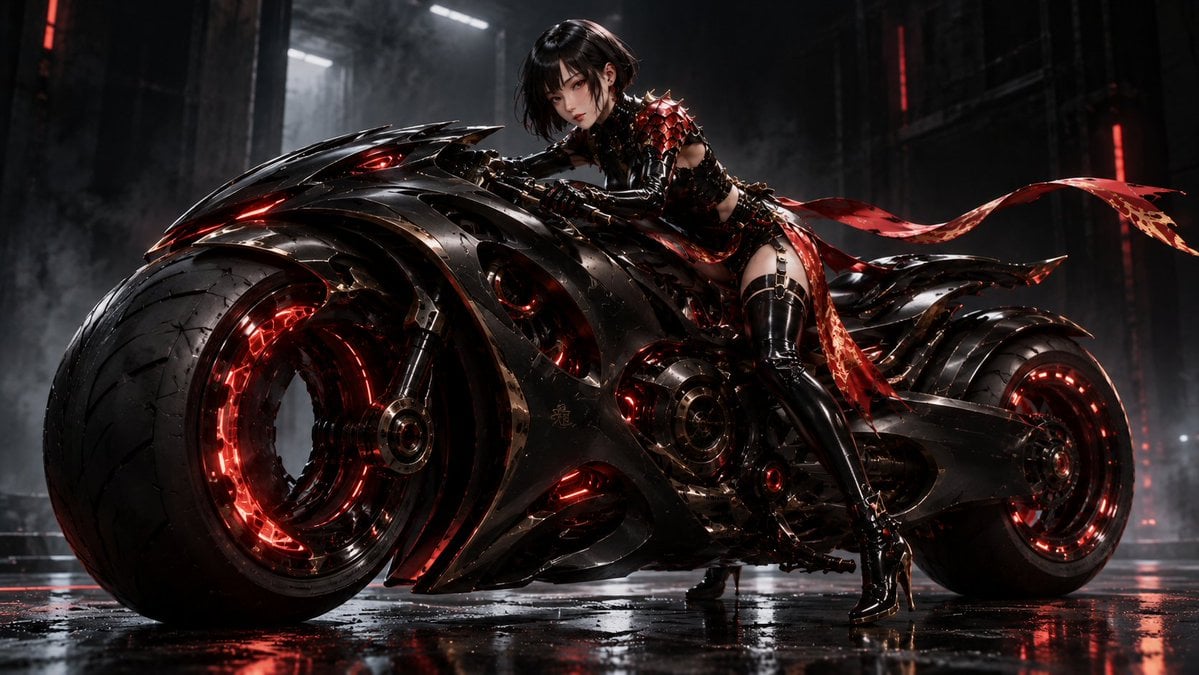
Futuristic Void Fang Mech
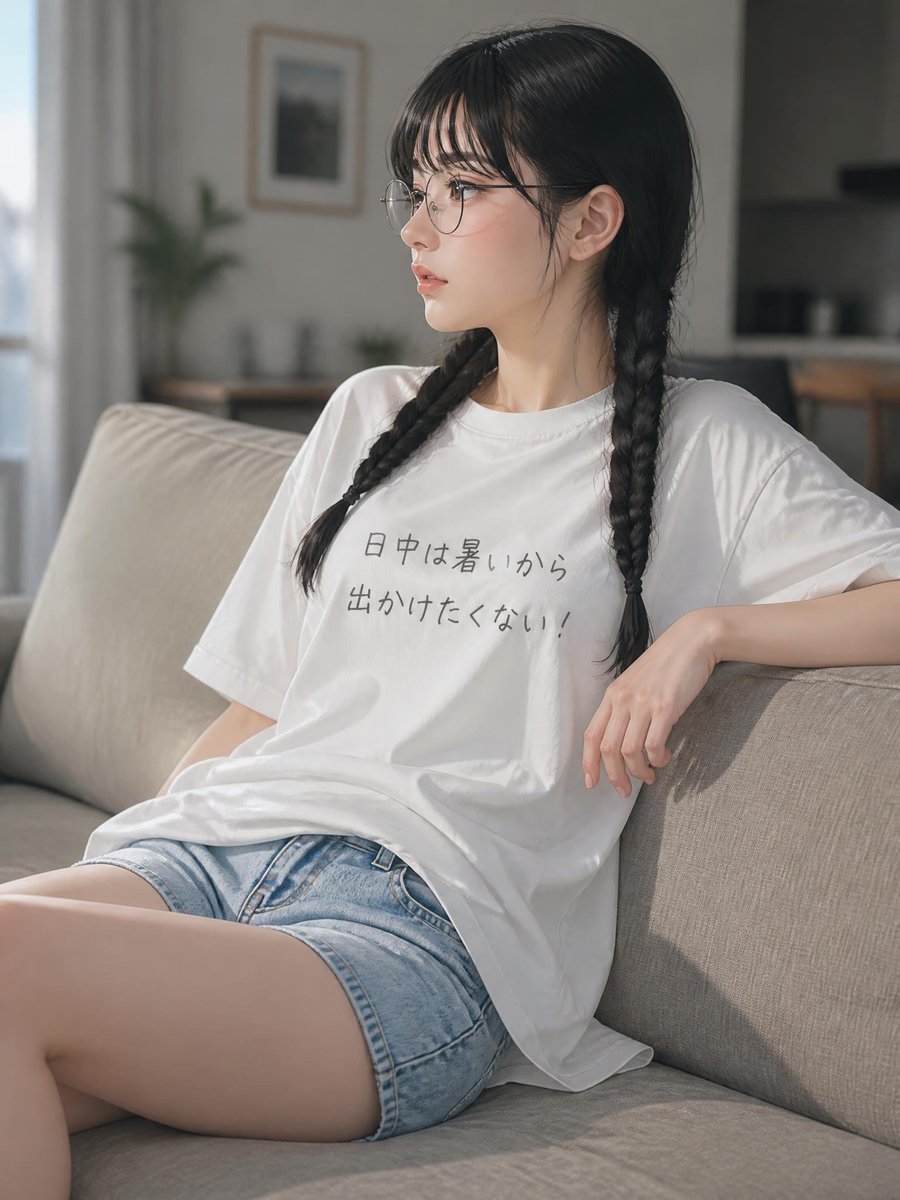
Relaxed Summer Sofa Portrait
Make it yours
Relaxed Pilot in Construction Mech works as-is. These are the safest ways to change it without losing the look.
Change one field
Copy a single group, rewrite it, and generate again so you can see what that field is doing.
Keep the frame, change the subject
Hold the composition and light of Relaxed Pilot in Construction Mech, then swap wardrobe, props or the person for a new take.
| If the result… | Why | Fix |
|---|---|---|
| The result drifts from the preview | Too many fields changed at once. | Reuse Relaxed Pilot in Construction Mech as-is first, then change one group — subject, light, or setting. |
| The model over-stylizes the scene | The prose prompt leaves finish and camera underspecified. | Add one camera or lighting sentence and stay on GPT Image 2. |
More GPT Image 2 templates
Other prompts made for GPT Image 2.

Six VTuber Japanese Logo Sheet

Realistic Portrait of Woman and Deer

The Vista Modular Condo Poster

AI Model Routing Comparison Infographic

2.5D Anime Art Board

Isometric Productivity Desk Scene

New York Double Exposure Poster

Four-Panel AI Landscape Comparison

Japanese Tatami Lifestyle Magazine Cover

NESCAFÉ Coffee Map Poster
More image prompts
Fresh picks from across the catalog.

Fiery Butadon Japanese Ad Poster
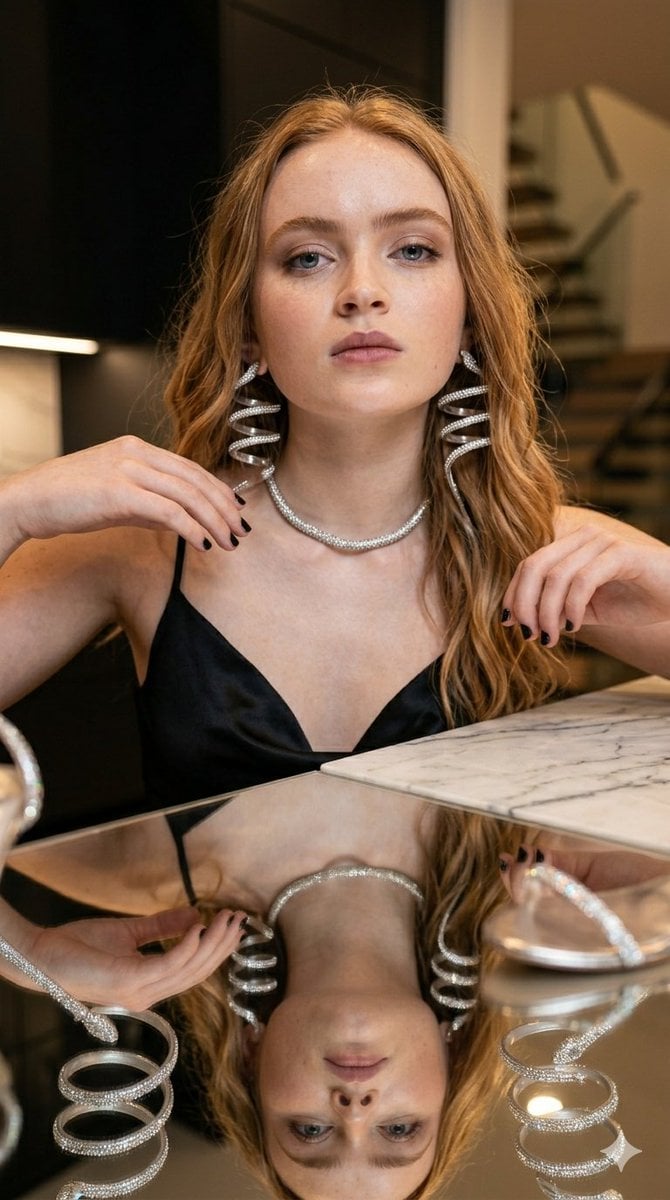
Glamorous Luxury Interior Fashion Shot
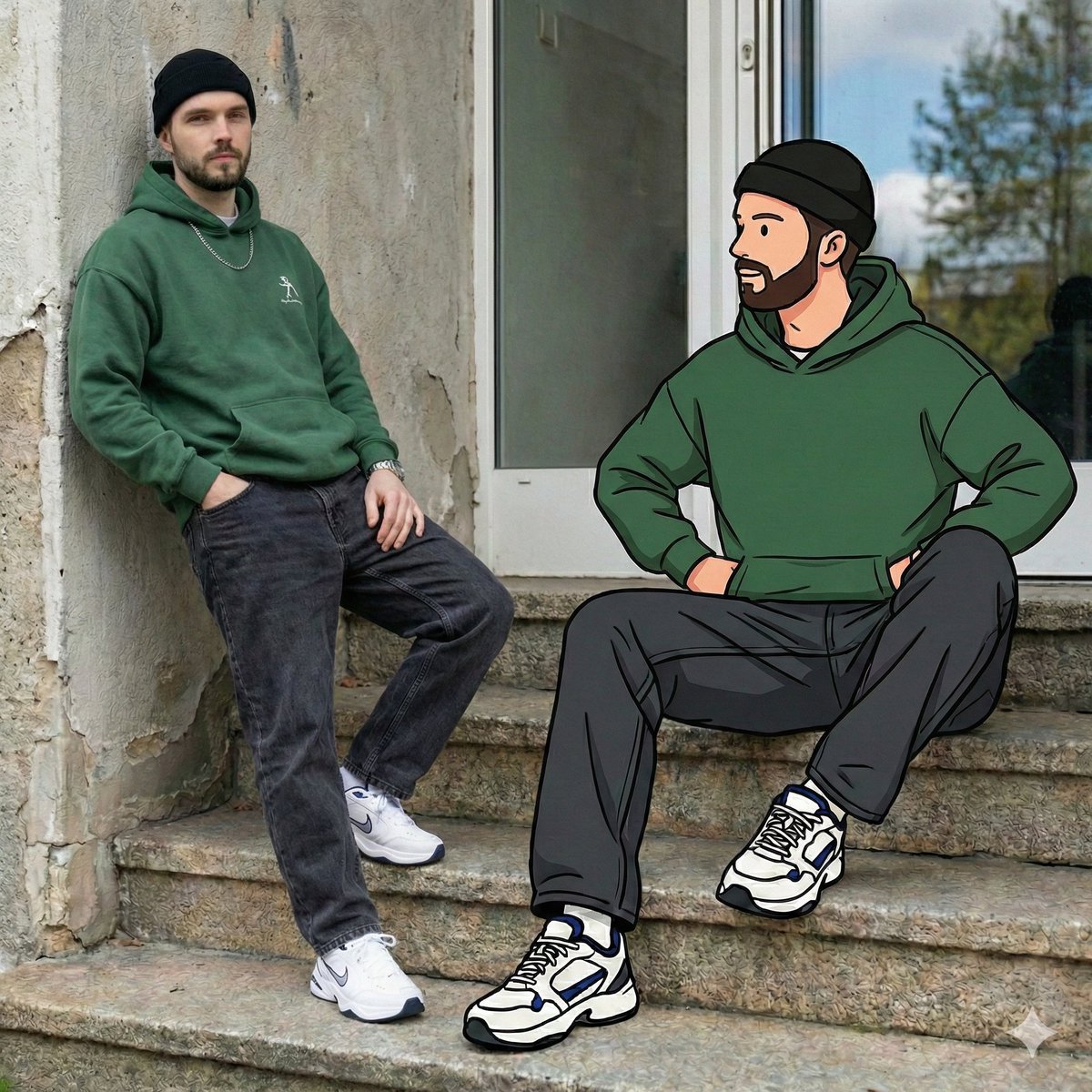
Mixed Reality Street Portrait with Cartoon Twin
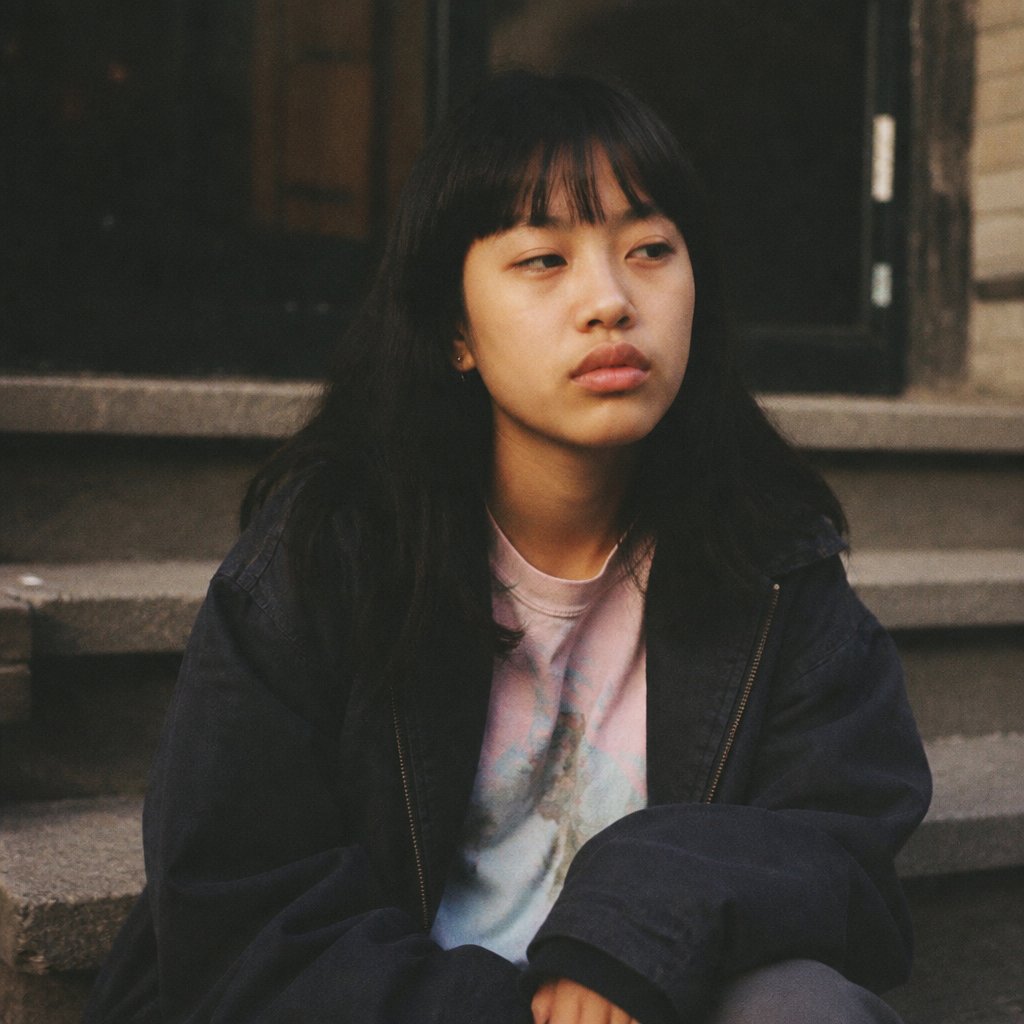
Censored Film Portrait on Stairs
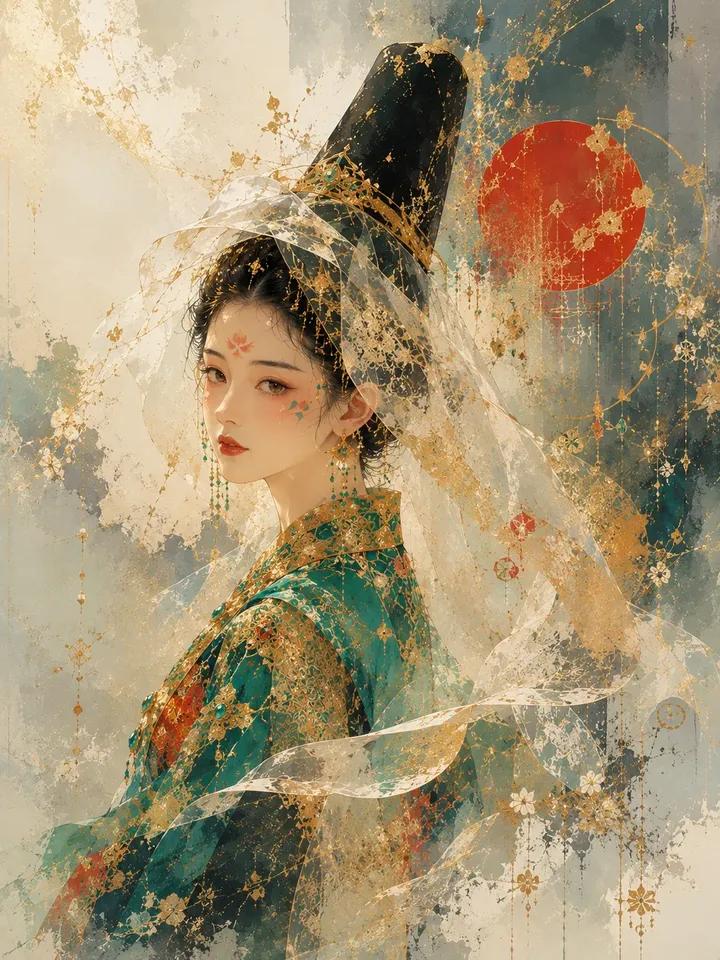
Architectural Music Theory Poster

Tropical Golden Hour Portrait with Igari Makeup

JSON Prompt for Digital Nomad Generating AI Art on a Beach Hammock
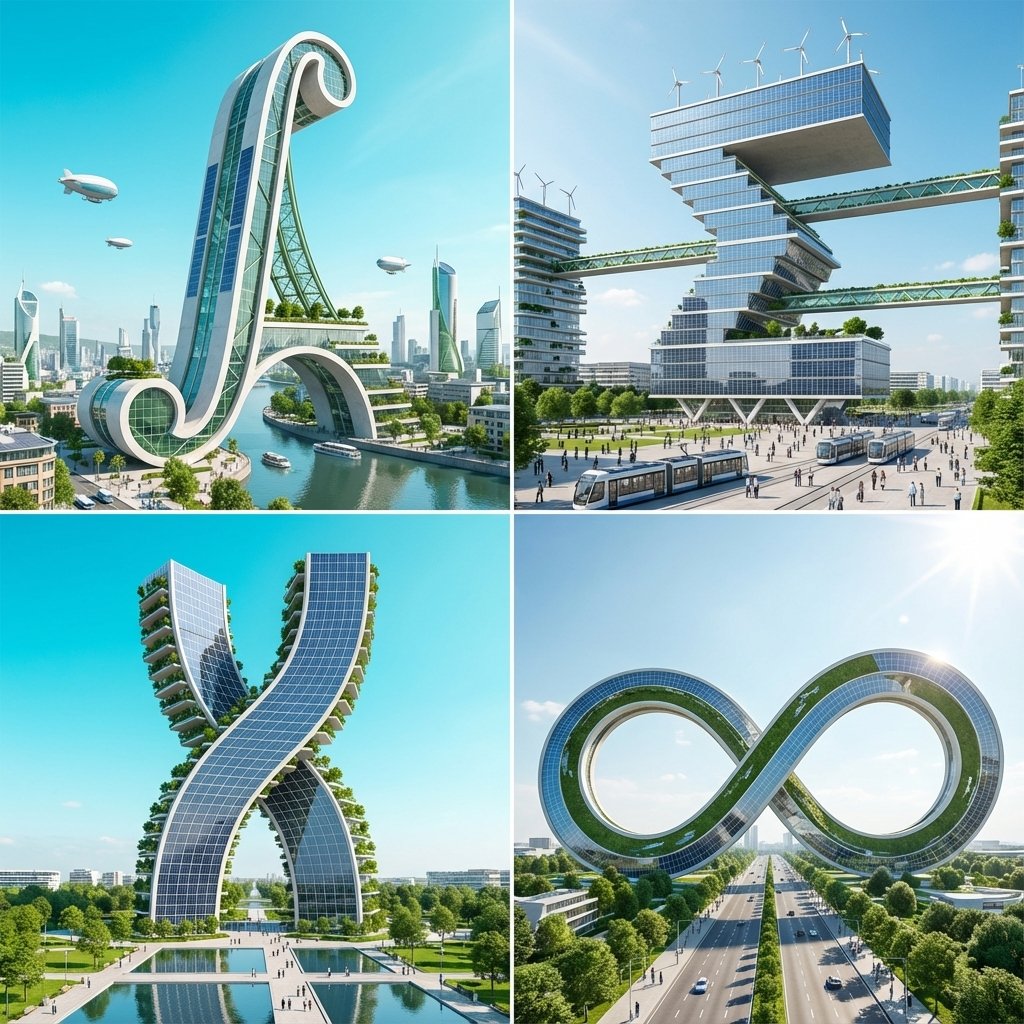
Calculus Symbols as Futuristic Architecture

Pixar Style Headshot Prompt (Fixing Glasses Glare)
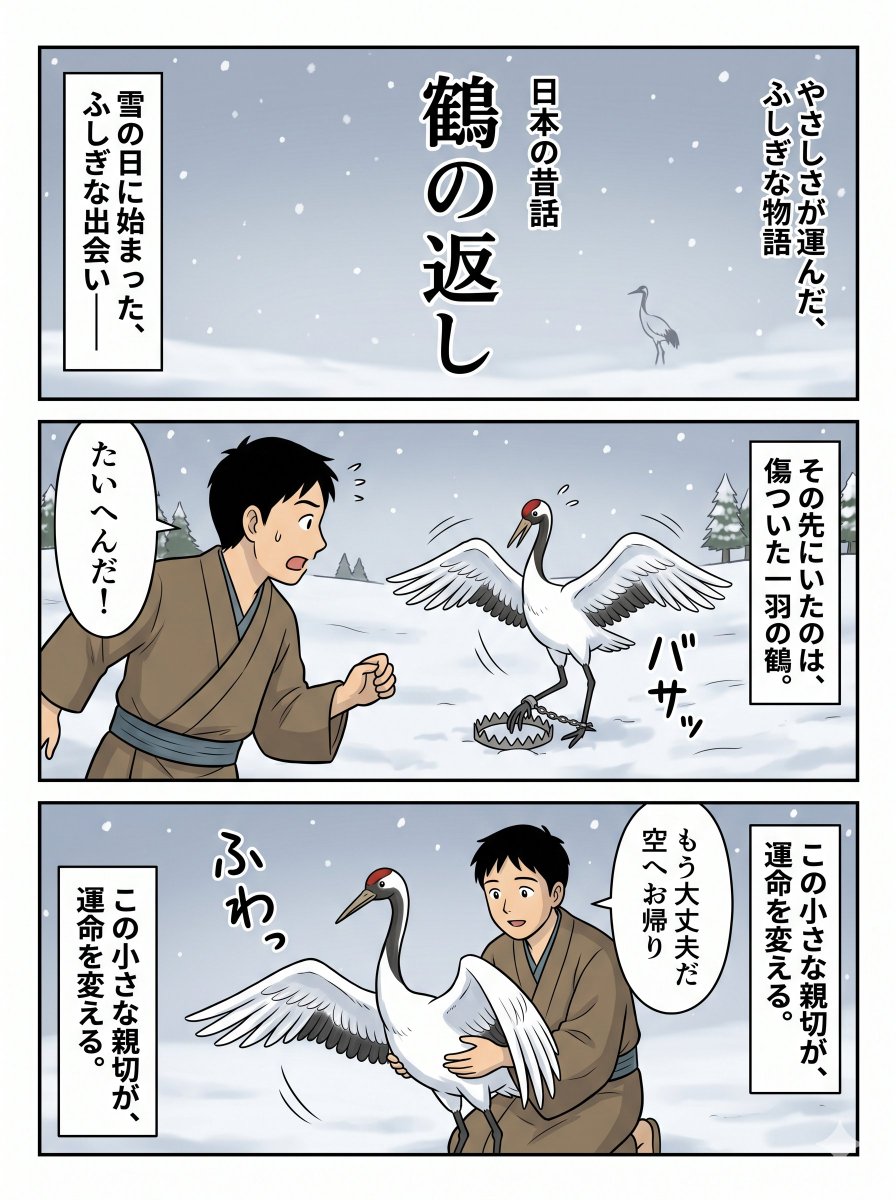
Japanese Folktale Crane Manga Page
Browse template categories
Relaxed Pilot in Construction Mech questions
How do I use the Relaxed Pilot in Construction Mech template?
Add your photo if the template asks for one, edit the prompt if you like — the template's model and format are already selected — and press Generate. Your version opens in PicX Studio.
Can I customize the Relaxed Pilot in Construction Mech template?
Yes. You can change the subject, setting, lighting, mood, format, and available model controls before creating your image.
Is the Relaxed Pilot in Construction Mech template free?
Opening and editing this template is free. Generating uses credits, shown on the Generate button when you are signed in.
Which AI model should I use?
Start with GPT Image 2, which is the model associated with this template. You can compare another compatible model for a different finish.
Looking for something else? Browse all templates.

Your photo, any look
Thousands of ready templates for every top image and video model, from one credit balance.