
Ultra-photorealistic fashion editorial prompt for urban setting
A detailed, structured prompt designed for ultra-photorealistic fashion editorial images, specifying style, mood, setting, color grading, subject details (female, mid-20s to early 30s, dark hair, matte black outfit)…
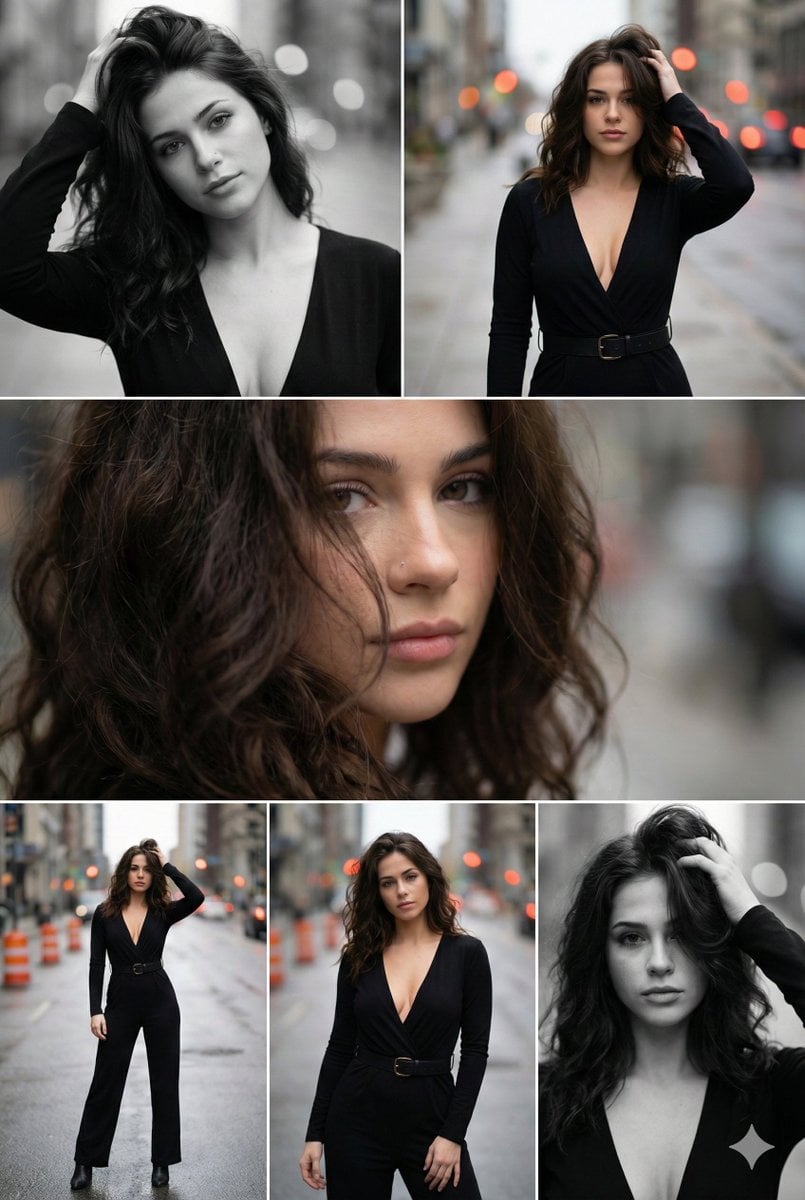
- Prompt included
- Model and format preset
- Premium template
The prompt behind this image
Copy the exact prompt behind Ultra-photorealistic fashion editorial prompt for urban setting, or open it in the studio and make it yours.
{ "overall_description": { "style": "Ultra-photorealistic fashion editorial", "mood": "Moody, cinematic, sensual, confident, urban elegance", "setting": "Urban city street with shallow depth of field and blurred traffic lights", "time_of_day": "Overcast late afternoon / early evening", "color_grading": "Muted earth tones, warm highlights, soft contrast, occasional black-and-white conversion", "visual_consistency_rule": "All frames depict the same subject, outfit, hairstyle, environment, pose variations, lighting conditions, and camera characteristics with no deviation" }, "subject": { "gender": "Female", "age_range": "Mid 20s to early 30s", "skin_tone": "Light / fair with warm undertones", "face": { "features": "Defined cheekbones, full lips, sharp jawline, straight nose", "expression": "Calm, confident, slightly intense gaze", "makeup": "Natural glam makeup, subtle contour, nude lips, softly defined eyes" }, "hair": { "color": "Dark brown", "length": "Long", "texture": "Voluminous, wavy, slightly tousled", "styling": "Loose, windswept, partially covering face in some frames" }, "accessories": { "earrings": "Long dangling metallic earrings", "other": "No visible necklace or eyewear" } }, "outfit": { "type": "One-piece jumpsuit or fitted dress", "color": "{argument name="outfit color" default="Matte black"}", "fit": "Tailored, form-fitting with structured waist", "details": { "neckline": "Deep V-neck", "sleeves": "Long sleeves", "belt": "Wide black belt with metal buckle" }, "fabric": "Soft matte fabric with subtle texture" }, "environment": { "location": "City street / sidewalk", "background_elements": [ "Out-of-focus buildings", "Streetlights and traffic bokeh", "Orange traffic cones", "Wet or textured pavement" ], "depth_of_field": "Very shallow, strong background blur", "atmosphere": "Urban, slightly gritty yet elegant" }, "lighting": { "type": "Natural ambient light", "direction": "Soft frontal and side lighting", "quality": "Diffused, cinematic", "highlights": "Soft highlights on cheekbones and hair", "shadows": "Gentle shadows adding facial depth" }, "camera": { "camera_type": "Full-frame DSLR or mirrorless", "lens": "{argument name="lens" default="85mm prime lens"}", "aperture": "{argument name="aperture" default="f/1.8"}", "iso": "Low to medium ISO", "shutter_speed": "Fast enough to freeze motion", "focus": "Sharp focus on subject, background heavily blurred", "aspect_ratio": "Vertical portrait (2:3)" }, "poses_and_frames": { "frame_1": { "composition": "Close-up portrait", "angle": "Slightly above eye level", "pose": "Hand raised into hair, head slightly tilted", "expression": "Direct gaze, relaxed lips", "color_mode": "Black and white" }, "frame_2": { "composition": "Mid-lengt"
How to use Ultra-photorealistic fashion editorial prompt for urban setting in 3 steps
- 1
Open
The prompt is already in the box next to the preview, with the template's model and format selected.
- 2…a portrait of your subject in softgolden-hour light, 85mm…
Personalize
Edit the subject and creative details for your destination.
- 3Generate
Generate
Press Generate — your image is created in PicX Studio, so you can compare it with the original and refine one variable at a time.
More like this
Templates with the same subject, style or setup. Open one to see its prompt.

Luxury Black-and-White Fashion Contact Sheet

Face-Locked Cream Half-Zip Street Walk

Face-Locked Identity Reference Portrait

untitled

Google Gemini Nano Banana Pro

Conceptual Fashion Portrait in Spider We

01 Skincare Split Portrait — Nano Banana 2

24 The Getty Center — California Series

21 Glass Floor Skyscraper — California Series

19 Luxury Helicopter Travel — California Series

08 Rodeo Drive Luxury Exit — California Series

03 Beverly Hills Convertible — California Series
Make it yours
Ultra-photorealistic fashion editorial prompt for urban setting works as-is. These are the safest ways to change it without losing the look.
Change one field
Copy a single group, rewrite it, and generate again so you can see what that field is doing.
Keep the frame, change the subject
Hold the composition and light of Ultra-photorealistic fashion editorial prompt for urban setting, then swap wardrobe, props or the person for a new take.
| If the result… | Why | Fix |
|---|---|---|
| The result drifts from the preview | Too many fields changed at once. | Reuse Ultra-photorealistic fashion editorial prompt for urban setting as-is first, then change one group — subject, light, or setting. |
| The model over-stylizes the scene | The prose prompt leaves finish and camera underspecified. | Add one camera or lighting sentence and stay on Nano Banana 2. |
More Nano Banana 2 templates
Other prompts made for Nano Banana 2.

Photorealistic Leaf Shaped Like a Dragon

K-Pop Idol Portrait Grid for Rapid Selection

Poetic Rain Forest Portrait During Golden Hour

Urban Street Portrait with Cartoon Inner Self Duo

Candid Nighttime Photo with Cat Prompt

High-Concept 3D Diorama Generation Prompt

Cinematic Futuristic Studio Portrait Template

Skincare Editorial Photography Collage Prompt

Hyper-Realistic Commercial Product Photography (Splash Effect)

Hyper-Realistic Nightclub Portrait Prompt
More image prompts
Fresh picks from across the catalog.
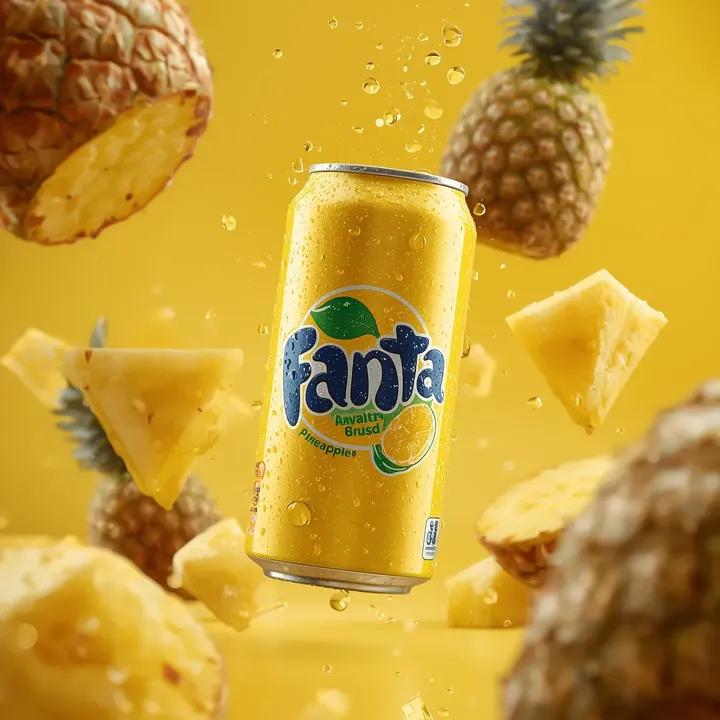
Ultra-Realistic Commercial Soda Can Photography
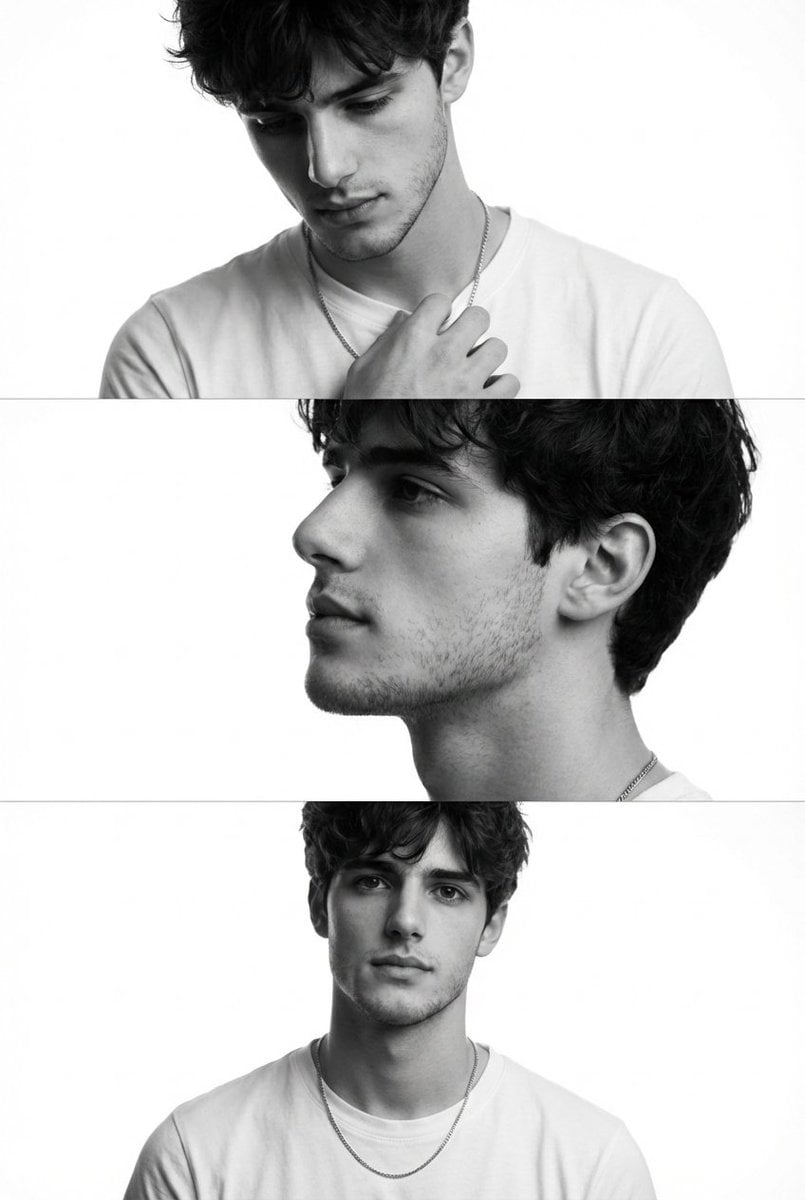
Black and White Fashion Editorial Triptych
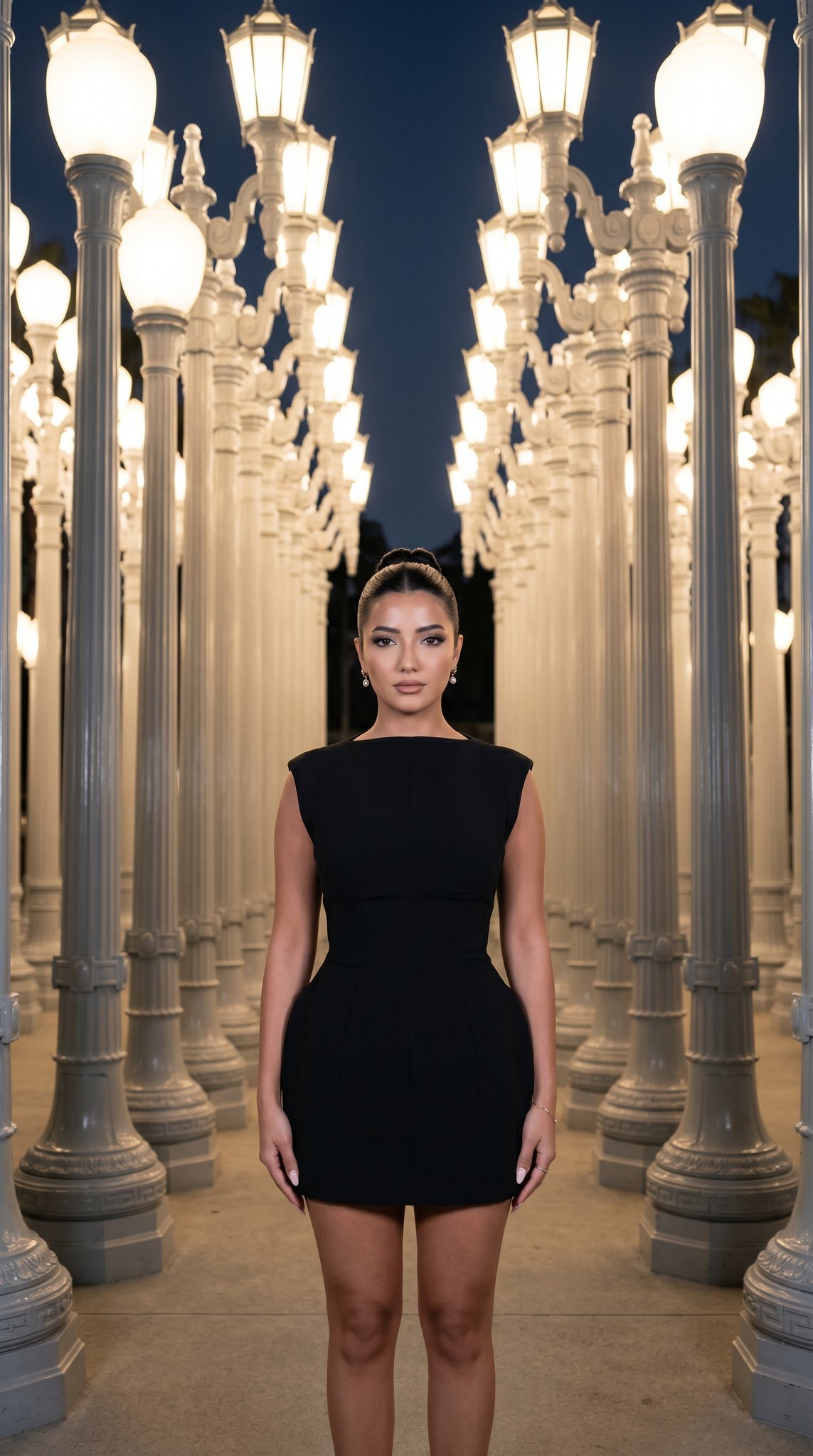
07 LACMA Urban Light — California Series
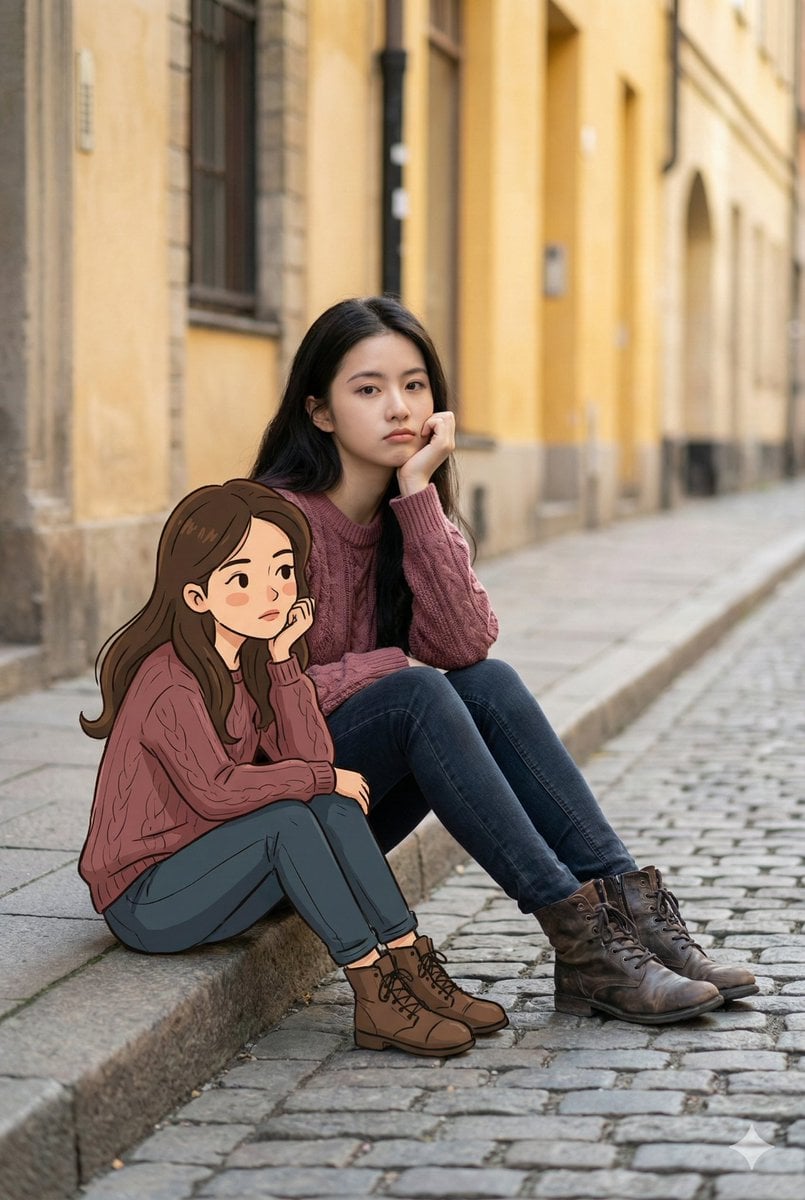
Dual Portrait Generation: Realistic and Cartoon Self-Portrait
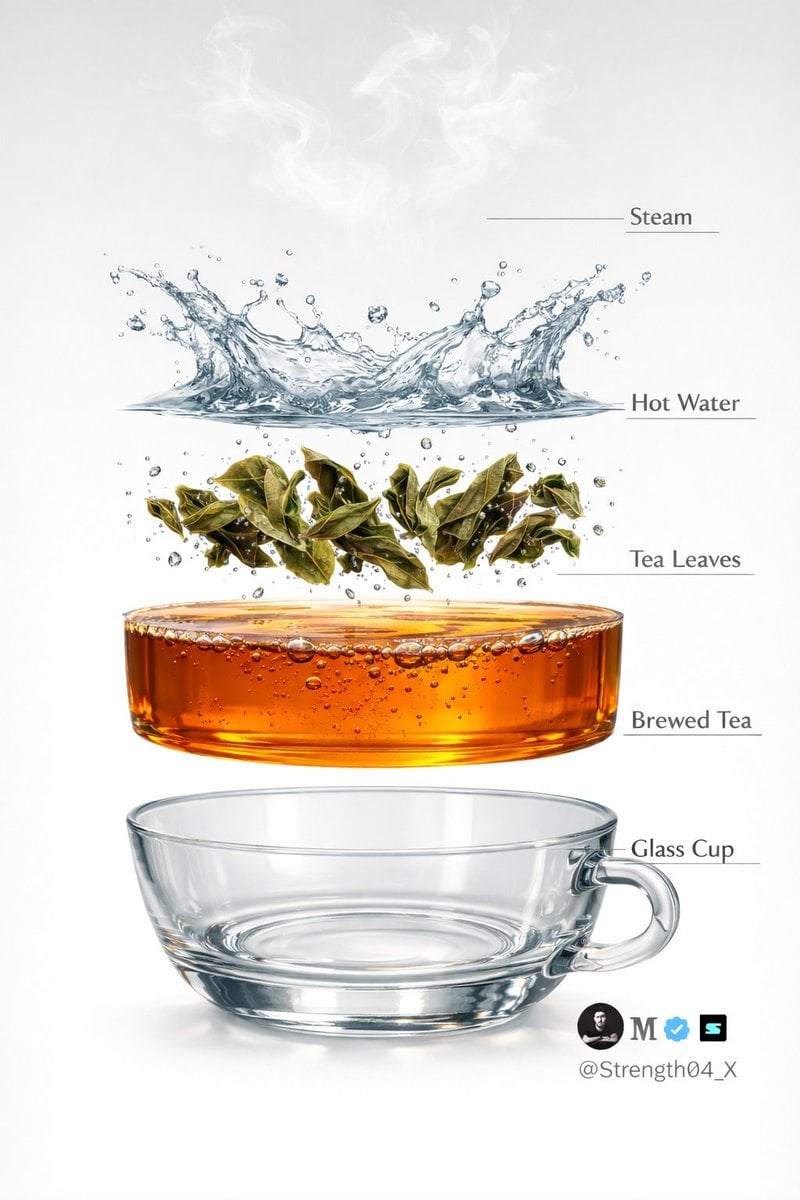
Hyper-realistic Tea Photography Prompts (Still Life and Exploded View)
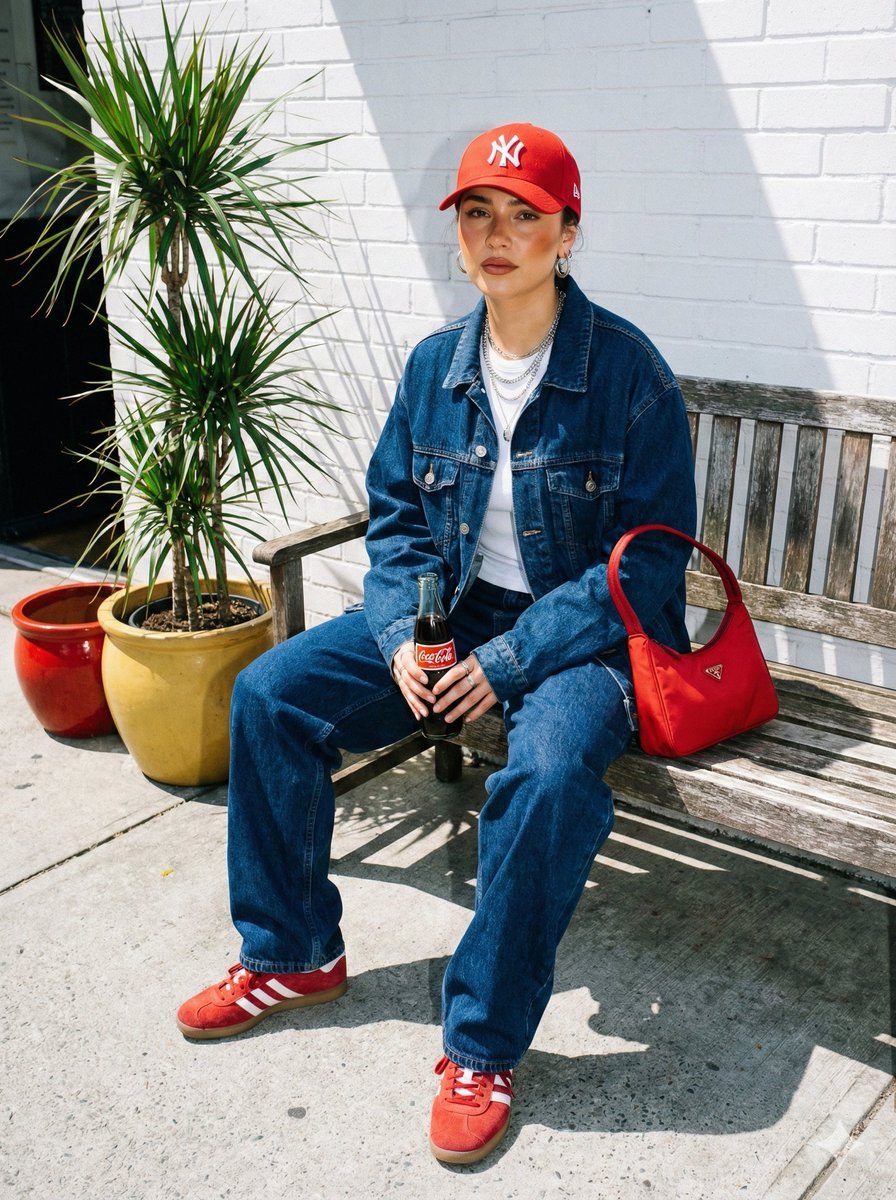
Urban Street Fashion Portrait with Vintage Accents
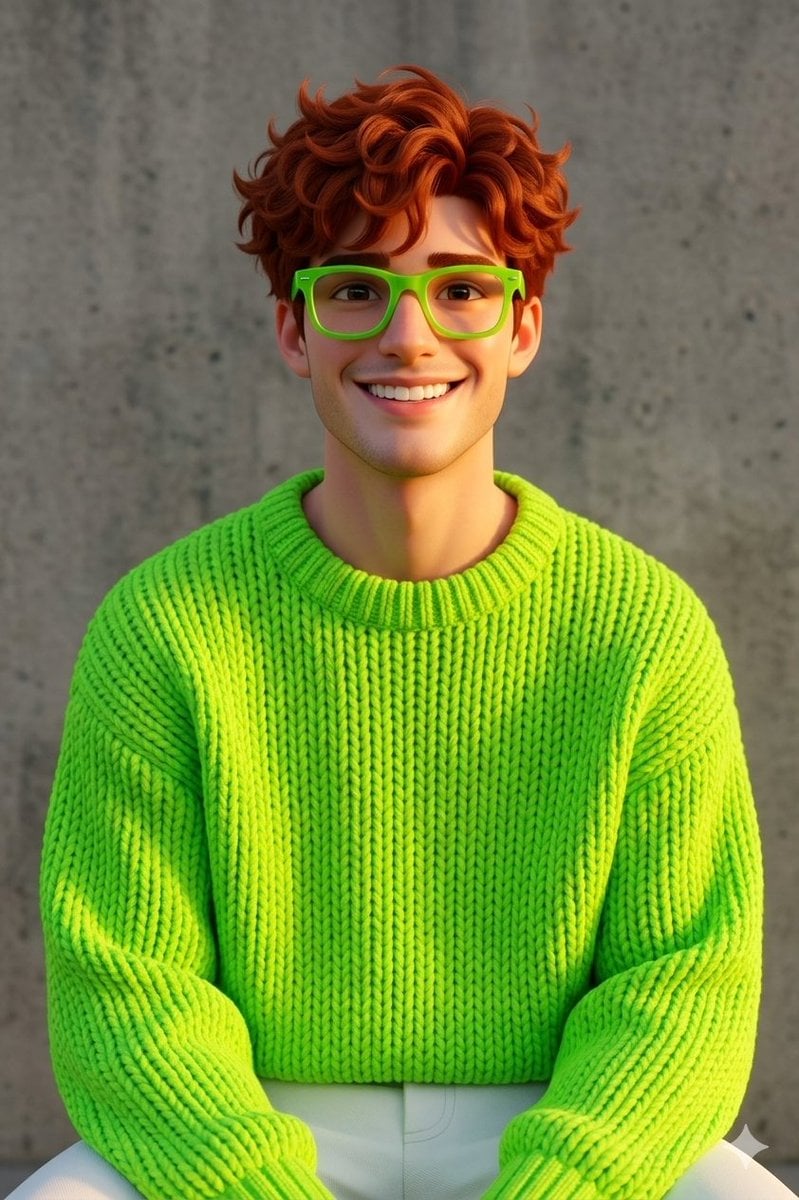
Disney-Pixar Style 3D Portrait of Man in Neon Sweater
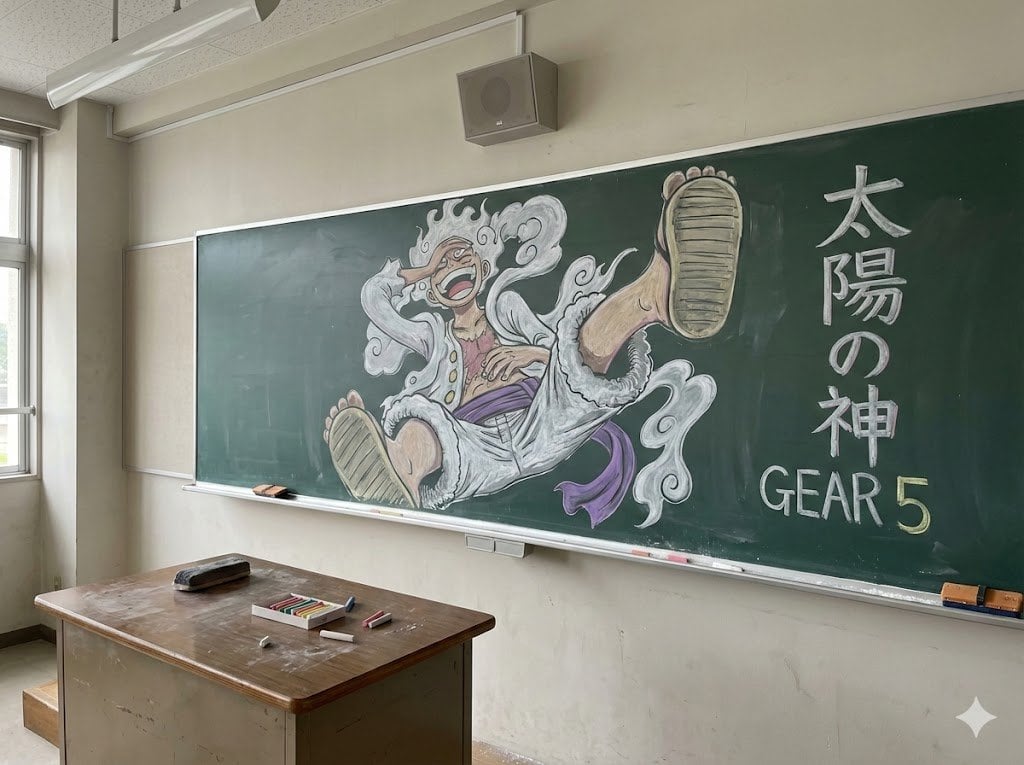
Japanese Classroom Gear 5 Chalk Art
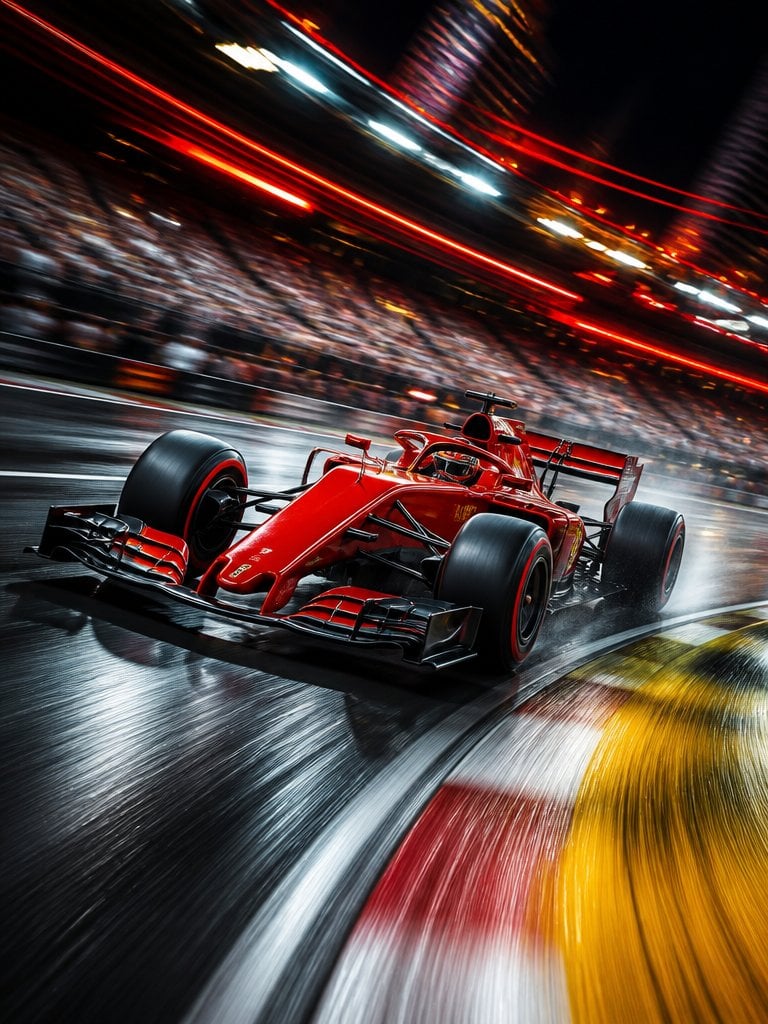
Long Exposure Motion Blur Photography

Anime Lo-Fi Now Playing Schoolboys
Browse template categories
Ultra-photorealistic fashion editorial prompt for urban setting questions
How do I use the Ultra-photorealistic fashion editorial prompt for urban setting template?
Add your photo if the template asks for one, edit the prompt if you like — the template's model and format are already selected — and press Generate. Your version opens in PicX Studio.
Can I customize the Ultra-photorealistic fashion editorial prompt for urban setting template?
Yes. You can change the subject, setting, lighting, mood, format, and available model controls before creating your image.
Is the Ultra-photorealistic fashion editorial prompt for urban setting template free?
Opening and editing this template is free. Generating uses credits, shown on the Generate button when you are signed in.
Which AI model should I use?
Start with Nano Banana 2, which is the model associated with this template. You can compare another compatible model for a different finish.
Looking for something else? Browse all templates.

Your photo, any look
Thousands of ready templates for every top image and video model, from one credit balance.