
Dual Portrait Generation: Realistic and Cartoon Self-Portrait
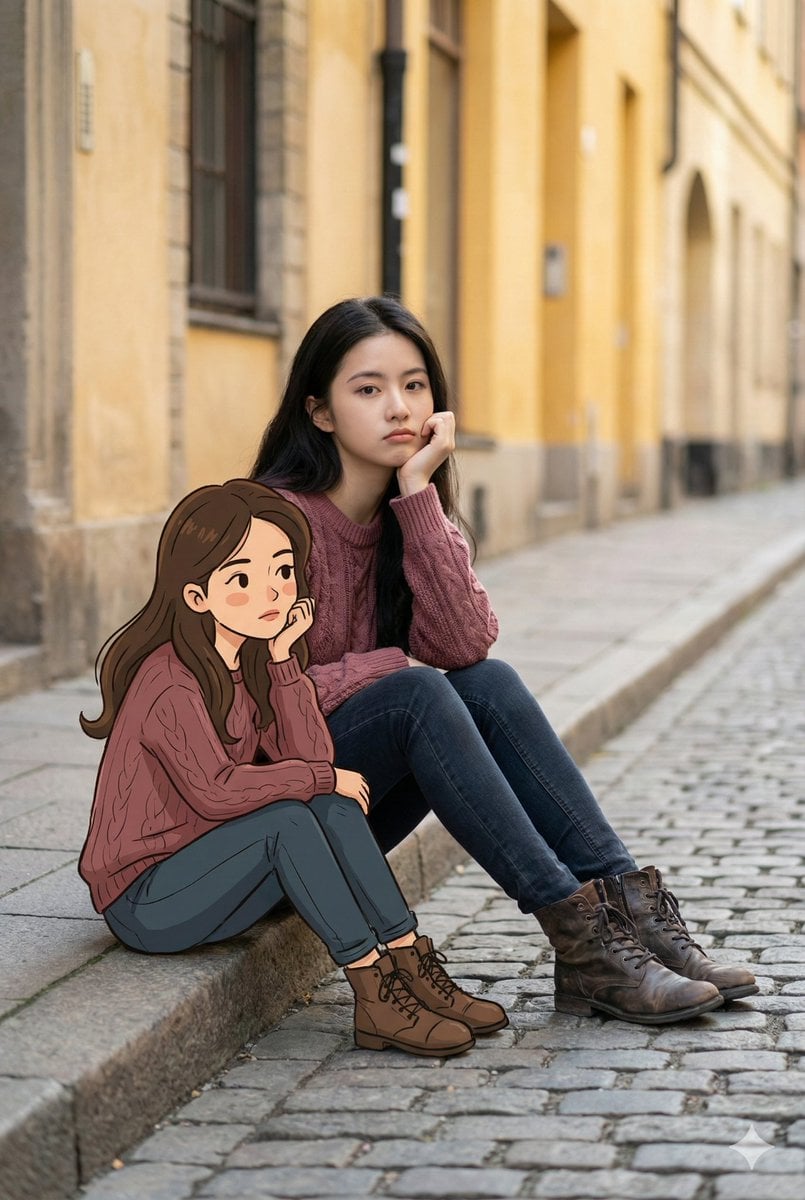
A detailed prompt designed for Nano Banana Pro to generate a dual portrait featuring a realistic version of the subject alongside a cartoon version of themselves.
- Prompt included
- Model and format preset
- Free template
The prompt behind this image
Copy the exact prompt behind Dual Portrait Generation: Realistic and Cartoon Self-Portrait, or open it in the studio and make it yours.
Help me generate an image: [Subject]: In the photo, a **[extracted from the uploaded image: age, gender, appearance]** (the same person as in the uploaded image) sits by the side of a quiet city street. The person sits casually on the edge of a concrete sidewalk, one hand resting under the chin, with a slightly bored, pensive posture. The expression is calm and reserved, conveying a quiet, contemplative feeling. [Outfit]: Wearing **{argument name="outfit" default="a loose burgundy cable-knit sweater, paired with dark jeans and distressed leather boots"}**. [Cartoon companion]: On the sidewalk beside him/her sits a cartoon version of themselves (matching the facial features in the uploaded image). The cartoon character's clothing, styling, pose, and even expression are identical to the real person's. The cartoon style has simple, clean lines, warm colors, and a soft hand-drawn animation look, forming an interesting contrast with the photorealistic person. [Technique and environment]: The background is a richly textured cobblestone road and softly yellow building façades. Predominantly earth tones, soft natural light. A blend of street photography and mixed-media art, Octane renderer, Unreal Engine-level image quality, ratio "9:16"
How to use Dual Portrait Generation: Realistic and Cartoon Self-Portrait in 3 steps
- 1Upload ImagePNG, JPG or paste
Add your photo
Upload the photo the template builds on. The prompt, model and format are already set.
- 2…a portrait of your subject in softgolden-hour light, 85mm…
Personalize
Edit the subject and creative details for your destination.
- 3Generate
Generate
Press Generate — your image is created in PicX Studio, so you can compare it with the original and refine one variable at a time.
More like this
Templates with the same subject, style or setup. Open one to see its prompt.

Urban Street Portrait with Cartoon Inner Self Duo
Moody Dual-Tone Selfie Portrait
JSON Prompt for Cinematic Dual-Tone Selfie Portrait
Isometric Landmark Generation Using Nano
Ultra Detailed 3d Plush Cartoon Characte
Selfie with Sydney Sweeney and Ana De Ar

Found Photograph: Us, 1970

80s Couple Studio Portrait

80s Bollywood Star

80s Golden Hour Cinema

Me in 1985

1985 Studio Portrait
Make it yours
Dual Portrait Generation: Realistic and Cartoon Self-Portrait works as-is. These are the safest ways to change it without losing the look.
Change one field
Copy a single group, rewrite it, and generate again so you can see what that field is doing.
Keep the frame, change the subject
Hold the composition and light of Dual Portrait Generation: Realistic and Cartoon Self-Portrait, then swap wardrobe, props or the person for a new take.
| If the result… | Why | Fix |
|---|---|---|
| The result drifts from the preview | Too many fields changed at once. | Reuse Dual Portrait Generation: Realistic and Cartoon Self-Portrait as-is first, then change one group — subject, light, or setting. |
| The model over-stylizes the scene | The prose prompt leaves finish and camera underspecified. | Add one camera or lighting sentence and stay on Nano Banana 2. |
More Nano Banana 2 templates
Other prompts made for Nano Banana 2.

Photorealistic Leaf Shaped Like a Dragon

K-Pop Idol Portrait Grid for Rapid Selection

Poetic Rain Forest Portrait During Golden Hour

Candid Nighttime Photo with Cat Prompt

High-Concept 3D Diorama Generation Prompt

Cinematic Futuristic Studio Portrait Template

Skincare Editorial Photography Collage Prompt

Hyper-Realistic Commercial Product Photography (Splash Effect)

Hyper-Realistic Nightclub Portrait Prompt
Cinematic Urban Rain Scene Prompt (Neo-Noir)
More image prompts
Fresh picks from across the catalog.
Luxury Fashion Portrait in Burnt Orange Suit
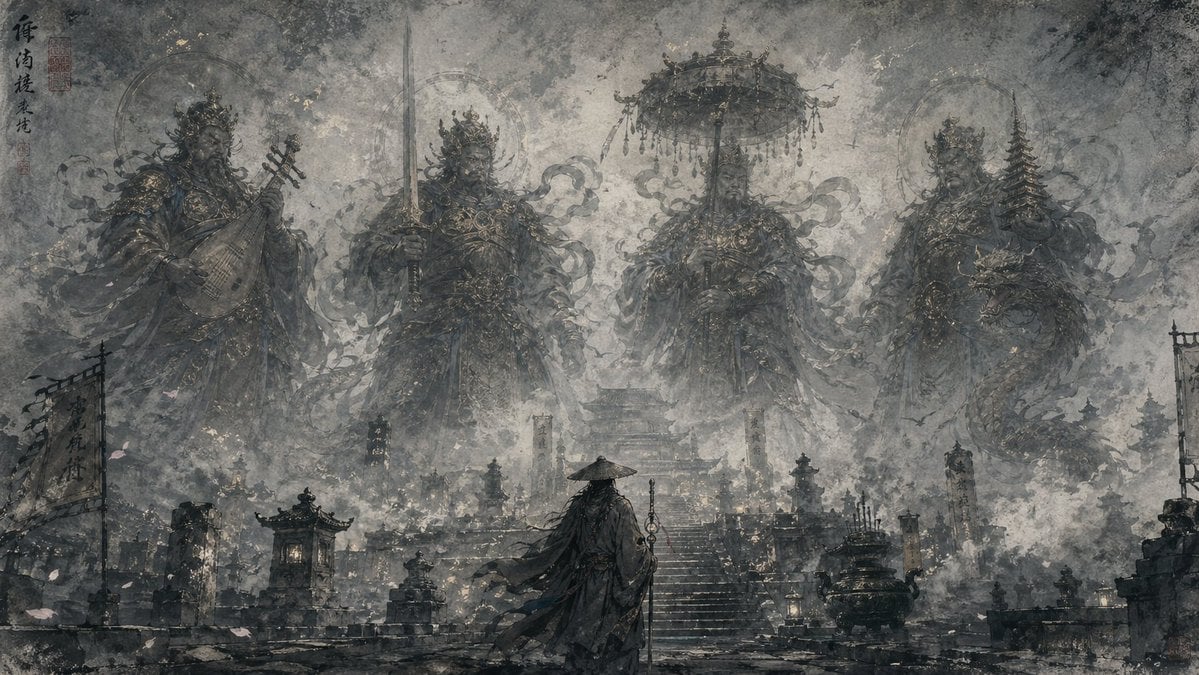
Eastern Ink Fantasy Illustration
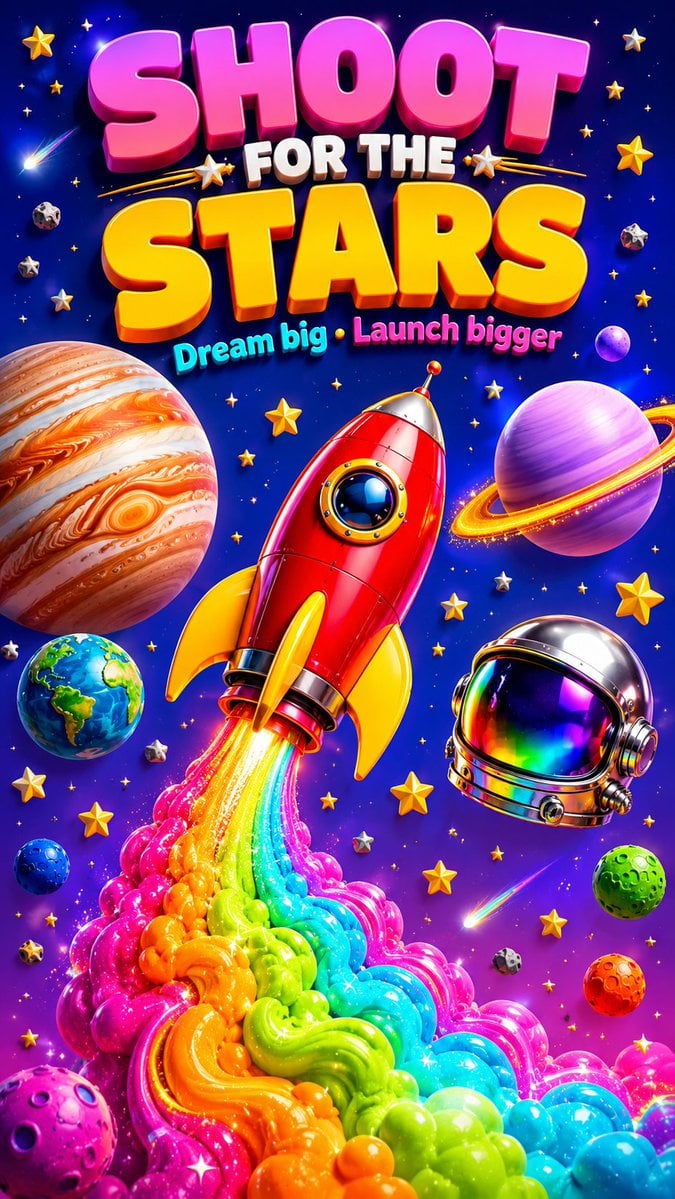
3D Retro Futurism Space Poster
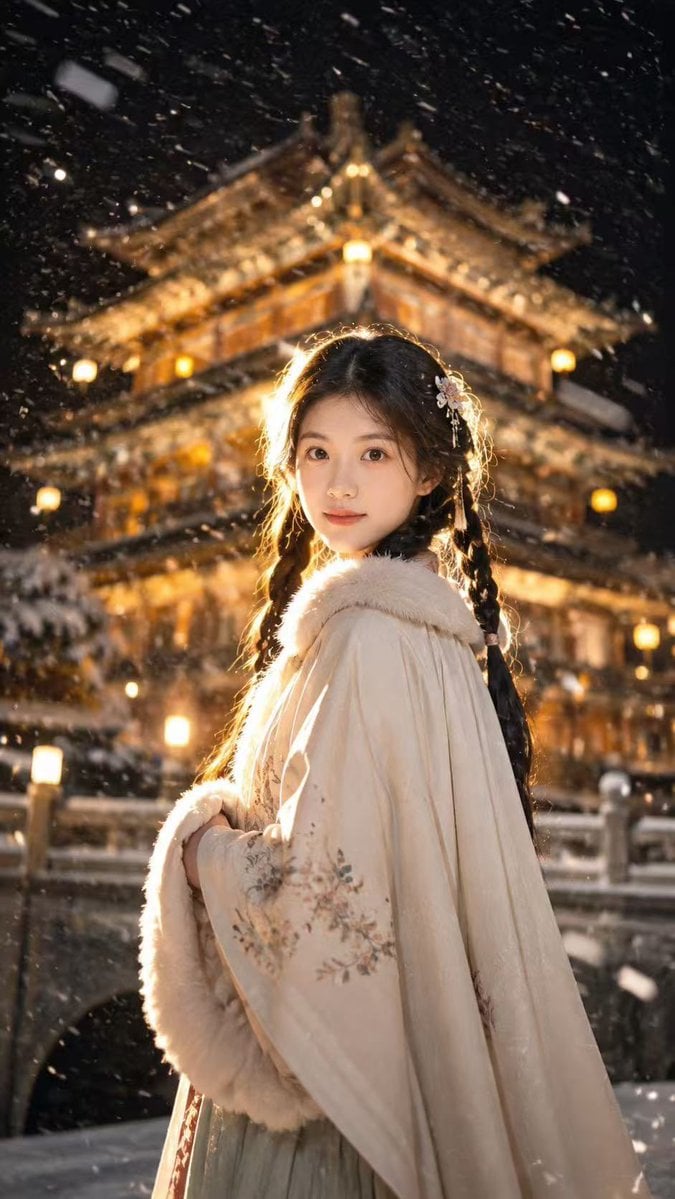
Snowy Chinese Temple Portrait
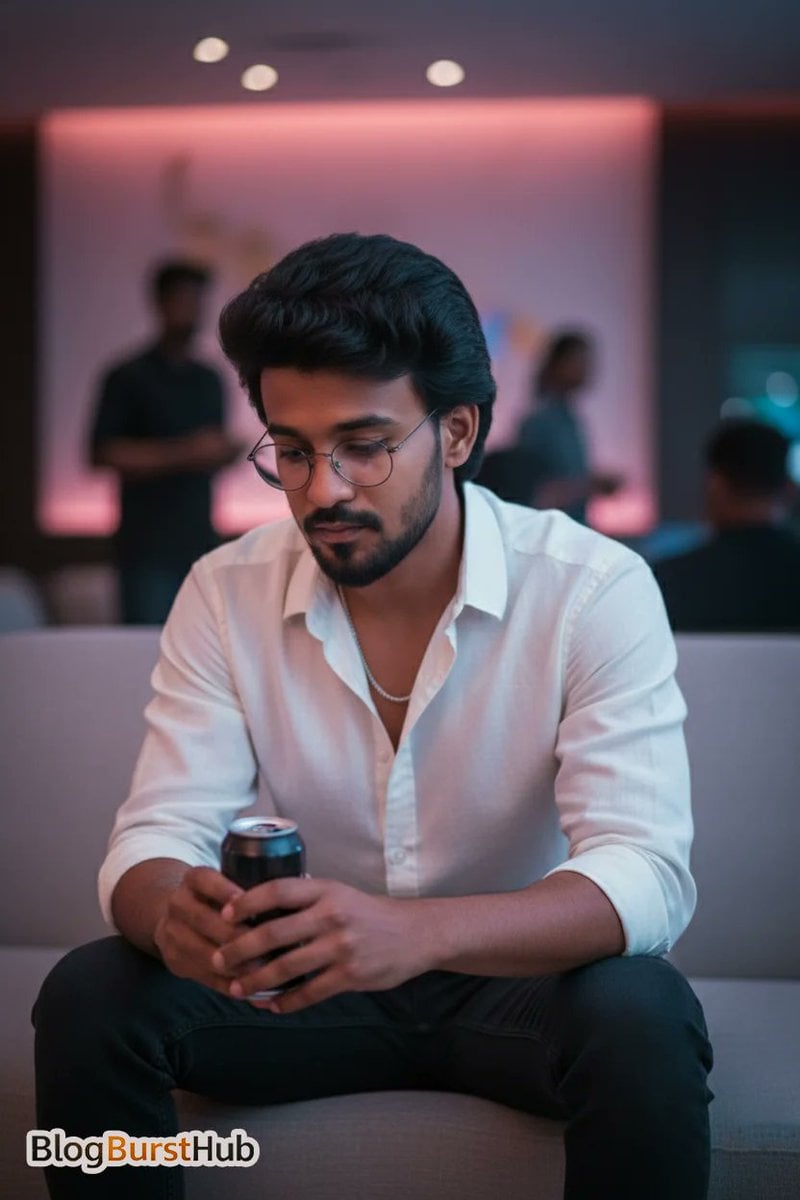
Stunning Night Time Portrait Photo Prompt
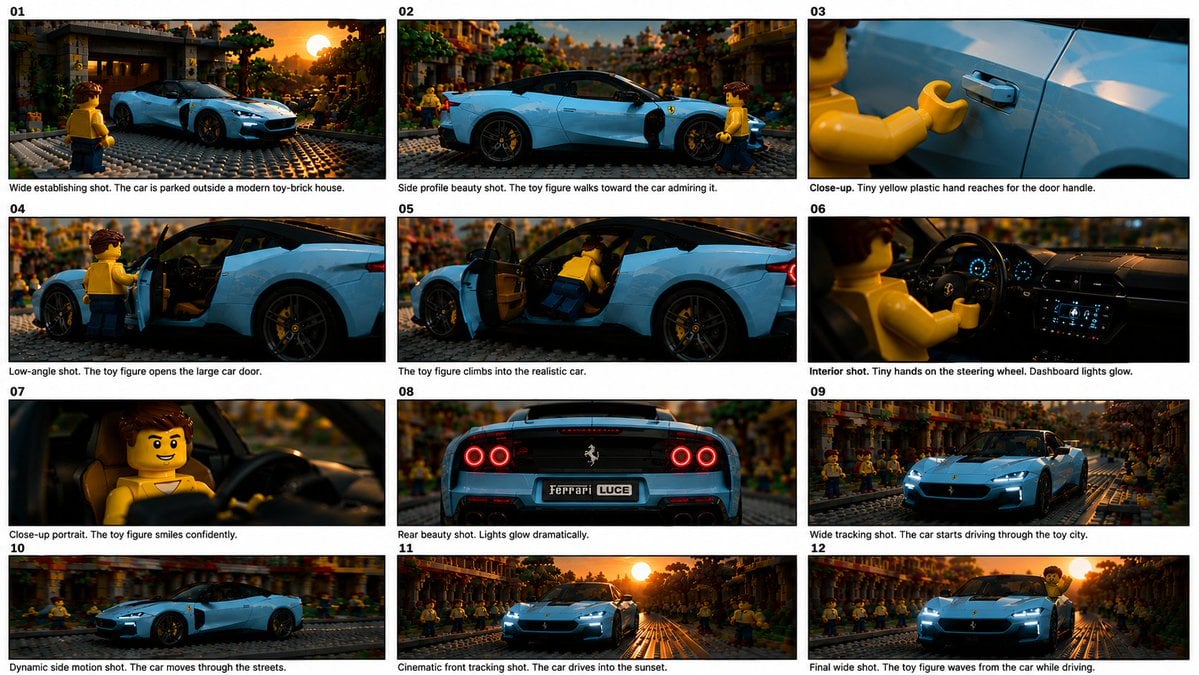
Toy Ferrari Storyboard Contact Sheet
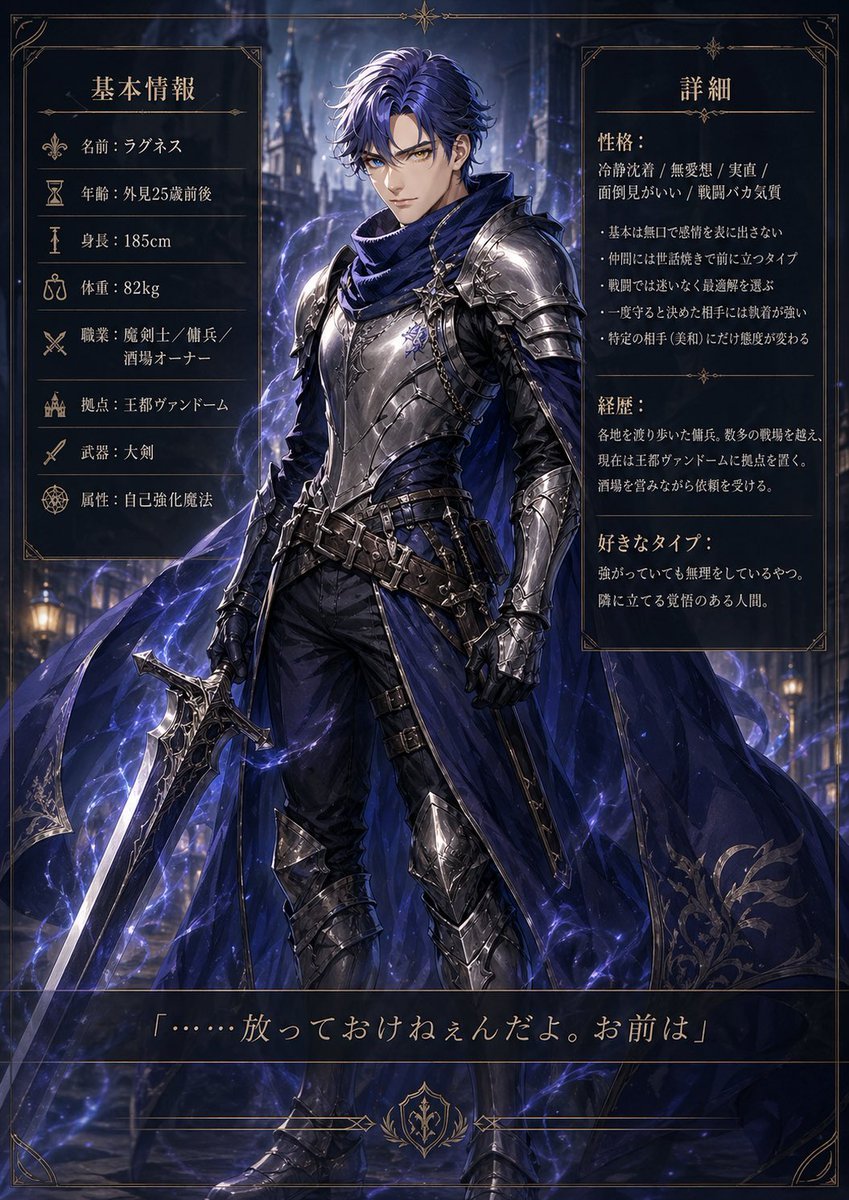
Dark Fantasy Knight Character Sheet
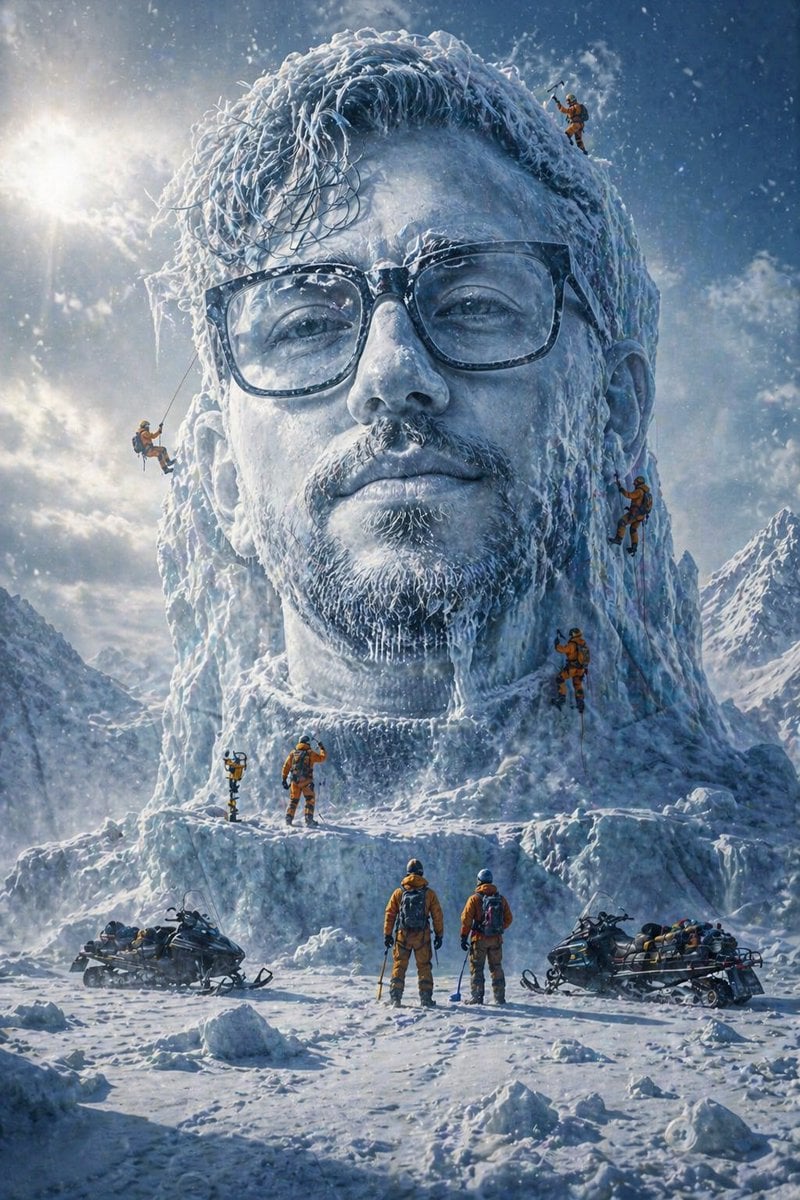
Arctic Glacier Ice Sculpture Prompt
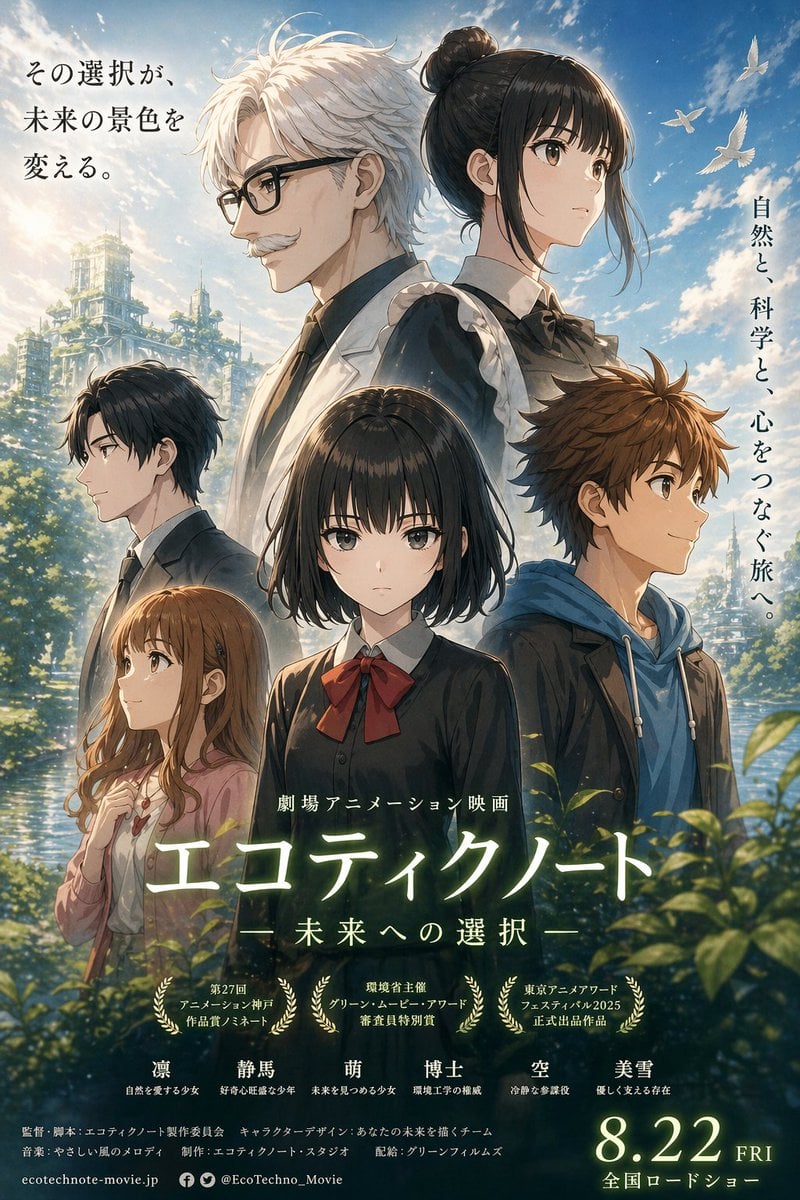
Anime Ensemble Movie Poster

Professional studio portrait prompt
Browse template categories
Dual Portrait Generation: Realistic and Cartoon Self-Portrait questions
How do I use the Dual Portrait Generation: Realistic and Cartoon Self-Portrait template?
Add your photo if the template asks for one, edit the prompt if you like — the template's model and format are already selected — and press Generate. Your version opens in PicX Studio.
Can I customize the Dual Portrait Generation: Realistic and Cartoon Self-Portrait template?
Yes. You can change the subject, setting, lighting, mood, format, and available model controls before creating your image.
Is the Dual Portrait Generation: Realistic and Cartoon Self-Portrait template free?
Opening and editing this template is free. Generating uses credits, shown on the Generate button when you are signed in.
Which AI model should I use?
Start with Nano Banana 2, which is the model associated with this template. You can compare another compatible model for a different finish.
Looking for something else? Browse all templates.

Your photo, any look
Thousands of ready templates for every top image and video model, from one credit balance.