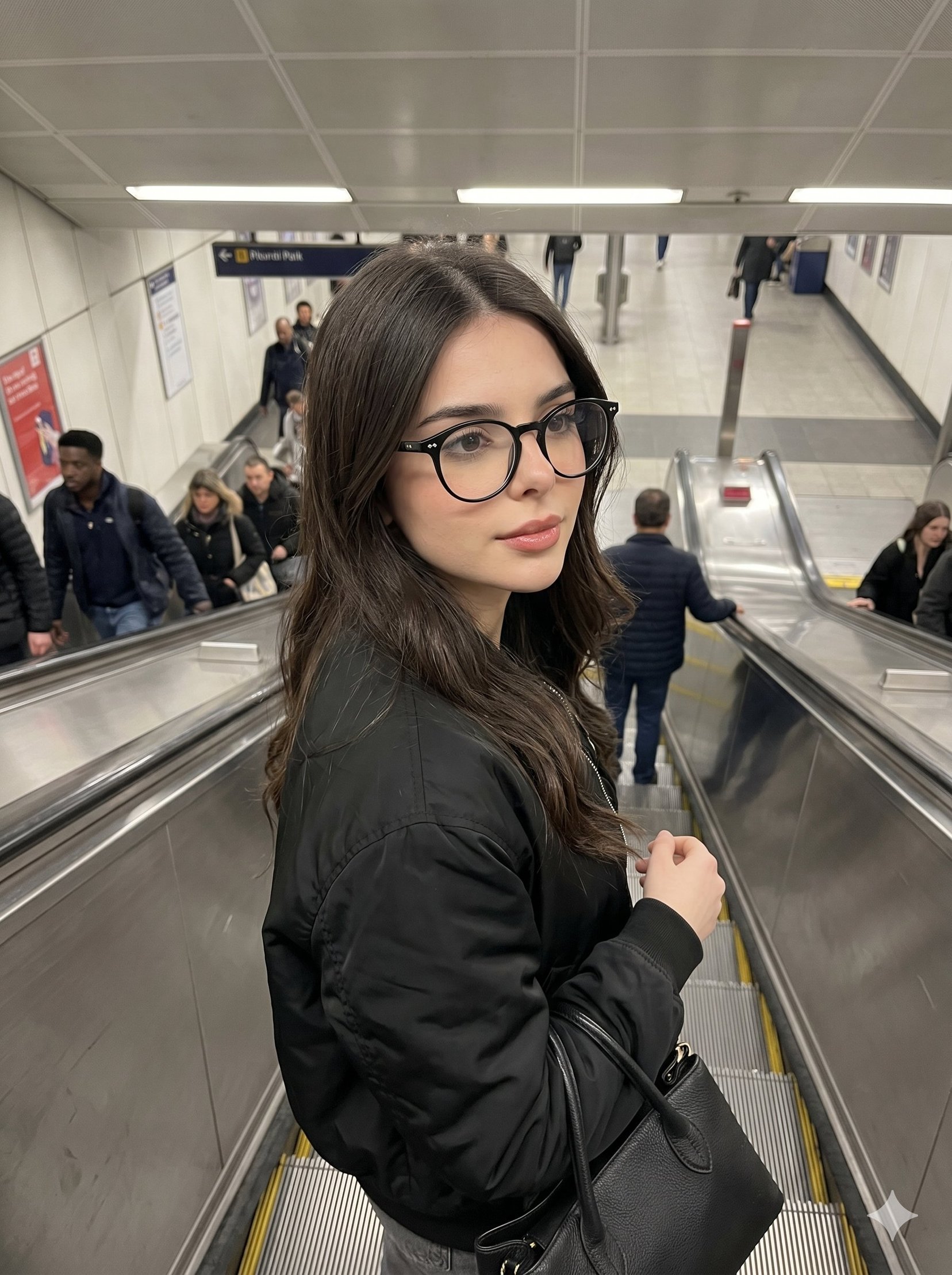
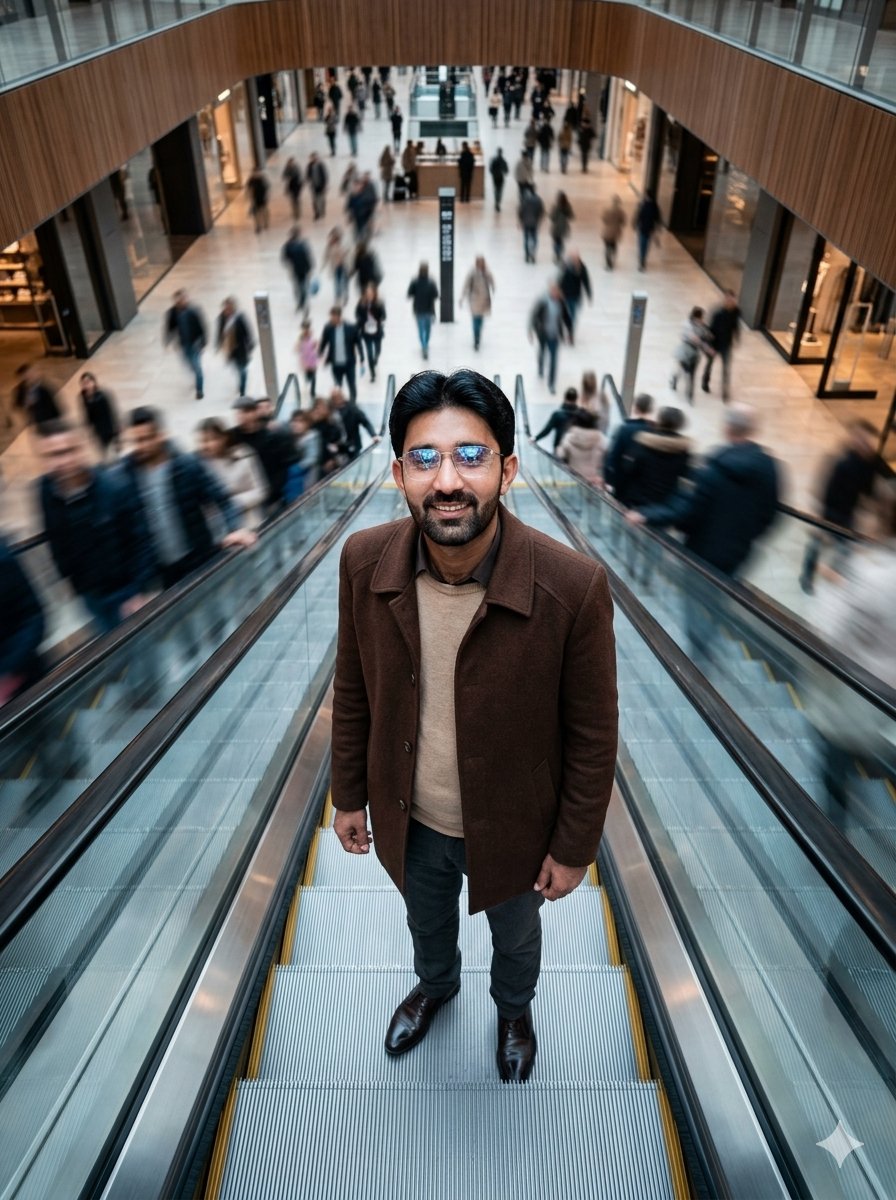
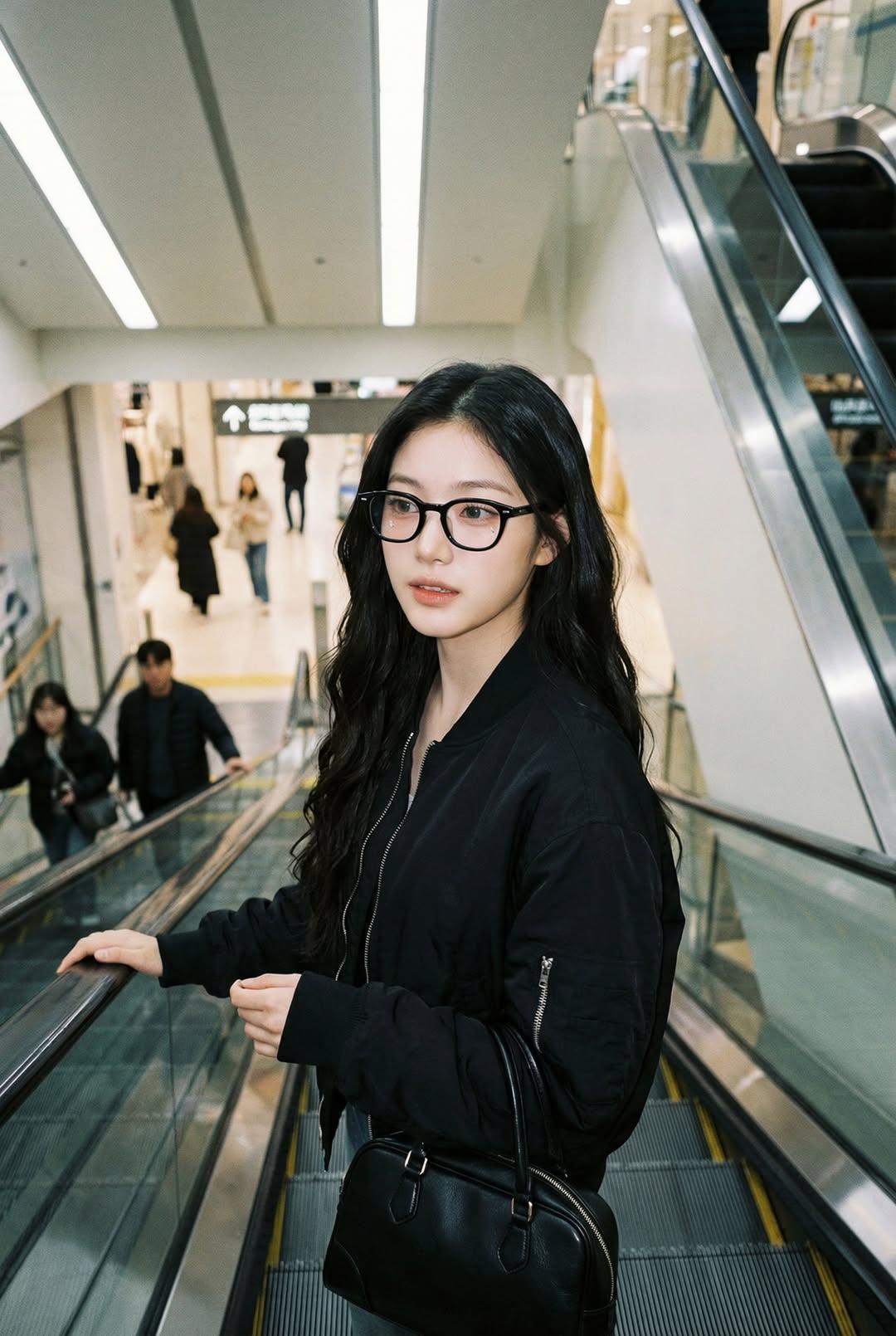
How do I use the Anime Mall Escalator Fashion Portrait template?
Edit the prompt in the box under the preview — the template's model and format are already selected — and press Generate. Your version appears right on this page.
Generates a stylish vertical anime fashion portrait of a woman in a blouse, pleated skirt, and newsboy cap standing on a modern indoor escalator.

This template uses your photo — add one with the + button.
Create a polished vertical anime-style fashion illustration of a young woman standing on an indoor escalator in a bright modern shopping mall or transit atrium. She wears a {argument name="hat style" default="black newsboy cap with a glossy band"}, shoulder-length light brown hair peeking out from under the cap, long dangling earrings, a crisp {argument name="blouse color" default="white"} short-sleeve blouse with puff sleeves and a large tied bow at the collar, a high-waisted {argument name="skirt color" default="black"} pleated midi skirt, and a small black quilted shoulder bag with a gold chain strap. Her face is intentionally obscured by a soft square privacy blur while the rest of the image remains sharp. Pose her full body from slightly below eye level, one hand relaxed at her side and the other lightly resting on the escalator handrail, elegant and calm. The background is a spacious glass-roofed interior with diagonal steel beams, marble or dark stone wall panels, warm wooden ceiling accents, glass railings, and a pair of parallel escalators receding behind her; include subtle distant silhouettes of people on an upper level. Use realistic anime rendering with clean linework, soft skin shading, detailed fabric folds, glossy reflections on metal escalator rails, bright early-summer daylight streaming through the skylight, airy high-key lighting, shallow depth of field, fashionable urban outing mood, portrait orientation, high detail.
Create a polished vertical anime-style fashion illustration of a young woman standing on an indoor escalator in a bright modern shopping mall or transit atrium. She wears a {argument name="hat style" default="black newsboy cap with a glossy band"}, shoulder-length light brown hair peeking out from under the cap, long dangling earrings, a crisp {argument name="blouse color" default="white"} short-sleeve blouse with puff sleeves and a large tied bow at the collar, a high-waisted {argument name="skirt color" default="black"} pleated midi skirt, and a small black quilted shoulder bag with a gold chain strap. Her face is intentionally obscured by a soft square privacy blur while the rest of the image remains sharp. Pose her full body from slightly below eye level, one hand relaxed at her side and the other lightly resting on the escalator handrail, elegant and calm. The background is a spacious glass-roofed interior with diagonal steel beams, marble or dark stone wall panels, warm wooden ceiling accents, glass railings, and a pair of parallel escalators receding behind her; include subtle distant silhouettes of people on an upper level. Use realistic anime rendering with clean linework, soft skin shading, detailed fabric folds, glossy reflections on metal escalator rails, bright early-summer daylight streaming through the skylight, airy high-key lighting, shallow depth of field, fashionable urban outing mood, portrait orientation, high detail.
Edit the prompt in the box under the preview — the template's model and format are already selected — and press Generate. Your version appears right on this page.
Yes. You can change the subject, setting, lighting, mood, format, and available model controls before creating your image.
Opening and editing this template is free. Generating uses credits, shown on the Generate button when you are signed in.
Start with GPT Image 2, which is the model associated with this template. You can compare another compatible model for a different finish.
Follow a topic to a crawlable collection of related PicX Studio templates.