How do I use the Retro CCD Digital Camera Snapshot template?
Choose the primary action to open PicX Studio with the available template settings. Review the model and format, personalize the creative direction, and generate when ready.
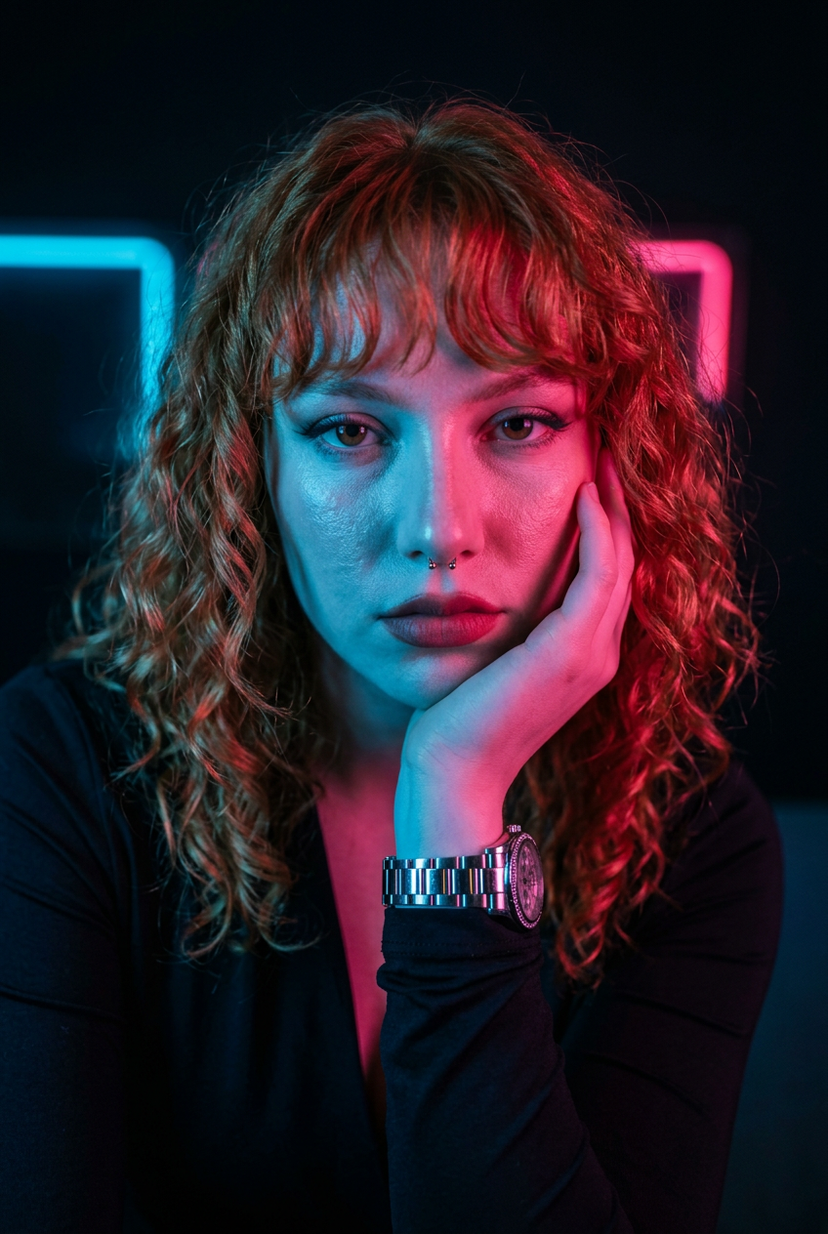
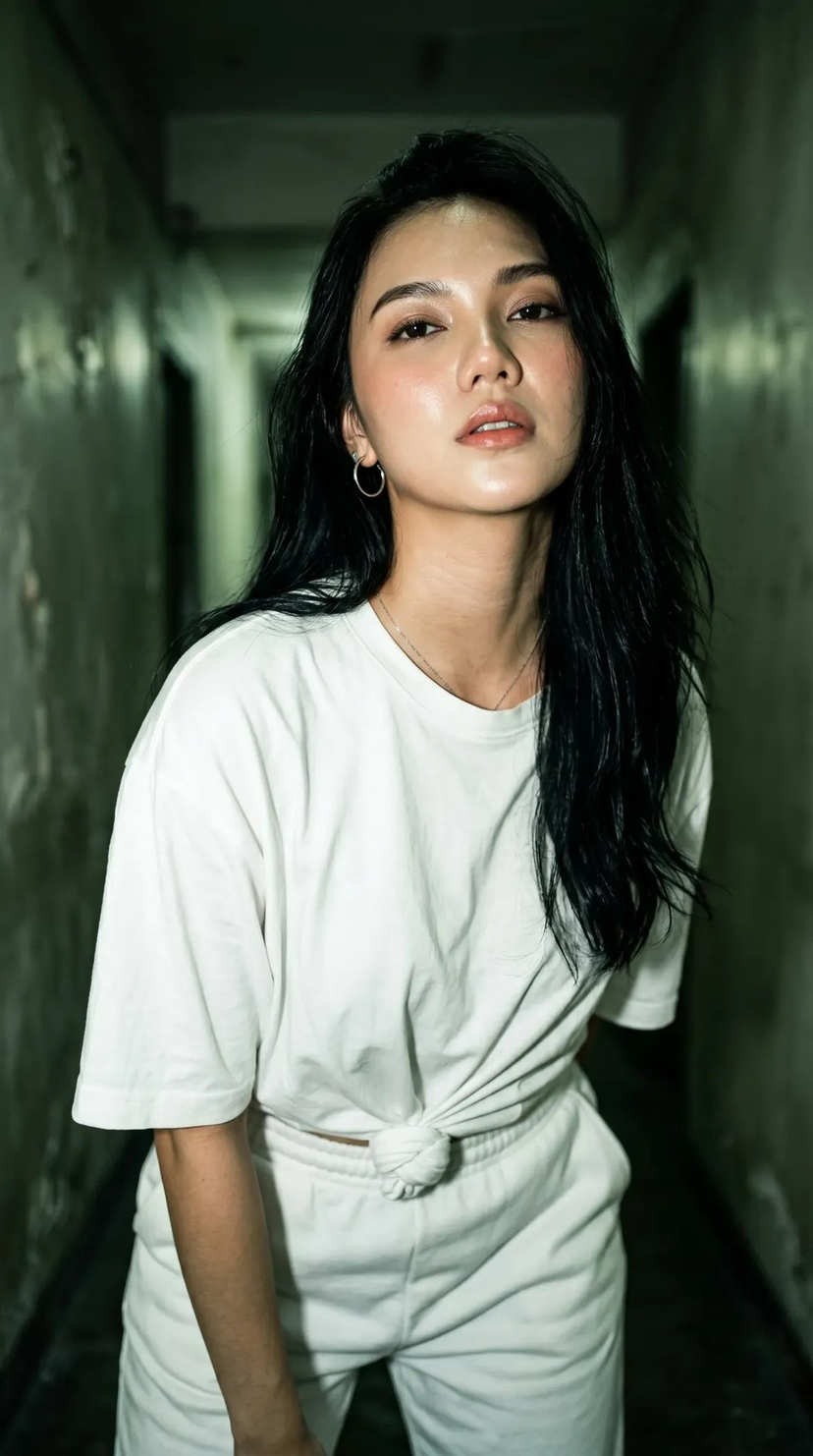
An incredibly detailed prompt designed to replicate the specific aesthetic of early 2000s consumer CCD digital cameras, focusing on skin texture and candid street atmosphere. Change the subject, setting, or lighting one variable at a time.
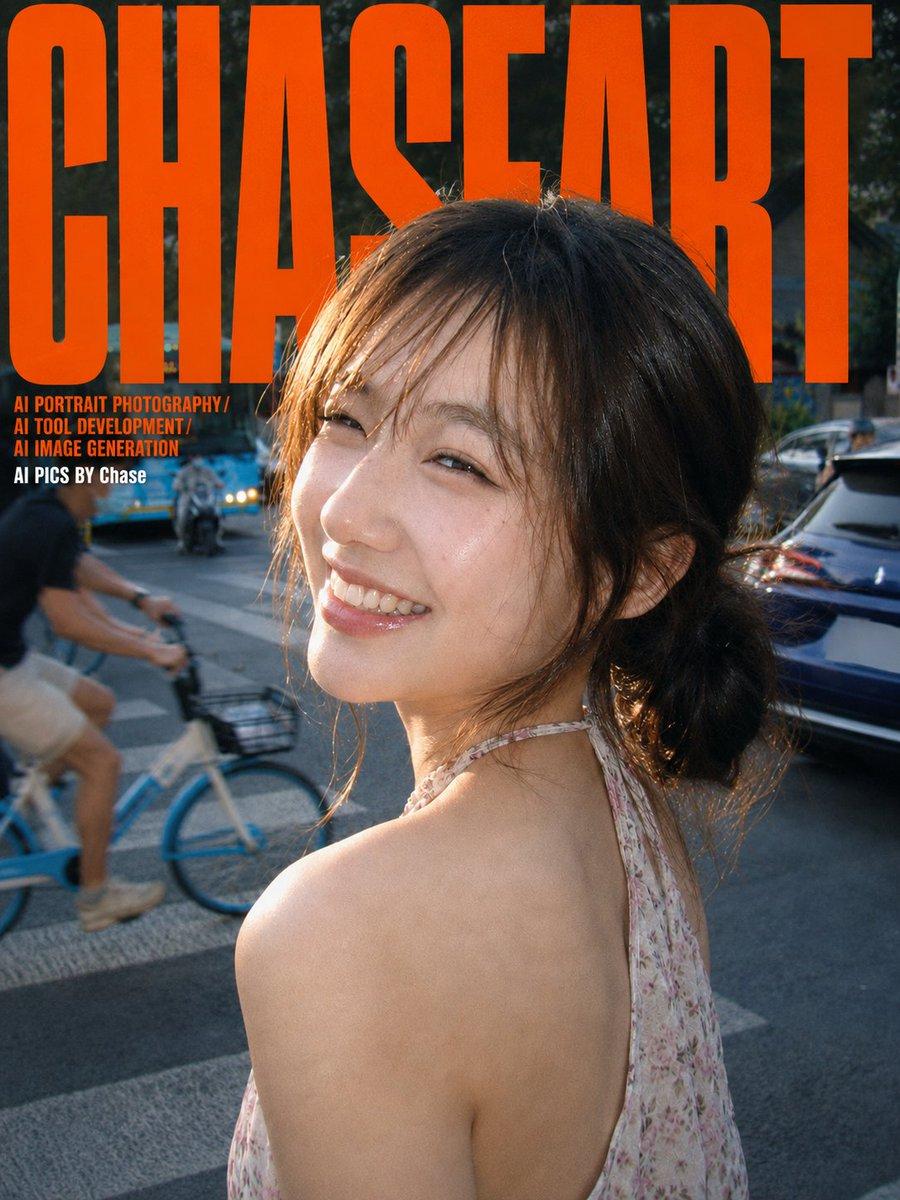
一张充满生活气息的街头抓拍。画面主体是一位{argument name="年龄" default="20岁出头"}的{argument name="人种" default="东亚女孩"},气质清新甜美,像邻家妹妹。她有着深棕色的及肩发,随意地在脑后扎成一个蓬松的低丸子头或低马尾,额前是稀疏的空气刘海,整体给人一种不经意的亲切感和初恋感。 女孩的脸部特写:她正侧身回眸,对着镜头露出一个极其灿烂、毫无防备的笑容,眼睛笑成了弯弯的月牙,眼神清澈明亮。她的妆容非常淡雅自然,重点是水光感的粉色唇釉,让嘴唇看起来饱满晶莹。皮肤质感白皙通透,在光线下呈现出一种“玻璃皮肤”的光泽感,尤其在左侧脸颊和鼻梁处有明显的高光。她穿着一件浅色碎花图案的无袖挂脖上衣,露出了圆润的肩头和纤细的锁骨,姿态自然放松。 环境背景设定在傍晚时分的城市街头,像是在{argument name="地点" default="北京的胡同口"}或某个有生活气息的街区。女孩身后是正在过马路的场景,左侧远处有一辆蓝色的公交车和骑电动车的人,稍近处一个戴着口罩的男生正骑着一辆蓝白相间的共享单车,这些动态元素给画面增添了故事感。右侧有一辆深蓝色汽车的车尾,更远处是绿色的行道树和一些中式风格的屋檐。整个背景有一定的景深,处于轻微的动态模糊和失焦状态,突出了前景的人物。 情绪氛围是夏日傍晚的慵懒与惬意,混合了千禧年复古的怀旧感和日系写真的清新感。这是一张充满偶然性的旅行快照或生活记录,捕捉了不期而遇的美好瞬间,充满了松弛和真实的呼吸感。 摄影和画质重点:这张照片要严格模仿一台2000年代早期的消费级CCD数码相机(例如佳能IXUS或索尼Cyber-shot)的直出效果。分辨率相对较低,画质有轻微的压缩感和模糊感,绝非现代高清精修大片。细节,尤其是背景和头发边缘,锐度不足,保留老旧传感器特有的粗糙噪点和颗粒感(Grain)。光线来源是傍晚时分的漫射天光(Dappled light),整体光线均匀柔和。光线从女孩的左前方打来,在她的左侧脸颊、鼻梁和额头形成了明显的高光区域,局部轻微过曝(Overexposure),正是这种过曝营造了水嫩的皮肤质感和CCD特有的光晕感。她的眼睛里有明亮的眼神光(Catchlight)。整体色彩饱和度偏低,但色调偏暖,带有一点粉色和黄色的倾向,天空部分因过曝而泛白,形成了低对比度、柔和阴影(Soft shadows)的复古胶片滤镜感。强调这是一张非精心构图的抓拍,保留了画面的不完美和真实性。 构图采用竖构图的半身肖像。机位与人物视线基本持平,略带一点仰拍视角。人物位于画面中心偏右的位置,回眸的姿态形成一条优美的动态引导线。背景中的街道、车辆和行人作为环境元素,丰富了画面层次,营造出强烈的空间纵深感和现场感。 比例「3:4」
Choose the primary action to open PicX Studio with the available template settings. Review the model and format, personalize the creative direction, and generate when ready.
Yes. You can change the subject, setting, lighting, mood, format, and available model controls before creating your image.
This template is free to open and customize. Generation usage is shown in PicX Studio before you create.
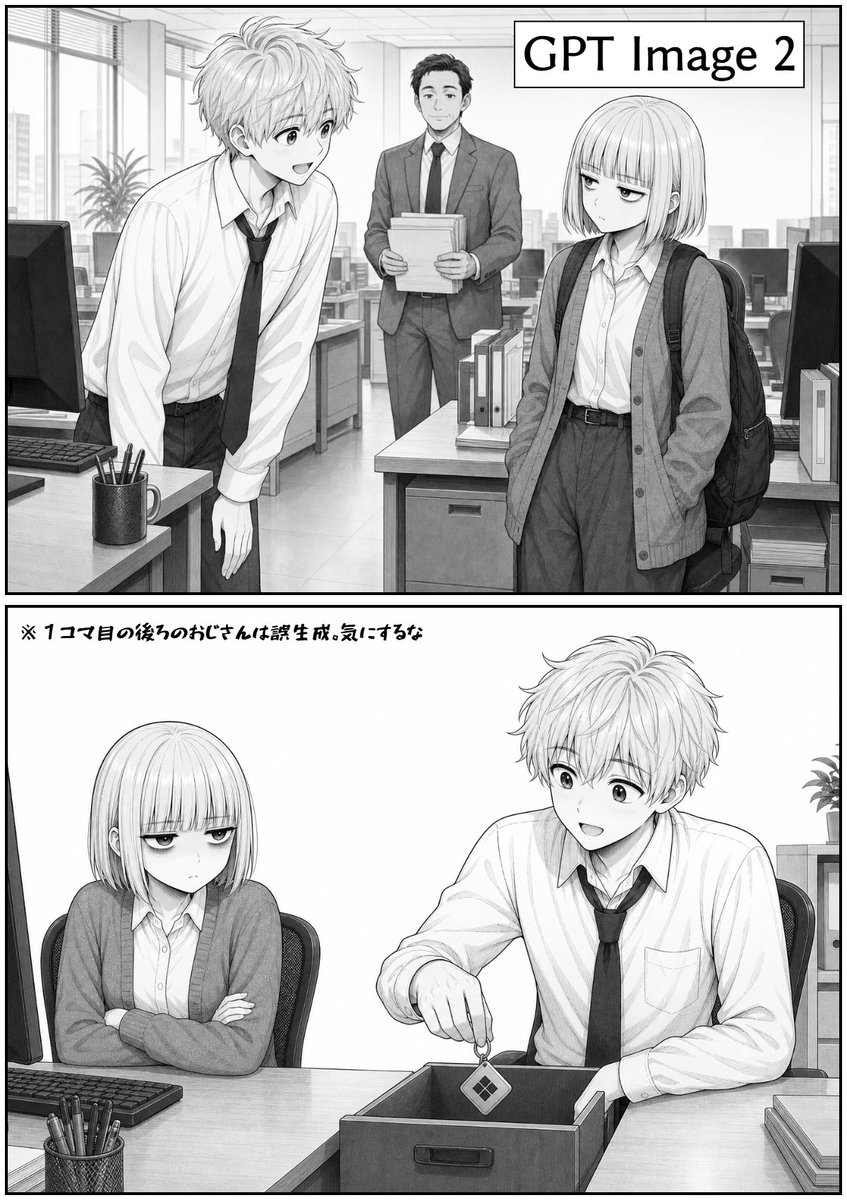
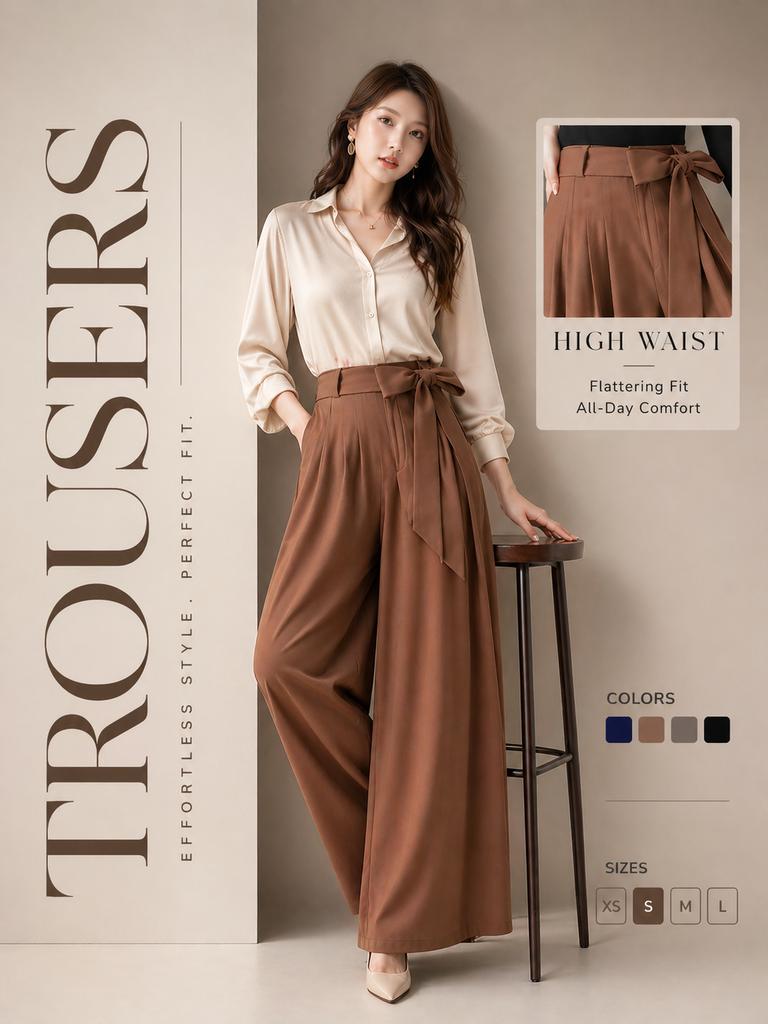
Start with GPT Image 2, which is the model associated with this template. You can compare another compatible model for a different finish.
© 2026 PicX Studio. All rights reserved.

Follow a topic to a crawlable collection of related PicX Studio templates.
43,474 public templates available. Verified via the PicX Studio public templates API; refreshed hourly.









![Minimalist Flat Vector Travel Poster — Premium minimalist flat-vector travel poster for {argument name="city name" default="[CITY_NAME]"}, 3:4 vertical format.](https://cms-assets.youmind.com/media/1787917359711_3ug846_HQX205cbMAA6F6S-300x400.jpg)