
Sigma Dark Neon New Year 2026 Doodle Illustration Prompt
A complex prompt for generating a dark neon doodle vector illustration of a single person in a 'sigma' pose, strictly preserving the facial identity from an uploaded image, and integrating glowing New Year 2026 elements…
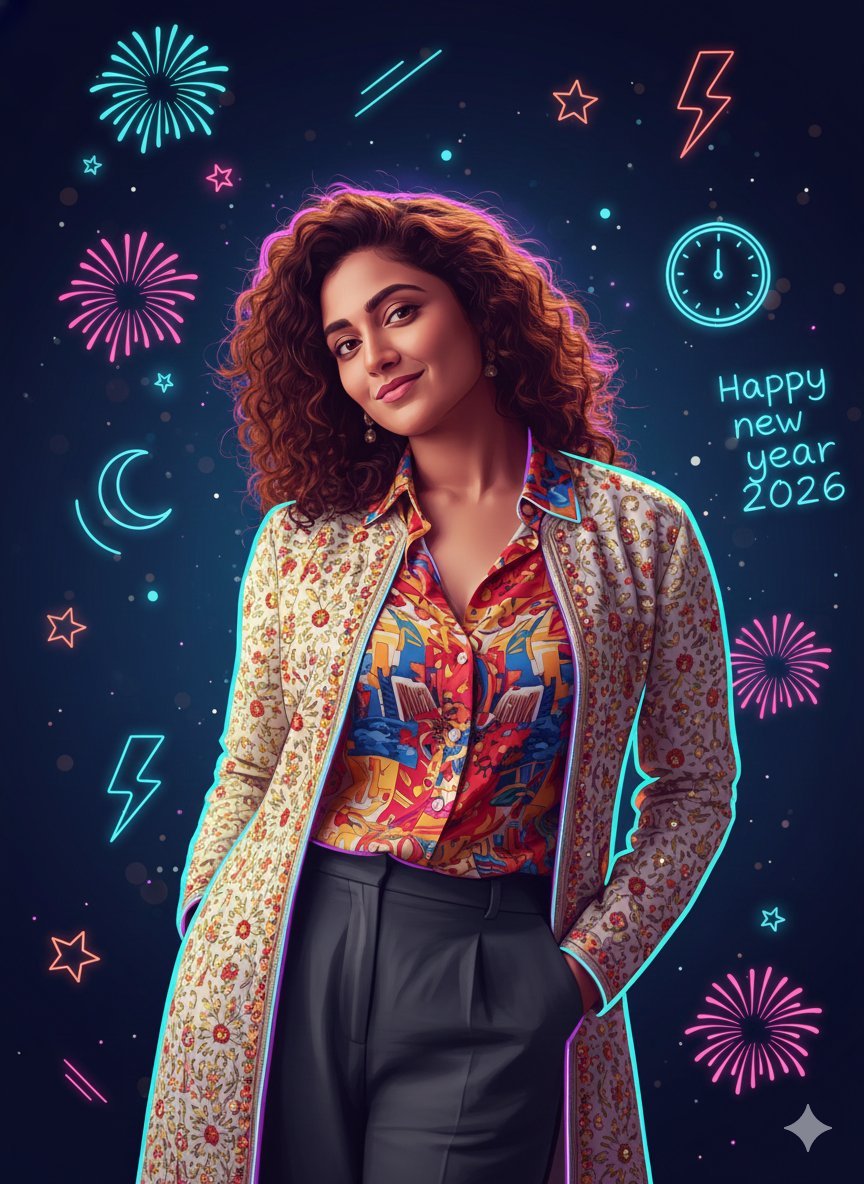
- Prompt included
- Model and format preset
- Free template
The prompt behind this image
Copy the exact prompt behind Sigma Dark Neon New Year 2026 Doodle Illustration Prompt, or open it in the studio and make it yours.
{ "prompt": "Use the uploaded image strictly as an identity reference. Preserve 100% exact face match, facial structure, expressions, skin tone, hairstyle, and identity of the single person visible in the reference image. Do not add any other person. Create a strong sigma-style pose in a dark neon New Year {argument name="year" default="2026"} doodle illustration (intense calm stare, relaxed dominant posture, slight lean, hands in pockets or crossed). Combine accurate semi-realistic facial rendering with glowing hand-drawn doodle line art. Use clean sketch lines enhanced with neon glow effects while keeping facial features clearly recognizable. Apply a dark New Year color palette with deep blacks, midnight blues, electric cyan, neon purple, and subtle red accents. Surround the subject with glowing doodle elements such as neon fireworks, stars, clocks, arrows, lightning strokes, abstract motion lines, and celebratory spark marks. Convert the scene into a high-quality dark neon doodle-vector illustration with layered glowing linework, soft gradients, controlled bloom, and crisp edges. Clothing should remain similar in type but simplified into bold dark shapes with neon edge highlights for a sigma aesthetic. Lighting should be stylized and graphic, using neon rim light and subtle glow instead of realistic lighting. The background should be deep dark with floating neon doodles and bokeh sparks. Optionally include a minimal glowing '2026' doodle integrated naturally into the scene. Render in ultra-high resolution with polished layers, sharp neon lines, and a premium dark sigma New Year 2026 doodle finish.", "negative_prompt": "face mismatch, identity change, extra person, wrong facial features, wrong skin tone, bad anatomy, extra fingers, extra limbs, stiff pose, messy lines, chaotic glow, overexposed neon, photorealism, rough textures, low quality, blur, noise, grain, watermark, logo, heavy text", "style": "dark neon doodle vector illustration", "mood": "sigma, bold, mysterious, celebratory, night-time", "lighting": "neon rim lighting with controlled glow", "background": "dark backdrop with glowing New Year doodle elements", "detail_level": "clean yet expressive, high polish", "render_quality": "ultra high resolution, cinematic doodle-vector finish", "composition": "single person, sigma pose, dark neon New Year 2026 doodle aesthetic", "reference_strength": 0.85 }
How to use Sigma Dark Neon New Year 2026 Doodle Illustration Prompt in 3 steps
- 1Upload ImagePNG, JPG or paste
Add your photo
Upload the photo the template builds on. The prompt, model and format are already set.
- 2…a portrait of your subject in softgolden-hour light, 85mm…
Personalize
Edit the subject and creative details for your destination.
- 3Generate
Generate
Press Generate — your image is created in PicX Studio, so you can compare it with the original and refine one variable at a time.
More like this
Templates with the same subject, style or setup. Open one to see its prompt.

Real Illustration Split Portrait Transition

80s Neon Disco Night

Cartoon TV Show Poster Pack

Quiet Minimalist Anime Style Guide

Rainy Night Android Cyberpunk Portrait

Korean Idol Partial Shadow Editorial Portrait

Cyberpunk Neon Profile Fashion Portrait

Neon Night Crosswalk Candid Portrait

Subway Platform Quiet Introspective Portrait
Quiet Minimalist Anime Style Guide
Rainy Night Android Cyberpunk Portrait

Watercolor Café Cheesecake Editorial Illustration
Make it yours
Sigma Dark Neon New Year 2026 Doodle Illustration Prompt works as-is. These are the safest ways to change it without losing the look.
Change one field
Copy a single group, rewrite it, and generate again so you can see what that field is doing.
Keep the frame, change the subject
Hold the composition and light of Sigma Dark Neon New Year 2026 Doodle Illustration Prompt, then swap wardrobe, props or the person for a new take.
| If the result… | Why | Fix |
|---|---|---|
| The result drifts from the preview | Too many fields changed at once. | Reuse Sigma Dark Neon New Year 2026 Doodle Illustration Prompt as-is first, then change one group — subject, light, or setting. |
| The model over-stylizes the scene | The prose prompt leaves finish and camera underspecified. | Add one camera or lighting sentence and stay on Nano Banana 2. |
More Nano Banana 2 templates
Other prompts made for Nano Banana 2.

Photorealistic Leaf Shaped Like a Dragon

K-Pop Idol Portrait Grid for Rapid Selection

Poetic Rain Forest Portrait During Golden Hour

Urban Street Portrait with Cartoon Inner Self Duo

Candid Nighttime Photo with Cat Prompt

High-Concept 3D Diorama Generation Prompt

Cinematic Futuristic Studio Portrait Template

Skincare Editorial Photography Collage Prompt

Hyper-Realistic Commercial Product Photography (Splash Effect)

Hyper-Realistic Nightclub Portrait Prompt
More image prompts
Fresh picks from across the catalog.
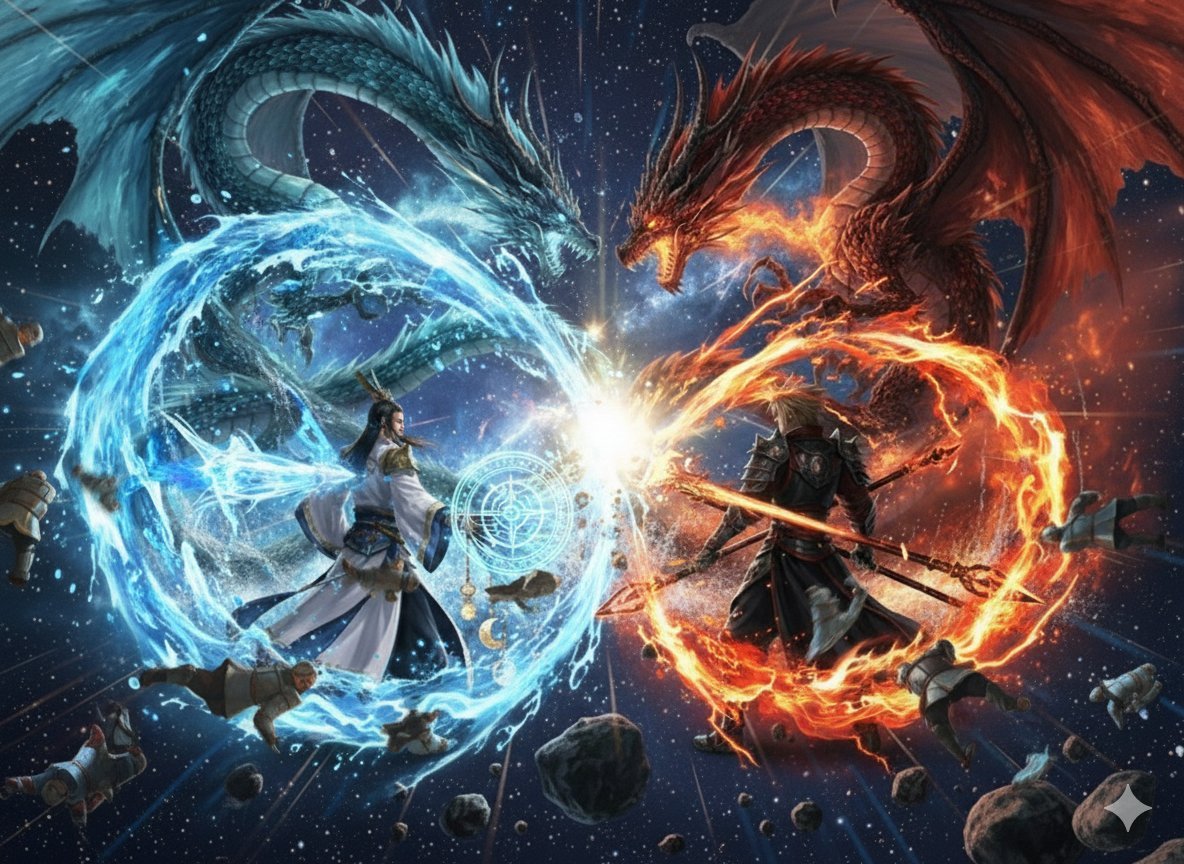
Nano Banana Pro Dynasty Warriors/Final Fantasy Prompt (Full Screen)
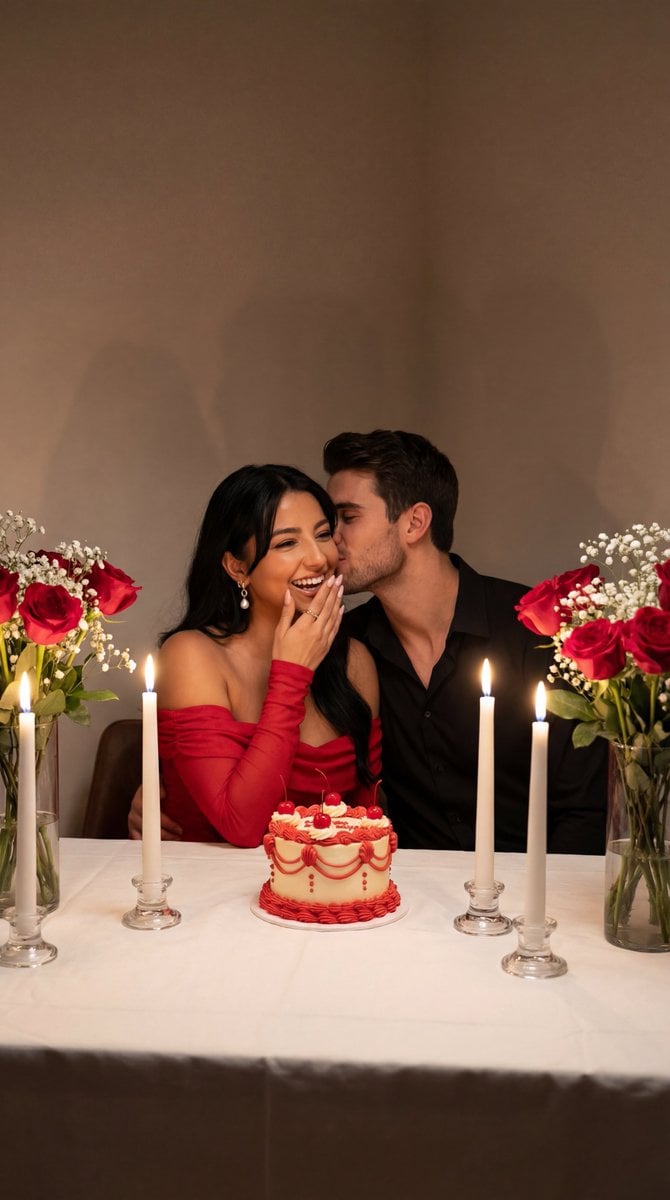
Ultra-Photoreal Candlelight Dinner Scene with Couple
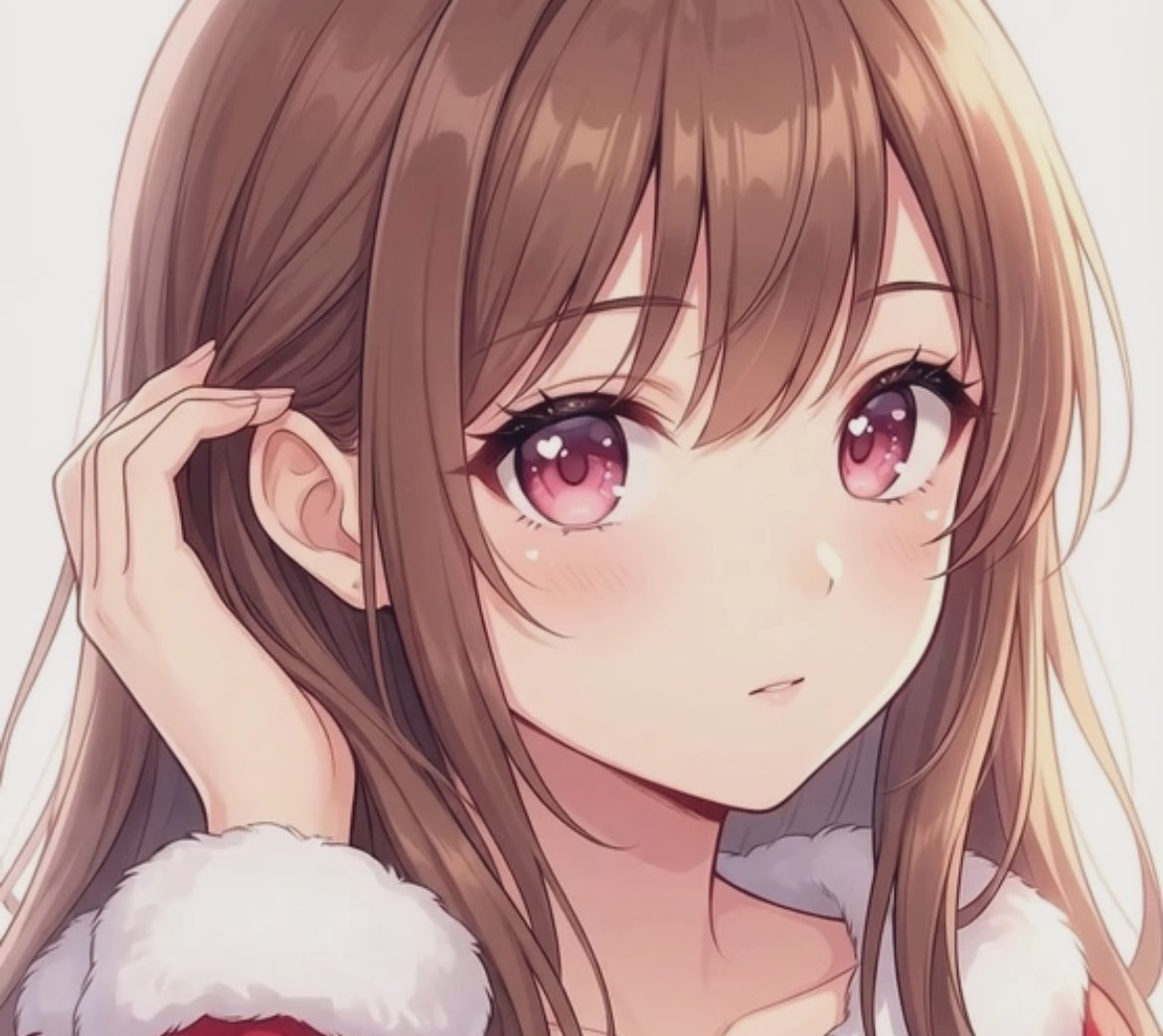
Transparent Filter Portrait Prompt
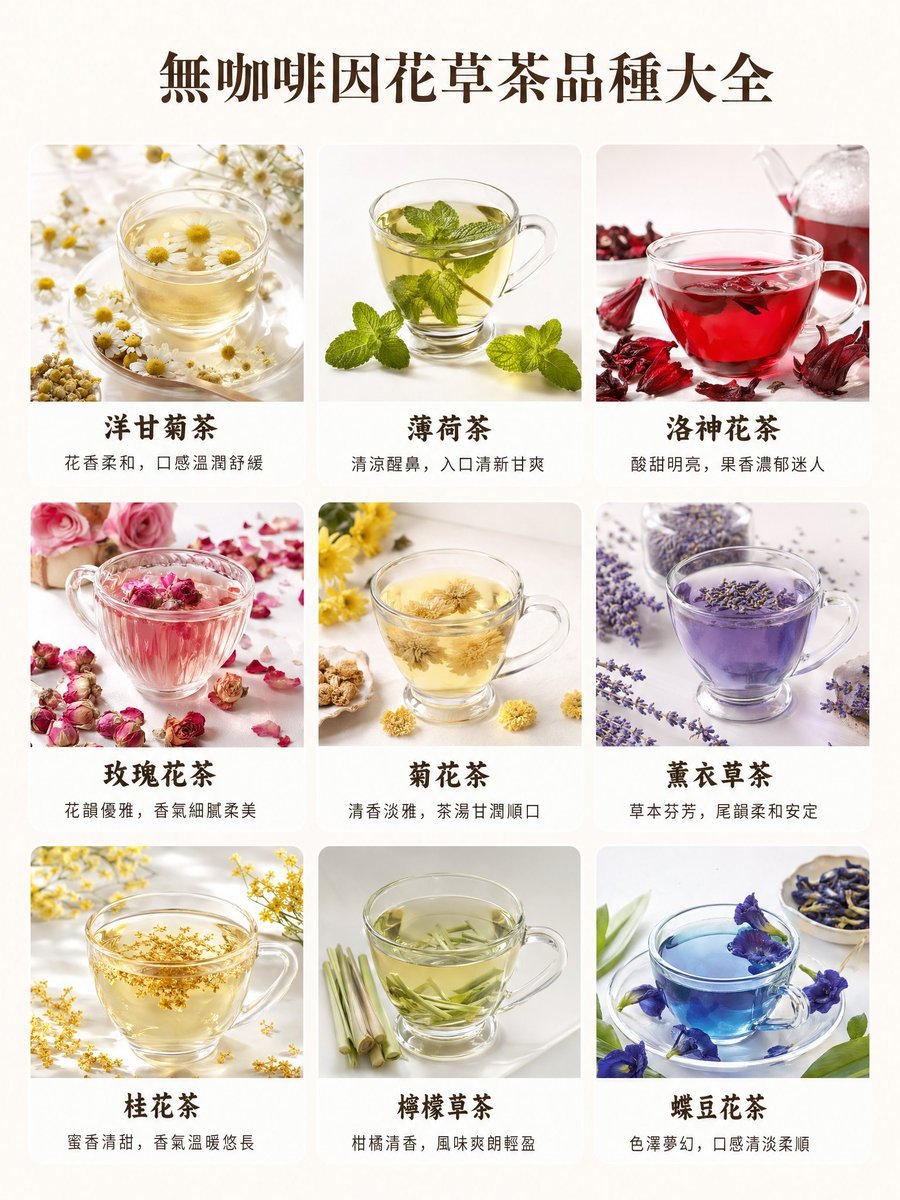
Caffeine-Free Herbal Tea Chart

FIFA World Cup Sports Poster

Panel Japanese Digital Ad Banner Grid

Emotional Mother's Day Comparison Prompt
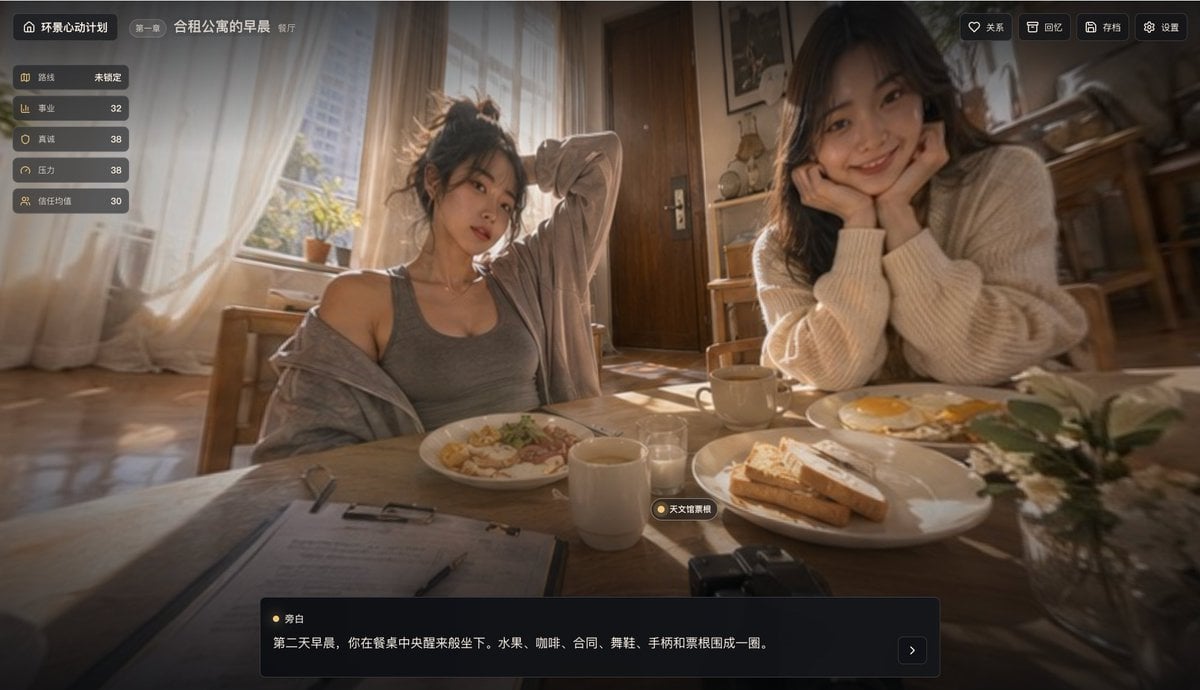
Cinematic Breakfast Dating Sim UI
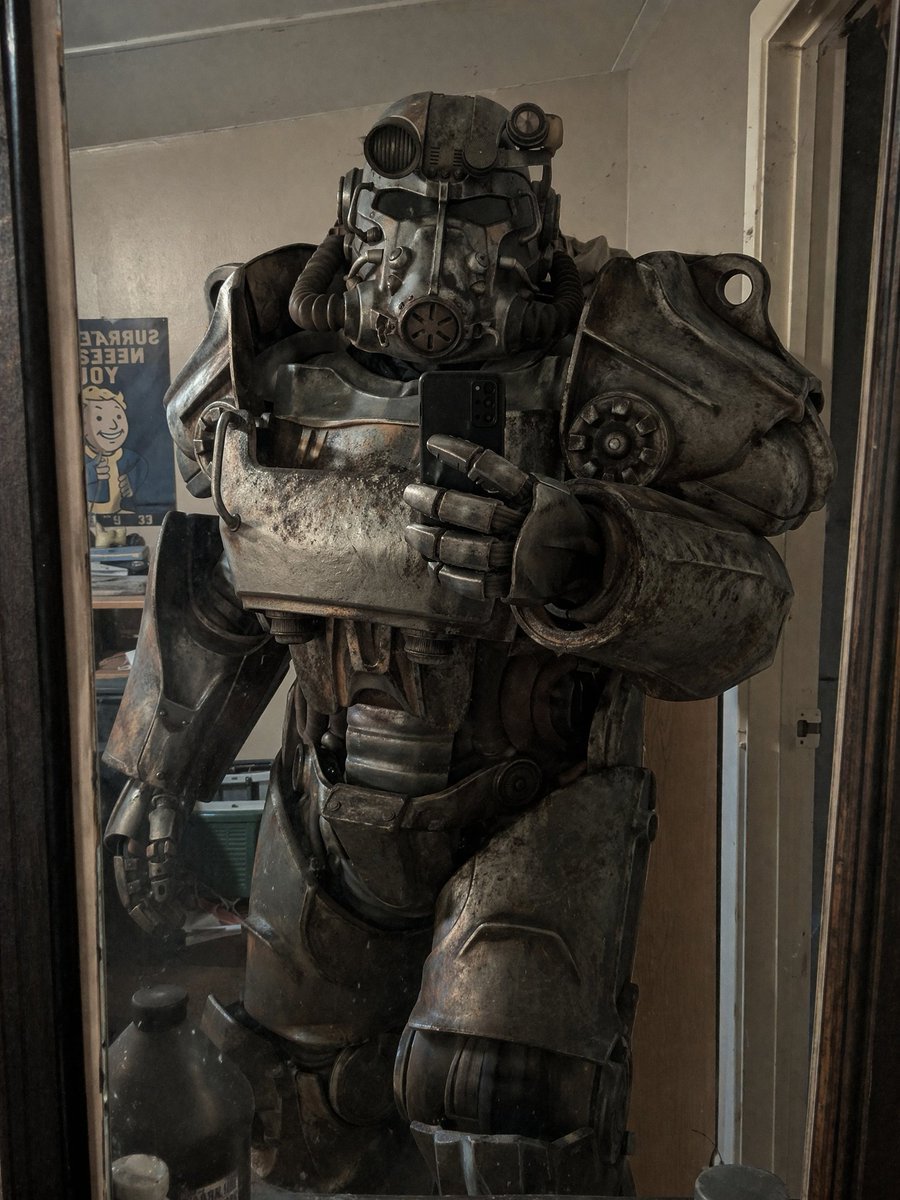
Power Armor Mirror Selfie
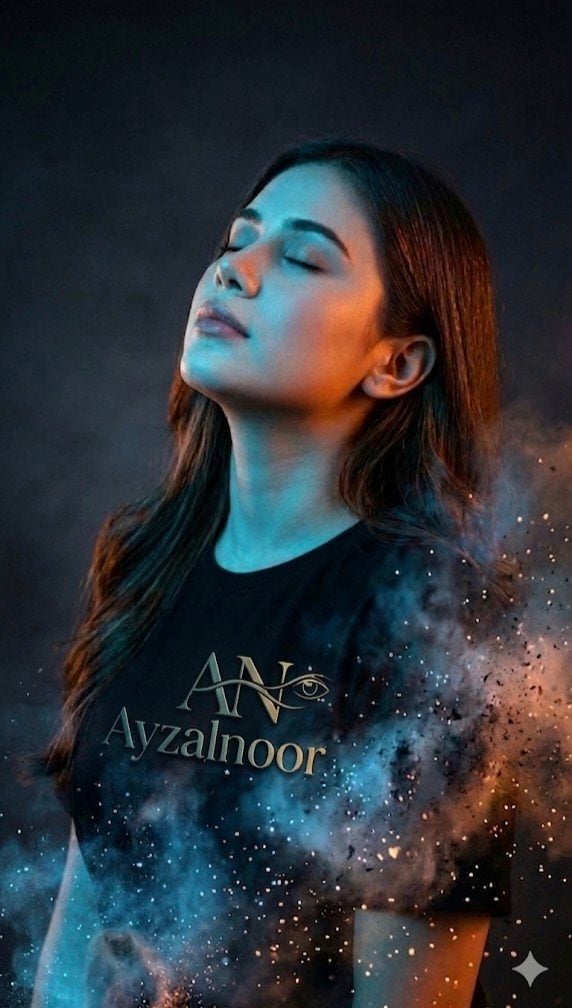
X Ayzalnooor24521 a Cinematic High Resolution Portrait of
Browse template categories
Sigma Dark Neon New Year 2026 Doodle Illustration Prompt questions
How do I use the Sigma Dark Neon New Year 2026 Doodle Illustration Prompt template?
Add your photo if the template asks for one, edit the prompt if you like — the template's model and format are already selected — and press Generate. Your version opens in PicX Studio.
Can I customize the Sigma Dark Neon New Year 2026 Doodle Illustration Prompt template?
Yes. You can change the subject, setting, lighting, mood, format, and available model controls before creating your image.
Is the Sigma Dark Neon New Year 2026 Doodle Illustration Prompt template free?
Opening and editing this template is free. Generating uses credits, shown on the Generate button when you are signed in.
Which AI model should I use?
Start with Nano Banana 2, which is the model associated with this template. You can compare another compatible model for a different finish.
Looking for something else? Browse all templates.

Your photo, any look
Thousands of ready templates for every top image and video model, from one credit balance.