
Anime AI Course Presentation Thumbnail
A square anime-style business presentation thumbnail featuring a blurred presenter and a Japanese slide about relearning ChatGPT image generation.
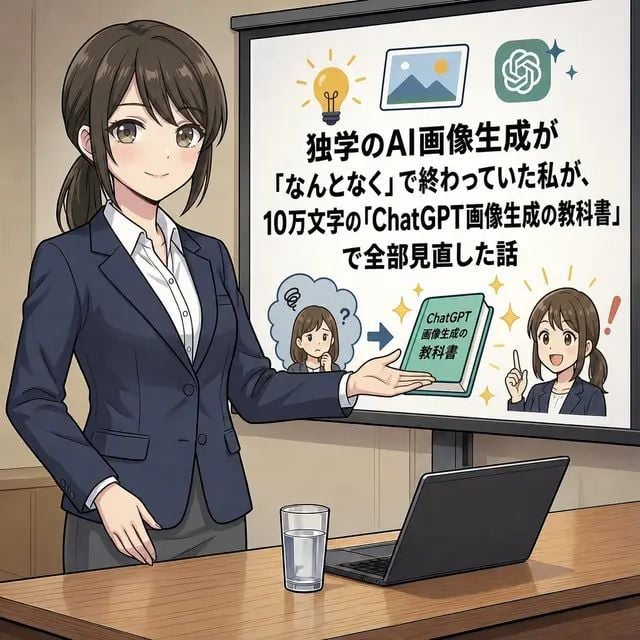
- Prompt included
- Model and format preset
- Free template
The prompt behind this image
Copy the exact prompt behind Anime AI Course Presentation Thumbnail, or open it in the studio and make it yours.
Goal: Create a square anime-style social media illustration about an AI image generation course, showing a business presentation scene with a large Japanese text slide. Canvas: 1:1 square image, clean polished digital anime illustration, medium-wide shot in a meeting room or classroom. Warm beige walls, wooden conference table in the foreground, subtle line art and soft shading. Main subject: On the left side, draw one adult Japanese businesswoman presenter, waist-up to thigh-up, wearing a navy blazer, white button-up shirt, and gray skirt or trousers. She has dark brown hair tied in a low ponytail. Her face is intentionally covered by a rectangular soft blur/mosaic privacy block. She stands confidently with one hand lowered and the other arm extended toward the presentation screen. Foreground objects: On the wooden table, place exactly 2 objects: one clear glass of water near the center-left and one open dark laptop angled on the right. Presentation screen: On the right side, place a large white projection screen with a black frame and stand. The screen contains a bold Japanese headline in thick black type, centered and stacked. Use this exact text: {argument name="slide headline text" default="独学のAI画像生成が\n「なんとなく」で終わっていた私が、\n10万文字の「ChatGPT画像生成の教科書」\nで全部見直した話"}. Make the text readable and dominant. Screen graphics: Include exactly 7 decorative/content elements on the slide: 1 yellow lightbulb icon at the top left, 1 framed landscape picture icon near the top center, 1 green ChatGPT logo icon at the top right with 2 small sparkle marks beside it, 1 small confused chibi woman in a blue thought cloud at the lower left with a question mark, 1 blue arrow pointing right in the lower center, 1 green booklet/tablet labeled {argument name="book title" default="ChatGPT\n画像生成の\n教科書"}, and 1 small confident chibi woman at the lower right raising one finger with a red exclamation mark beside her. Both chibi faces should also have soft rectangular privacy blur blocks. Style: Japanese business manga / anime explainer thumbnail style, crisp ink outlines, soft gradients, professional yet approachable, high contrast readable slide typography, muted corporate colors with small yellow sparkle accents. The overall composition should resemble an X/Twitter article thumbnail about learning practical AI image generation. Constraints: Use exactly 1 main presenter, exactly 2 table objects, exactly 7 slide graphic elements as listed, and 3 blurred faces total. Do not add extra people, extra charts, watermarks, logos outside the slide, or additional text beyond the specified Japanese slide and booklet labels.
How to use Anime AI Course Presentation Thumbnail in 3 steps
- 1Upload ImagePNG, JPG or paste
Add your photo
Upload the photo the template builds on. The prompt, model and format are already set.
- 2…a portrait of your subject in softgolden-hour light, 85mm…
Personalize
Edit the subject and creative details for your destination.
- 3Generate
Generate
Press Generate — your image is created in PicX Studio, so you can compare it with the original and refine one variable at a time.
More like this
Templates with the same subject, style or setup. Open one to see its prompt.












Make it yours
Anime AI Course Presentation Thumbnail works as-is. These are the safest ways to change it without losing the look.
Change one field
Copy a single group, rewrite it, and generate again so you can see what that field is doing.
Keep the frame, change the subject
Hold the composition and light of Anime AI Course Presentation Thumbnail, then swap wardrobe, props or the person for a new take.
| If the result… | Why | Fix |
|---|---|---|
| The result drifts from the preview | Too many fields changed at once. | Reuse Anime AI Course Presentation Thumbnail as-is first, then change one group — subject, light, or setting. |
| The model over-stylizes the scene | The prose prompt leaves finish and camera underspecified. | Add one camera or lighting sentence and stay on GPT Image 2. |
More GPT Image 2 templates
Other prompts made for GPT Image 2.

Six VTuber Japanese Logo Sheet

Realistic Portrait of Woman and Deer

The Vista Modular Condo Poster

AI Model Routing Comparison Infographic

2.5D Anime Art Board

Isometric Productivity Desk Scene

New York Double Exposure Poster

Four-Panel AI Landscape Comparison

Japanese Tatami Lifestyle Magazine Cover

NESCAFÉ Coffee Map Poster
More image prompts
Fresh picks from across the catalog.

Moody Black and White Fine Art Portrait
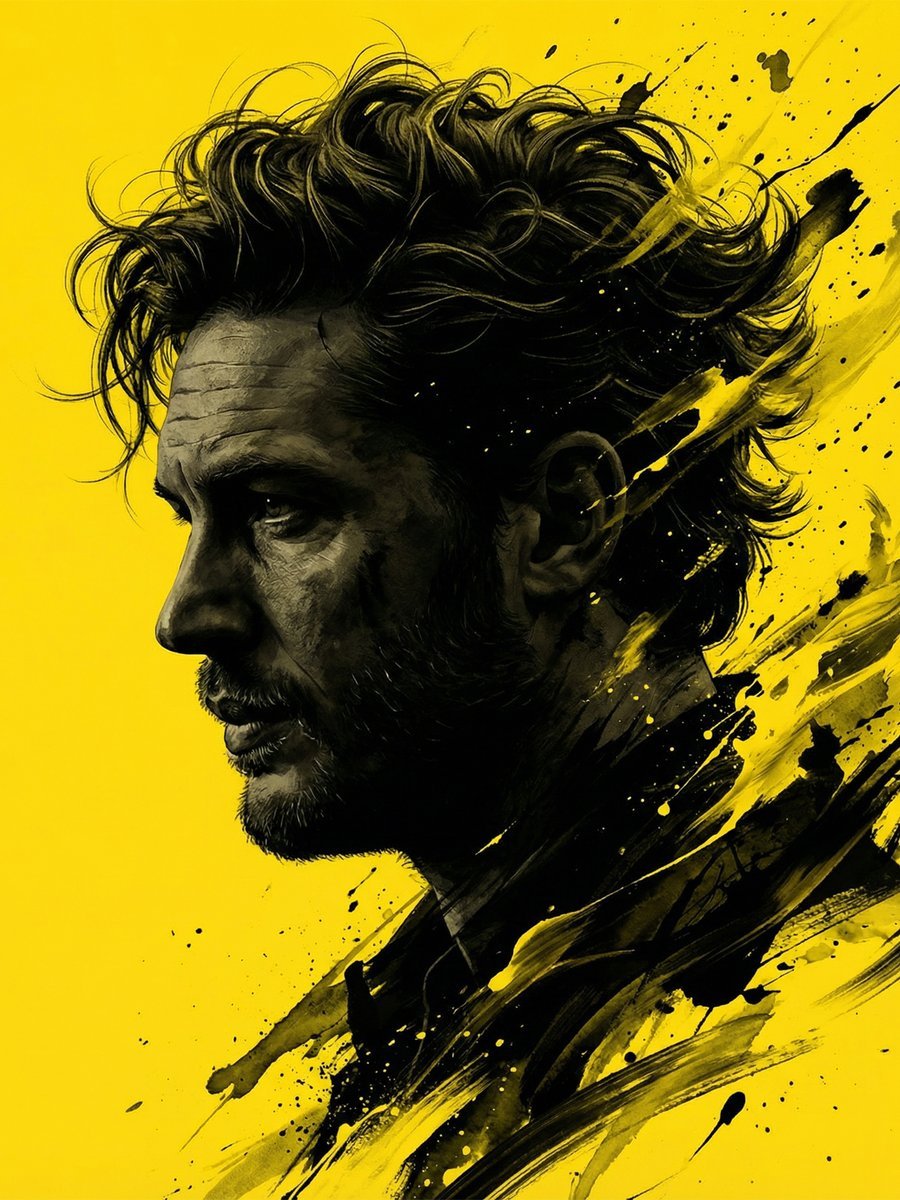
Dramatic Stylized Portrait Conversion Prompt for Nano Banana
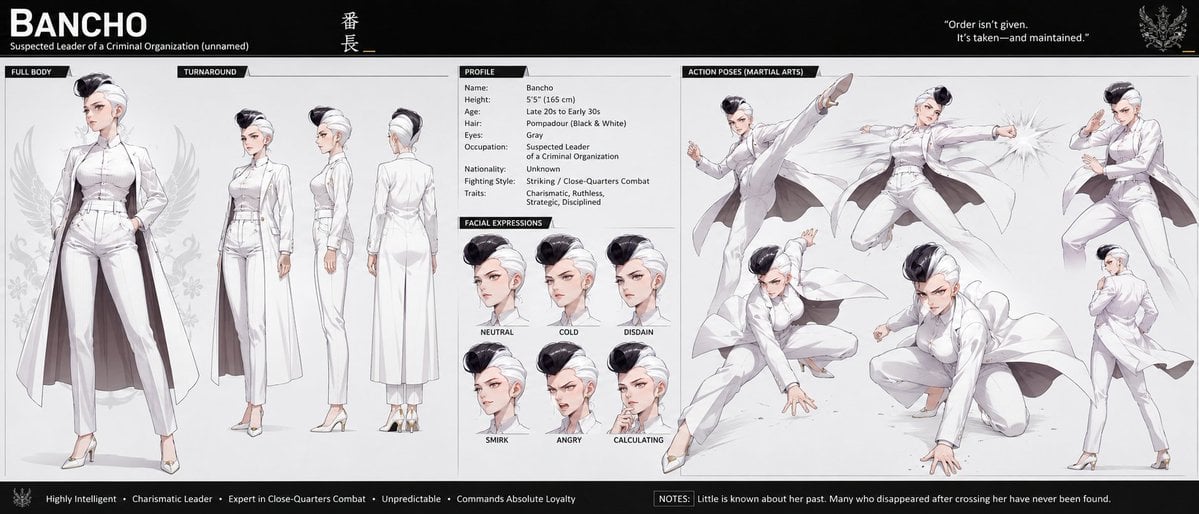
Bancho Anime Character Dossier
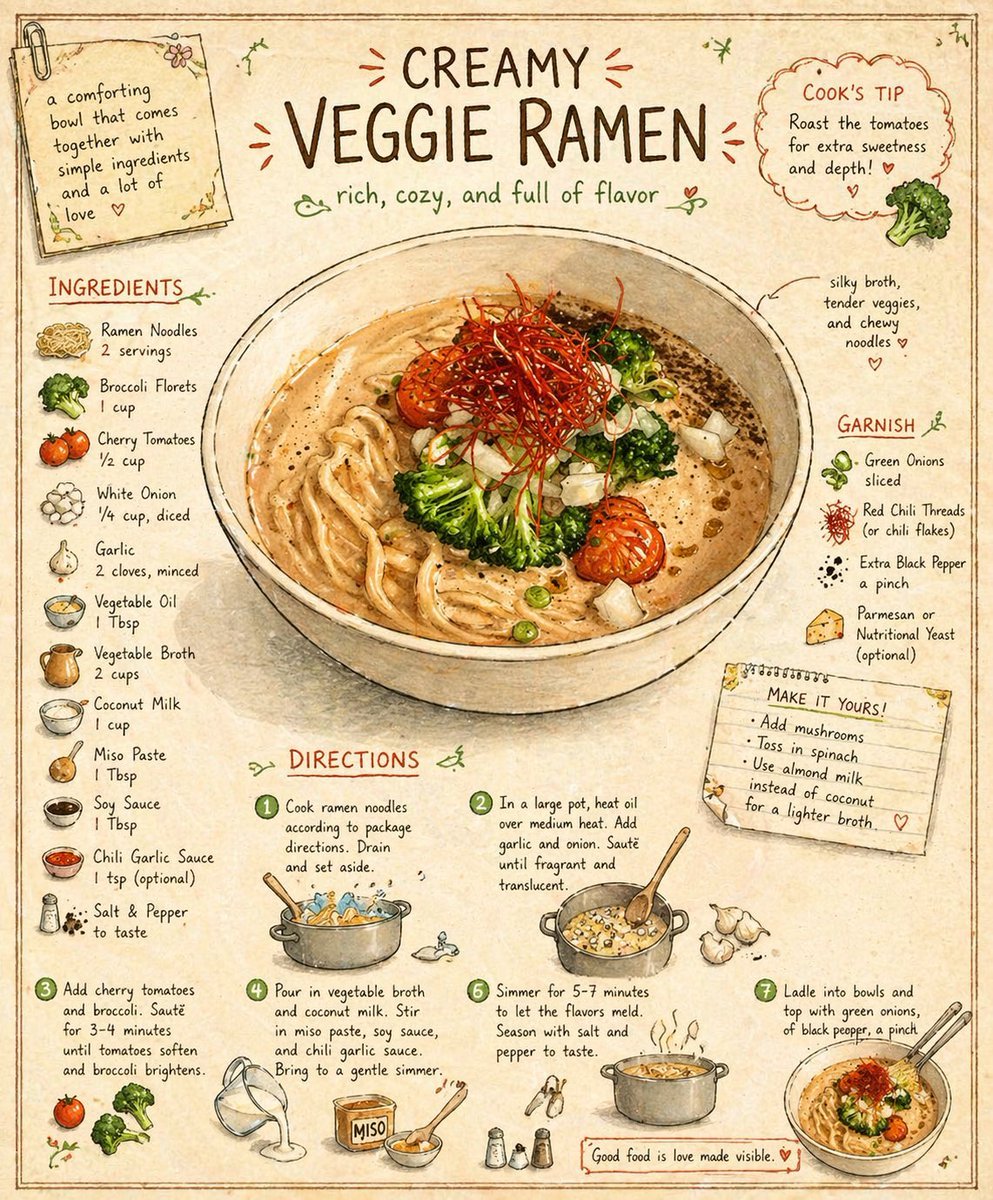
Vintage Cookbook Illustration
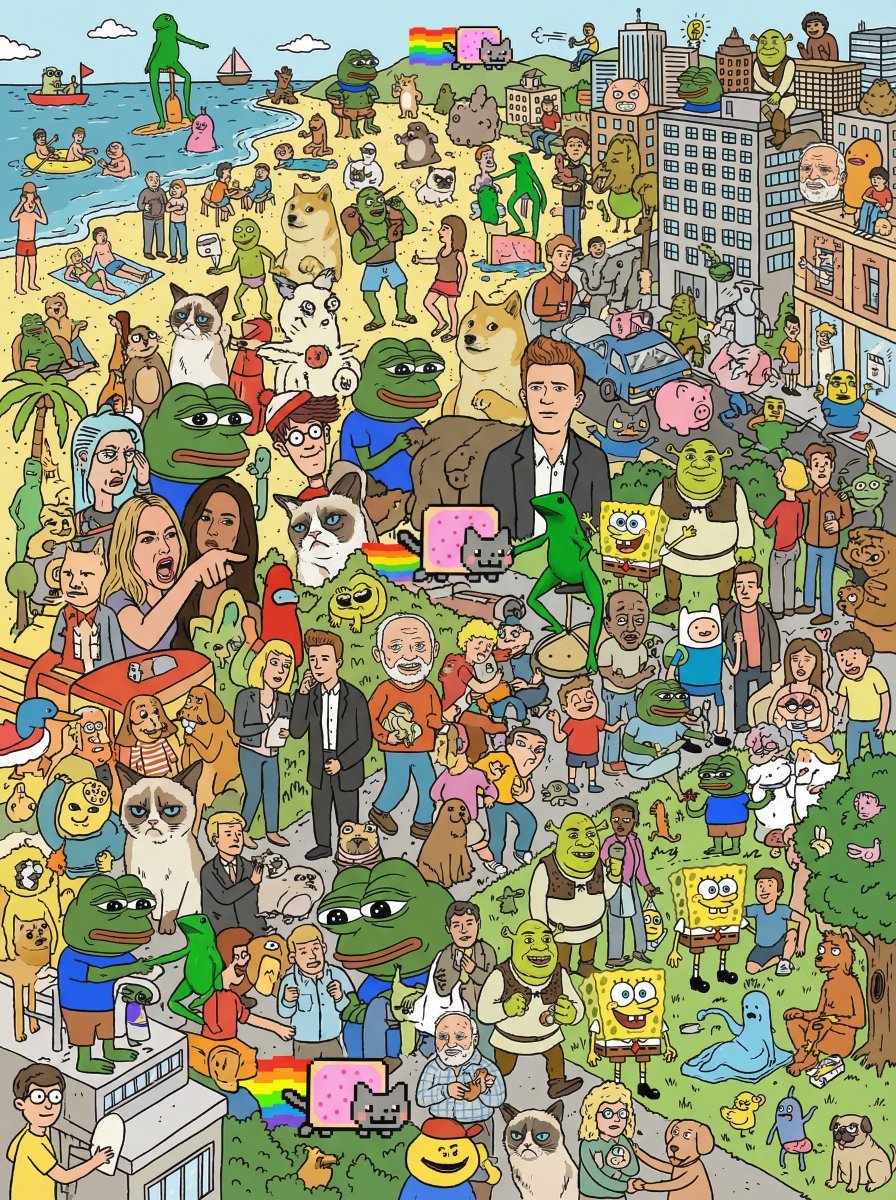
Where's Wally Meme Character Prompt
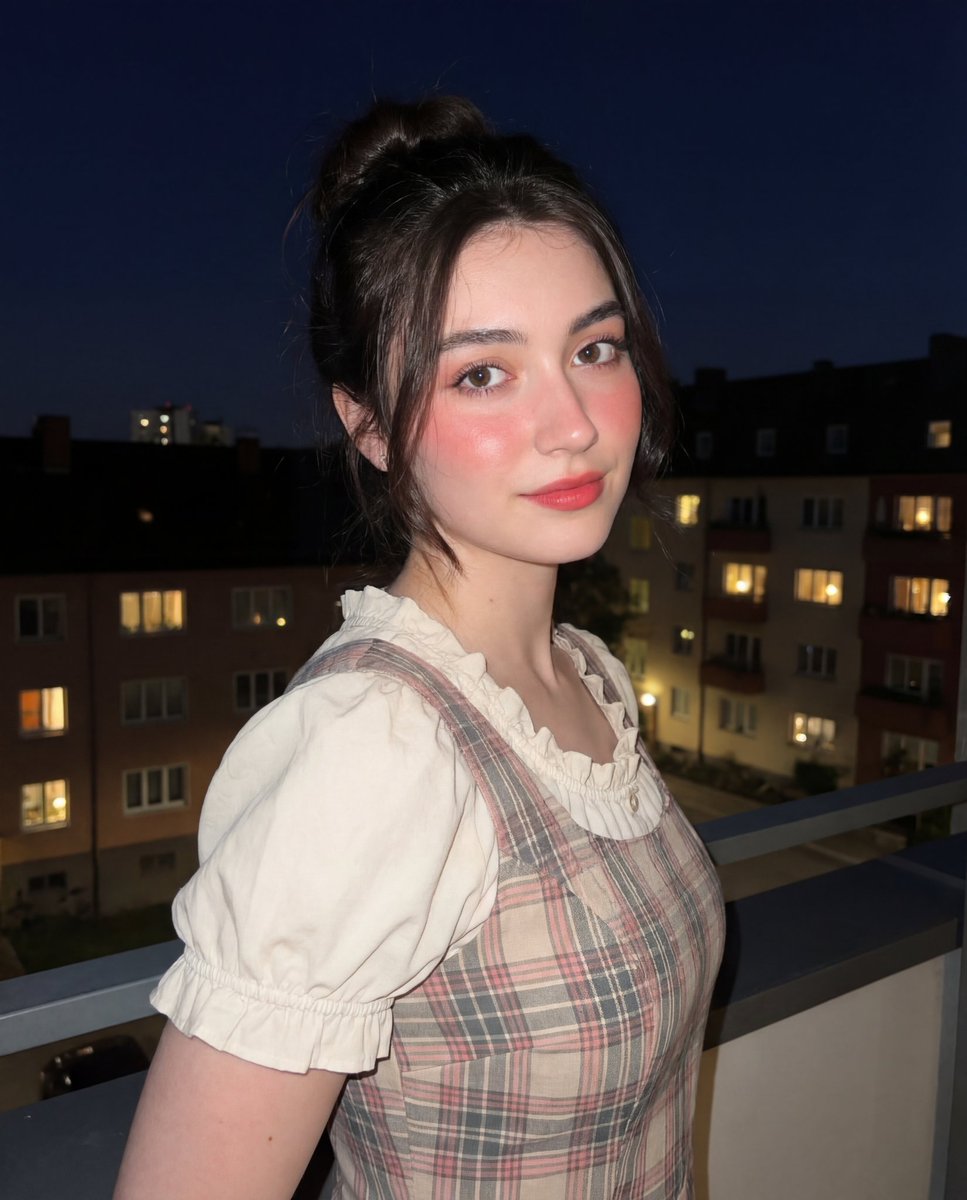
Soft-Glow Night Portrait with On-Camera Flash
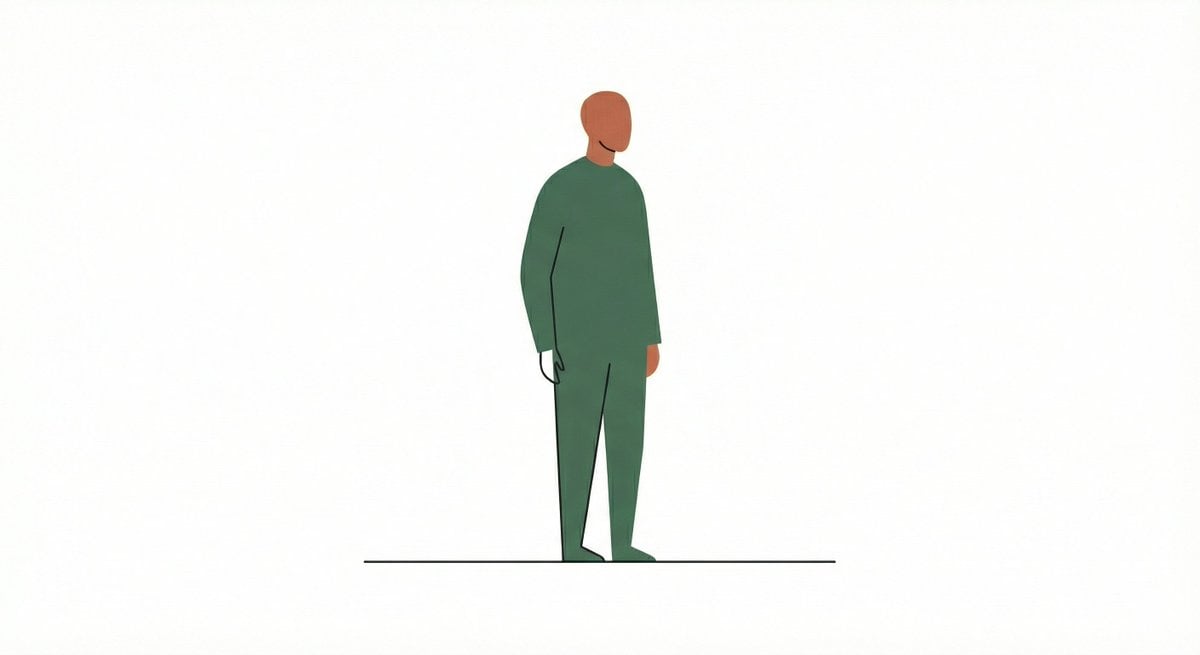
Line and Shape Hybrid Illustration Prompt

Professional Business Portrait Generation Prompt

Luxury x E-commerce Split Poster
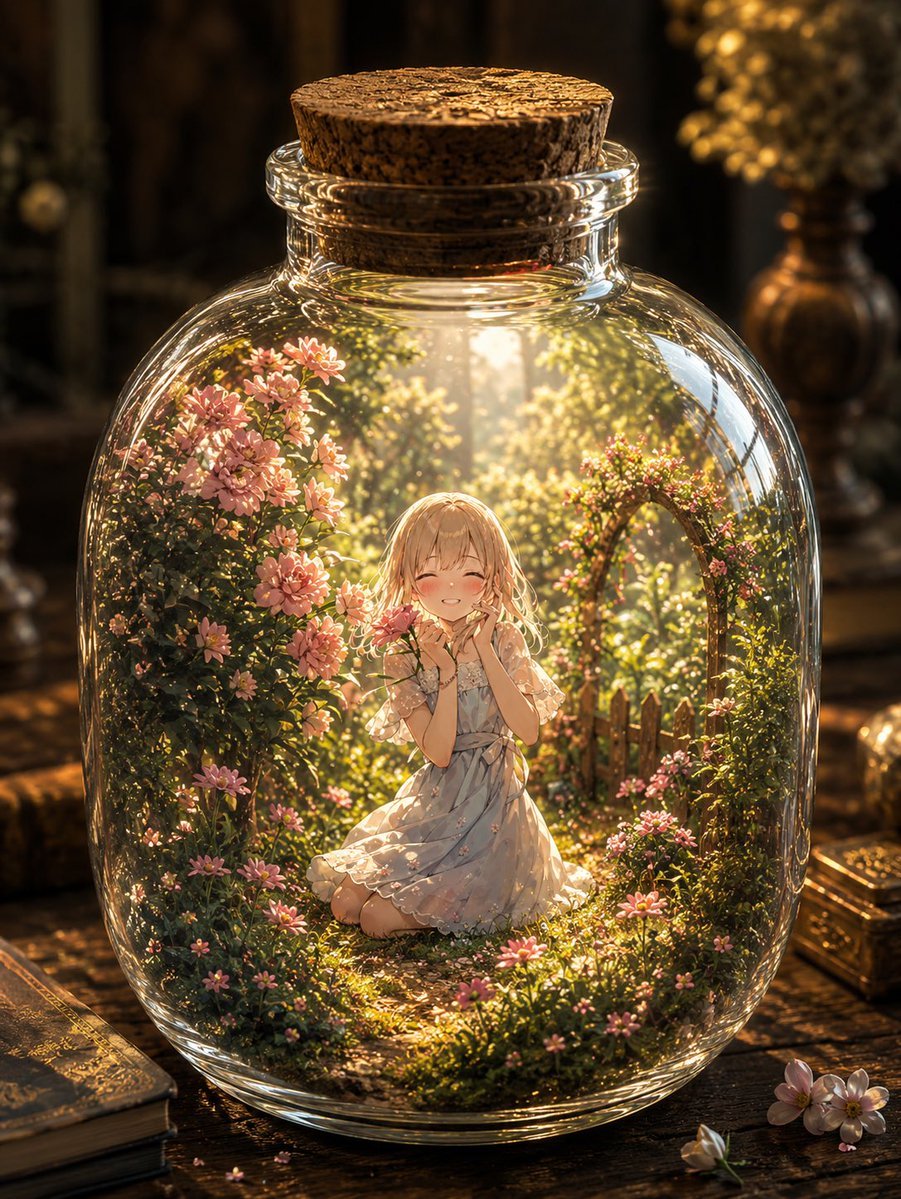
Fantasy Garden in a Glass Bottle
Browse template categories
Anime AI Course Presentation Thumbnail questions
How do I use the Anime AI Course Presentation Thumbnail template?
Add your photo if the template asks for one, edit the prompt if you like — the template's model and format are already selected — and press Generate. Your version opens in PicX Studio.
Can I customize the Anime AI Course Presentation Thumbnail template?
Yes. You can change the subject, setting, lighting, mood, format, and available model controls before creating your image.
Is the Anime AI Course Presentation Thumbnail template free?
Opening and editing this template is free. Generating uses credits, shown on the Generate button when you are signed in.
Which AI model should I use?
Start with GPT Image 2, which is the model associated with this template. You can compare another compatible model for a different finish.
Looking for something else? Browse all templates.

Your photo, any look
Thousands of ready templates for every top image and video model, from one credit balance.