
2000s Photobooth Contact Sheet Grid Prompt
A highly structured JSON prompt designed to generate a 4x4 contact sheet grid (16 frames) of the same woman in a red kimono, mimicking the aesthetic of an early 2000s disposable camera photobooth with flash lighting and…
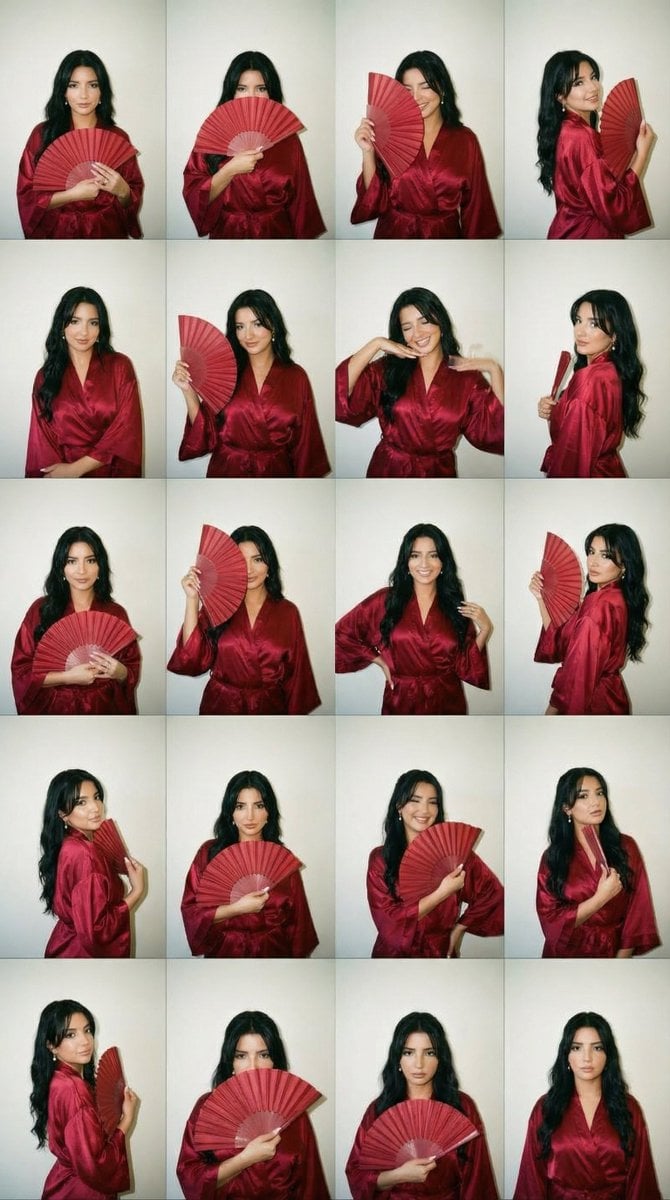
- Prompt included
- Model and format preset
- Free template
The prompt behind this image
Copy the exact prompt behind 2000s Photobooth Contact Sheet Grid Prompt, or open it in the studio and make it yours.
{ "generation_request": { "meta_data": { "tool": "NanoBanana Pro", "task_type": "photobooth_contact_sheet_fashion_grid", "version": "v2.0_RED_KIMONO_FAN_GRID_EN", "priority": "highest", "language": "en" }, "input": { "mode": "text_to_image", "notes": "Create a 4x4 contact sheet grid (16 frames) of the same adult woman with fully consistent identity, same hair, makeup and outfit in every frame." }, "output_settings": { "aspect_ratio": "4:5", "orientation": "portrait", "resolution_target": "ultra_high_res", "num_images": 1, "layout": { "type": "grid", "rows": 4, "cols": 4, "gutter": "thin_black_borders", "outer_border": "black_frame" }, "sharpness": "slightly_soft_flash", "film_grain": "medium_analog", "color_grade": "warm_2000s_flash_tone", "dynamic_range": "natural_not_hdr" }, "creative_prompt": { "scene_summary": "Early 2000s disposable camera photobooth contact sheet. Same woman in all 16 frames wearing a deep red satin kimono with a matching hand fan. Playful yet elegant, flash-lit candid aesthetic.", "environment": { "background": "plain off-white wall with subtle shadow falloff", "lighting": "direct on-camera flash, hard shadow behind subject, slight skin hotspot, authentic disposable camera look" }, "subject": { "identity_consistency": "exact same face, bone structure and proportions in all 16 frames", "hair": "medium-length soft waves, slightly voluminous, subtle side part, natural movement", "makeup": { "skin": "natural matte skin with realistic texture", "eyes": "soft brown smoky liner, subtle shimmer on lids", "cheeks": "warm peach blush", "lips": "deep rose-red satin finish" }, "wardrobe": "luxurious deep red satin kimono with wide sleeves, silky sheen, waist tie belt", "accessories": "matching red folding hand fan with subtle gold detailing, delicate gold earrings, thin bracelet" }, "poses_and_expressions": [ "holding fan closed at chest, soft confident look", "fan partially covering lips, mysterious eyes", "fan open beside face, playful gaze", "gentle smile with fan resting on shoulder", "serious model face, fan lowered", "slight wink while holding fan open", "looking off to the side with fan near chin", "soft laugh, fan slightly blurred mid-motion", "hands in kimono sleeves elegant pose", "shoulder turn, fan trailing behind", "tilted head cute expression", "fan touching collarbone softly", "crossed arms relaxed pose, fan in hand", "side glance over shoulder with fan", "chin resting lightly on closed fan", "natural calm expression, fan lowered" ], "style": { "aesthetic": "2000s disposable photobooth meets modern soft kimono elegance", "texture": "visible film grain, dust specks, tiny scratches, mild vignette", "color": "slightly warm faded tones, subtle flash flattening", "lens": "35mm point-and-shoot softness" } }, "negative_prompt": [ "text", "logos", "watermark", "different outfit between frames", "dif
How to use 2000s Photobooth Contact Sheet Grid Prompt in 3 steps
- 1
Open
The prompt is already in the box next to the preview, with the template's model and format selected.
- 2…a portrait of your subject in softgolden-hour light, 85mm…
Personalize
Edit the subject and creative details for your destination.
- 3Generate
Generate
Press Generate — your image is created in PicX Studio, so you can compare it with the original and refine one variable at a time.
More like this
Templates with the same subject, style or setup. Open one to see its prompt.
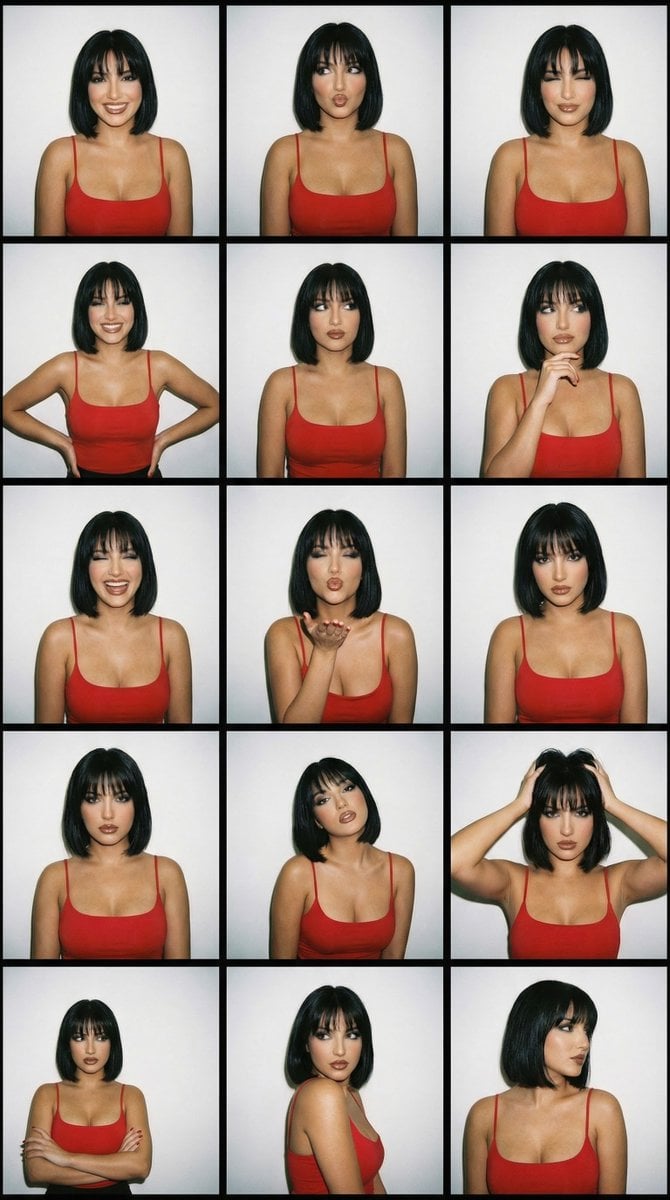
2000s Photobooth Contact Sheet Grid Prompt
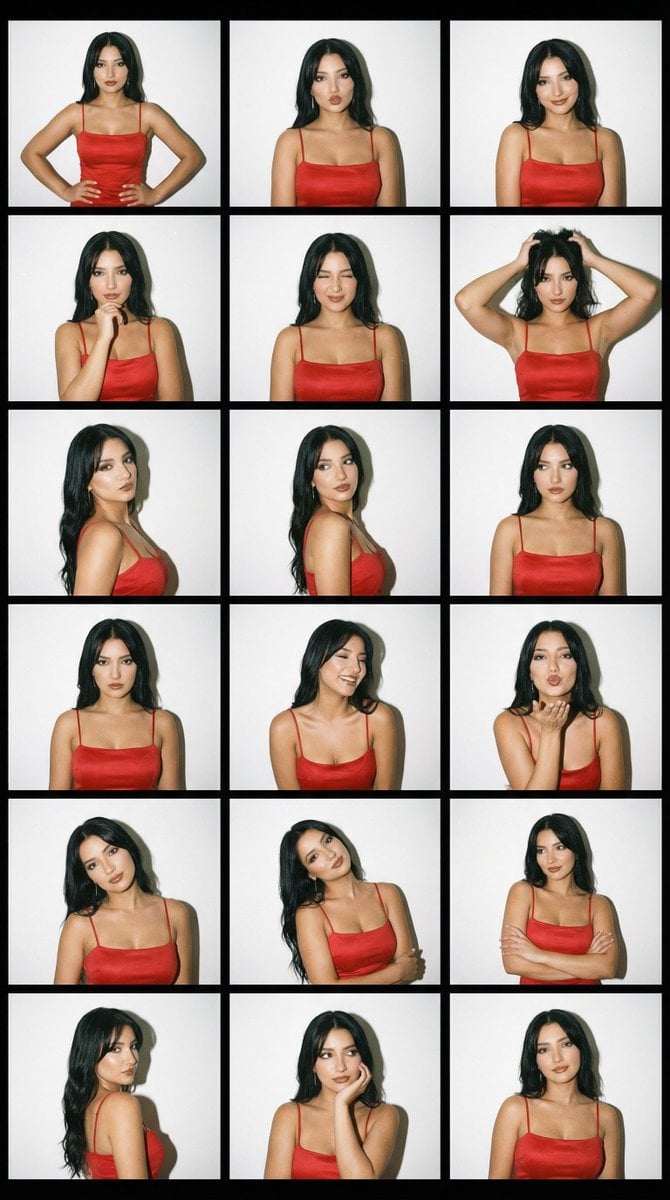
2000s Photobooth Contact Sheet Grid Prompt

Movement Sheet - Dance Reference (Seedance 2.0)

A 3x3 grid storyboard contact sheet comprised of nine candid, cinematic
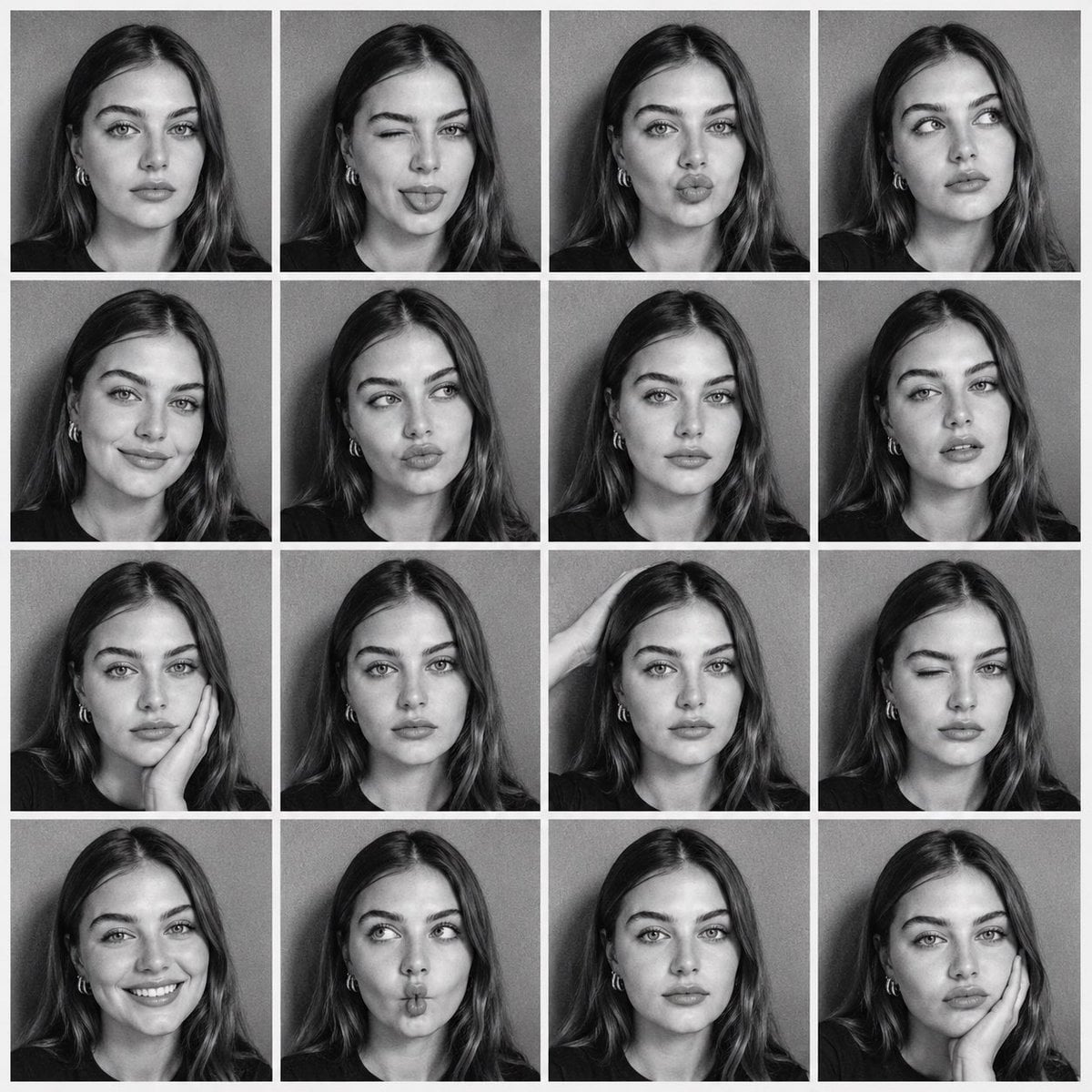
B&W Photobooth Contact Sheet
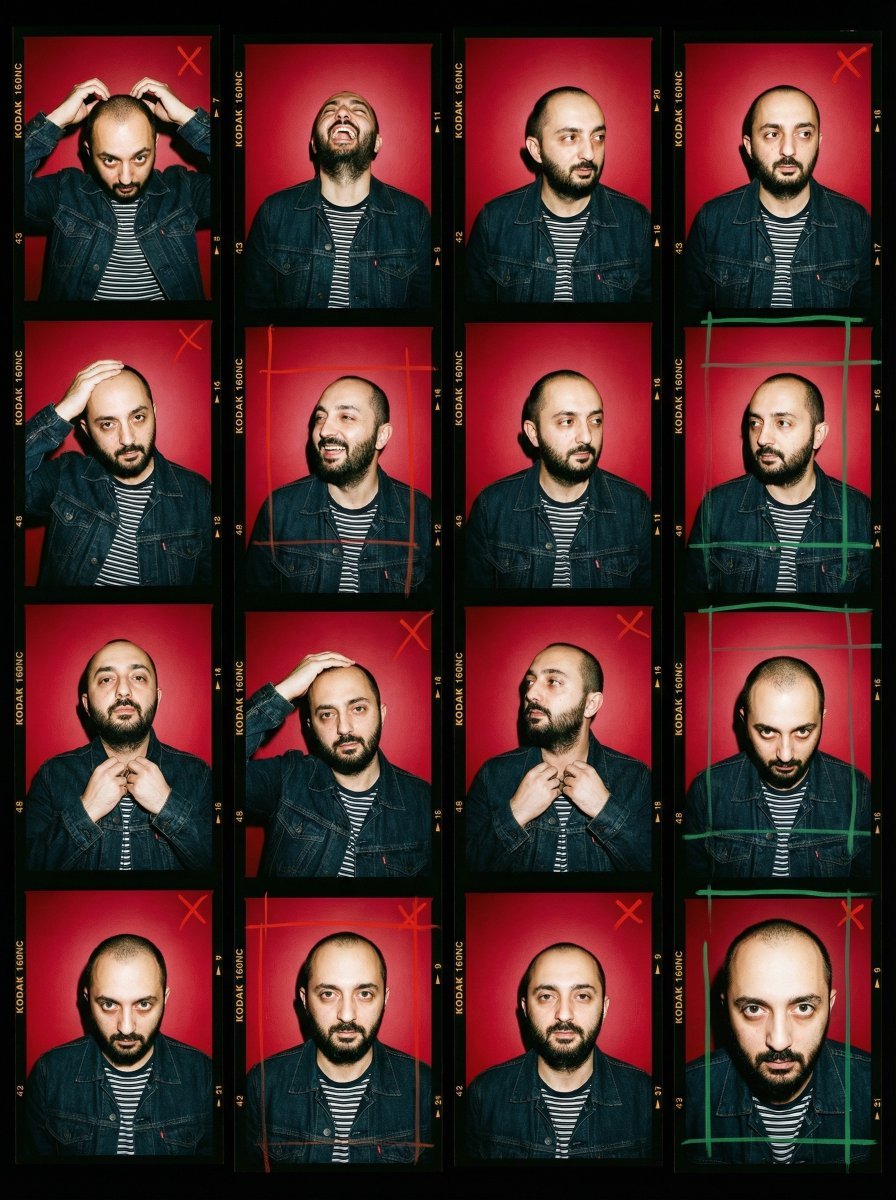
2000s Analog Film Contact Sheet Portrait Prompt
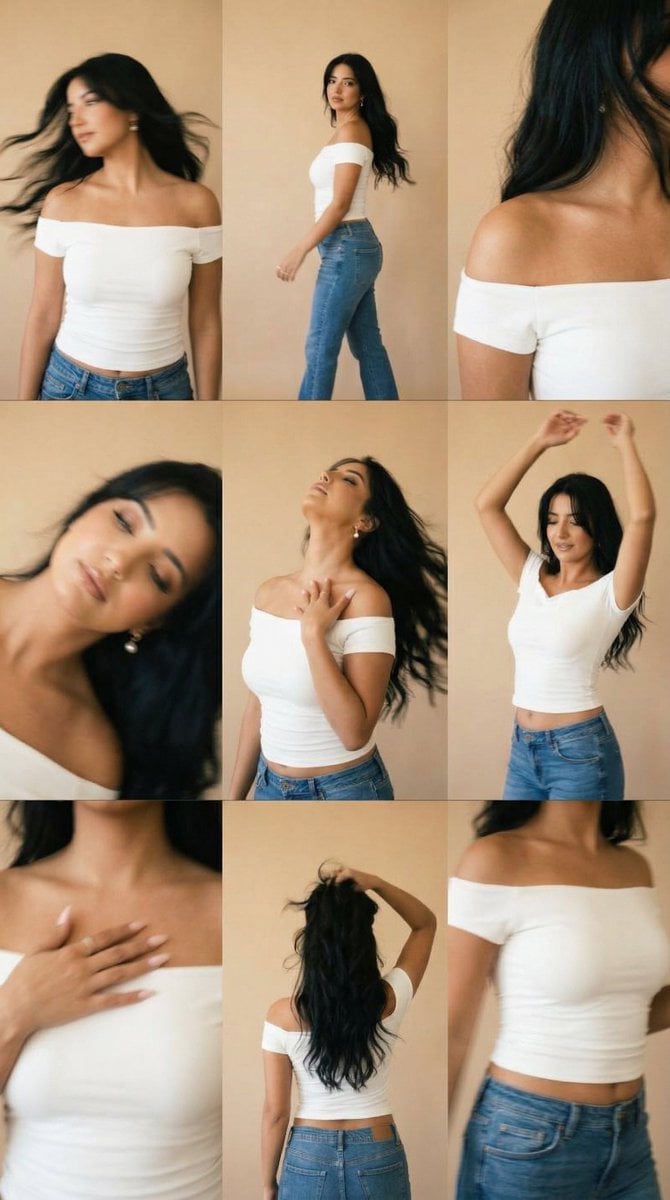
Lo-Fi Warm Studio Motion Contact Sheet 3x3 Grid

B&W Photobooth Expression Grid 4x4 — Nano Banana
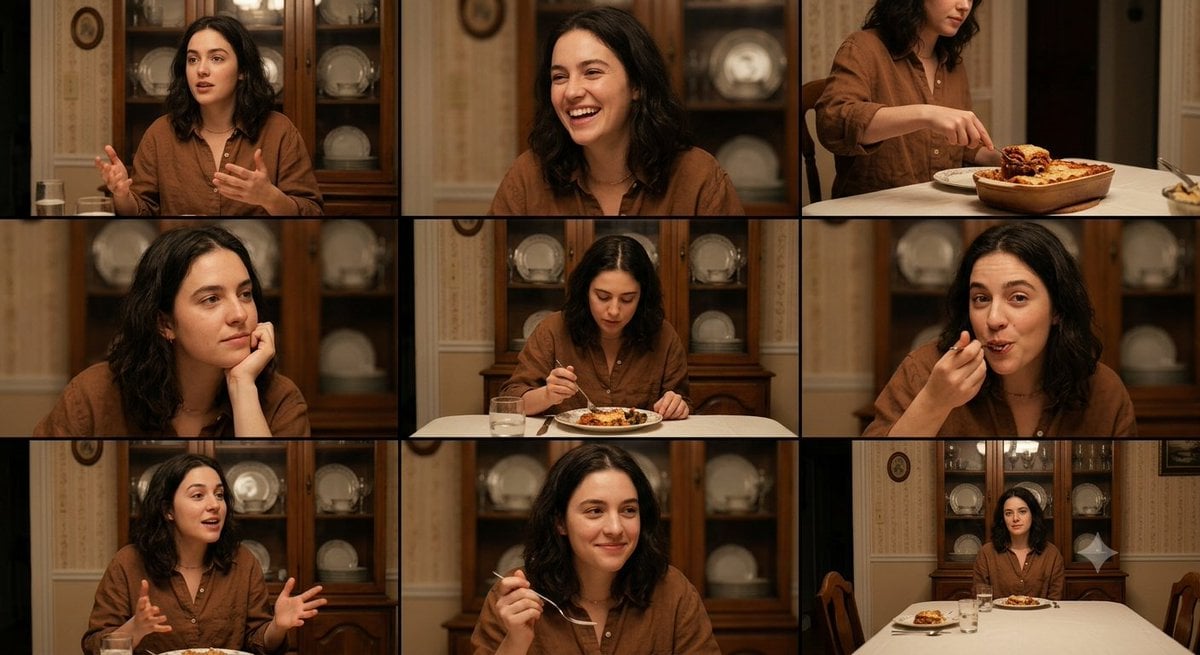
Family Dinner Cinematic Contact Sheet
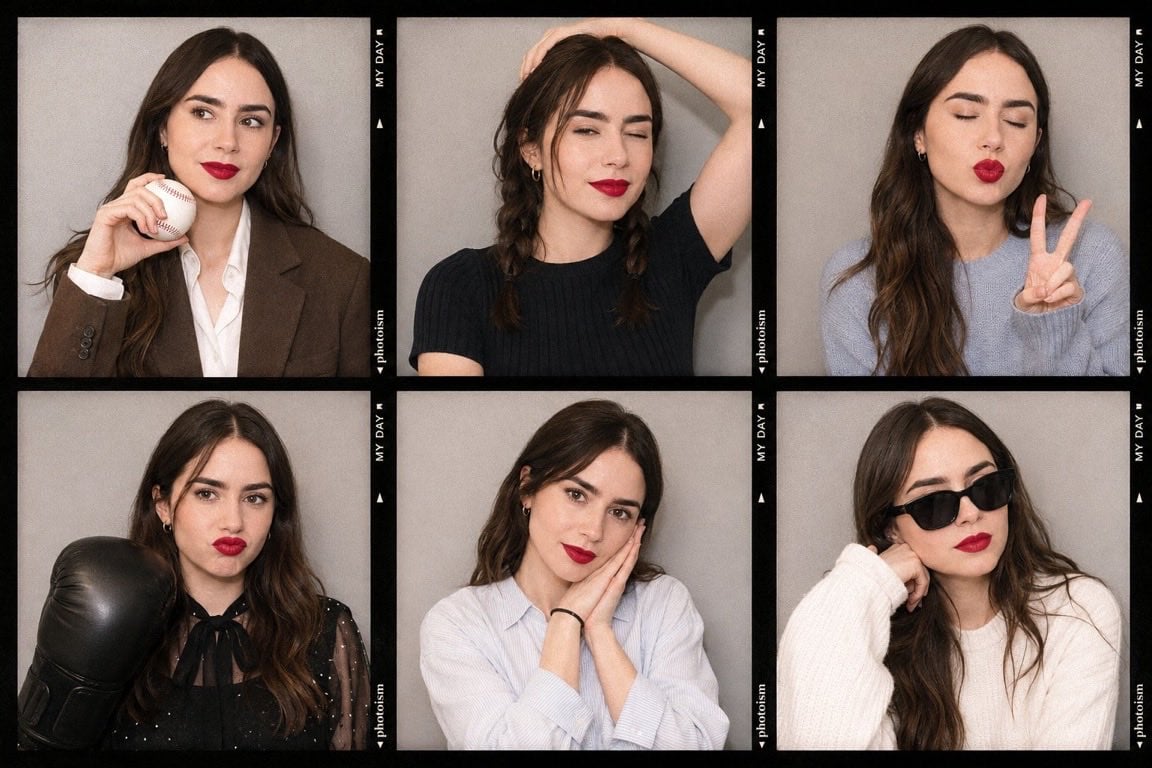
Korean Photoism Photobooth Grid

Ancient Temple Interior Contact Sheet
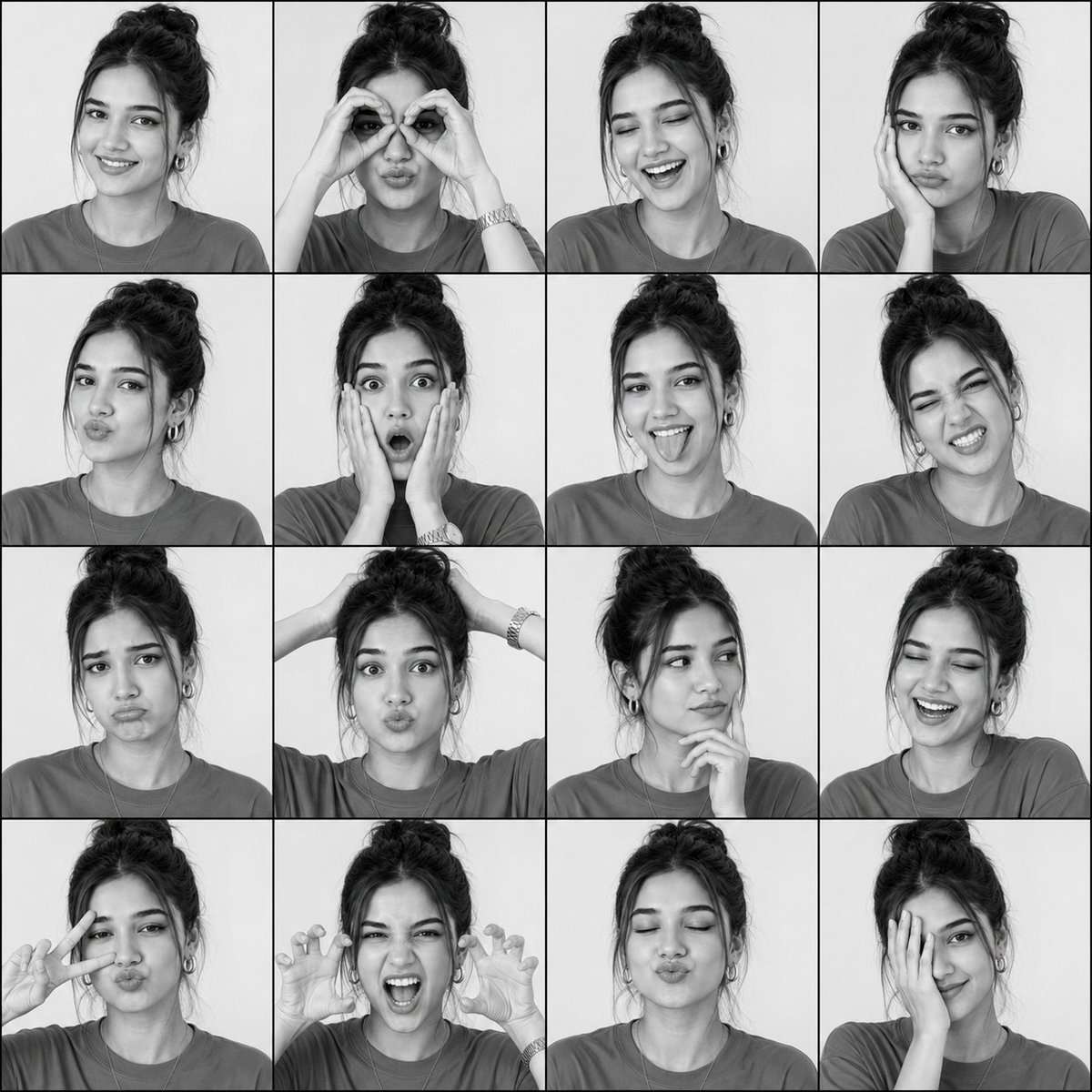
Black-and-White Photobooth Expression Grid
Make it yours
2000s Photobooth Contact Sheet Grid Prompt works as-is. These are the safest ways to change it without losing the look.
Change one field
Copy a single group, rewrite it, and generate again so you can see what that field is doing.
Keep the frame, change the subject
Hold the composition and light of 2000s Photobooth Contact Sheet Grid Prompt, then swap wardrobe, props or the person for a new take.
| If the result… | Why | Fix |
|---|---|---|
| The result drifts from the preview | Too many fields changed at once. | Reuse 2000s Photobooth Contact Sheet Grid Prompt as-is first, then change one group — subject, light, or setting. |
| The model over-stylizes the scene | The prose prompt leaves finish and camera underspecified. | Add one camera or lighting sentence and stay on Nano Banana 2. |
More Nano Banana 2 templates
Other prompts made for Nano Banana 2.

Photorealistic Leaf Shaped Like a Dragon

K-Pop Idol Portrait Grid for Rapid Selection

Poetic Rain Forest Portrait During Golden Hour

Urban Street Portrait with Cartoon Inner Self Duo

Candid Nighttime Photo with Cat Prompt

High-Concept 3D Diorama Generation Prompt

Cinematic Futuristic Studio Portrait Template

Skincare Editorial Photography Collage Prompt

Hyper-Realistic Commercial Product Photography (Splash Effect)

Hyper-Realistic Nightclub Portrait Prompt
More image prompts
Fresh picks from across the catalog.

Cosmic Opera Stage Fantasy Scene

Golden Hour Academic Portrait
Futuristic Cyber Skincare Ad Poster

The Collector of Time Fantasy Scene

Gravity-Style Space Movie Poster
Ultra-Photorealistic Full-Body Shot on a Rural Road at Golden Hour
Fantasy Character Archive Sheet
Whimsical T-Rex Made of Pink Frosting

Dynamic Futuristic Nike Fashion Ad Prompt for Nano Banana Pro
3D Gaming Sorceress Character
Browse template categories
2000s Photobooth Contact Sheet Grid Prompt questions
How do I use the 2000s Photobooth Contact Sheet Grid Prompt template?
Add your photo if the template asks for one, edit the prompt if you like — the template's model and format are already selected — and press Generate. Your version opens in PicX Studio.
Can I customize the 2000s Photobooth Contact Sheet Grid Prompt template?
Yes. You can change the subject, setting, lighting, mood, format, and available model controls before creating your image.
Is the 2000s Photobooth Contact Sheet Grid Prompt template free?
Opening and editing this template is free. Generating uses credits, shown on the Generate button when you are signed in.
Which AI model should I use?
Start with Nano Banana 2, which is the model associated with this template. You can compare another compatible model for a different finish.
Looking for something else? Browse all templates.

Your photo, any look
Thousands of ready templates for every top image and video model, from one credit balance.