
Black-and-White Photobooth Expression Grid
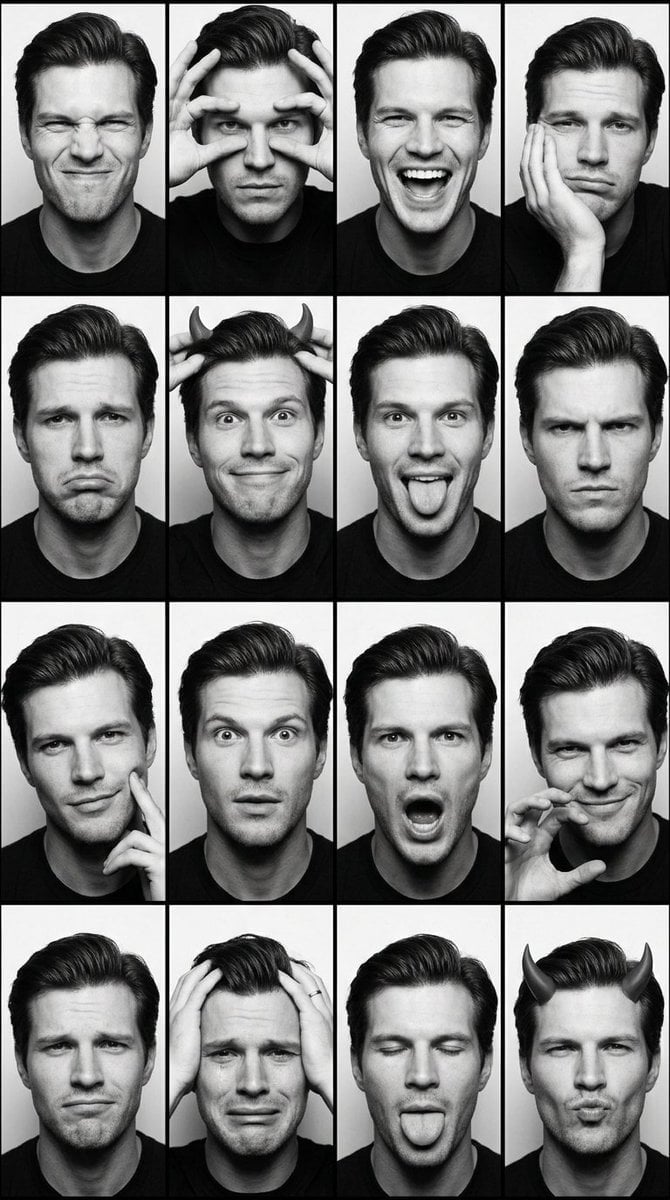
Generates a realistic 4×4 monochrome photobooth contact sheet showing one consistent person making sixteen playful expressions.
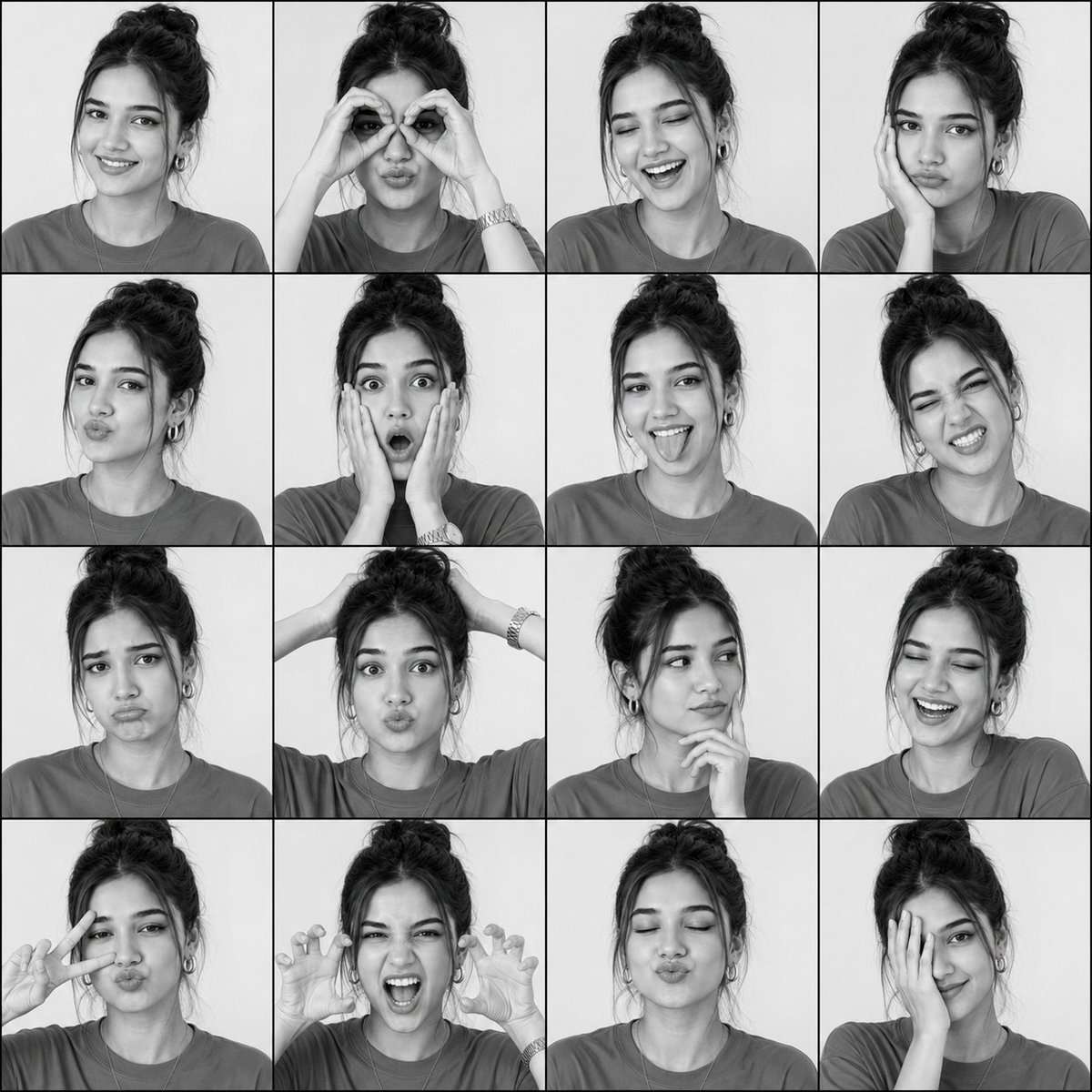
- Prompt included
- Model and format preset
- Free template
The prompt behind this image
Copy the exact prompt behind Black-and-White Photobooth Expression Grid, or open it in the studio and make it yours.
Create a square black-and-white photobooth expression grid featuring {argument name="character name" default="the same young woman"} in every frame, preserving a consistent identity, face shape, hairstyle, skin tone, outfit, and accessories throughout. The subject is a young woman with dark hair in a messy high bun, loose curtain bangs and face-framing strands, hoop earrings, a simple chain necklace, a casual crew-neck T-shirt, and a wristwatch visible in some poses. Use soft studio lighting, a plain light-gray background, high-contrast monochrome portrait photography, slight film-grain realism, and thin black dividers between frames. Canvas is a perfect square arranged as an exact 4×4 grid with 16 equal portrait cells, each cropped from chest or shoulders up like a photobooth contact sheet. Keep the camera angle frontal or slightly turned, with natural facial proportions and realistic hands where visible. Include exactly 16 expressions/poses in this order: 1) warm relaxed smile facing camera, 2) hands forming heart/binocular circles around both eyes with puckered lips, 3) eyes closed laughing with open smile, 4) bored pout with cheek resting on one hand, 5) kissy duck-face lips angled slightly sideways, 6) exaggerated shocked face with both hands on cheeks and wide eyes, 7) playful tongue-out smile, 8) scrunched winking grimace with teeth showing, 9) sad exaggerated pout with raised eyebrows, 10) both hands behind or on top of head with puffed cheeks, 11) thoughtful side glance with fingers under chin, 12) eyes closed joyful laugh, 13) peace sign near face with one eye winking and puckered lips, 14) roaring monster/claw pose with both hands raised and mouth open, 15) eyes closed centered kissy face, 16) shy playful smile with one hand covering half the face. No text, no logos, no color, no extra people, no duplicated or missing grid cells.
How to use Black-and-White Photobooth Expression Grid in 3 steps
- 1Upload ImagePNG, JPG or paste
Add your photo
Upload the photo the template builds on. The prompt, model and format are already set.
- 2…a portrait of your subject in softgolden-hour light, 85mm…
Personalize
Edit the subject and creative details for your destination.
- 3Generate
Generate
Press Generate — your image is created in PicX Studio, so you can compare it with the original and refine one variable at a time.
More like this
Templates with the same subject, style or setup. Open one to see its prompt.
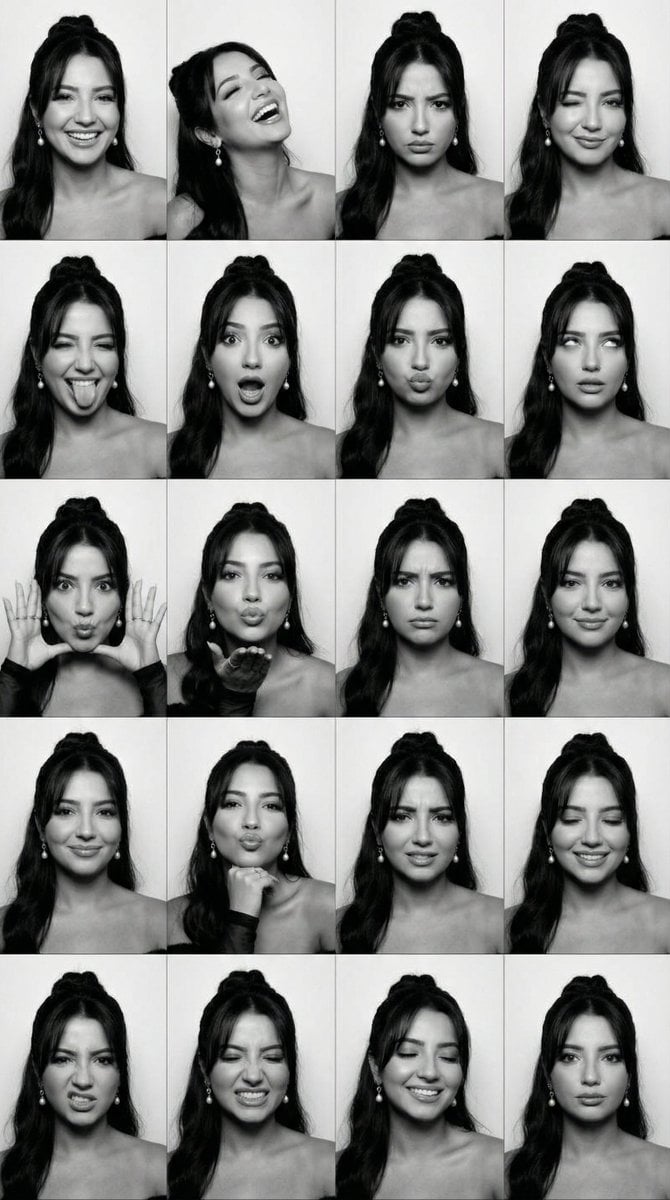
Black and White Photobooth Expression Grid (4x4)
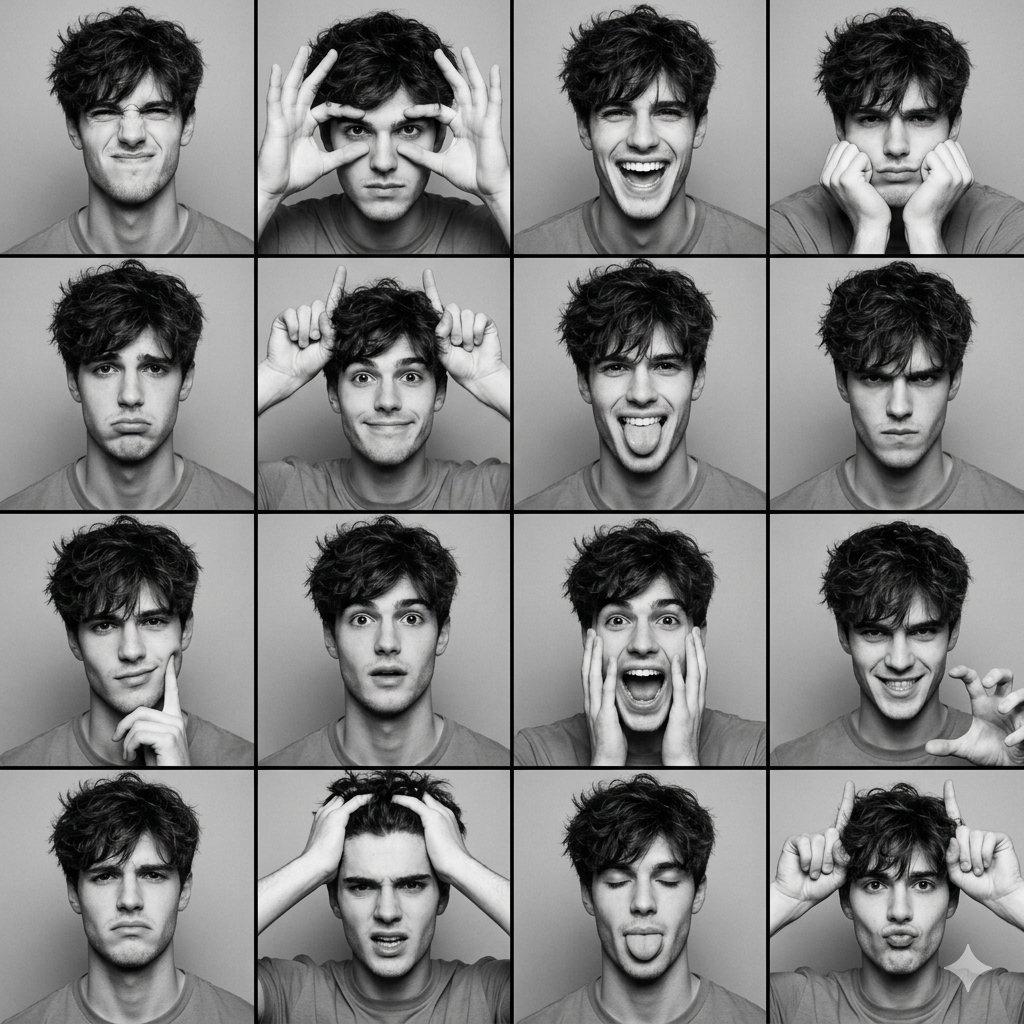
Black and White Photobooth Expression Grid (4x4)
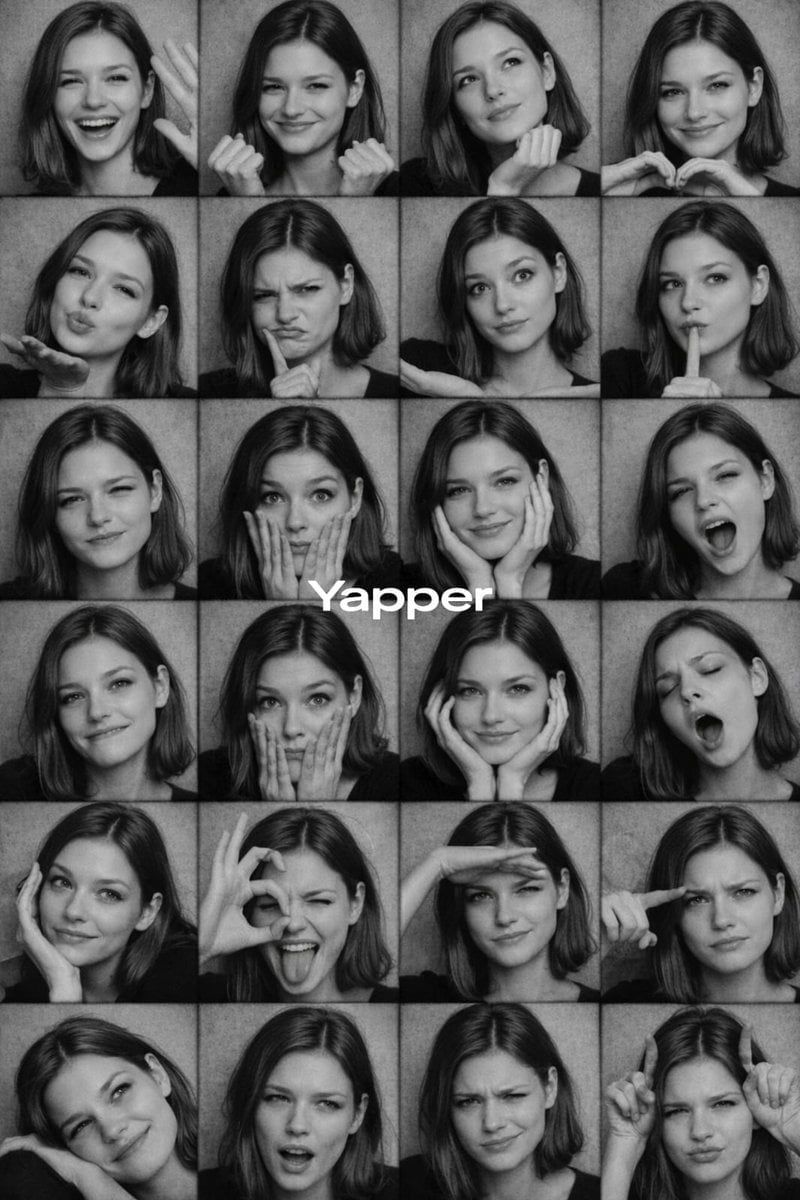
Black and White Photobooth Expression Grid Prompt
Black and White Photobooth Expression Grid

Woman in Mall with Chanel Bag - Heart Gesture
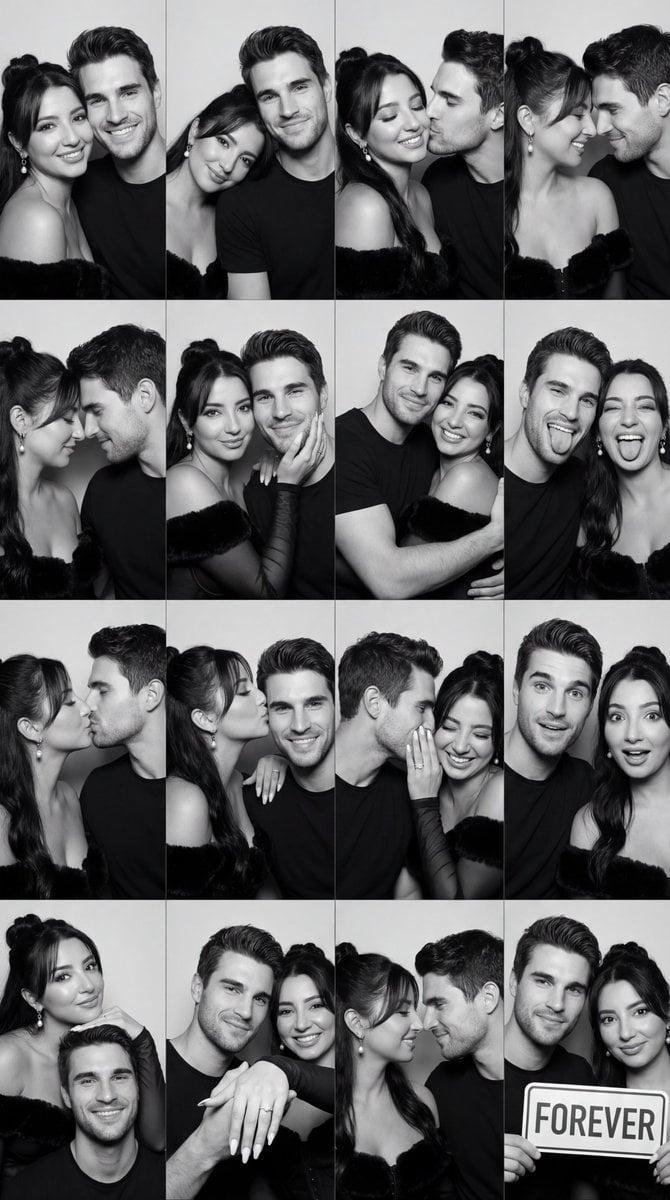
Black and White Photobooth Couple Grid Prompt (16 Panels)

B&W Photobooth Expression Grid 4x4 — Nano Banana
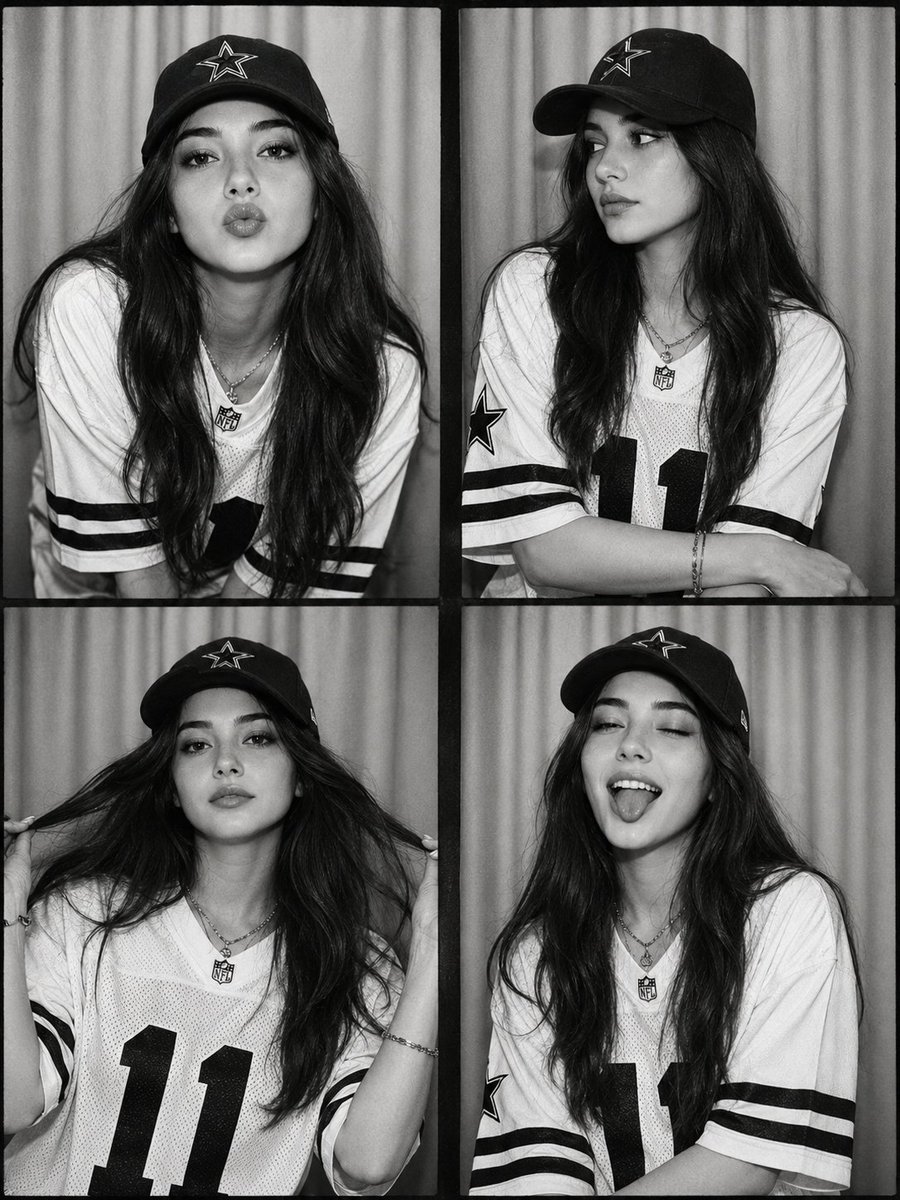
Black and White Photobooth Collage
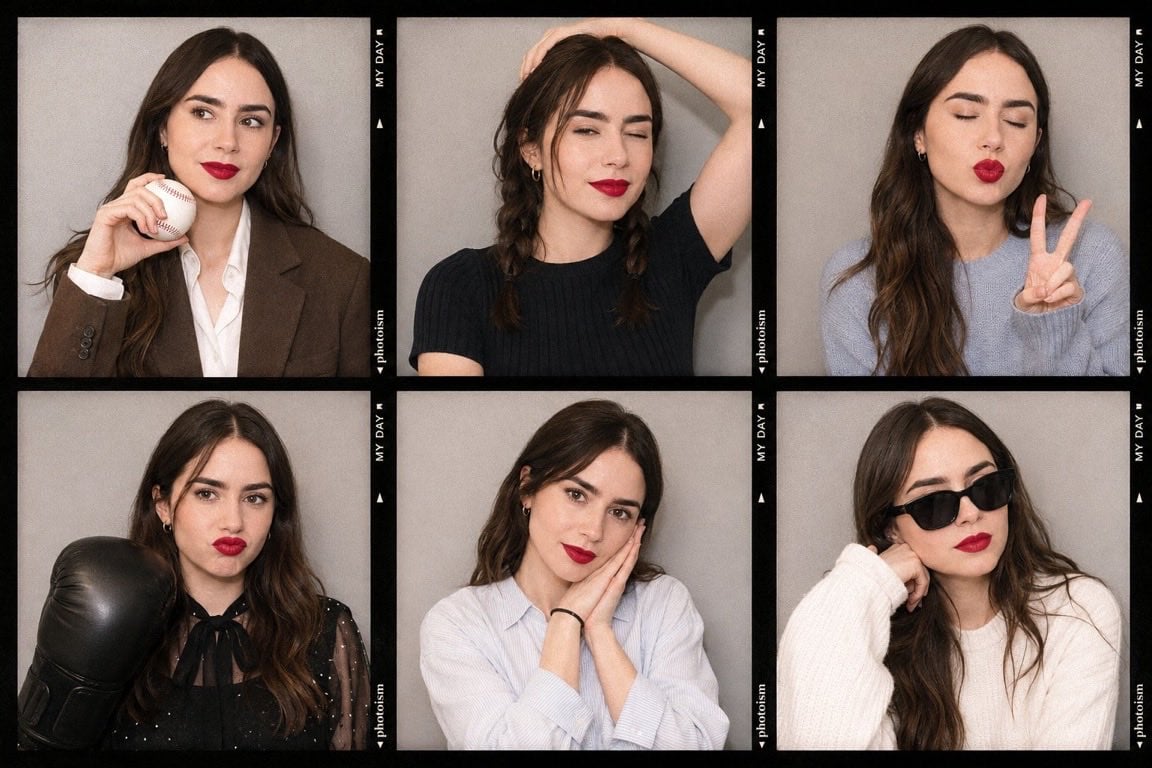
Korean Photoism Photobooth Grid
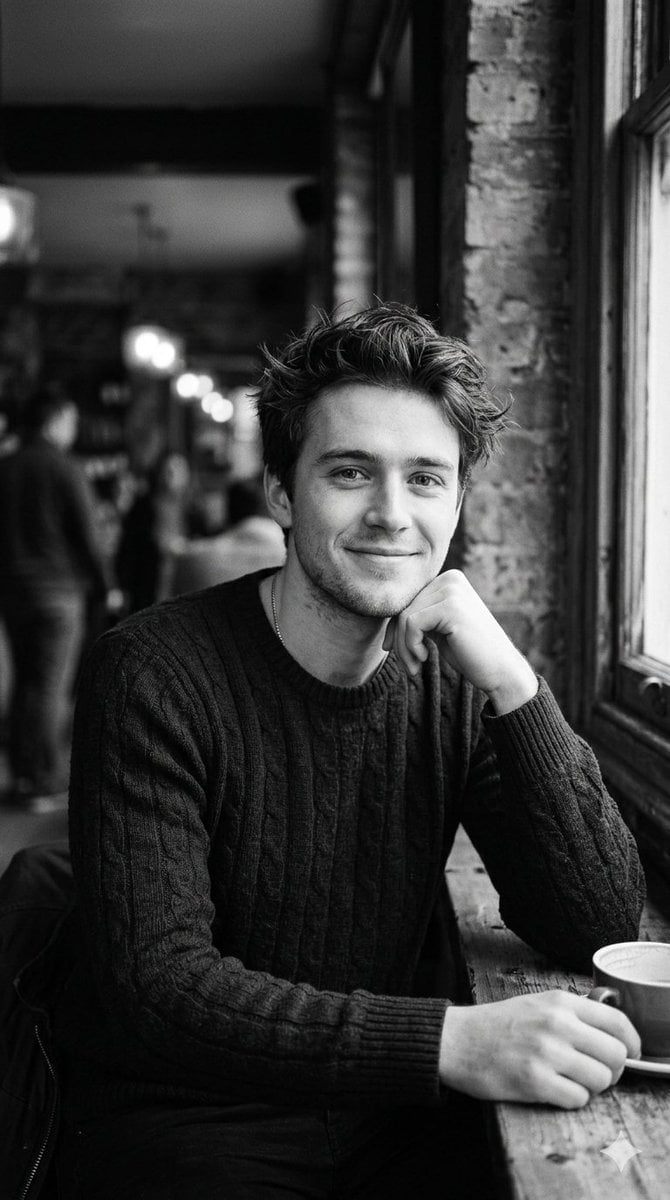
Black and White Cafe Portrait
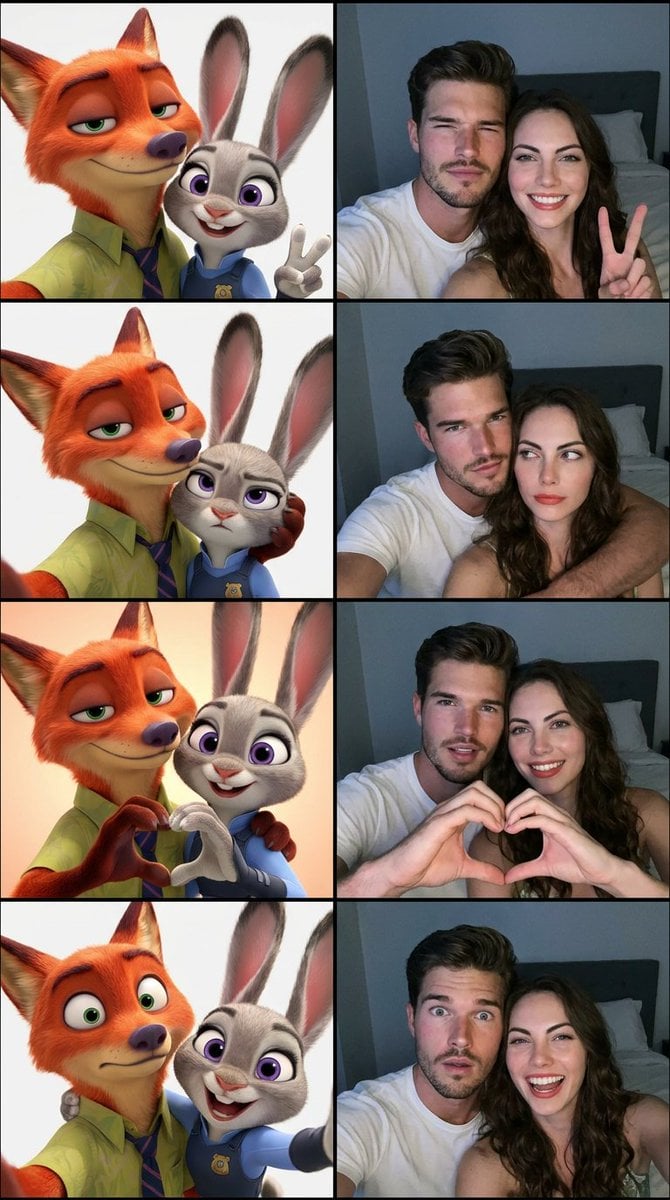
Animated Photobooth Grid
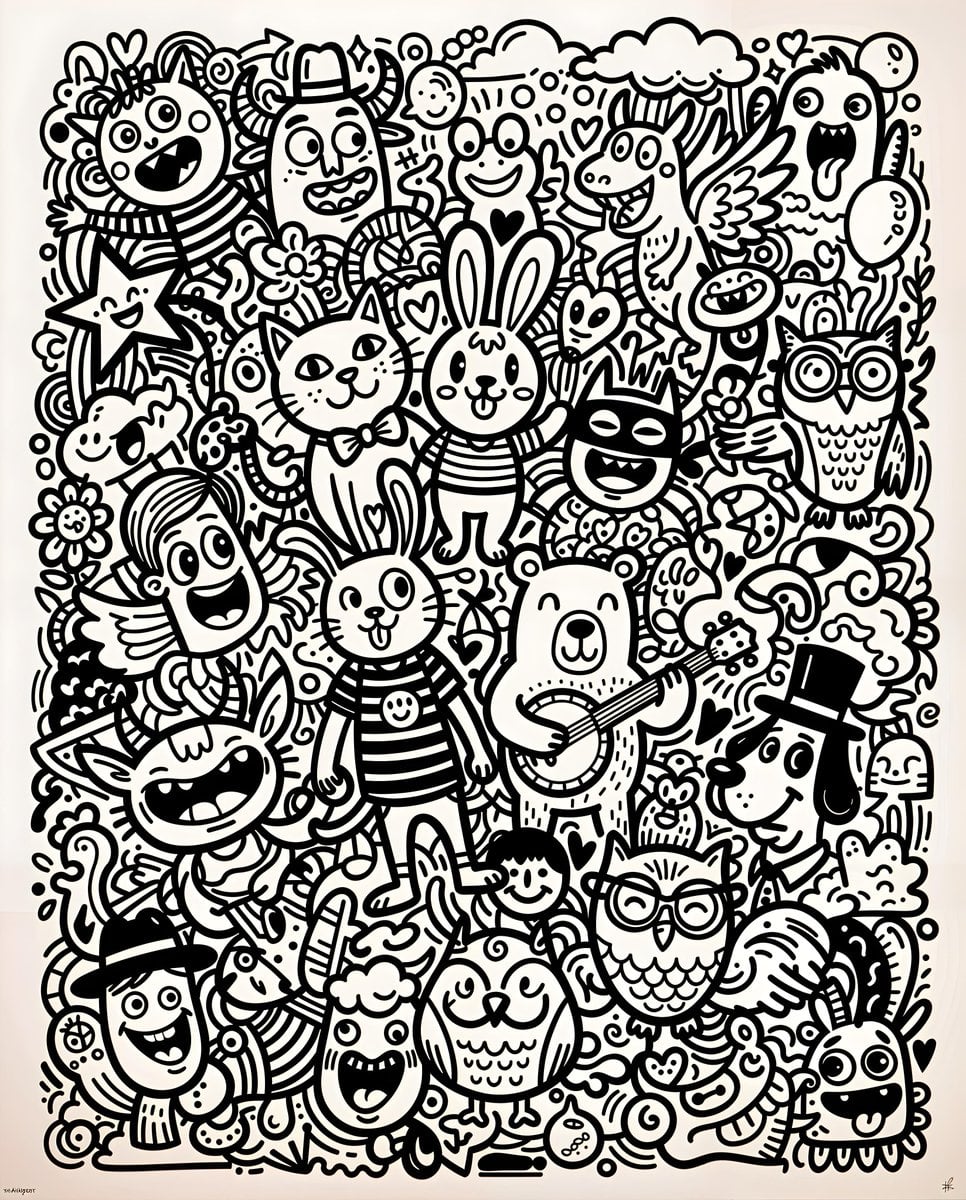
Black and White Whimsical Doodle Art
Make it yours
Black-and-White Photobooth Expression Grid works as-is. These are the safest ways to change it without losing the look.
Change one field
Copy a single group, rewrite it, and generate again so you can see what that field is doing.
Keep the frame, change the subject
Hold the composition and light of Black-and-White Photobooth Expression Grid, then swap wardrobe, props or the person for a new take.
| If the result… | Why | Fix |
|---|---|---|
| The result drifts from the preview | Too many fields changed at once. | Reuse Black-and-White Photobooth Expression Grid as-is first, then change one group — subject, light, or setting. |
| The model over-stylizes the scene | The prose prompt leaves finish and camera underspecified. | Add one camera or lighting sentence and stay on GPT Image 2. |
More GPT Image 2 templates
Other prompts made for GPT Image 2.

Six VTuber Japanese Logo Sheet

Realistic Portrait of Woman and Deer

The Vista Modular Condo Poster

AI Model Routing Comparison Infographic

2.5D Anime Art Board

Isometric Productivity Desk Scene

New York Double Exposure Poster

Four-Panel AI Landscape Comparison

Japanese Tatami Lifestyle Magazine Cover

NESCAFÉ Coffee Map Poster
More image prompts
Fresh picks from across the catalog.
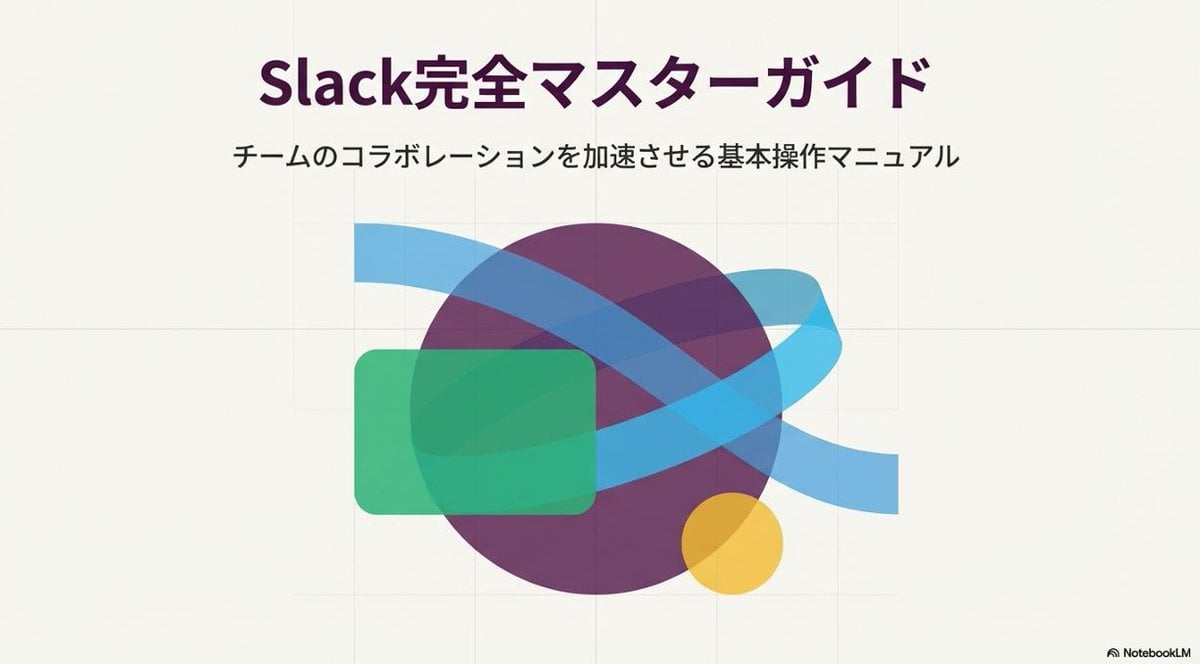
Slide Document Generation Feature
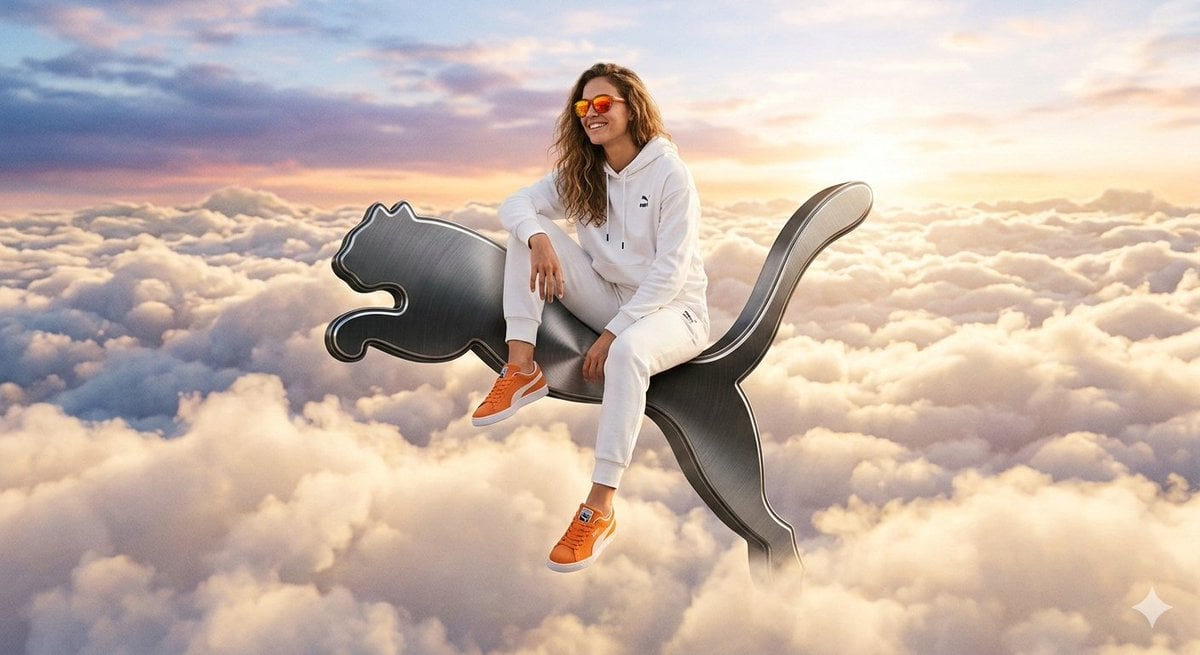
Surreal High-Fashion Ad on Floating Puma Logo
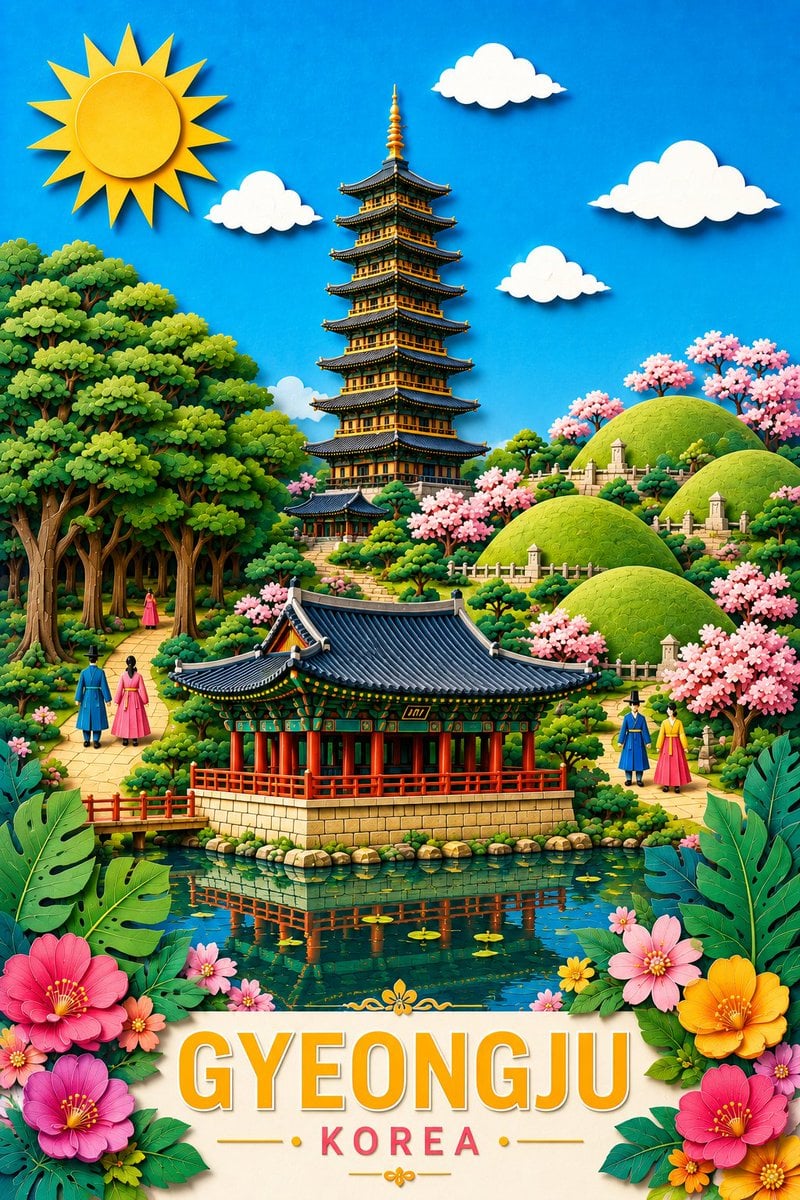
Gyeongju Korea Paper-Cut Travel Poster
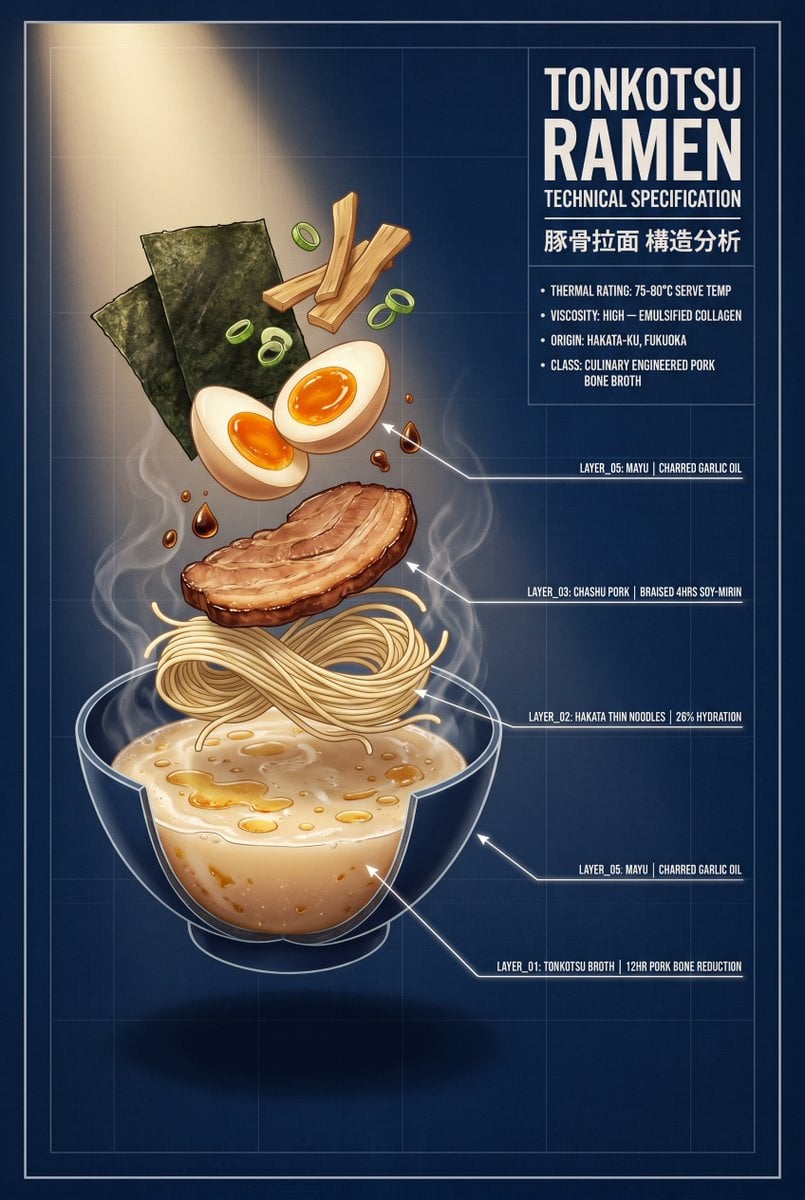
Tonkotsu Ramen Blueprint Poster
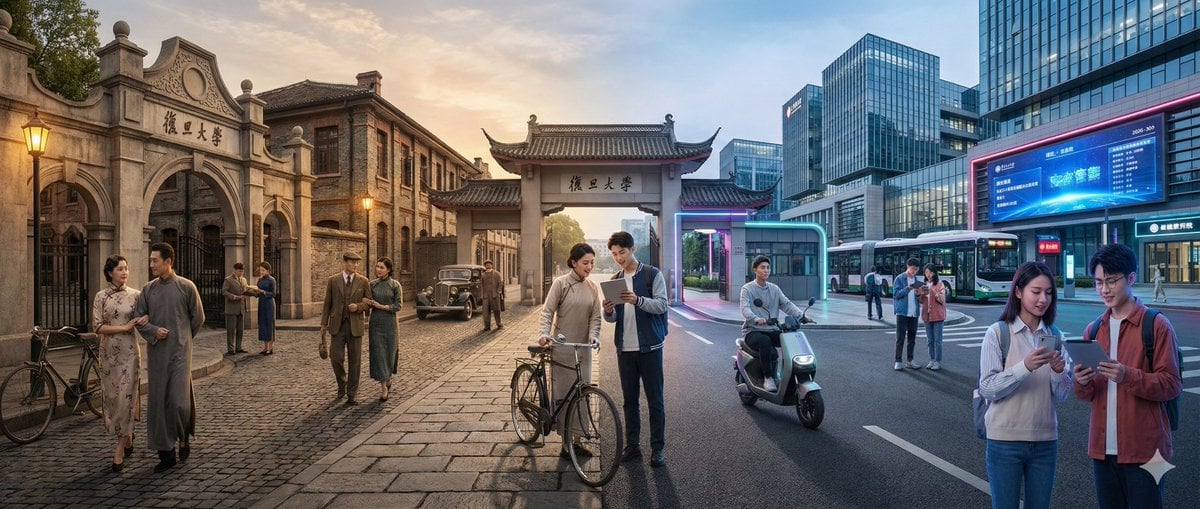
Time-Warp Cinematic Split Scene Prompt
Luxury Skincare Commercial Photography
Candid Elevator Mirror Selfie
Retro Namba Osaka Travel Poster
Cinematic Painterly Portrait of an Artist Painting Himself
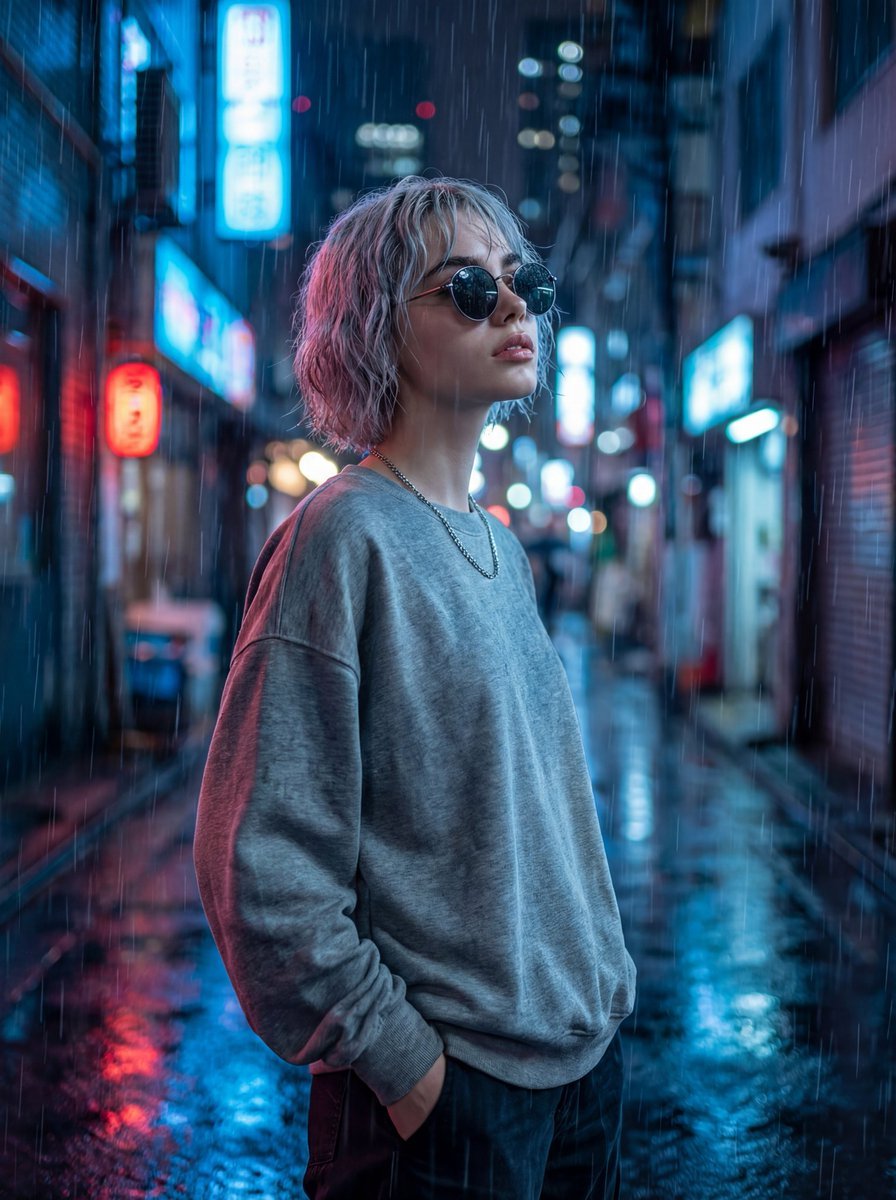
Cinematic Neon Rain Portrait Prompt
Browse template categories
Black-and-White Photobooth Expression Grid questions
How do I use the Black-and-White Photobooth Expression Grid template?
Add your photo if the template asks for one, edit the prompt if you like — the template's model and format are already selected — and press Generate. Your version opens in PicX Studio.
Can I customize the Black-and-White Photobooth Expression Grid template?
Yes. You can change the subject, setting, lighting, mood, format, and available model controls before creating your image.
Is the Black-and-White Photobooth Expression Grid template free?
Opening and editing this template is free. Generating uses credits, shown on the Generate button when you are signed in.
Which AI model should I use?
Start with GPT Image 2, which is the model associated with this template. You can compare another compatible model for a different finish.
Looking for something else? Browse all templates.

Your photo, any look
Thousands of ready templates for every top image and video model, from one credit balance.