
Tonkotsu Ramen Blueprint Poster
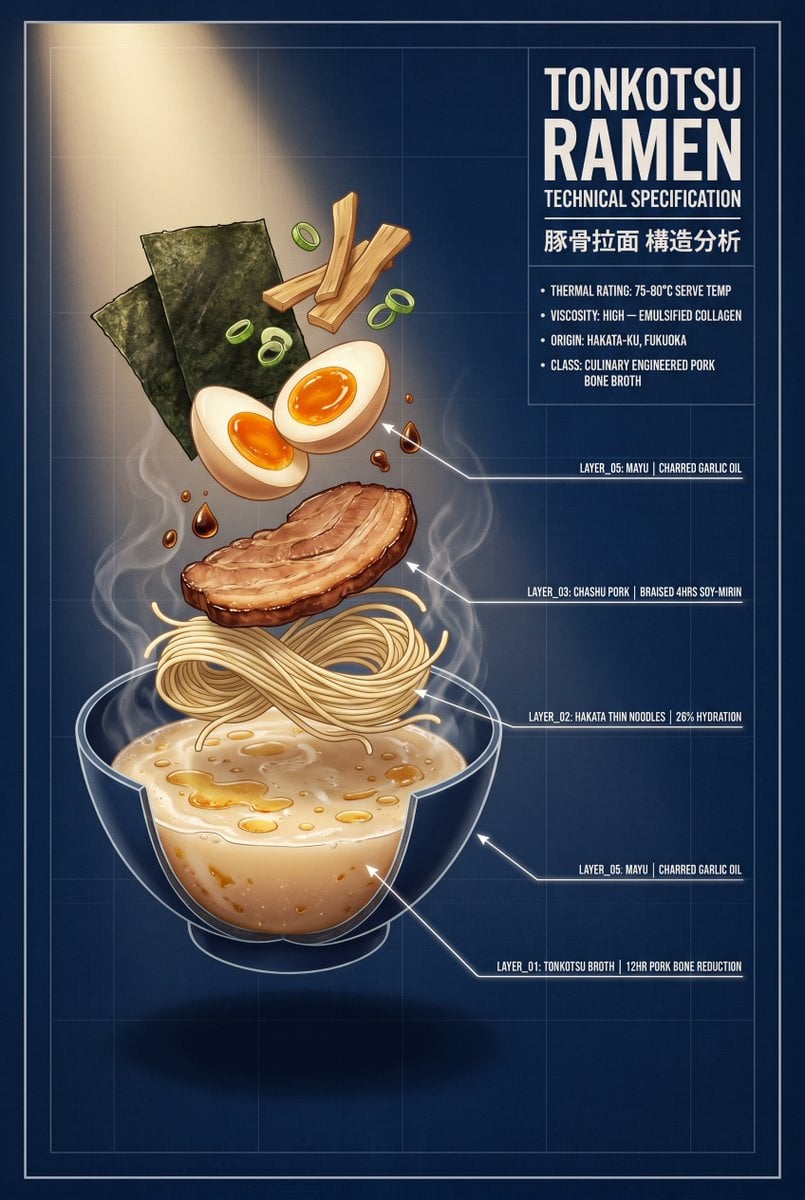
Generates a vertical CAD-style technical specification poster showing an exploded tonkotsu ramen bowl with labeled layers and blueprint annotations.
- Prompt included
- Model and format preset
- Free template
The prompt behind this image
Copy the exact prompt behind Tonkotsu Ramen Blueprint Poster, or open it in the studio and make it yours.
- Type
- vertical technical blueprint food poster
- Aspect Ratio
- 2:3
- Style
- polished semi-realistic digital illustration mixed with CAD blueprint graphics, precise linework, warm appetizing food rendering contrasted against cold engineering documentation
- Main Subject
- exploded cross-section bowl of {argument name="food name" default="tonkotsu ramen"} with ingredients suspended vertically above a transparent cutaway bowl
- Background › Color
- {argument name="background color" default="deep navy blue #0A1628"}
- Background › Details
- subtle blueprint grid, thin rectangular border frame, faint drafting lines, soft vignette, warm diagonal spotlight from the upper left illuminating the food
- Composition › Orientation
- portrait poster
- Composition › Centerpiece Position
- left-center to lower-center
- Composition › Food Arrangement
- floating exploded stack with steam rising from the bowl and white CAD leader lines pointing from ingredients to labels on the right
- Composition › Count Discrete Food Elements
- 8
- Composition › Food Elements
- transparent cutaway ramen bowl filled with creamy tonkotsu broth and golden oil droplets, nest of thin Hakata noodles floating above broth, single thick slice of browned chashu pork above noodles, small droplets of charred garlic oil and mayu around the pork, two soft-boiled egg halves with glossy orange yolks, two dark green rectangular nori seaweed sheets at upper left, several green onion rings floating around the upper ingredients, three pale bamboo shoot strips at upper center
- Right Specification Panel › Position
- upper right
- Right Specification Panel › Headline
- {argument name="headline text" default="TONKOTSU RAMEN"}
- Right Specification Panel › Subheadline
- TECHNICAL SPECIFICATION
- Right Specification Panel › Secondary Title
- {argument name="secondary title" default="豚骨拉面 構造分析"}
- Right Specification Panel › Bullet Count
- 4
- Right Specification Panel › Bullets
- THERMAL RATING: 75-80°C SERVE TEMP, VISCOSITY: HIGH — EMULSIFIED COLLAGEN, ORIGIN: HAKATA-KU, FUKUOKA, CLASS: CULINARY ENGINEERED PORK BONE BROTH
- Cad Callouts › Count
- 5
- Cad Callouts › Style
- thin white technical leader lines with arrowheads and small all-caps condensed monospace labels aligned on the right
- Cad Callouts › Labels
- LAYER_05: MAYU | CHARRED GARLIC OIL, LAYER_03: CHASHU PORK | BRAISED 4HRS SOY-MIRIN, LAYER_02: HAKATA THIN NOODLES | 26% HYDRATION, LAYER_05: MAYU | CHARRED GARLIC OIL, LAYER_01: TONKOTSU BROTH | 12HR PORK BONE REDUCTION
- Typography
- bold condensed white sans-serif for the main title, smaller uppercase monospace technical text, crisp readable labels, clean blueprint annotation style
- Lighting
- warm golden spotlight on ingredients, cool navy shadows, subtle steam glow, high contrast between hot food and cold technical layout
- Rendering Notes
- make the ramen look appetizing and dimensional while preserving exact readable technical labels, no people, no extra logos, clean poster margins
Raw JSON
{"type":"vertical technical blueprint food poster","aspect_ratio":"2:3","style":"polished semi-realistic digital illustration mixed with CAD blueprint graphics, precise linework, warm appetizing food rendering contrasted against cold engineering documentation","main_subject":"exploded cross-section bowl of {argument name=\"food name\" default=\"tonkotsu ramen\"} with ingredients suspended vertically above a transparent cutaway bowl","background":{"color":"{argument name=\"background color\" default=\"deep navy blue #0A1628\"}","details":"subtle blueprint grid, thin rectangular border frame, faint drafting lines, soft vignette, warm diagonal spotlight from the upper left illuminating the food"},"composition":{"orientation":"portrait poster","centerpiece_position":"left-center to lower-center","food_arrangement":"floating exploded stack with steam rising from the bowl and white CAD leader lines pointing from ingredients to labels on the right","count_discrete_food_elements":8,"food_elements":["transparent cutaway ramen bowl filled with creamy tonkotsu broth and golden oil droplets","nest of thin Hakata noodles floating above broth","single thick slice of browned chashu pork above noodles","small droplets of charred garlic oil and mayu around the pork","two soft-boiled egg halves with glossy orange yolks","two dark green rectangular nori seaweed sheets at upper left","several green onion rings floating around the upper ingredients","three pale bamboo shoot strips at upper center"]},"right_specification_panel":{"position":"upper right","headline":"{argument name=\"headline text\" default=\"TONKOTSU RAMEN\"}","subheadline":"TECHNICAL SPECIFICATION","secondary_title":"{argument name=\"secondary title\" default=\"豚骨拉面 構造分析\"}","bullet_count":4,"bullets":["THERMAL RATING: 75-80°C SERVE TEMP","VISCOSITY: HIGH — EMULSIFIED COLLAGEN","ORIGIN: HAKATA-KU, FUKUOKA","CLASS: CULINARY ENGINEERED PORK BONE BROTH"]},"cad_callouts":{"count":5,"style":"thin white technical leader lines with arrowheads and small all-caps condensed monospace labels aligned on the right","labels":["LAYER_05: MAYU | CHARRED GARLIC OIL","LAYER_03: CHASHU PORK | BRAISED 4HRS SOY-MIRIN","LAYER_02: HAKATA THIN NOODLES | 26% HYDRATION","LAYER_05: MAYU | CHARRED GARLIC OIL","LAYER_01: TONKOTSU BROTH | 12HR PORK BONE REDUCTION"]},"typography":"bold condensed white sans-serif for the main title, smaller uppercase monospace technical text, crisp readable labels, clean blueprint annotation style","lighting":"warm golden spotlight on ingredients, cool navy shadows, subtle steam glow, high contrast between hot food and cold technical layout","rendering_notes":"make the ramen look appetizing and dimensional while preserving exact readable technical labels, no people, no extra logos, clean poster margins"}How to use Tonkotsu Ramen Blueprint Poster in 3 steps
- 1Upload ImagePNG, JPG or paste
Add your photo
Upload the photo the template builds on. The prompt, model and format are already set.
- 2…a portrait of your subject in softgolden-hour light, 85mm…
Personalize
Edit the subject and creative details for your destination.
- 3Generate
Generate
Press Generate — your image is created in PicX Studio, so you can compare it with the original and refine one variable at a time.
More like this
Templates with the same subject, style or setup. Open one to see its prompt.

Japan Travel Brochure Poster
Minimalist Tonkotsu Ramen Commercial

Cartoon TV Show Poster Pack

Trendy Cafe Drink Promo Poster

Urban Fashion Editorial Collage Streetwear Poster

Premium Fashion Editorial Cover Layout System

Polo Ralph Lauren Luxury American Heritage Fashion Campaign

Monochrome Halftone Editorial Fashion Poster

Retro Mirror Luxury Fashion Campaign Poster

Luxury Fashion Campaign Typography Poster System

Premium Fashion Editorial Campaign Poster System

Ultra-Stylized High-Fashion Streetwear Poster
Make it yours
Tonkotsu Ramen Blueprint Poster works as-is. These are the safest ways to change it without losing the look.
Swap the setting
Keep the rest of the prompt and replace the location block. The current setting is “{argument name="background color" default="deep navy blue #0A1628"}”.
Swap the light
One lighting change is enough to compare takes. Current light: “warm golden spotlight on ingredients, cool navy shadows, subtle steam glow, high”.
Change one field
Copy a single group, rewrite it, and generate again so you can see what that field is doing.
| If the result… | Why | Fix |
|---|---|---|
| The result drifts from the preview | Too many fields changed at once. | Reuse Tonkotsu Ramen Blueprint Poster as-is first, then change one group — subject, light, or setting. |
| GPT Image 2 ignores part of the JSON | Some models flatten or skip nested keys. | Keep the same values and paste them as a short paragraph instead. |
More GPT Image 2 templates
Other prompts made for GPT Image 2.

Six VTuber Japanese Logo Sheet

Realistic Portrait of Woman and Deer

The Vista Modular Condo Poster

AI Model Routing Comparison Infographic

2.5D Anime Art Board

Isometric Productivity Desk Scene

New York Double Exposure Poster

Four-Panel AI Landscape Comparison

Japanese Tatami Lifestyle Magazine Cover

NESCAFÉ Coffee Map Poster
More image prompts
Fresh picks from across the catalog.
Hardcore Engineering Infographic Style
Streetwear Couple Film Shoot Prompt (Empty Pool)
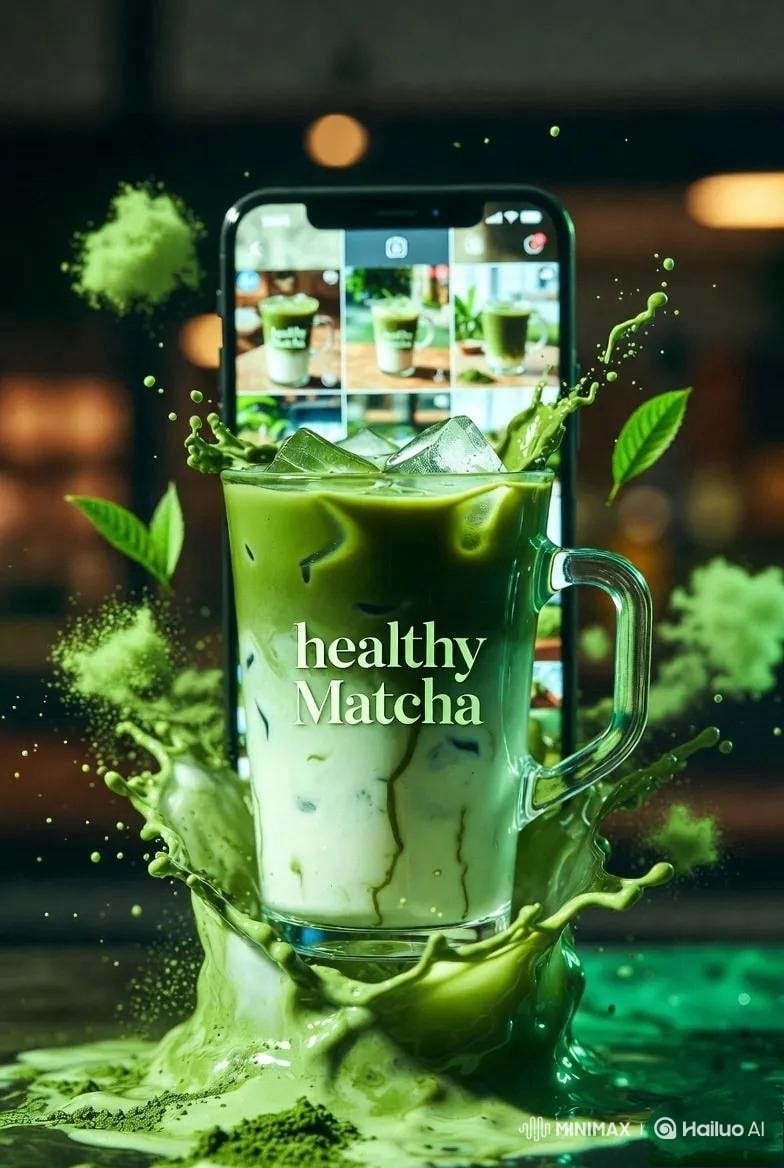
High-End Matcha Product Photography Prompt for Nano Banana 2
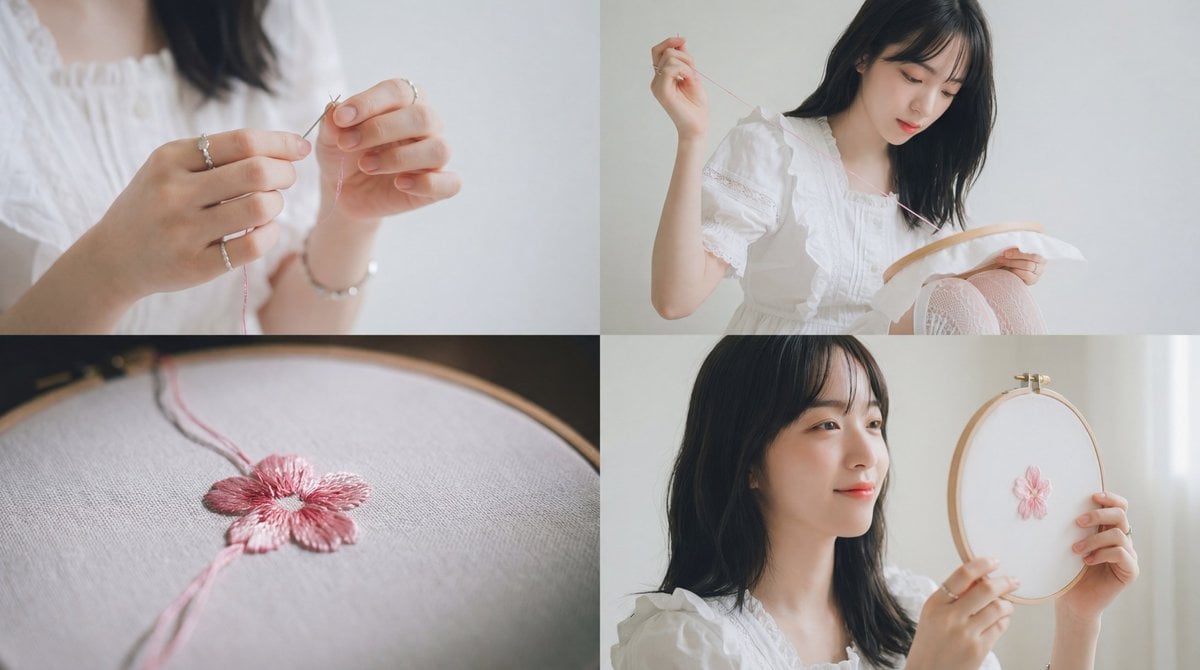
Cinematic Embroidery Scene Video
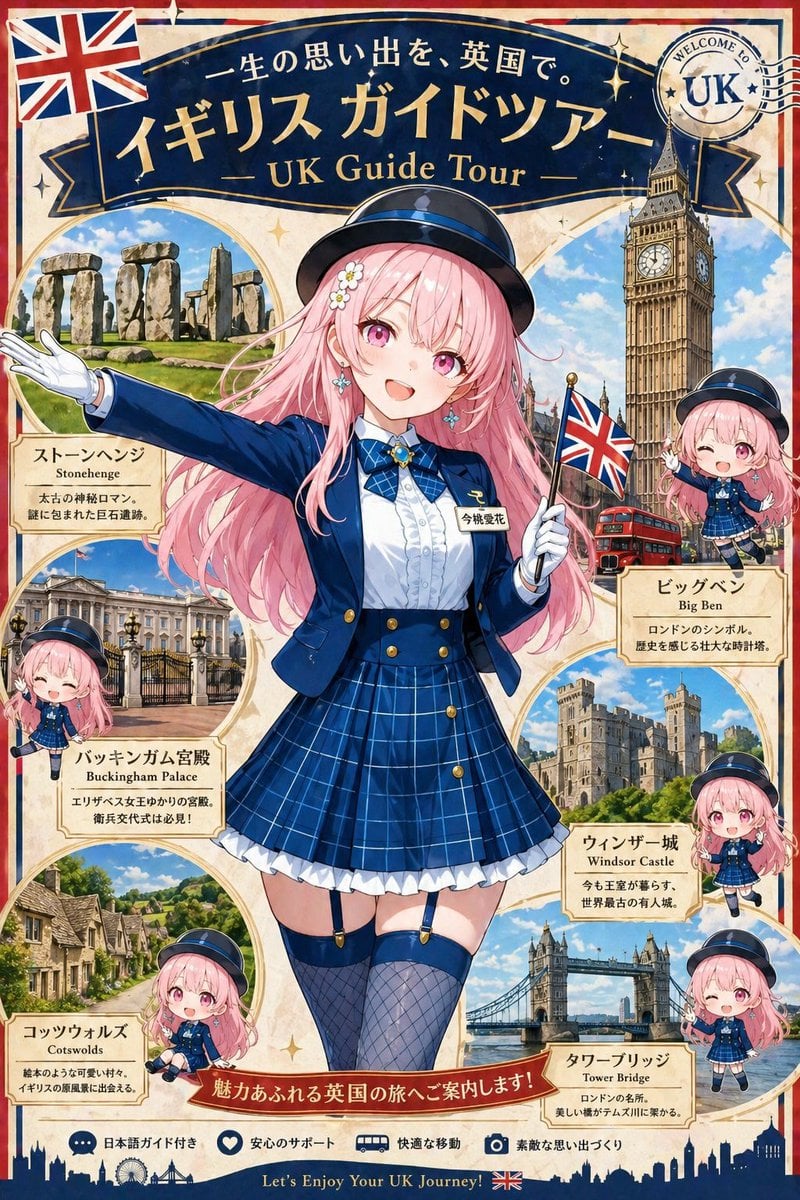
Bus Guide Tourism Poster Prompt
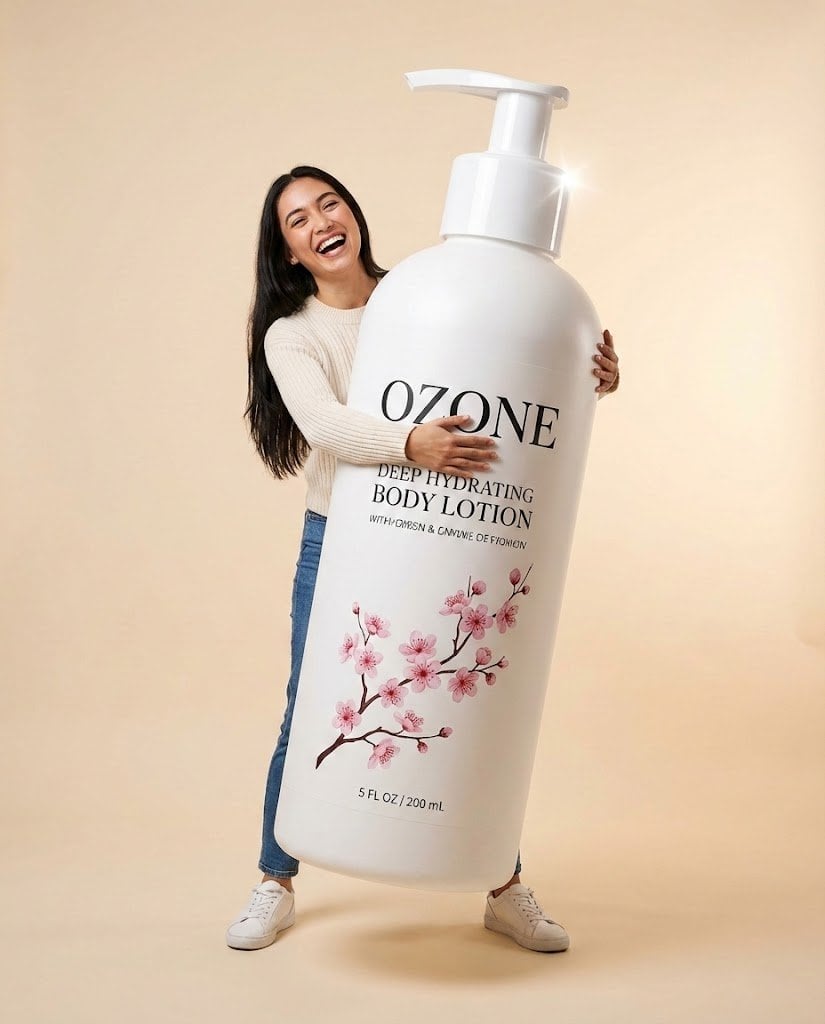
Studio Commercial Shot of Woman Hugging Giant Lotion Bottle
Ultra-Realistic Skincare Product Photography Prompt (Cobalt Blue)
Goth Anime Girl at Playground Bar
Chic White Outfit Fashion Editorial Prompt
Luxury Streetwear Urban Editorial
Browse template categories
Tonkotsu Ramen Blueprint Poster questions
How do I use the Tonkotsu Ramen Blueprint Poster template?
Add your photo if the template asks for one, edit the prompt if you like — the template's model and format are already selected — and press Generate. Your version opens in PicX Studio.
Can I customize the Tonkotsu Ramen Blueprint Poster template?
Yes. You can change the subject, setting, lighting, mood, format, and available model controls before creating your image.
Is the Tonkotsu Ramen Blueprint Poster template free?
Opening and editing this template is free. Generating uses credits, shown on the Generate button when you are signed in.
Which AI model should I use?
Start with GPT Image 2, which is the model associated with this template. You can compare another compatible model for a different finish.
Looking for something else? Browse all templates.

Your photo, any look
Thousands of ready templates for every top image and video model, from one credit balance.