
Animated Photobooth Grid
A creative photobooth layout comparing real human couples with Zootopia-style animated characters in various playful poses.
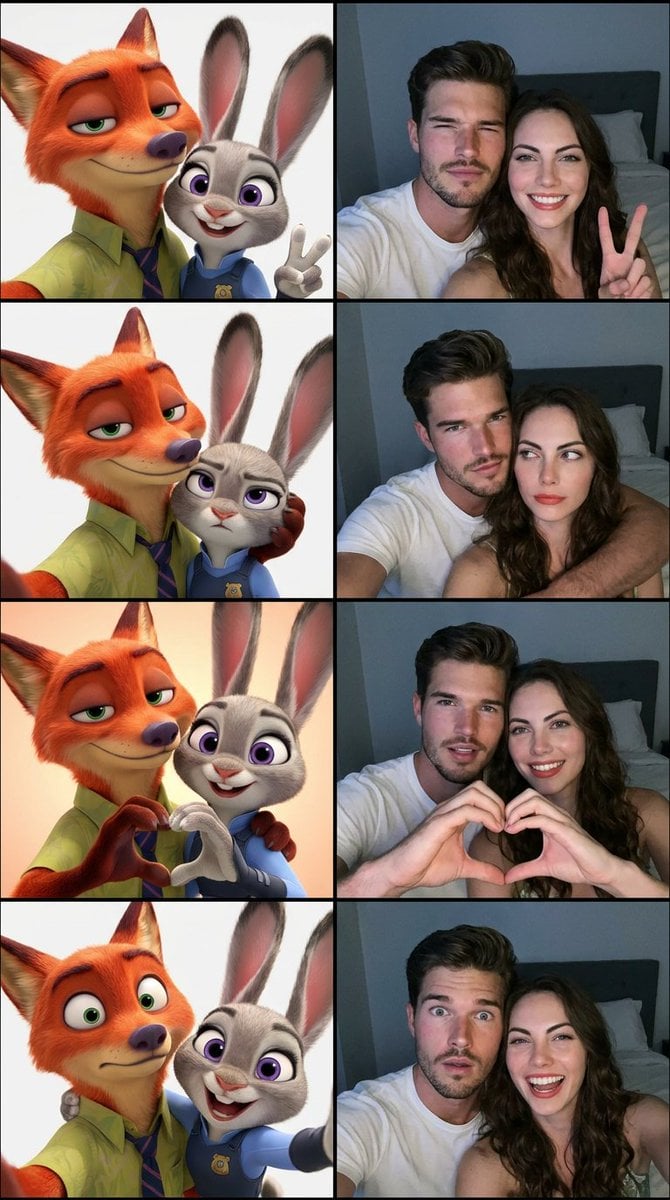
- Prompt included
- Model and format preset
- Free template
The prompt behind this image
Copy the exact prompt behind Animated Photobooth Grid, or open it in the studio and make it yours.
Create a vertical 4-frame photobooth grid (2x2 layout). Left side of each frame features {argument name="animation style" default="Zootopia-style animated characters"} ({argument name="character types" default="a fox and a rabbit"} inspired by Nick Wilde and Judy Hopps), while the right side features the {argument name="subjects" default="real human couple"} from the provided reference photos. Use the uploaded couple photos as the main identity reference — do not alter their facial features, proportions, skin tone, or unique characteristics. Their faces must remain 100% recognizable and identical to the reference. Each frame shows the same poses and expressions on both sides (animated and real versions mirrored): Frame 1: Cheerful selfie pose, both subjects close to camera, male slightly squinting confidently, female smiling brightly and making a peace sign. Frame 2: Playful pose, male gently holding female’s head from behind, male looks mischievous but warm, female looks slightly confused or unimpressed looking sideways. Frame 3: Both facing camera closely, forming a heart shape together with their hands, smiling with slightly open mouths, warm and affectionate mood. Frame 4: Surprise/playful expression, male slightly pulling away with widened eyes, female laughing brightly leaning toward camera. Style & Lighting: Real couple side: realistic iPhone front camera selfie style, close framing, natural perspective, slight depth, low-light bedroom environment, soft bluish-white screen glow lighting, subtle grain/noise, minimal background (bed, pillow, dark wall barely visible). Zootopia side: clean 3D animated style, expressive cartoon faces, bright and polished lighting, matching the same pose and composition as the real subjects. Overall composition: Perfectly aligned split composition per frame (left = animated, right = real). Extremely clean layout, high clarity, fun and aesthetic social media photobooth style.
How to use Animated Photobooth Grid in 3 steps
- 1Upload ImagePNG, JPG or paste
Add your photo
Upload the photo the template builds on. The prompt, model and format are already set.
- 2…a portrait of your subject in softgolden-hour light, 85mm…
Personalize
Edit the subject and creative details for your destination.
- 3Generate
Generate
Press Generate — your image is created in PicX Studio, so you can compare it with the original and refine one variable at a time.
More like this
Templates with the same subject, style or setup. Open one to see its prompt.

B&W Photobooth Expression Grid 4x4 — Nano Banana

Korean Luxury Fashion Editorial 2x2 Grid Series

Minimalist Fashion Editorial Split Layout

Ultra-Realistic Vogue-Style Editorial Fashion Grid

Headphones Lifestyle Nine Panel Grid

4x4 Grid - Candid Nostalgic Vacation Selfies

Movement Sheet - Dance Reference (Seedance 2.0)

Paris Travel Collage Grid - Face Reference
Instagram Feed Grid
Korean Photoism Photobooth Grid
Black-and-White Photobooth Expression Grid
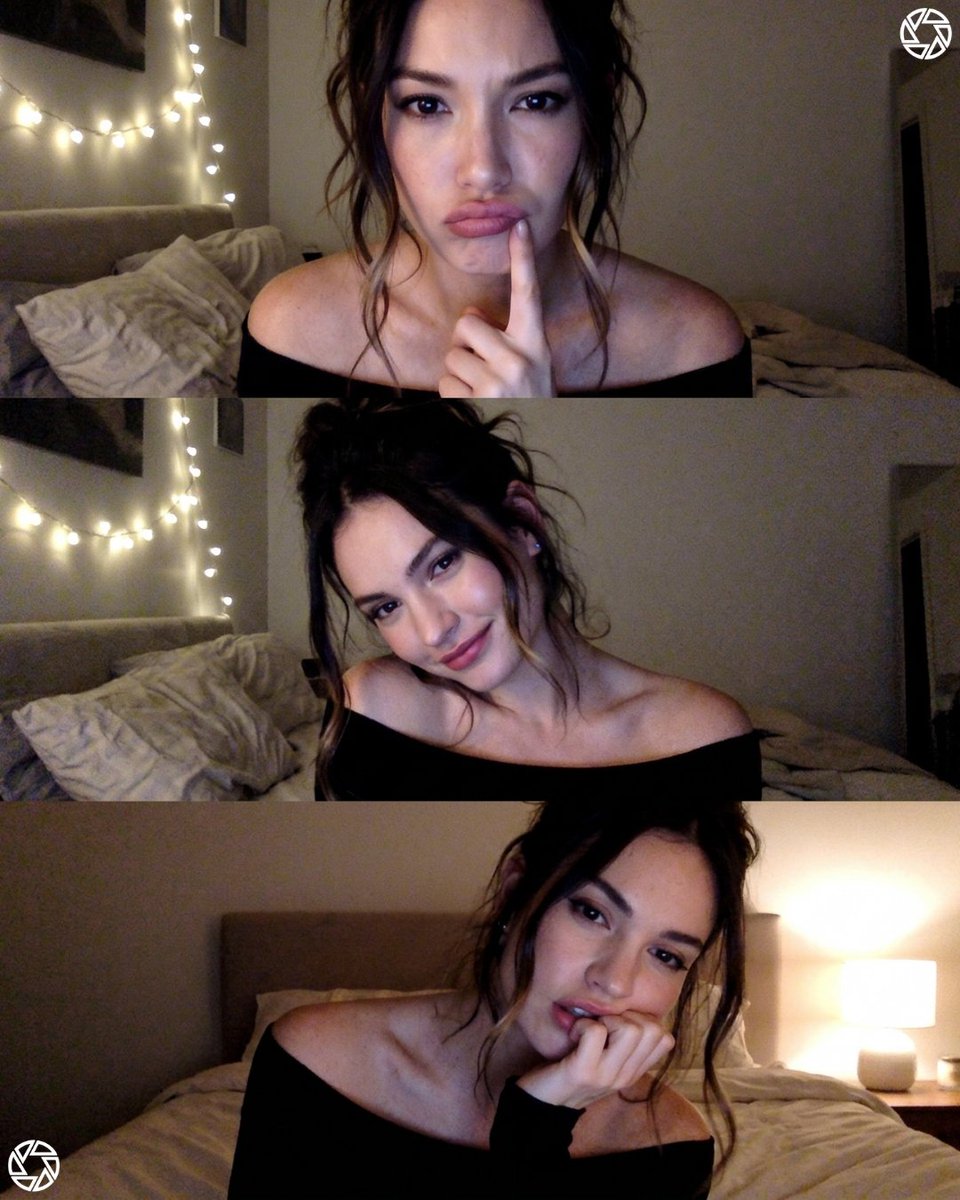
Webcam photobooth grid portrait
Make it yours
Animated Photobooth Grid works as-is. These are the safest ways to change it without losing the look.
Change one field
Copy a single group, rewrite it, and generate again so you can see what that field is doing.
Keep the frame, change the subject
Hold the composition and light of Animated Photobooth Grid, then swap wardrobe, props or the person for a new take.
| If the result… | Why | Fix |
|---|---|---|
| The result drifts from the preview | Too many fields changed at once. | Reuse Animated Photobooth Grid as-is first, then change one group — subject, light, or setting. |
| The model over-stylizes the scene | The prose prompt leaves finish and camera underspecified. | Add one camera or lighting sentence and stay on Nano Banana 2. |
More Nano Banana 2 templates
Other prompts made for Nano Banana 2.

Photorealistic Leaf Shaped Like a Dragon

K-Pop Idol Portrait Grid for Rapid Selection

Poetic Rain Forest Portrait During Golden Hour

Urban Street Portrait with Cartoon Inner Self Duo

Candid Nighttime Photo with Cat Prompt

High-Concept 3D Diorama Generation Prompt

Cinematic Futuristic Studio Portrait Template

Skincare Editorial Photography Collage Prompt

Hyper-Realistic Commercial Product Photography (Splash Effect)

Hyper-Realistic Nightclub Portrait Prompt
More image prompts
Fresh picks from across the catalog.
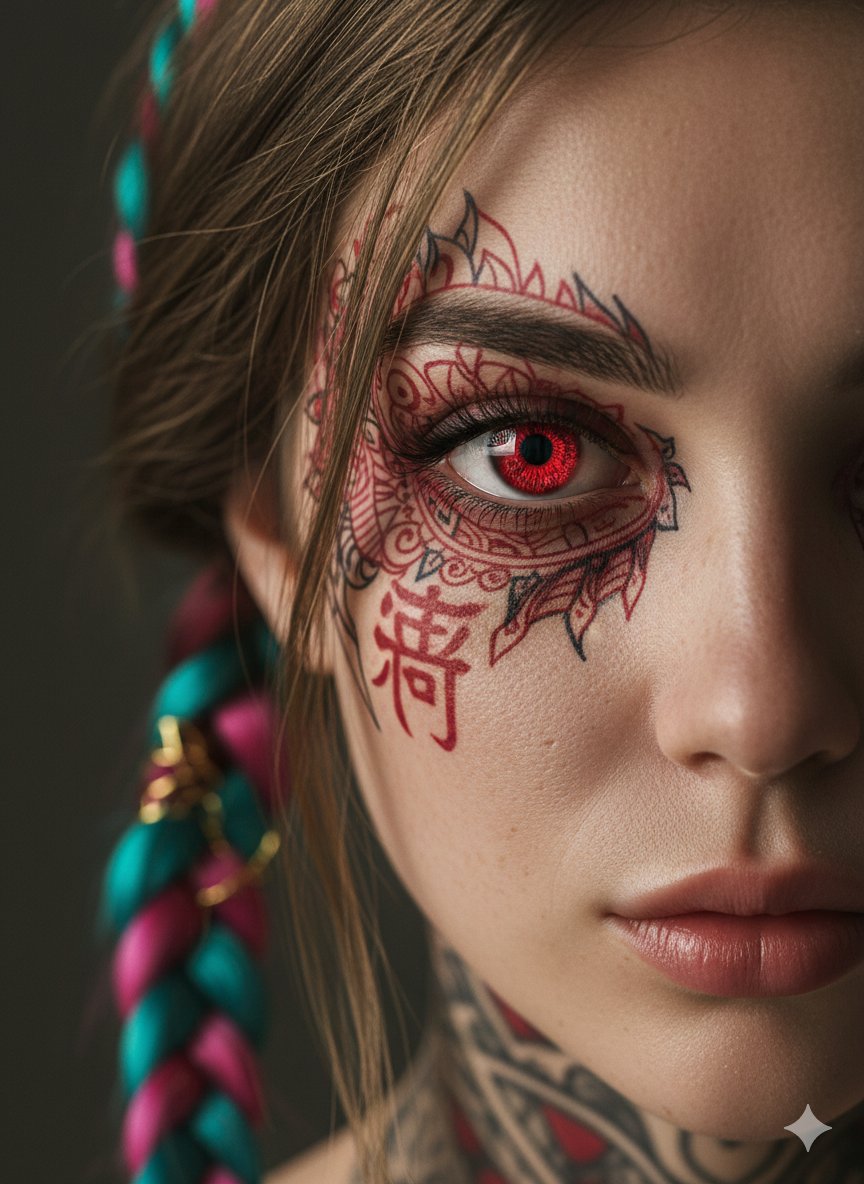
Extreme Close-Up Cinematic Portrait with Tattoos and Red Eye
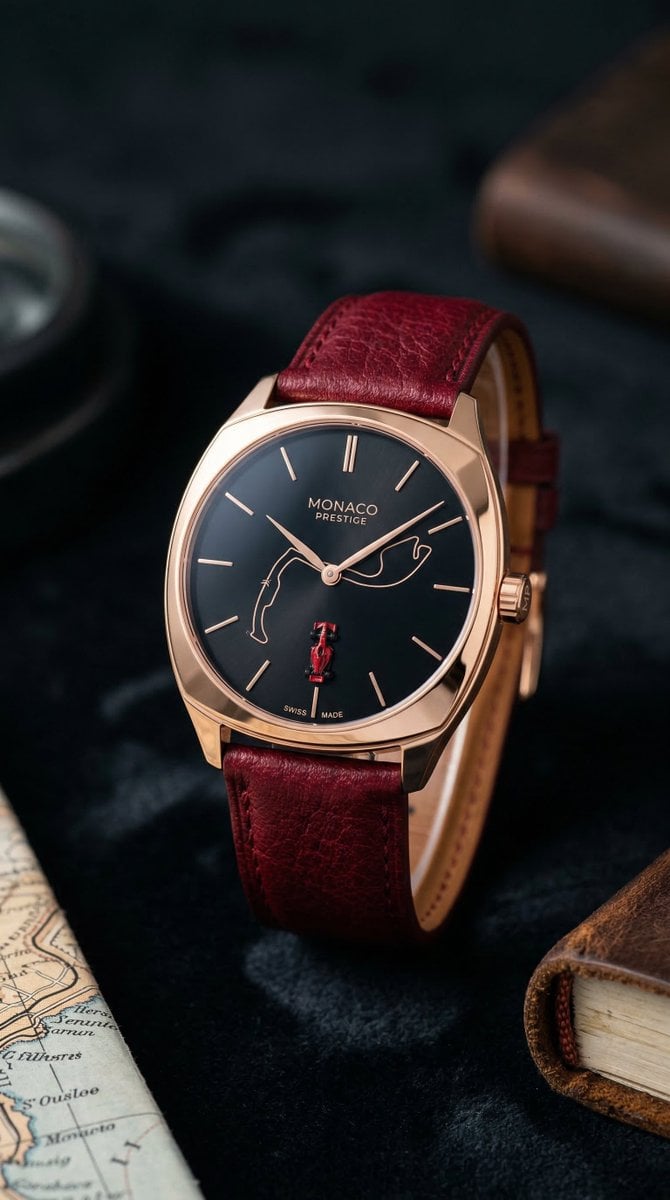
Minimalist Luxury Watch Editorial Prompt for Nano Banana 2
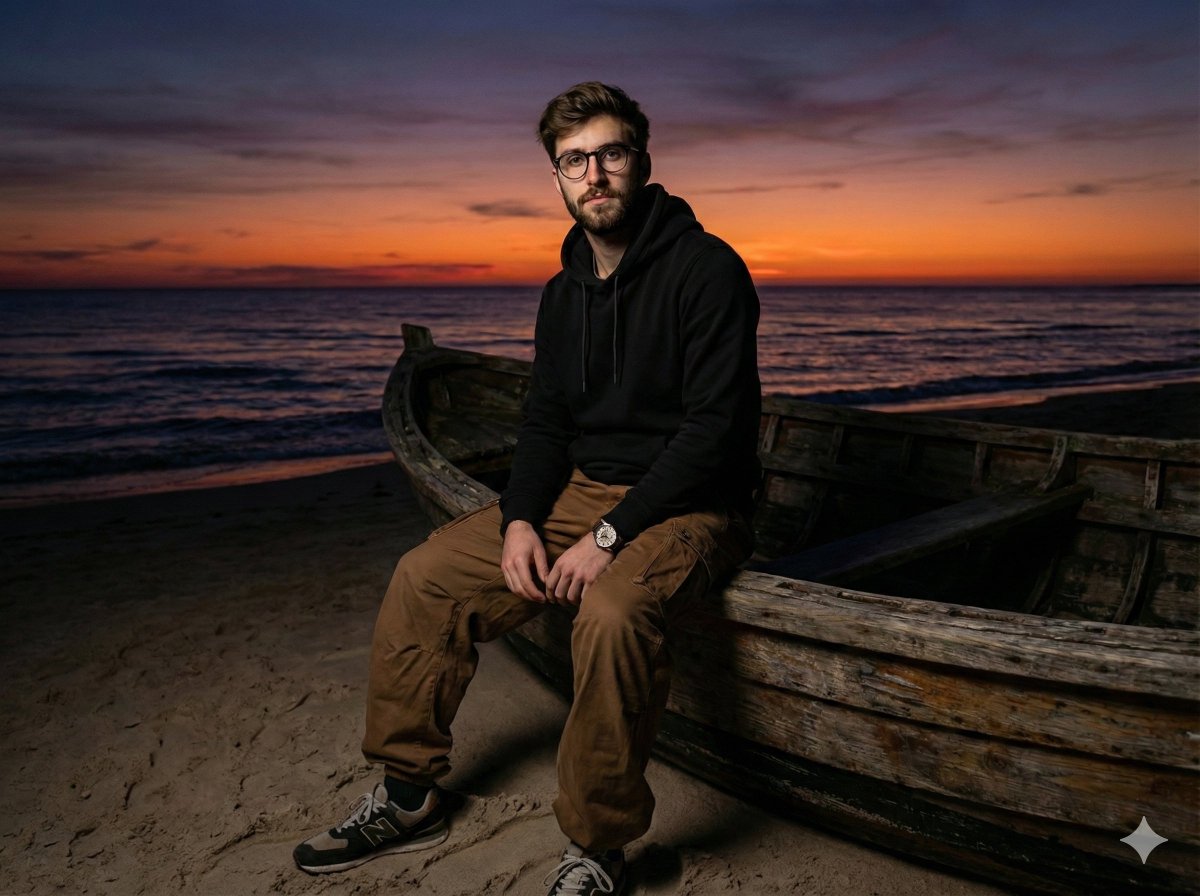
Moody Cinematic Portrait on Stranded Boat at Sunset
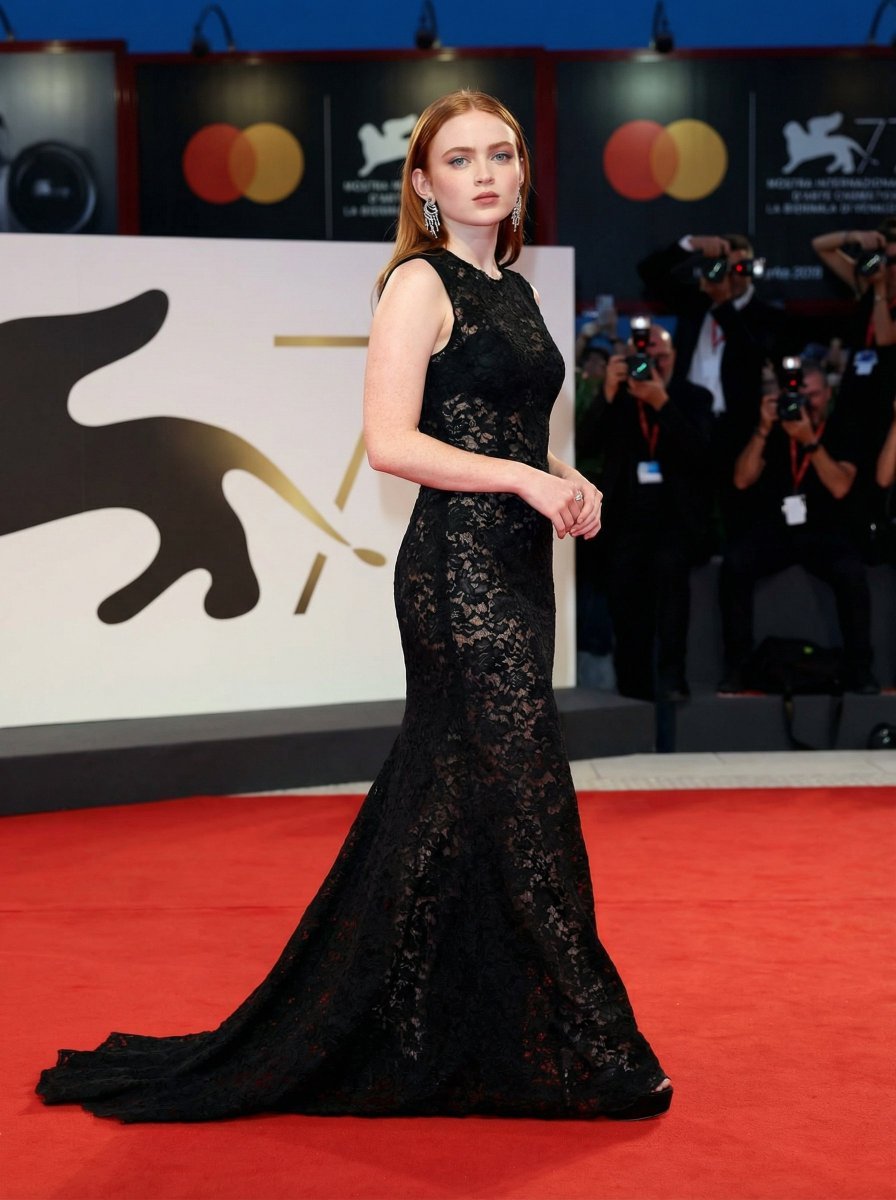
High Fashion Red Carpet Editorial Prompt
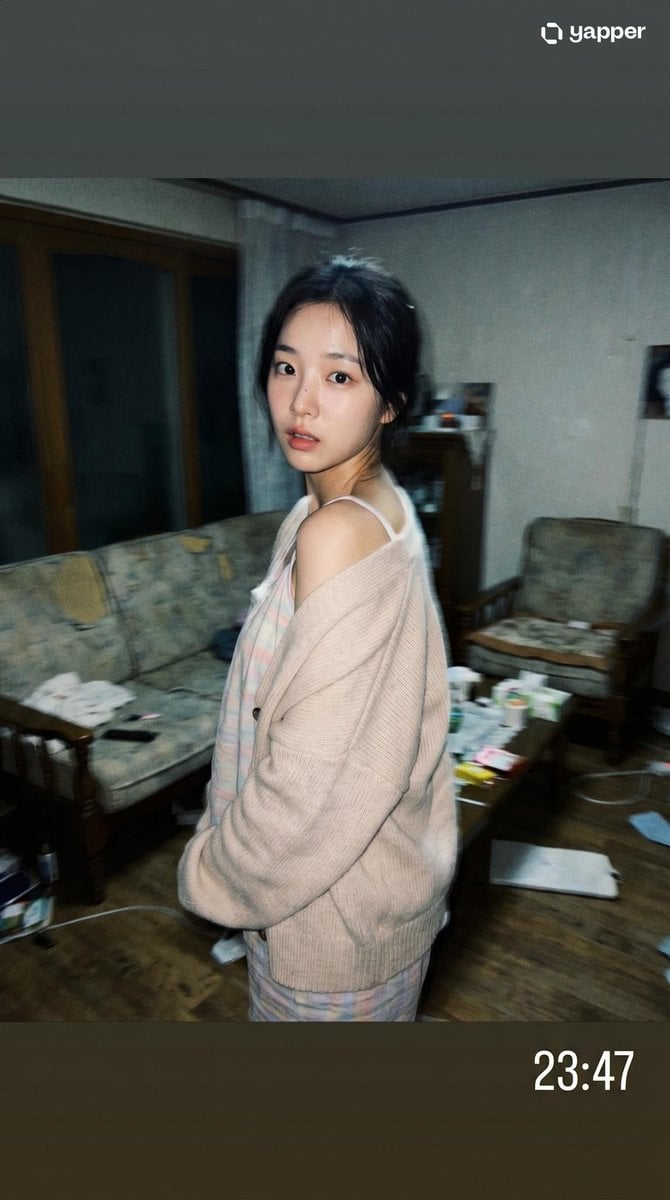
Korean Idol Candid Snapshot
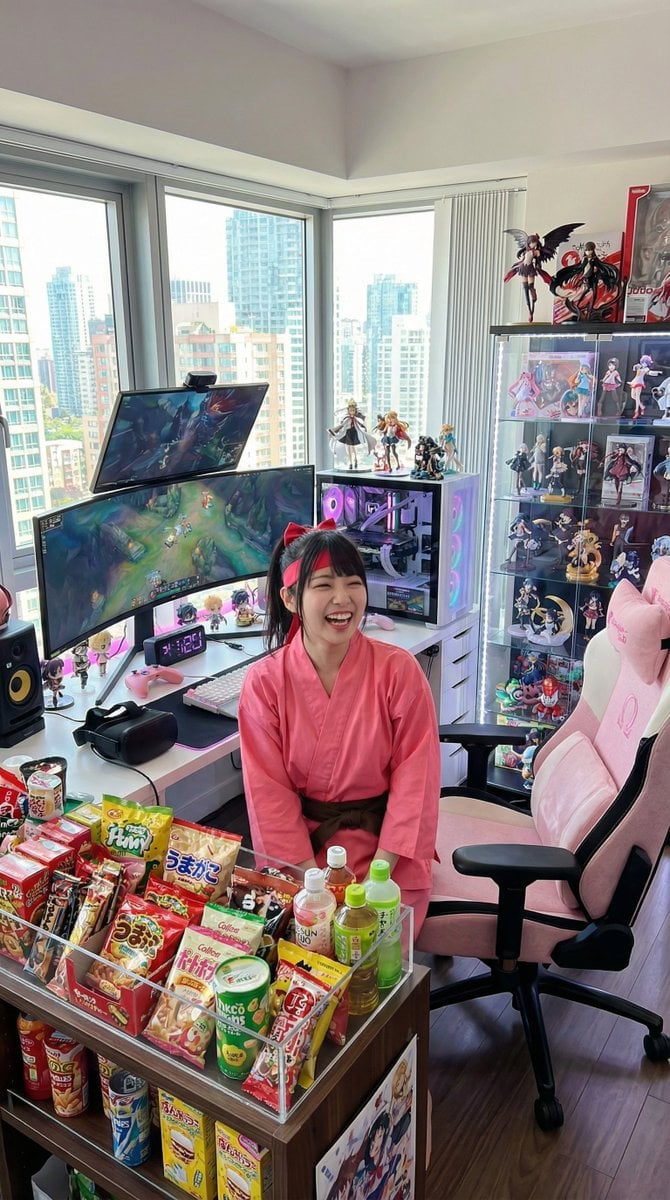
Generate a room that looks like life is being enjoyed to the fullest

Travel Advertisement Web Banner
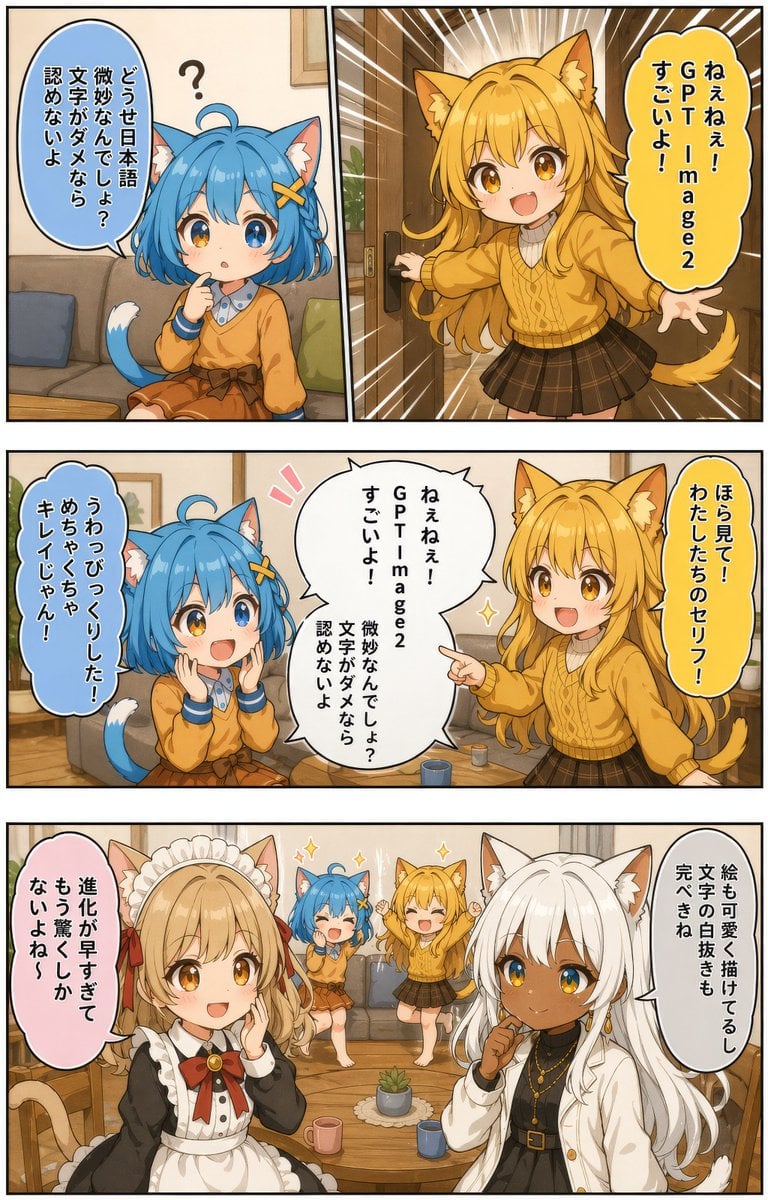
Japanese AI Manga Demo Page
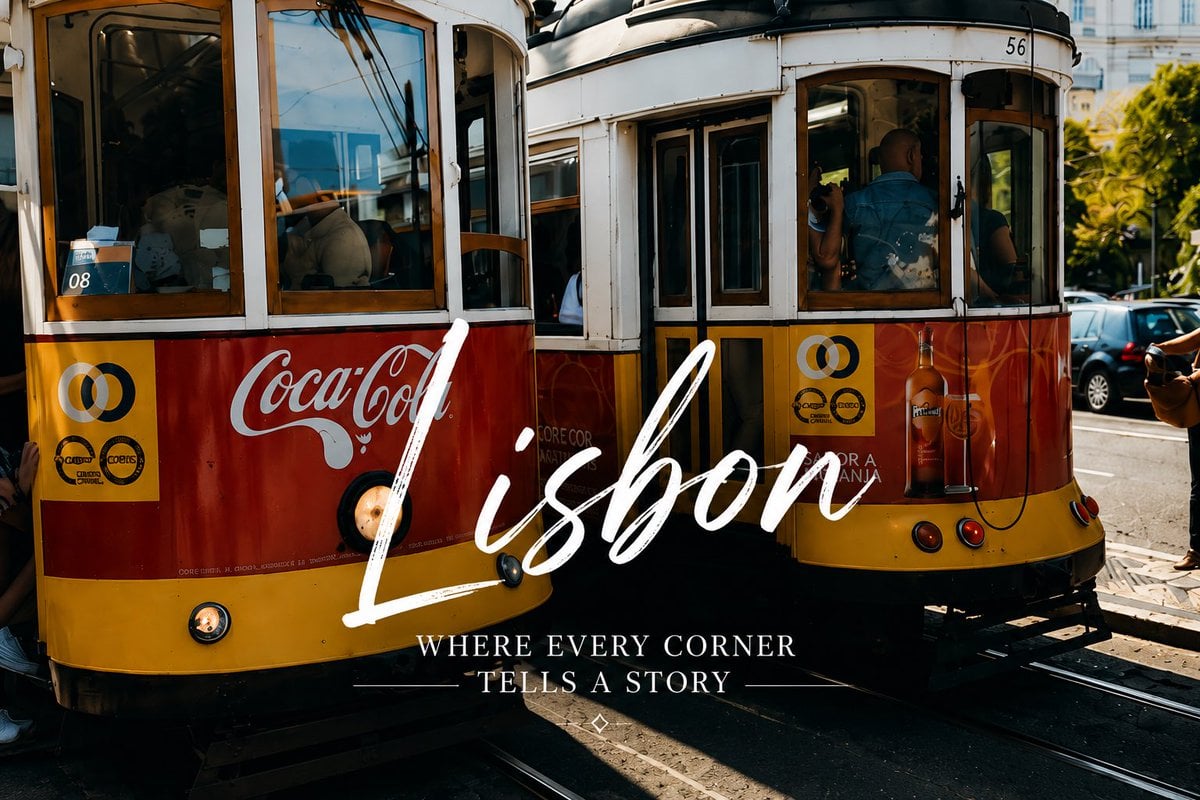
Lisbon Vintage Tram Travel Poster
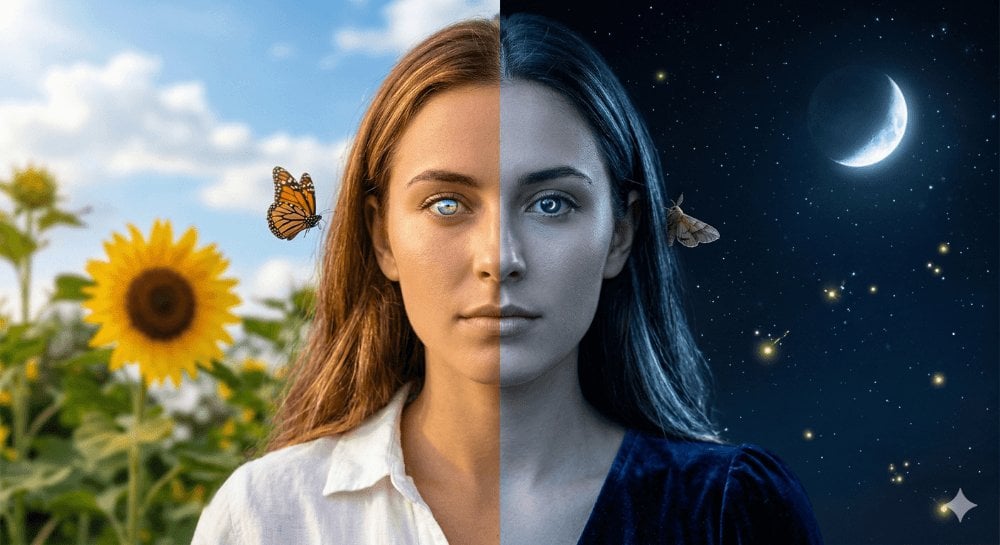
Day and Night Split Portrait
Browse template categories
Animated Photobooth Grid questions
How do I use the Animated Photobooth Grid template?
Add your photo if the template asks for one, edit the prompt if you like — the template's model and format are already selected — and press Generate. Your version opens in PicX Studio.
Can I customize the Animated Photobooth Grid template?
Yes. You can change the subject, setting, lighting, mood, format, and available model controls before creating your image.
Is the Animated Photobooth Grid template free?
Opening and editing this template is free. Generating uses credits, shown on the Generate button when you are signed in.
Which AI model should I use?
Start with Nano Banana 2, which is the model associated with this template. You can compare another compatible model for a different finish.
Looking for something else? Browse all templates.

Your photo, any look
Thousands of ready templates for every top image and video model, from one credit balance.