
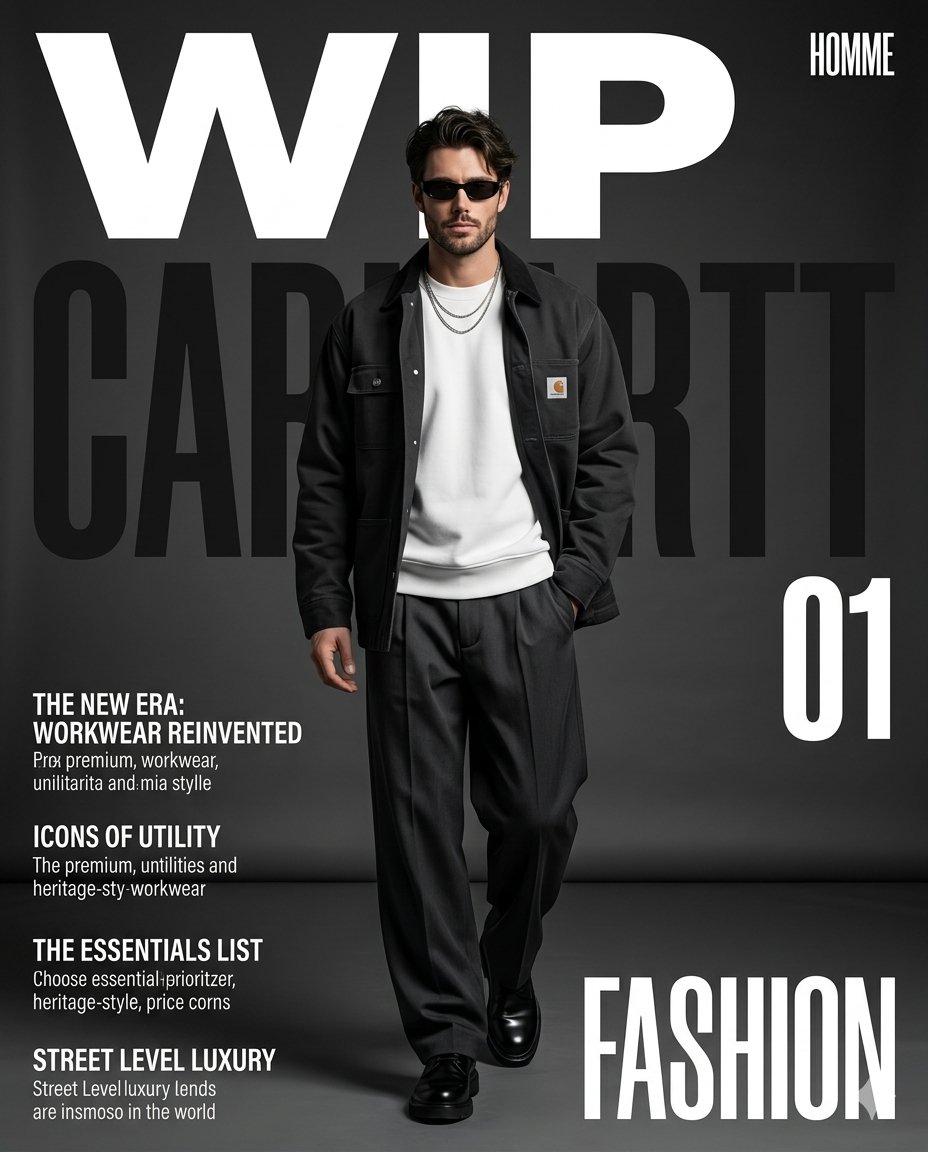
Premium Workwear Magazine Cover
A high-end fashion magazine cover prompt for premium workwear, including layout, typography, and professional studio lighting instructions.
- Prompt included
- Model and format preset
- Free template
The prompt behind this image
Copy the exact prompt behind Premium Workwear Magazine Cover, or open it in the studio and make it yours.
Create a premium high-fashion workwear magazine cover in a vertical 4:5 editorial poster format. A stylish male subject walks confidently toward the camera in a full-body runway-style pose, centered in the frame. His body is slightly in motion, one foot stepping forward, right hand casually inside the trouser pocket, left hand relaxed beside the body. His expression is calm, serious, and fashion-editorial. He wears narrow black sunglasses, slightly tousled dark hair, and a subtle layered silver chain necklace. Outfit {argument name="jacket style" default="Oversized dark charcoal / black workwear jacket"}, worn open Clean white crewneck sweatshirt with a small square heritage-style logo patch on the left chest Loose dark charcoal wide-leg pleated trousers with natural drape and folds Chunky polished black leather shoes Overall styling should feel minimal, utilitarian, premium, and street-luxury Scene & Lighting Set the subject in a dark grey studio environment with a smooth seamless backdrop and slightly reflective floor. Use soft directional studio lighting from the front-left, creating realistic shadows on the floor and adding depth to the clothing. The image should have a muted monochrome palette with crisp contrast, clean skin tones, and high-end fashion campaign quality. Composition Full-body framing, subject vertically centered Slightly low, straight-on editorial camera angle Subject overlaps the background typography naturally Clean negative space around the upper and side areas for text Premium magazine-cover balance and hierarchy Typography & Graphic Layout Design the image like a bold fashion magazine poster cover: At the very top, oversized bold white text: “{argument name="magazine title" default="WIP"}” Small condensed white text at the top-right: “HOMME” Behind the subject, huge dark semi-transparent text spanning the width: “{argument name="brand name" default="CARHARTT"}” On the right-middle side, large bold white number: “01” On the lower-left side, four small editorial text blocks with bold headings and short subtext, laid out like magazine cover blurbs Bottom-right corner, very large condensed white headline: “FASHION” Visual Style Ultra-realistic fashion editorial photography, luxury streetwear campaign, magazine-cover graphic design, crisp fabric details, natural garment folds, sharp typography integration, professional studio shadows, premium workwear aesthetic, clean commercial retouching, high contrast, sophisticated and modern.
How to use Premium Workwear Magazine Cover in 3 steps
- 1Upload ImagePNG, JPG or paste
Add your photo
Upload the photo the template builds on. The prompt, model and format are already set.
- 2…a portrait of your subject in softgolden-hour light, 85mm…
Personalize
Edit the subject and creative details for your destination.
- 3Generate
Generate
Press Generate — your image is created in PicX Studio, so you can compare it with the original and refine one variable at a time.
More like this
Templates with the same subject, style or setup. Open one to see its prompt.

Open Magazine Luxury Fashion Editorial Layout

Monochrome Halftone Editorial Fashion Poster

Korean Model Floating Magazine Pages Campaign

Blue Hour Editorial Fashion Portrait

Off Duty Fashion Magazine Cover

Japanese Tatami Lifestyle Magazine Cover

Ethereal Bloom Magazine Cover

Tropical Macaw Magazine Cover

Anime Mahjong Magazine Cover

Neon Anime Fireworks Magazine Cover

High-Fashion Magazine Cover Portrait
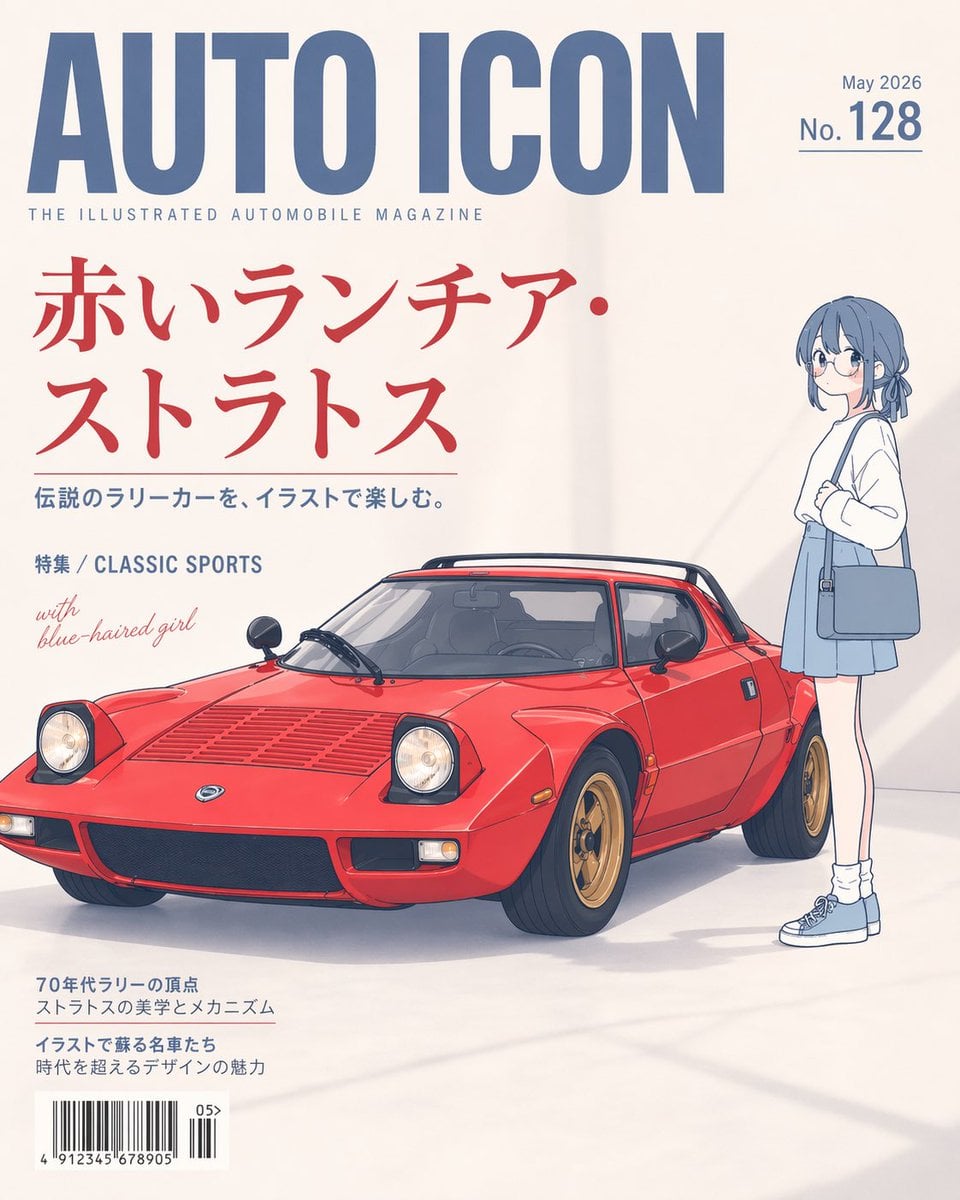
Illustrated Classic Car Magazine Cover
Make it yours
Premium Workwear Magazine Cover works as-is. These are the safest ways to change it without losing the look.
Change one field
Copy a single group, rewrite it, and generate again so you can see what that field is doing.
Keep the frame, change the subject
Hold the composition and light of Premium Workwear Magazine Cover, then swap wardrobe, props or the person for a new take.
| If the result… | Why | Fix |
|---|---|---|
| The result drifts from the preview | Too many fields changed at once. | Reuse Premium Workwear Magazine Cover as-is first, then change one group — subject, light, or setting. |
| The model over-stylizes the scene | The prose prompt leaves finish and camera underspecified. | Add one camera or lighting sentence and stay on GPT Image 2. |
More GPT Image 2 templates
Other prompts made for GPT Image 2.

Six VTuber Japanese Logo Sheet

Realistic Portrait of Woman and Deer

The Vista Modular Condo Poster

AI Model Routing Comparison Infographic

2.5D Anime Art Board

Isometric Productivity Desk Scene

New York Double Exposure Poster

Four-Panel AI Landscape Comparison

NESCAFÉ Coffee Map Poster

Brutalist Cogito Chinese Typography Poster
More image prompts
Fresh picks from across the catalog.
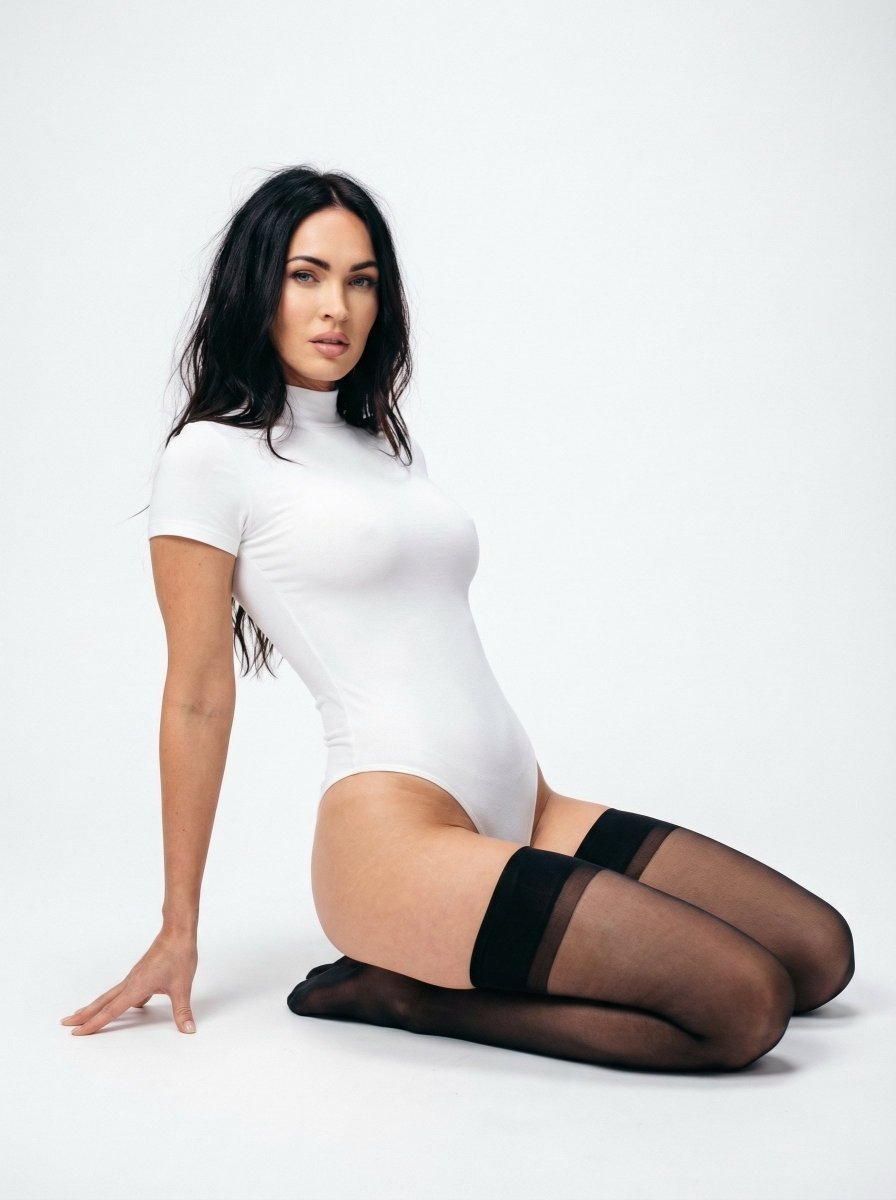
Ultra Realistic Studio Portrait Prompt for Nano Banana Pro
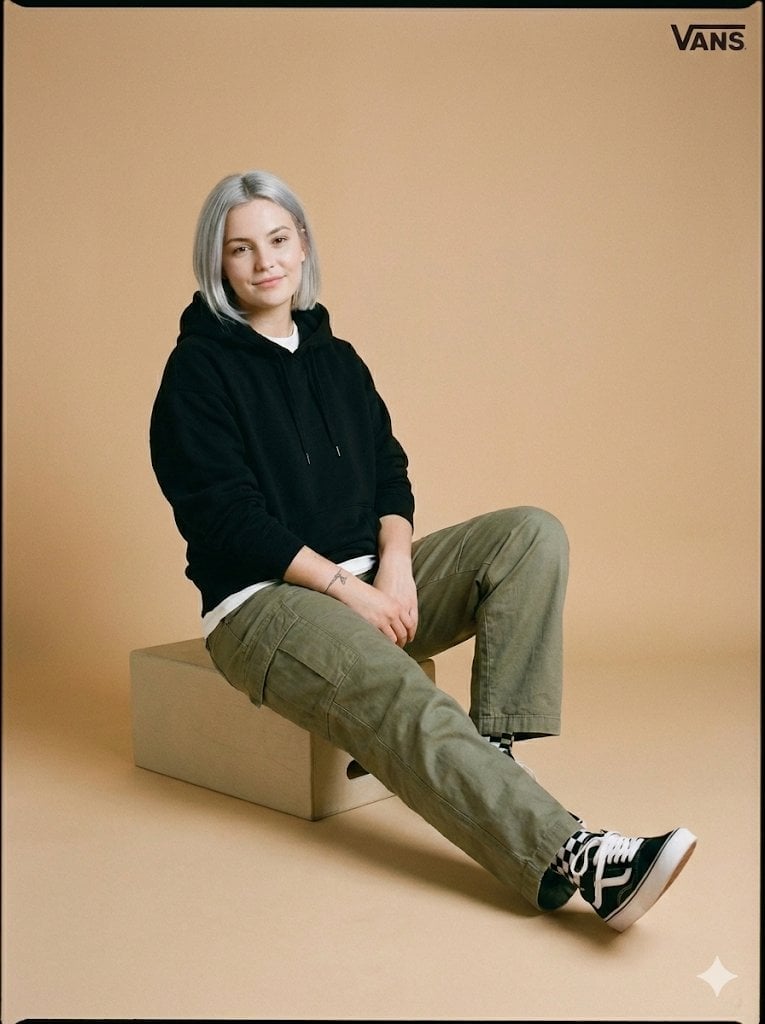
Full-Body Studio Photo in Streetwear
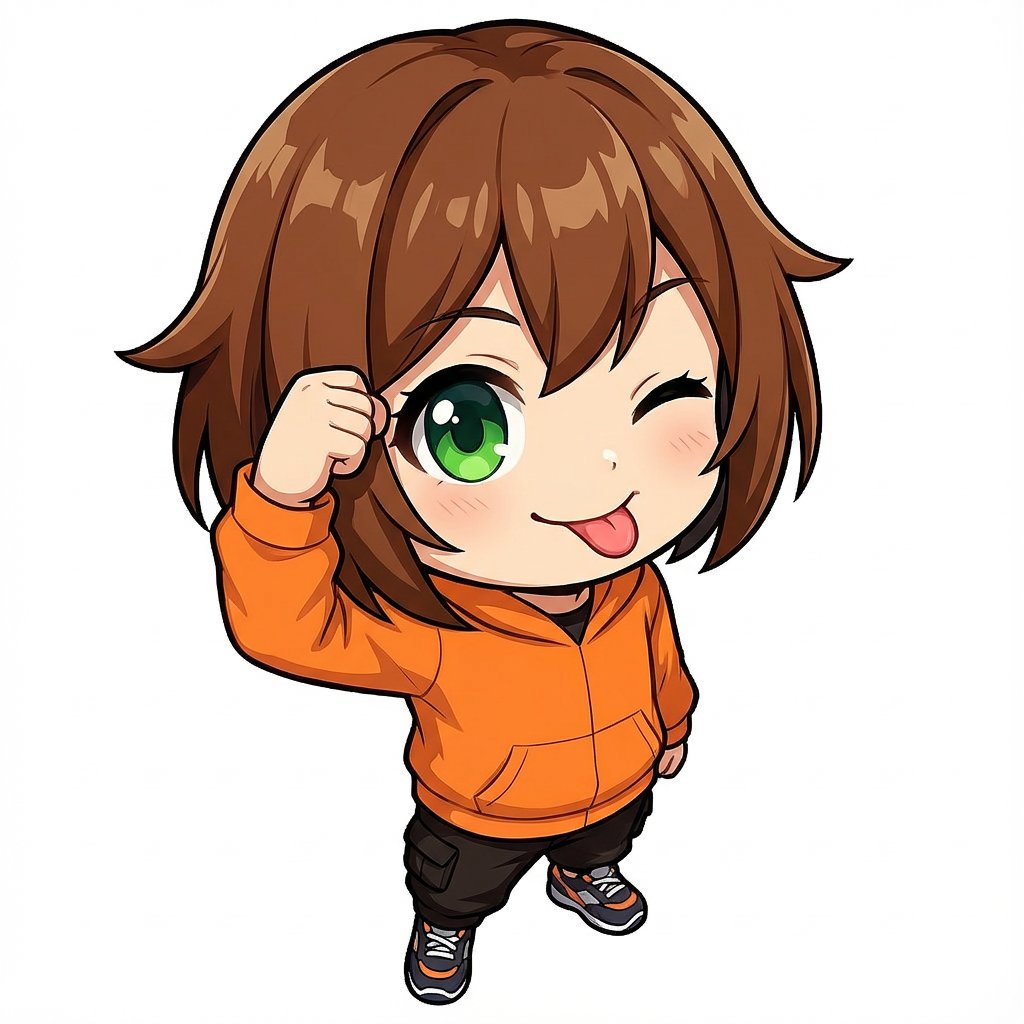
Chibi Character Tehepero Pose Prompt for Nano Banana Pro
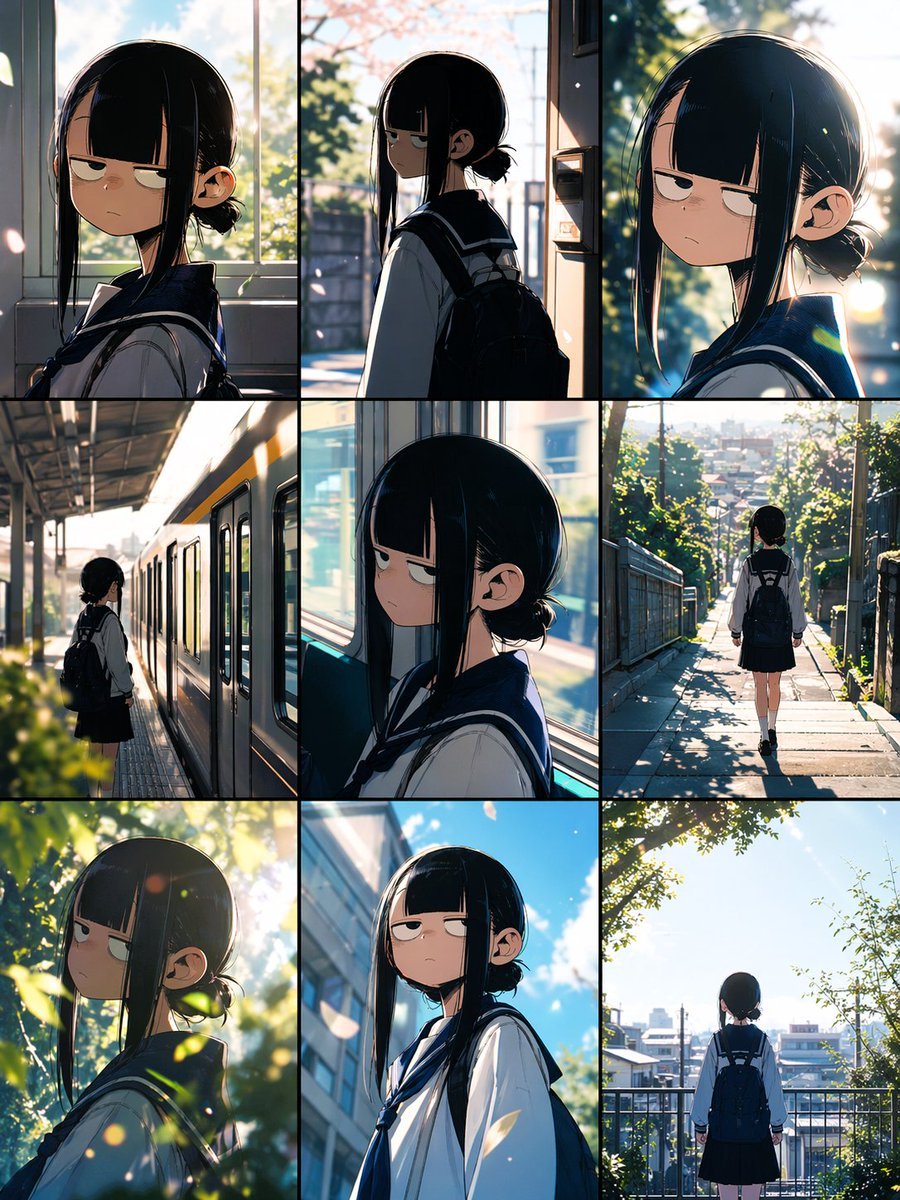
Anime School Commute Storyboard Grid
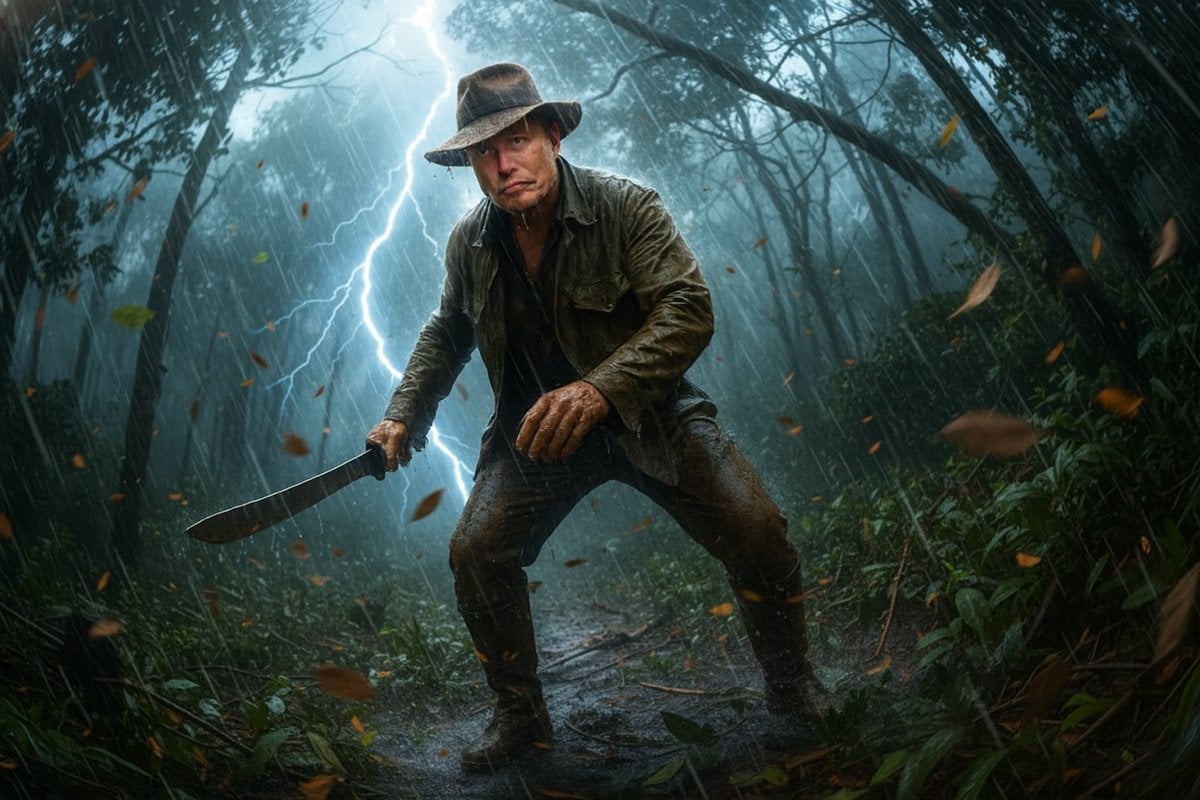
Jungle Explorer Scene Prompt
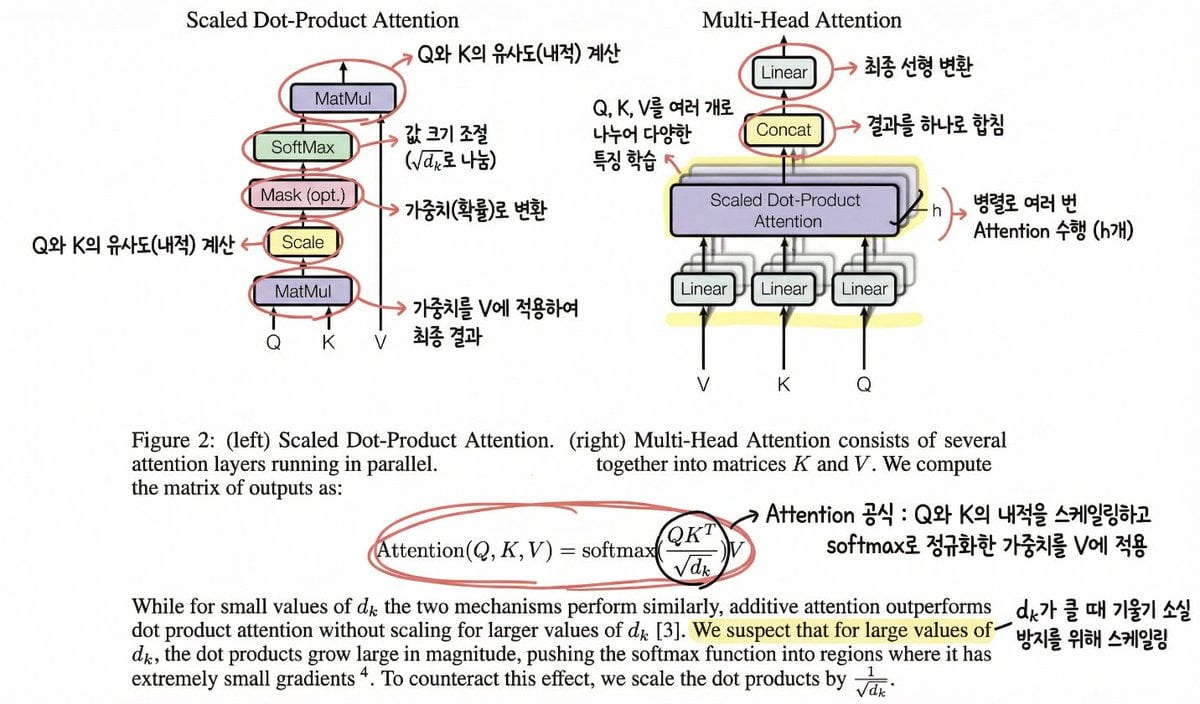
Annotating the 'Attention Is All You Need' Paper
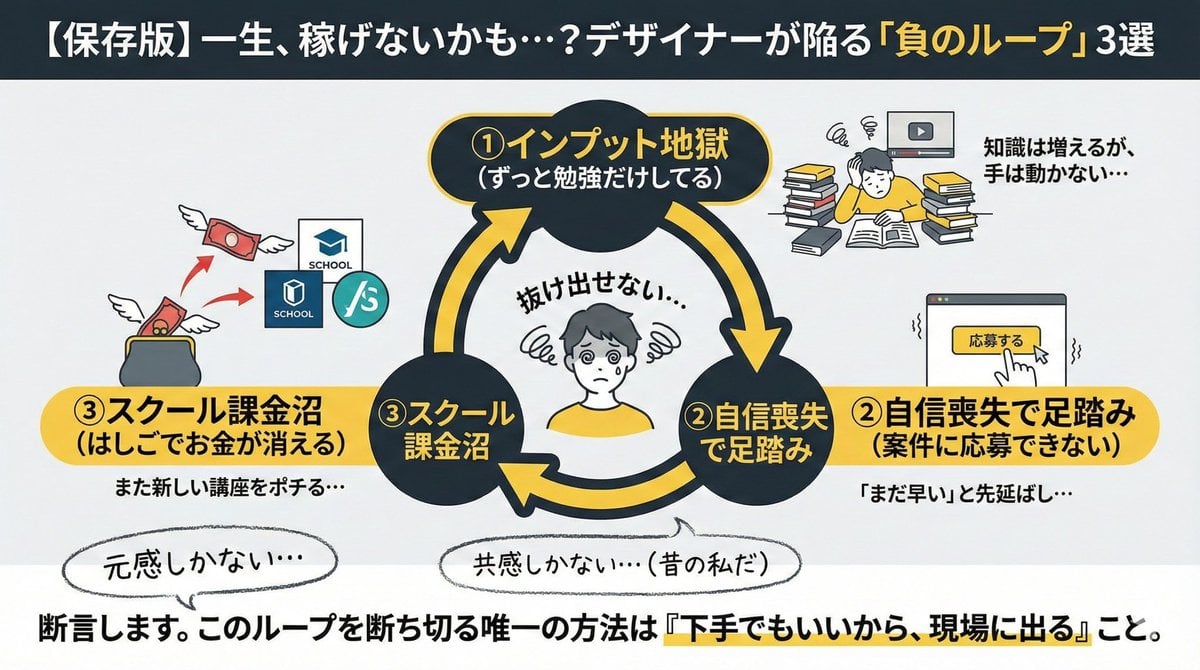
Infographic/Diagram Generation Prompt for Nano Banana Pro
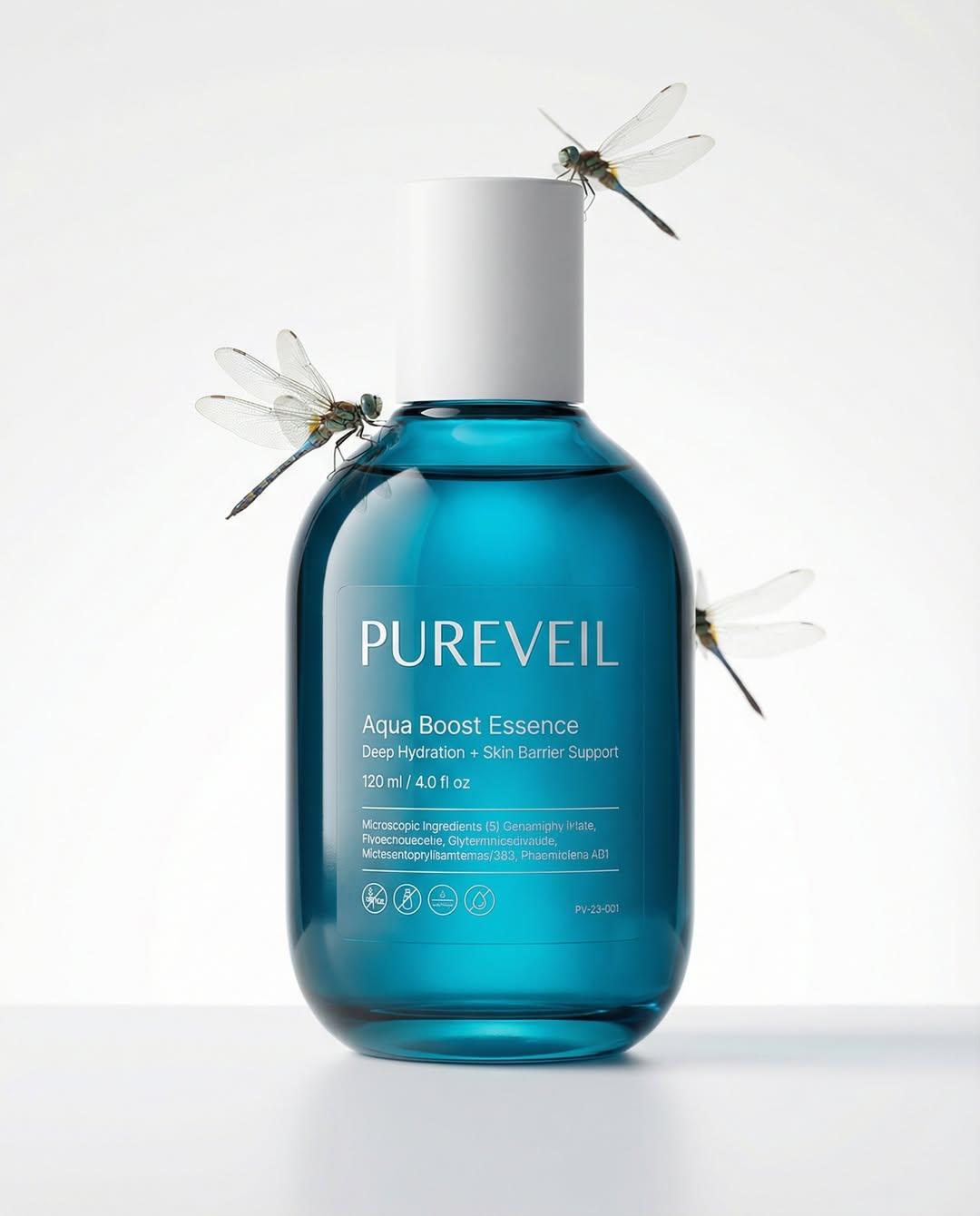
Google Nano Banana Pro Skincare Product
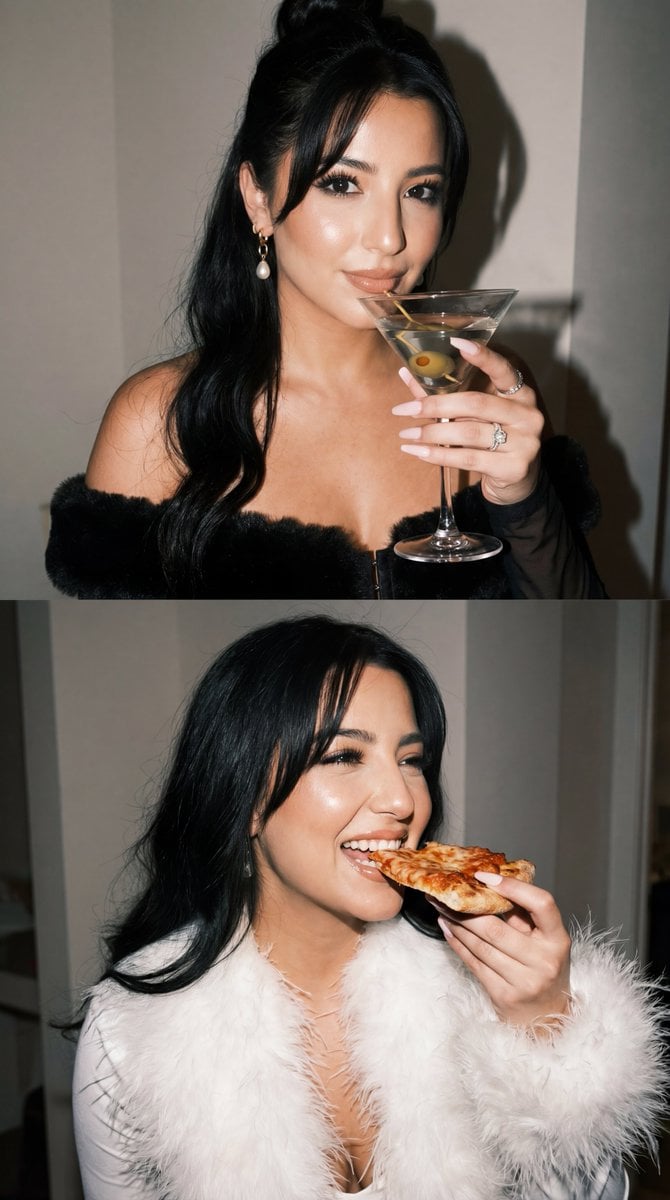
Duo Panel Editorial with Identity Lock

Cinematic 3D logo with auto-assigned texture
Browse template categories
Premium Workwear Magazine Cover questions
How do I use the Premium Workwear Magazine Cover template?
Add your photo if the template asks for one, edit the prompt if you like — the template's model and format are already selected — and press Generate. Your version opens in PicX Studio.
Can I customize the Premium Workwear Magazine Cover template?
Yes. You can change the subject, setting, lighting, mood, format, and available model controls before creating your image.
Is the Premium Workwear Magazine Cover template free?
Opening and editing this template is free. Generating uses credits, shown on the Generate button when you are signed in.
Which AI model should I use?
Start with GPT Image 2, which is the model associated with this template. You can compare another compatible model for a different finish.
Looking for something else? Browse all templates.

Your photo, any look
Thousands of ready templates for every top image and video model, from one credit balance.