
Anime School Commute Storyboard Grid
A nine-panel anime storyboard collage showing a deadpan schoolgirl during her morning commute, ideal for character-driven slice-of-life visual storytelling.
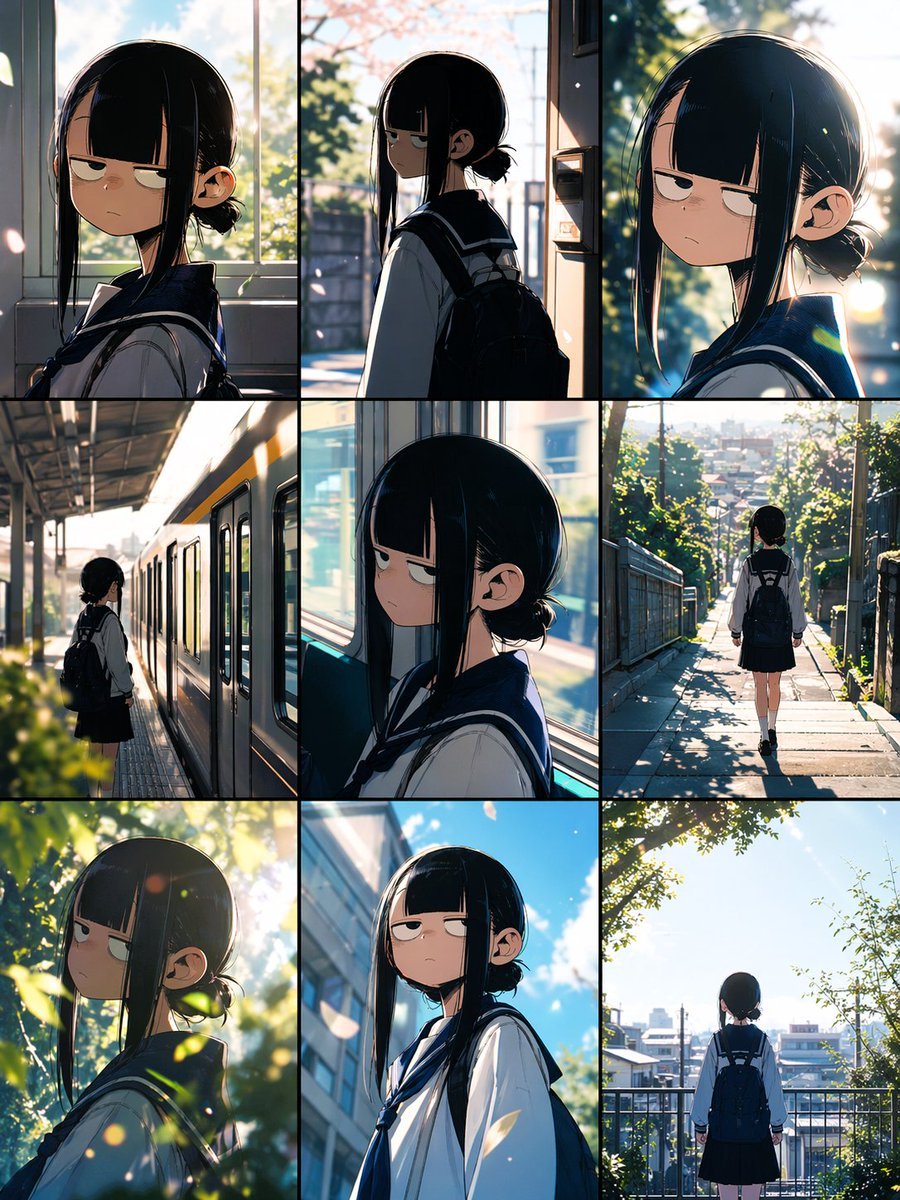
- Prompt included
- Model and format preset
- Free template
The prompt behind this image
Copy the exact prompt behind Anime School Commute Storyboard Grid, or open it in the studio and make it yours.
- Type
- anime storyboard collage
- Style
- cinematic slice-of-life anime illustration with soft realistic lighting, polished painterly detail, shallow depth of field, and gentle filmic glow
- Subject › Character
- middle school girl with sleepy half-lidded eyes and a mildly grumpy expression
- Subject › Hair › Color
- black
- Subject › Hair › Style
- straight blunt bangs, very long side locks framing the face, low bun at the back
- Subject › Outfit › Count
- 4
- Subject › Outfit › Items
- white sailor school uniform top, navy sailor collar and necktie, dark pleated skirt, dark backpack
- Subject › Mood
- quiet morning commute, introspective, deadpan, slightly moody but charming
- Layout › Grid › Rows
- 3
- Layout › Grid › Columns
- 3
- Layout › Grid › Count
- 9
- Layout › Panels › 0 › Position
- top-left
- Layout › Panels › 0 › Description
- close side-profile portrait indoors by a bright window, upper body visible, warm morning backlight, cherry blossom petals and greenery outside
- Layout › Panels › 1 › Position
- top-center
- Layout › Panels › 1 › Description
- medium side view at the doorway or entrance area, character turned left, backpack visible, spring sunlight streaming in from outside
- Layout › Panels › 2 › Position
- top-right
- Layout › Panels › 2 › Description
- close portrait turning her head toward the viewer with a flat unimpressed stare, strong rim light through trees, circular lens flare bokeh
- Layout › Panels › 3 › Position
- middle-left
- Layout › Panels › 3 › Description
- full-body shot on a train platform beside a silver commuter train with a yellow stripe, character standing alone and waiting
- Layout › Panels › 4 › Position
- middle-center
- Layout › Panels › 4 › Description
- close side-profile seated or standing by a train window, cool blue interior light mixed with sunlit exterior blur
- Layout › Panels › 5 › Position
- middle-right
- Layout › Panels › 5 › Description
- rear full-body shot of the girl walking downhill on a narrow residential path with railings, dappled sunlight and leafy shadows, townscape in the distance
- Layout › Panels › 6 › Position
- bottom-left
Raw JSON
{"type":"anime storyboard collage","style":"cinematic slice-of-life anime illustration with soft realistic lighting, polished painterly detail, shallow depth of field, and gentle filmic glow","subject":{"character":"middle school girl with sleepy half-lidded eyes and a mildly grumpy expression","hair":{"color":"black","style":"straight blunt bangs, very long side locks framing the face, low bun at the back"},"outfit":{"count":4,"items":["white sailor school uniform top","navy sailor collar and necktie","dark pleated skirt","dark backpack"]},"mood":"quiet morning commute, introspective, deadpan, slightly moody but charming"},"layout":{"grid":{"rows":3,"columns":3,"count":9},"panels":[{"position":"top-left","description":"close side-profile portrait indoors by a bright window, upper body visible, warm morning backlight, cherry blossom petals and greenery outside"},{"position":"top-center","description":"medium side view at the doorway or entrance area, character turned left, backpack visible, spring sunlight streaming in from outside"},{"position":"top-right","description":"close portrait turning her head toward the viewer with a flat unimpressed stare, strong rim light through trees, circular lens flare bokeh"},{"position":"middle-left","description":"full-body shot on a train platform beside a silver commuter train with a yellow stripe, character standing alone and waiting"},{"position":"middle-center","description":"close side-profile seated or standing by a train window, cool blue interior light mixed with sunlit exterior blur"},{"position":"middle-right","description":"rear full-body shot of the girl walking downhill on a narrow residential path with railings, dappled sunlight and leafy shadows, townscape in the distance"},{"position":"bottom-left","description":"close three-quarter portrait framed by green leaves in the foreground, bright sun filtering through foliage, soft glowing bokeh"},{"position":"bottom-center","description":"low-angle medium shot outdoors against a blue sky and urban building, backpack strap visible, expression unchanged and stoic"},{"position":"bottom-right","description":"rear full-body shot standing at an overlook or fenced walkway above the neighborhood, bright clear sky, trees framing the scene"}]},"environment":{"season":"spring or early summer","setting":"Japanese suburban school commute","elements":{"count":8,"items":["sunlit window","trees and greenery","floating petals or dust motes","commuter train","platform roof","sloped residential street","metal railings","distant low-rise cityscape"]}},"lighting":{"time":"early morning","qualities":{"count":5,"items":["golden-hour sunlight","strong backlighting","rim light on hair and shoulders","soft lens flare","dappled leaf shadows"]}},"composition":"consistent character design across all 9 panels, storyboard feel, vertical smartphone-friendly collage, black borders separating panels, each panel capturing a different beat of her commute to school","quality":"highly detailed, emotionally evocative, clean anime linework, natural color grading"}How to use Anime School Commute Storyboard Grid in 3 steps
- 1Upload ImagePNG, JPG or paste
Add your photo
Upload the photo the template builds on. The prompt, model and format are already set.
- 2…a portrait of your subject in softgolden-hour light, 85mm…
Personalize
Edit the subject and creative details for your destination.
- 3Generate
Generate
Press Generate — your image is created in PicX Studio, so you can compare it with the original and refine one variable at a time.
More like this
Templates with the same subject, style or setup. Open one to see its prompt.

Anime School Rom-Com Key Visual

A 3x3 grid storyboard contact sheet comprised of nine candid, cinematic
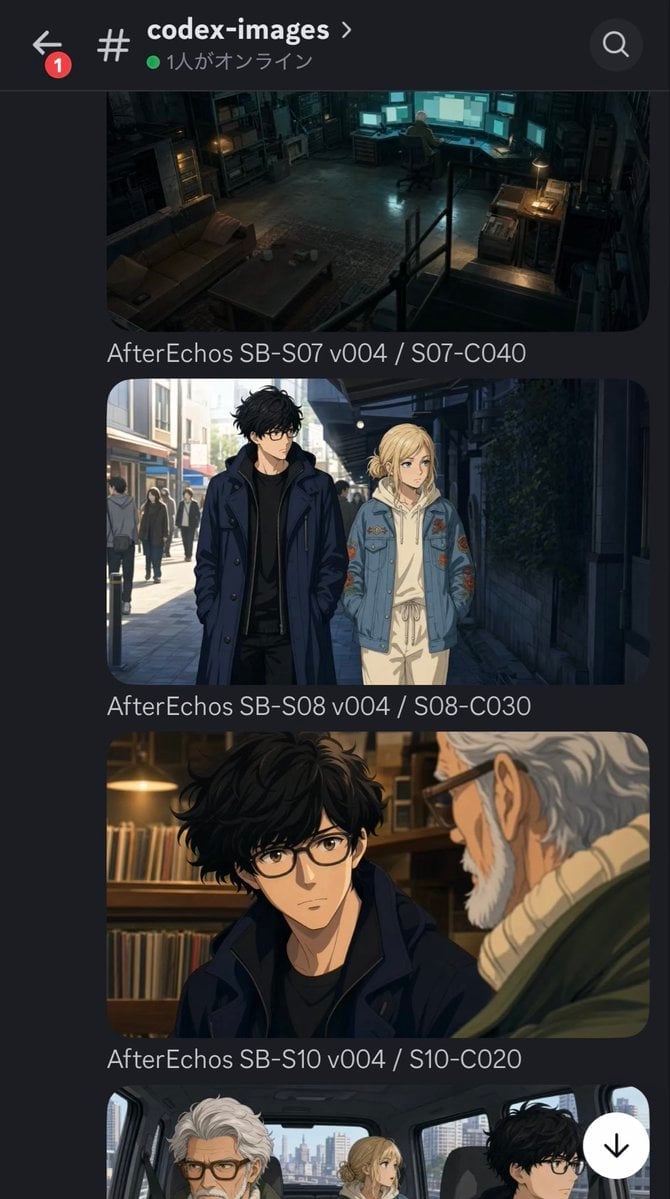
Discord Anime Storyboard Feed

Anime Girl Generation Grid
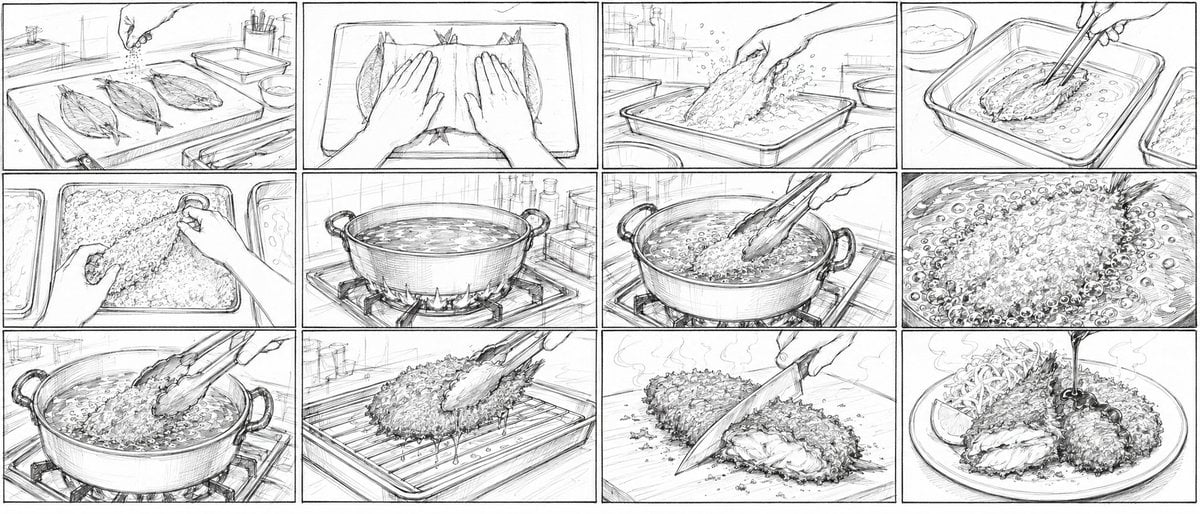
Aji Fry Anime Cooking Storyboard

Chaotic Anime Schoolgirl Fan Collage

Cel 2D Finale Fireworks

Cel 2D Garden Maze

Cel 2D Rooftop Concert

Cel 2D Bicycle Coast

Cel 2D Castle Gate

Cel 2D Kitchen Chaos
Make it yours
Anime School Commute Storyboard Grid works as-is. These are the safest ways to change it without losing the look.
Swap the setting
Keep the rest of the prompt and replace the location block. The current setting is “spring or early summer”.
Swap the light
One lighting change is enough to compare takes. Current light: “early morning”.
Change one field
Copy a single group, rewrite it, and generate again so you can see what that field is doing.
| If the result… | Why | Fix |
|---|---|---|
| The result drifts from the preview | Too many fields changed at once. | Reuse Anime School Commute Storyboard Grid as-is first, then change one group — subject, light, or setting. |
| GPT Image 2 ignores part of the JSON | Some models flatten or skip nested keys. | Keep the same values and paste them as a short paragraph instead. |
More GPT Image 2 templates
Other prompts made for GPT Image 2.

Six VTuber Japanese Logo Sheet

Realistic Portrait of Woman and Deer

The Vista Modular Condo Poster

AI Model Routing Comparison Infographic

2.5D Anime Art Board

Isometric Productivity Desk Scene

New York Double Exposure Poster

Four-Panel AI Landscape Comparison

Japanese Tatami Lifestyle Magazine Cover

NESCAFÉ Coffee Map Poster
More image prompts
Fresh picks from across the catalog.
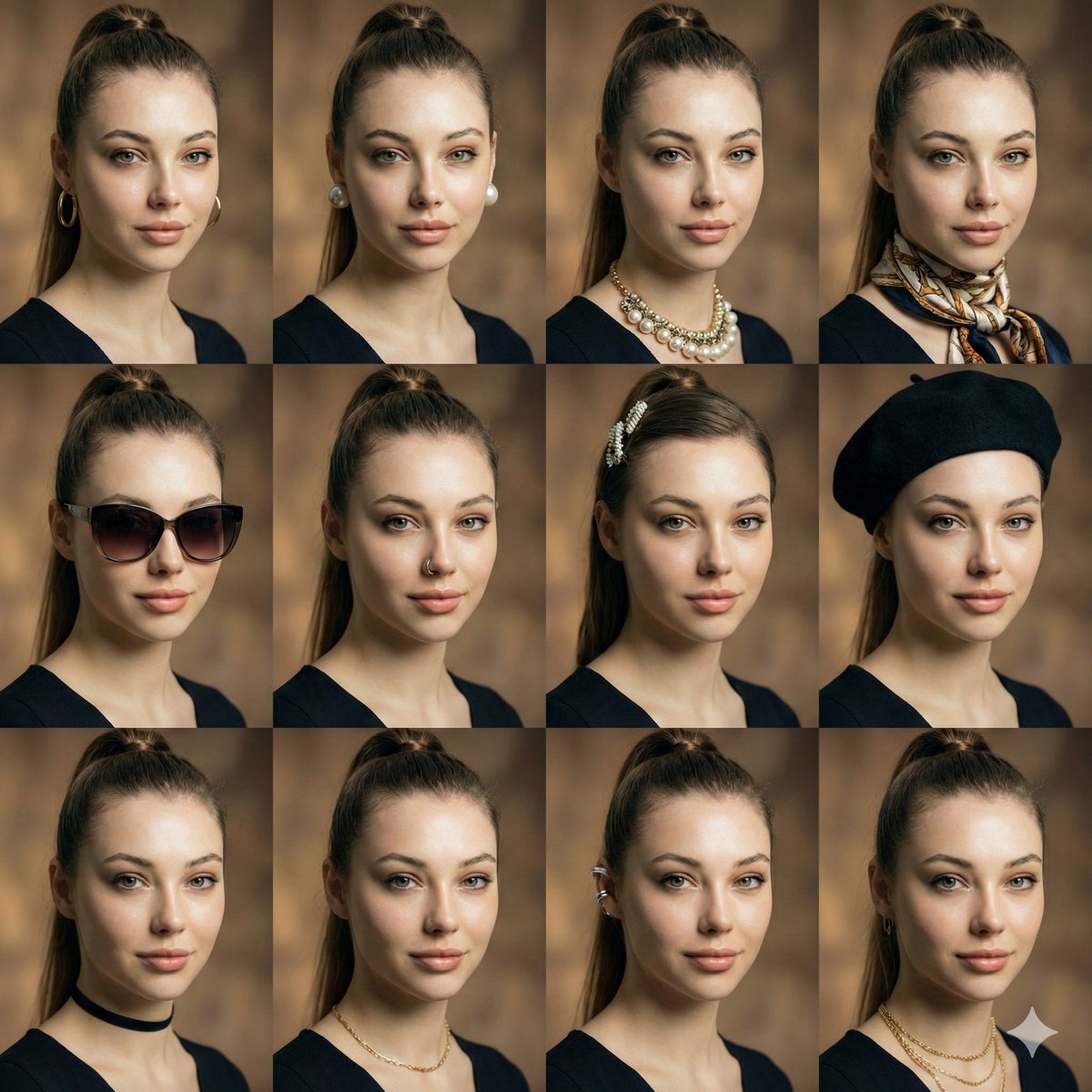
Consistent Facial Symmetry Photo Collage for Accessories
Image Generation Prompt: Debussy's 'Pelléas et Mélisande'
Bilingual Career Infographic Portrait
Anime Boulder Rescue Comedy Scene

Lone Sentinel in Ruined City

Professional Business Portrait Generation Prompt
Impasto Body Paint Studio Portrait with Extreme Bokeh
Dynamic Manga Page Illustration

Epic Anime Pirate Poster Design
Cinematic Food Action Collage
Browse template categories
Anime School Commute Storyboard Grid questions
How do I use the Anime School Commute Storyboard Grid template?
Add your photo if the template asks for one, edit the prompt if you like — the template's model and format are already selected — and press Generate. Your version opens in PicX Studio.
Can I customize the Anime School Commute Storyboard Grid template?
Yes. You can change the subject, setting, lighting, mood, format, and available model controls before creating your image.
Is the Anime School Commute Storyboard Grid template free?
Opening and editing this template is free. Generating uses credits, shown on the Generate button when you are signed in.
Which AI model should I use?
Start with GPT Image 2, which is the model associated with this template. You can compare another compatible model for a different finish.
Looking for something else? Browse all templates.

Your photo, any look
Thousands of ready templates for every top image and video model, from one credit balance.