How do I use the Cozy Candid Close-up Portrait with Coffee Mug template?
Choose the primary action to open PicX Studio with the available template settings. Review the model and format, personalize the creative direction, and generate when ready.
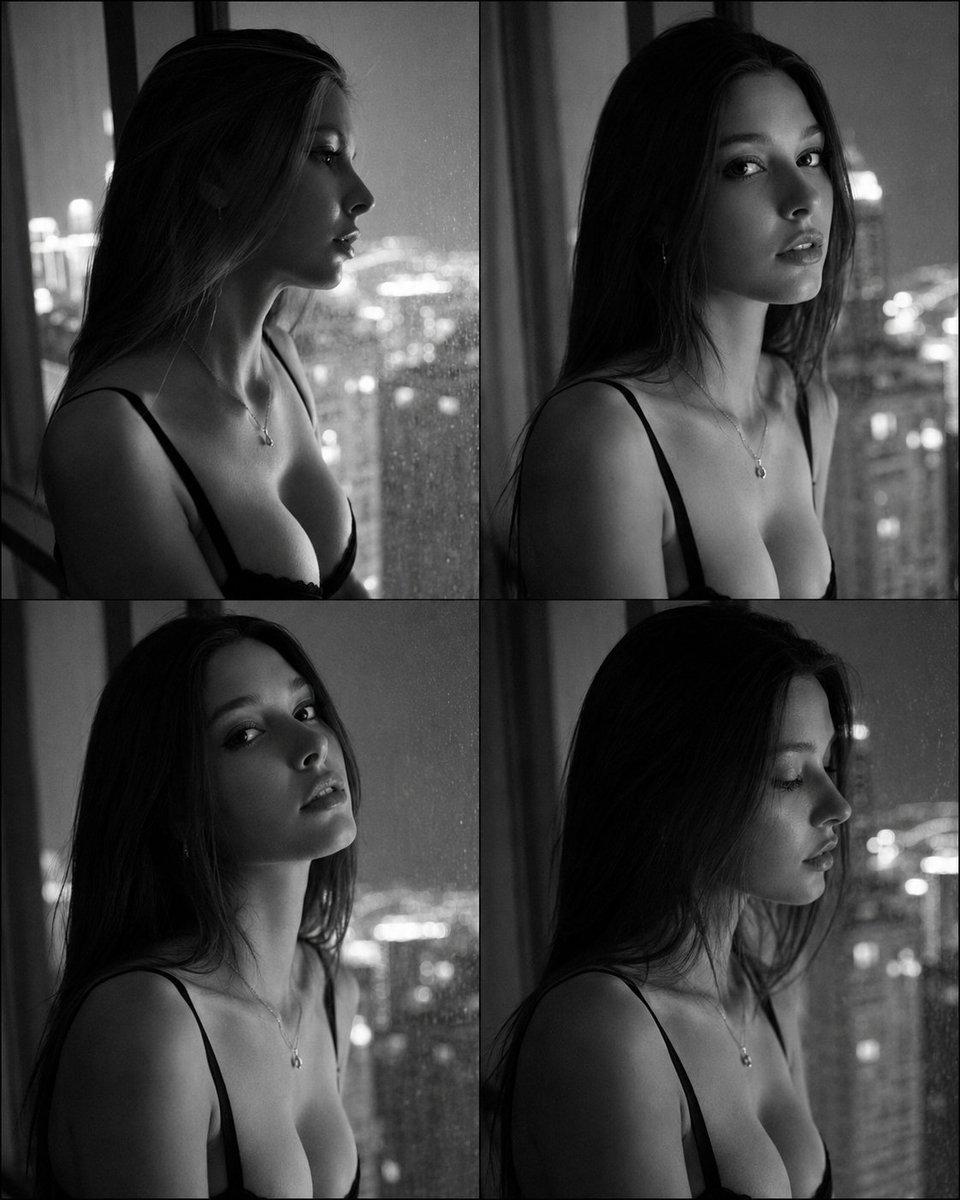
A highly structured, detailed prompt for generating a photorealistic, intimate close-up portrait with a 'candid iPhone vibe.' The scene is set on a living room couch with warm tungsten lighting, focusing on a subject holding a coffee mug, emphasizing cozy textures, soft shadows, and specific framing (4:5 aspect ratio). It includes extensive negative prompts to ensure realism and adherence to content constraints. (free to use) — Free AI image template on PicX Studio.
{ "category": "COZY_COUCH_LAMP_CLOSEUP", "subject": { "clothing": { "outfit": "Low-cut V-neck cropped top (no text), tasteful cleavage, fitted, cozy indoor vibe", "texture": "Ribbed cotton or soft jersey, realistic folds" }, "accessories": { "jewelry": ["Small silver hoops"] } }, "pose": { "type": "Close-up candid", "orientation": "Slightly above angle, relaxed", "hands": "One hand holding mug near chin (fingers correct)", "gaze": "Gentle eye contact", "expression": "Soft smile, cozy" }, "setting": { "environment": "Living room couch corner", "background_elements": [ "Warm orange lamp glow behind", "Blanket texture visible", "Slight lived-in clutter blurred" ], "depth": "Face sharp, lamp bloom behind, soft background" }, "camera": { "shot_type": "Close-up portrait", "angle": "Slightly above eye level", "focal_length_equivalent": "26mm phone or 50mm pro", "framing": "4:5, face dominant", "focus": "Eyes sharp" }, "lighting": { "source": "Warm tungsten lamp + faint ambient", "direction": "Side/front warm", "highlights": "Soft glow on cheeks and hair", "shadows": "Gentle, comforting" }, "mood_and_expression": { "tone": "Relaxed, intimate, relatable", "expression": "Soft smile", "atmosphere": "Warm, tactile, homey" }, "style_and_realism": { "style": "Photorealistic iPhone-candid vibe", "imperfections": "Mild grain, slightly imperfect WB" }, "technical_details": { "aspect_ratio": "4:5", "noise": "Mild phone sensor grain", "motion_blur": "None on face" }, "constraints": { "adult_only": true, "no_text": true, "no_logos": true, "no_watermarks": true }, "negative_prompt": [ "plastic skin", "over-smoothing", "extra fingers", "warped mug", "readable text", "logo", "watermark", "nudity", "areola", "nipples", "see-through fabric", "explicit lingerie" ] }
Use Cozy Candid Close-up Portrait with Coffee Mug to plan an AI image around nano-banana-2 generation. Match the preview's composition first, then personalize the subject, setting, and mood for your own project.
Use the primary action to load the template settings in PicX Studio.
Adjust the subject and creative details for your destination.
Create the image, compare the result with the preview, and refine one variable at a time.
A continuous mix — similar concepts first, woven with same-model prompts and fresh picks from the catalog.
Choose the primary action to open PicX Studio with the available template settings. Review the model and format, personalize the creative direction, and generate when ready.
Yes. You can change the subject, setting, lighting, mood, format, and available model controls before creating your image.
This template is free to open and customize. Generation usage is shown in PicX Studio before you create.
Start with nano-banana-2, which is the model associated with this template. You can compare another compatible model for a different finish.
A continuous mix — similar concepts first, woven with same-model prompts and fresh picks from the catalog.
Follow a topic to a crawlable collection of related PicX Studio templates.
39,155 public templates available. Verified via the PicX Studio public templates API; refreshed hourly.