How do I use the Editorial Magazine Cover Portrait template?
Choose the primary action to open PicX Studio with the available template settings. Review the model and format, personalize the creative direction, and generate when ready.
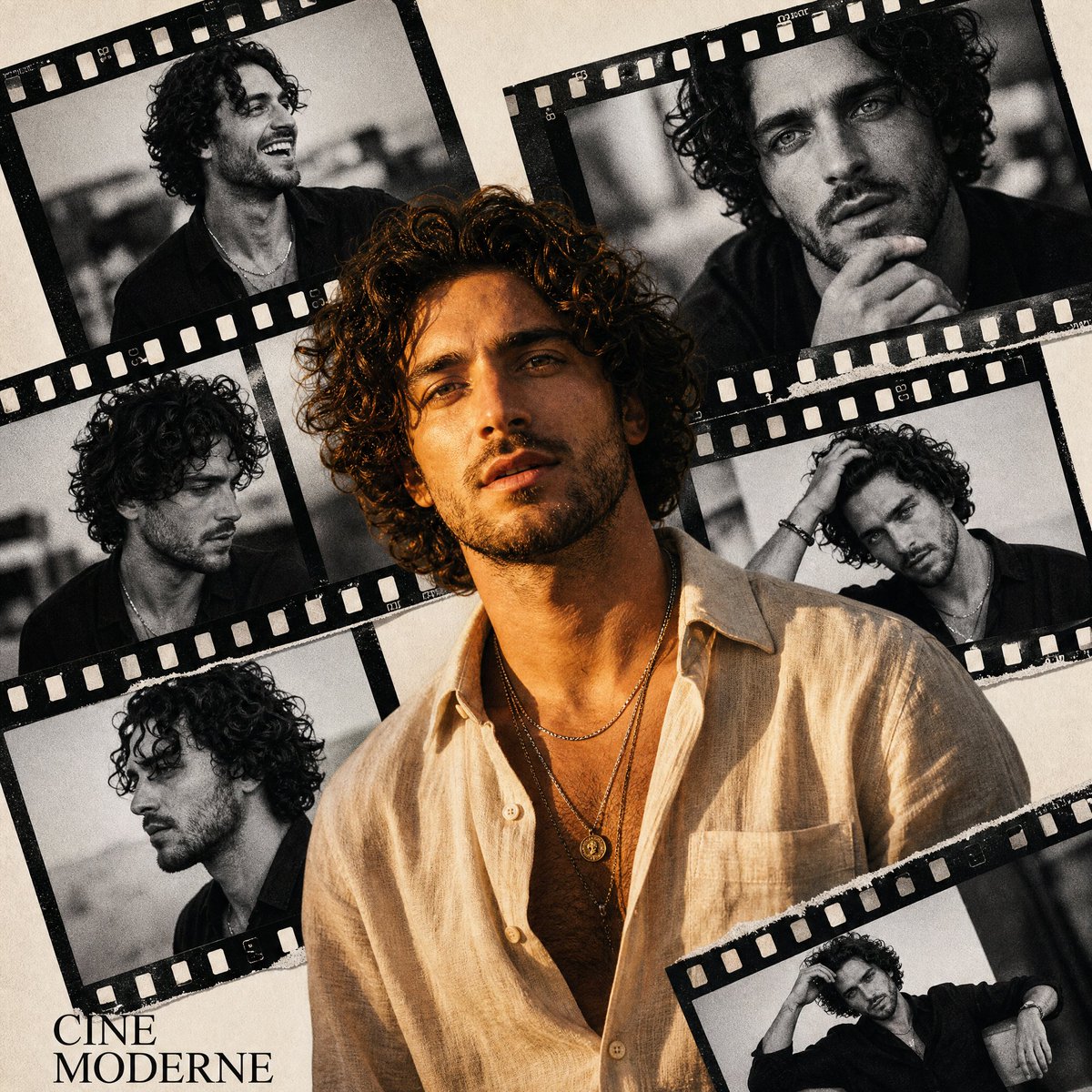
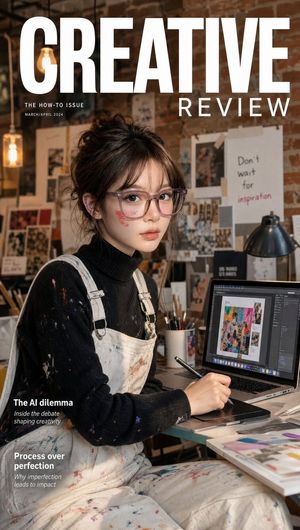
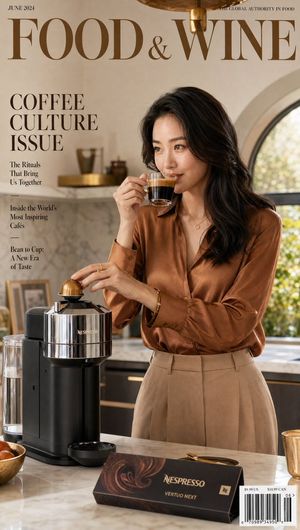
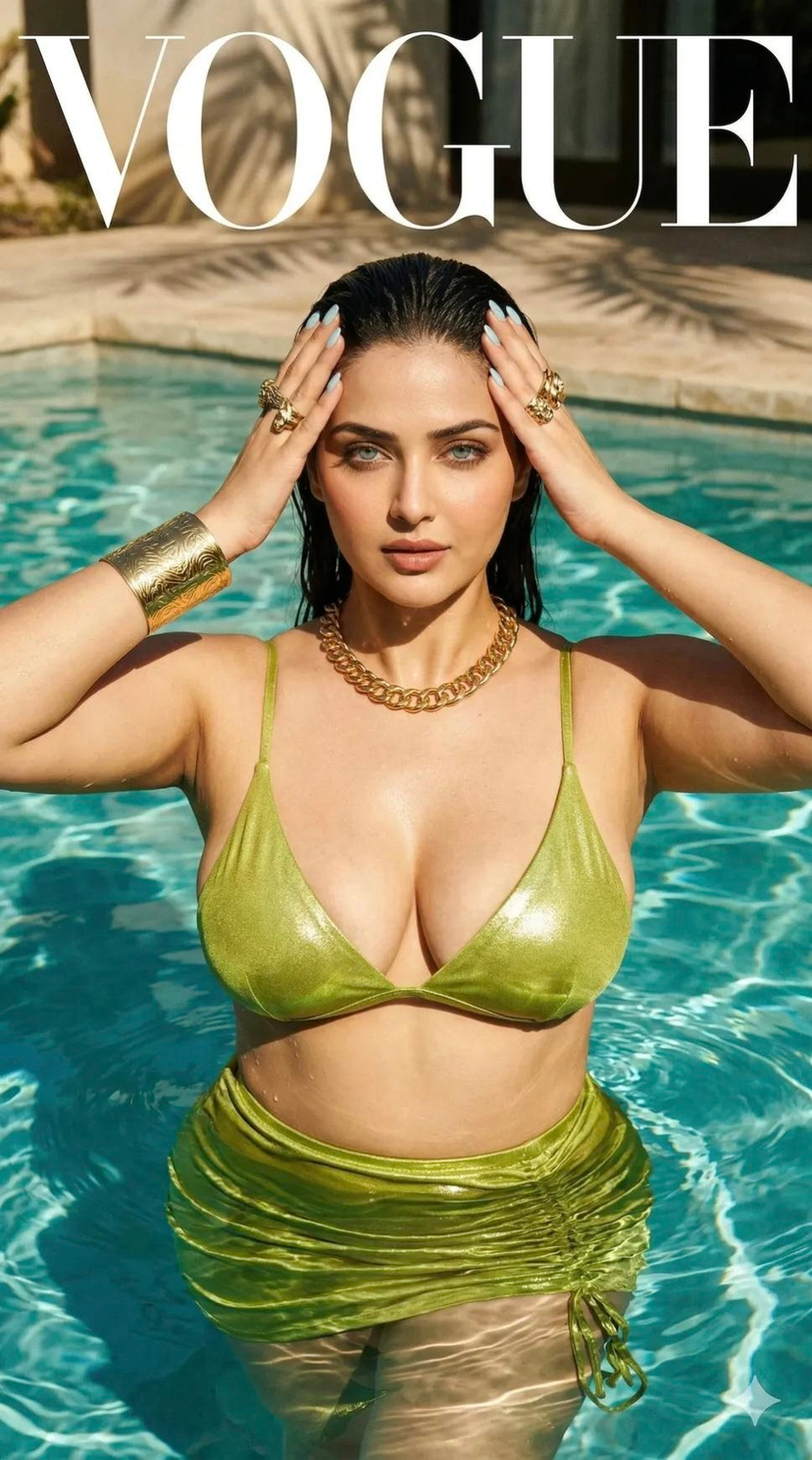
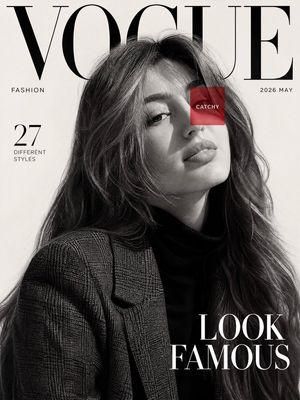
A sophisticated prompt for creating a luxury fashion magazine cover featuring a visionary figure in a minimalist setting. Change the subject, setting, or lighting one variable at a time.
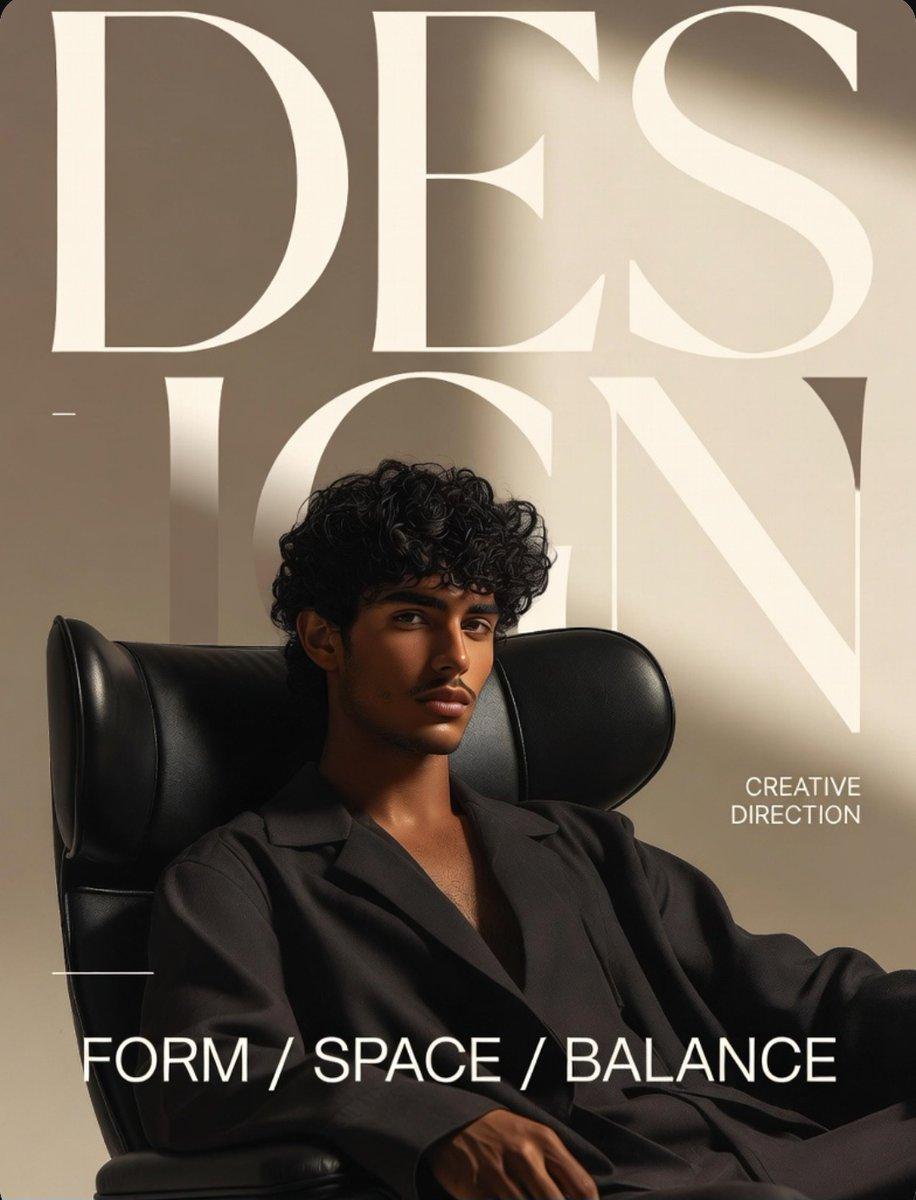
Ultra-luxury editorial magazine cover, sophisticated {argument name="subject" default="young visionary"} seated in a {argument name="chair style" default="sculptural black leather lounge chair"}, relaxed yet commanding presence, soft confident gaze, textured curly hair, tailored {argument name="outfit" default="oversized black suit"}, minimalist fashion aesthetic, modern creative director energy. Warm beige monochrome backdrop with monumental typography integrated into composition, refined negative space, elegant balance of form and architecture, premium design magazine styling. Cinematic studio lighting, soft directional sunlight casting gentle shadows, rich skin texture, photorealistic details, luxury branding aesthetic, high-end fashion campaign quality, muted earth-tone palette, Scandinavian minimalism meets contemporary art direction, Vogue-level composition, ultra-clean typography placement, depth, realism, subtle contrast, 85mm lens, shallow depth of field, editorial masterpiece, award-winning creative direction, 8K ultra-detailed, timeless sophistication.
Choose the primary action to open PicX Studio with the available template settings. Review the model and format, personalize the creative direction, and generate when ready.
Yes. You can change the subject, setting, lighting, mood, format, and available model controls before creating your image.
This template is free to open and customize. Generation usage is shown in PicX Studio before you create.
Start with GPT Image 2, which is the model associated with this template. You can compare another compatible model for a different finish.
© 2026 PicX Studio. All rights reserved.

Follow a topic to a crawlable collection of related PicX Studio templates.
43,474 public templates available. Verified via the PicX Studio public templates API; refreshed hourly.








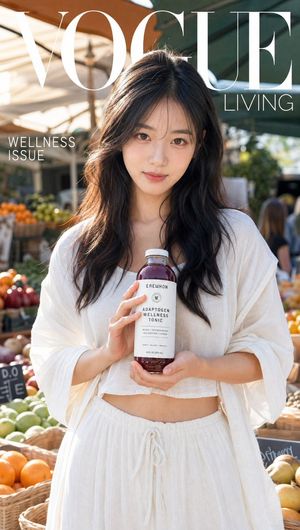







![Luxury Streetwear Magazine Cover — [Reference Image] Ultra-realistic luxury streetwear editorial magazine cover featuring a commanding {argument name="subject"](https://cms-assets.youmind.com/media/1784104893056_x33stm_HNKEdJnaQAAAulH-300x530.jpg)


![Minimalist Flat Vector Travel Poster — Premium minimalist flat-vector travel poster for {argument name="city name" default="[CITY_NAME]"}, 3:4 vertical format.](https://cms-assets.youmind.com/media/1787917359711_3ug846_HQX205cbMAA6F6S-300x400.jpg)





















![3D Render of Edible Letters Candy — A smooth, ultra-realistic 3D render of the word {argument name="your word" default="[YOUR WORD]"} shaped like a delicious ca](https://pbs.twimg.com/media/G-PC5o1WQAsNFCO.jpg)