
Product Promotion Fashion Campaign
A professional fashion photography prompt designed for product advertisements, featuring exaggerated perspectives and high-key studio lighting for a modern commercial aesthetic.
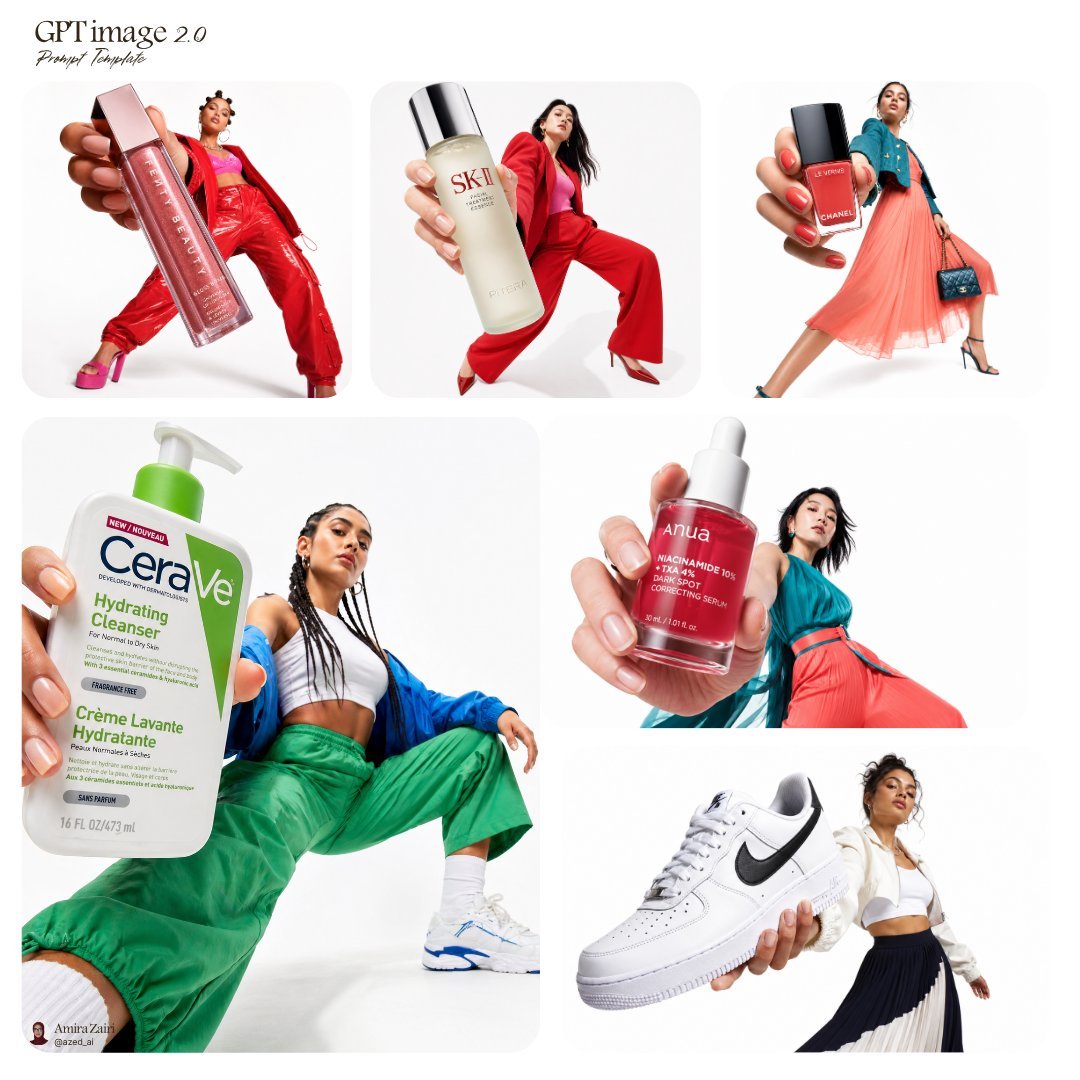
- Prompt included
- Model and format preset
- Free template
The prompt behind this image
Copy the exact prompt behind Product Promotion Fashion Campaign, or open it in the studio and make it yours.
큰 {argument name="제품 이름" default="제품"}를 카메라에 매우 가까이 들고 있는 자신감 있는 모델의 저각 패션 캠페인 사진, 손과 제품이 전경을 지배하는 과장된 원근법, 배경에 전체 몸 포즈가 보임, 넓은 스탠스, 역동적인 자세, {argument name="배경" default="깨끗한 순백 스튜디오 배경"}, 하이키 조명, 제품에 대한 선명한 초점, 모델에 약간의 피사계 심도, {argument name="의상" default="강한 대비 톤의 대담한 컬러풀 의상"}, 현대적인 뷰티 광고 미학, 초청결한 구도, 상업 스튜디오 사진, 광택 포장 디테일이 보임, 선명한 그림자
How to use Product Promotion Fashion Campaign in 3 steps
- 1
Open
The prompt is already in the box next to the preview, with the template's model and format selected.
- 2…a portrait of your subject in softgolden-hour light, 85mm…
Personalize
Edit the subject and creative details for your destination.
- 3Generate
Generate
Press Generate — your image is created in PicX Studio, so you can compare it with the original and refine one variable at a time.
More like this
Templates with the same subject, style or setup. Open one to see its prompt.

Parle Hide and Seek Cookie Campaign Poster

80s College Gate

1988 Mall Style

80s Polka Dot Saree
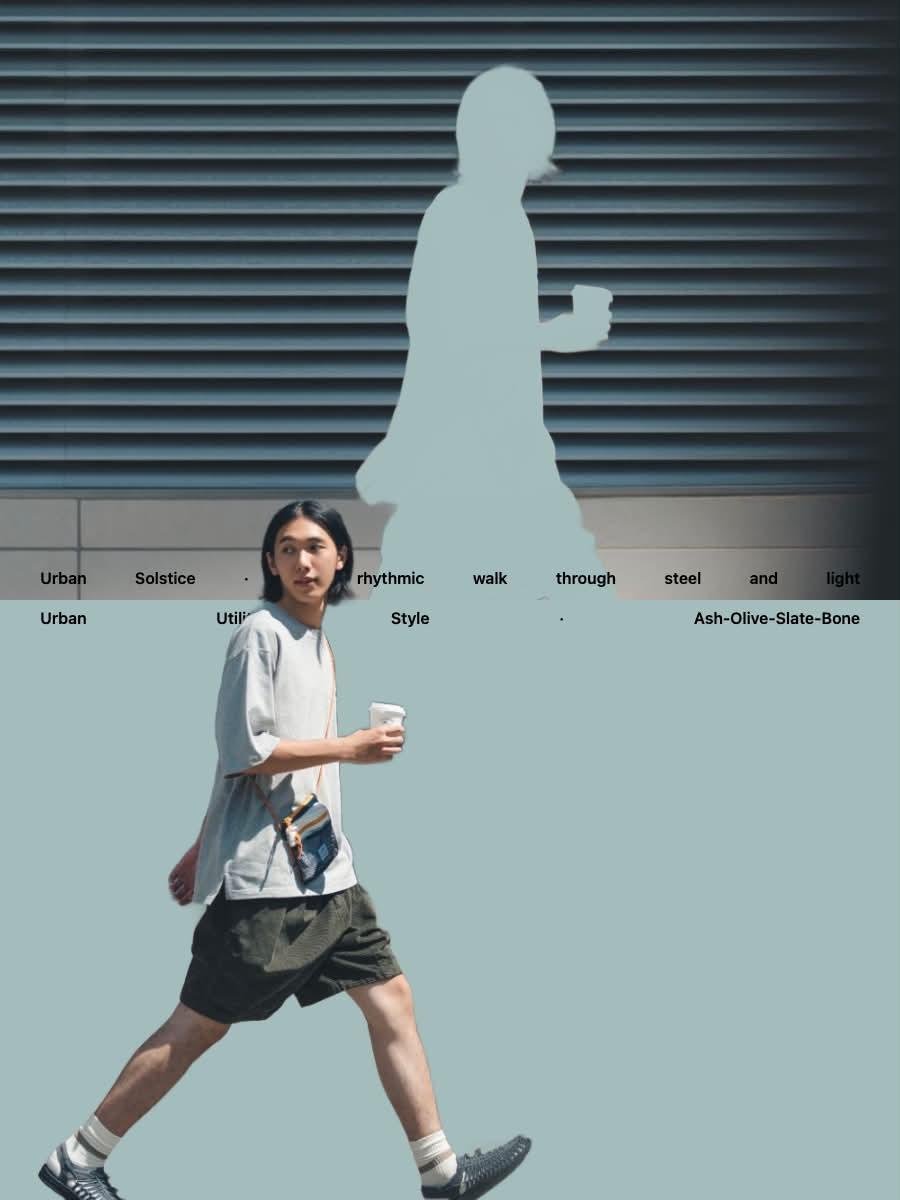
Japanese Minimalist Urban Fashion Campaign
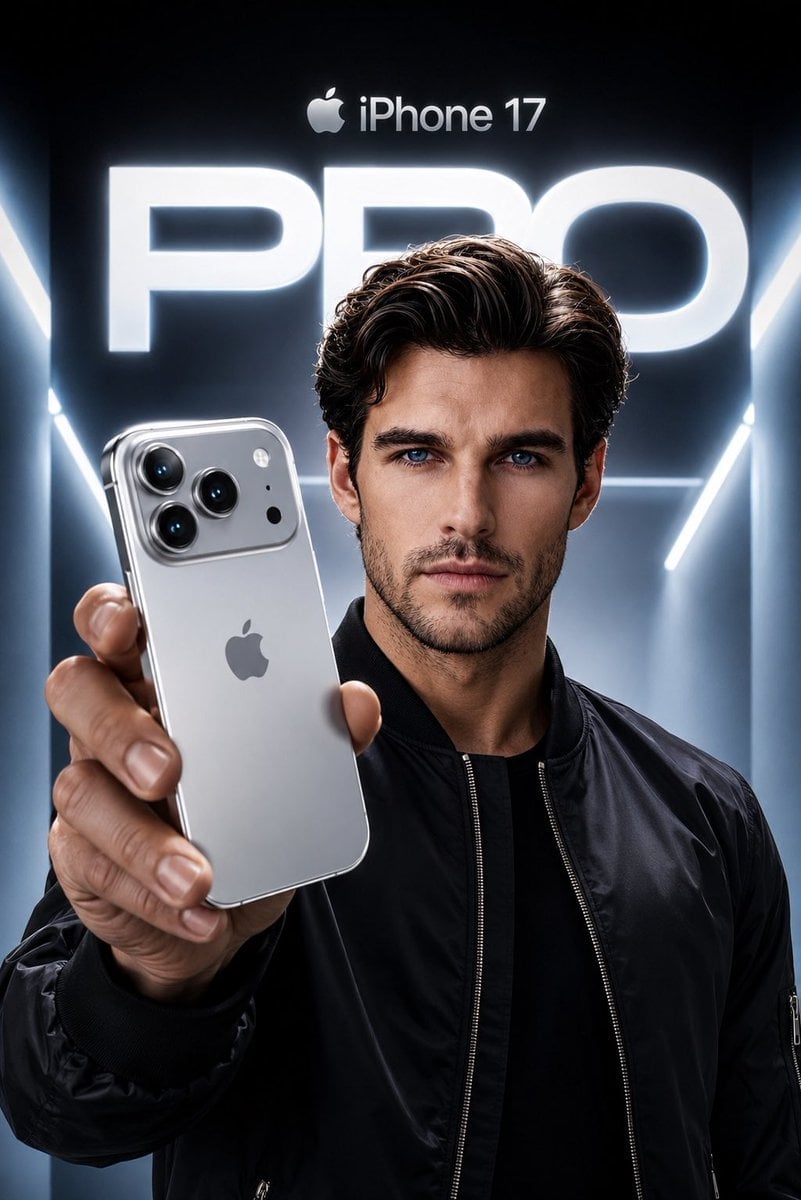
Apple Style iPhone Product Campaign

A k.pop idol on the stage with mic
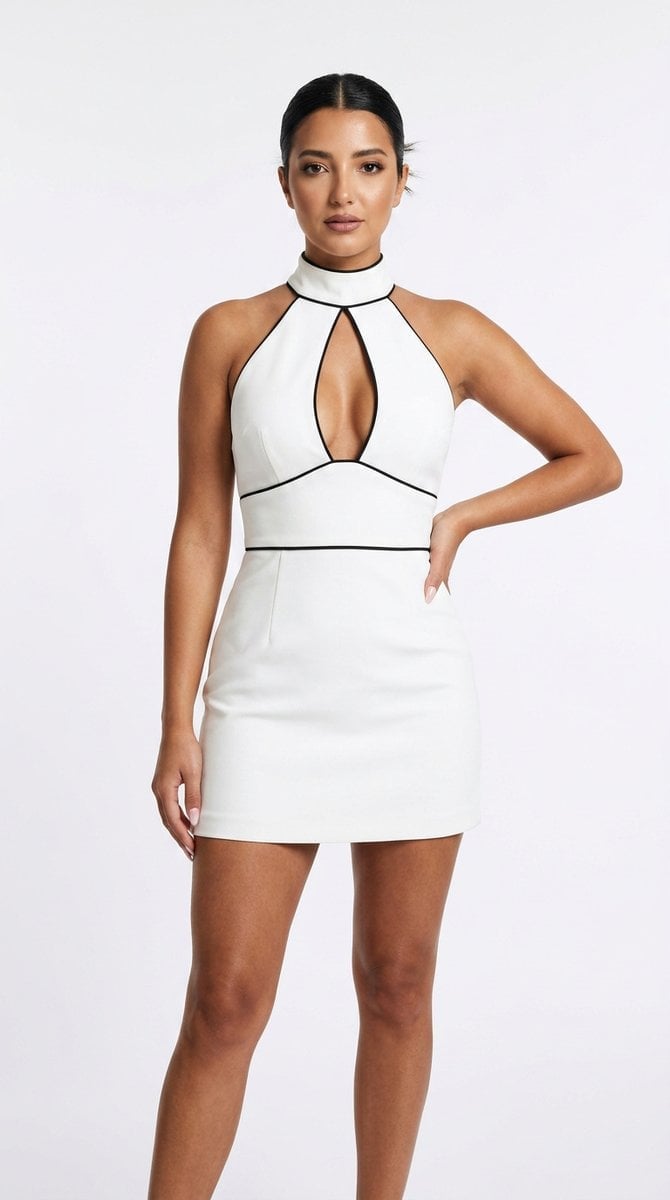
Minimalist White Dress Fashion Campaign
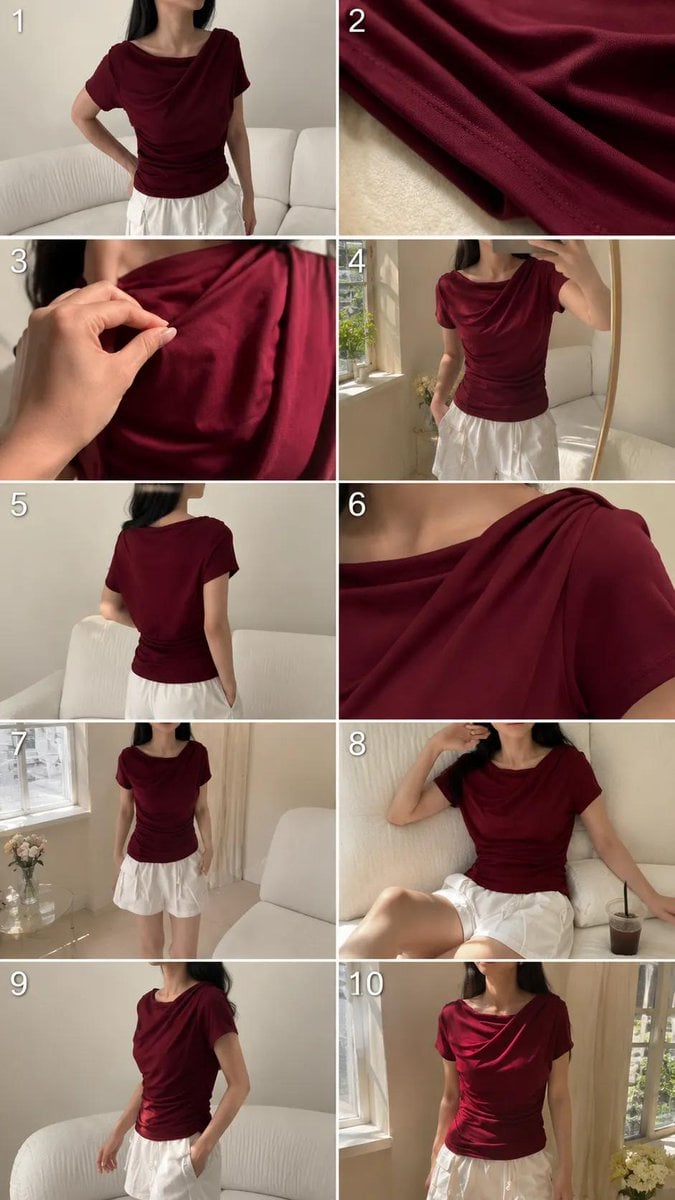
High-End UGC Fashion Campaign

Luxury Black-and-White Fashion Contact Sheet
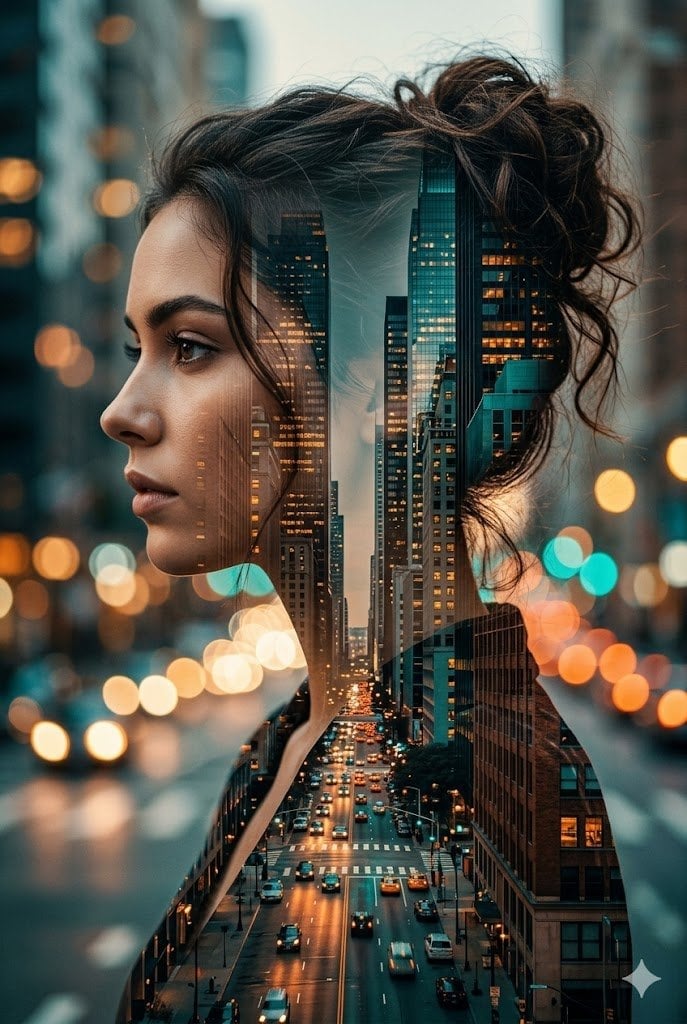
Double Exposure City Street Portrait

Minimalist Skincare Product Water Stone Still
Make it yours
Product Promotion Fashion Campaign works as-is. These are the safest ways to change it without losing the look.
Change one field
Copy a single group, rewrite it, and generate again so you can see what that field is doing.
Keep the frame, change the subject
Hold the composition and light of Product Promotion Fashion Campaign, then swap wardrobe, props or the person for a new take.
| If the result… | Why | Fix |
|---|---|---|
| The result drifts from the preview | Too many fields changed at once. | Reuse Product Promotion Fashion Campaign as-is first, then change one group — subject, light, or setting. |
| The model over-stylizes the scene | The prose prompt leaves finish and camera underspecified. | Add one camera or lighting sentence and stay on GPT Image 2. |
More GPT Image 2 templates
Other prompts made for GPT Image 2.

Six VTuber Japanese Logo Sheet

Realistic Portrait of Woman and Deer

The Vista Modular Condo Poster

AI Model Routing Comparison Infographic

2.5D Anime Art Board

Isometric Productivity Desk Scene

New York Double Exposure Poster

Four-Panel AI Landscape Comparison

Japanese Tatami Lifestyle Magazine Cover

NESCAFÉ Coffee Map Poster
More image prompts
Fresh picks from across the catalog.
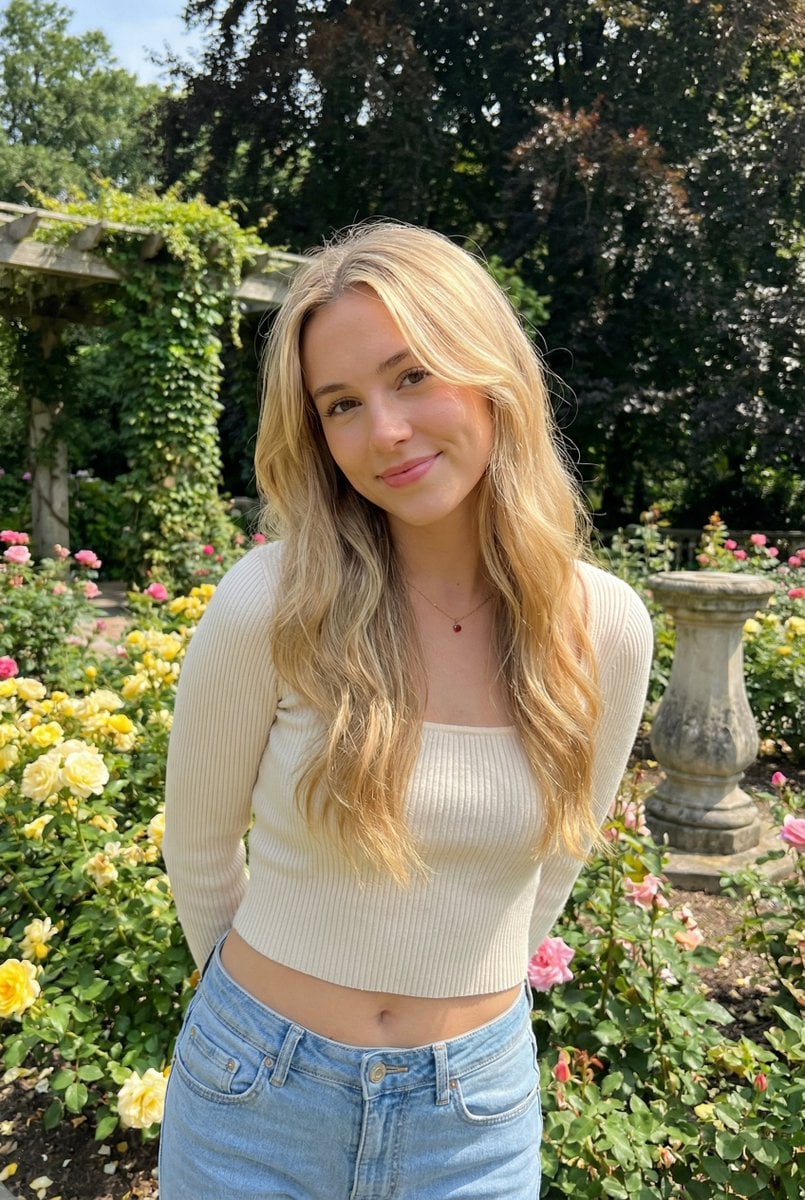
Sunlit Candid Portrait in a Rose Garden
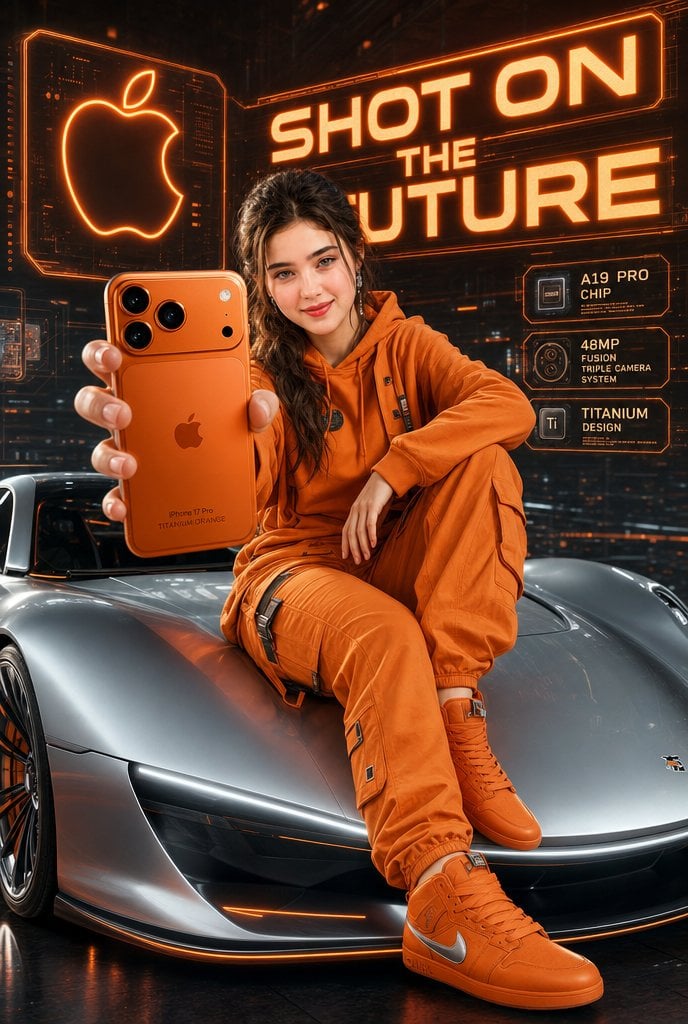
Futuristic Apple Campaign Concept
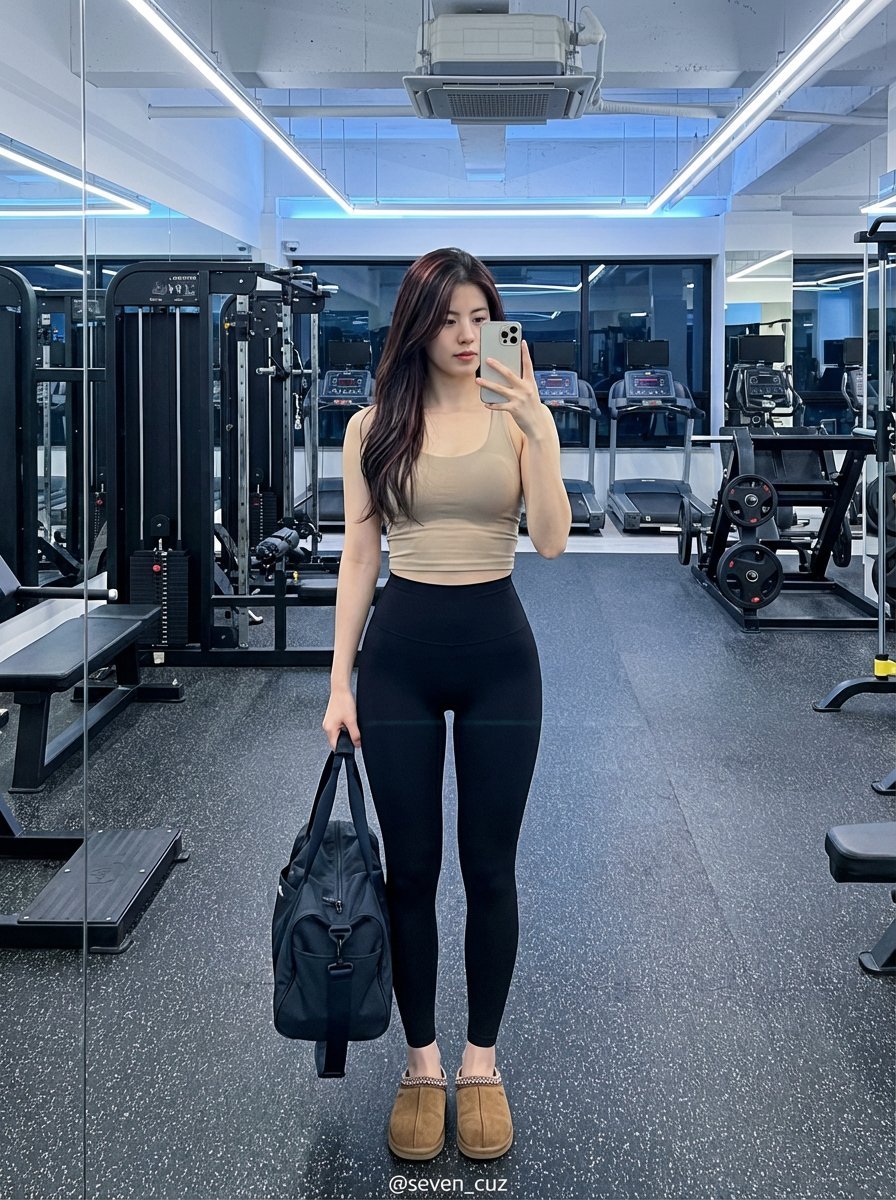
Photorealistic Gym Selfie Portrait (Classic B&W Sportswear)
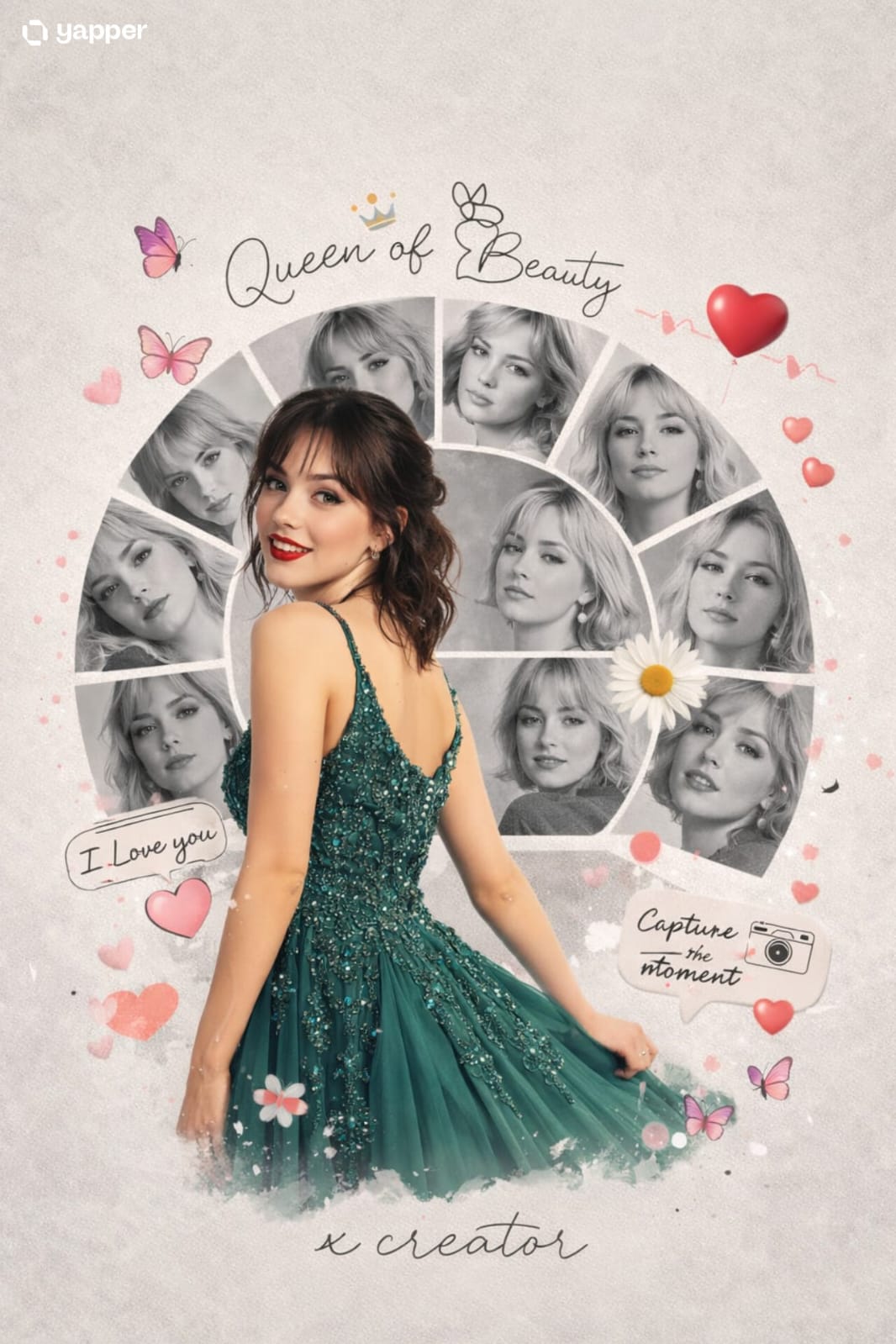
Vacation Style Portrait By the Marina
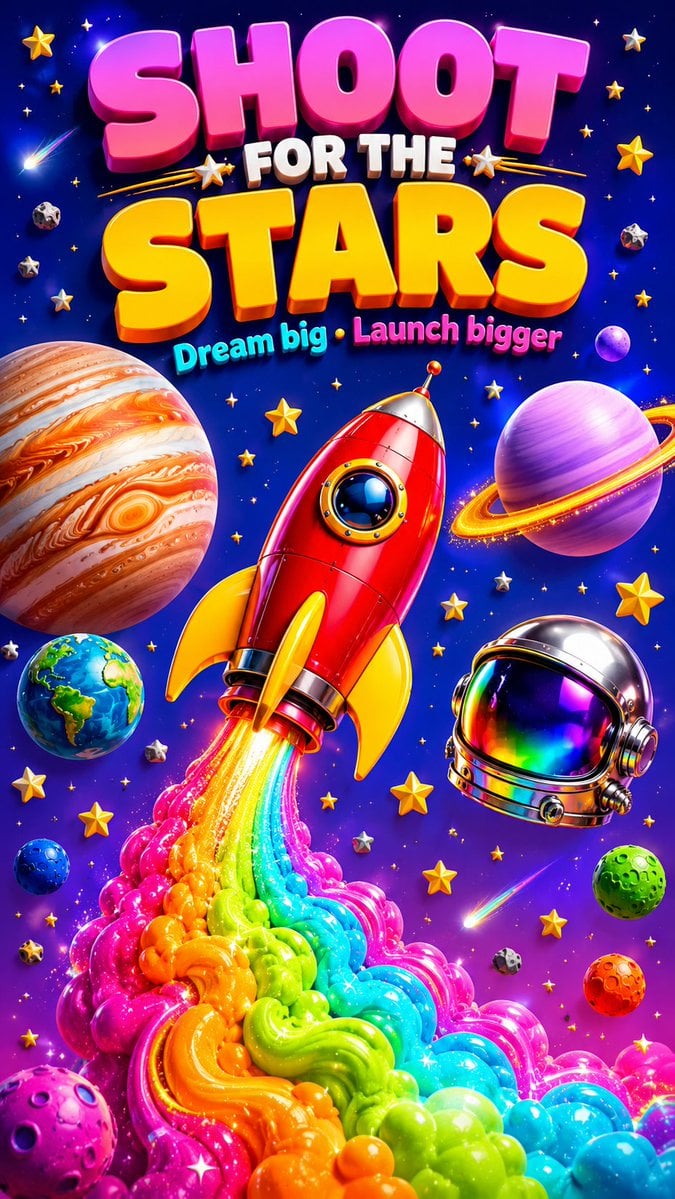
3D Retro Futurism Space Poster

Double Exposure Dubai Cityscape Poster
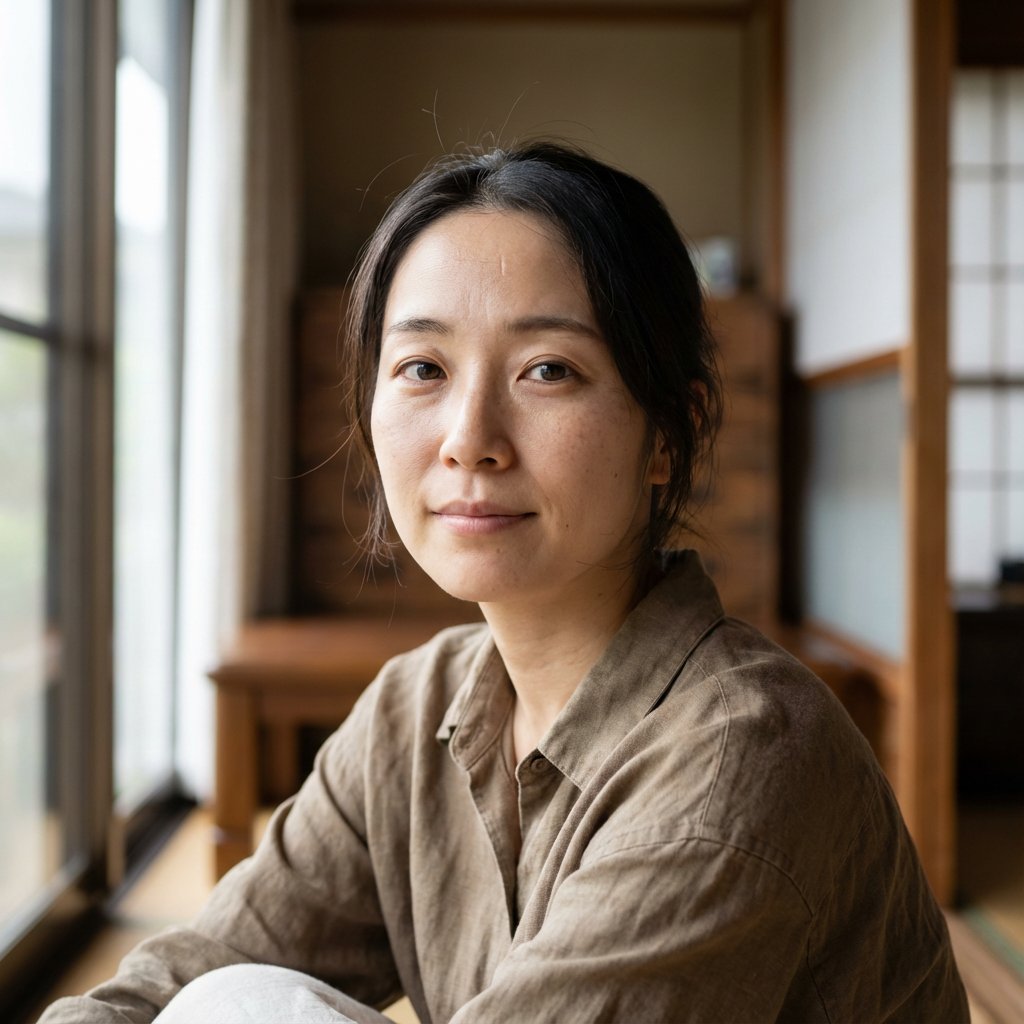
Nano Banana Pro Prompt for Realistic Japanese Female Character
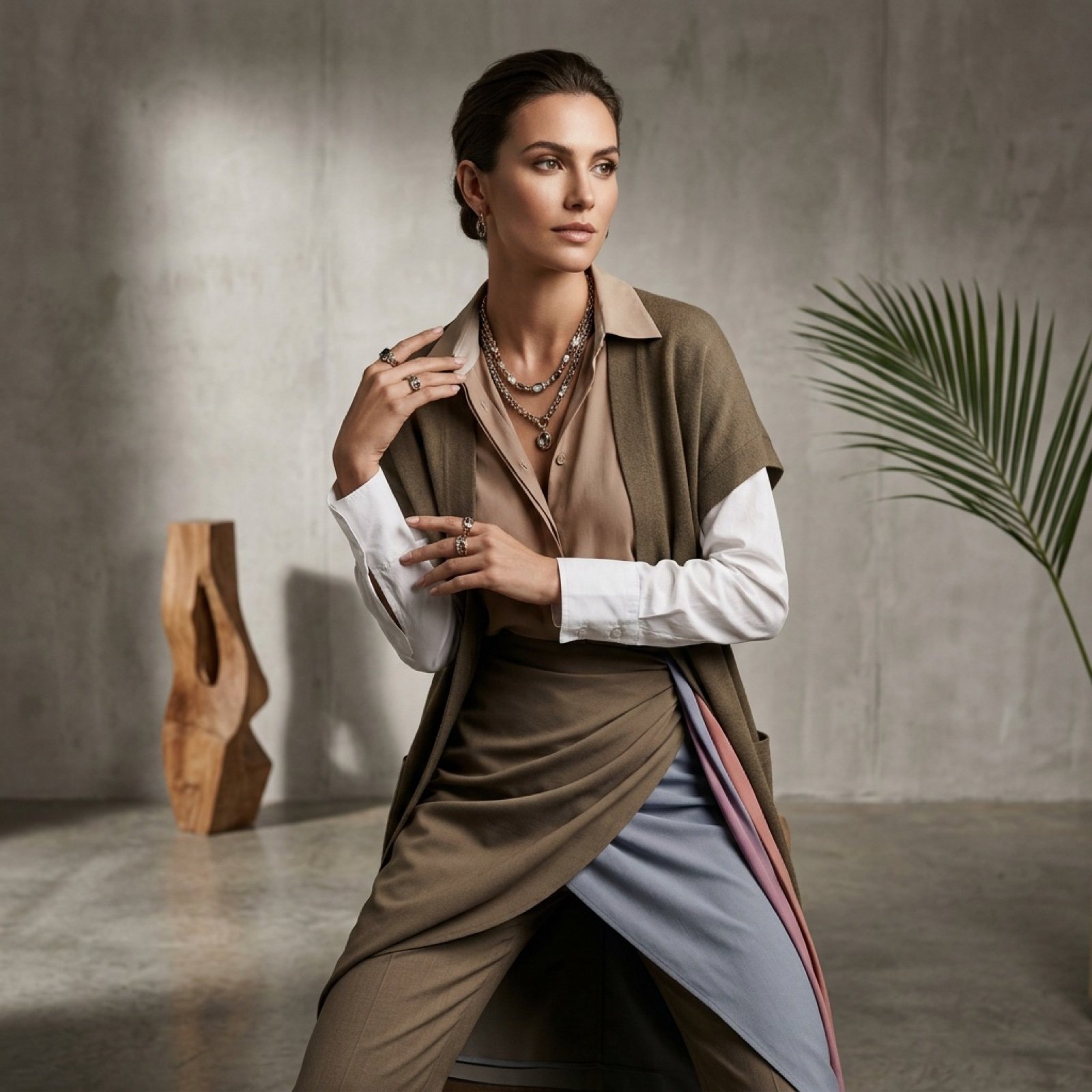
Fashion Photoshoot Combination Prompt (Workflow Step)
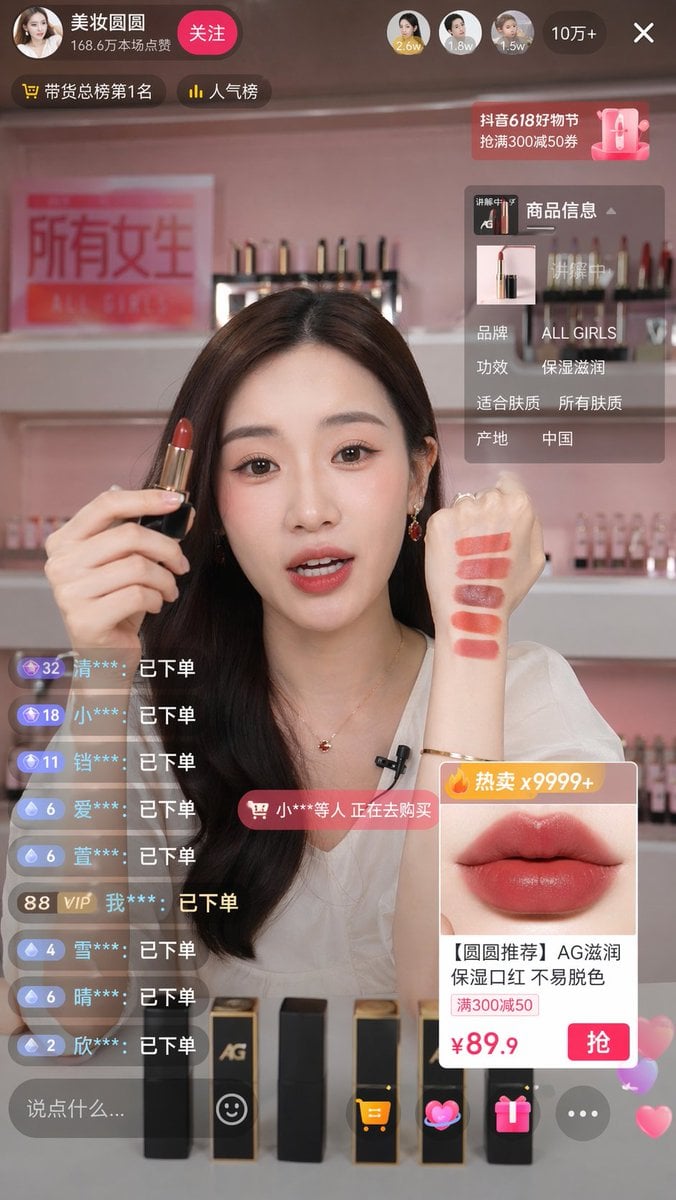
Live Stream Shopping Screenshot
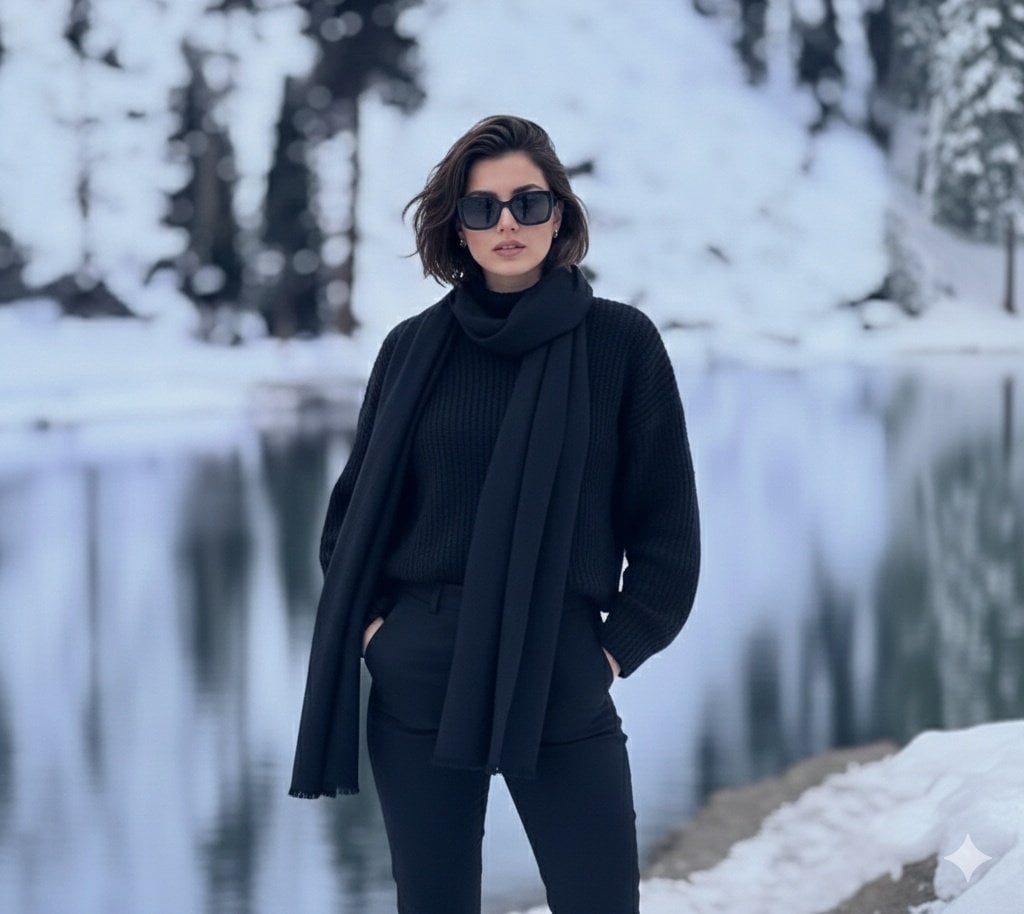
Photorealistic portrait of a stylish woman in a snowy landscape
Browse template categories
Product Promotion Fashion Campaign questions
How do I use the Product Promotion Fashion Campaign template?
Add your photo if the template asks for one, edit the prompt if you like — the template's model and format are already selected — and press Generate. Your version opens in PicX Studio.
Can I customize the Product Promotion Fashion Campaign template?
Yes. You can change the subject, setting, lighting, mood, format, and available model controls before creating your image.
Is the Product Promotion Fashion Campaign template free?
Opening and editing this template is free. Generating uses credits, shown on the Generate button when you are signed in.
Which AI model should I use?
Start with GPT Image 2, which is the model associated with this template. You can compare another compatible model for a different finish.
Looking for something else? Browse all templates.

Your photo, any look
Thousands of ready templates for every top image and video model, from one credit balance.