How do I use the Minimalist White Dress Fashion Campaign template?
Choose the primary action to open PicX Studio with the available template settings. Review the model and format, personalize the creative direction, and generate when ready.
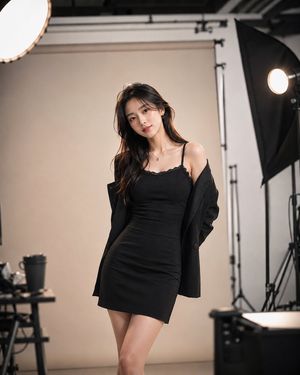
A sharp, architectural fashion portrait of a woman in a white dress with black piping, set against a clean studio backdrop.
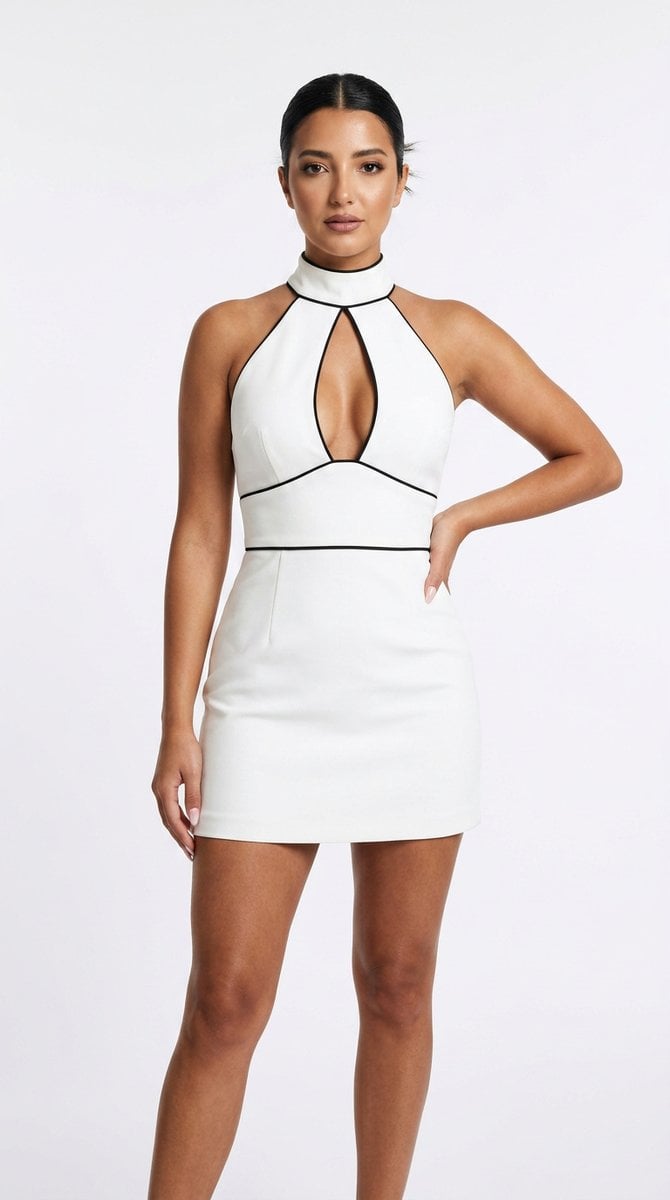
Ultra-photorealistic full-length editorial fashion photograph, vertical 4:5, of an elegant young woman standing against a {argument name="background" default="clean bright white seamless studio backdrop"}. She wears a {argument name="outfit" default="fitted white mini dress with a high mock-neck collar and a dramatic sculptural keyhole cutout at the chest"}. A crisp contrasting black piping traces the collar, the keyhole, and the armholes in a single sinuous line, and wraps cleanly around the waist as a defined banded seam that cinches the silhouette. The dress is sleeveless, minimalist, and architectural, in a structured matte crepe, with a short hem ending mid-thigh. Dark brown hair pulled back into a sleek, severe center-parted low bun. Glowing skin with realistic texture, soft bronzed editorial makeup, strong full brows, glossy mauve lips, an intense direct gaze. One hand resting on the hip, posture tall and poised, long legs. Lighting: bright soft high-key studio light, even and clean with subtle sculpting shadows along the body, crisp fabric edges. Shot on a medium-format camera, sharp focus, fine grain, luxury fashion-house campaign mood, minimalist and expensive. Negative: plastic skin, over-smoothed AI face, doll face, cartoon, 3D render, distorted hands, extra fingers, warped limbs, bad anatomy, cheap fabric, busy background, harsh shadows, watermark, text.
Choose the primary action to open PicX Studio with the available template settings. Review the model and format, personalize the creative direction, and generate when ready.
Yes. You can change the subject, setting, lighting, mood, format, and available model controls before creating your image.
This template is free to open and customize. Generation usage is shown in PicX Studio before you create.
Start with Nano Banana 2, which is the model associated with this template. You can compare another compatible model for a different finish.
Follow a topic to a crawlable collection of related PicX Studio templates.