How do I use the Y2K Dreamy Close-up Portrait with Identity Lock template?
Choose the primary action to open PicX Studio with the available template settings. Review the model and format, personalize the creative direction, and generate when ready.
A detailed prompt for Nano Banana Pro to generate a dreamy, close-up Y2K-style portrait with specific apparel, makeup, and a grainy 90s aesthetic. Change the subject, setting, or lighting one variable at a time.

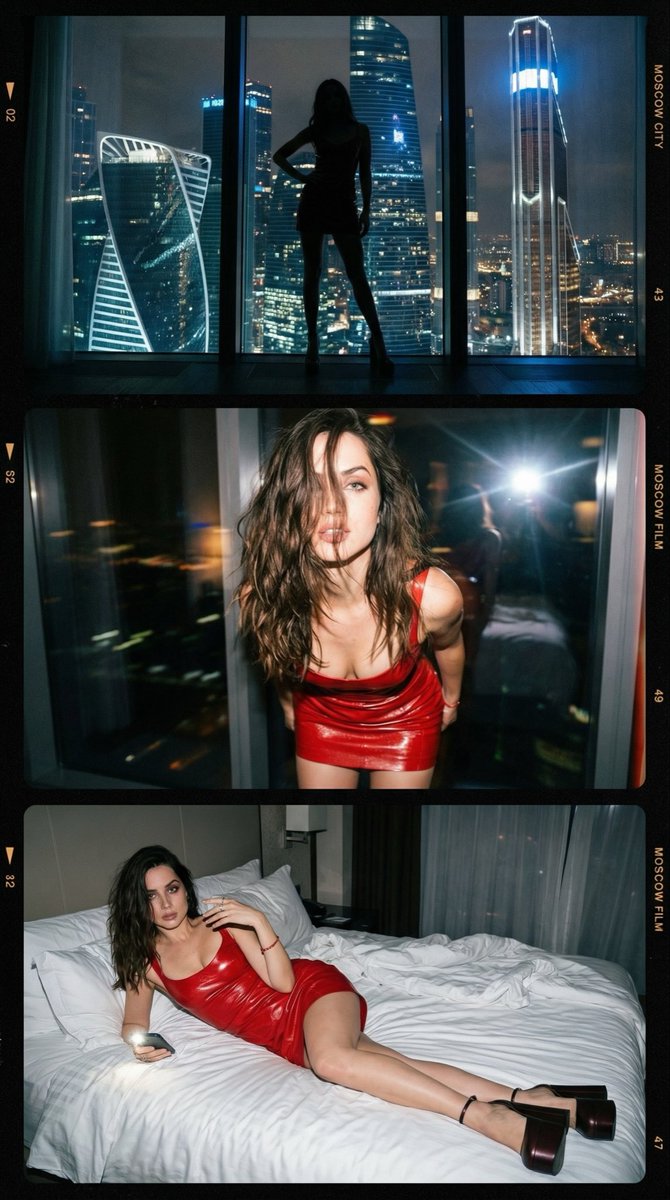
Create a dreamy, close-up portrait in {argument name="style" default="Y2K"} style, with voluminous hair styled in loose waves. I pose with my back slightly turned to the camera, looking over my shoulder with a confident and sensual expression. My makeup is natural yet glamorous, with defined eyebrows, voluminous lashes, and glossy brown lips outlined with a brown lip liner. I'm wearing a tight-fitting, long-sleeved white dress with a black watercolor print, an off-the-shoulder neckline, and an open back, with slight ruching at the lower back to accentuate my curves. The fabric fits my figure perfectly. My skin is flawless and glowing under the camera flash, which illuminates my skin and dress. I accessorize with a long gold necklace that drapes down my back, several gold bracelets and rings, a diamond engagement ring, and a small black leather shoulder bag by Coco Chanel. The photo should have a grainy 90s aesthetic, with a textured stone wall in neutral tones behind me, and the flash creating a dark and slightly shadowed background. Maintain 100% exact facial features as the reference image; Facial identity lock — use the provided reference face; preserve 100% of facial features (eyes, brows, nose, lips, jawline, proportions, skin tone and texture, expression, hairstyle). No beautification, replacement, or changes to the face.
Choose the primary action to open PicX Studio with the available template settings. Review the model and format, personalize the creative direction, and generate when ready.
Yes. You can change the subject, setting, lighting, mood, format, and available model controls before creating your image.
This template is free to open and customize. Generation usage is shown in PicX Studio before you create.
Start with Nano Banana 2, which is the model associated with this template. You can compare another compatible model for a different finish.
Follow a topic to a crawlable collection of related PicX Studio templates.
43,474 public templates available. Verified via the PicX Studio public templates API; refreshed hourly.
Prompt stories that include this template.




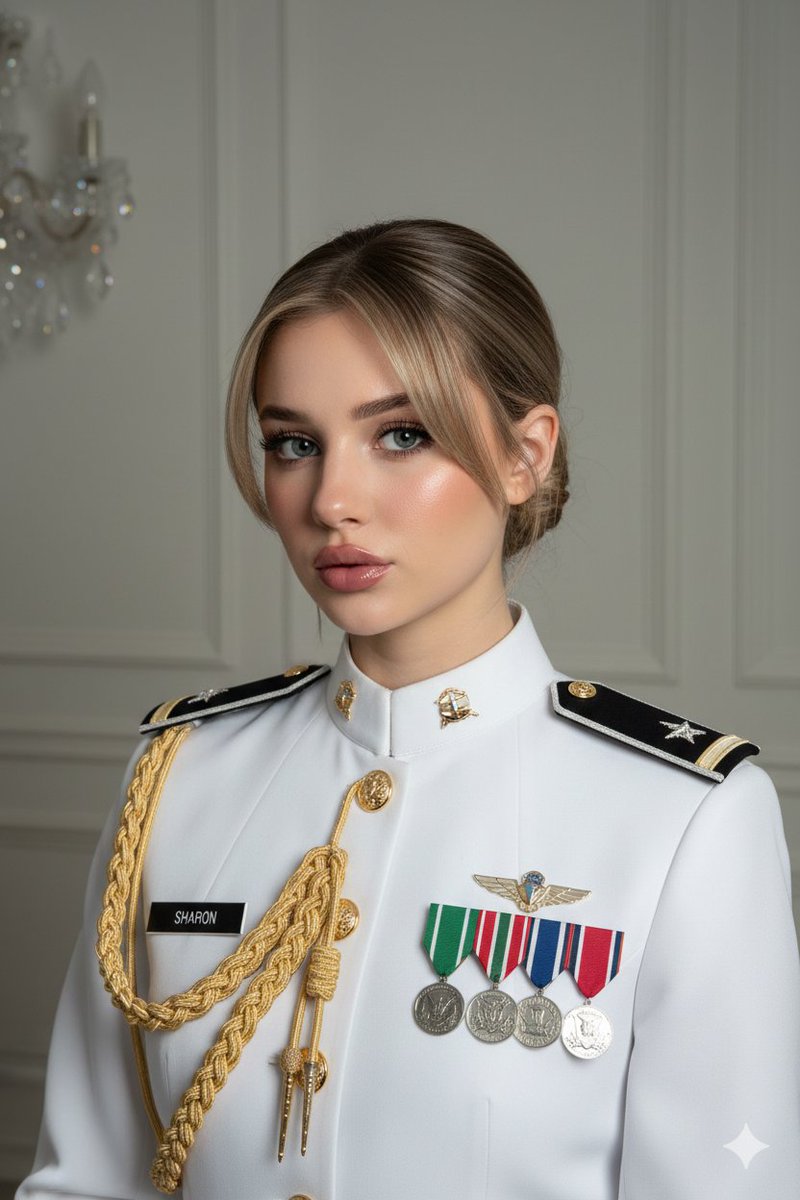





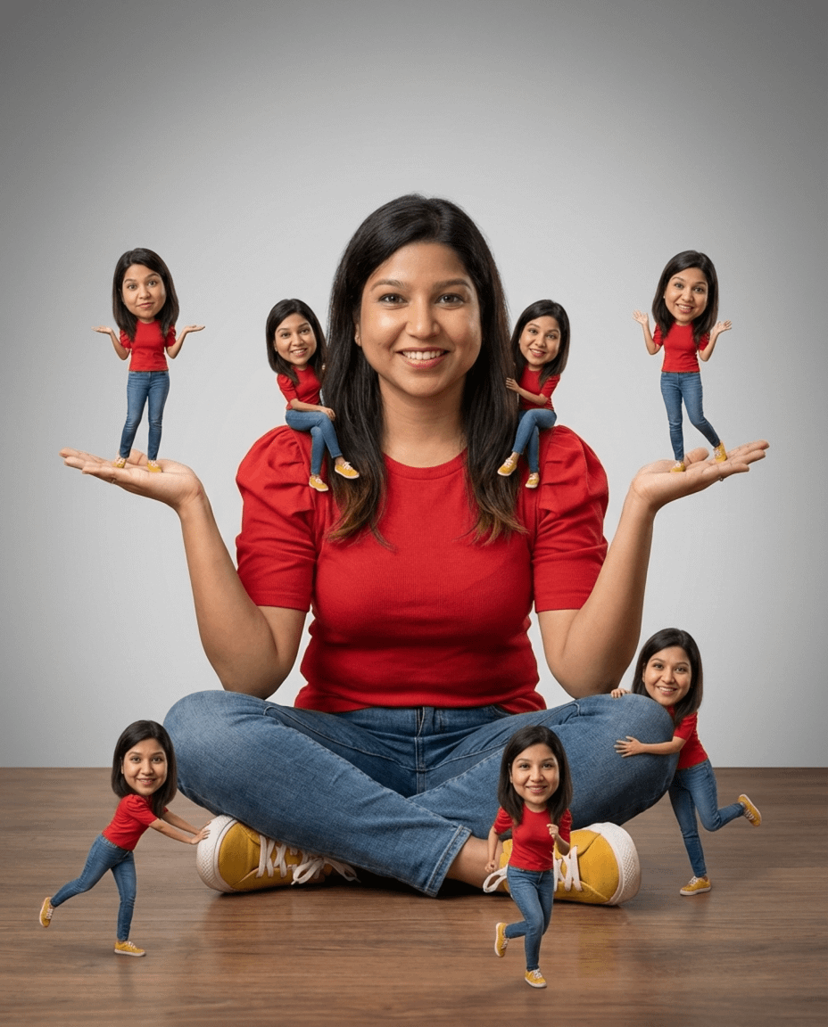

![Naive doodle-style subject illustration — A doodle-style {argument name="subject" default="[subject]"}, naive lines, humorous shape exaggeration](https://pbs.twimg.com/media/G6Wl2YxbsAARB2b.jpg)











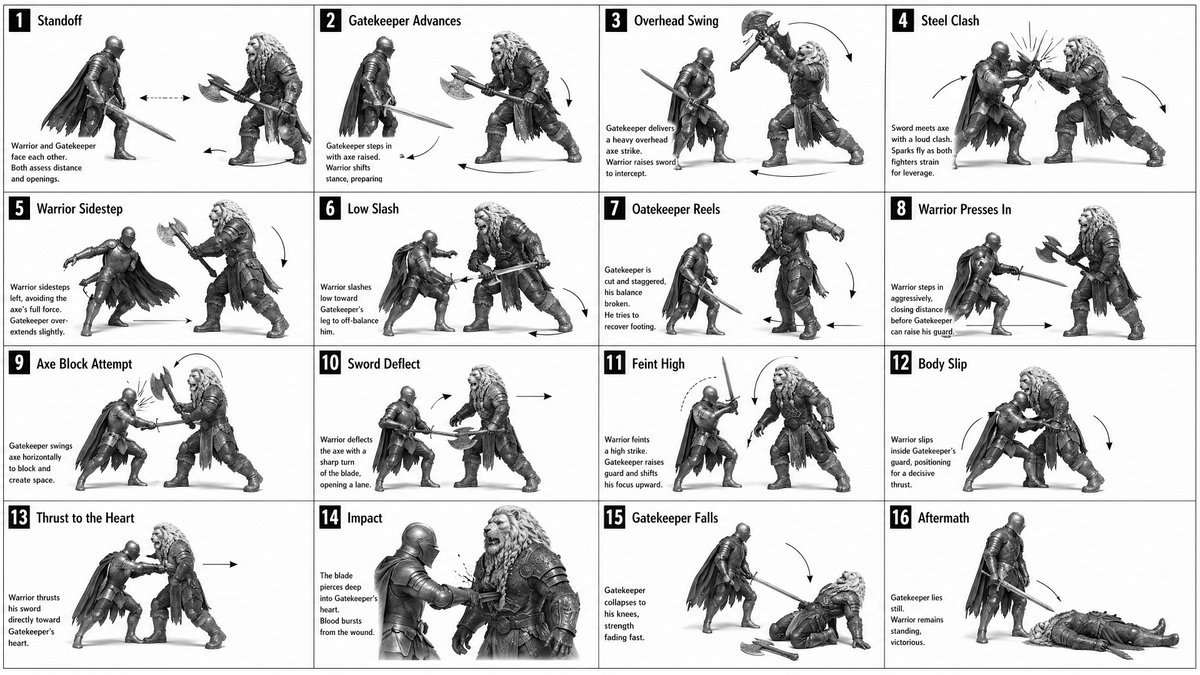
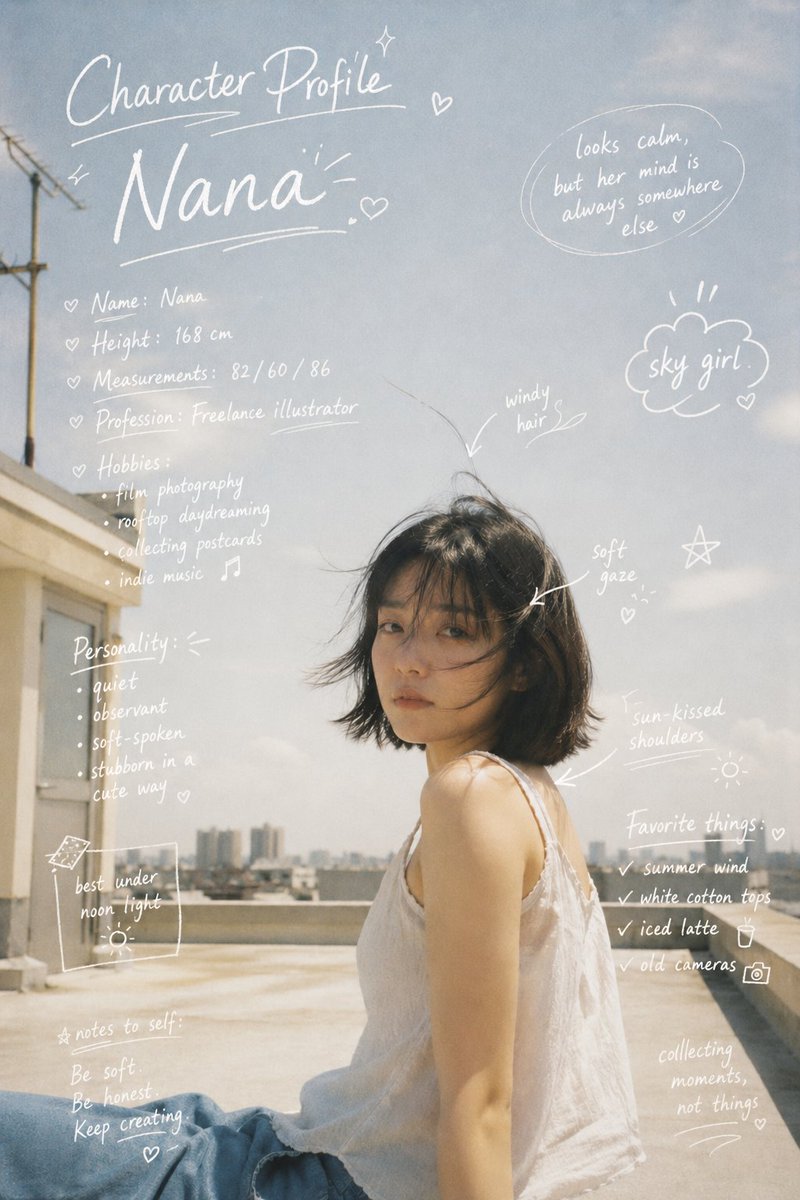

![Decorative Cinematic Title Font Generation — Based on the word “{argument name="word" default="[WORD]"},” design an original decorative cinematic title font tha](https://pbs.twimg.com/media/HDg46Ggb0AAA08C.jpg)