
Cozy Cabin Interior Lifestyle Photography Prompt
A JSON prompt for Gemini Nano Banana Pro generating a candid, wholesome lifestyle photograph of a young man sitting on a leather couch in a warmly lit cabin interior, holding a golden retriever.
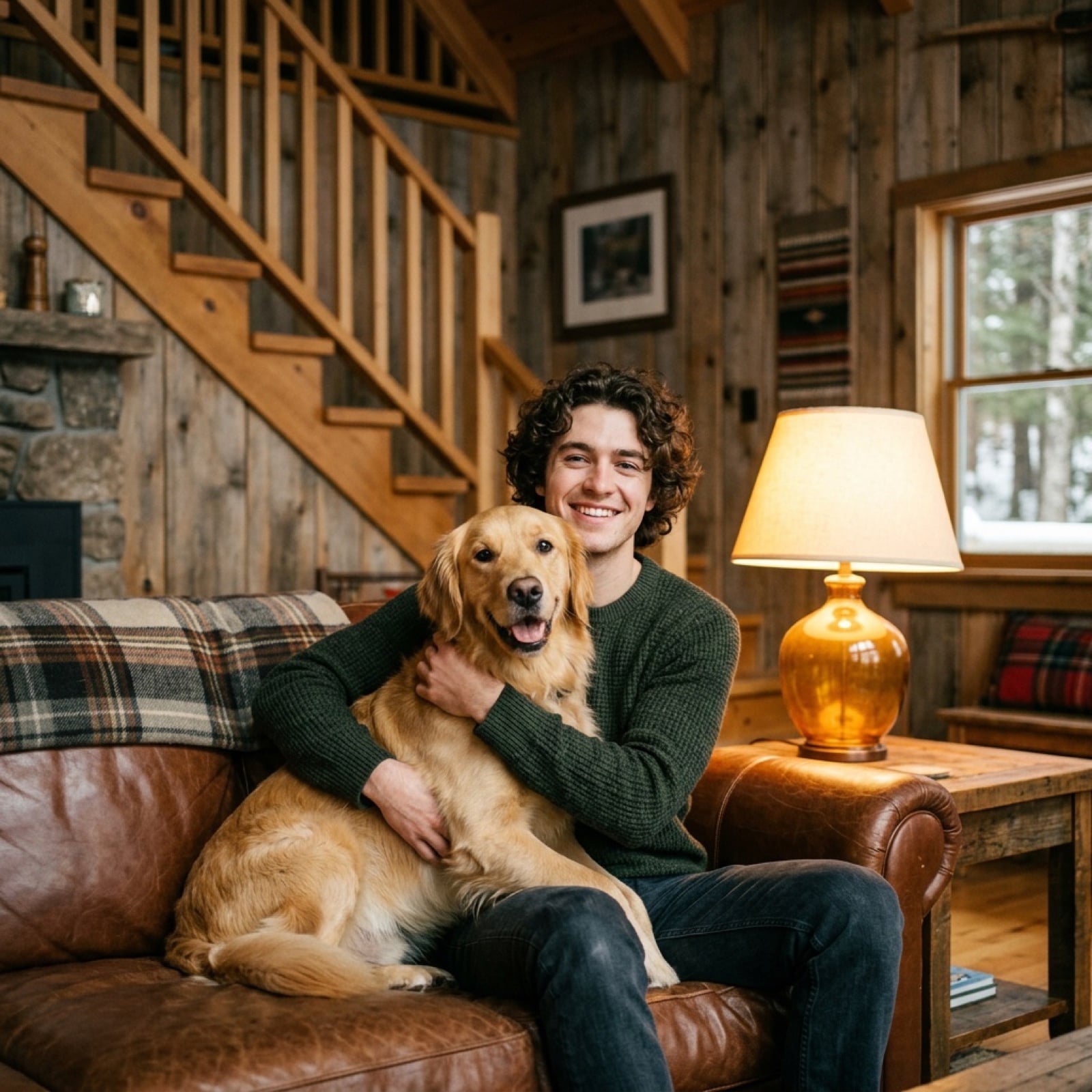
- Prompt included
- Model and format preset
- Free template
The prompt behind this image
Copy the exact prompt behind Cozy Cabin Interior Lifestyle Photography Prompt, or open it in the studio and make it yours.
{ "prompt": "A cozy, warmly lit cabin interior with rustic wooden walls and staircase in the background. A young man with curly hair sits on a brown leather couch, smiling while holding a golden retriever dog in his arms. A soft yellow lamp glows beside them, creating a warm, intimate atmosphere. The scene feels candid and wholesome, with natural lighting, realistic textures, and a shallow depth of field. Shot in a lifestyle photography style, highly detailed, 50mm lens, soft shadows, warm tones, relaxed mood." }
How to use Cozy Cabin Interior Lifestyle Photography Prompt in 3 steps
- 1
Open
The prompt is already in the box next to the preview, with the template's model and format selected.
- 2…a portrait of your subject in softgolden-hour light, 85mm…
Personalize
Edit the subject and creative details for your destination.
- 3Generate
Generate
Press Generate — your image is created in PicX Studio, so you can compare it with the original and refine one variable at a time.
More like this
Templates with the same subject, style or setup. Open one to see its prompt.

Cozy Food Flat Lay Doodle Labels

Mountain Valley Lifestyle Portrait
Lifestyle photography, cinematic color grading, shallow depth of field

Ultra-photoreal cinematic travel lifestyle photo

Delicate Japanese Café Lifestyle Illustration

Cozy Café Ice Cream Hands Close-Up

Flower Petal Sunglasses Couture Portrait

青蛇小青写真大片,绿色紧身蛇鳞裙,湿发红唇,妖娆妩媚

A double exposure, long exposure editorial photograph of a man Use image

Portrait of a young woman in her early 20s walking calmly on a beautiful

Artistic portrait of an elegant Asian woman wearing a black silk

A high-quality photo collage featuring the same person with identical
Make it yours
Cozy Cabin Interior Lifestyle Photography Prompt works as-is. These are the safest ways to change it without losing the look.
Change one field
Copy a single group, rewrite it, and generate again so you can see what that field is doing.
Keep the frame, change the subject
Hold the composition and light of Cozy Cabin Interior Lifestyle Photography Prompt, then swap wardrobe, props or the person for a new take.
| If the result… | Why | Fix |
|---|---|---|
| The result drifts from the preview | Too many fields changed at once. | Reuse Cozy Cabin Interior Lifestyle Photography Prompt as-is first, then change one group — subject, light, or setting. |
| The model over-stylizes the scene | The prose prompt leaves finish and camera underspecified. | Add one camera or lighting sentence and stay on Nano Banana 2. |
More Nano Banana 2 templates
Other prompts made for Nano Banana 2.

Photorealistic Leaf Shaped Like a Dragon

K-Pop Idol Portrait Grid for Rapid Selection

Poetic Rain Forest Portrait During Golden Hour

Urban Street Portrait with Cartoon Inner Self Duo

Candid Nighttime Photo with Cat Prompt

High-Concept 3D Diorama Generation Prompt

Cinematic Futuristic Studio Portrait Template

Skincare Editorial Photography Collage Prompt

Hyper-Realistic Commercial Product Photography (Splash Effect)

Hyper-Realistic Nightclub Portrait Prompt
More image prompts
Fresh picks from across the catalog.

AI Tech Tutorial Thumbnail
Hyper-Realistic 3D Typographic Sculpture Product Concept
Luxury AI Influencer Workspace Render

Tang Lychee Courseware Cover

Candid Travel Portrait in Seoul

Surreal Underwater Macro Portrait
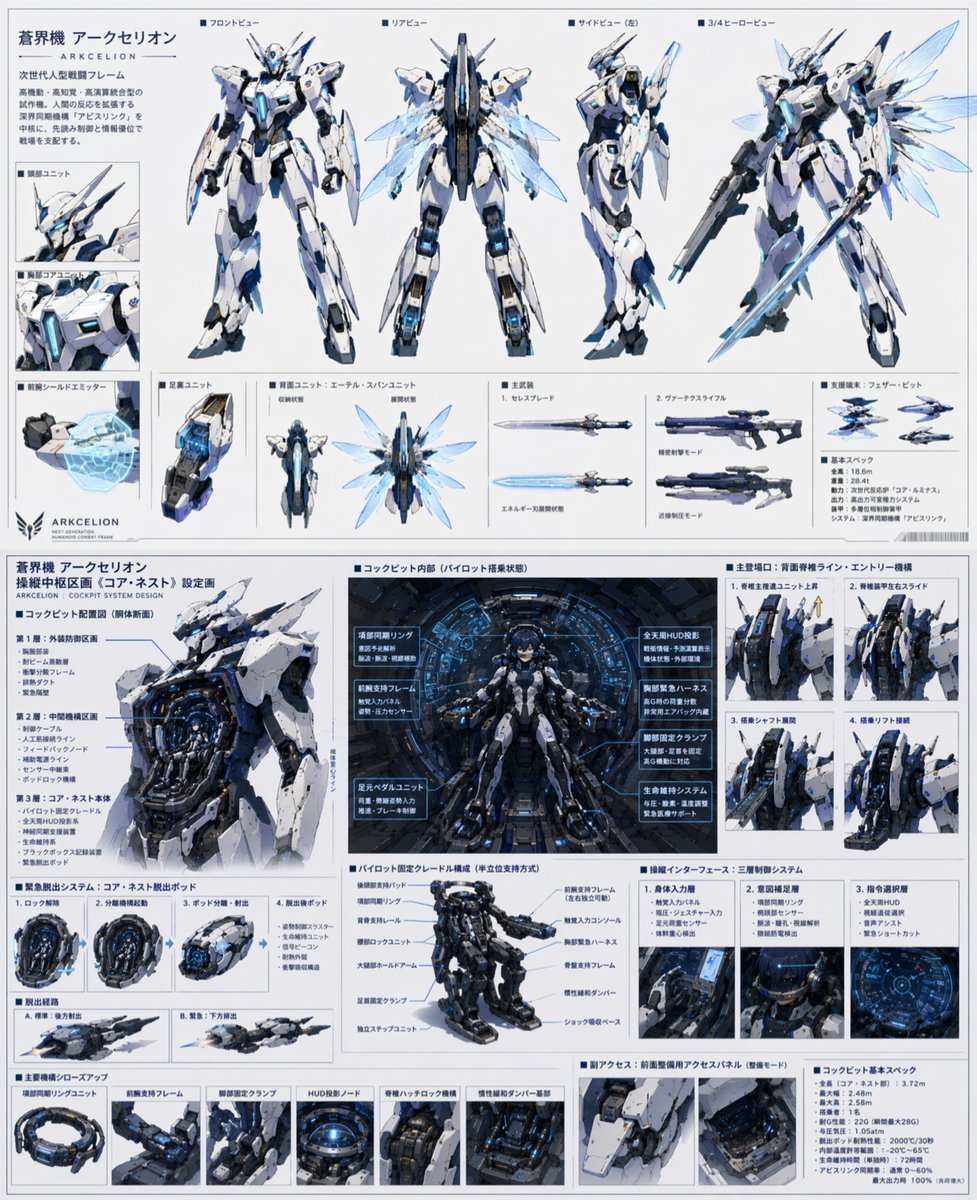
Mecha Protagonist Design
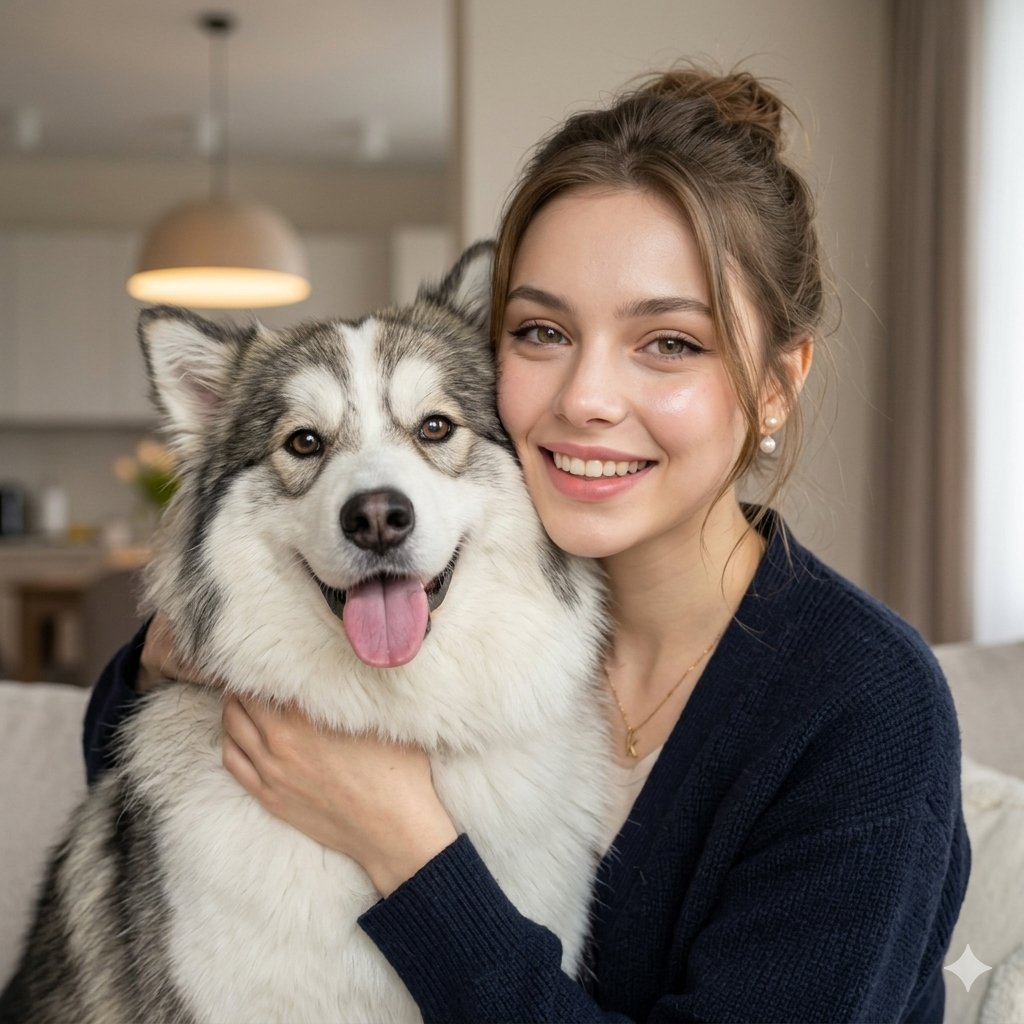
Nano Banana Pet Portrait Dog
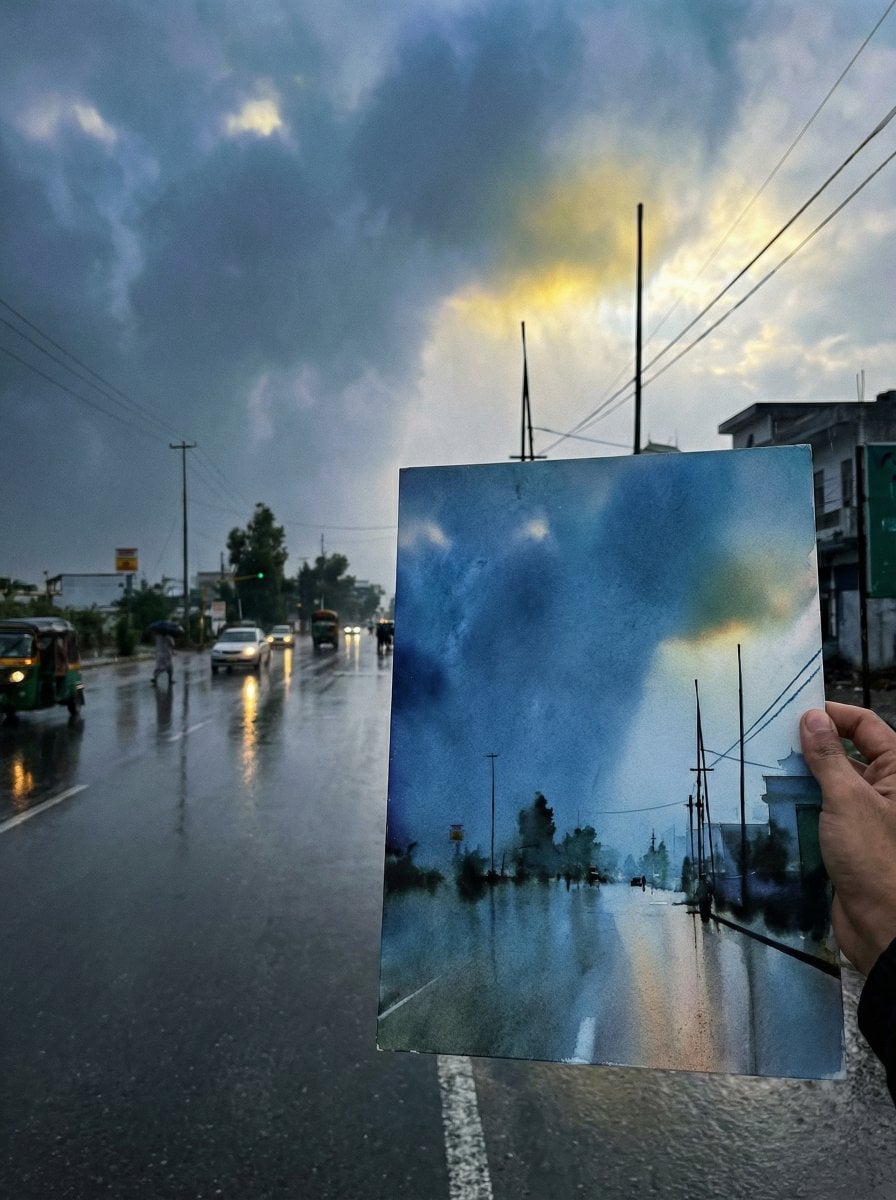
Drawing Comparison Photo Prompt (General AI Image Generation)
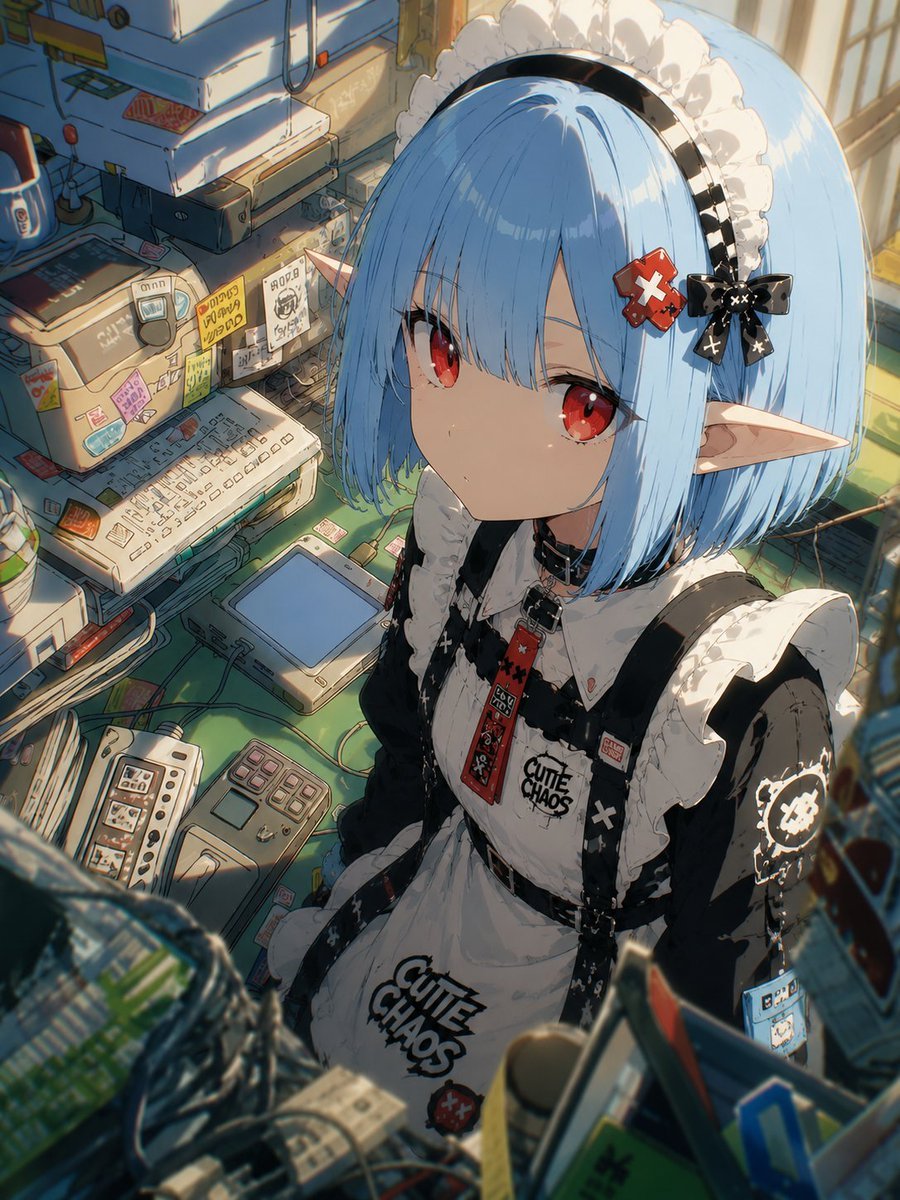
Natural Character Swap Instruction
Browse template categories
Cozy Cabin Interior Lifestyle Photography Prompt questions
How do I use the Cozy Cabin Interior Lifestyle Photography Prompt template?
Add your photo if the template asks for one, edit the prompt if you like — the template's model and format are already selected — and press Generate. Your version opens in PicX Studio.
Can I customize the Cozy Cabin Interior Lifestyle Photography Prompt template?
Yes. You can change the subject, setting, lighting, mood, format, and available model controls before creating your image.
Is the Cozy Cabin Interior Lifestyle Photography Prompt template free?
Opening and editing this template is free. Generating uses credits, shown on the Generate button when you are signed in.
Which AI model should I use?
Start with Nano Banana 2, which is the model associated with this template. You can compare another compatible model for a different finish.
Looking for something else? Browse all templates.

Your photo, any look
Thousands of ready templates for every top image and video model, from one credit balance.