
Tang Lychee Courseware Cover
A refined 16:9 Chinese historical PPT cover featuring Yang Guifei, lychees, poetic typography, and Tang-dynasty editorial styling.
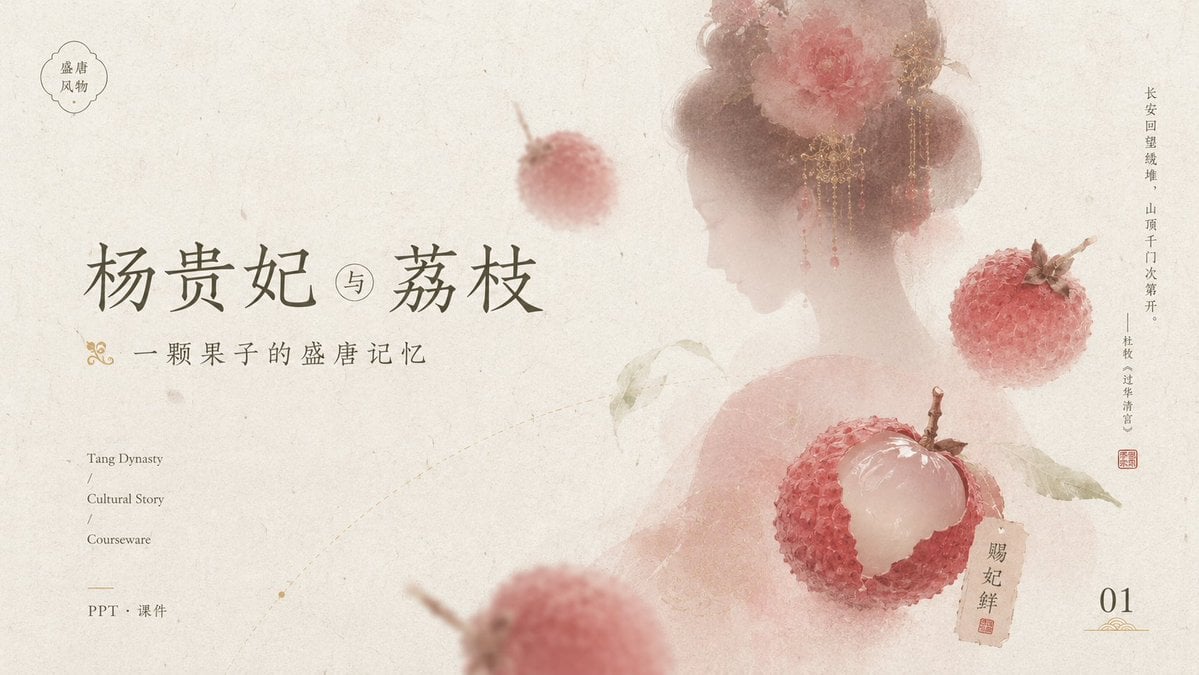
- Prompt included
- Model and format preset
- Free template
The prompt behind this image
Copy the exact prompt behind Tang Lychee Courseware Cover, or open it in the studio and make it yours.
Goal: Create an elegant Tang-dynasty inspired courseware/PPT cover slide about {argument name="main title" default="杨贵妃 与 荔枝"}, with a poetic Chinese historical aesthetic centered on lychees and a veiled court beauty. Canvas: 16:9 horizontal presentation cover, warm ivory handmade-rice-paper background with subtle fibers, stains, faint scratches, and ink-wash aging. Overall palette is muted cream, dusty rose, pale peach, faded red, olive gray, and ink gray. Layout: Place the main title large on the left-center in refined Chinese calligraphy-style serif lettering. Put the small subtitle directly underneath with a decorative gold flourish at the far left. Keep generous negative space on the left and lower middle. On the right half, show a soft translucent back-view silhouette of a Tang-dynasty noblewoman with bare shoulders, high rounded hair buns, ornate gold dangling hair jewelry, and large pink-red peony flowers in her hair; her face area is intentionally covered by a plain pale beige rectangular privacy block. Add floating lychees around her and foreground depth blur. Text content: Include exactly these visible text areas: 1) top-left small cloud-shaped seal containing “盛唐 / 风物”; 2) main title “杨贵妃 与 荔枝”; 3) subtitle “一颗果子的盛唐记忆”; 4) lower-left English stack “Tang Dynasty / Cultural Story / Courseware”; 5) lower-left Chinese label “PPT · 课件”; 6) right-side vertical poem text “长安回望绣堆,山顶千门次第开。——杜牧《过华清宫》”; 7) small tag near the peeled lychee reading “贵妃鲜” with a red seal mark; 8) bottom-right page number “01” with a small gold ornamental underline. Subject details: Include exactly 4 visible lychee elements: one small blurred whole lychee floating near the upper center, one sharp whole lychee on the right side, one large peeled lychee in the lower-right center with translucent white flesh exposed and red bumpy skin opened around it, and one large heavily blurred partial lychee in the lower foreground. Add a few pale green lychee leaves connected to the peeled fruit. Make the lychees painterly but realistic, with bumpy red shells and soft natural highlights. Visual style: Minimal luxury Chinese editorial design, museum-courseware cover, soft ink wash, translucent layering, shallow depth of field, delicate gold accents, understated red stamp marks, balanced asymmetrical composition, no modern UI elements. Constraints: Keep the page clean and airy, maintain the exact count of 4 lychee elements, keep all typography readable, use no extra text beyond the specified labels, no watermark, no photorealistic harsh lighting.
How to use Tang Lychee Courseware Cover in 3 steps
- 1Upload ImagePNG, JPG or paste
Add your photo
Upload the photo the template builds on. The prompt, model and format are already set.
- 2…a portrait of your subject in softgolden-hour light, 85mm…
Personalize
Edit the subject and creative details for your destination.
- 3Generate
Generate
Press Generate — your image is created in PicX Studio, so you can compare it with the original and refine one variable at a time.
More like this
Templates with the same subject, style or setup. Open one to see its prompt.
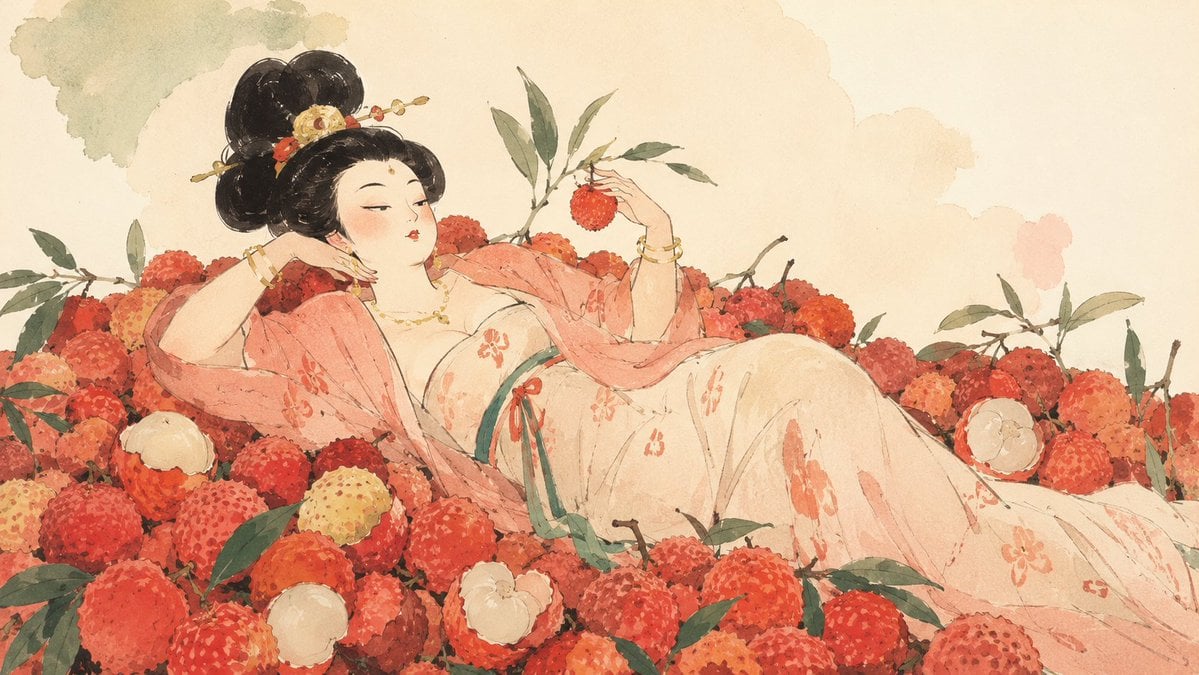
Tang Noblewoman in Lychee Watercolor
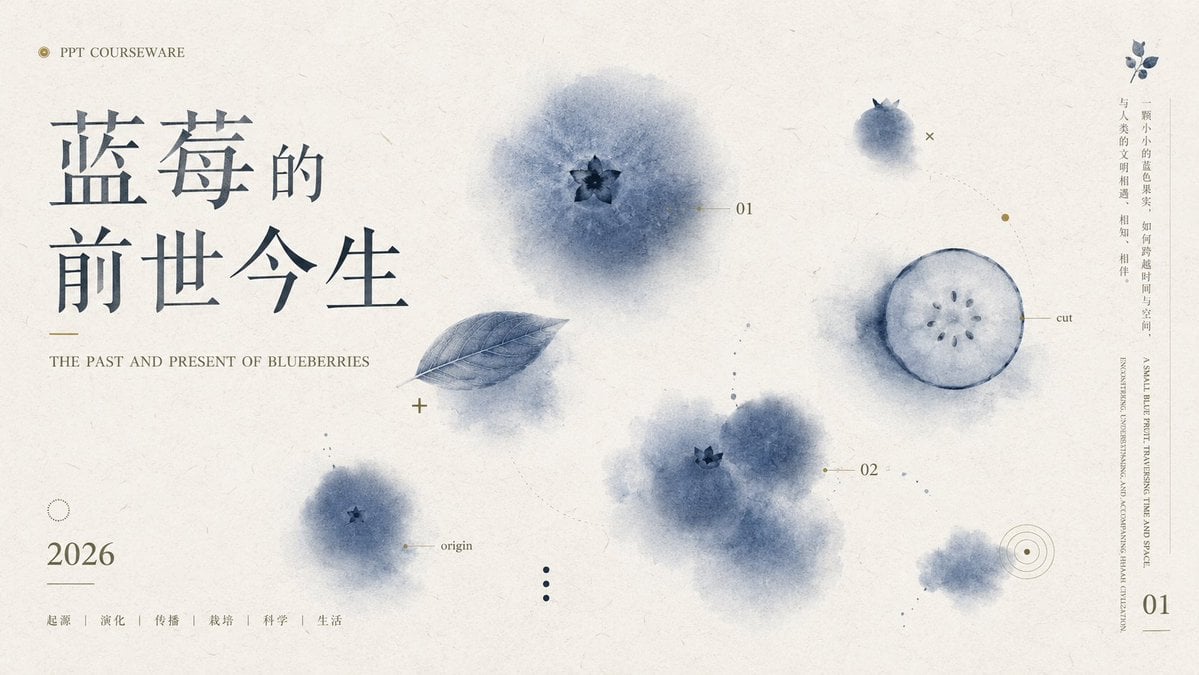
Blueberry Courseware Cover Slide
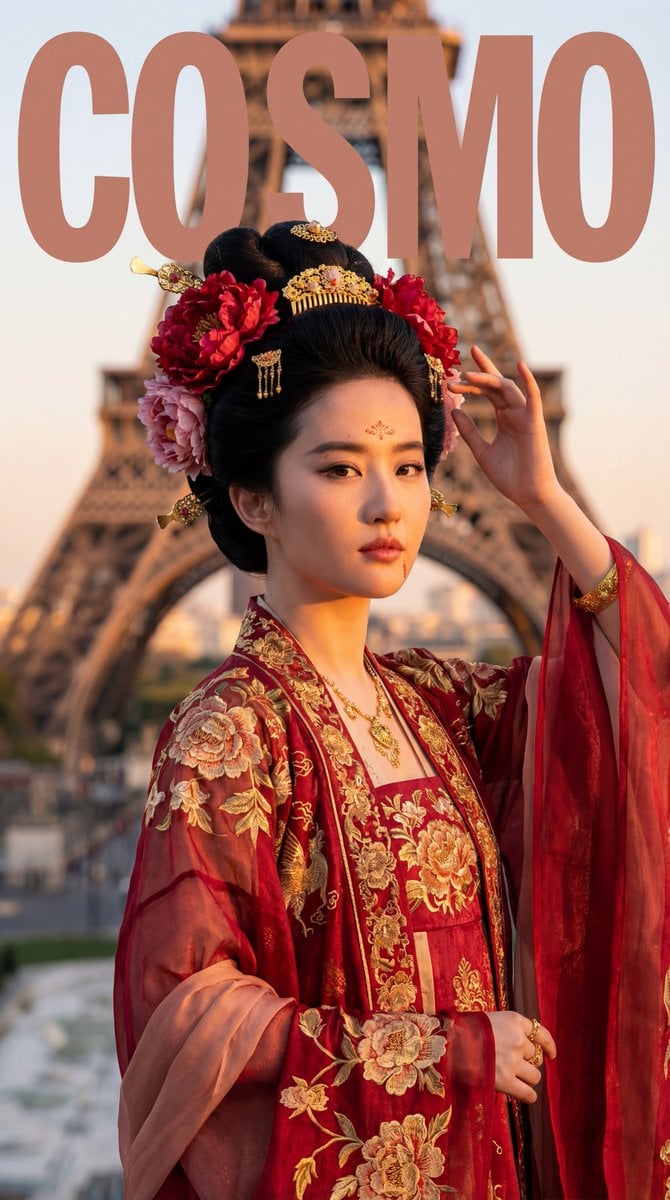
Tang Dynasty Empress in Paris Fashion Magazine Cover Prompt

Tang Dynasty Royal Banquet Cinematography

Tang Dynasty Minimalist Editorial
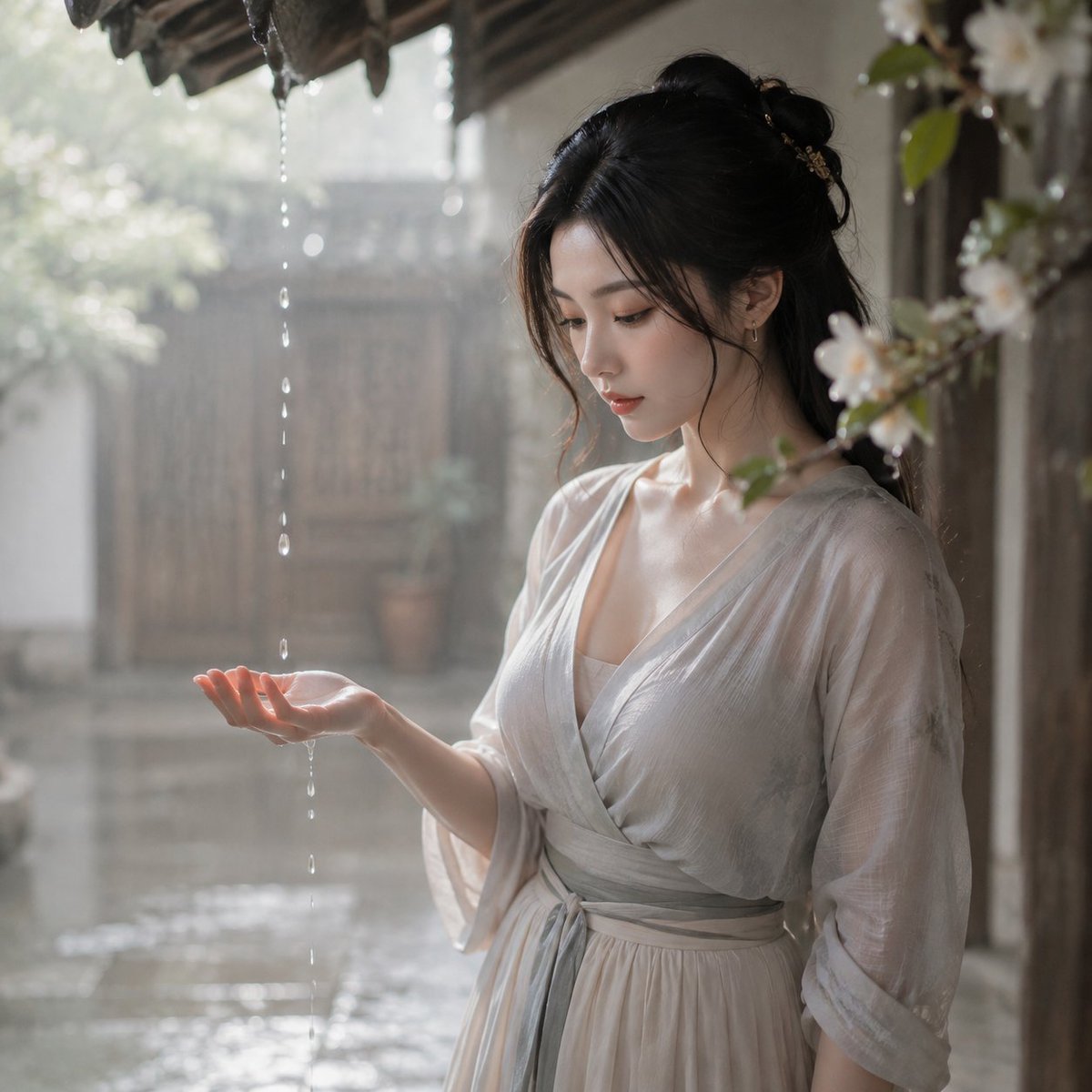
Tang Dynasty Courtyard Rain Scene
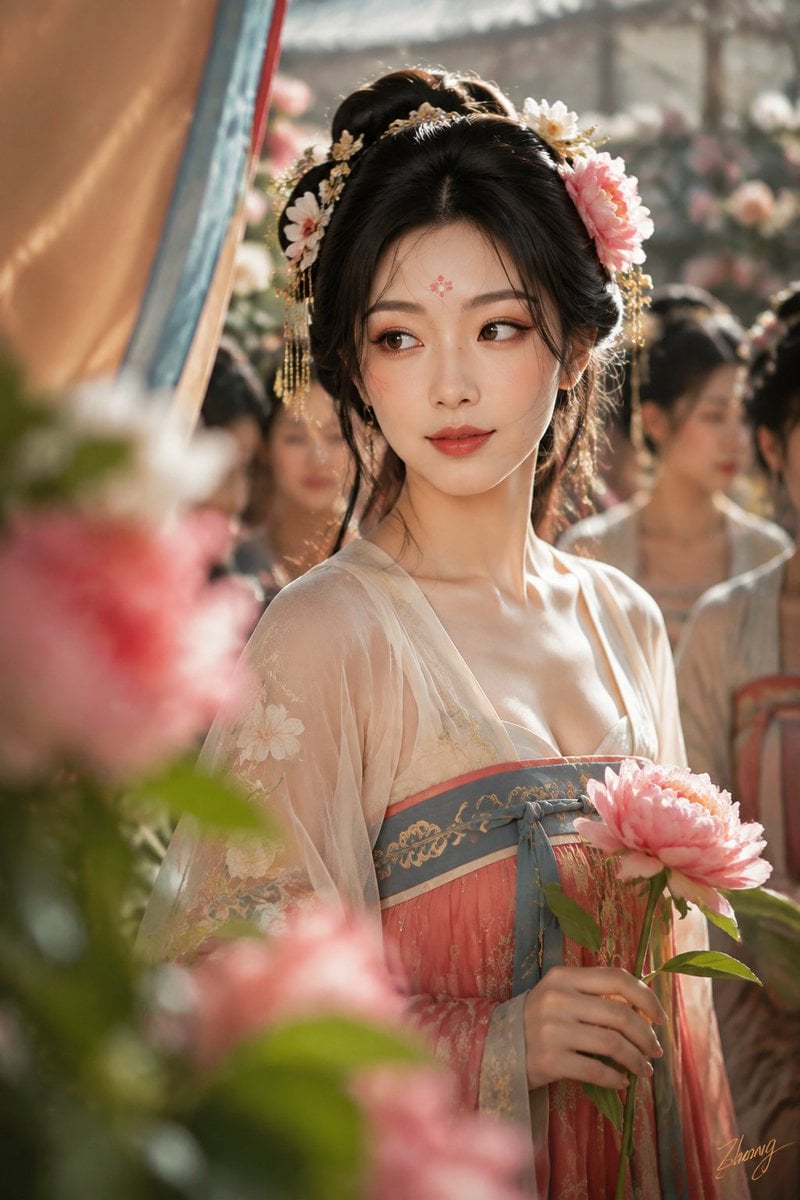
Tang Dynasty Cinematic Photography
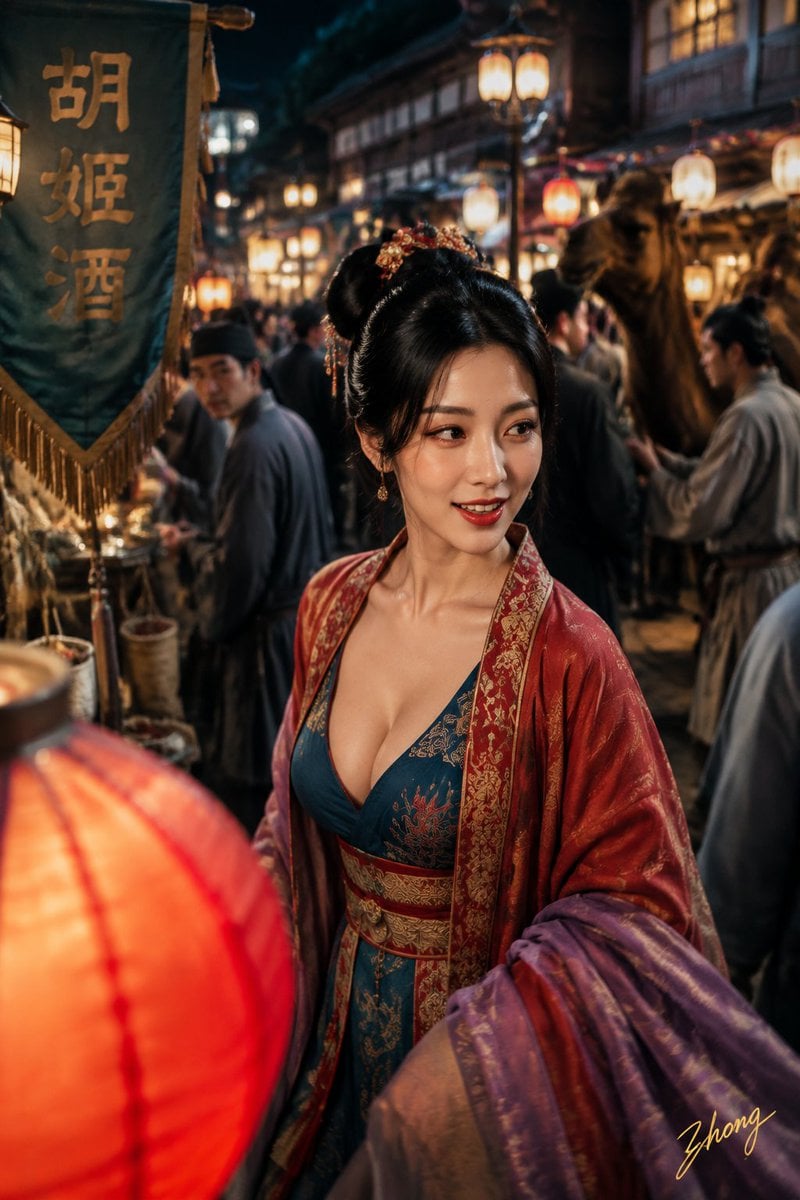
Tang Dynasty Aesthetics Photography Series

Regal Tang-Style Empress Portrait
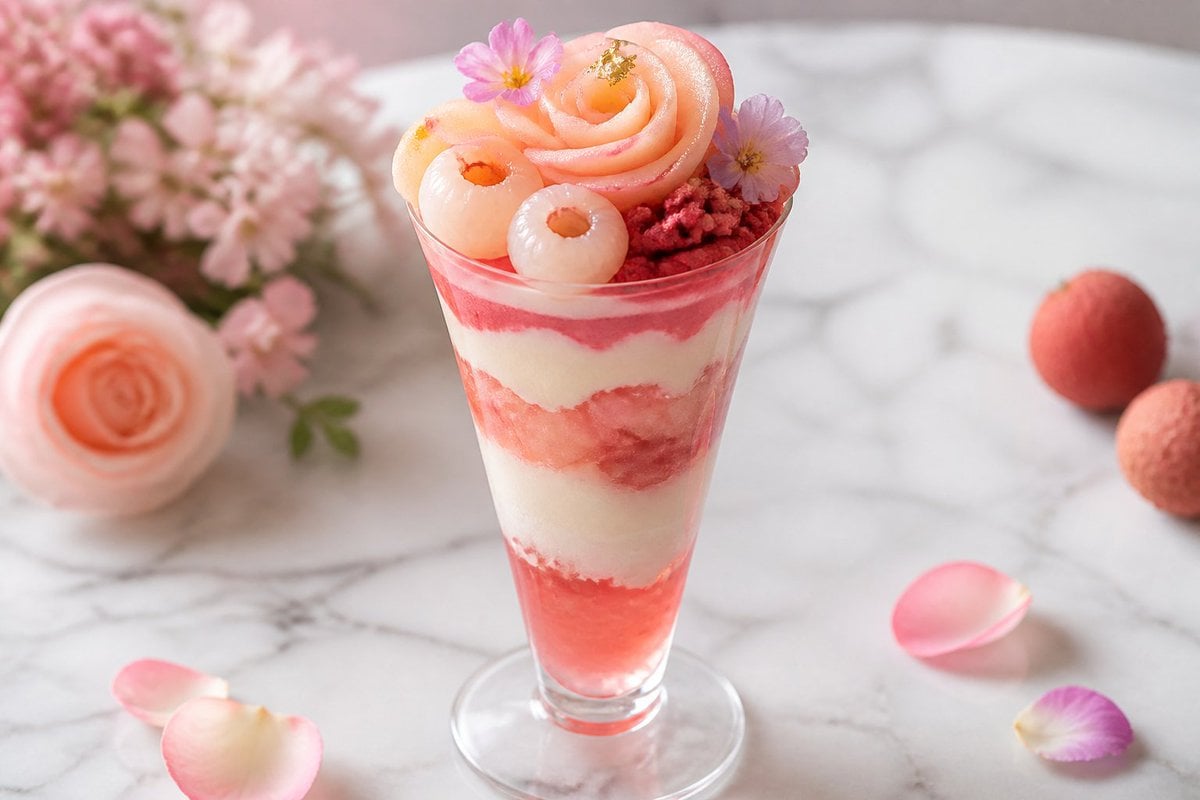
Pastel Peach Lychee Rose Parfait
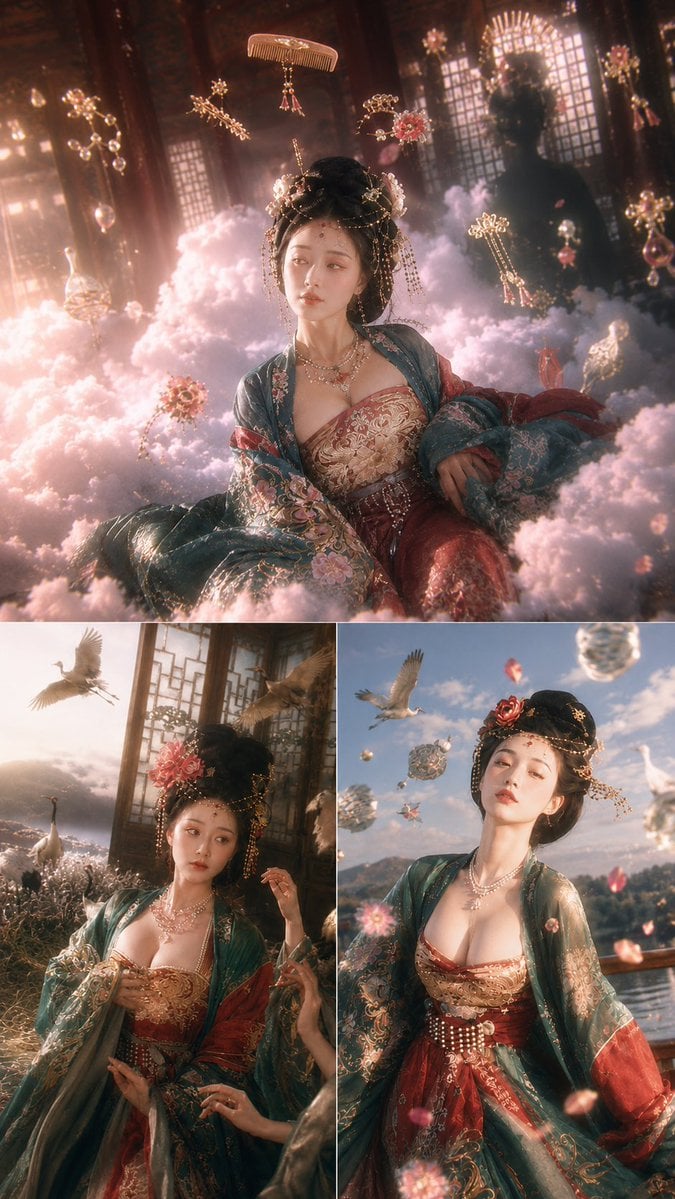
Tang Dynasty Fantasy Triptych
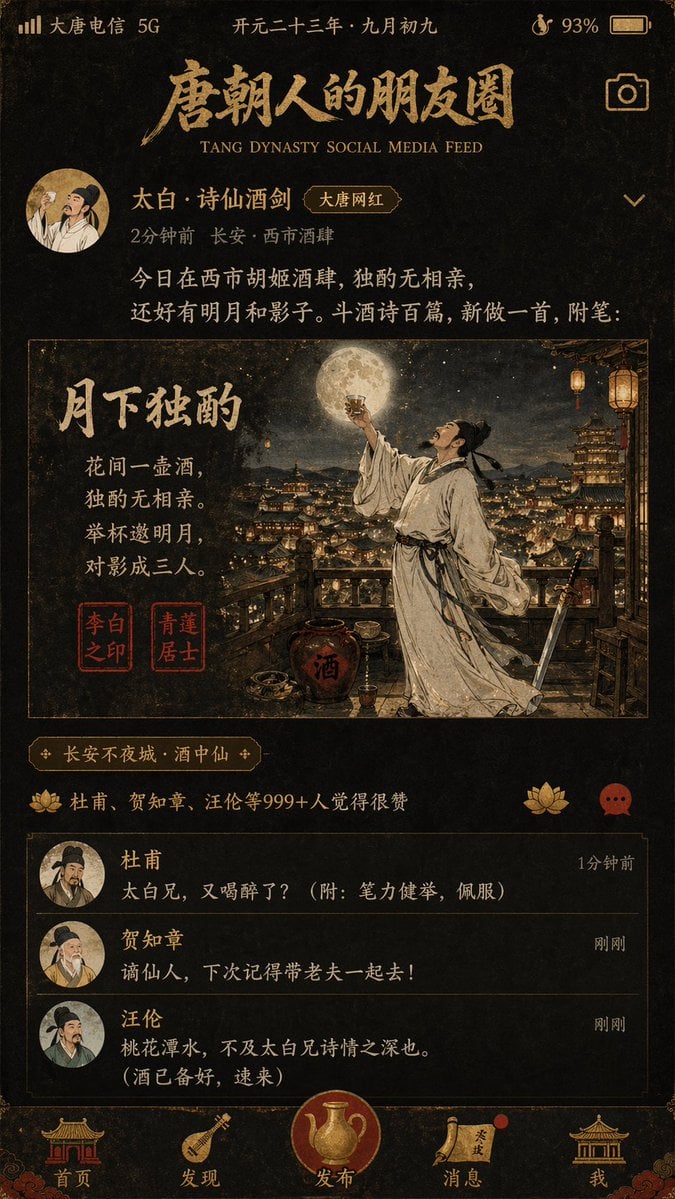
Tang Dynasty Social Feed Poster
Make it yours
Tang Lychee Courseware Cover works as-is. These are the safest ways to change it without losing the look.
Change one field
Copy a single group, rewrite it, and generate again so you can see what that field is doing.
Keep the frame, change the subject
Hold the composition and light of Tang Lychee Courseware Cover, then swap wardrobe, props or the person for a new take.
| If the result… | Why | Fix |
|---|---|---|
| The result drifts from the preview | Too many fields changed at once. | Reuse Tang Lychee Courseware Cover as-is first, then change one group — subject, light, or setting. |
| The model over-stylizes the scene | The prose prompt leaves finish and camera underspecified. | Add one camera or lighting sentence and stay on GPT Image 2. |
More GPT Image 2 templates
Other prompts made for GPT Image 2.

Six VTuber Japanese Logo Sheet

Realistic Portrait of Woman and Deer

The Vista Modular Condo Poster

AI Model Routing Comparison Infographic

2.5D Anime Art Board

Isometric Productivity Desk Scene

New York Double Exposure Poster

Four-Panel AI Landscape Comparison

NESCAFÉ Coffee Map Poster

Brutalist Cogito Chinese Typography Poster
More image prompts
Fresh picks from across the catalog.
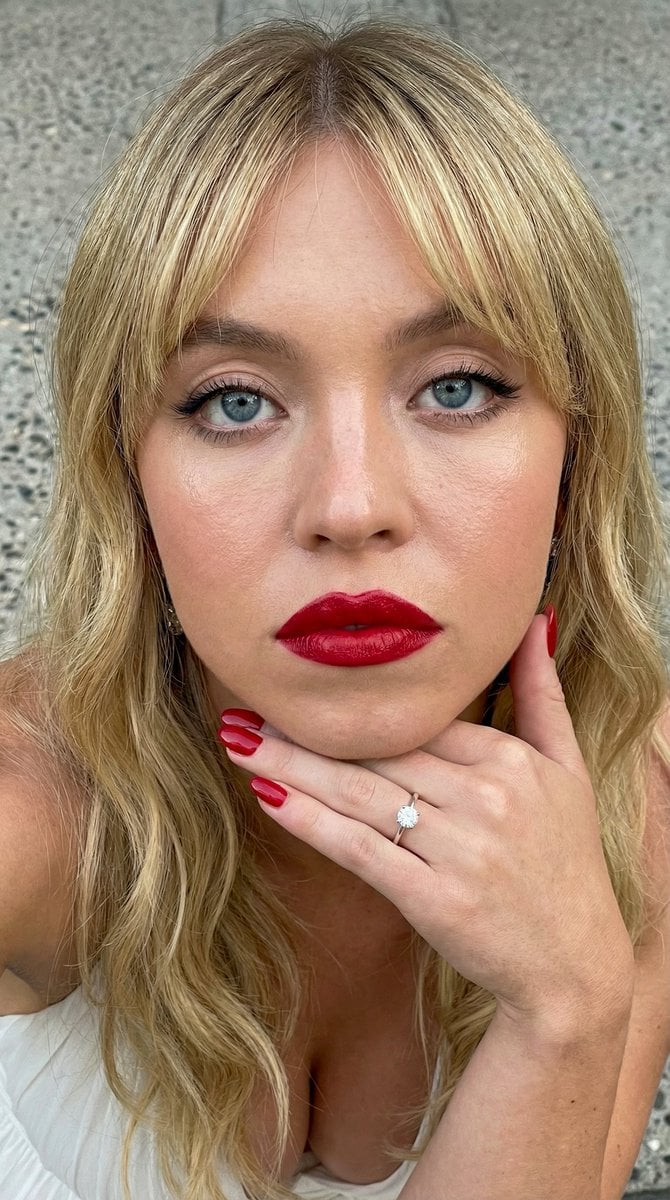
Close-up Portrait Prompt with Downward Gaze
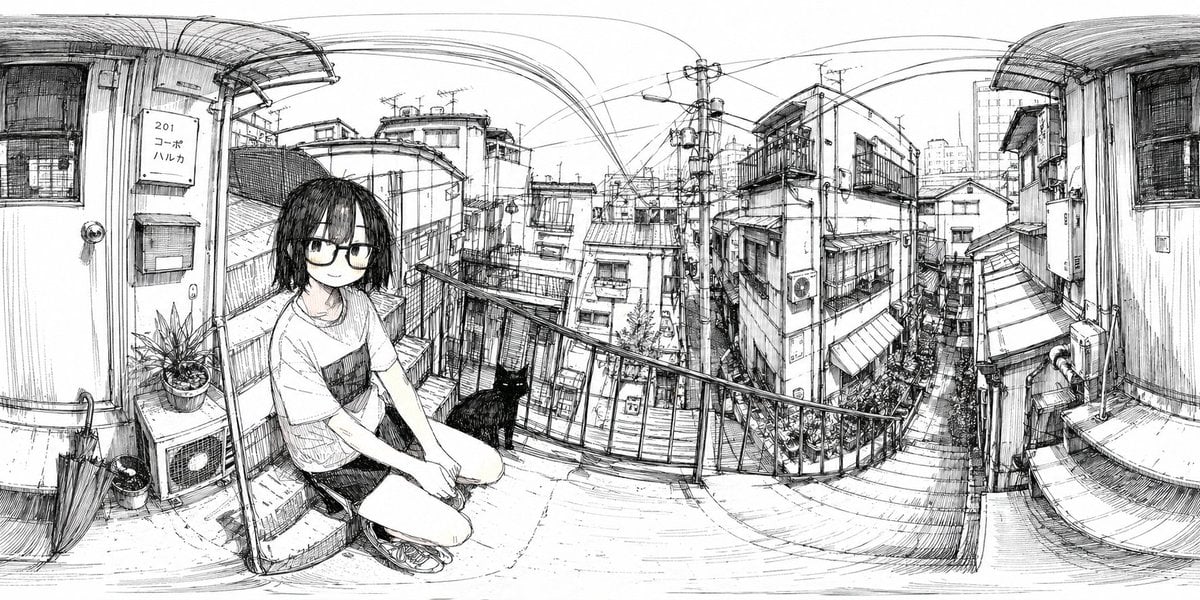
Ink 360 Panorama of Tokyo Backstreet
Floating Sky Castle Digital Art Poster Prompt

World Cup Trophy Reveal Perspective
Kaleidoscopic Food Diorama in Acrylic Box
Serene Western Girl in Tall Grass Portrait
Classroom Chalkboard Lesson
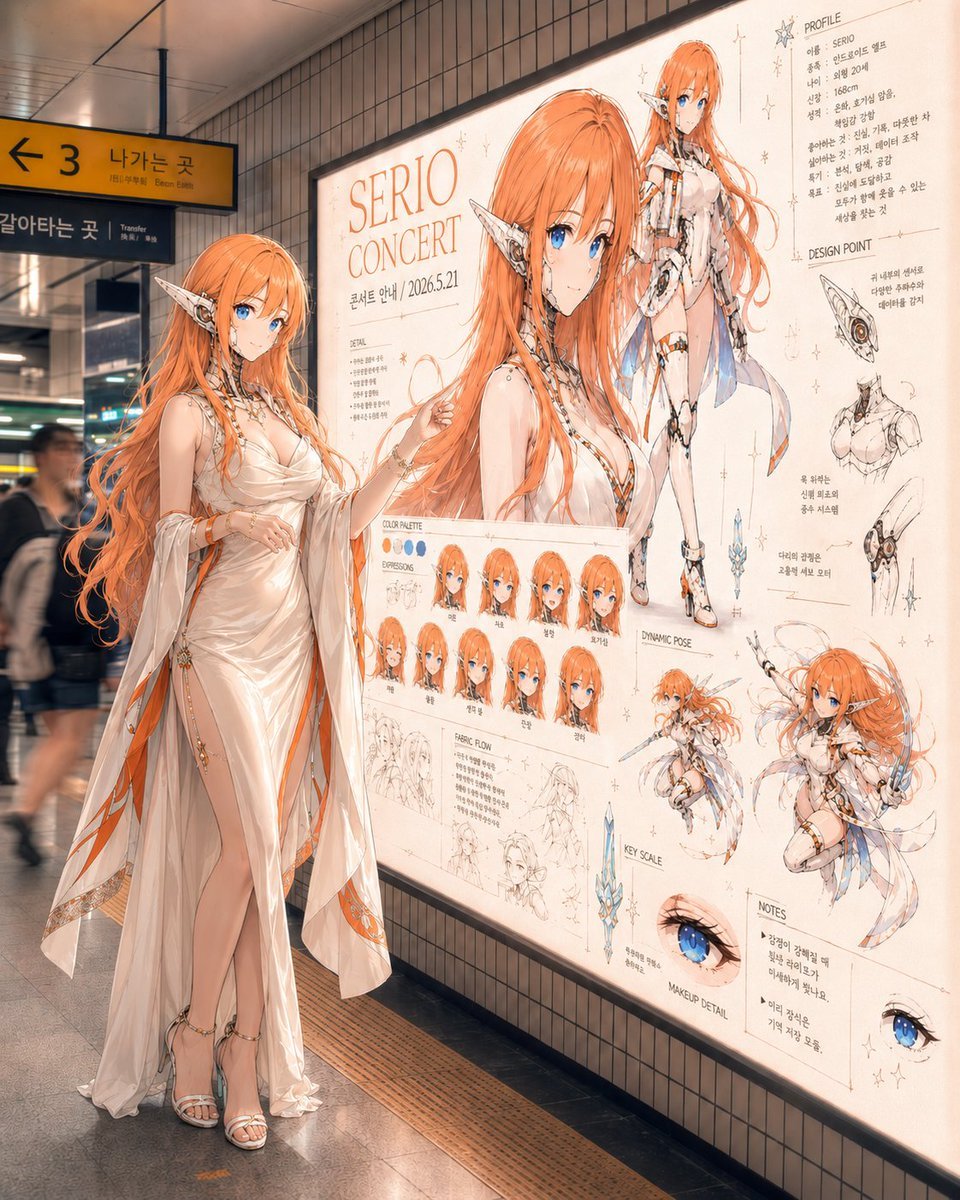
Elf Idol Subway Poster Scene
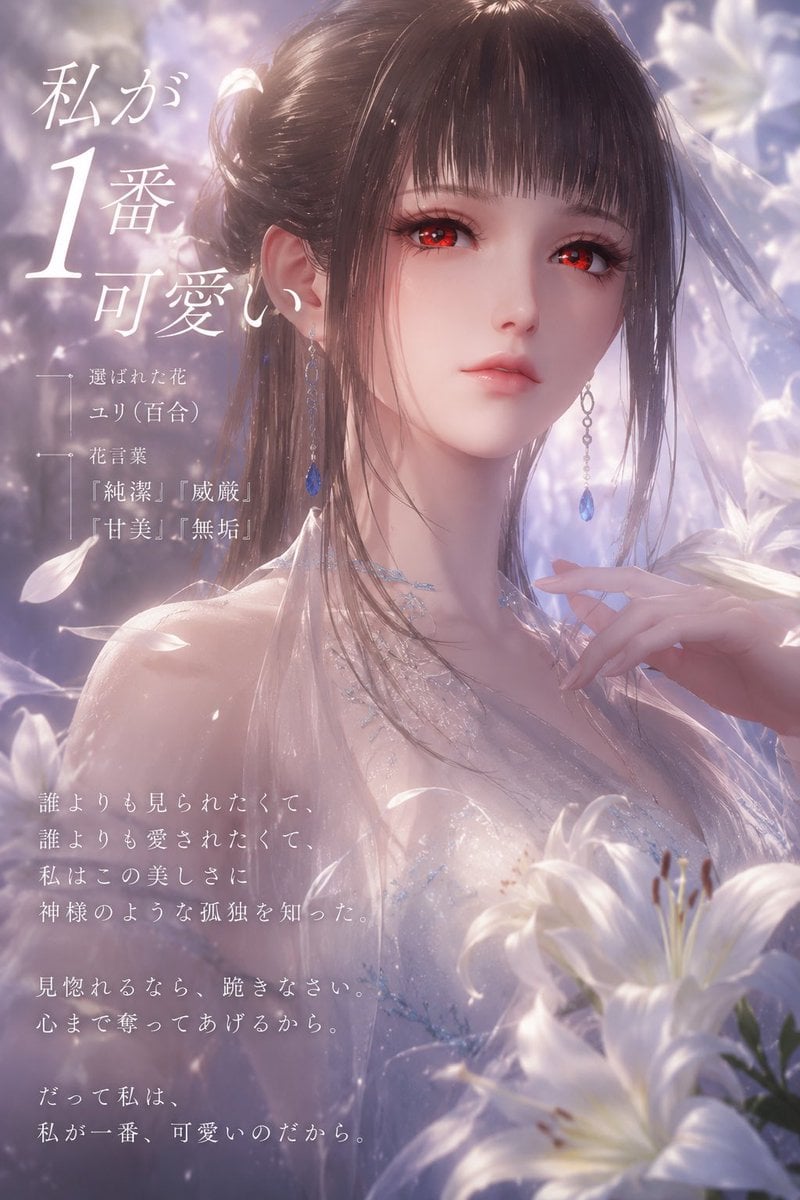
Dreamy Lily Flower-Language Poster

Social Media Profile News Broadcast Transformation
Browse template categories
Tang Lychee Courseware Cover questions
How do I use the Tang Lychee Courseware Cover template?
Add your photo if the template asks for one, edit the prompt if you like — the template's model and format are already selected — and press Generate. Your version opens in PicX Studio.
Can I customize the Tang Lychee Courseware Cover template?
Yes. You can change the subject, setting, lighting, mood, format, and available model controls before creating your image.
Is the Tang Lychee Courseware Cover template free?
Opening and editing this template is free. Generating uses credits, shown on the Generate button when you are signed in.
Which AI model should I use?
Start with GPT Image 2, which is the model associated with this template. You can compare another compatible model for a different finish.
Looking for something else? Browse all templates.

Your photo, any look
Thousands of ready templates for every top image and video model, from one credit balance.