
Glam Editorial Fashion Shoot with Rose Theme
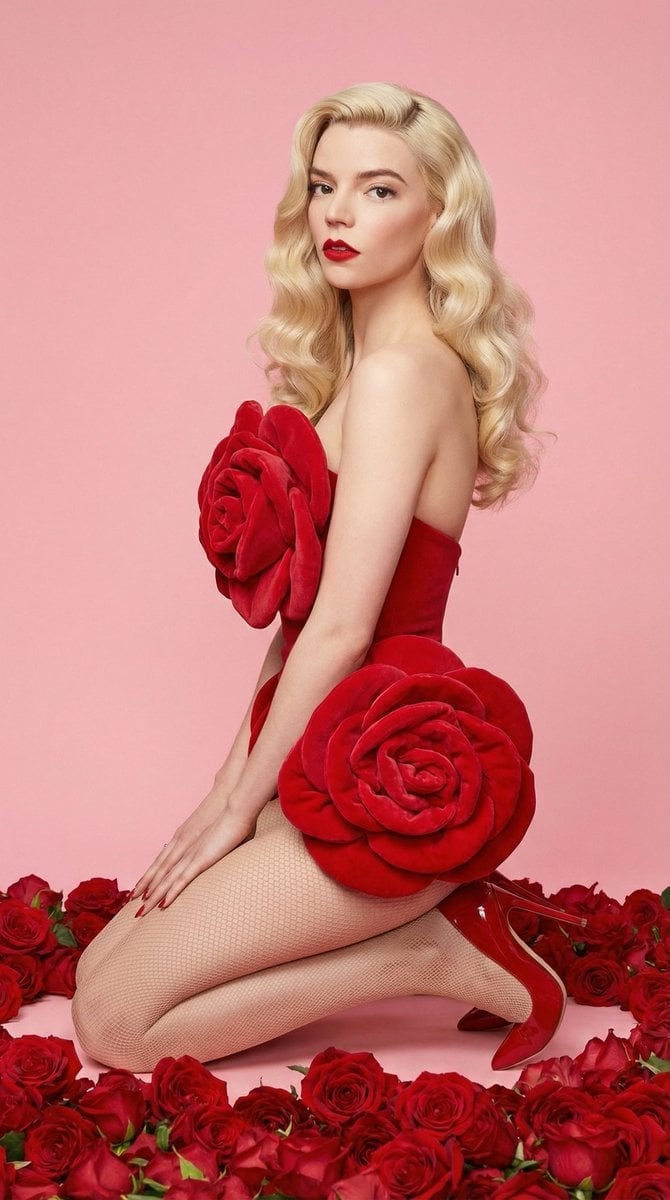
A highly structured prompt for generating a glam editorial fashion image featuring three subjects (Anya Taylor-Joy, Sydney Sweeney, and Hailee Steinfeld) in rose-inspired sculptural outfits, emphasizing vivid crimson…
- Prompt included
- Model and format preset
- Free template
The prompt behind this image
Copy the exact prompt behind Glam Editorial Fashion Shoot with Rose Theme, or open it in the studio and make it yours.
- Visual Style › Pose › Position
- Kneeling seated on heels
- Visual Style › Pose › Body Orientation
- Side profile torso with slight twist toward camera
- Visual Style › Pose › Spine Posture
- Upright with gentle curve
- Visual Style › Pose › Head Angle
- Turned toward camera (three-quarter view)
- Visual Style › Pose › Gaze
- Direct confident eye contact
- Visual Style › Pose › Arms
- Relaxed, hands resting on thighs
- Visual Style › Pose › Energy
- Stylized fashion editorial posture
- Visual Style › Colors › Primary Palette
- Vivid Crimson Red (floral elements), Soft Pastel Pink (background), Platinum Blonde (hair)
- Visual Style › Colors › Secondary Palette
- Warm natural skin tones, Neutral tan hosiery tones
- Visual Style › Colors › Contrast Profile
- High saturation reds contrasted with muted pink background
- Visual Style › Colors › Color Distribution › Dominant
- Red
- Visual Style › Colors › Color Distribution › Supporting
- Pink
- Visual Style › Colors › Color Distribution › Accent
- Blonde highlights
- Visual Style › Composition › Framing
- Vertical portrait
- Visual Style › Composition › Shot Type
- Medium-full body
- Visual Style › Composition › Subject Placement
- Centered
- Visual Style › Composition › Foreground
- Dense red floral layer
- Visual Style › Composition › Midground
- Subject
- Visual Style › Composition › Background
- Flat pastel studio backdrop
- Visual Style › Composition › Visual Lines
- S-curve silhouette guiding viewer focus upward
- Visual Style › Composition › Depth
- Three-layer depth separation
- Visual Style › Outfits › Garment Concept
- Rose-inspired sculptural fashion elements
- Visual Style › Outfits › Material Visual
- Soft textile or plush floral forms
- Visual Style › Outfits › Legwear
- Fine mesh tights
Raw JSON
{
  "visual_style": {
    "pose": {
      "position": "Kneeling seated on heels",
      "body_orientation": "Side profile torso with slight twist toward camera",
      "spine_posture": "Upright with gentle curve",
      "head_angle": "Turned toward camera (three-quarter view)",
      "gaze": "Direct confident eye contact",
      "arms": "Relaxed, hands resting on thighs",
      "energy": "Stylized fashion editorial posture"
    },
    "colors": {
      "primary_palette": [
        "Vivid Crimson Red (floral elements)",
        "Soft Pastel Pink (background)",
        "Platinum Blonde (hair)"
      ],
      "secondary_palette": [
        "Warm natural skin tones",
        "Neutral tan hosiery tones"
      ],
      "contrast_profile": "High saturation reds contrasted with muted pink background",
      "color_distribution": {
        "dominant": "Red",
        "supporting": "Pink",
        "accent": "Blonde highlights"
      }
    },
    "composition": {
      "framing": "Vertical portrait",
      "shot_type": "Medium-full body",
      "subject_placement": "Centered",
      "foreground": "Dense red floral layer",
      "midground": "Subject",
      "background": "Flat pastel studio backdrop",
      "visual_lines": "S-curve silhouette guiding viewer focus upward",
      "depth": "Three-layer depth separation"
    },
    "outfits": {
      "garment_concept": "Rose-inspired sculptural fashion elements",
      "material_visual": "Soft textile or plush floral forms",
      "legwear": "Fine mesh tights",
      "footwear": "Gloss red pointed-toe heels",
      "hair": {
        "style": "Old Hollywood waves",
        "volume": "High",
        "tone": "Platinum blonde"
      },
      "makeup": {
        "lip_color": "Matte vivid red",
        "eyes": "Defined liner and lashes",
        "skin_finish": "Smooth glam contour"
      }
    },
    "lighting": {
      "type": "Studio soft diffused lighting",
      "direction": "Frontal key with slight side shaping",
      "shadow_profile": "Minimal harsh shadows",
      "highlight_behavior": "Even skin illumination",
      "environment_reflection": "Matte backdrop light absorption"
    },
    "effects": {
      "post_processing": [
        "High red saturation",
        "Soft glam skin smoothing",
        "Clean digital polish"
      ],
      "texture_emphasis": [
        "Floral softness",
        "Smooth skin rendering",
        "Matte backdrop"
      ],
      "aesthetic": [
        "Glam editorial",
        "Romantic studio fashion",
        "Vintage Hollywood influence"
      ]
    }
  }
}How to use Glam Editorial Fashion Shoot with Rose Theme in 3 steps
- 1
Open
The prompt is already in the box next to the preview, with the template's model and format selected.
- 2…a portrait of your subject in softgolden-hour light, 85mm…
Personalize
Edit the subject and creative details for your destination.
- 3Generate
Generate
Press Generate — your image is created in PicX Studio, so you can compare it with the original and refine one variable at a time.
More like this
Templates with the same subject, style or setup. Open one to see its prompt.

Blue Backdrop Luxury Fashion Portrait Campaign

Premium Editorial Branding Poster Charcoal Green

Typography Mask Editorial Fashion Poster

Luxury Black-and-White Fashion Contact Sheet
Red Rose Glamour Fashion Editorial

untitled

Google Gemini Nano Banana Pro

Conceptual Fashion Portrait in Spider We

01 Skincare Split Portrait — Nano Banana 2

24 The Getty Center — California Series

21 Glass Floor Skyscraper — California Series

19 Luxury Helicopter Travel — California Series
Make it yours
Glam Editorial Fashion Shoot with Rose Theme works as-is. These are the safest ways to change it without losing the look.
Swap the setting
Keep the rest of the prompt and replace the location block. The current setting is “Flat pastel studio backdrop”.
Swap the light
One lighting change is enough to compare takes. Current light: “Studio soft diffused lighting”.
Change one field
Copy a single group, rewrite it, and generate again so you can see what that field is doing.
| If the result… | Why | Fix |
|---|---|---|
| The result drifts from the preview | Too many fields changed at once. | Reuse Glam Editorial Fashion Shoot with Rose Theme as-is first, then change one group — subject, light, or setting. |
| Nano Banana 2 ignores part of the JSON | Some models flatten or skip nested keys. | Keep the same values and paste them as a short paragraph instead. |
More Nano Banana 2 templates
Other prompts made for Nano Banana 2.

Photorealistic Leaf Shaped Like a Dragon

K-Pop Idol Portrait Grid for Rapid Selection

Poetic Rain Forest Portrait During Golden Hour

Urban Street Portrait with Cartoon Inner Self Duo

Candid Nighttime Photo with Cat Prompt

High-Concept 3D Diorama Generation Prompt

Cinematic Futuristic Studio Portrait Template

Skincare Editorial Photography Collage Prompt

Hyper-Realistic Commercial Product Photography (Splash Effect)

Hyper-Realistic Nightclub Portrait Prompt
More image prompts
Fresh picks from across the catalog.
Coastal Reinforced Concrete Salt Damage
Cyber-Pop E-Girl in Neon Arcade
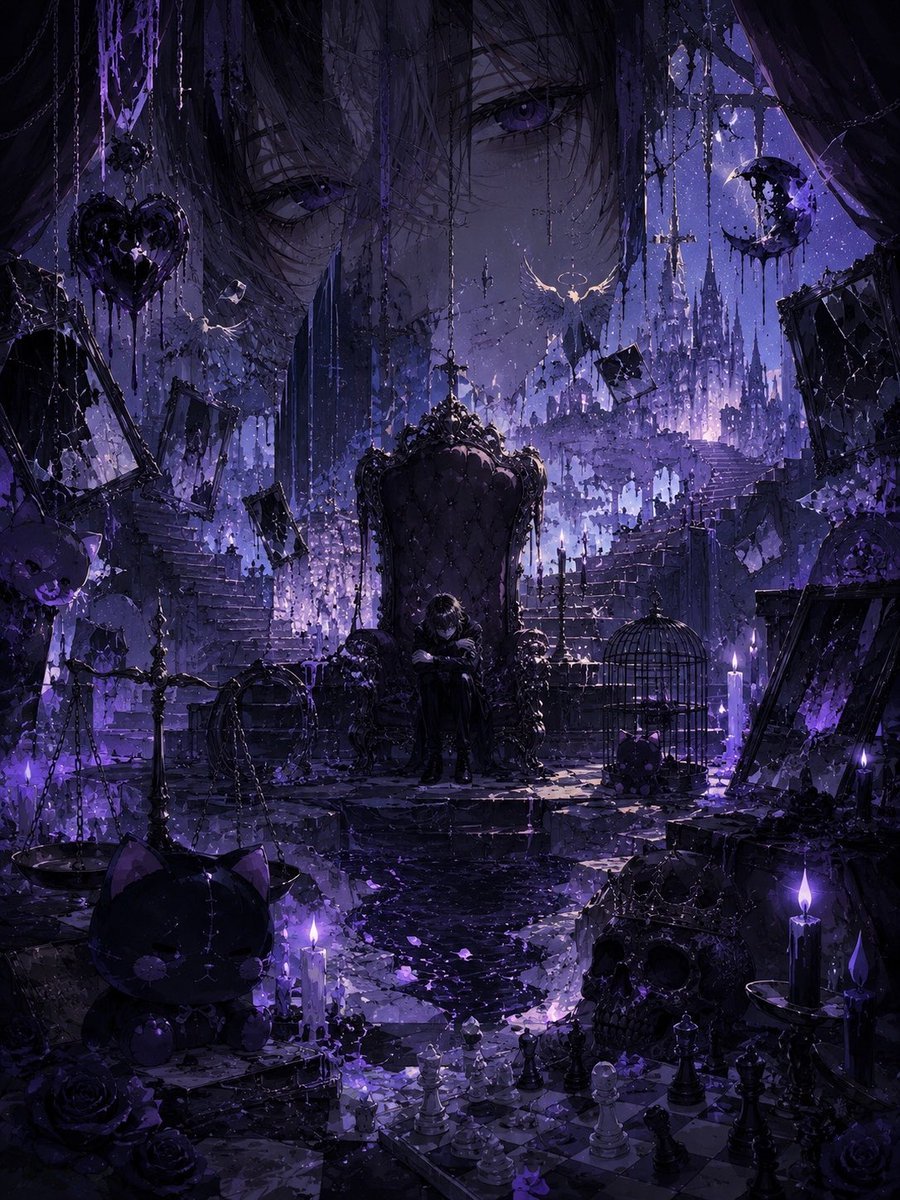
Gothic Violet Throne Fantasy
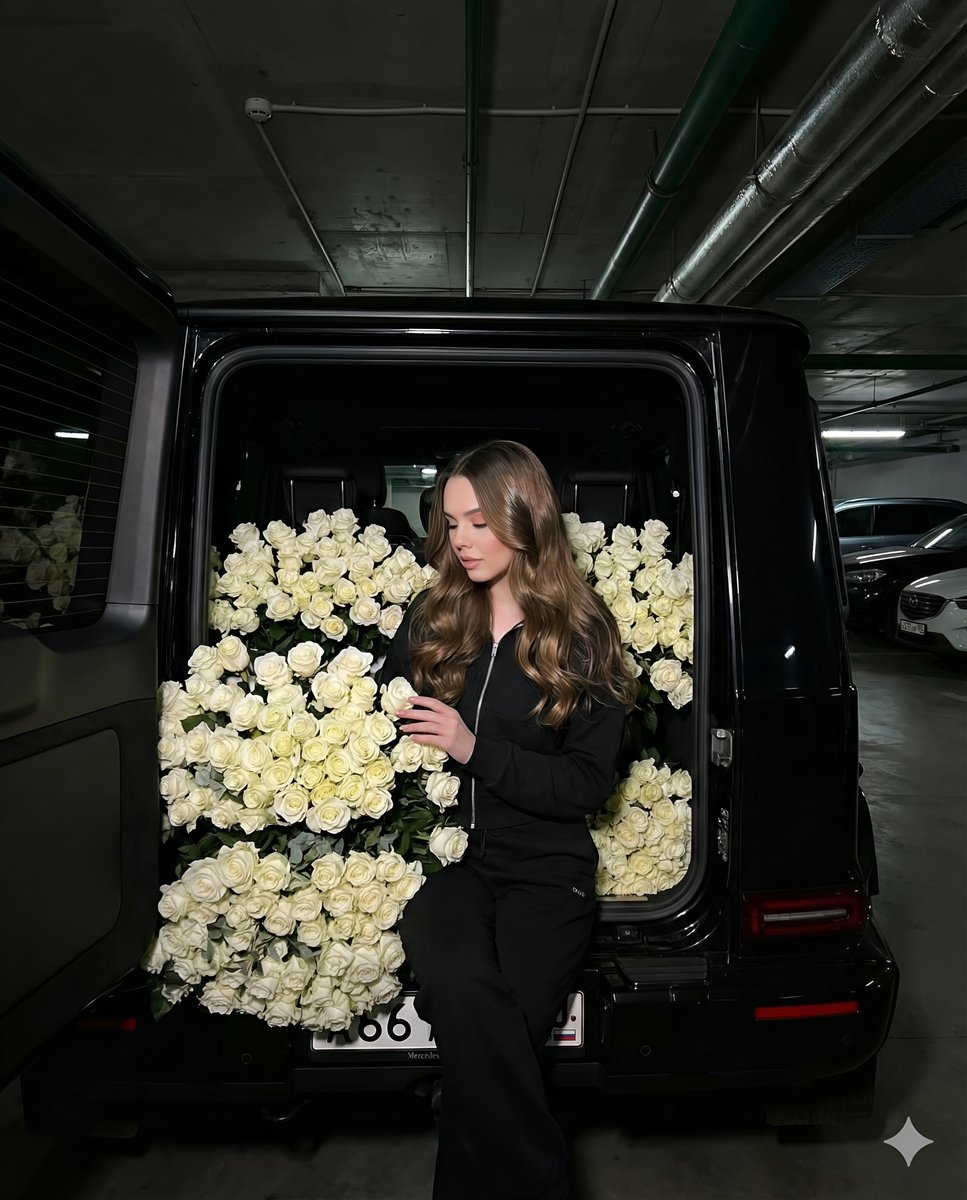
Fashion Shoot in a Car Trunk Filled with White Roses
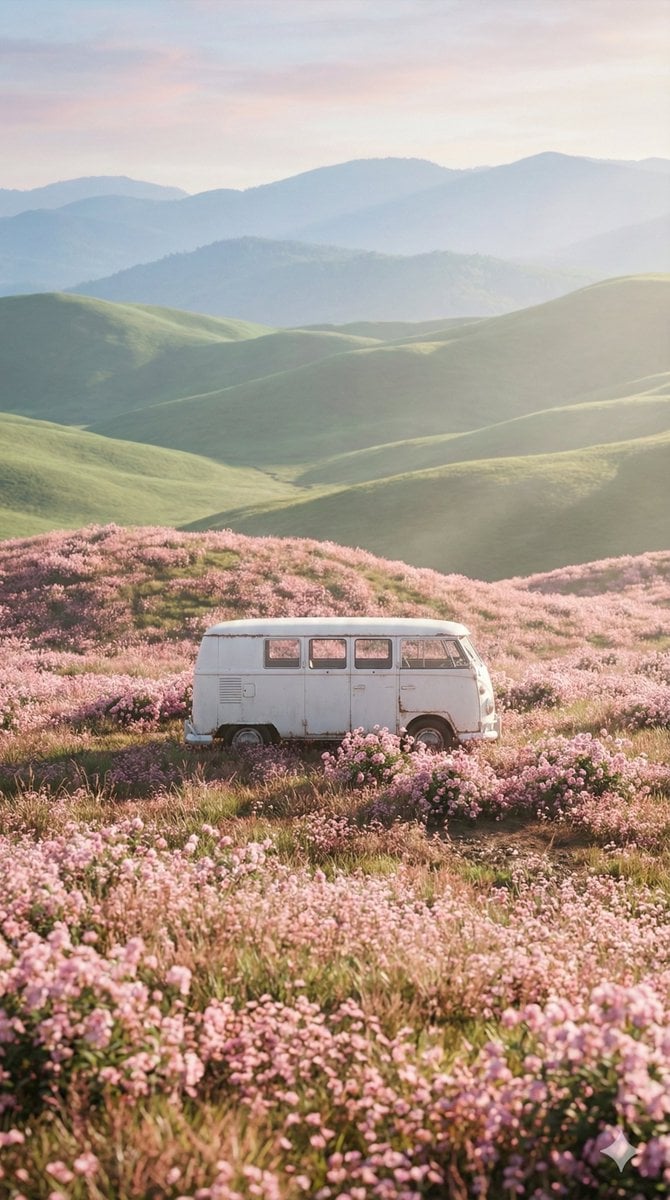
Cinematic Landscape of Minimalist Van in Pink Flower Fields
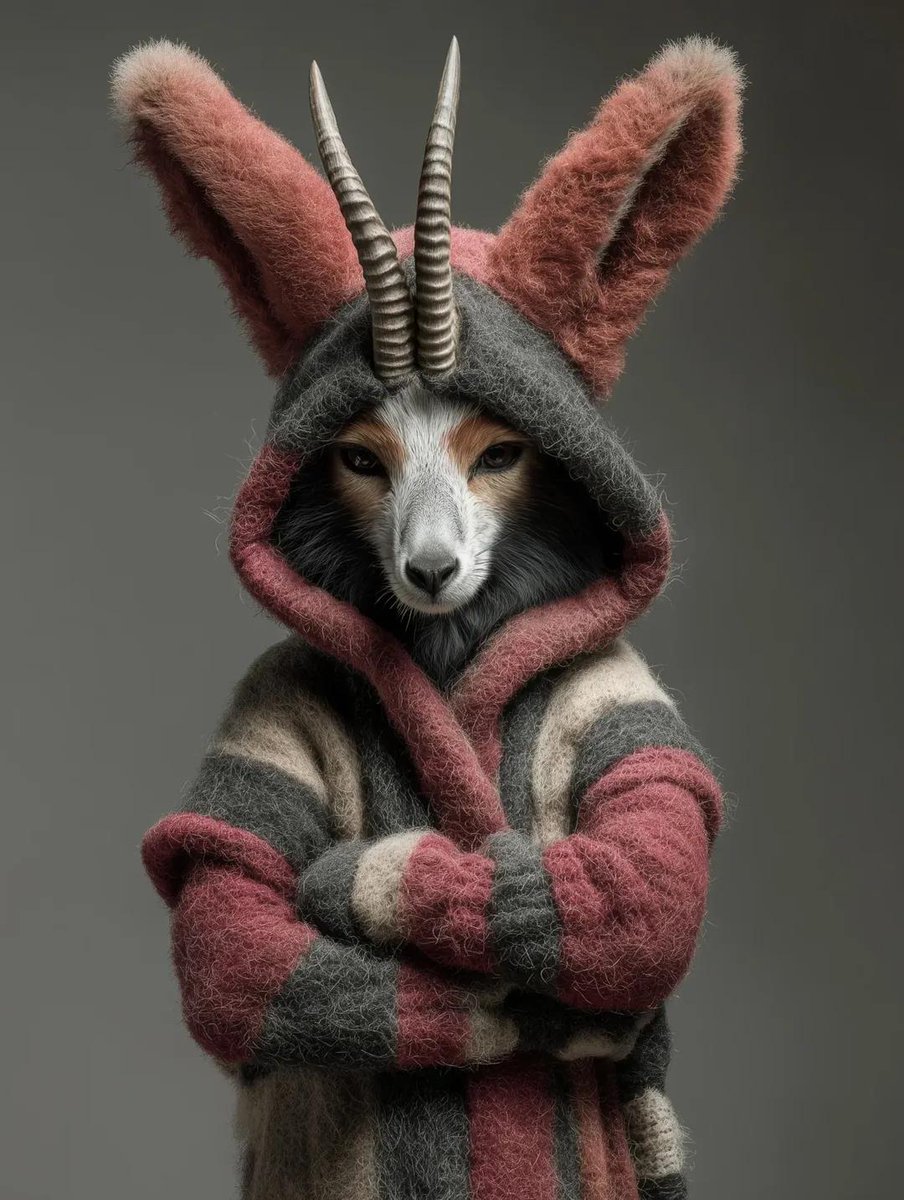
Generic Ultra-Realistic 8K Cinematic Photograph Template
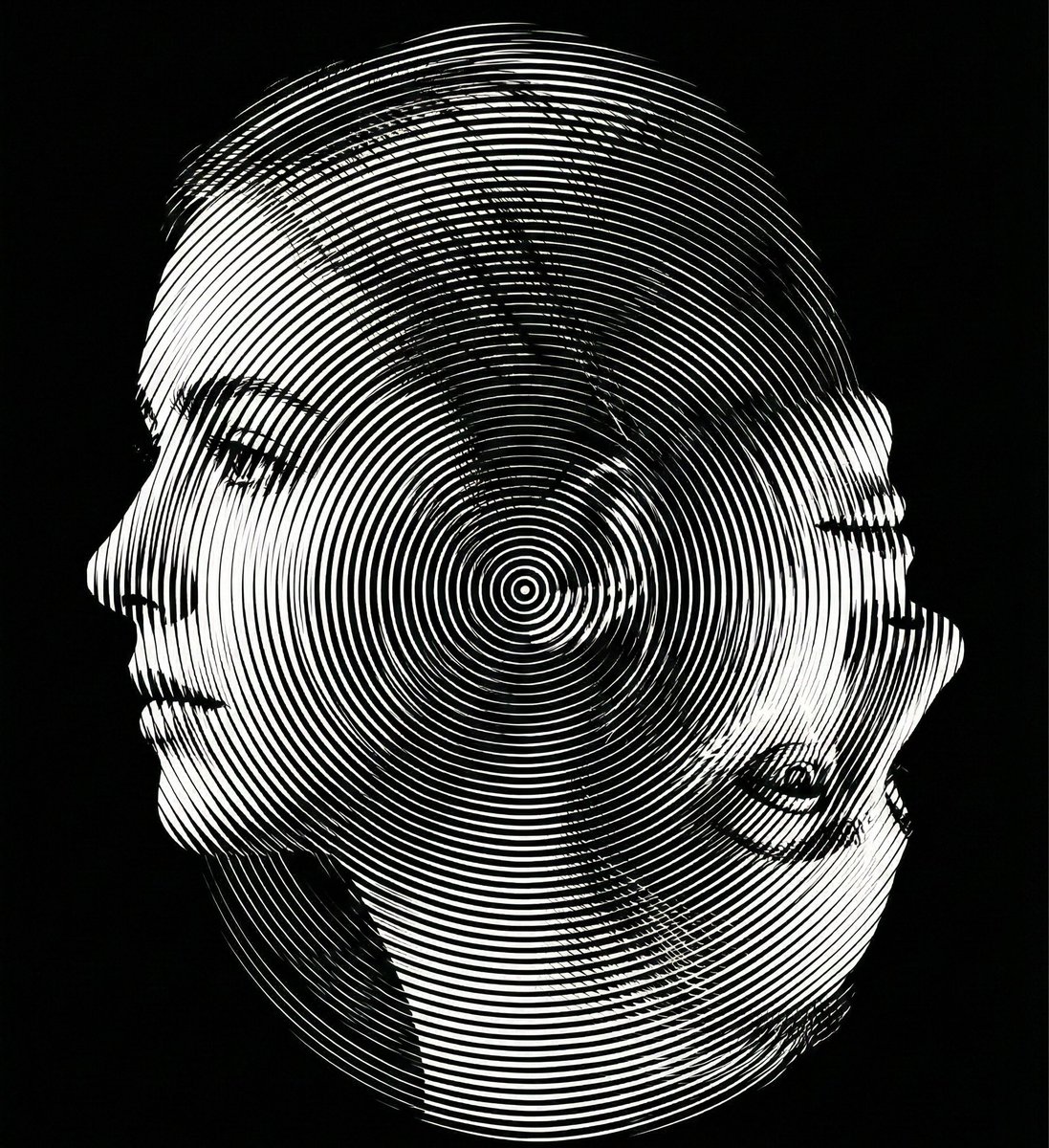
Dual-Orientation Optical Illusion Portrait
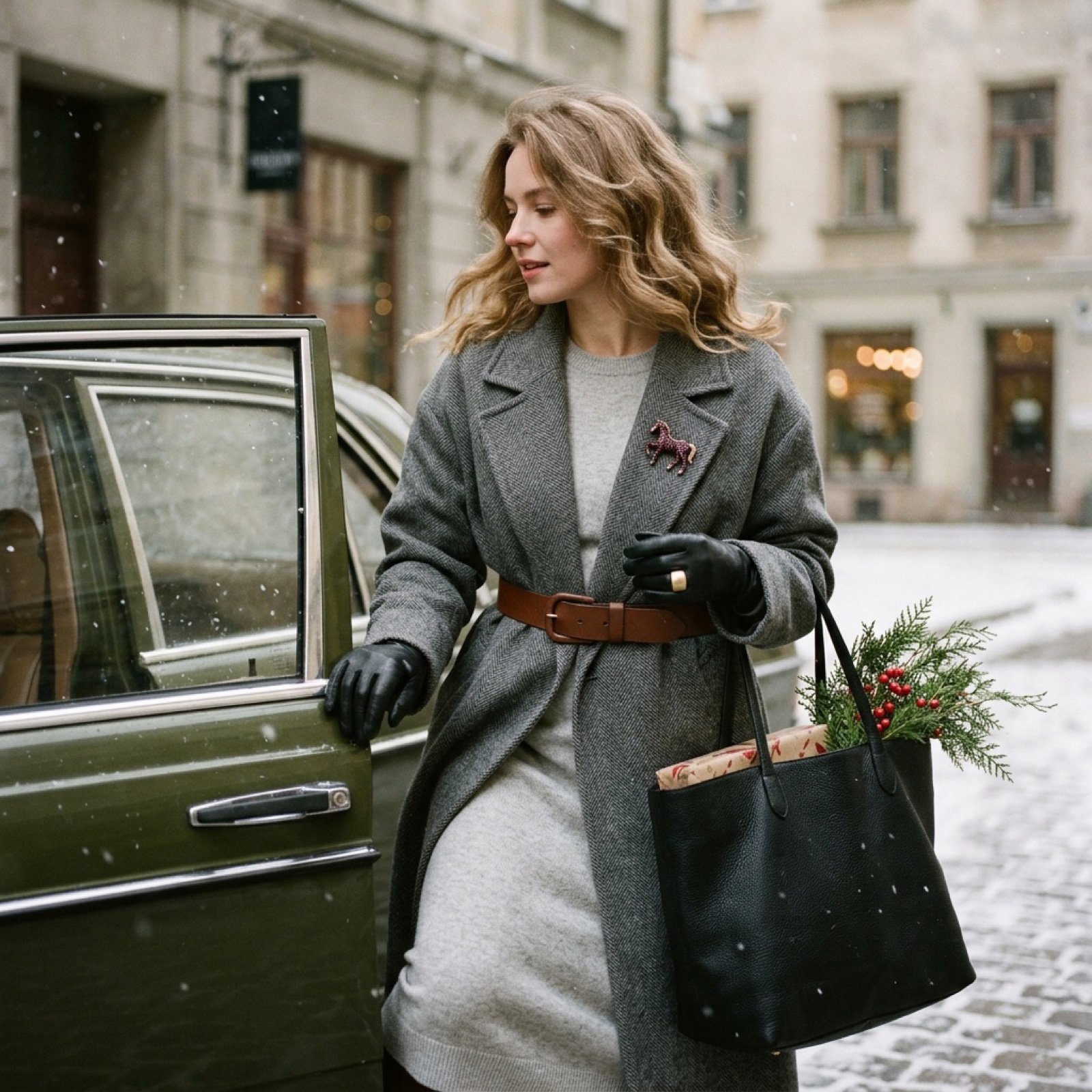
Nostalgic Winter Street Fashion Editorial Prompt
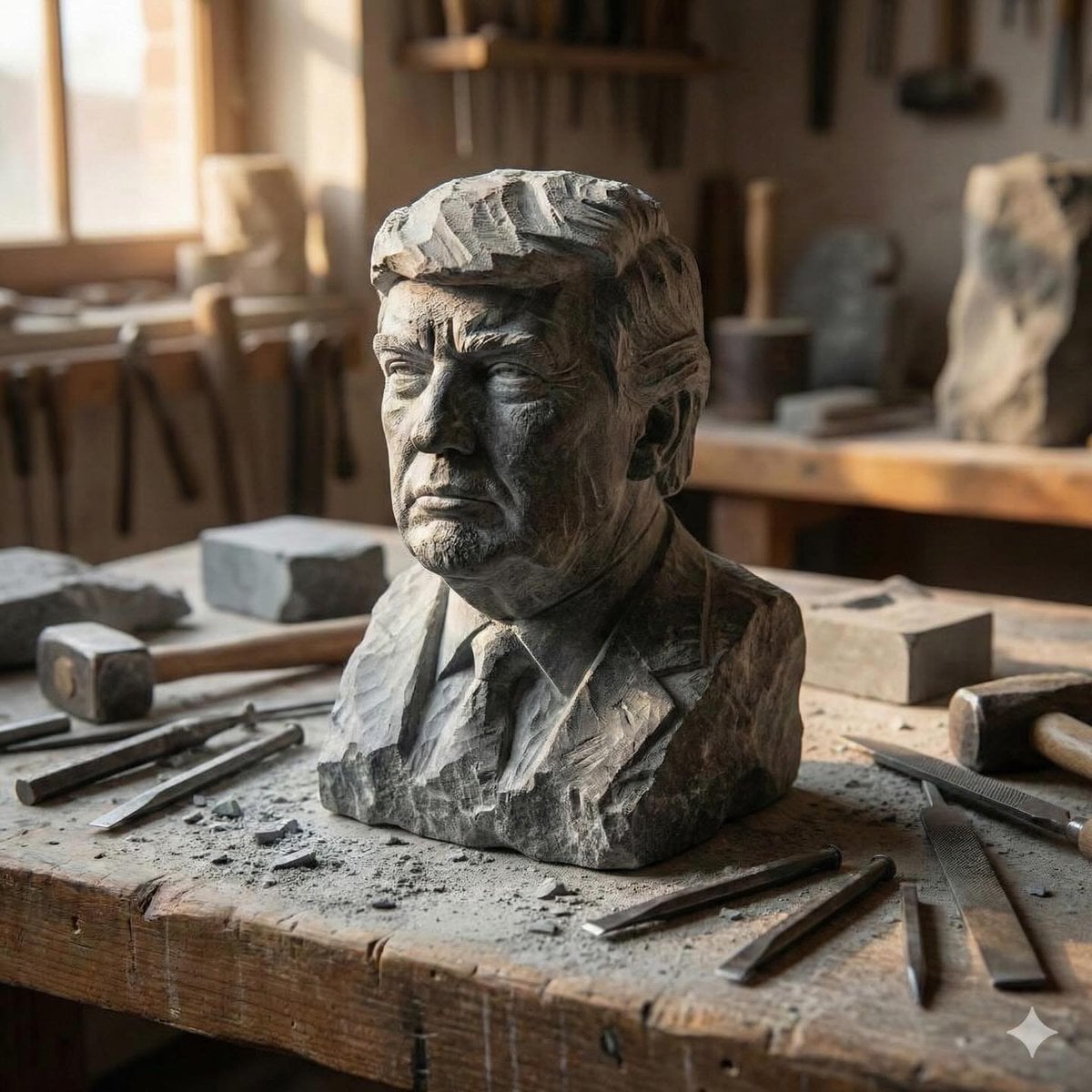
Stone-carved statue on a sculptor's workbench prompt
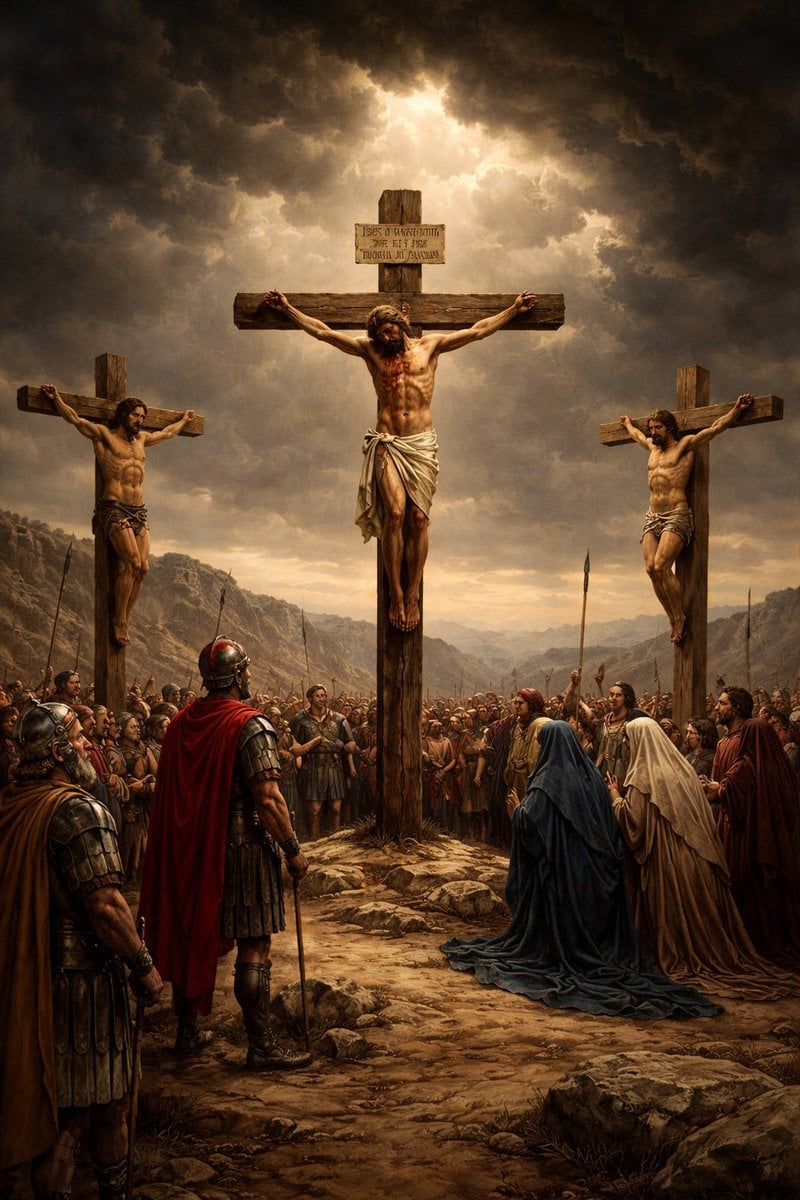
Geospatial and Temporal Image Generation Prompt
Browse template categories
Glam Editorial Fashion Shoot with Rose Theme questions
How do I use the Glam Editorial Fashion Shoot with Rose Theme template?
Add your photo if the template asks for one, edit the prompt if you like — the template's model and format are already selected — and press Generate. Your version opens in PicX Studio.
Can I customize the Glam Editorial Fashion Shoot with Rose Theme template?
Yes. You can change the subject, setting, lighting, mood, format, and available model controls before creating your image.
Is the Glam Editorial Fashion Shoot with Rose Theme template free?
Opening and editing this template is free. Generating uses credits, shown on the Generate button when you are signed in.
Which AI model should I use?
Start with Nano Banana 2, which is the model associated with this template. You can compare another compatible model for a different finish.
Looking for something else? Browse all templates.

Your photo, any look
Thousands of ready templates for every top image and video model, from one credit balance.