How do I use the Noir Gold Cinematic Portrait Poster template?
Choose the primary action to open PicX Studio with the available template settings. Review the model and format, personalize the creative direction, and generate when ready.
A prompt for Google Nano Banana Pro to create an ultra-realistic cinematic portrait poster in a noir gold style, featuring a confident man with dramatic studio lighting and large metallic gold typography in the background. Change the subject, setting, or lighting one variable at a time.

ultra realistic cinematic portrait poster of a confident man using the attached face image as reference, centered headshot with shoulders visible and a calm powerful expression. Use dramatic studio lighting with a soft key light and subtle rim lighting for depth and contrast. The background should be dark matte black or charcoal with a luxury cinematic feel. Place very large tall condensed vertical typography behind the subject in the same stretched style as the reference image, partially hidden by the subject, with the text placeholder “[{argument name="title text" default="INSERT TITLE TEXT HERE"}]”. The typography should be metallic gold with a subtle foil shine. Dress the subject in a refined masculine outfit such as a black tailored suit or elegant modern sherwani. Style the image as a classy luxury editorial poster with deep black and gold tones, ultra realistic skin detail, shallow depth of field, cinematic color grading, and high resolution professional photography
Choose the primary action to open PicX Studio with the available template settings. Review the model and format, personalize the creative direction, and generate when ready.
Yes. You can change the subject, setting, lighting, mood, format, and available model controls before creating your image.
This template is free to open and customize. Generation usage is shown in PicX Studio before you create.
Start with Nano Banana 2, which is the model associated with this template. You can compare another compatible model for a different finish.
Follow a topic to a crawlable collection of related PicX Studio templates.
43,474 public templates available. Verified via the PicX Studio public templates API; refreshed hourly.
Prompt stories that include this template.


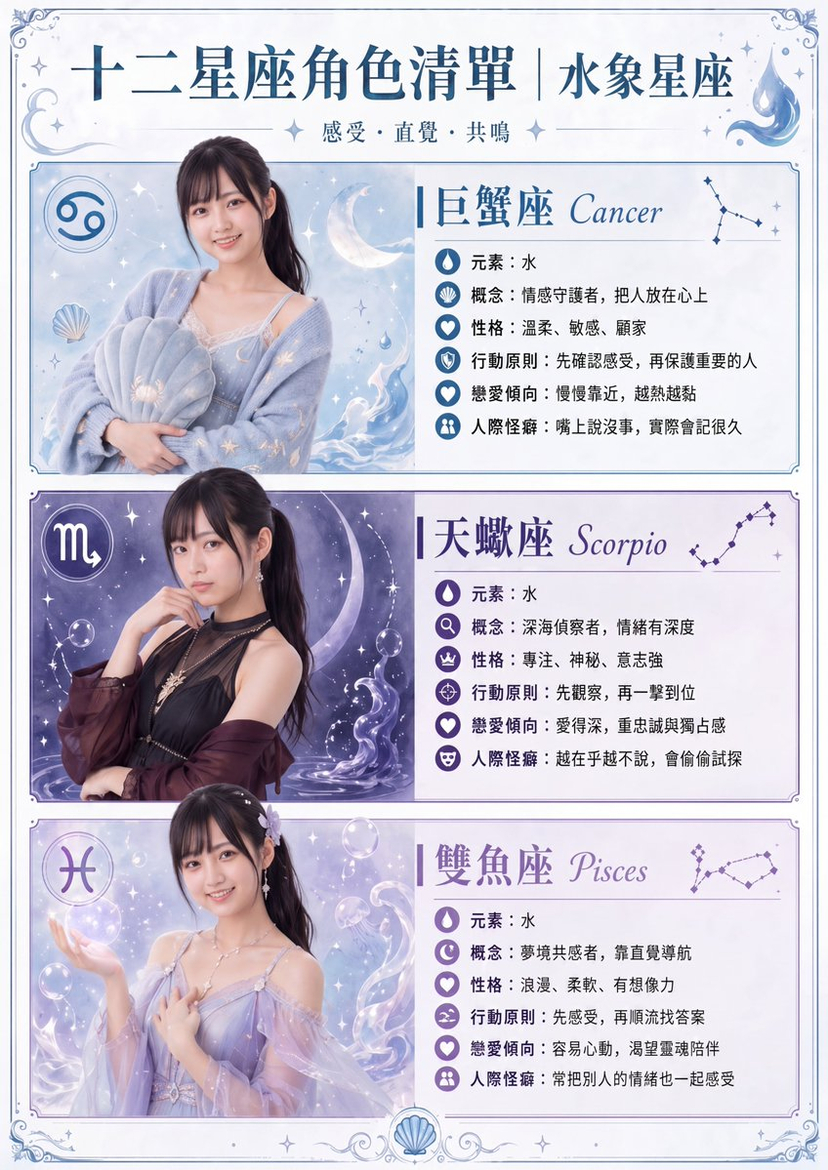



![118-google-nano-banana-pro-skincare-product- — A professional skincare shot of a [product container] with [cap/lid], labeled [brand, product, descriptor, volume](/_next/image?url=https%3A%2F%2Fcdn.picxstudio.com%2Fuploads%2Fpost118_img0_332898b8-29ea-42a9-87ab-9ed746a3f944.jpg&w=828&q=100)



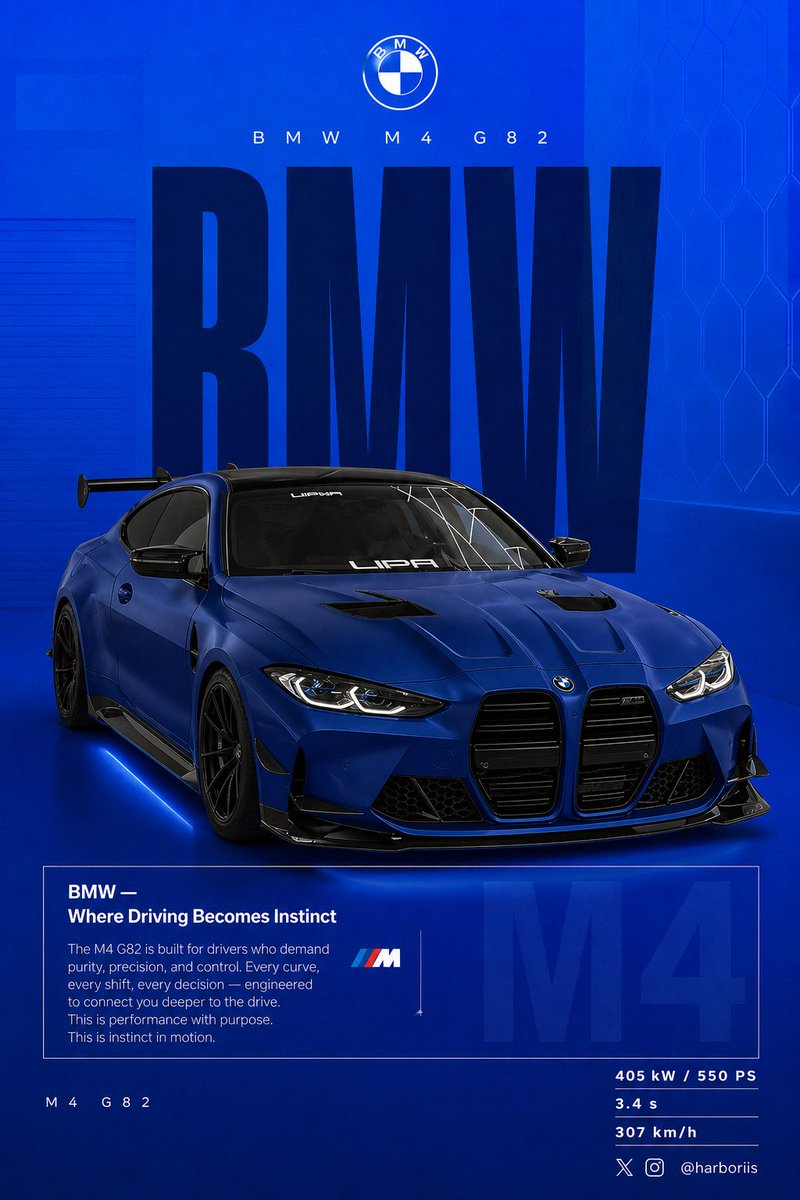





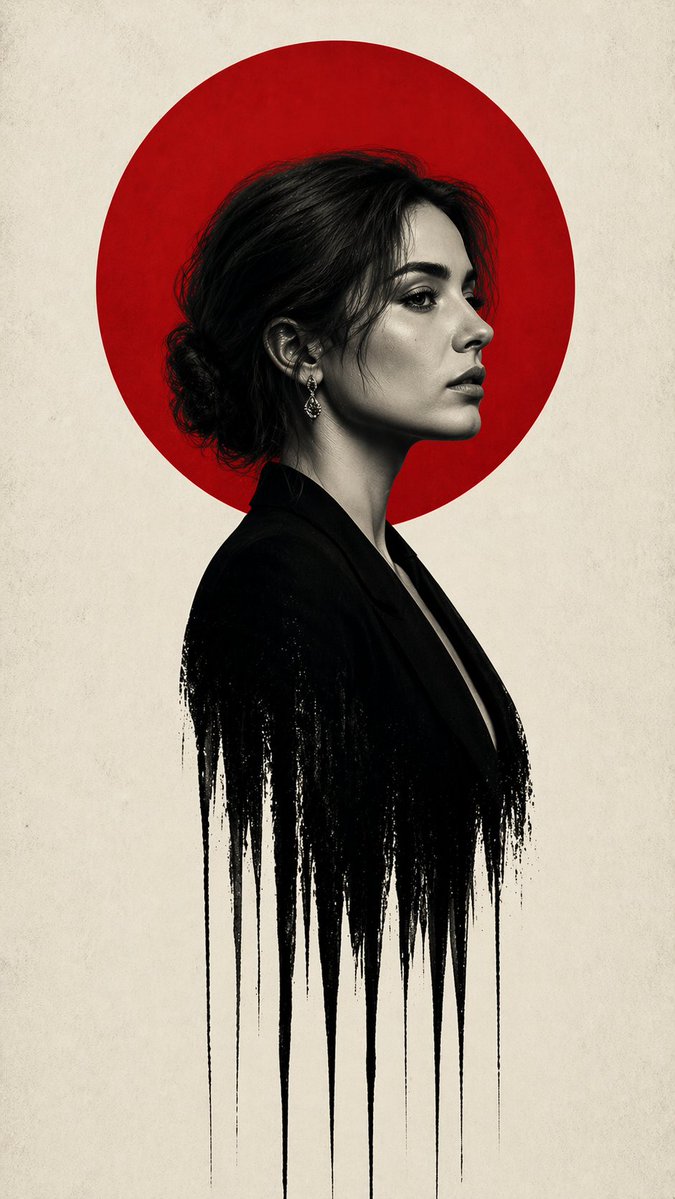

![69-untitled — FORMAT: 15s / 145 BPM / 14 SHOTS
SUBJECT: @[image1]
WARDROBE: Clean modern outfit
ENVIRONMENT: Street / indoor transitions
MOOD: Discovery → contr](/_next/image?url=https%3A%2F%2Fcdn.picxstudio.com%2Fuploads%2Fpost69_img0_d45faecf-38c3-4bcb-81a4-f6eb1cf42bb2.jpg&w=828&q=100)




![Naive doodle-style subject illustration — A doodle-style {argument name="subject" default="[subject]"}, naive lines, humorous shape exaggeration](https://pbs.twimg.com/media/G6Wl2YxbsAARB2b.jpg)











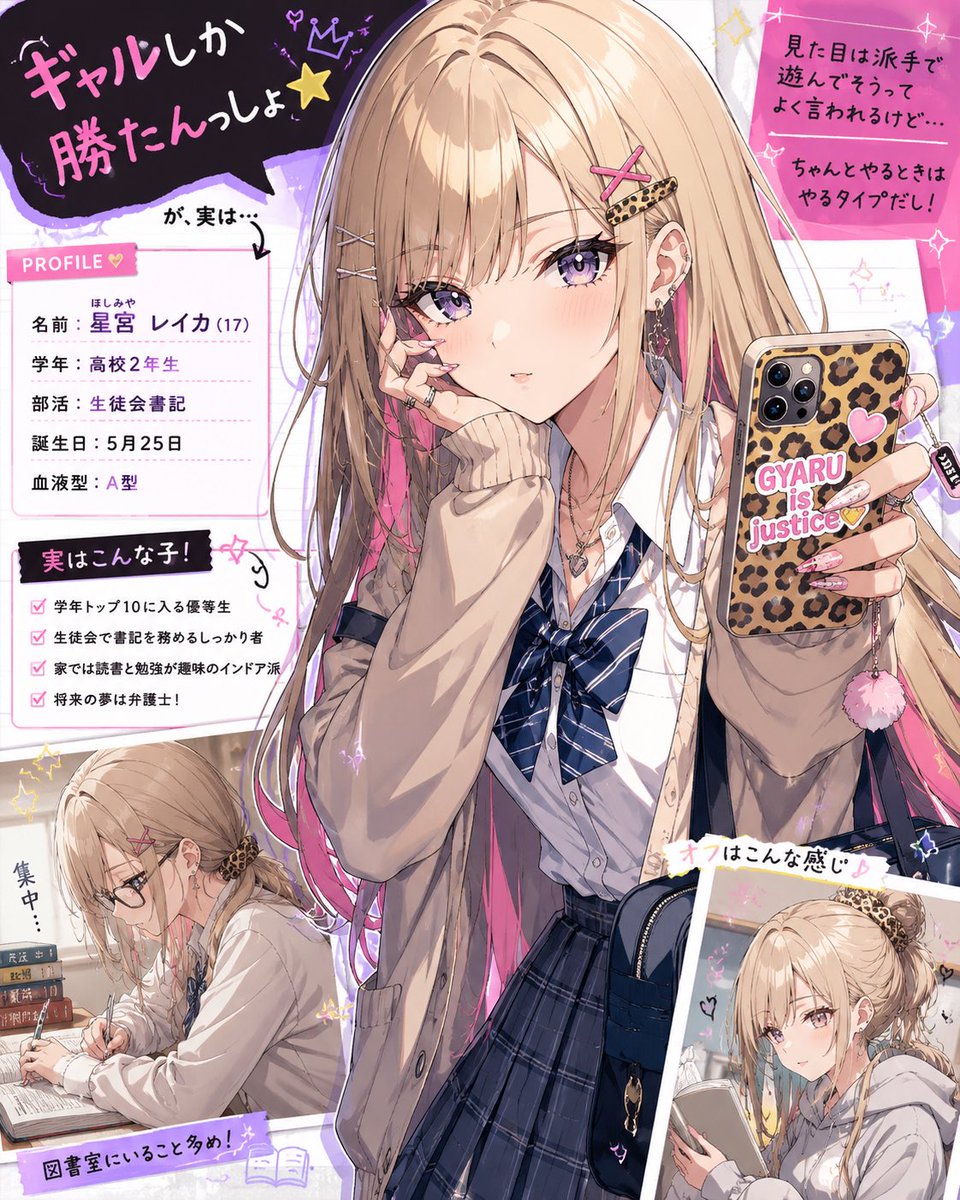







![Oil-on-Water Logo Design Prompt — The {argument name="Brand Name" default="[Brand Name]"} logo inspired by oil-on-water macro photogra…](https://pbs.twimg.com/media/G9WEGzXacAAW7Ph.jpg)