
Jellyfish Torso Figure Poster
Creates a vertical Japanese gachapon-style catalog poster featuring three miniature torso figure outfit variants based on a reference character fashion concept.
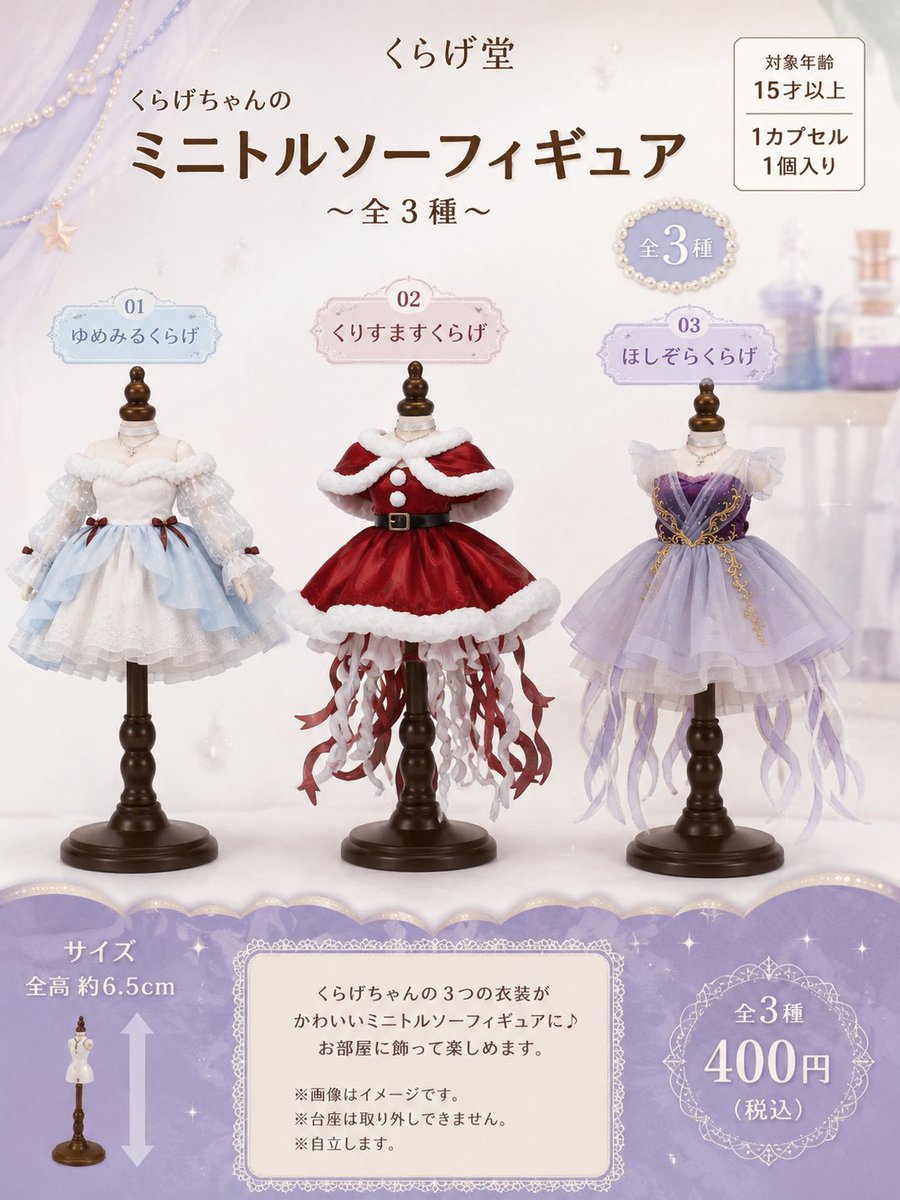
- Prompt included
- Model and format preset
- Free template
The prompt behind this image
Copy the exact prompt behind Jellyfish Torso Figure Poster, or open it in the studio and make it yours.
Using the provided reference image as the product concept and visual style, redesign it as a vertical gachapon-style promotional poster for miniature torso figures. Keep the cute jellyfish-themed fashion-doll merchandise feeling, but change the composition into a soft lavender-and-cream catalog layout with a dreamy bedroom/cosmetic-shelf background, pearl and lace decorations, and three torso figures displayed across the center on dark wooden mannequin stands. Create exactly 3 miniature torso figures, each with a numbered name label above it: 1. 「01 ゆめみるくらげ」 — a pale white-and-light-blue fluffy dress based on the existing soft white jellyfish outfit from the reference. 2. 「02 くりすますくらげ」 — a new red Christmas-themed jellyfish dress with white fur trim, capelet, black belt, and red-and-white ribbon tentacles. 3. 「03 ほしぞらくらげ」 — a new lavender-and-purple starry jellyfish dress with translucent sleeves, gold decorative chains, layered skirt, and long pale purple ribbon tentacles. Top header: Use the brand text {argument name="brand name" default="くらげ堂"}, the main title {argument name="headline text" default="くらげちゃんの ミニトルソーフィギュア"}, and the subtitle {argument name="subtitle text" default="~全3種~"}. Add a small boxed notice in the upper right with Japanese capsule-toy information: 「対象年齢 15才以上」「1カプセル 1個入り」. Add a small pearl-framed badge reading 「全3種」. Bottom section: Add a wide lavender scalloped information band. On the left, show the size note 「サイズ 全高 約6.5cm」 with a tiny standing mannequin icon and vertical arrow. In the center, place a lace-framed text box explaining the product in Japanese: 「くらげちゃんの3つの衣装が かわいいミニトルソーフィギュアに♪ お部屋に飾って楽しめます。」 followed by three small notes: 「※画像はイメージです。」「※台座は取り外しできません。」「※自立します。」 On the right, add an ornate circular price badge with {argument name="price text" default="全3種 400円(税込)"}. Style constraints: photorealistic miniature collectible figures, delicate translucent fabrics, soft pastel lighting, polished catalog photography, high-end Japanese capsule-toy flyer design. Preserve the torso-figure concept and jellyfish fashion motif from the reference, but use this new vertical poster layout and the three specified outfit variants. Do not add extra figures, extra outfit labels, watermarks, or unrelated text.
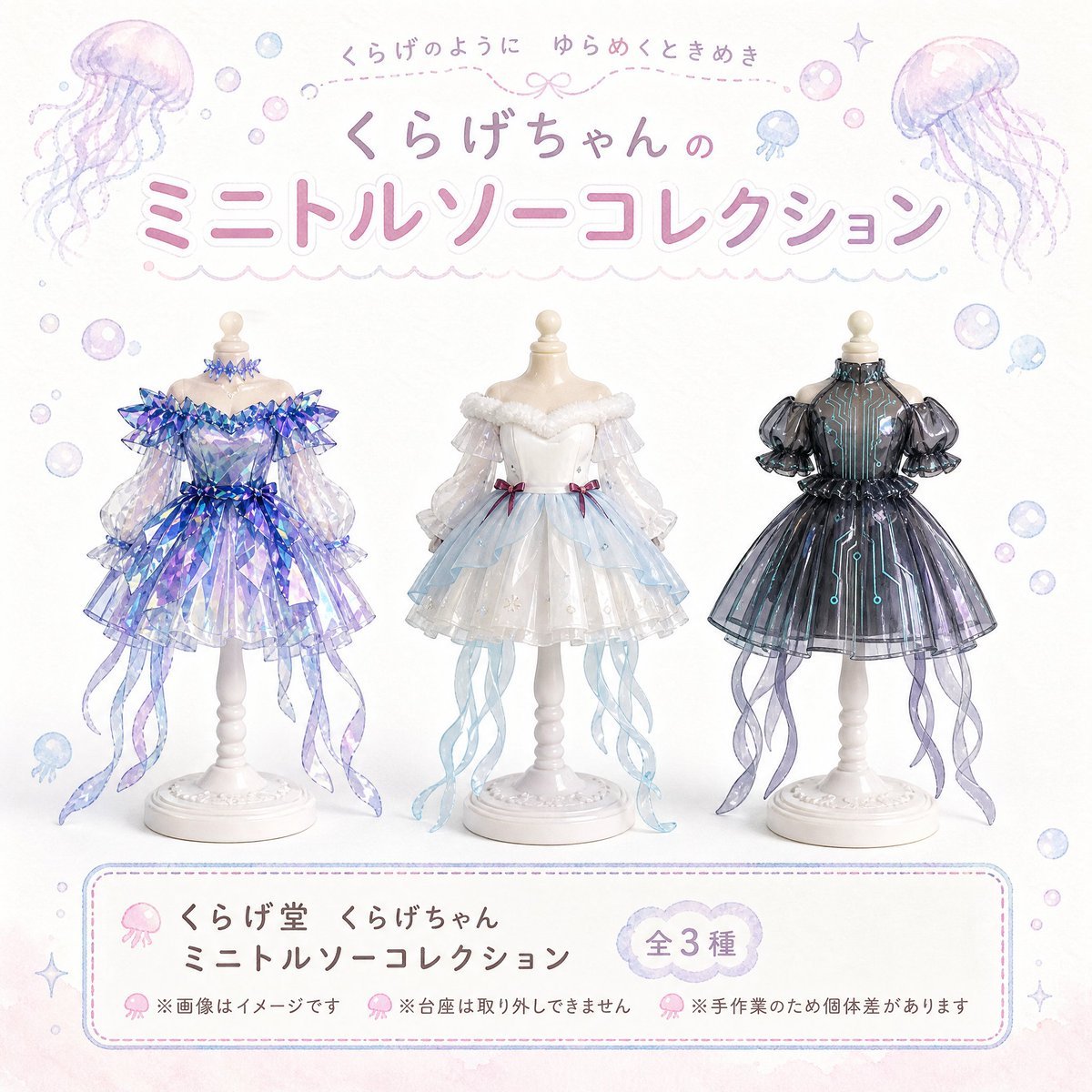
Reference images included
Jellyfish Torso Figure Poster needs input media to work. They load alongside the prompt when you open it in the studio.
How to use Jellyfish Torso Figure Poster in 3 steps
- 1Upload ImagePNG, JPG or paste
Add your photo
Upload the photo the template builds on. The prompt, model and format are already set.
- 2…a portrait of your subject in softgolden-hour light, 85mm…
Personalize
Edit the subject and creative details for your destination.
- 3Generate
Generate
Press Generate — your image is created in PicX Studio, so you can compare it with the original and refine one variable at a time.
More like this
Templates with the same subject, style or setup. Open one to see its prompt.
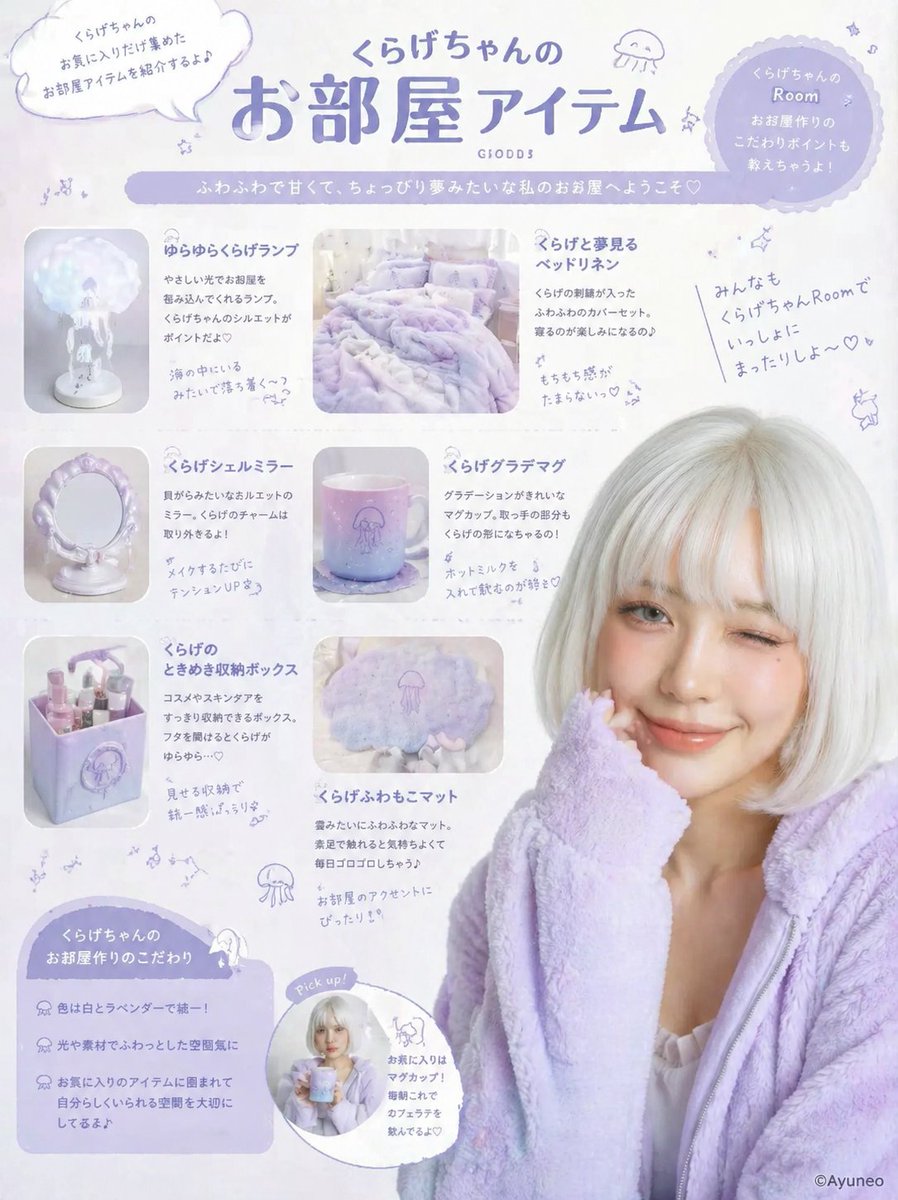
Gpt2 Product Marketing Pastel Jellyfish Room Goods Poster

Japan Travel Brochure Poster

Cartoon TV Show Poster Pack

Trendy Cafe Drink Promo Poster

Urban Fashion Editorial Collage Streetwear Poster

Premium Fashion Editorial Cover Layout System

Polo Ralph Lauren Luxury American Heritage Fashion Campaign

Monochrome Halftone Editorial Fashion Poster

Retro Mirror Luxury Fashion Campaign Poster

Luxury Fashion Campaign Typography Poster System

Premium Fashion Editorial Campaign Poster System

Ultra-Stylized High-Fashion Streetwear Poster
Make it yours
Jellyfish Torso Figure Poster works as-is. These are the safest ways to change it without losing the look.
Change one field
Copy a single group, rewrite it, and generate again so you can see what that field is doing.
Keep the frame, change the subject
Hold the composition and light of Jellyfish Torso Figure Poster, then swap wardrobe, props or the person for a new take.
| If the result… | Why | Fix |
|---|---|---|
| The result drifts from the preview | Too many fields changed at once. | Reuse Jellyfish Torso Figure Poster as-is first, then change one group — subject, light, or setting. |
| The model over-stylizes the scene | The prose prompt leaves finish and camera underspecified. | Add one camera or lighting sentence and stay on GPT Image 2. |
More GPT Image 2 templates
Other prompts made for GPT Image 2.

Six VTuber Japanese Logo Sheet

Realistic Portrait of Woman and Deer

The Vista Modular Condo Poster

AI Model Routing Comparison Infographic

2.5D Anime Art Board

Isometric Productivity Desk Scene

New York Double Exposure Poster

Four-Panel AI Landscape Comparison

Japanese Tatami Lifestyle Magazine Cover

NESCAFÉ Coffee Map Poster
More image prompts
Fresh picks from across the catalog.
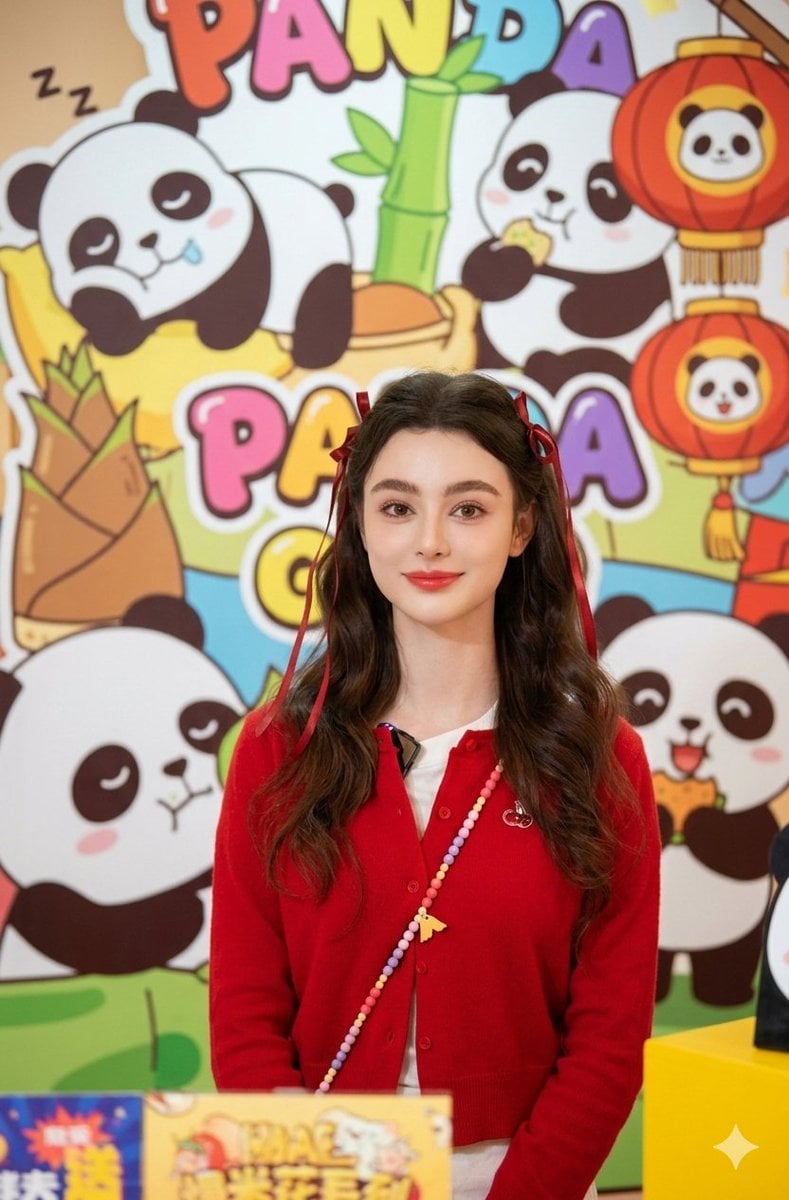
Portrait of Dasha Taran in Kawaii Fashion
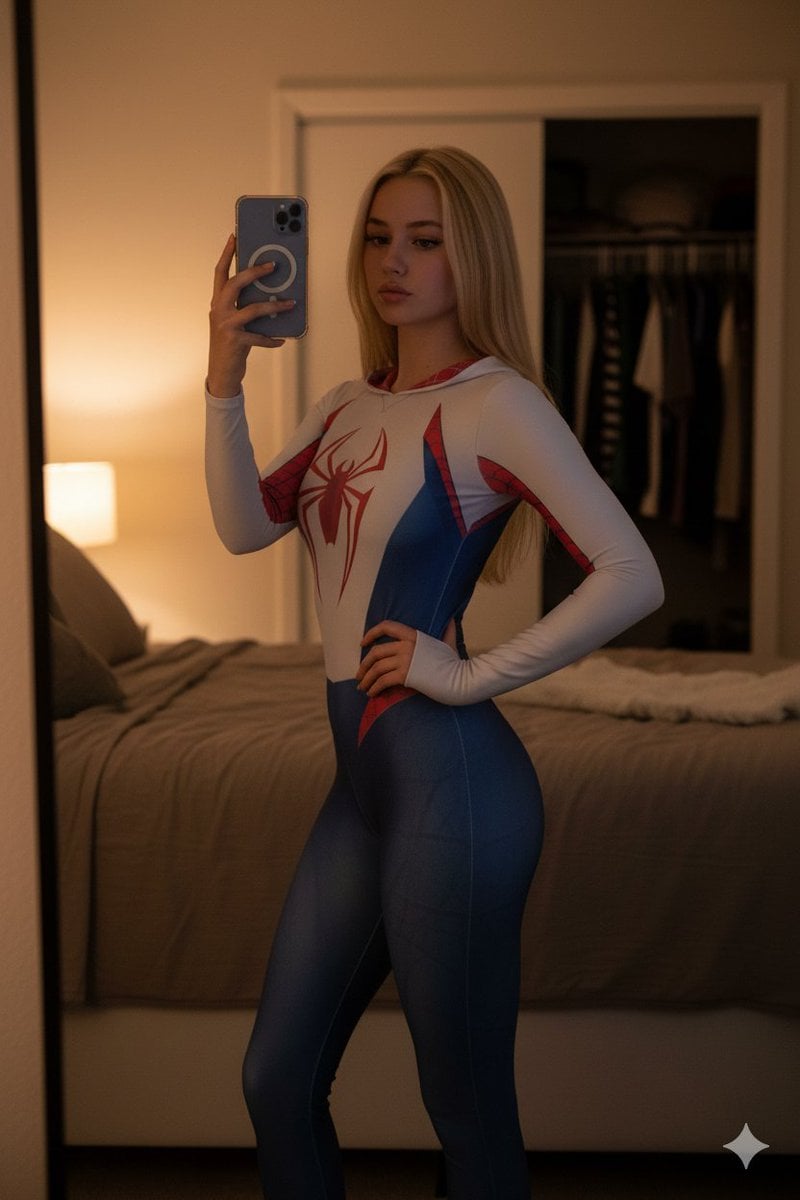
High-Contrast Spider-Gwen Cosplay Mirror Selfie
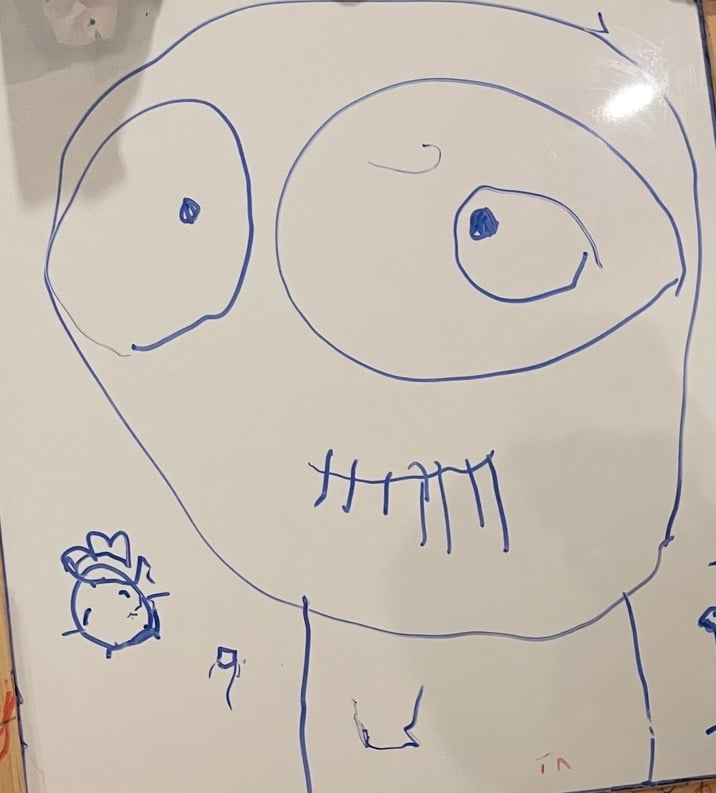
Turn children’s drawings into comic-style characters
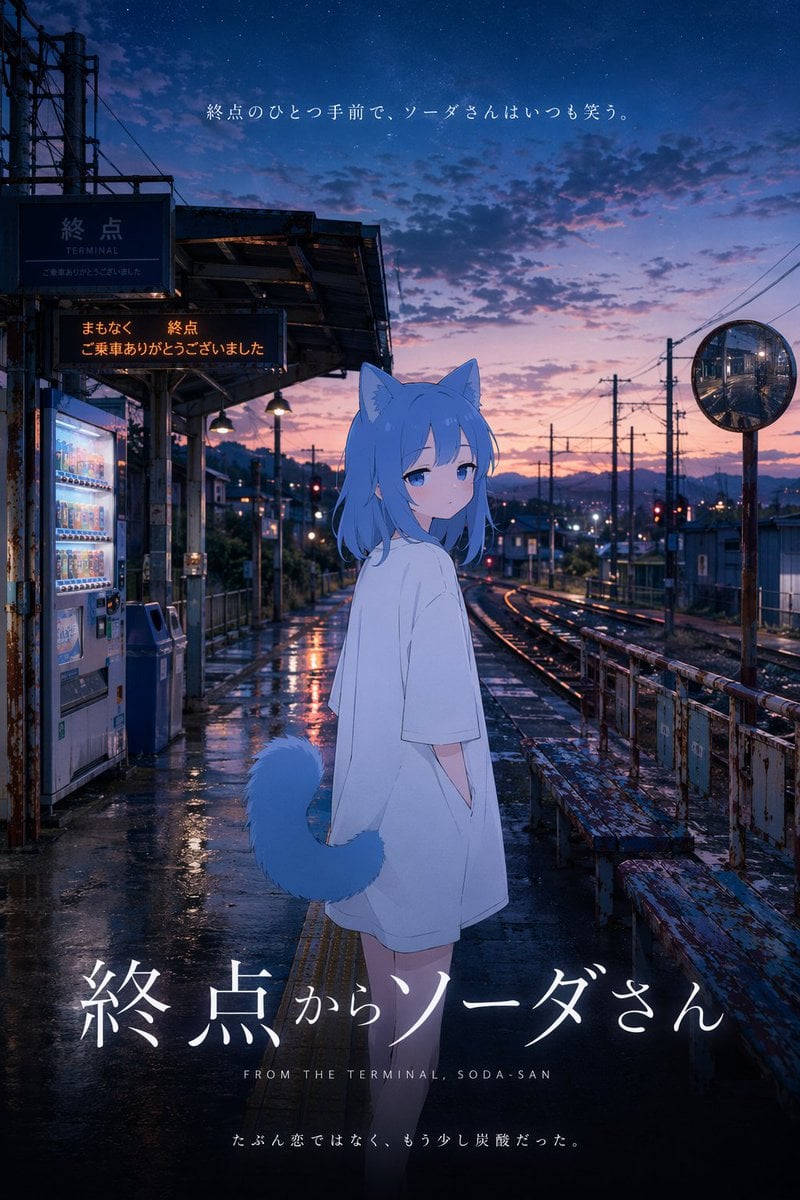
Cinematic Anime Train Station Poster

Yoichi Takahashi in Final Fantasy Style

Ultra-Realistic Futuristic Studio Photoshoot
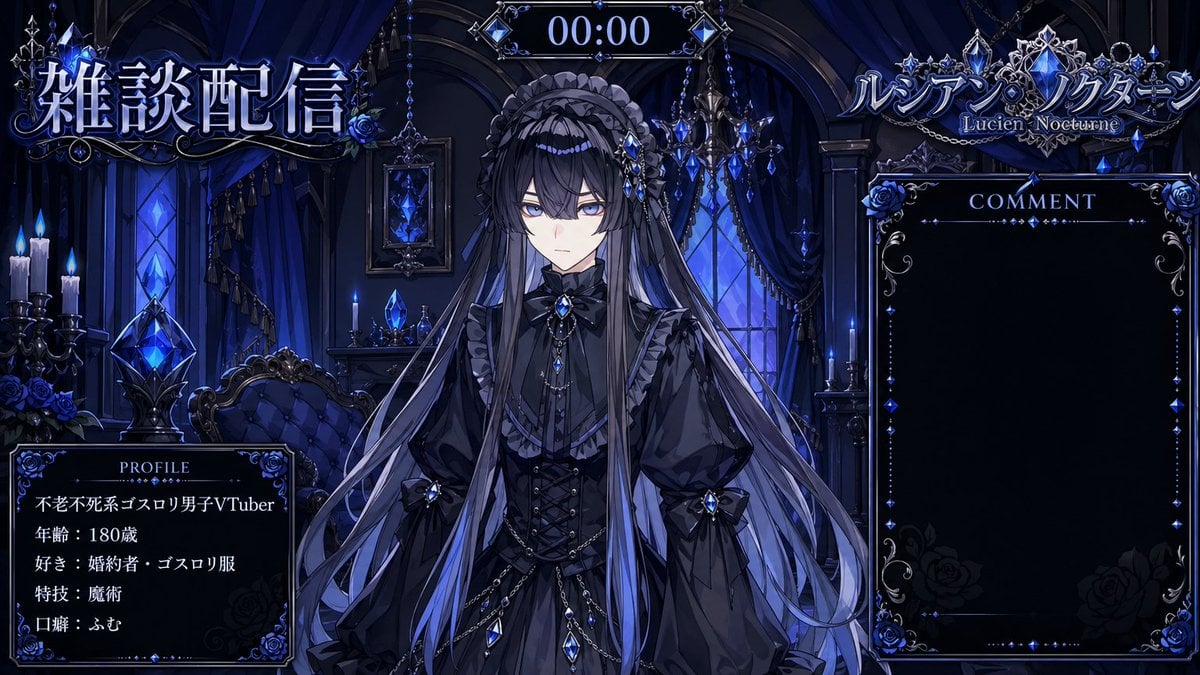
VTuber Streaming Overlay Layout
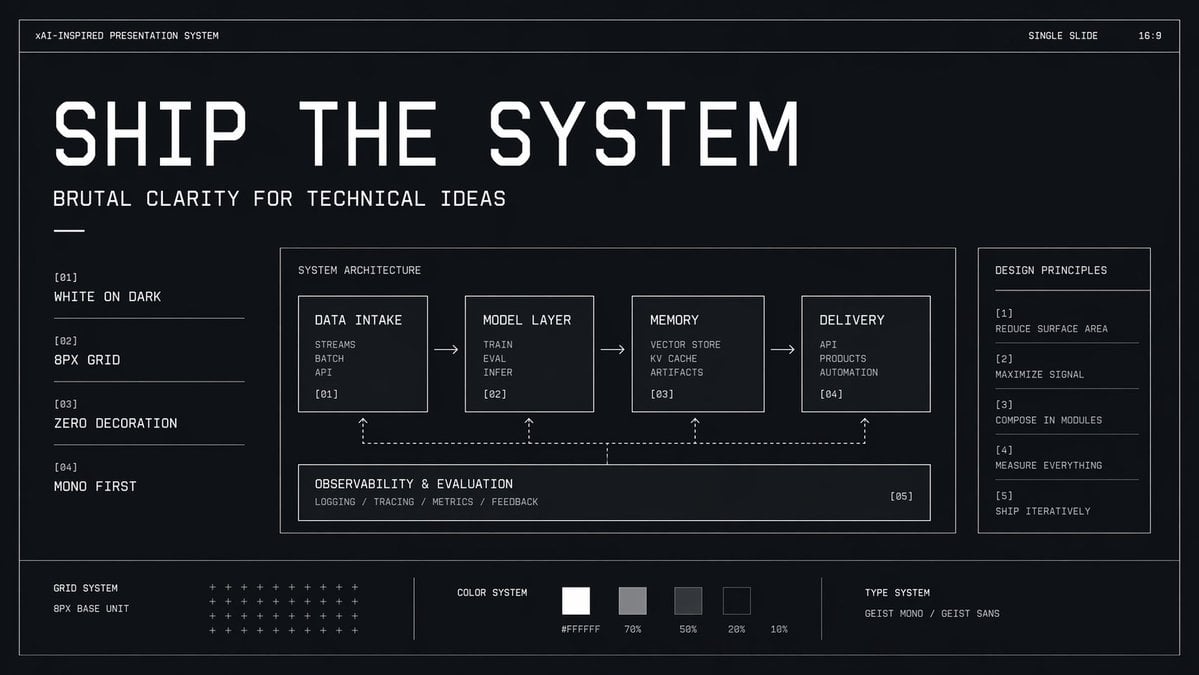
Brutalist Technical System Slide
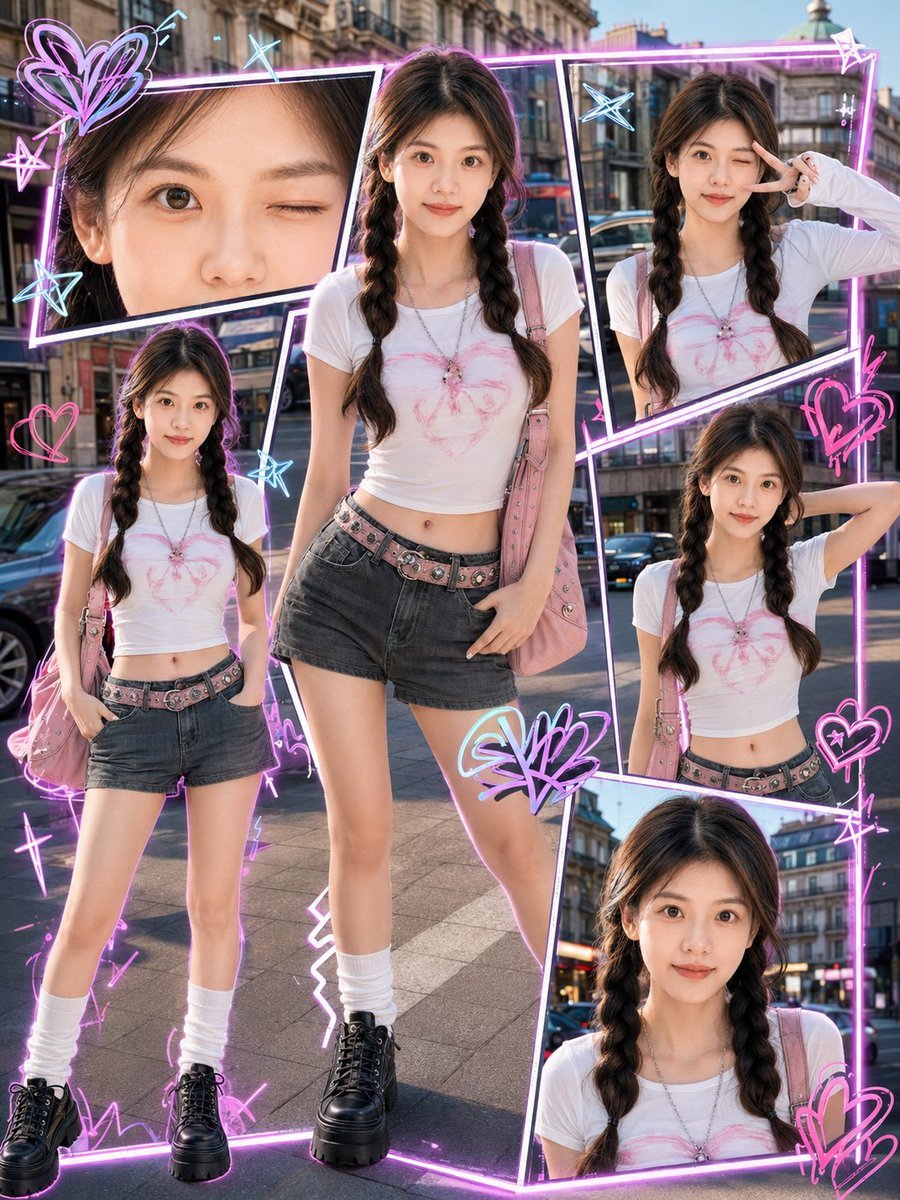
Y2K Street-Fashion Collage

Dreamy Dessert Advertisement Poster
Browse template categories
Jellyfish Torso Figure Poster questions
How do I use the Jellyfish Torso Figure Poster template?
Add your photo if the template asks for one, edit the prompt if you like — the template's model and format are already selected — and press Generate. Your version opens in PicX Studio.
Can I customize the Jellyfish Torso Figure Poster template?
Yes. You can change the subject, setting, lighting, mood, format, and available model controls before creating your image.
Is the Jellyfish Torso Figure Poster template free?
Opening and editing this template is free. Generating uses credits, shown on the Generate button when you are signed in.
Which AI model should I use?
Start with GPT Image 2, which is the model associated with this template. You can compare another compatible model for a different finish.
Looking for something else? Browse all templates.

Your photo, any look
Thousands of ready templates for every top image and video model, from one credit balance.