
Japanese Character Manual Poster
A retro-style Japanese instruction-manual poster featuring four labeled portrait modes of a young woman, ideal for character profile graphics and social media novelty sheets.
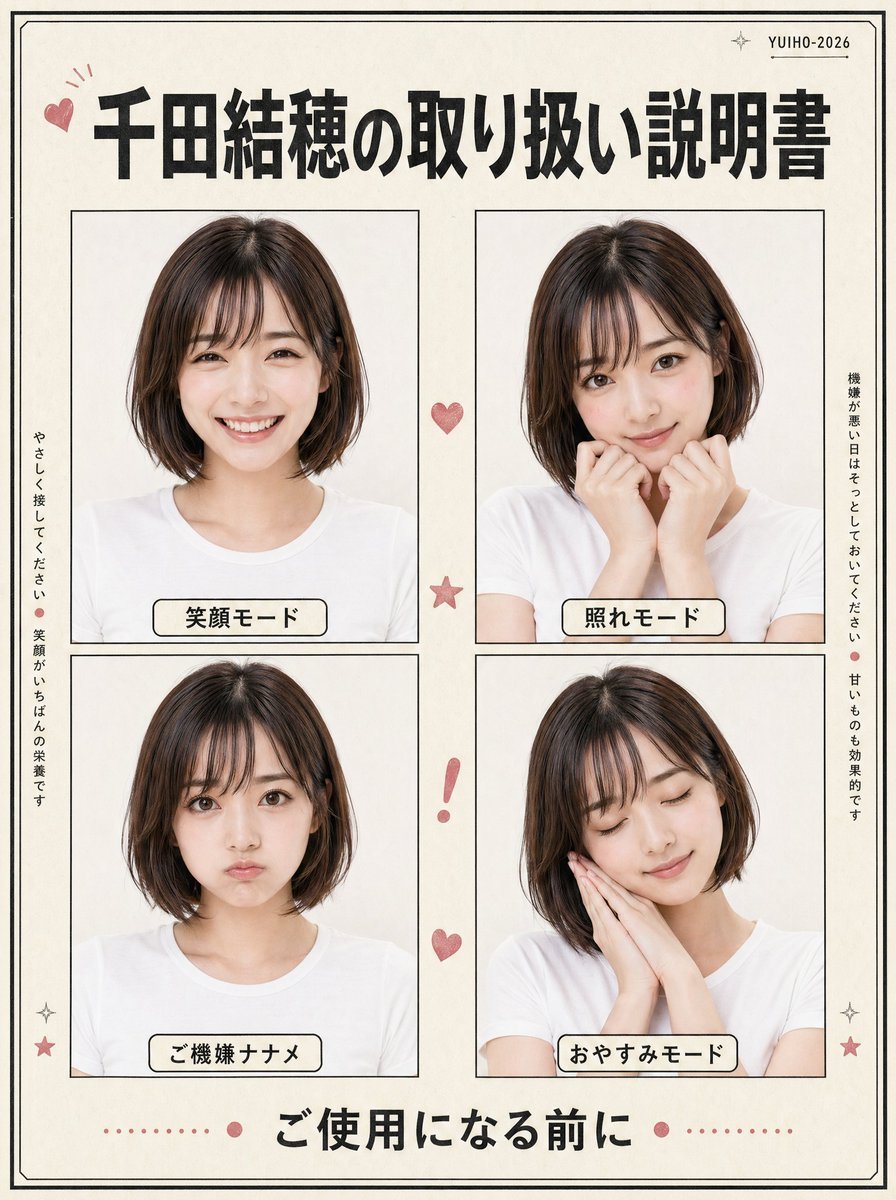
- Prompt included
- Model and format preset
- Free template
The prompt behind this image
Copy the exact prompt behind Japanese Character Manual Poster, or open it in the studio and make it yours.
- Type
- Japanese retro-style character instruction poster
- Subject › Person
- young Japanese woman
- Subject › Appearance › Hair › Color
- {argument name="hair color" default="dark brown"}
- Subject › Appearance › Hair › Style
- smooth chin-length bob with a side part
- Subject › Appearance › Clothing
- plain white crew-neck T-shirt
- Subject › Photo Style
- clean studio portrait, soft even lighting, off-white background, natural skin tones, minimal shadows
- Design › Paper
- warm ivory paper with subtle vintage texture
- Design › Border
- thin double-line black border around the full page
- Design › Accent Color
- dusty pink
- Design › Overall Style
- cute manual booklet or handling guide layout, neat editorial collage, slightly retro Japanese print aesthetic
- Layout › Header › Count
- 3
- Layout › Header › Items
- small pink heart doodle at top left, large bold Japanese title centered, small text at top right reading YUIHO-2026 with tiny sparkle marks
- Layout › Header › Title
- {argument name="headline text" default="千田結穂の取り扱い説明書"}
- Layout › Main Grid › Rows
- 2
- Layout › Main Grid › Columns
- 2
- Layout › Main Grid › Count
- 4
- Layout › Main Grid › Panels › 0 › Position
- top left
- Layout › Main Grid › Panels › 0 › Label
- 笑顔モード
- Layout › Main Grid › Panels › 0 › Pose
- front-facing bust portrait, relaxed shoulders, gentle pleasant expression
- Layout › Main Grid › Panels › 1 › Position
- top right
- Layout › Main Grid › Panels › 1 › Label
- 照れモード
- Layout › Main Grid › Panels › 1 › Pose
- slightly shy pose, both hands raised near the mouth and cheeks
- Layout › Main Grid › Panels › 2 › Position
- bottom left
- Layout › Main Grid › Panels › 2 › Label
- ご機嫌ナナメ
Raw JSON
{"type":"Japanese retro-style character instruction poster","subject":{"person":"young Japanese woman","appearance":{"hair":{"color":"{argument name=\"hair color\" default=\"dark brown\"}","style":"smooth chin-length bob with a side part"},"clothing":"plain white crew-neck T-shirt"},"photo_style":"clean studio portrait, soft even lighting, off-white background, natural skin tones, minimal shadows"},"design":{"paper":"warm ivory paper with subtle vintage texture","border":"thin double-line black border around the full page","accent_color":"dusty pink","overall_style":"cute manual booklet or handling guide layout, neat editorial collage, slightly retro Japanese print aesthetic"},"layout":{"header":{"count":3,"items":["small pink heart doodle at top left","large bold Japanese title centered","small text at top right reading YUIHO-2026 with tiny sparkle marks"],"title":"{argument name=\"headline text\" default=\"千田結穂の取り扱い説明書\"}"},"main_grid":{"rows":2,"columns":2,"count":4,"panels":[{"position":"top left","label":"笑顔モード","pose":"front-facing bust portrait, relaxed shoulders, gentle pleasant expression"},{"position":"top right","label":"照れモード","pose":"slightly shy pose, both hands raised near the mouth and cheeks"},{"position":"bottom left","label":"ご機嫌ナナメ","pose":"front-facing bust portrait, moodier or displeased mode, restrained expression"},{"position":"bottom right","label":"おやすみモード","pose":"head tilted slightly, both hands together against one cheek as if sleepy"}]},"side_text":{"count":2,"items":[{"position":"left vertical","text":"やさしく接してください。笑顔がいちばんの栄養です"},{"position":"right vertical","text":"機嫌が悪い日はそっとしておいてください。甘いものも効果的です"}]},"decorations":{"count":7,"items":["1 small pink heart between the top panels","1 pink star between the middle of the two rows","1 pink exclamation mark between the lower panels","1 pink heart below the exclamation mark","2 small sparkle/star icons near the bottom left and bottom right corners","1 dotted pink divider with centered dots around the footer text"]},"footer":{"count":1,"text":"{argument name=\"footer text\" default=\"ご使用になる前に\"}","style":"large bold Japanese text centered at the bottom"}},"composition":"square poster, symmetrical spacing, four equal portrait frames with thin black outlines, rounded cream labels with black outlines beneath each portrait inside the panels","rendering":"photorealistic portrait photos embedded in a graphic poster layout, high resolution, crisp typography, balanced margins"}How to use Japanese Character Manual Poster in 3 steps
- 1Upload ImagePNG, JPG or paste
Add your photo
Upload the photo the template builds on. The prompt, model and format are already set.
- 2…a portrait of your subject in softgolden-hour light, 85mm…
Personalize
Edit the subject and creative details for your destination.
- 3Generate
Generate
Press Generate — your image is created in PicX Studio, so you can compare it with the original and refine one variable at a time.
More like this
Templates with the same subject, style or setup. Open one to see its prompt.
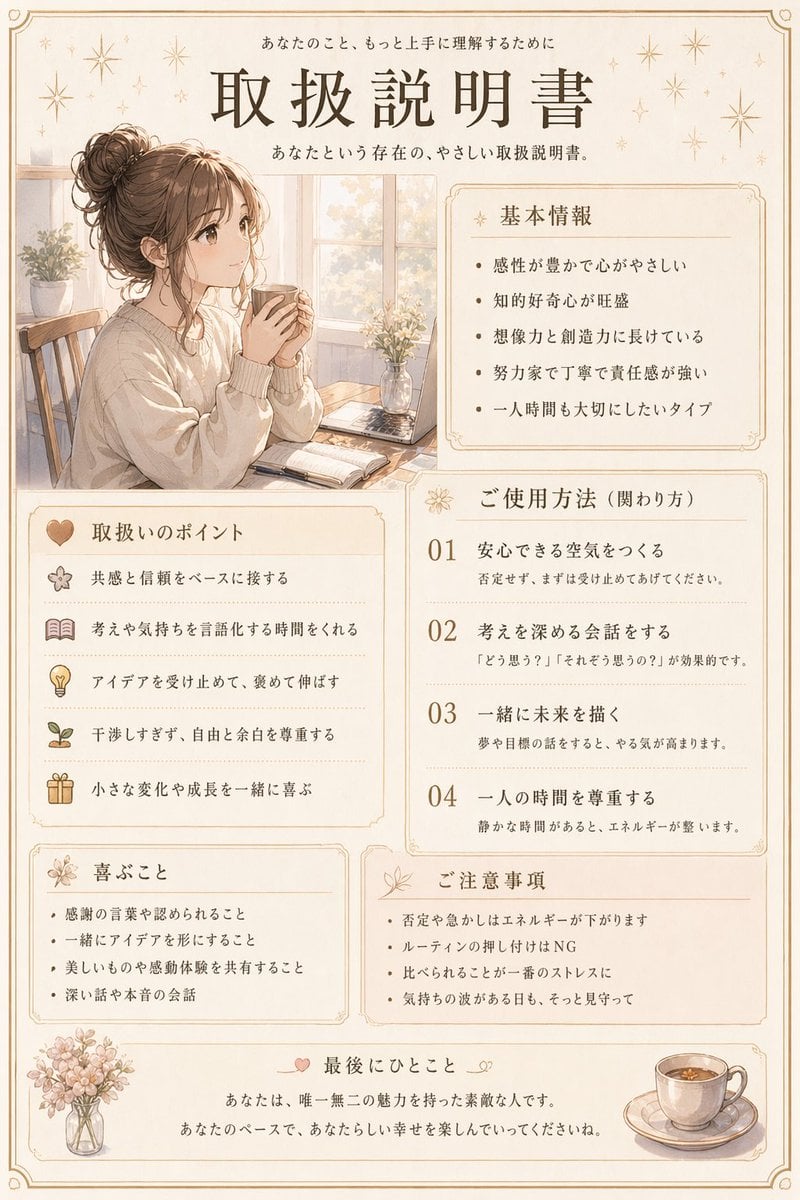
Japanese Personality Manual Poster

Minecraft Japanese Research Lab Exploration

Japan Travel Brochure Poster

Cartoon TV Show Poster Pack

Trendy Cafe Drink Promo Poster

Urban Fashion Editorial Collage Streetwear Poster

Japanese Architectural Concrete Studio Fashion Campaign

Premium Fashion Editorial Cover Layout System

Polo Ralph Lauren Luxury American Heritage Fashion Campaign

Monochrome Halftone Editorial Fashion Poster

Retro Mirror Luxury Fashion Campaign Poster

Luxury Fashion Campaign Typography Poster System
Make it yours
Japanese Character Manual Poster works as-is. These are the safest ways to change it without losing the look.
Change one field
Copy a single group, rewrite it, and generate again so you can see what that field is doing.
Keep the frame, change the subject
Hold the composition and light of Japanese Character Manual Poster, then swap wardrobe, props or the person for a new take.
| If the result… | Why | Fix |
|---|---|---|
| The result drifts from the preview | Too many fields changed at once. | Reuse Japanese Character Manual Poster as-is first, then change one group — subject, light, or setting. |
| GPT Image 2 ignores part of the JSON | Some models flatten or skip nested keys. | Keep the same values and paste them as a short paragraph instead. |
More GPT Image 2 templates
Other prompts made for GPT Image 2.

Six VTuber Japanese Logo Sheet

Realistic Portrait of Woman and Deer

The Vista Modular Condo Poster

AI Model Routing Comparison Infographic

2.5D Anime Art Board

Isometric Productivity Desk Scene

New York Double Exposure Poster

Four-Panel AI Landscape Comparison

Japanese Tatami Lifestyle Magazine Cover

NESCAFÉ Coffee Map Poster
More image prompts
Fresh picks from across the catalog.
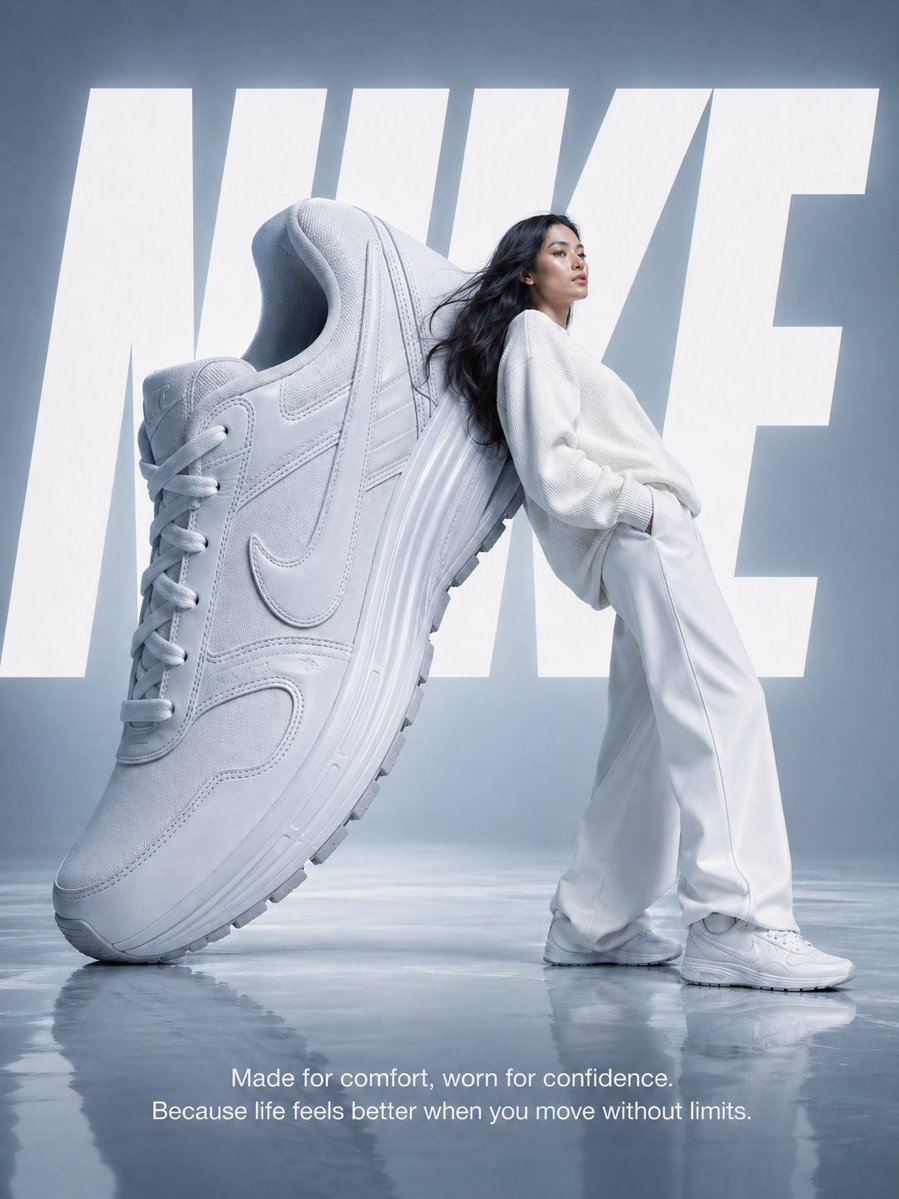
Nike Surreal Poster From Reference
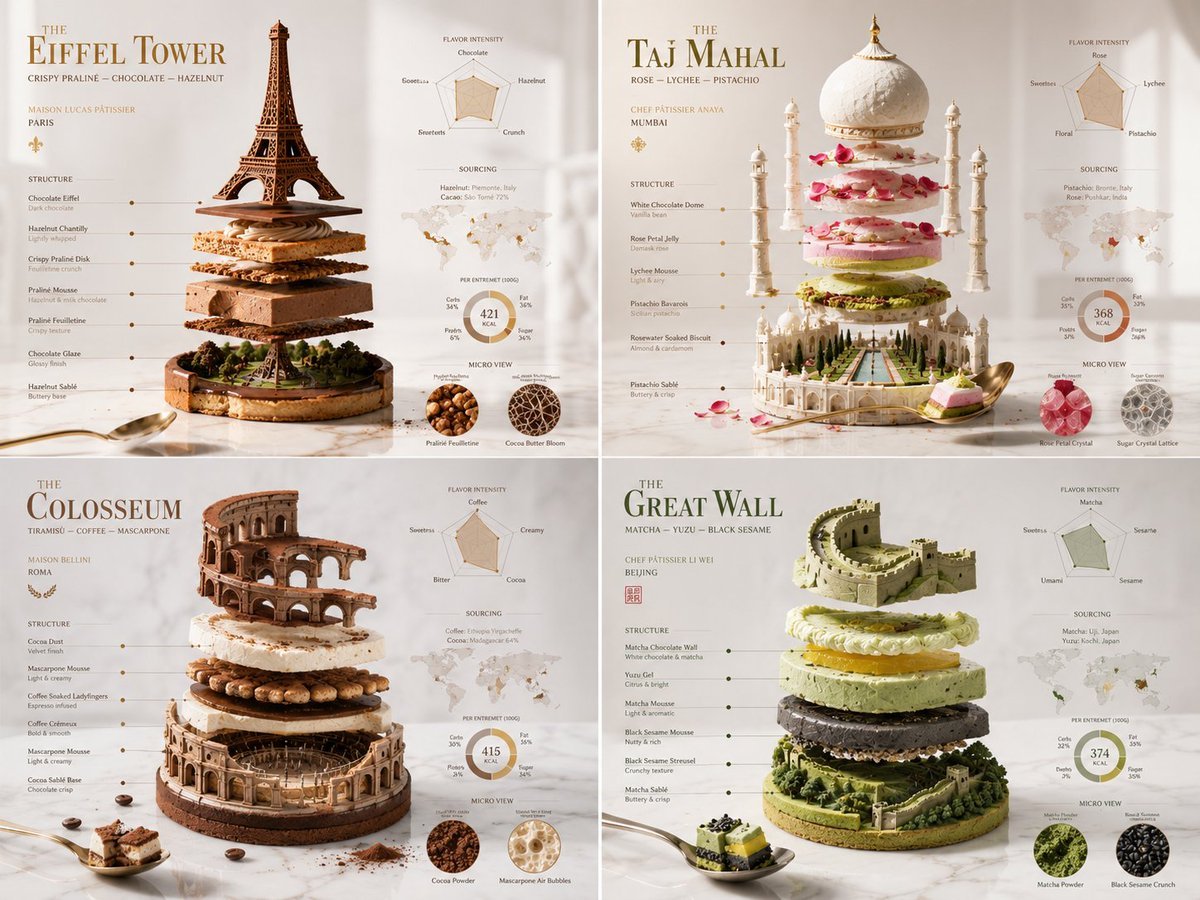
Exploded Monument Pastry Art
High-End Commercial Yogurt Product Photography Prompt
Lord Shiva Hand-Holding Cinematic Scene Prompt
Akatsuki Mirror Selfie Prompt
Miniature Artist on Giant Fingernail
Scissor Man Figure Generation (Plastic Model and Flocked)
Street Style Lifestyle Portrait
Cyber Angel Mecha Battle HUD
Vintage Bosphorus Bridge Ferry Scene
Browse template categories
Japanese Character Manual Poster questions
How do I use the Japanese Character Manual Poster template?
Add your photo if the template asks for one, edit the prompt if you like — the template's model and format are already selected — and press Generate. Your version opens in PicX Studio.
Can I customize the Japanese Character Manual Poster template?
Yes. You can change the subject, setting, lighting, mood, format, and available model controls before creating your image.
Is the Japanese Character Manual Poster template free?
Opening and editing this template is free. Generating uses credits, shown on the Generate button when you are signed in.
Which AI model should I use?
Start with GPT Image 2, which is the model associated with this template. You can compare another compatible model for a different finish.
Looking for something else? Browse all templates.

Your photo, any look
Thousands of ready templates for every top image and video model, from one credit balance.