
Detailed Flash-Lit Bedroom Photo Prompt for Nano Banana 3.1 Pro
A highly detailed structured prompt for the Gemini Nano Banana 3.1 Pro model, designed to generate a flash-lit, paparazzi-style, photorealistic image of a young woman kneeling on a bed in a dim bedroom, emphasizing…
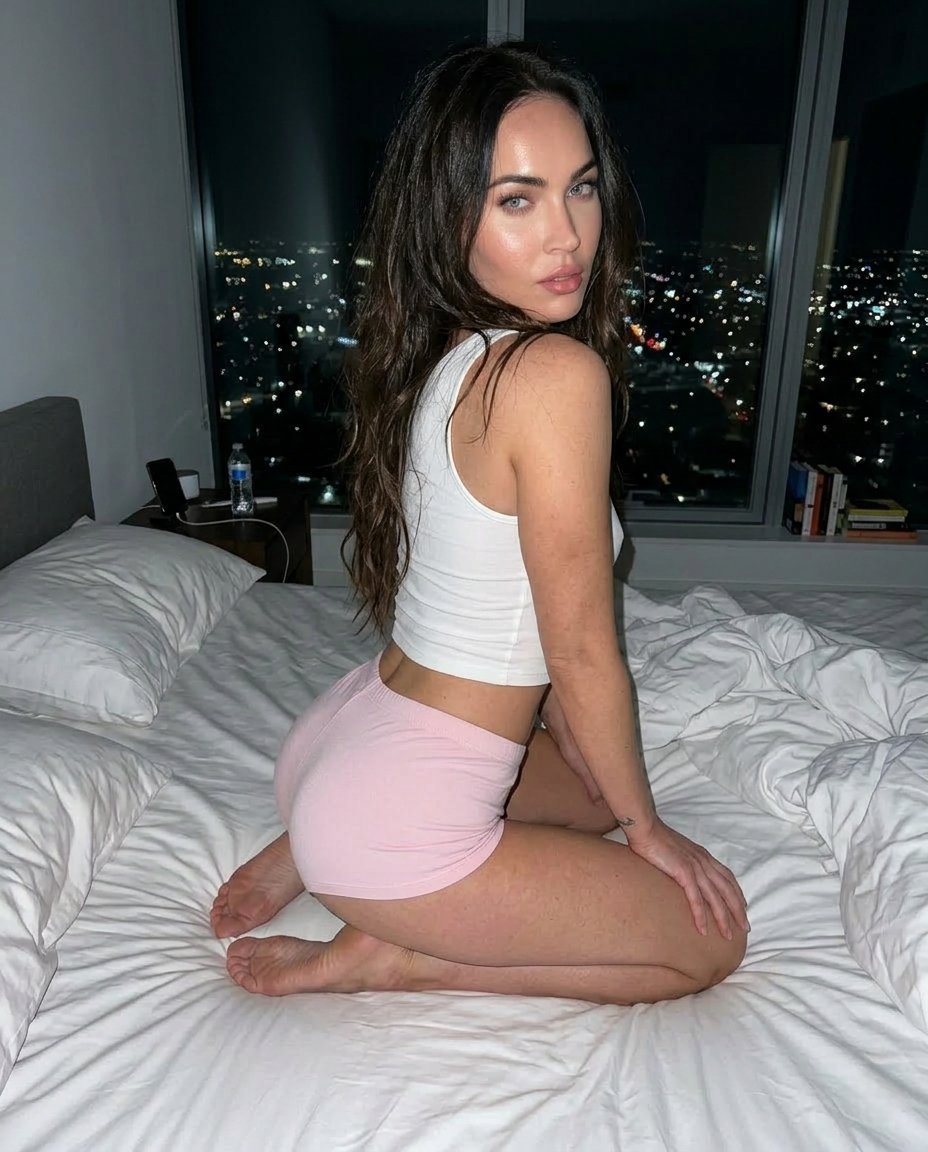
- Prompt included
- Model and format preset
- Free template
The prompt behind this image
Copy the exact prompt behind Detailed Flash-Lit Bedroom Photo Prompt for Nano Banana 3.1 Pro, or open it in the studio and make it yours.
{ "photo_type": "Flash-lit candid bedroom photo (nighttime, paparazzi style realism)", "subject": { "description": "A young woman kneeling on a bed in a dim modern bedroom", "gender": "Female", "pose_description": "Kneeling on a messy bed, legs folded under body, torso slightly twisted, looking back over shoulder toward camera, one hand resting on bed for balance", "expression": "Soft confident expression, slightly parted lips, relaxed gaze toward camera" }, "face": { "description": "Use uploaded reference image, keep face 100% identical", "details": [ "natural skin texture", "visible pores", "subtle shine from flash", "no smoothing" ] }, "hair": { "color": "same as reference image", "style": "Loose, slightly messy, natural volume", "details": [ "soft waves", "slight frizz", "random strands falling naturally" ] }, "body_and_physics": { "posture_realism": [ "natural spine curve", "weight pressing into mattress", "fabric creases under pressure" ] }, "clothing": { "top": { "type": "tight cropped tank top", "color": "white", "fabric": "cotton stretch", "fit": "form-fitting with slight natural wrinkles" }, "bottom": { "type": "soft mini shorts", "color": "light pink", "fabric": "thin jersey fabric", "fit": "tight with natural stretch and compression folds" } }, "environment": { "setting": "modern bedroom at night", "details": [ "messy white bed sheets", "pillows slightly displaced", "large window with night city lights", "dim ambient lighting", "small objects on bedside table" ], "depth": [ "foreground: bed and subject", "background: window with city lights bokeh" ] }, "lighting": { "type": "direct smartphone flash", "setup": [ "harsh frontal flash", "dark ambient room", "strong subject illumination", "background falls into shadow" ], "effects": [ "hard shadows behind subject", "specular highlights on skin", "flash reflection on eyes", "slight overexposure on closest surfaces" ], "color_temperature": "neutral flash (5500K)" }, "camera": { "type": "smartphone camera", "lens": "26mm wide-angle", "settings": { "aperture": "f/1.8", "iso": "ISO 400", "shutter_speed": "1/60s" }, "imperfections": [ "slight noise in shadows", "minor lens distortion", "flash hotspot", "grain in darker areas" ] }, "color_grading": { "style": "raw unedited flash photo", "rules": [ "no cinematic grading", "natural skin tones", "slightly cool shadows", "bright highlights from flash" ] }, "resolution_and_aspect_rati"
How to use Detailed Flash-Lit Bedroom Photo Prompt for Nano Banana 3.1 Pro in 3 steps
- 1Upload ImagePNG, JPG or paste
Add your photo
Upload the photo the template builds on. The prompt, model and format are already set.
- 2…a portrait of your subject in softgolden-hour light, 85mm…
Personalize
Edit the subject and creative details for your destination.
- 3Generate
Generate
Press Generate — your image is created in PicX Studio, so you can compare it with the original and refine one variable at a time.
More like this
Templates with the same subject, style or setup. Open one to see its prompt.

Woman in Mall with Chanel Bag - Heart Gesture
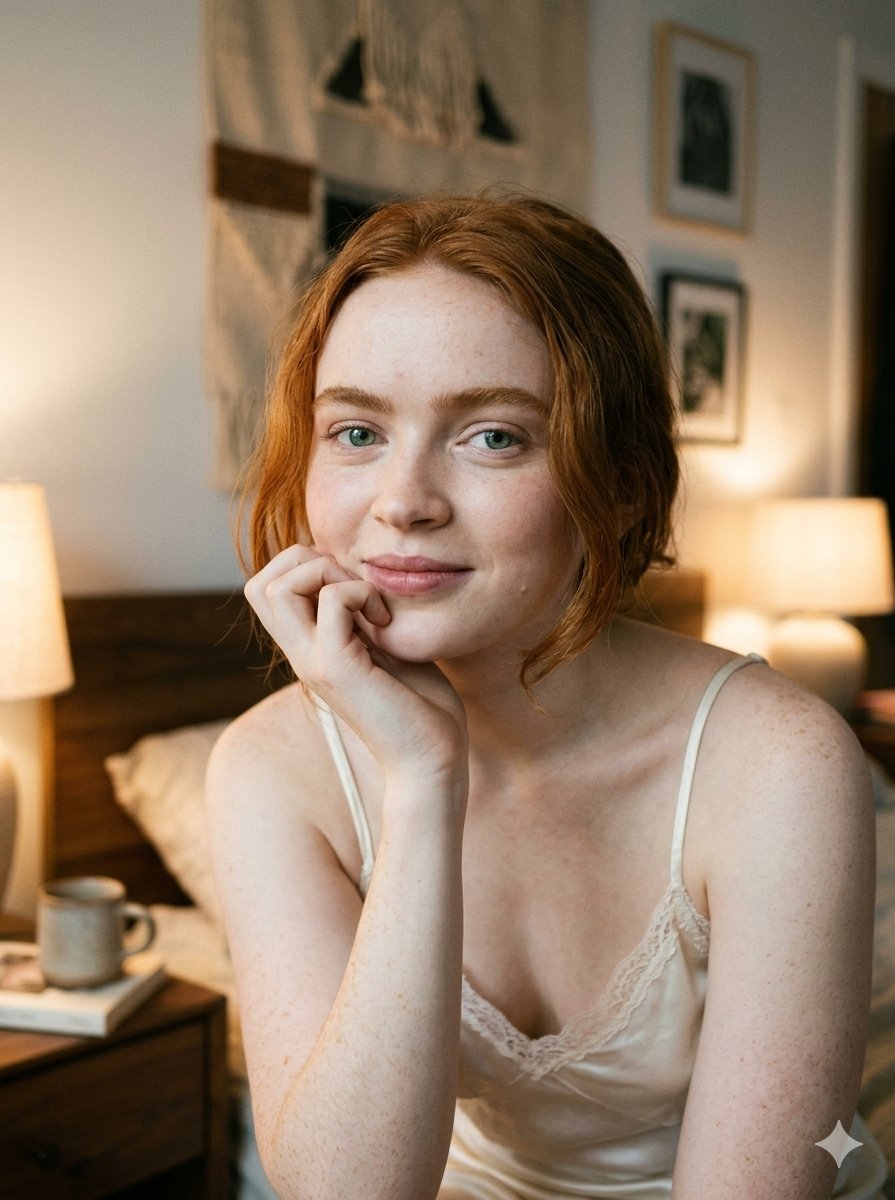
Google Nano Banana 2 — Cozy Bedroom Editorial

Nano Banana - Peace Sign Bedroom Selfie
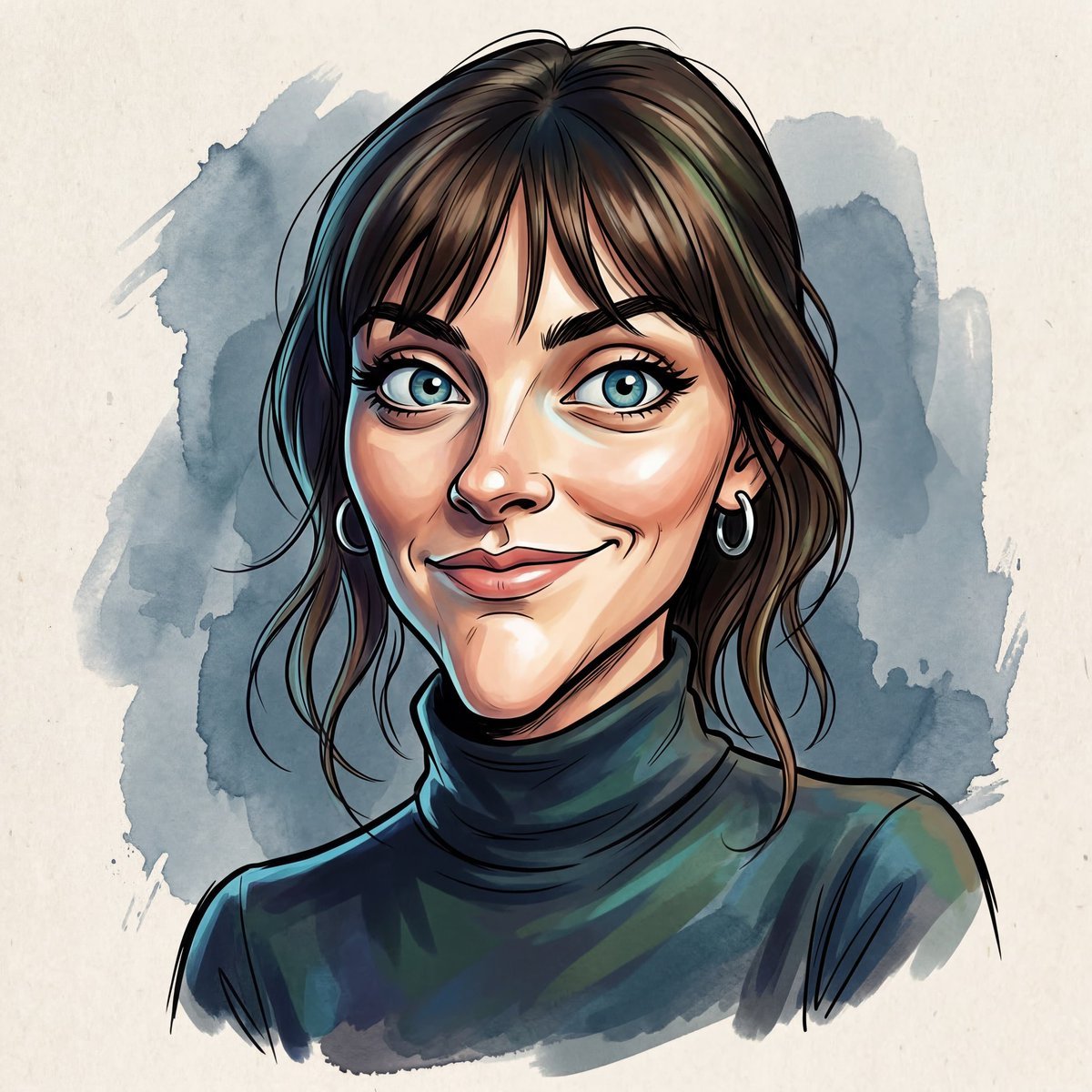
Masterpiece Political Caricature Prompt for Nano Banana 2
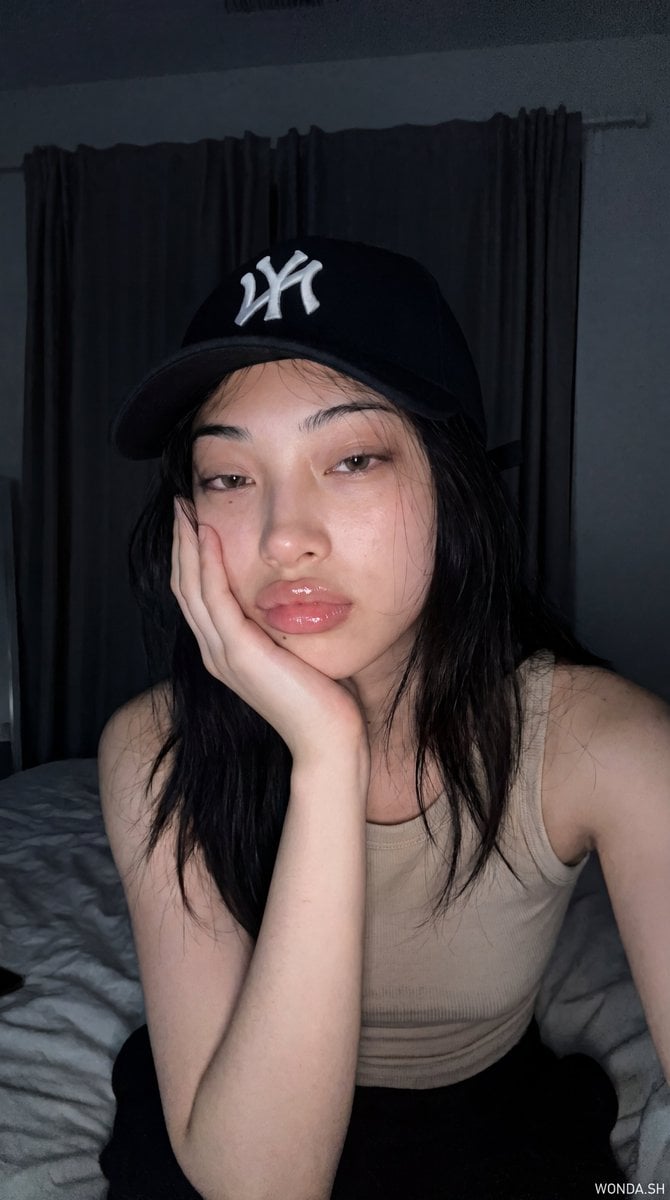
Hyper-Photorealistic Bedroom Flash Selfie

Nostalgic Digicam Café Afternoon Portrait
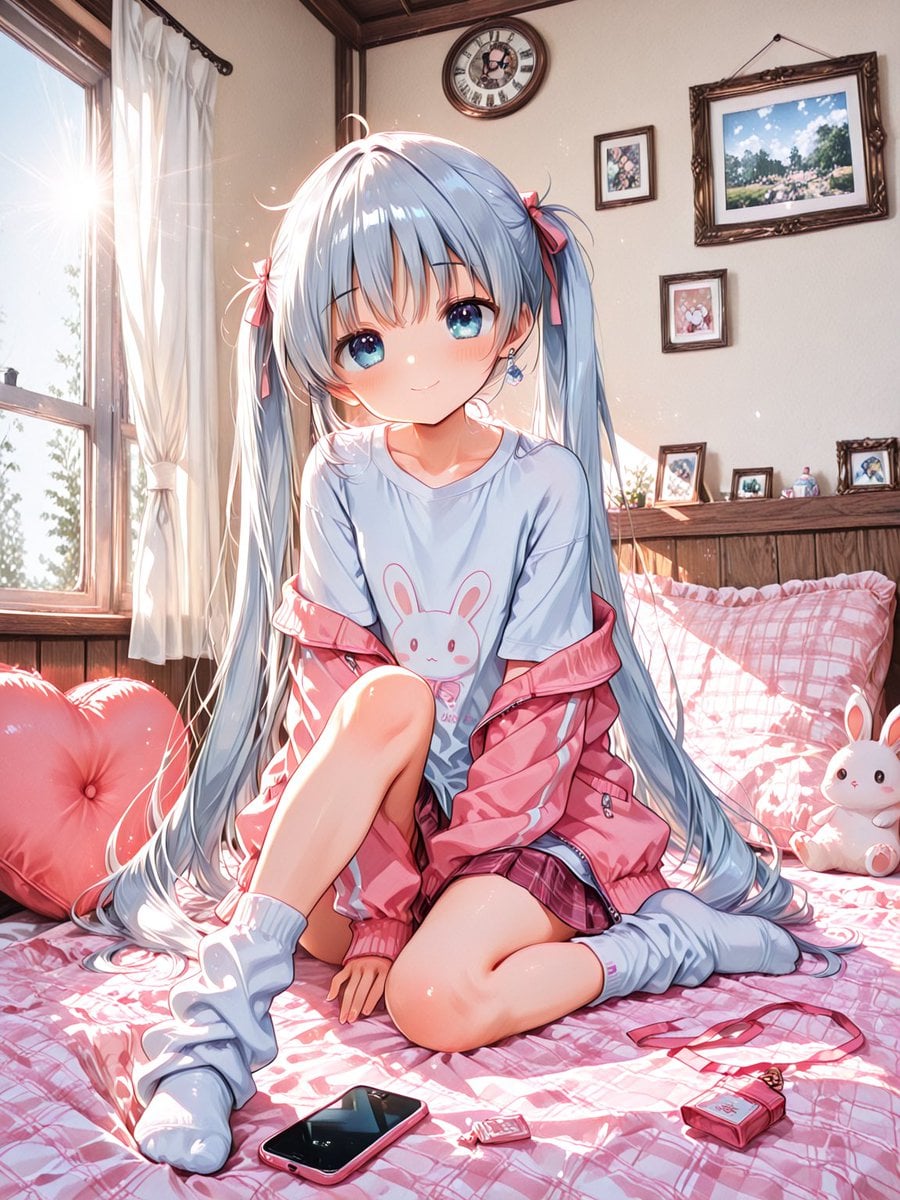
Sunlit Anime Bedroom Portrait

VFX Comparison Image Prompt (Before/After) for Nano Banana Pro

Nano Banana Prompt for Consistent Character Jumpshots

Cinematic Camera Instructions for Nano Banana Pro

Manga Generation Prompt Template for Nano Banana Pro

Hyper-Realistic Commercial Food Photography Prompt for Gemini Nano Banana Pro
Make it yours
Detailed Flash-Lit Bedroom Photo Prompt for Nano Banana 3.1 Pro works as-is. These are the safest ways to change it without losing the look.
Change one field
Copy a single group, rewrite it, and generate again so you can see what that field is doing.
Keep the frame, change the subject
Hold the composition and light of Detailed Flash-Lit Bedroom Photo Prompt for Nano Banana 3.1 Pro, then swap wardrobe, props or the person for a new take.
| If the result… | Why | Fix |
|---|---|---|
| The result drifts from the preview | Too many fields changed at once. | Reuse Detailed Flash-Lit Bedroom Photo Prompt for Nano Banana 3.1 Pro as-is first, then change one group — subject, light, or setting. |
| The model over-stylizes the scene | The prose prompt leaves finish and camera underspecified. | Add one camera or lighting sentence and stay on Nano Banana 2. |
More Nano Banana 2 templates
Other prompts made for Nano Banana 2.

Photorealistic Leaf Shaped Like a Dragon

K-Pop Idol Portrait Grid for Rapid Selection

Poetic Rain Forest Portrait During Golden Hour

Urban Street Portrait with Cartoon Inner Self Duo

Candid Nighttime Photo with Cat Prompt

High-Concept 3D Diorama Generation Prompt

Cinematic Futuristic Studio Portrait Template

Skincare Editorial Photography Collage Prompt

Hyper-Realistic Commercial Product Photography (Splash Effect)

Hyper-Realistic Nightclub Portrait Prompt
More image prompts
Fresh picks from across the catalog.
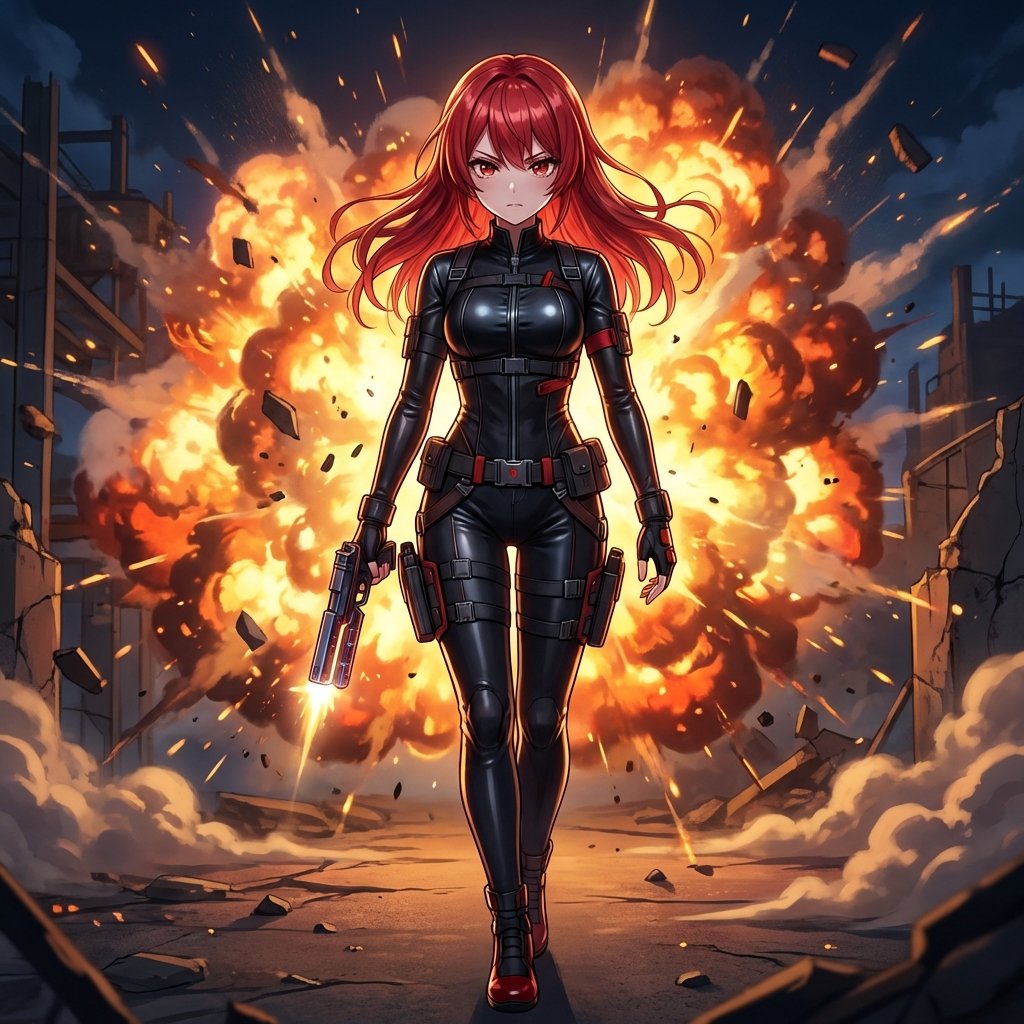
AI Action Movie Poster Prompt
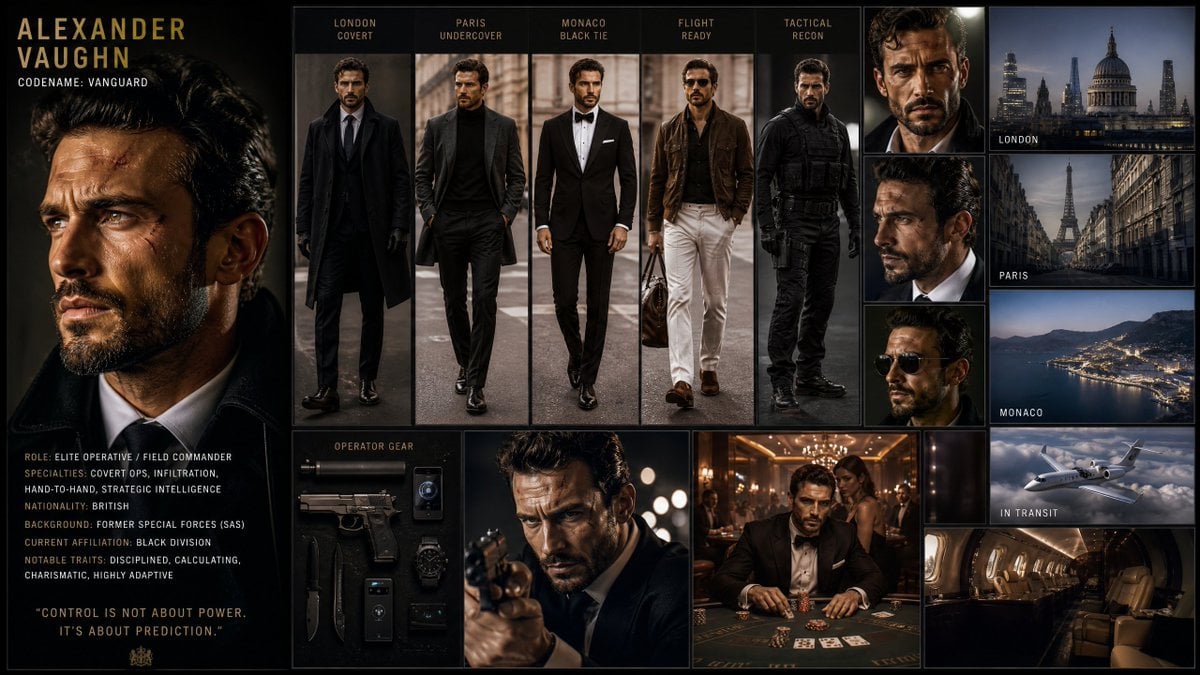
Hollywood Spy-Thriller Character Board
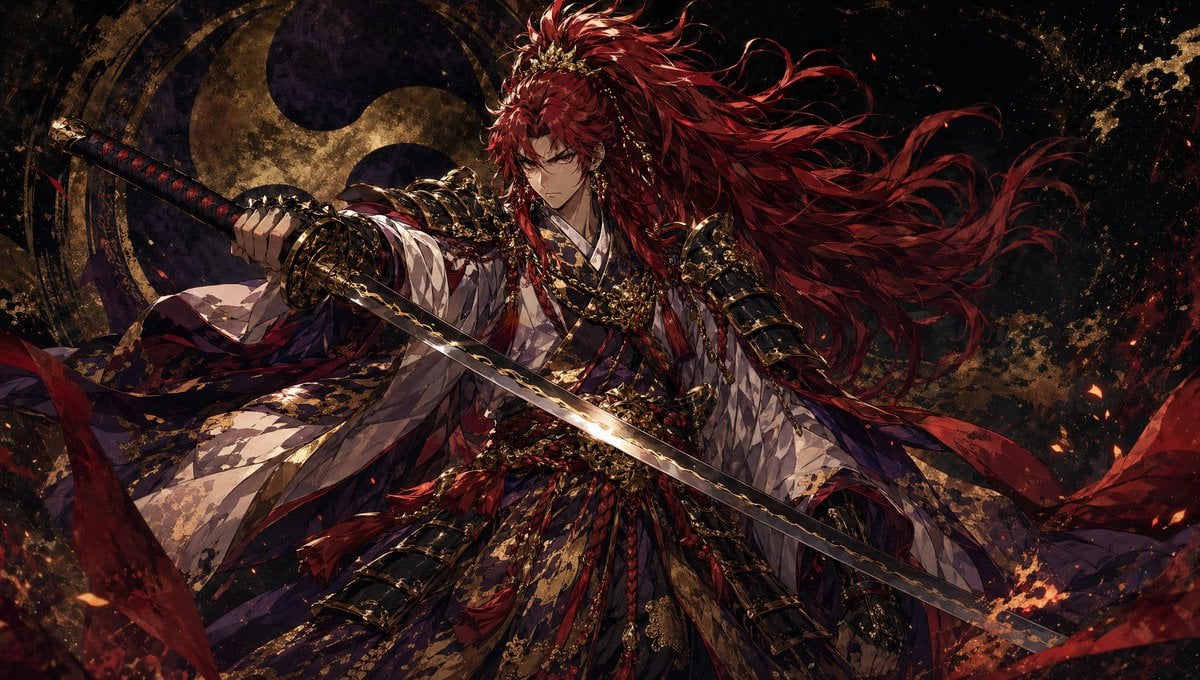
Dark Fantasy Crimson Samurai Warlord
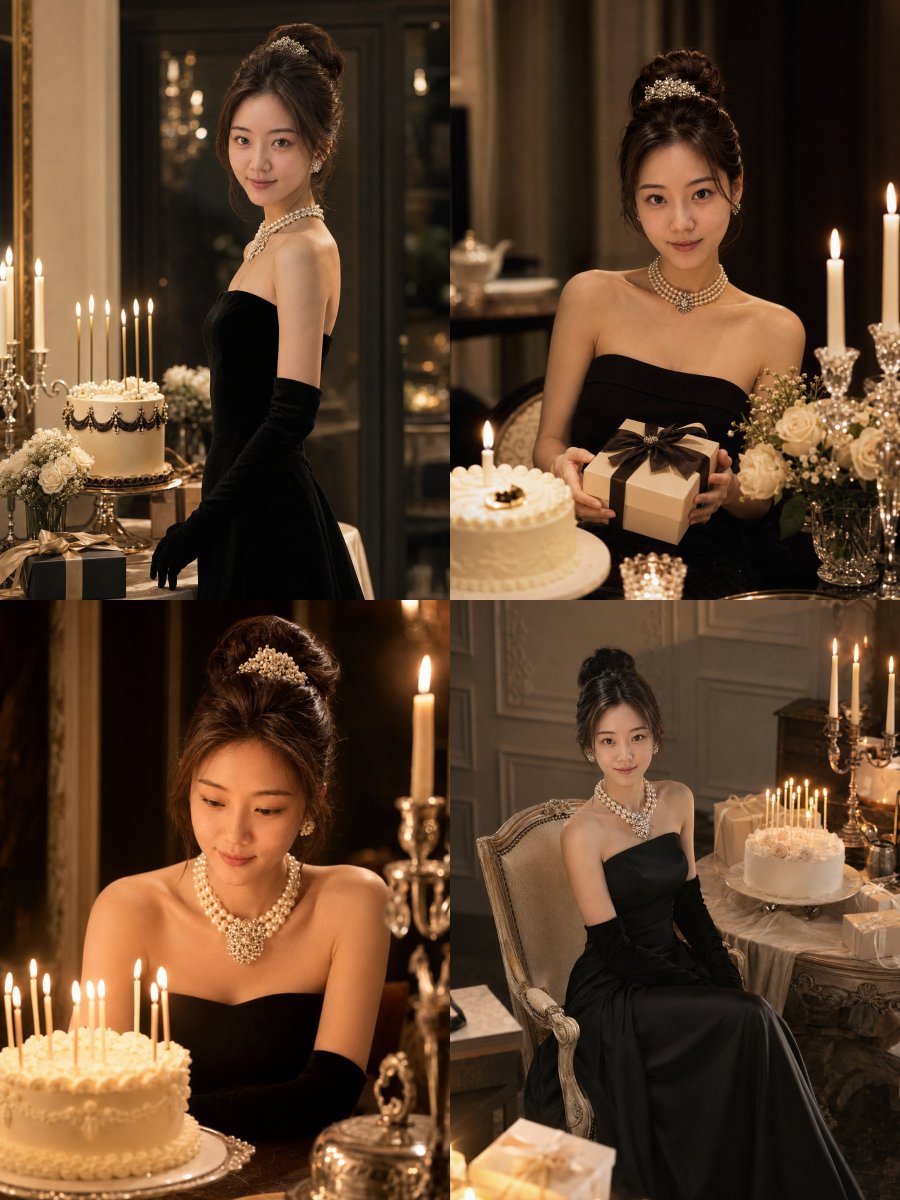
Audrey Hepburn Style Birthday Photoshoot
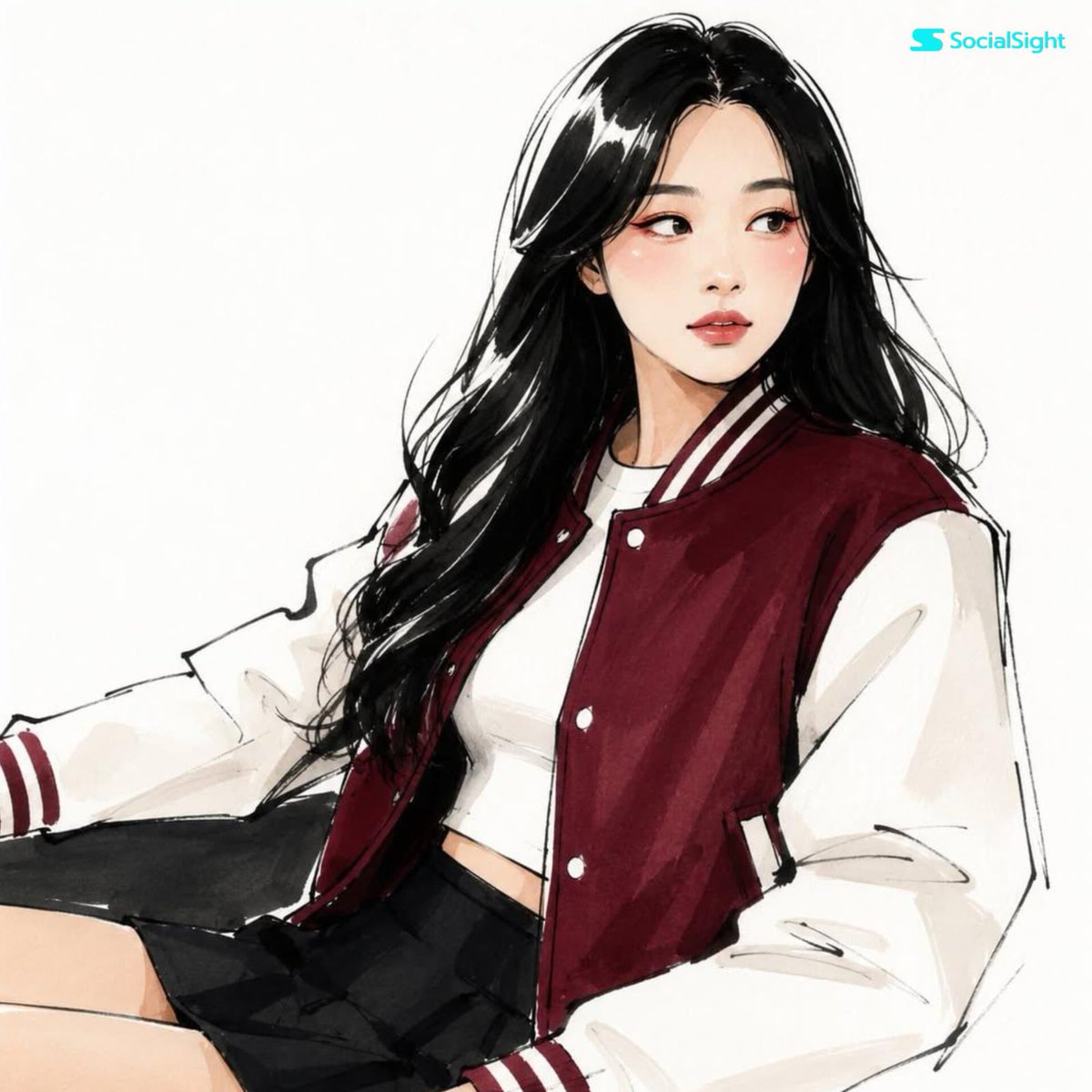
Fashion Editorial Illustration Sketch
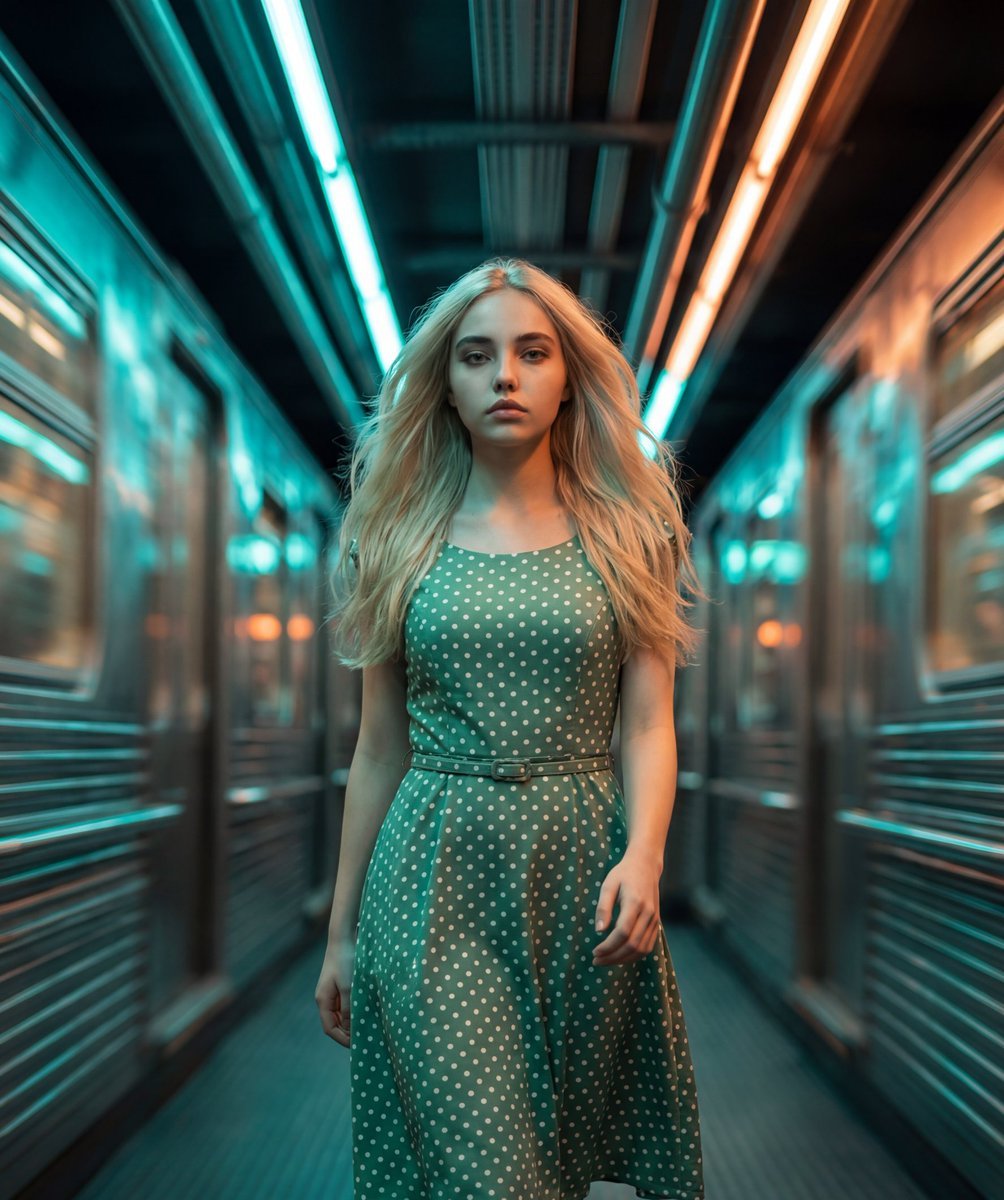
Cinematic Futuristic Tunnel Walk

Teal Leather Jacket Studio Portrait Prompt
Anime Story Generation Prompt Template
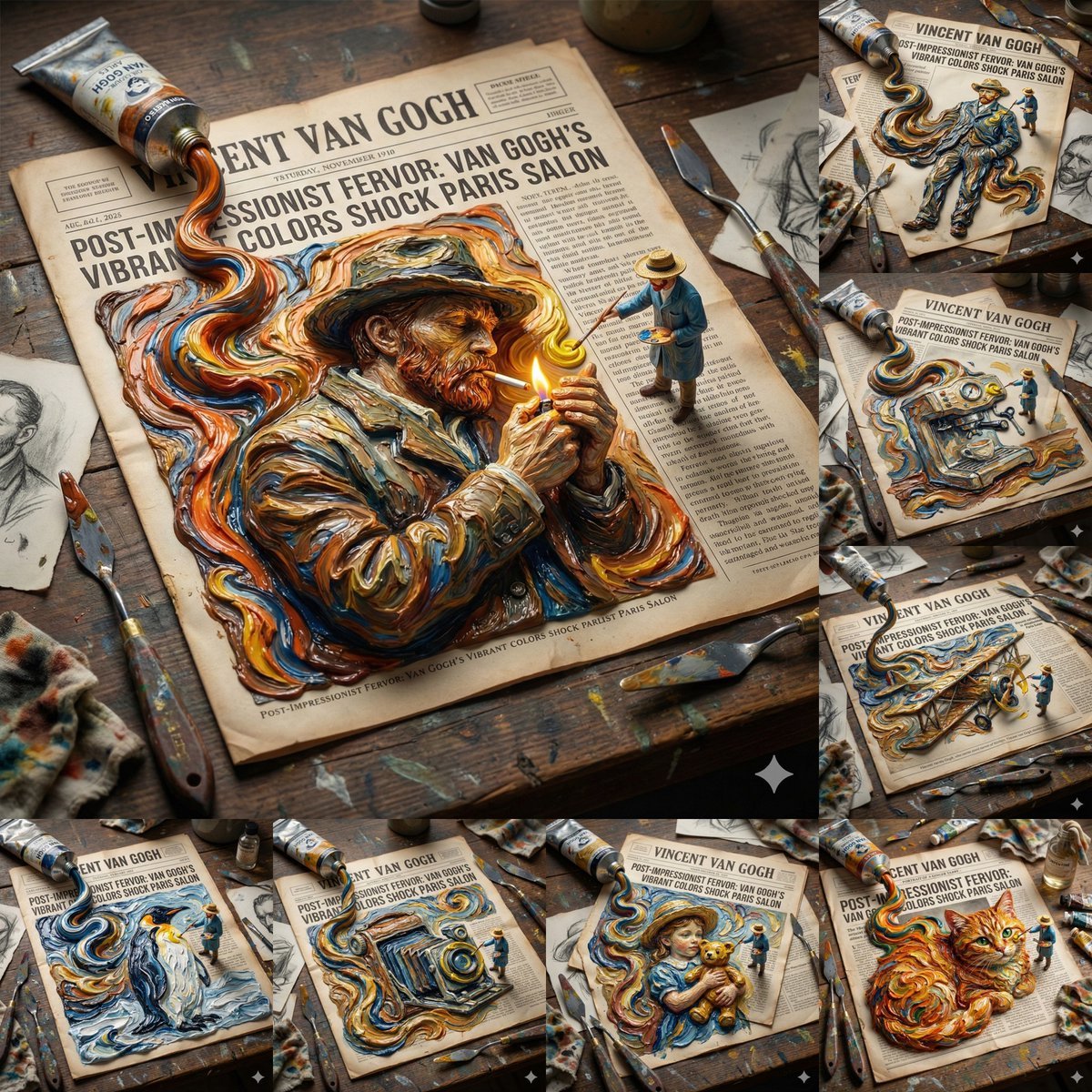
Van Gogh Style Transfer (JSON Template)
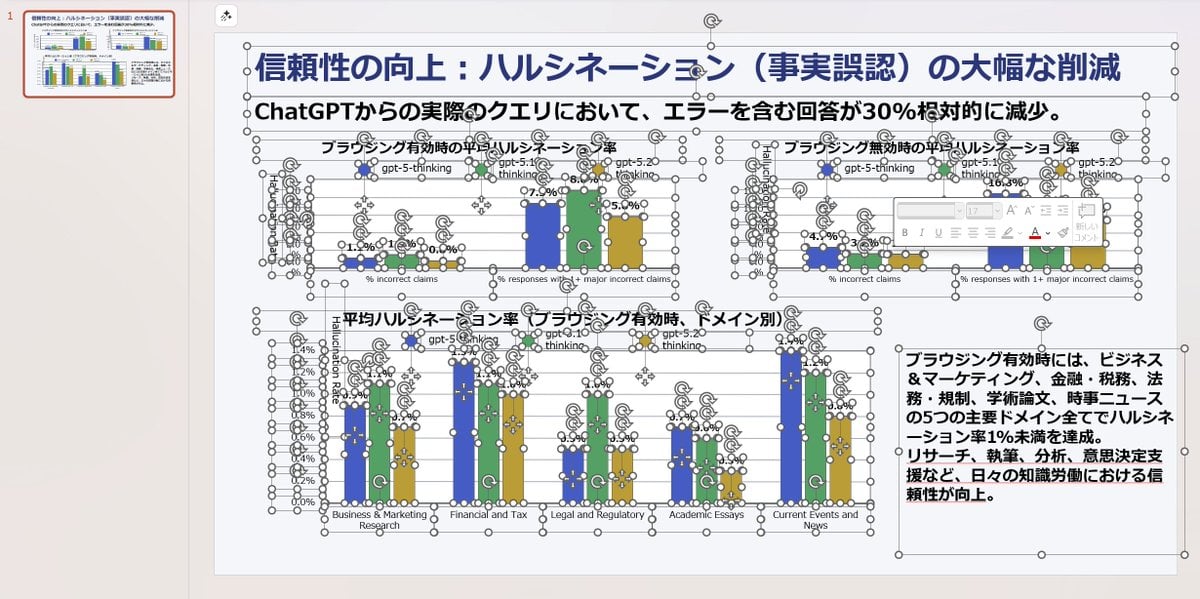
Convert Image to Editable PPTX with Object Separation Prompt
Browse template categories
Detailed Flash-Lit Bedroom Photo Prompt for Nano Banana 3.1 Pro questions
How do I use the Detailed Flash-Lit Bedroom Photo Prompt for Nano Banana 3.1 Pro template?
Add your photo if the template asks for one, edit the prompt if you like — the template's model and format are already selected — and press Generate. Your version opens in PicX Studio.
Can I customize the Detailed Flash-Lit Bedroom Photo Prompt for Nano Banana 3.1 Pro template?
Yes. You can change the subject, setting, lighting, mood, format, and available model controls before creating your image.
Is the Detailed Flash-Lit Bedroom Photo Prompt for Nano Banana 3.1 Pro template free?
Opening and editing this template is free. Generating uses credits, shown on the Generate button when you are signed in.
Which AI model should I use?
Start with Nano Banana 2, which is the model associated with this template. You can compare another compatible model for a different finish.
Looking for something else? Browse all templates.

Your photo, any look
Thousands of ready templates for every top image and video model, from one credit balance.