How do I use the Image Generation: Smiling Woman Teaching a Boy template?
Choose the primary action to open PicX Studio with the available template settings. Review the model and format, personalize the creative direction, and generate when ready.
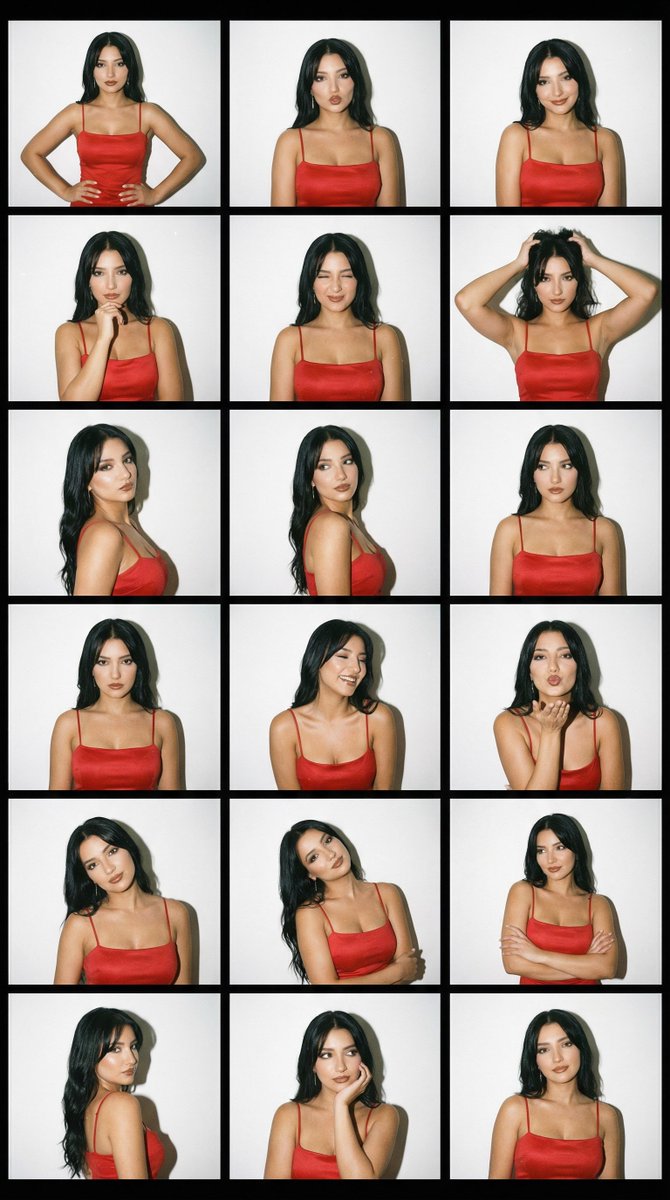
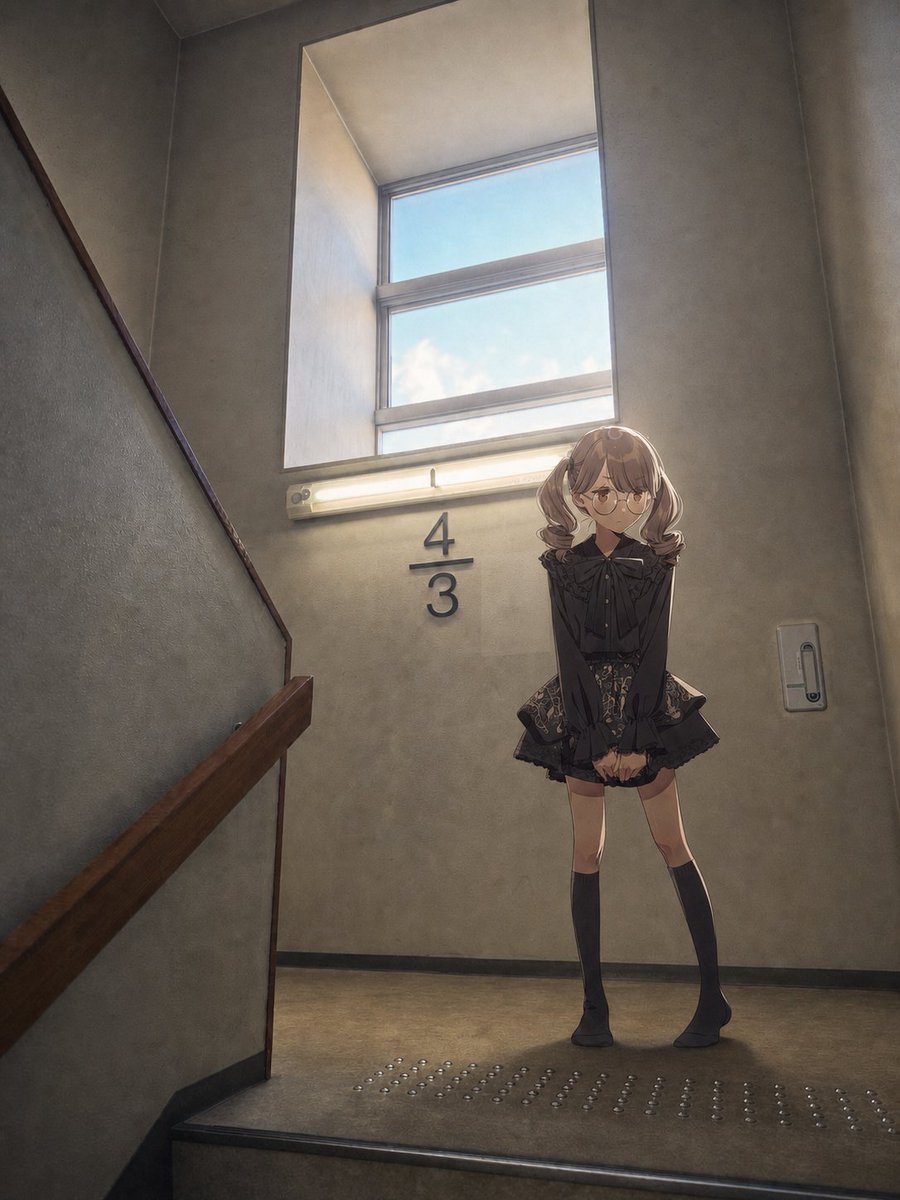
A prompt used for Nano Banana Pro to generate a series of images (later used for video generation) showing a sequence of actions: a smiling woman teaching a boy, pointing at a notebook, clapping brightly, winking with her hand over her mouth, relaxing, stretching, and finally smiling at the camera. (free to use) — Free AI image template on PicX Studio.
少年に勉強を教える笑顔の女性。ノートを指差し、明るく拍手し、口元に手を当ててウインクをした後、リラックスして伸びをしながらカメラに微笑みかける。
Use Image Generation: Smiling Woman Teaching a Boy to plan an AI image around nano-banana-2 generation. Match the preview's composition first, then personalize the subject, setting, and mood for your own project.
Use the primary action to load the template settings in PicX Studio.
Adjust the subject and creative details for your destination.
Create the image, compare the result with the preview, and refine one variable at a time.
A continuous mix — similar concepts first, woven with same-model prompts and fresh picks from the catalog.
Choose the primary action to open PicX Studio with the available template settings. Review the model and format, personalize the creative direction, and generate when ready.
Yes. You can change the subject, setting, lighting, mood, format, and available model controls before creating your image.
This template is free to open and customize. Generation usage is shown in PicX Studio before you create.
Start with nano-banana-2, which is the model associated with this template. You can compare another compatible model for a different finish.
Follow a topic to a crawlable collection of related PicX Studio templates.
39,157 public templates available. Verified via the PicX Studio public templates API; refreshed hourly.
A continuous mix — similar concepts first, woven with same-model prompts and fresh picks from the catalog.