
Topography Typography Satellite View
A complex prompt creating an organic word formation from Earth's topography, seen from a hyper-realistic satellite perspective.
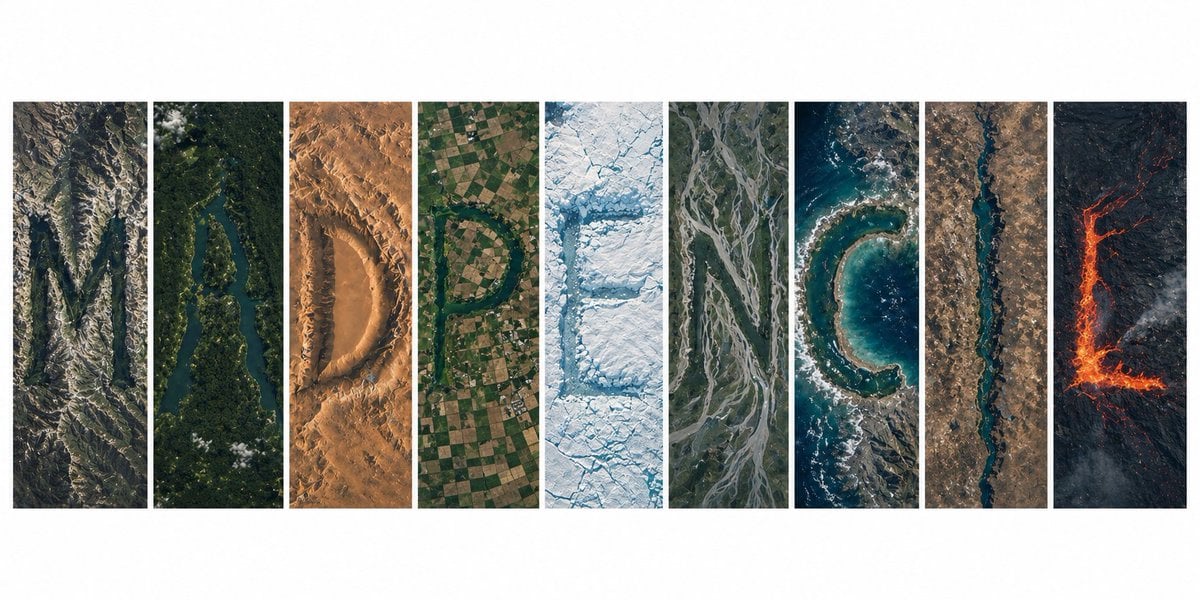
- Prompt included
- Model and format preset
- Free template
The prompt behind this image
Copy the exact prompt behind Topography Typography Satellite View, or open it in the studio and make it yours.
Ultra-realistic satellite view from space, a clean modern editorial layout of 9 vertical panels arranged side-by-side on a white background, together forming the word "{argument name="word" default="MADPENCIL"}", each panel containing one letter created entirely from natural Earth topography, no artificial text overlays: Panel 1 (M): rugged mountain ranges and deep valleys forming a sharp, angular "M", rocky textures, high elevation shadows Panel 2 (A): winding river cutting through dense green forest forming an organic "A", strong contrast between water and vegetation Panel 3 (D): desert dunes and wind-sculpted sand patterns shaping a smooth "D", warm tones, soft gradients Panel 4 (P): agricultural farmland grids and patchwork fields forming a structured "P", geometric patterns clearly visible Panel 5 (E): glacier and ice formations carving a crisp "E", bright whites and icy blues, fractured textures Panel 6 (N): braided river system across floodplains forming "N", branching channels with natural flow lines Panel 7 (C): coastal shoreline and ocean edge shaping a curved "C", waves and sediment gradients visible Panel 8 (I): narrow canyon or straight river cutting through terrain forming a minimal "I", strong vertical emphasis Panel 9 (L): volcanic terrain with lava flows forming an "L", dark rock with glowing red/orange lava accents top-down satellite perspective, NASA Earth observation style, hyper-detailed textures, realistic geography, consistent scale and lighting across all panels, minimal clouds, high contrast, sharp focus, subtle atmospheric haze, natural color grading, ultra high resolution 8K, clean spacing between panels, modern gallery-style composition, visually cohesive but each panel distinctly different biome, letters clearly readable yet organically integrated into terrain
How to use Topography Typography Satellite View in 3 steps
- 1
Open
The prompt is already in the box next to the preview, with the template's model and format selected.
- 2…a portrait of your subject in softgolden-hour light, 85mm…
Personalize
Edit the subject and creative details for your destination.
- 3Generate
Generate
Press Generate — your image is created in PicX Studio, so you can compare it with the original and refine one variable at a time.
More like this
Templates with the same subject, style or setup. Open one to see its prompt.

Motion Graphics Finale Fireworks

Motion Graphics Garden Maze

Motion Graphics Castle Gate

Motion Graphics Kitchen Chaos

Motion Graphics Carnival Ride

Motion Graphics Rainy Bus Stop

Motion Graphics Space Dock
Motion Graphics Cafe Morning
Motion Graphics Mountain Summit
Motion Graphics Underwater Reef
Motion Graphics Street Festival
Motion Graphics Ballroom Dance
Make it yours
Topography Typography Satellite View works as-is. These are the safest ways to change it without losing the look.
Change one field
Copy a single group, rewrite it, and generate again so you can see what that field is doing.
Keep the frame, change the subject
Hold the composition and light of Topography Typography Satellite View, then swap wardrobe, props or the person for a new take.
| If the result… | Why | Fix |
|---|---|---|
| The result drifts from the preview | Too many fields changed at once. | Reuse Topography Typography Satellite View as-is first, then change one group — subject, light, or setting. |
| The model over-stylizes the scene | The prose prompt leaves finish and camera underspecified. | Add one camera or lighting sentence and stay on GPT Image 2. |
More GPT Image 2 templates
Other prompts made for GPT Image 2.

Six VTuber Japanese Logo Sheet

Realistic Portrait of Woman and Deer

The Vista Modular Condo Poster

AI Model Routing Comparison Infographic

2.5D Anime Art Board

Isometric Productivity Desk Scene

New York Double Exposure Poster

Four-Panel AI Landscape Comparison

Japanese Tatami Lifestyle Magazine Cover

NESCAFÉ Coffee Map Poster
More image prompts
Fresh picks from across the catalog.
Seq2seq paper infographic
Magazine Cover Generation Based on Birth Date Prompt
Twelve Angle Multi-View Face Grid
Horned Seven-Tailed Mountain Beast
Candid Mirror Selfie with a Fluffy Cat
Neon Butterfly Night Portrait
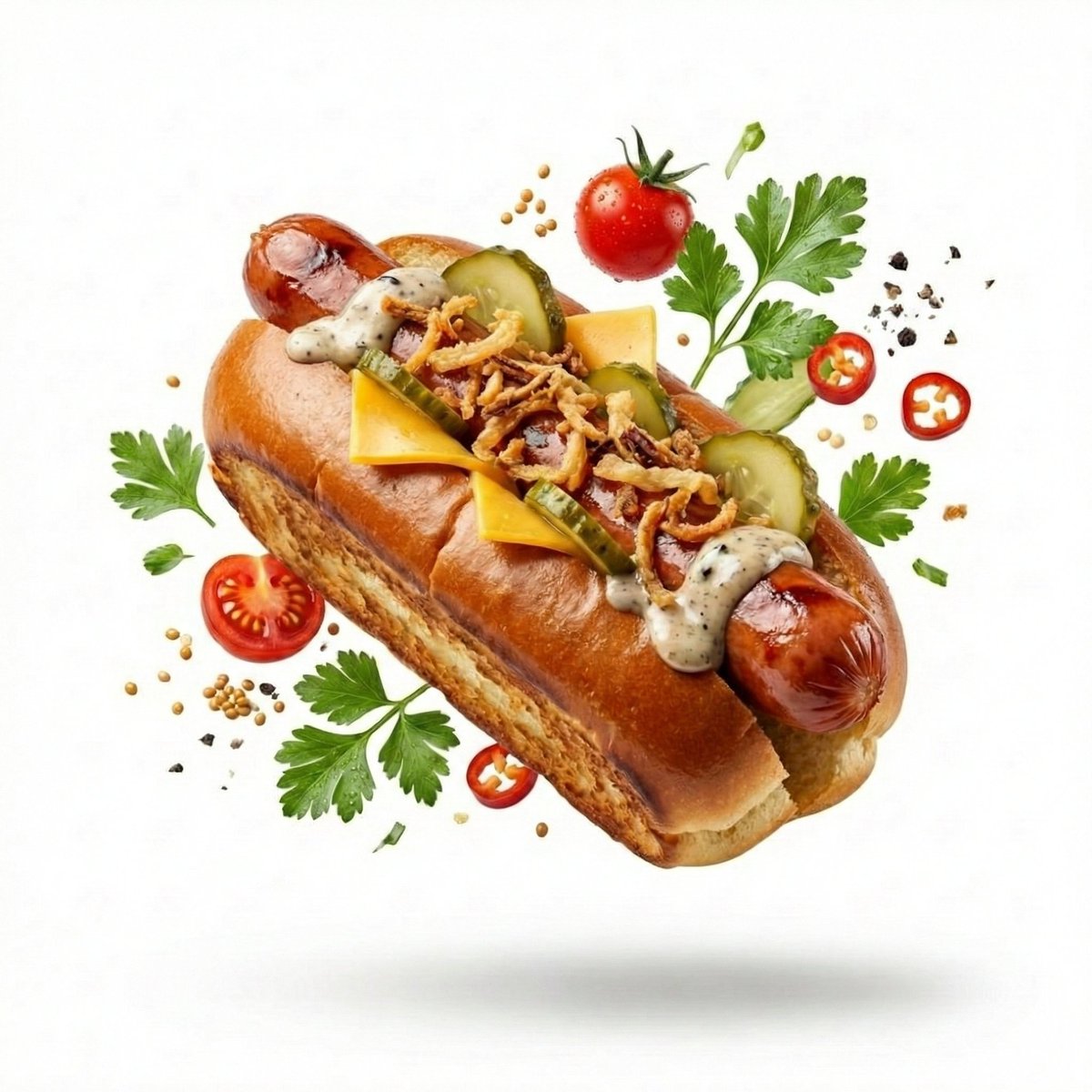
High-End Commercial Food Levitation Photography Prompt
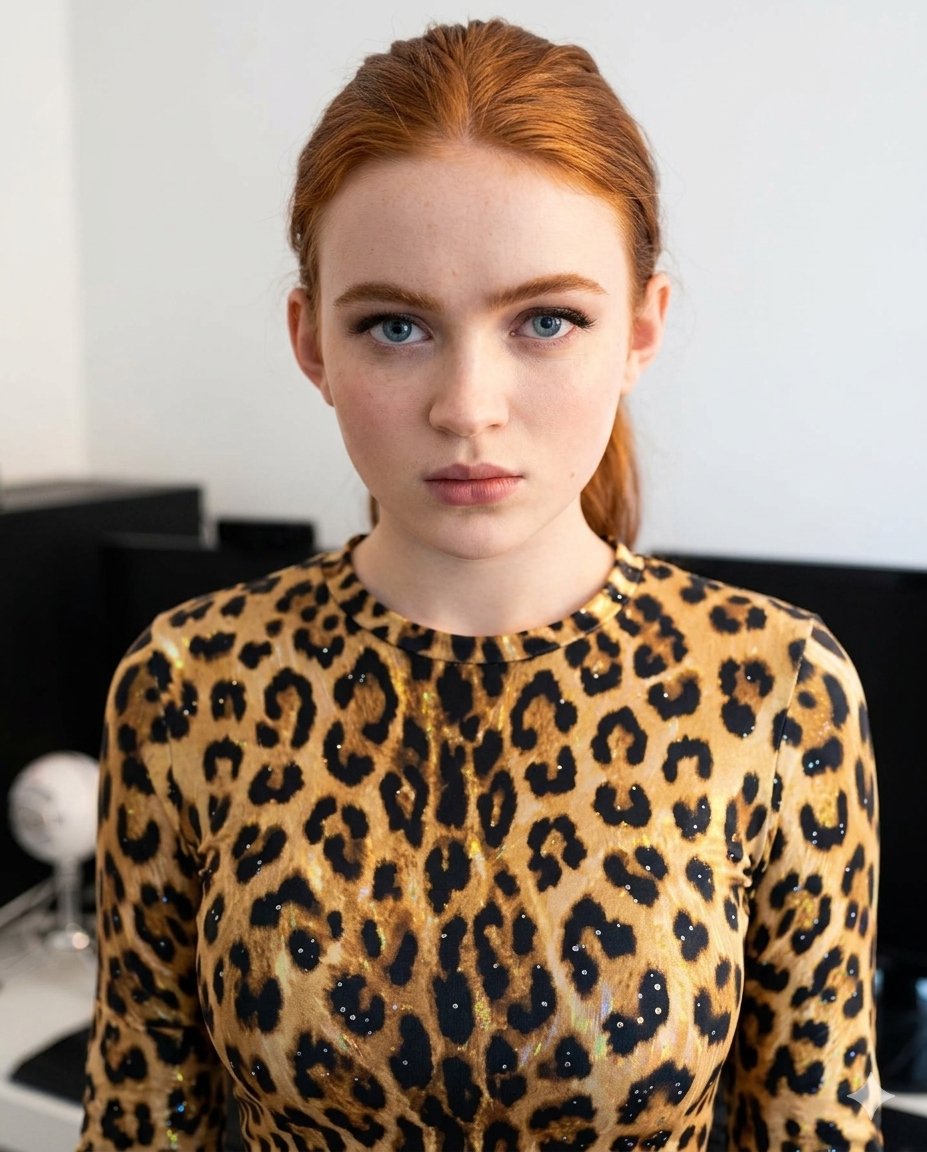
Sparkling Cheetah Portrait Prompt for Gemini Nano Banana Pro
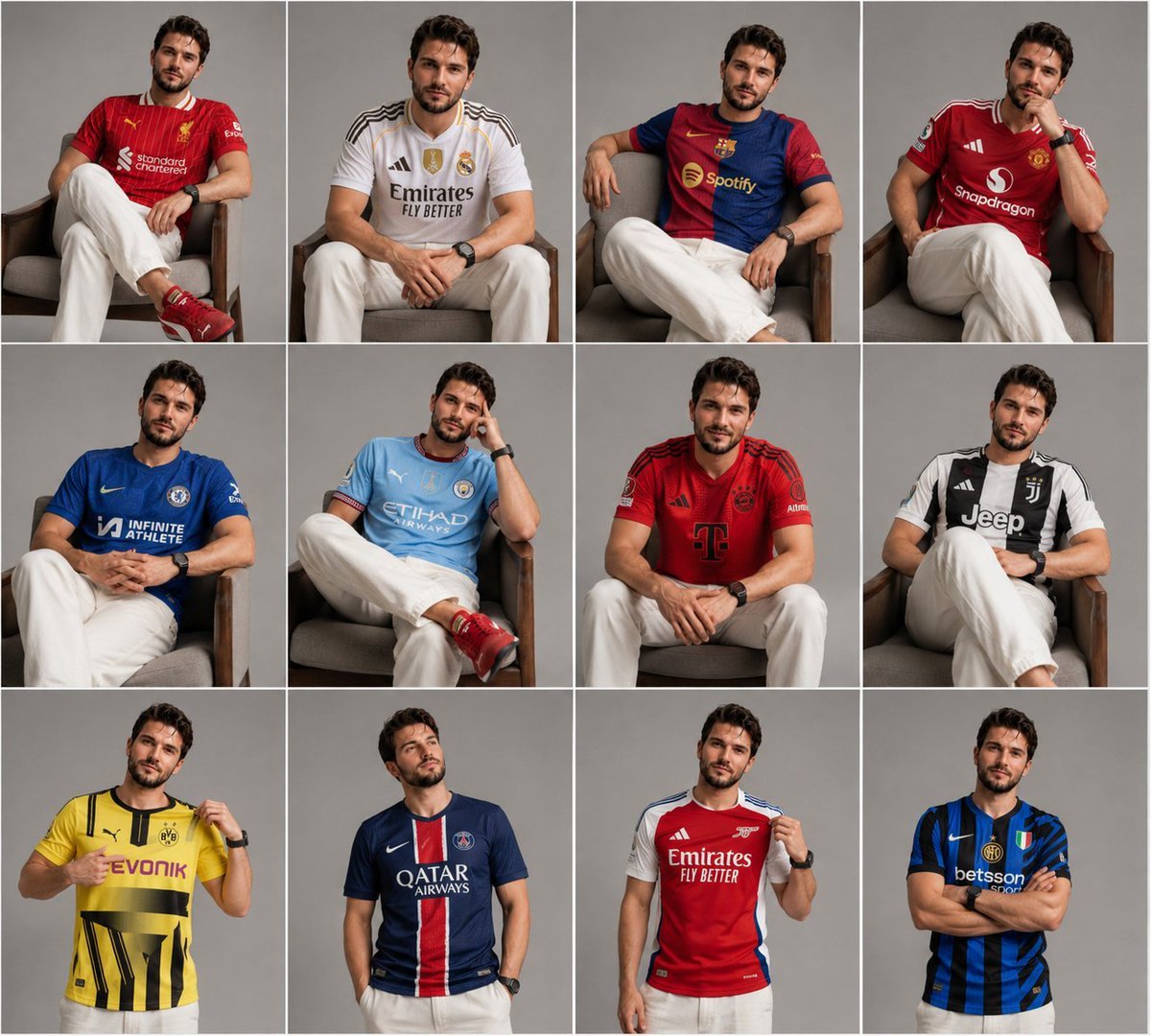
Football Jersey Grid Collage
Cosmic Gravity Glass UI System
Browse template categories
Topography Typography Satellite View questions
How do I use the Topography Typography Satellite View template?
Add your photo if the template asks for one, edit the prompt if you like — the template's model and format are already selected — and press Generate. Your version opens in PicX Studio.
Can I customize the Topography Typography Satellite View template?
Yes. You can change the subject, setting, lighting, mood, format, and available model controls before creating your image.
Is the Topography Typography Satellite View template free?
Opening and editing this template is free. Generating uses credits, shown on the Generate button when you are signed in.
Which AI model should I use?
Start with GPT Image 2, which is the model associated with this template. You can compare another compatible model for a different finish.
Looking for something else? Browse all templates.

Your photo, any look
Thousands of ready templates for every top image and video model, from one credit balance.