
Nano Banana Pro X Header Image Generation Prompt
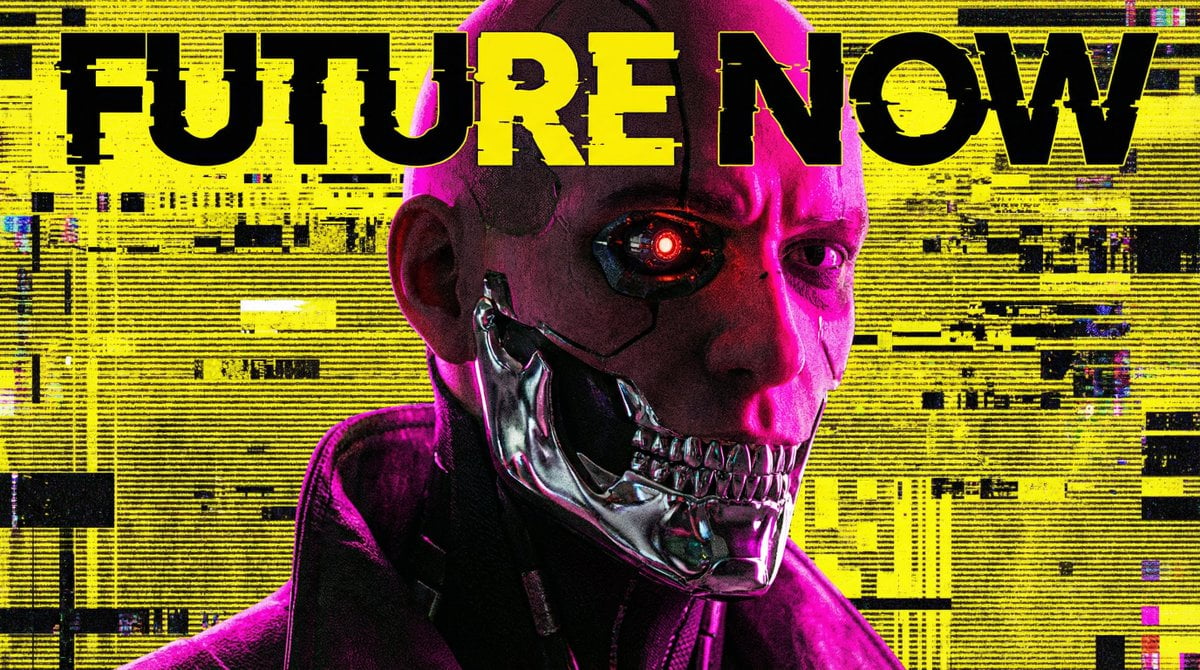
This is a detailed prompt designed for Nano Banana Pro to generate an X (Twitter) header image based on a reference image.
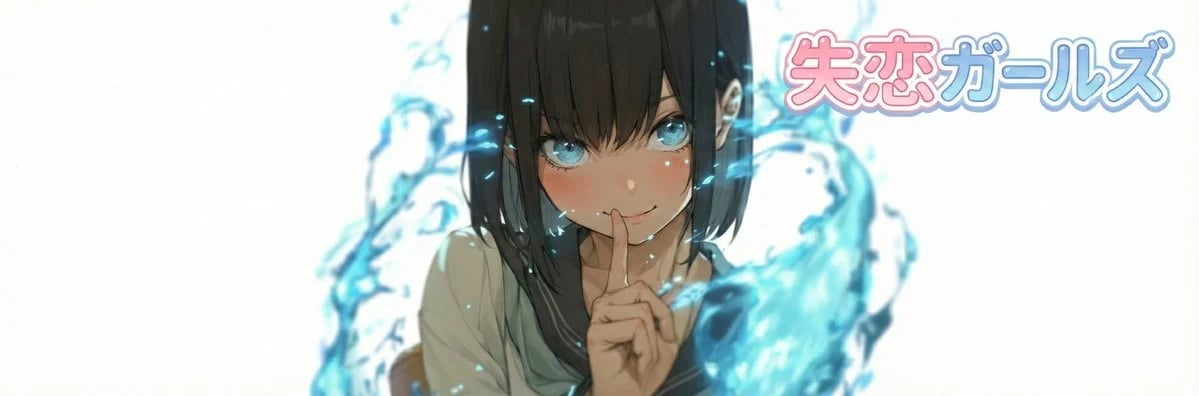
- Prompt included
- Model and format preset
- Premium template
The prompt behind this image
Copy the exact prompt behind Nano Banana Pro X Header Image Generation Prompt, or open it in the studio and make it yours.
# ===== USER CONTROLS ===== title_text: "{argument name="表示文字列" default="<<YOUR_TEXT>>"}" title_style_preset: "{argument name="ロゴデザインプリセット" default="cool"}" # cool, cute, cool_cute, luxury, pop, cyber, minimal, retro, kawaii face_zoom: "{argument name="ズームのon/off" default="off"}" # off, on subject: > Create a 3:1 wide banner using the provided reference image content. The primary face must be centered inside an invisible safe zone (not drawn), and a title logo (derived from title_text + title_style_preset) must be placed inside the same safe zone. composition: > Aspect ratio 3:1. Invisible safe zone (DO NOT draw it): - Left margin: 15% of width - Right margin: 15% of width - Top margin: 16% of height - Bottom margin: 16% of height Keep the entire face AND the entire title logo fully inside this safe zone. Background may extend to the edges. action: > Place the reference image content with maximum fidelity. Auto-crop/scale/reposition to fit a 3:1 banner with no stretching. Detect the primary face (if multiple faces, pick the largest/most prominent). Center the primary face within the safe zone both horizontally and vertically. Never crop off the face/eyes; keep the full face comfortably inside the safe zone (not near edges). Face zoom behavior: - If face_zoom is OFF: keep the original framing as much as possible while still centering the face in the safe zone. - If face_zoom is ON: zoom/crop to a bust-up portrait centered on the face (head and shoulders visible; include upper chest; do not crop the top of the head or chin; keep facial features prominent). Create negative space inside the safe zone for the title logo by adjusting crop/reposition/out
How to use Nano Banana Pro X Header Image Generation Prompt in 3 steps
- 1Upload ImagePNG, JPG or paste
Add your photo
Upload the photo the template builds on. The prompt, model and format are already set.
- 2…a portrait of your subject in softgolden-hour light, 85mm…
Personalize
Edit the subject and creative details for your destination.
- 3Generate
Generate
Press Generate — your image is created in PicX Studio, so you can compare it with the original and refine one variable at a time.
More like this
Templates with the same subject, style or setup. Open one to see its prompt.
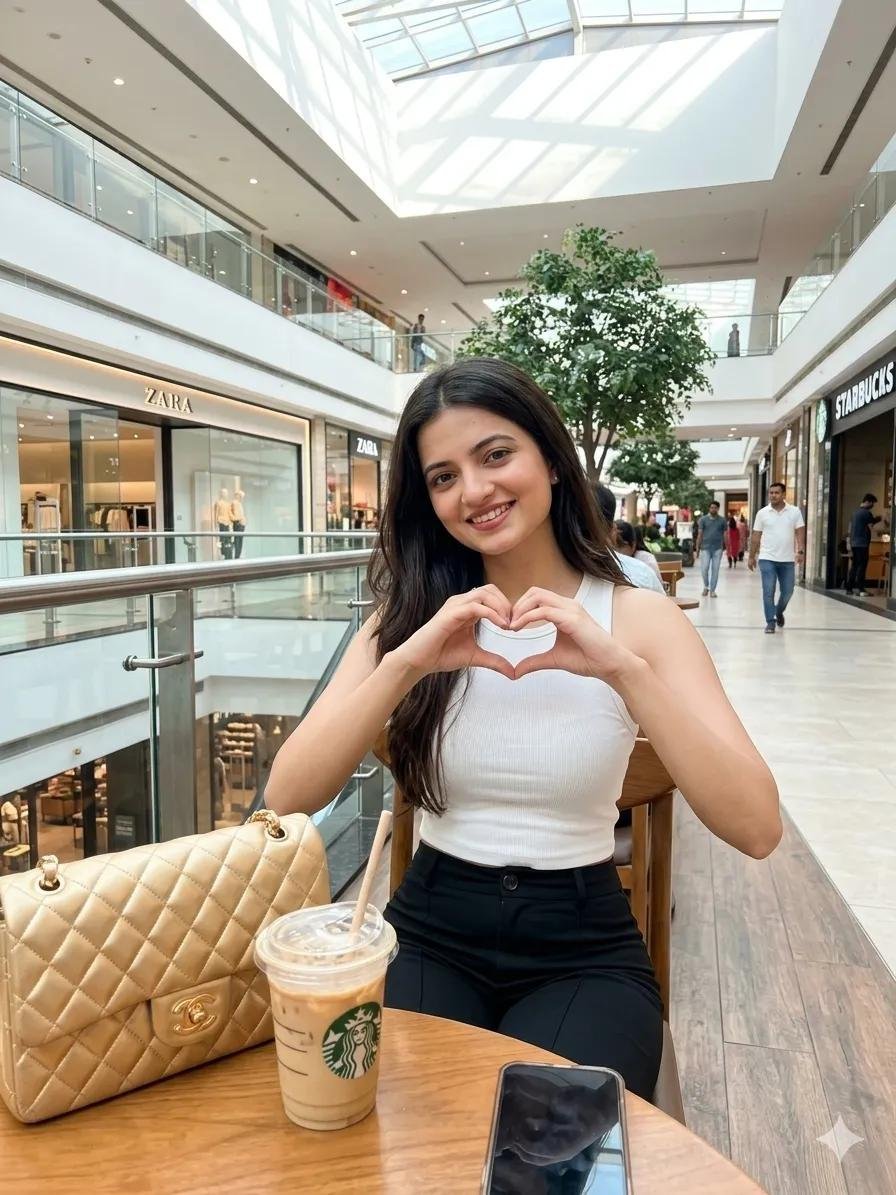
Woman in Mall with Chanel Bag - Heart Gesture

Nano Banana Pro Prompt for X Article Header Image Generation
Nano Banana Pro branded header (duplicate)
Nano Banana Pro branded header image

Hand-drawn style header image introducing Nano Banana Pro (Japanese)
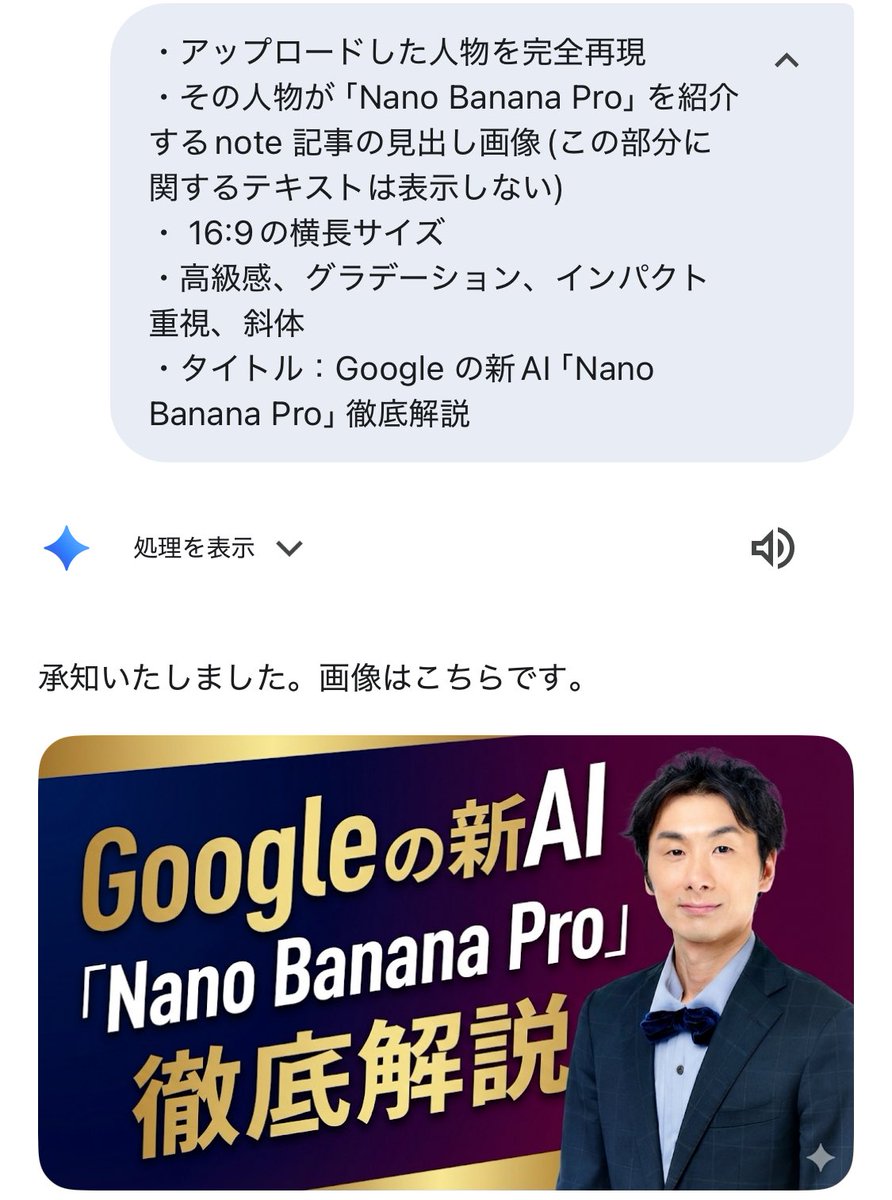
Luxurious header image with uploaded person for Nano Banana Pro article
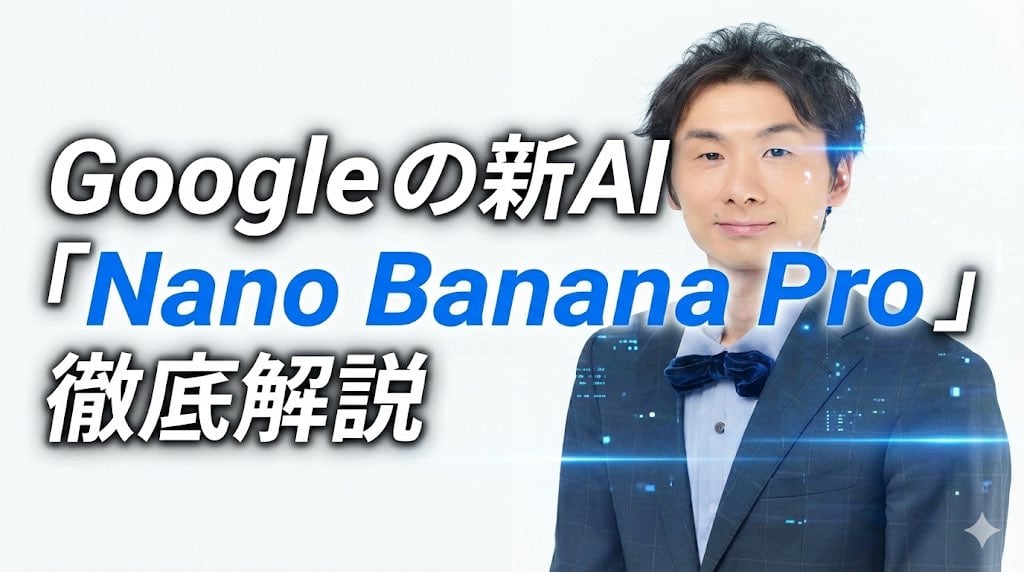
Header image with uploaded person introducing Nano Banana Pro
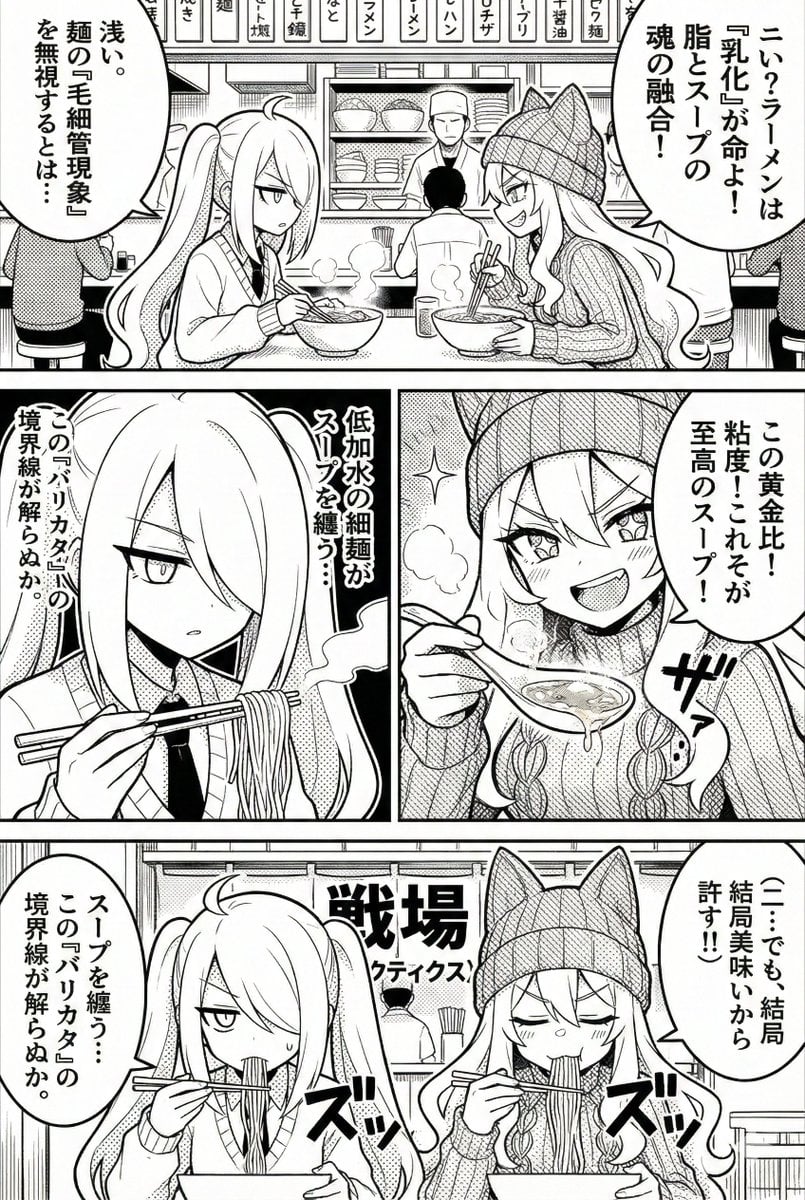
Manga Generation Prompt Template for Nano Banana Pro

X Profile Header Generation for Mom Blogger
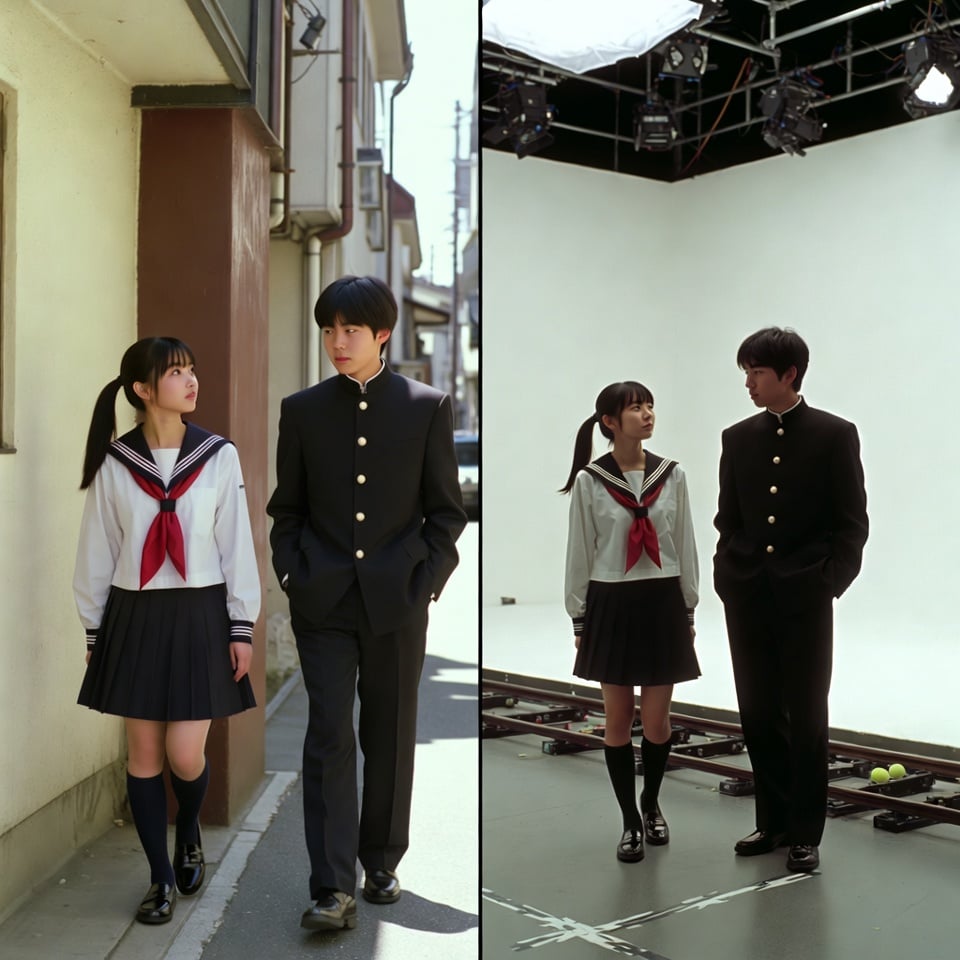
VFX Comparison Image Prompt (Before/After) for Nano Banana Pro
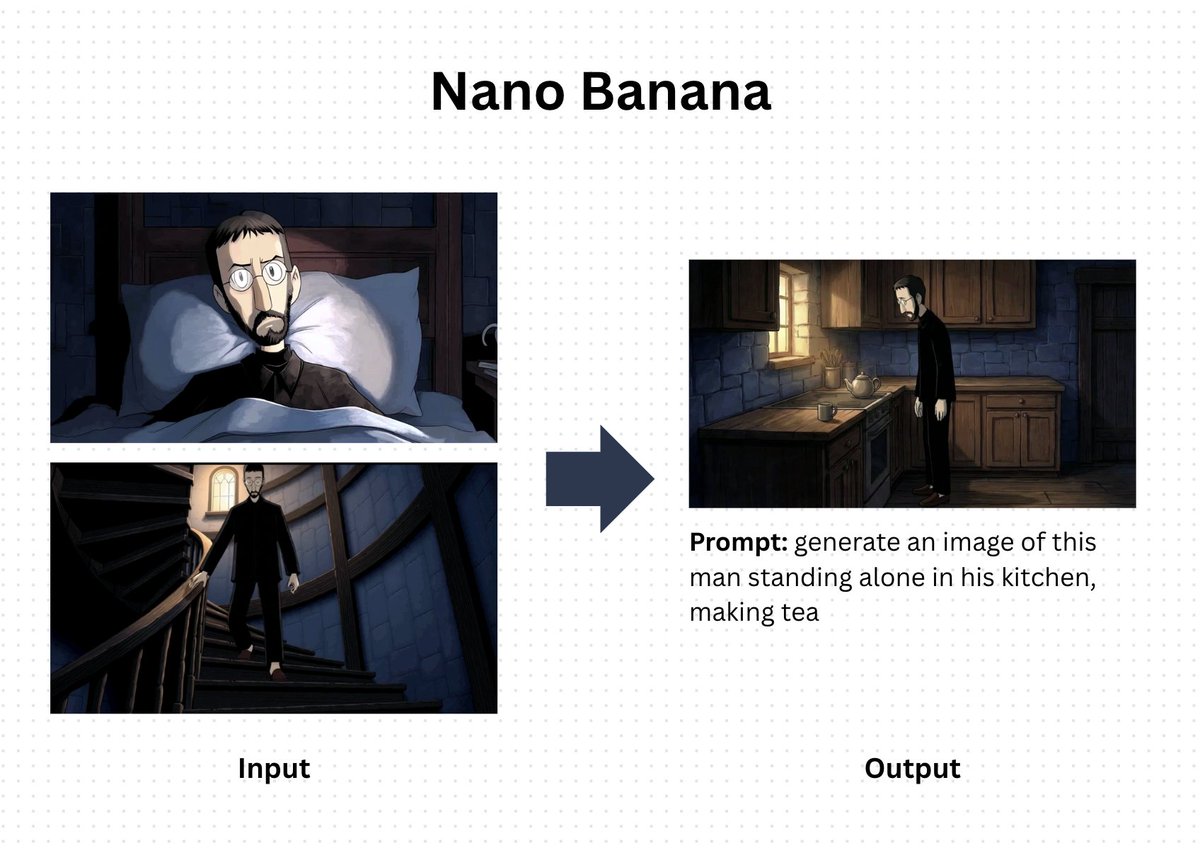
Nano Banana Prompt for Consistent Character Jumpshots
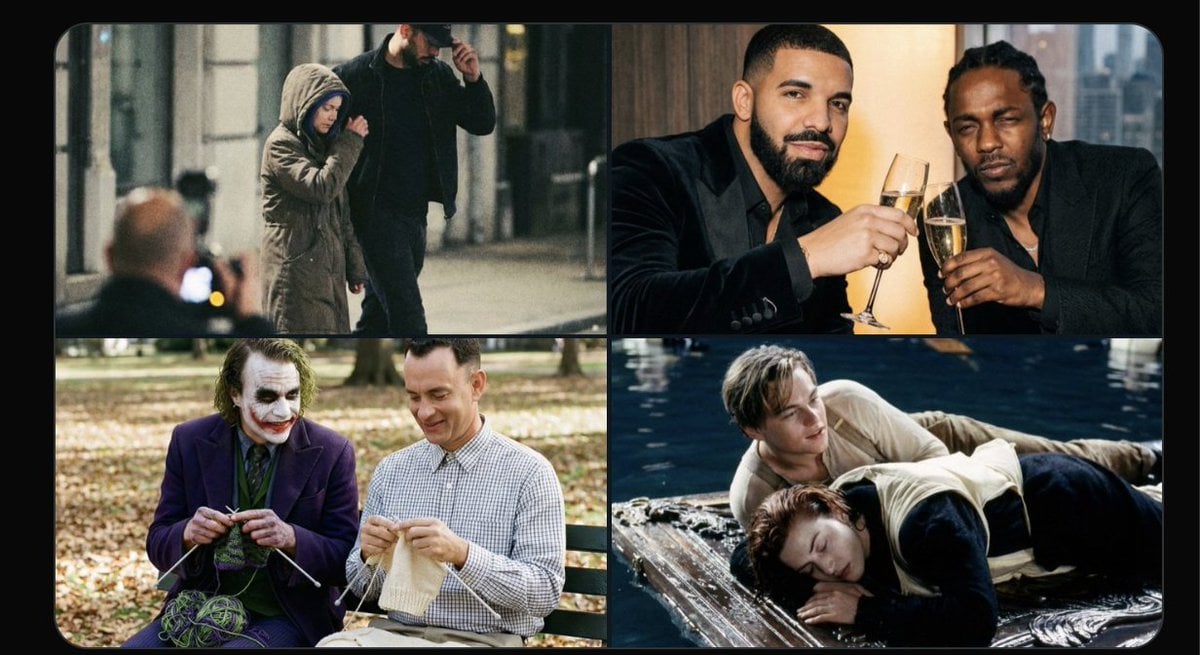
Cinematic Camera Instructions for Nano Banana Pro
Make it yours
Nano Banana Pro X Header Image Generation Prompt works as-is. These are the safest ways to change it without losing the look.
Change one field
Copy a single group, rewrite it, and generate again so you can see what that field is doing.
Keep the frame, change the subject
Hold the composition and light of Nano Banana Pro X Header Image Generation Prompt, then swap wardrobe, props or the person for a new take.
| If the result… | Why | Fix |
|---|---|---|
| The result drifts from the preview | Too many fields changed at once. | Reuse Nano Banana Pro X Header Image Generation Prompt as-is first, then change one group — subject, light, or setting. |
| The model over-stylizes the scene | The prose prompt leaves finish and camera underspecified. | Add one camera or lighting sentence and stay on Nano Banana 2. |
More Nano Banana 2 templates
Other prompts made for Nano Banana 2.

Photorealistic Leaf Shaped Like a Dragon

K-Pop Idol Portrait Grid for Rapid Selection

Poetic Rain Forest Portrait During Golden Hour

Urban Street Portrait with Cartoon Inner Self Duo

Candid Nighttime Photo with Cat Prompt

High-Concept 3D Diorama Generation Prompt

Cinematic Futuristic Studio Portrait Template

Skincare Editorial Photography Collage Prompt

Hyper-Realistic Commercial Product Photography (Splash Effect)

Hyper-Realistic Nightclub Portrait Prompt
More image prompts
Fresh picks from across the catalog.
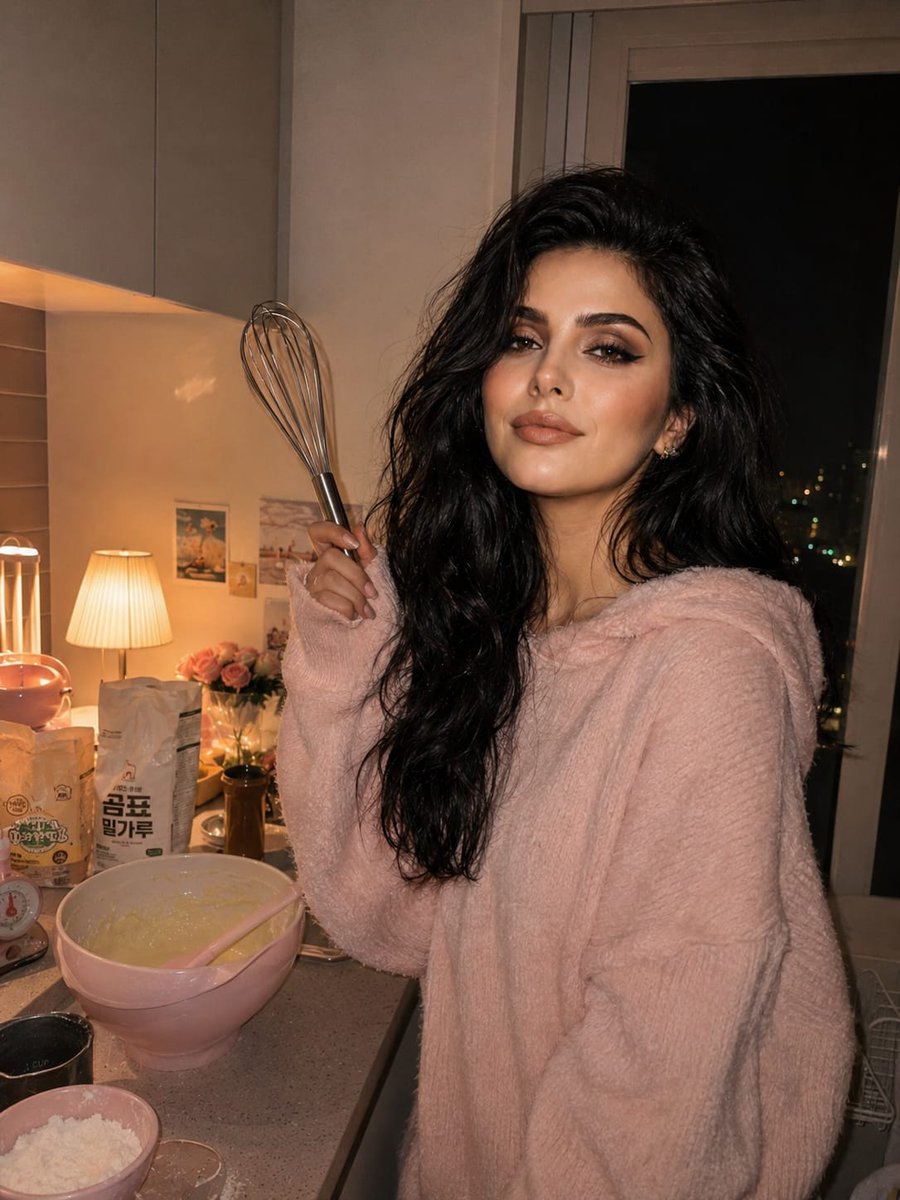
Cozy Kitchen Late Night Baking Portrait
Peaceful anime hillside landscape
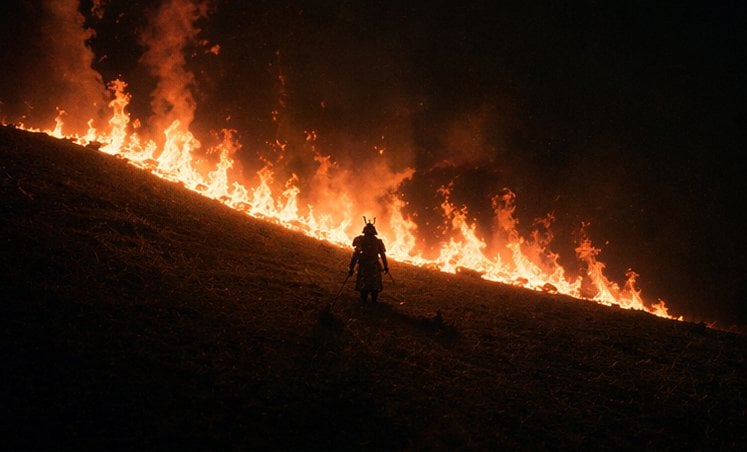
Samurai Before a Hillside Fire
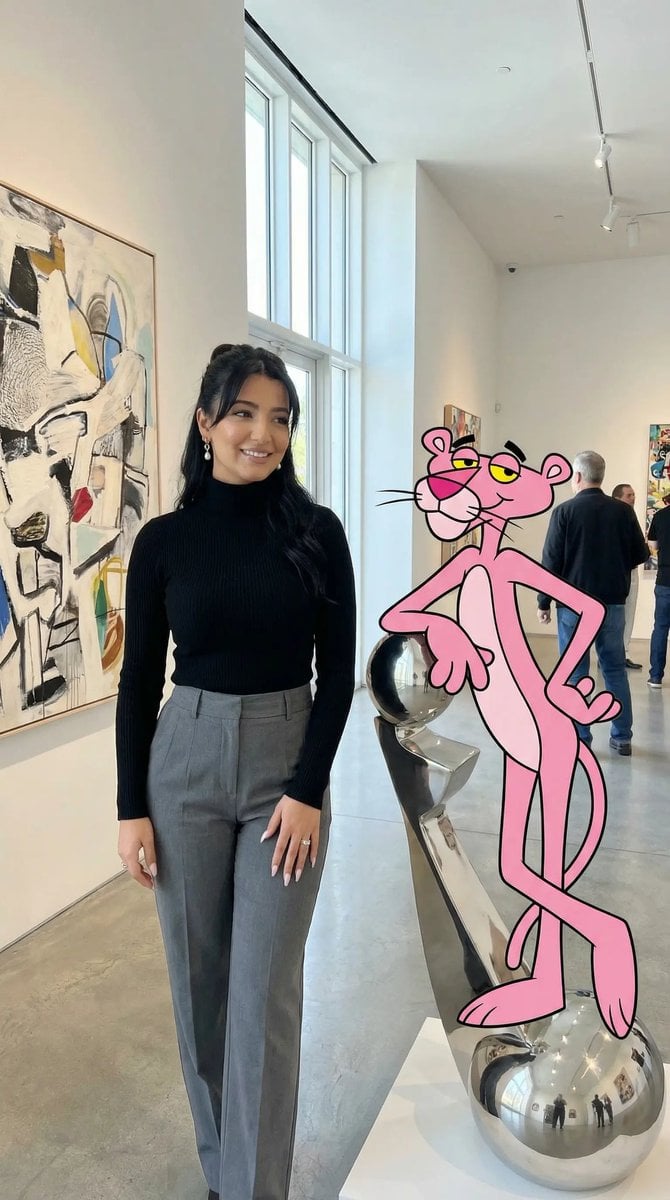
Ultra Photoreal Cartoon Reality Scene with Pink Panther
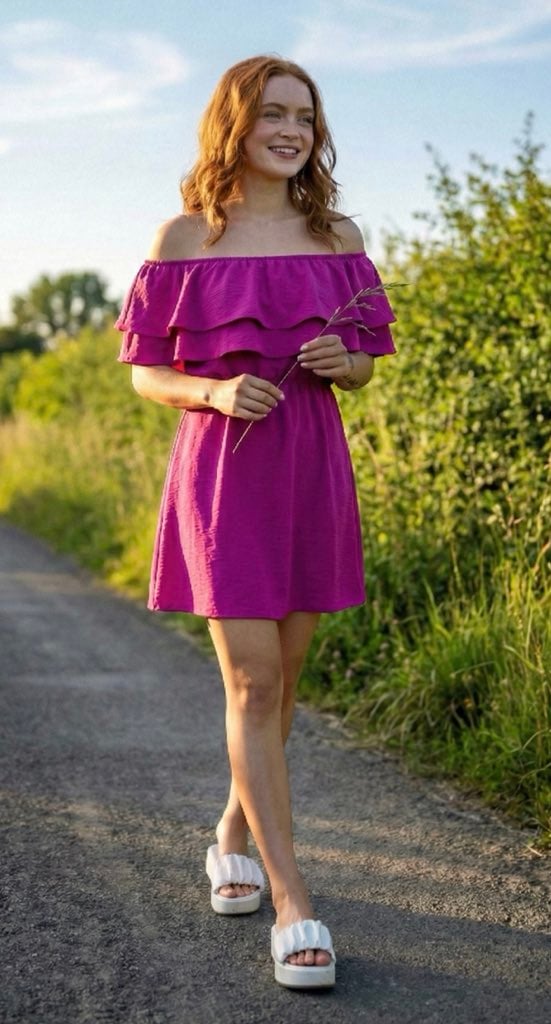
Ultra-Photorealistic Full-Body Shot on a Rural Road at Golden Hour
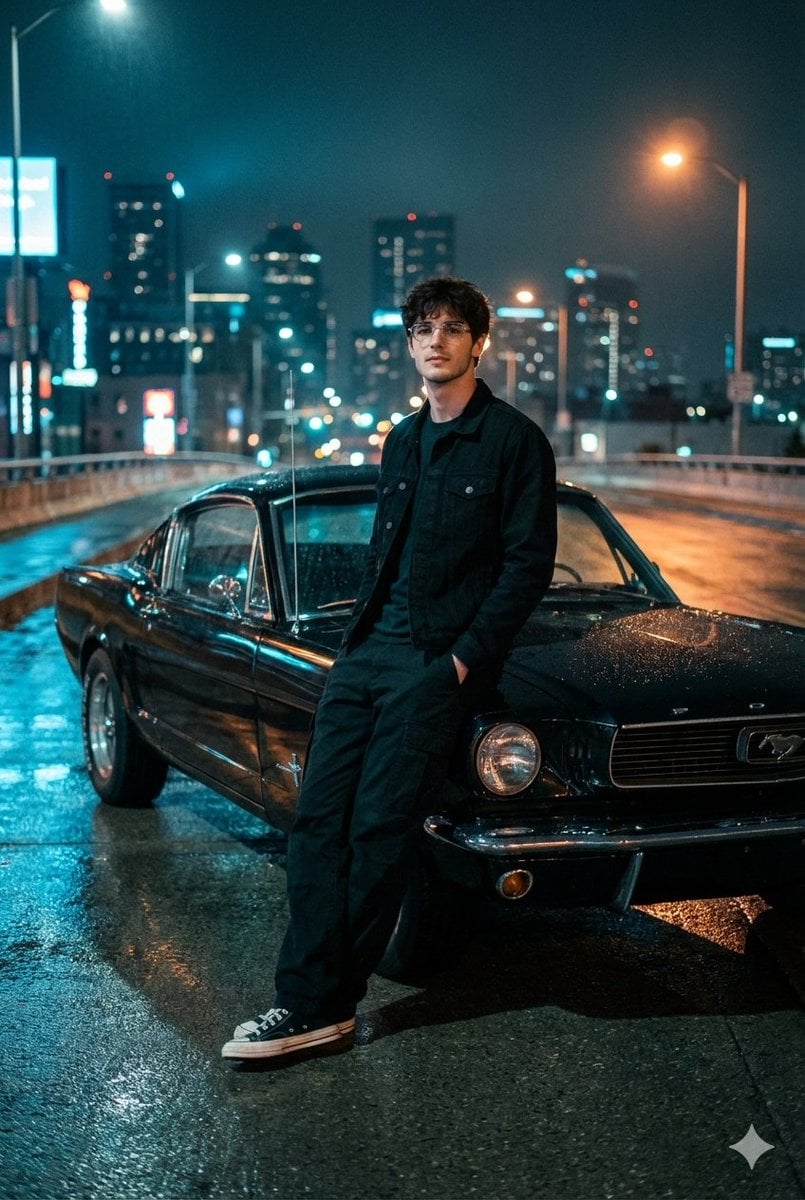
Cinematic Night Photo with 1960s Mustang
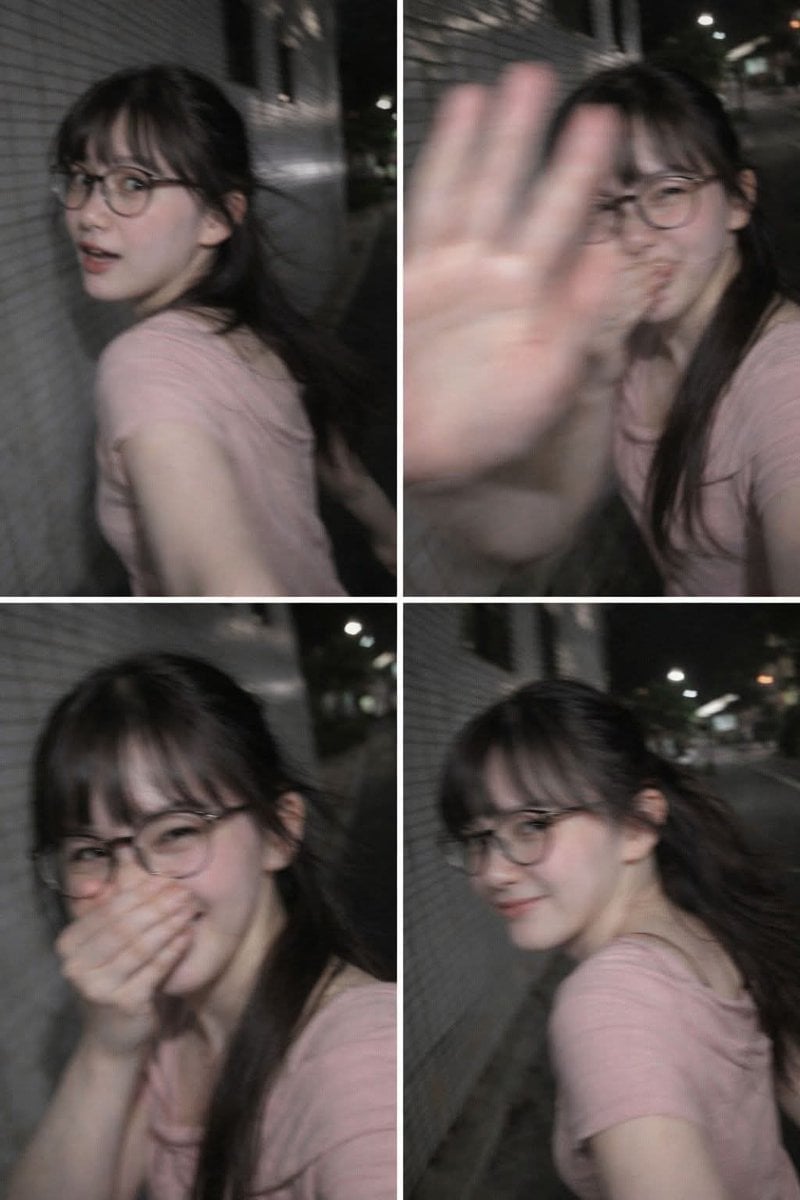
Ultra-Realistic Candid Nighttime Smartphone Photo Prompt
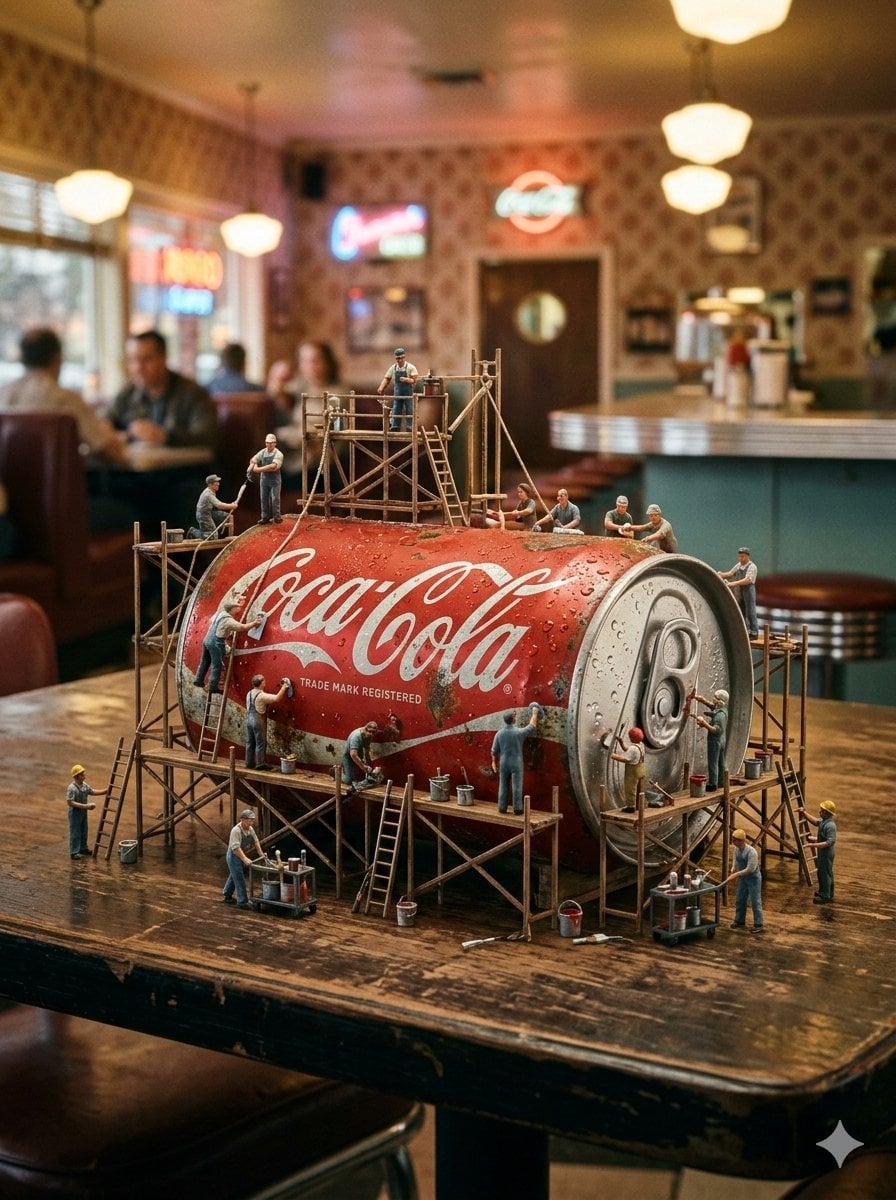
Miniature Industrial Scene on Luxury Products (Coca-Cola & Chanel)
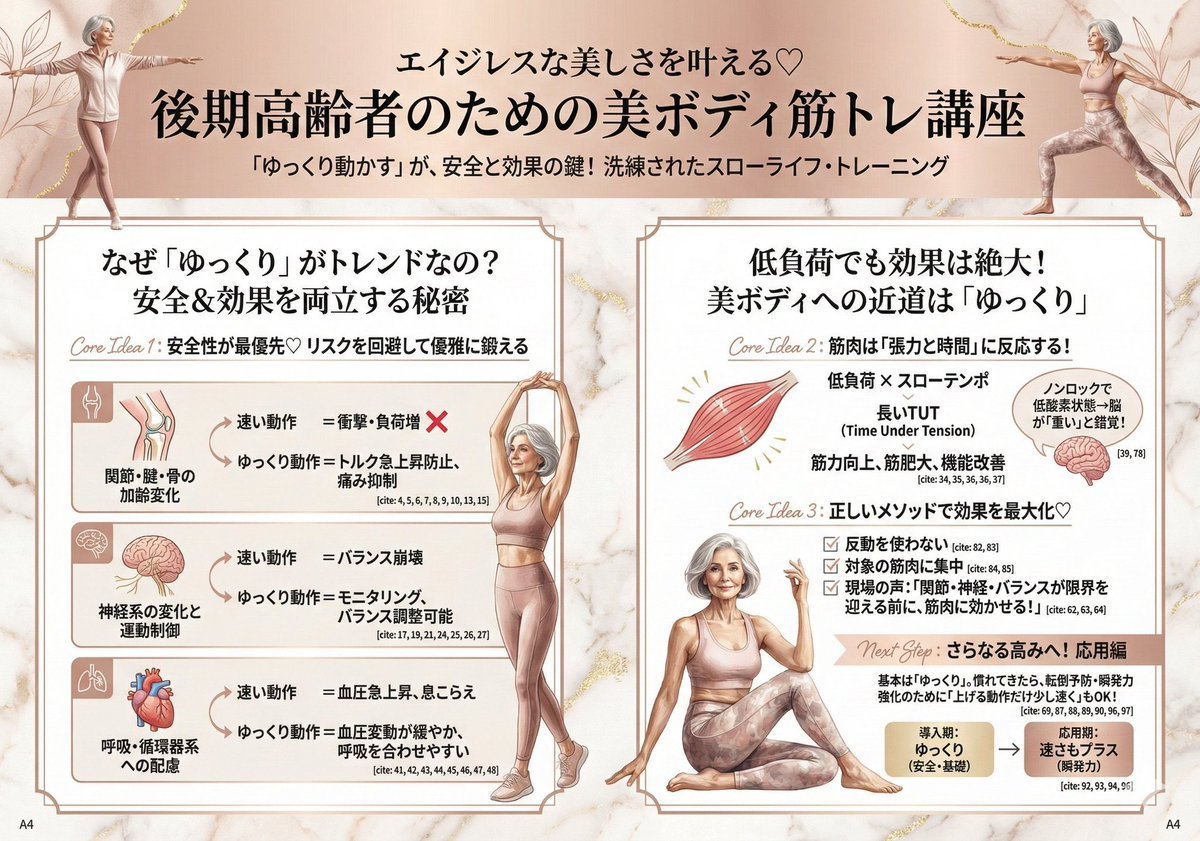
Infographic for Minato-ku Women's Fashion Magazine
Chibi Godzilla Snowboarding
Browse template categories
Nano Banana Pro X Header Image Generation Prompt questions
How do I use the Nano Banana Pro X Header Image Generation Prompt template?
Add your photo if the template asks for one, edit the prompt if you like — the template's model and format are already selected — and press Generate. Your version opens in PicX Studio.
Can I customize the Nano Banana Pro X Header Image Generation Prompt template?
Yes. You can change the subject, setting, lighting, mood, format, and available model controls before creating your image.
Is the Nano Banana Pro X Header Image Generation Prompt template free?
Opening and editing this template is free. Generating uses credits, shown on the Generate button when you are signed in.
Which AI model should I use?
Start with Nano Banana 2, which is the model associated with this template. You can compare another compatible model for a different finish.
Looking for something else? Browse all templates.

Your photo, any look
Thousands of ready templates for every top image and video model, from one credit balance.